
Daz 3D is part of 
Connect
DAZ Productions, Inc.
7533 S Center View Ct #4664
West Jordan, UT 84084
Licensing Agreement | Terms of Service | Privacy Policy | EULA
© 2026 Daz Productions Inc. All Rights Reserved.
Comments
I'd been planning on using Filatoon to do a little Trek animation, but will most likely toonify it using AI when I animate it.
The Filatoon:
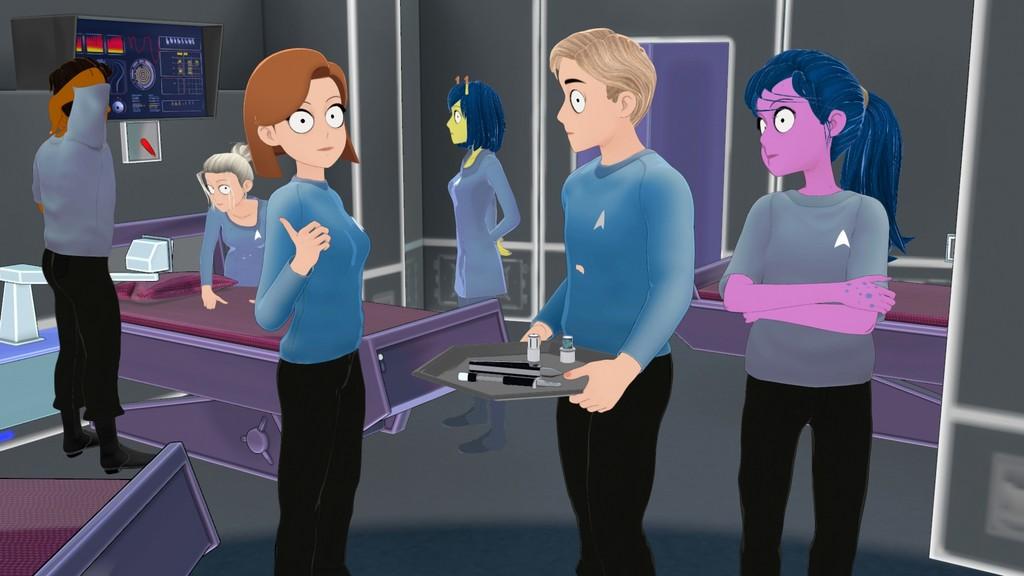
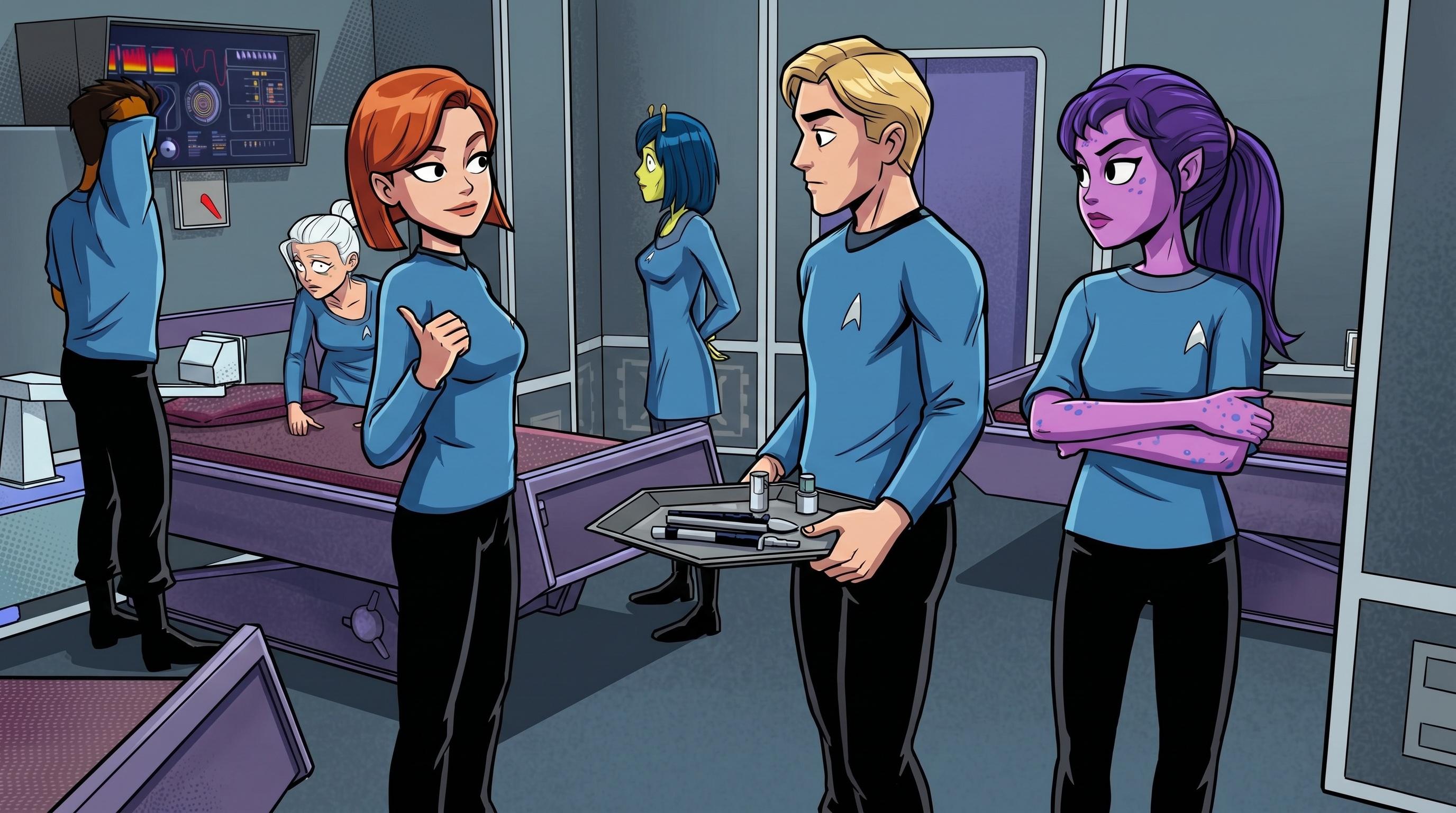
The Toonfied (needs a tweak or two, obviously):
looks cool but be careful, on YouTube, others have encountered very aggressive pushback from Paramount
Thanks for the heads-up Wendy; I can always make it non-Trek pretty easily if need be.
Are they going after people because they're not following their guidelines, or because of A.I.? I had planned on following the rules they've had on their websire for years now:
https://www.startrek.com/en-ca/fan-films
its a bit of a dodgy area, they seem OK with some, not others
no idea of the criteria
just people on Youtube and elsewhere complaining
reading that link, they probably violated some of it
Yeah, it's not hard to violate it, but by the same token it's not that hard to adhere to it. Overall, I think they're being pretty generous with allowing us to use their intellectual property as much as they do. I've had my knuckles slapped for doing far, far, far less from DC, and I can't imagine Disney letting you do animations with their property at all.
That looks useful:

Blender Can Do AI Now (and it's insane)
Then using Blender to Daz Studio we can transfer results here.
Just wonder how much the others will use AI in Blender.
I have not modelled in Blender anything spectacular, yet, but also think about UV layout as a possible usage.
I really like the posts by @background
They inspires me to try different ideas with AI.
https://www.daz3d.com/forums/post/quote/731316/Comment_9530616
Oh great! And I expect Richard will be flattered to be described as 'slim' although I have no idea what he lookes like. I'm happy if my random thoughts prompt peole to turn them into art. It would be fun if Richard used an image like that as his avatar, but that might make people think the DAZ forum is some kind of dystopian nightmare .
.
Thanks. I am reading your forum posts with the great interest. They bring so many ideas...
Big Bother Is Watching You!
sadly not for most of us
needs 24GB of VRAM
but this one looks great for "scanning" stuff by taking front back and side photos of objects to create 3D models
I use Hunyuan on my PC but it's very rough to say the least
Interesting, but it uses too much VRAM.
I hope, that there will be better solutions, either online or with lower requirements for VRAM.
I do with Hunyuan but it's not very good
https://www.pinokio.co/ which I use is just a user facing different simpler, terminal launcher /AI Browser setup to ComfyUI
https://github.com/pinokiocomputer/pinokio
the backend is the same
just less imposing to dummies
a Nvidia GPU needed for most things, however Windows is not
Mac and Linux are supported for many apps/scripts
Echoing 3DIO's preference for dedicated software tools. I just wanted to give a shout out for Invoke (invoke.ai) for AI image generation and editing. It's somewhat photoshop-like - and the commercial side of the business got aquired by Adobe, but the community-supported side is still actively generating updates and there's a bunch of videos on their youtube channel.
(Just a fan of art tools you can run locally and scribble on with a graphics tablet)
Changed this image using AI asked for him to be put in a Manchester street
it takes a long time and does nothing for quite a while at various stages
sometimes it pauses after a few lines in CMD or presumably whatever Mac uses as a terminal, for half an hour or more, not just Pinokio but installing other stuff too
I have learned to be very patient
Continuing my adventure with the Cat...
3DIO give it time, go for walk or make a coffee
Artini RichardH and the onions
I still watch that thread (and many others)
even if I don't post
Yes, me too. I do not want to put images in barbult's thread, so I am posting here.
Some comments work very well as a prompts to AI.
Made an anime version of my dancers Pleased with the result
Great result! Thanks for sharing it.
Yes, anime version looks great.
That's great. He seems to be losing a lot of onions along the way, though, without even noticing.
is anyone using AI websites to render images or animations, instead of trying to render with the GPU or CPU on your computer?
If you look back over the the pages here you'll see people showing some examples.
You can also find examples in the latter half of this thread (I show a DAZ character from Mechasar, rendered in iRay and animated with AI):
https://www.daz3d.com/forums/discussion/comment/9508306/#Comment_9508306
I don't normally do animations of DAZ output directly because my interest lies in toon animation and I "toonify" my DAZ output first, but here's a render out of DAZ Studio of one of my free Webboid characters animated using AI:
Very fine. Do you animate on your computer, or do you use the website that provides render engines?
Thanks, @barbult
The character you are presenting in your thread brings to me many ideas.