
Daz 3D is part of 
Connect
DAZ Productions, Inc.
7533 S Center View Ct #4664
West Jordan, UT 84084
Licensing Agreement | Terms of Service | Privacy Policy | EULA
© 2026 Daz Productions Inc. All Rights Reserved.
Comments
I'm using sites like Openart.ai because they have a number of different engines available that allow me to do different things more easily. They're not perfect and there's always tradeoffs, but overall I'm enjoying making both the still images and animations that I just can't do with DAZ Studio, though almost everything I do start with DAZ and Poser figures and props. If you skim through a few of the threads you'll see that I make use of a lot of much older figures and props that might not even be useable today.
For example, I used my free Webboids characters, a number of MIghtmite's clothing items for Genesis 3 and Lady LIttlefox's Cookie character and a set of amor and other accessories to make this character back in 2009:
and in the course of about half an hour, I cobbled together two test videos just for fun:
If clickin on the image above doesn't work, you can use this link: http://sterdan.com/wp-content/uploads/2026/05/Emerald-Empress-Escapes.mp4
If clicking on the image above doesn't work, you can use this link: http://sterdan.com/wp-content/uploads/2026/05/Emerald-Empress-Victorious.mp4
I have tried setting up local AI renders on my Mac but met with limited success; one of the main issues for me, though, was that the features availble for engines I could get to work locally didn't match the features of the for-pay-only engines I've been using for animation.
It all looks very good. I couldn't get the videos to play. Do you have links to the videos? Enjoying an animation that way is so much faster than trying to do it on one's own computer. And with web language apps, you don't have to worry about how Fast is your GPU, how fast is your CPU, do you have the latest version of a particular app?
Not sure why clicking on the images in the text didn't work (you have to click on the bigger images in the post, not the smaller ones at the bottom of the post) but I've added the links separately, hopefully that helps.
I need to find out more about this cat ...
Exploring the story further...
I changed the scene to a stately home and changed the outfit to a ballgown
I didn't specify a colour for the ballgown but like how it kept it similar to the original image
Nicely done!
I would love sets like those in 3D
a bit more mixed AI and 3D animated 3D renders
Sweet! It sure makes the scene look incredibly huge!
Inspired by recent posts in the other thread...
https://www.daz3d.com/art-official-intelligence-daz-studio-centered-workflows-with-ai-tools
Does anyone know anything about this product?
I am wondering, do people use AI apps that are on their own hard drives, or are people using websites that render quickly because the web app connects to servers?
Another question I have is how to Best take a DAZ Studio character and render it in AI so that the skin looks completely realistic.
I can do renders in AI with DAZ characters, and even animations in AI with them, but the skin textures don't look completely natural.
As I've detailed a few times here, I view AI enhancement as another plug-in or filter, for the most part.
In 2009 I was playing with the idea of using Chip and Cookie for a youth-oriented comic series called, "Problem Solvers". My idea was to have different young heroes around the world using their magical abilities to solve some specific "problems", mainly supernatural in nature. I would set up my toon characters, render them in 3Delight using pwToon (and others) and then using different Photoshop actions and filters to try and get the comic look I wanted.
When I use AI, I work the same as before but use AI "filters" instead of pwToon and Photoshop. I used to use purchased animation blocks but now use AI instead, still setting up starting points, end points and mid-points but letting AI do the tweening. Overall, to me, the only major differences are the time saved and the end quality.
Anyway, here's five sampls of the 2009 Chip and Cookie heroes re-imagined in 2026.
Besides re-imagining older toon renders like these two:
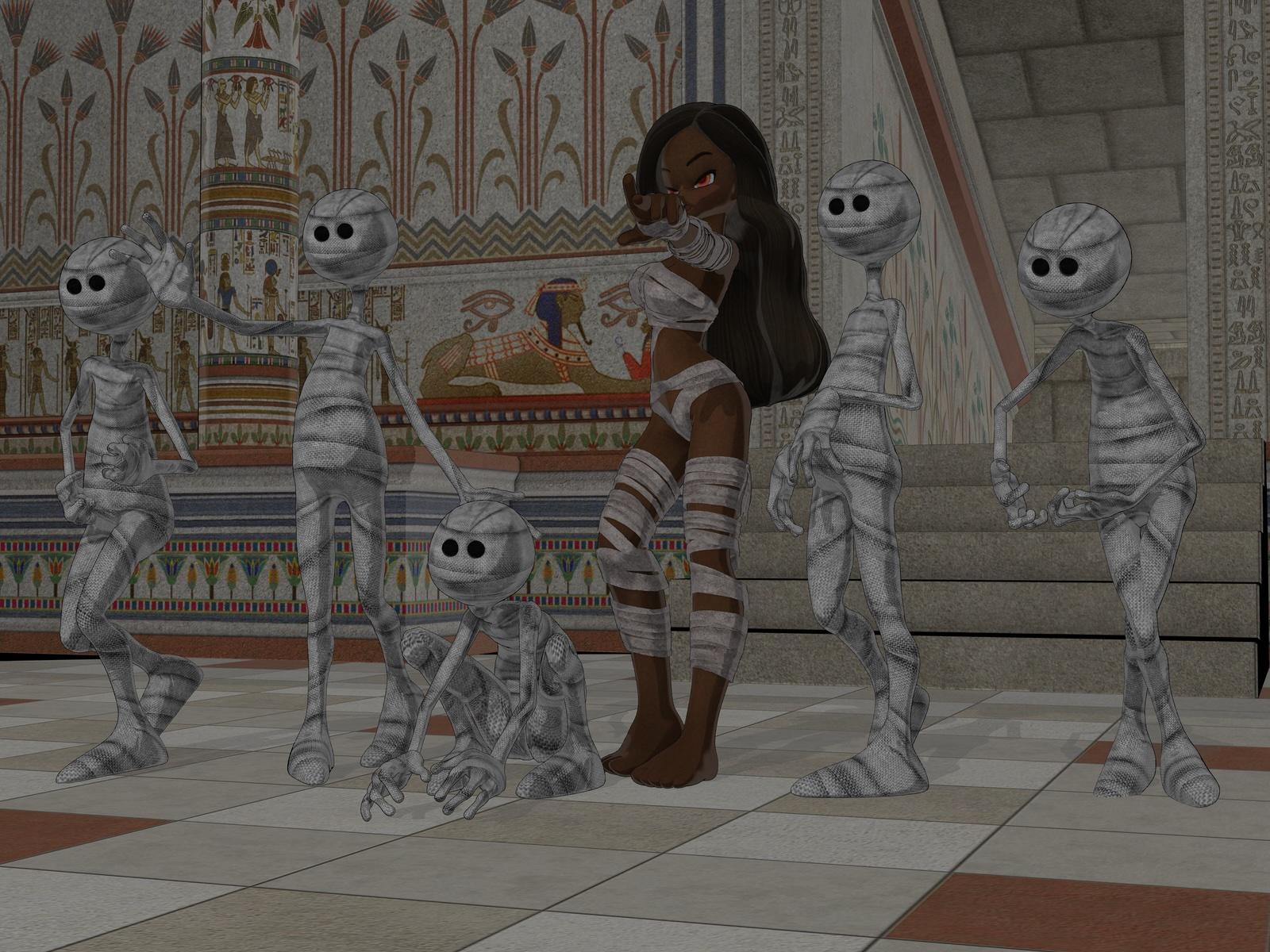
I love that I can insert my new, custom characters (like Katherine "Kat" Kelley, from my Flynn's Folly series here) into the roles of the older toons.
inquire,
If I'm not mistaken, its a recording of a webcast hosted at Digital Arts Live. It's not a "product" per se; rather, it's a show-and-tell tutorial.To give you a taste of what it's about:
That quote came from another thread on Daz where the speaker talks about the webcast at length - https://www.daz3d.com/forums/discussion/298811/digital-art-live-drew-spence-daz-store-commercial - Scroll down towards the later posts to skip over earlier products.
Cheers!
That's an impressive level of pose, composition, and character consistency! Awesome! What Ai model are you using?
I definitely prefer using Ai as a post-work tool. I want complete control over composition, camera angle, poses, characters, backgrounds, etc. That's why I think Daz Studio plus Ai can be an extremely powerful combo. Here's a couple of renders enhanced with Ai to push it a bit more into realism. The workflow was created by my friend Algovincian and I think it's amazing!
Thanks; for stills like this stuff, mainly Nano Banana 2 and Nano Banana Pro these days.
Very nice! Nothing overwhelming or completely rewriting everything, subtle shifts here and there without changing your work too much, excellent!
Thank you, but it's all Algovincian! His workflow is awesome for just adding realism while keeping the vast majority of the render the same. It works pretty well for NPR work as well, IMO. I'm just floored at how cool it is! I think there's a LOT of potential here for stories and series where consistency of characters is important.
Those are great! Is the Algovincian workflow documented anywhere we can see it?
No, it's a build he's been developing that he's still not 100% happy with. I'm not sure what he plans on doing once he's happy with it.
OK, thanks.
Oh wow, those look good. That last one with the horse speaks to me.
I am actually in the same boat. I found a workflow with a simple prompt: "add photorealism".
It keeps my everything I composed in the render and just does what it says on the box. There is room for improvement, mostly in regards to the background but iwhen it comes to face and, expression and pose I am reasonably happy with the result.
Before
and after
sometimes AI just gets stuff hilariously wrong
my start and end images, where was the hint of a car?
Barefoot Upto My Soul,
I haven't put much effort into combining generative AI and Daz3D. Mostly I use AI in my professional work; with any spare time I have for creative hobbies, I'd like to explore pre-AI art.
That said, I do appreciate this thread! There's so much contention surrounding AI, much of it based on misinformation or narrow POVs. The work that people share here goes a long way to support much needed counter-narratives.
Just a suggestion: Please continue sharing your before-vs-after renders. Nothing carries more weight, or gets the idea across more succinctly, than a well made image. More so than a wall of text here in the Daz Forum.
Cheers!
At the risk of being contentious, all I see here is some folks need to learn how to do lighting better.