3D Universe DAZ Studio Utilities [Commercial]
 3D Universe
Posts: 337
3D Universe
Posts: 337
Hi all,
We've had many questions and requests regarding the utilities that we've brought out for DAZ Studio, so we figured we'd start this post to break down what each of the utilities do and how they can help your DAZ Studio artistic workflow.
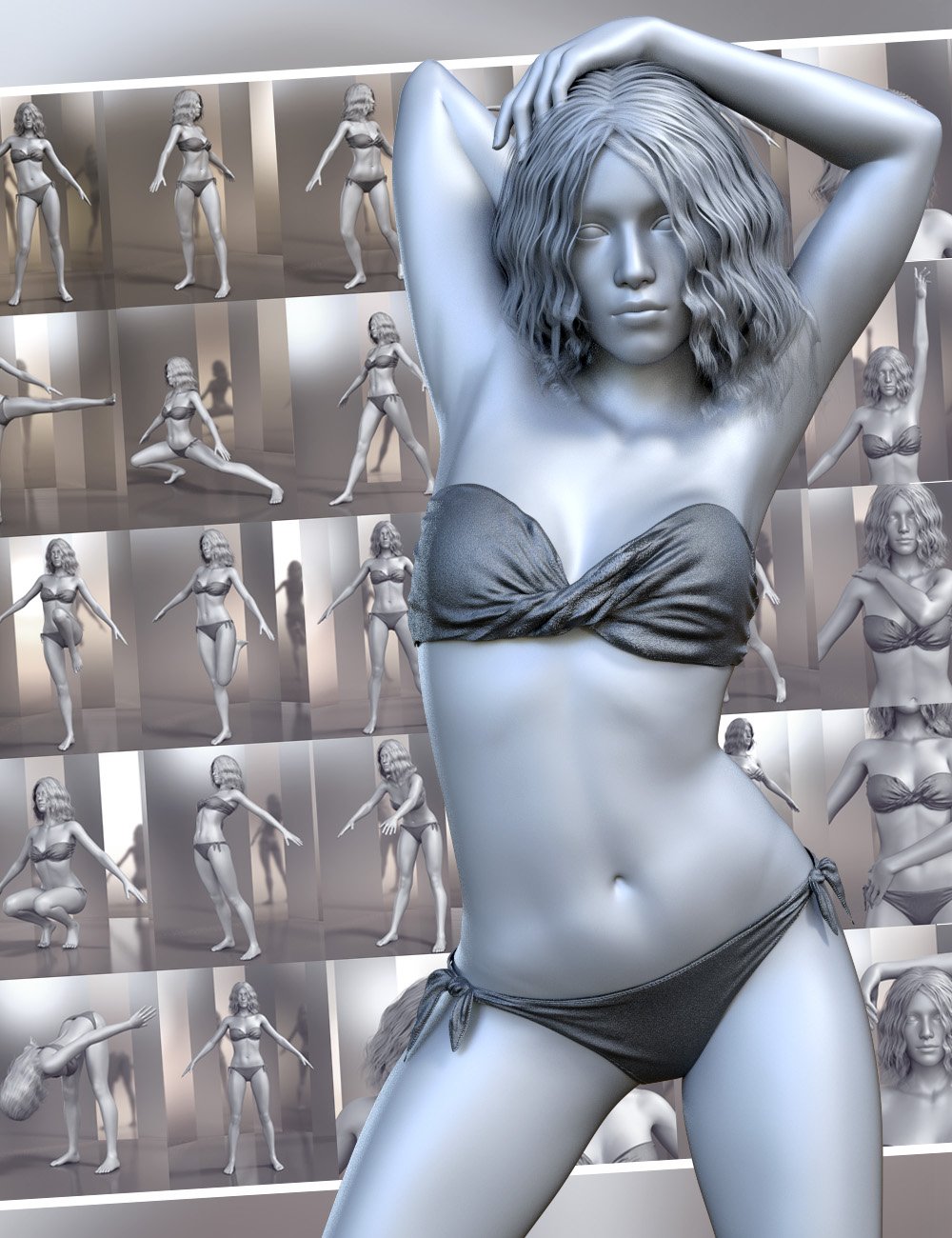
Pose Architect
Pose Architect makes creating realistic body poses as easy as 1-2-3. The included animated pose-control dials take the figure's body center-of-balance into account to keep the figure well-balanced. These pose-dials use natural animated movement instead of stiff joint rotation.
- For Genesis 8 Female(s) - https://www.daz3d.com/pose-architect-for-genesis-8-females
- For Genesis 8 Males (s) - https://www.daz3d.com/pose-architect-for-genesis-8-males
- For Genesis 3 Female(s) - https://www.daz3d.com/pose-architect-for-genesis-3-females
- For Genesis 3 Males (s) - https://www.daz3d.com/pose-architect-for-genesis-3-males
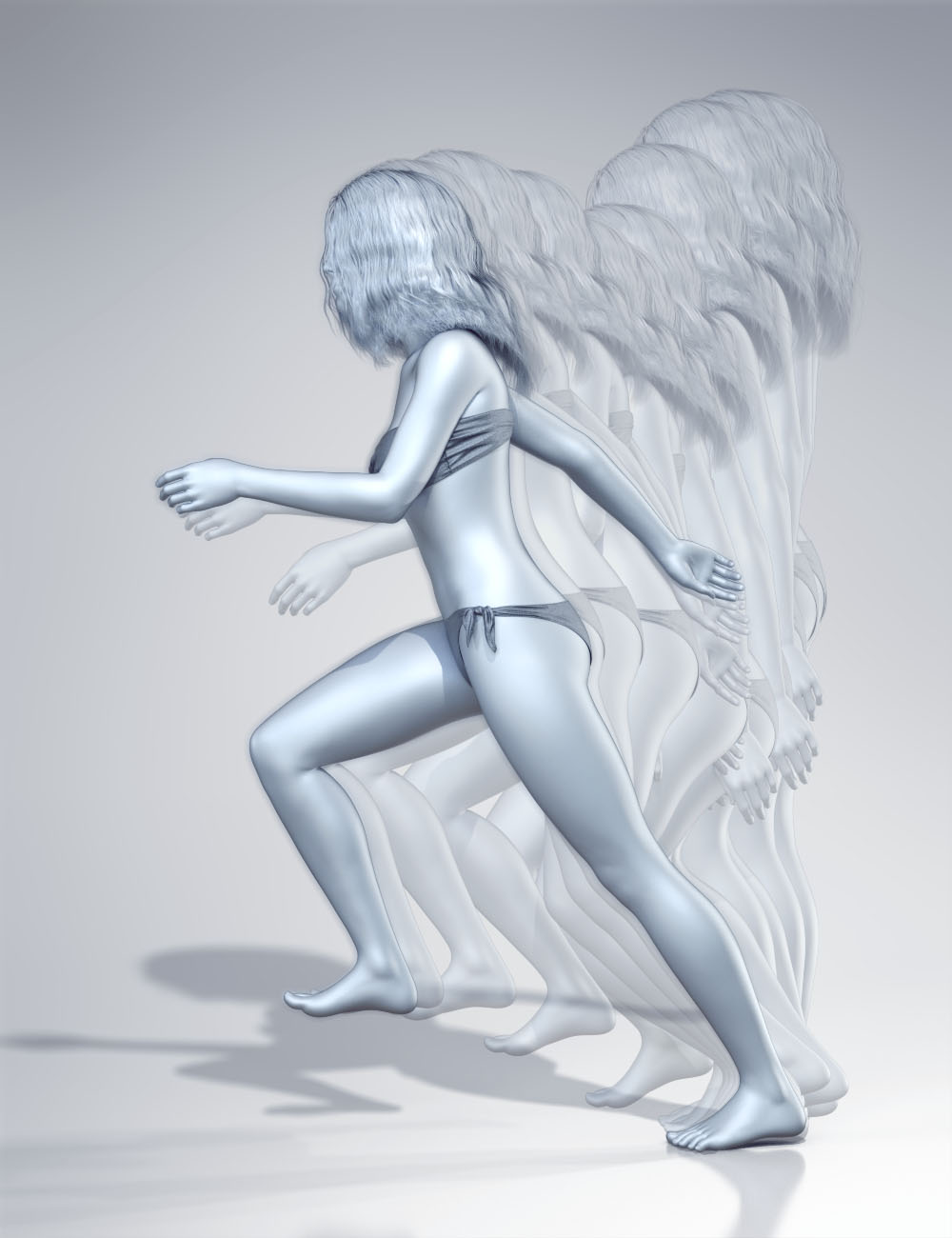 Glue to Floor Utility for Genesis 8 Female(s)
This powerful utility can quickly fix the issue of sliding feet by moving the position of the hip element of your Genesis 8 Female figure to ensure that the selected foot remains in place through-out the animation. Glue to Floor can be run on an entire animation, selected frame range or even a single frame. Simply choose which foot you would like to keep in place and run the utility for a perfect animation.
https://www.daz3d.com/glue-to-floor-utility-for-genesis-8-females
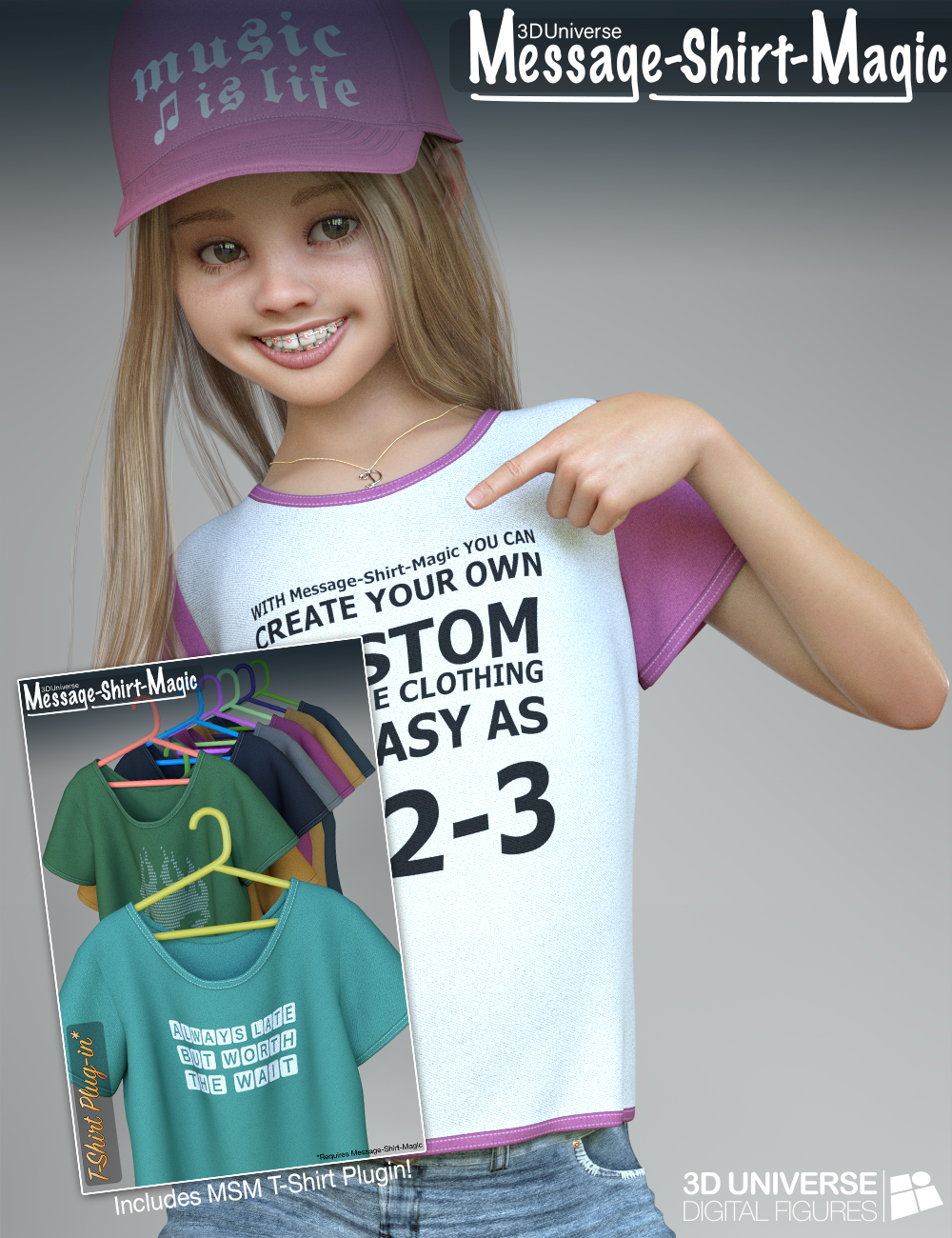 Message-Shirt-Magic for Genesis 8 Female(s)
Message-Shirt-Magic is a revolutionary product that allows you to create your own custom message textures on the included dForce clothing. Message-Shirt-Magic uses plugins which each include a different styled dForce clothing item. Additional plugins purchased will appear automatically in the interface. The interface is intelligent enough to automatically find Message-Shirt-Magic compatible items in your scene to make it easy to customize different clothing items.Using the simple interface, you can change text, font, colors, size, formatting, etc. all while seeing a real-time preview of the final texture result. Presets that you like can be saved for later use right in the interface.
- Plugins: Camisole Plugin - https://www.daz3d.com/message-shirt-magic-camisole-plugin-for-genesis-8-females
- Tank-Top Plugin - https://www.daz3d.com/message-shirt-magic-tank-top-plugin-for-genesis-8-females
- One-Piece Plugin - https://www.daz3d.com/message-shirt-magic-one-piece-plugin-for-genesis-8-females
- Baseball Cap Plugin - https://www.daz3d.com/message-shirt-magic-baseball-cap-plugin-for-genesis-8-females
- Vest Plugin - https://www.daz3d.com/message-shirt-magic-vest-plugin-for-genesis-8-females
- Message-Shirt-Magic Bundle - https://www.daz3d.com/message-shirt-magic-bundle-for-genesis-8-females
https://www.daz3d.com/message-shirt-magic-for-genesis-8-females
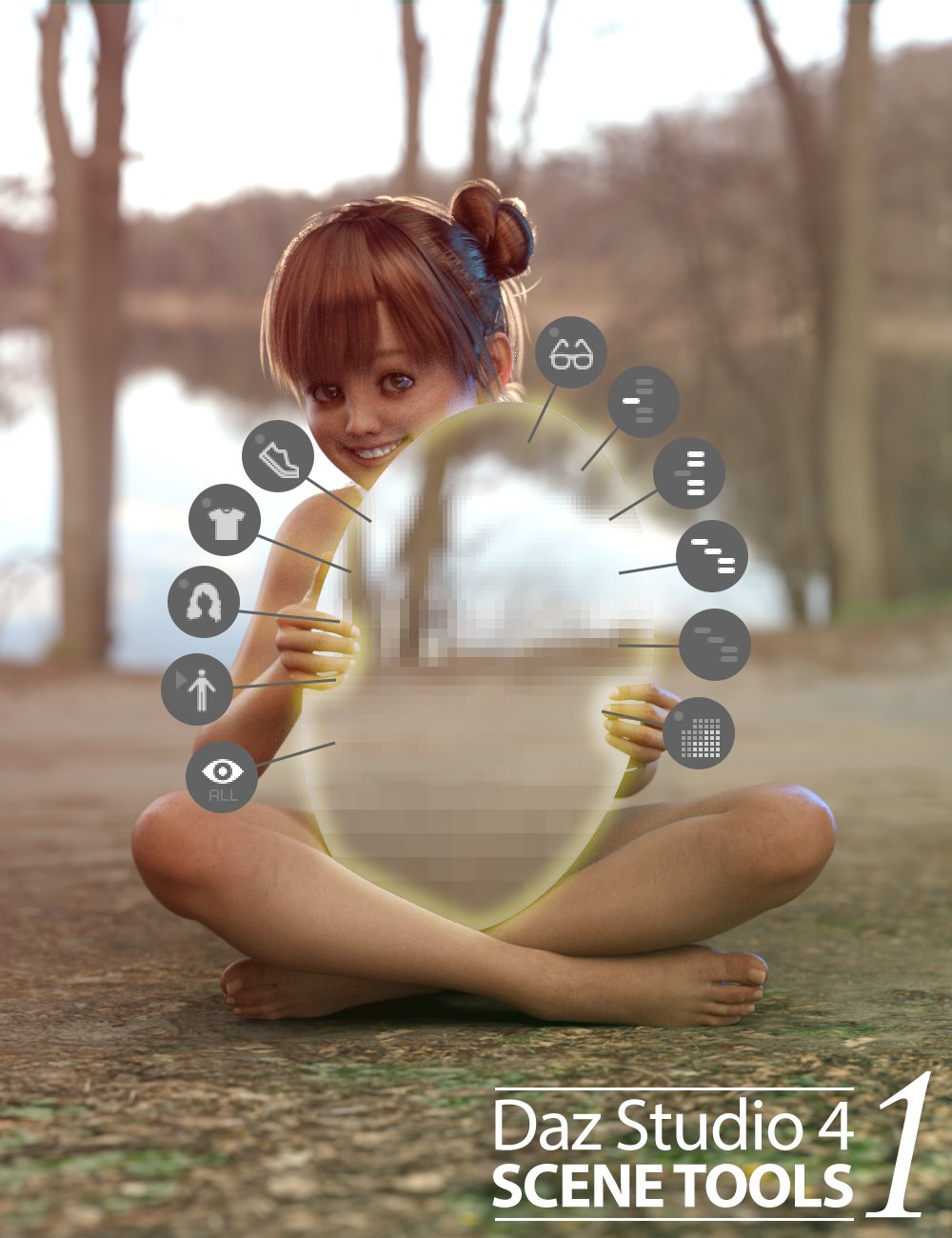 Daz Studio 4 Scene Tools Set 1
When working on complex scenes with several figures, hair, clothing, and props - the Daz Studio interface can slow down making it fairly difficult to pose items smoothly. To speed the interface up, you can hide items that aren't needed, but it can be annoying to locate the items you wish to hide in the scene tree view.
This product is a custom toolbar we use ourselves that adds several quick-access buttons to your Daz Studio 4 interface. These buttons can be used to quickly hide and show various content types in your scene to speed up the interface. It also includes buttons to set the mesh resolution of all the items in the scene to their lowest or highest subdivision setting.
https://www.daz3d.com/daz-studio-4-scene-tools-set-1
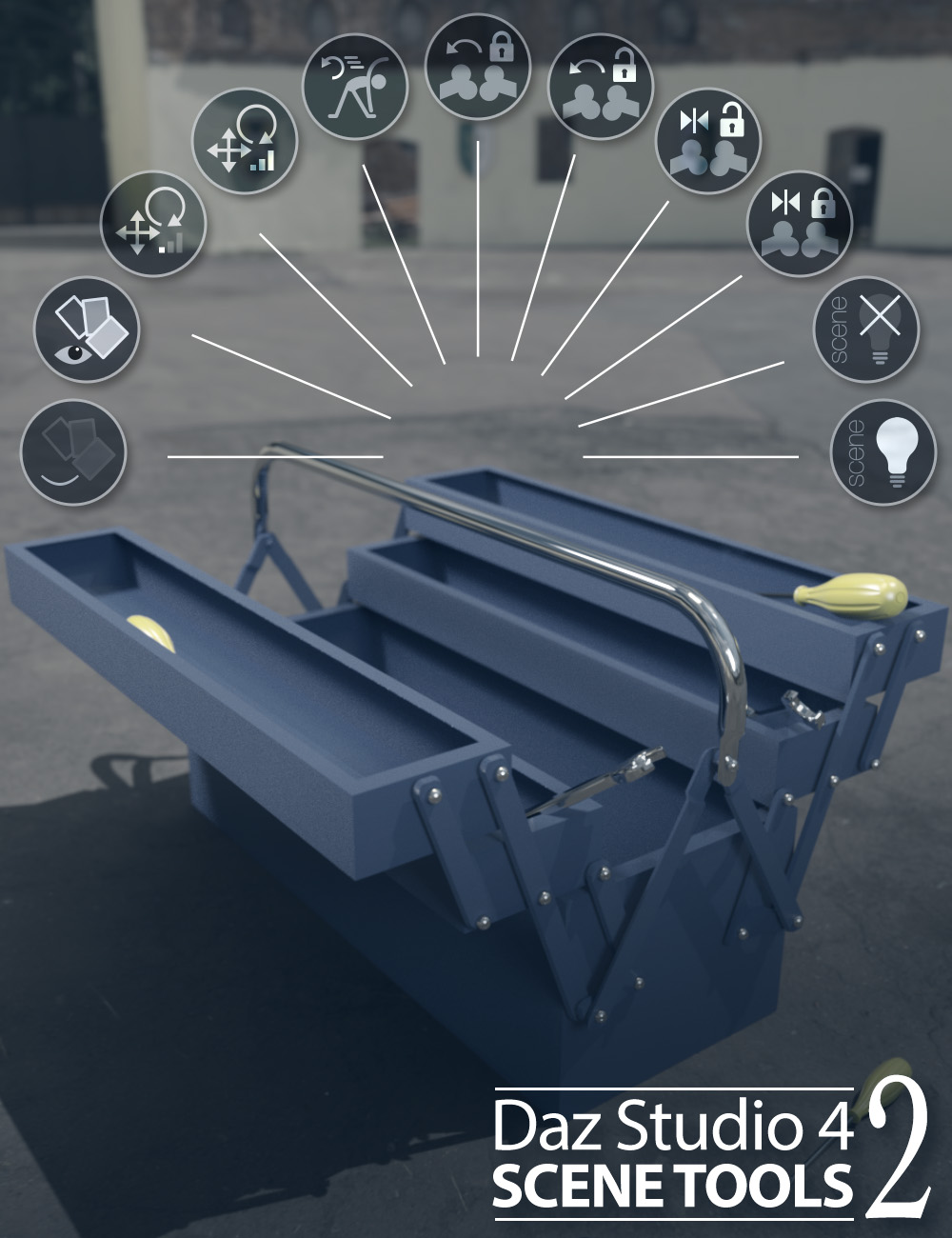 Daz Studio 4 Scene Tools 2
Single-click buttons include:
- Quickly hiding or showing the geometry assigned to selected surfaces.
- Adjust the sensitivity of the translate and rotate dials for more accurate adjustments, and then set them back in a simple click.
- Reset, Lock or Unlock the selected node and it's descendants pose to default.
- Hide/Show any scene lights (including mesh-lights)
https://www.daz3d.com/daz-studio-4-scene-tools-set-2
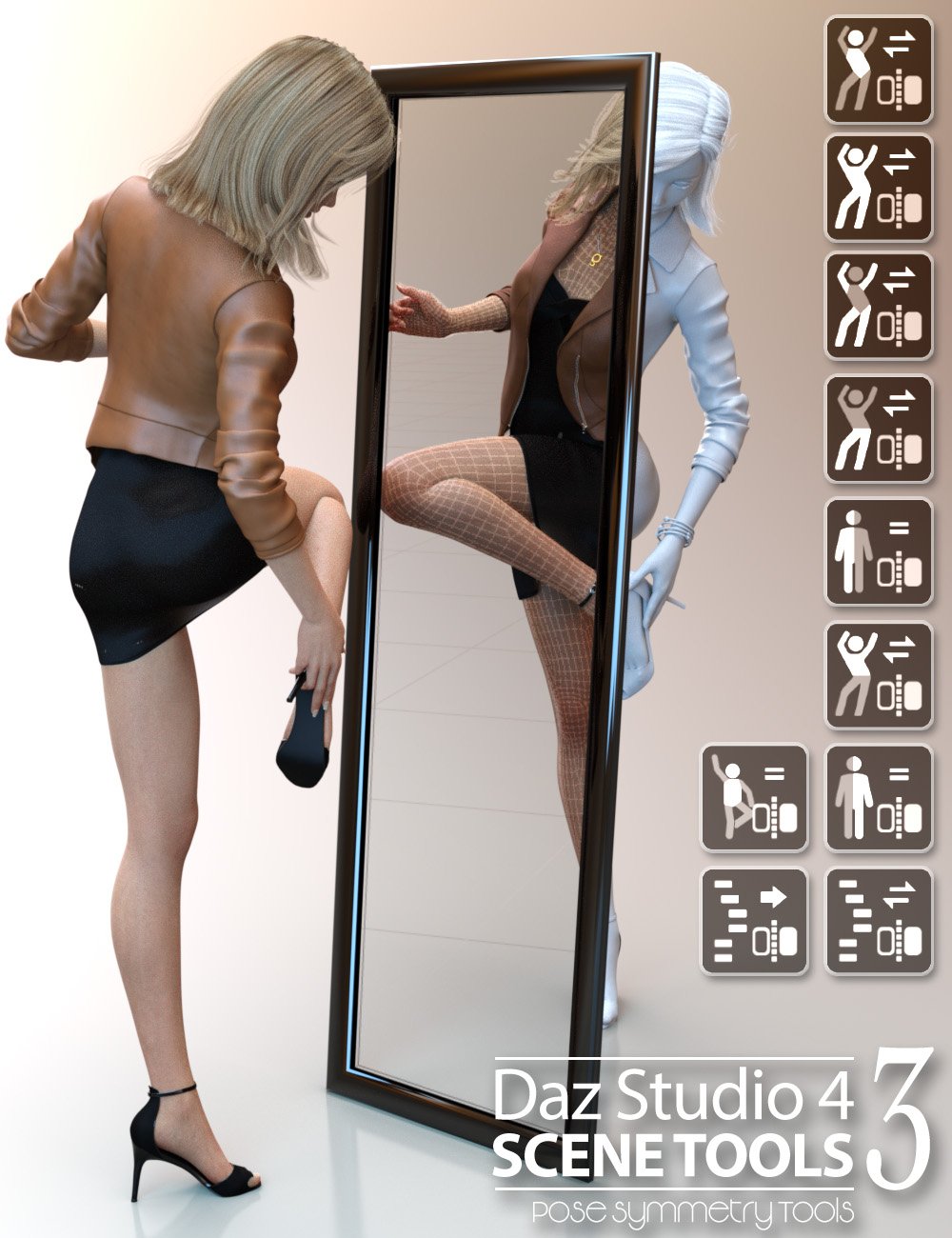 Daz Studio 4 Scene Tools Set 3 - Pose Symmetry
Make it easier with Pose Symmetry! This is 3D Universe's third Scene Tools pack containing DAZ Studio scripts accessed quickly from a custom toolbar.
Single-click buttons include options to flip/mirror the full figure pose, flip/mirror only certain regions of the figure pose or flip/mirror selected items and their children.
These tools also take into account pose controlling dials and will bake the controller dials into the pose as part of the mirror or flip action.
From simply flipping the figure's pose from left to right, to customizing poses by flipping the arms, legs or upper body - this set of tools is a real time-saver!
https://www.daz3d.com/daz-studio-4-scene-tools-set-3--pose-symmetry
 Character Mixer for Genesis Figures
Character Mixer makes the most out of the Daz characters that you own, allowing you to quickly create unique characters by randomly, yet intelligently mixing-and-matching morphs from multiple Artists.
Using a powerful yet simple interface, you select which morphs you'd like to include in the randomization process. You can even save favorite selections to presets for easy loading at a later time.
Control the style of random character, which artist morphs to include or exclude, how many morphs to randomize and many other options to create the most unique characters possible with the characters that you have in your library.
This application will automatically include all the relevant morphs in your libraries, so if you add a new character - it will be included automatically!
Best of all - the script works on most Daz Studio figures Genesis through Genesis 8!
https://www.daz3d.com/character-mixer-for-all-genesis-figures
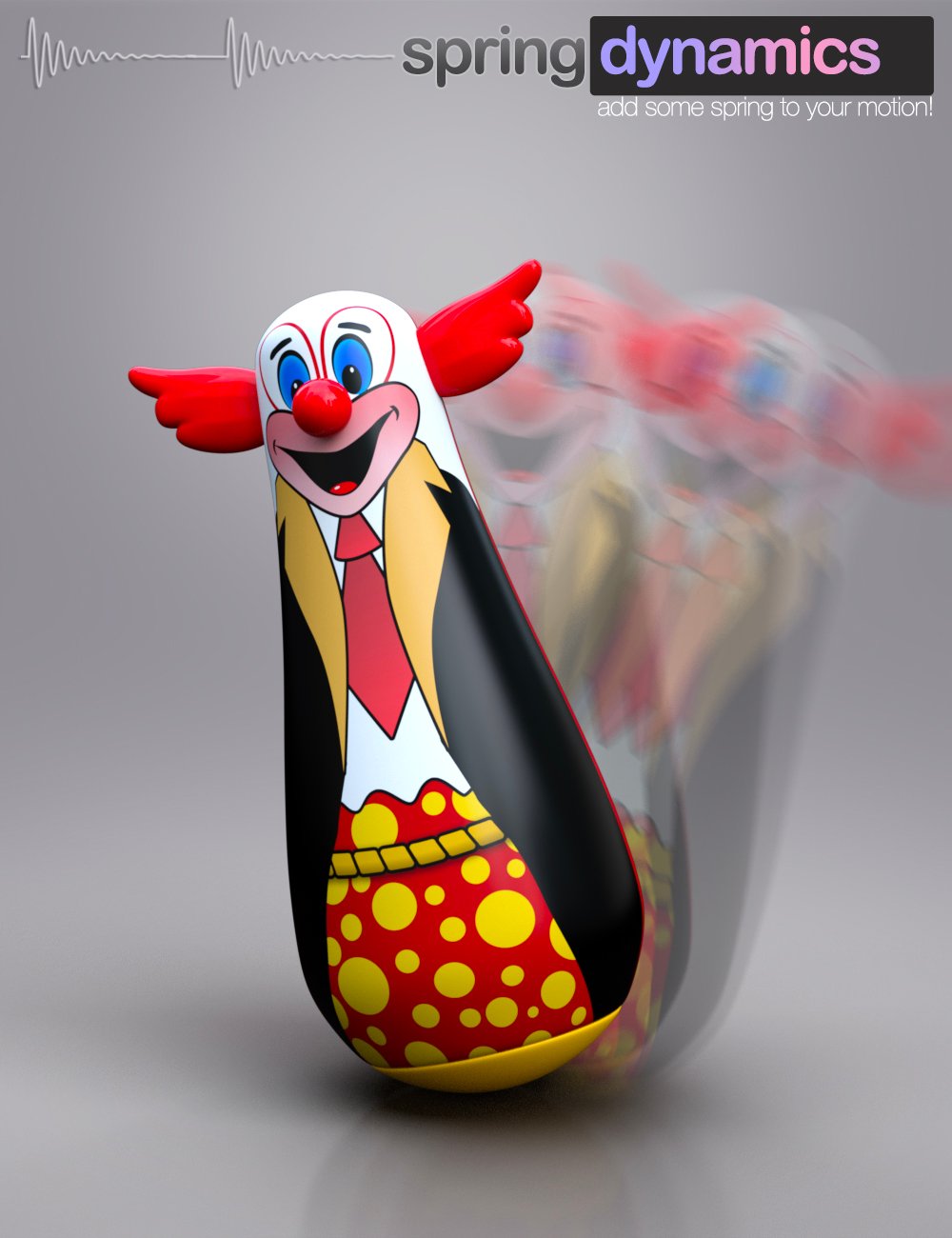 Spring Dynamics for DAZ Studio
In short, simply selecting a bone that you wish to add movement to and running Spring Dynamics will result in automated animation of the bone (and potentially it's children).
https://www.daz3d.com/spring-dynamics-for-daz-studio
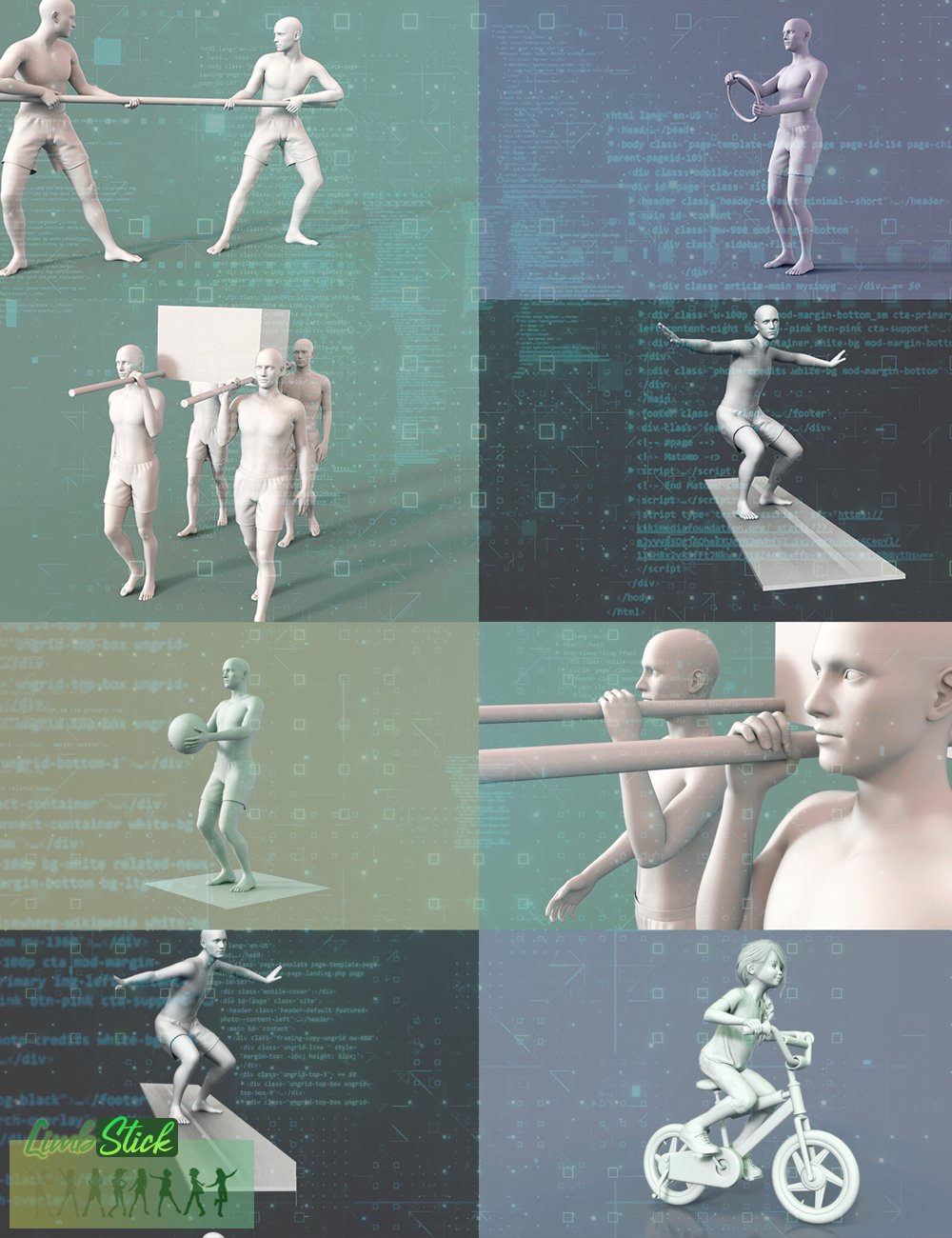 LimbStick for Genesis 3 + 8
Similar to inverse kinematics, LimbStick is a utility that uses a mathematical process of calculating the joint parameters needed to place an appendage (hand or foot), in a given position and orientation relative to the node selected to follow. The calculations are made across a partial or full animation to ensure that the selected appendage perfectly follows the selected target node.
The short version: Click on a hand or foot followed by a target, and run the utility to magically have it stay attached to the target.
https://www.daz3d.com/limbstick-for-genesis-3-+-8
Daz Studio Animation Tools - Set 1
Daz Studio Animation Tools - Set 1 is a set of four tools that can help in the process of creating animations in Daz Studio.
This set contains the following tools:
- Animation Stripper - This utility will “freeze” the selected objects at the timeline frame the script was run on.
- BODY2Hip - will transfer the position and rotation that has been applied to the [Body] of a figure to the [hip] node of the same figure for a single frame, custom range, or an entire animation.
- Camera Follow Focus - This utility allows you to easily set a camera to keep its focus perfectly on a specific object throughout the animation timeline. This can include depth-of-field settings as well as camera aiming.
- Path Plotter - This utility will draw the path of a specified object in 3D space across the specified animation range. The path can include frame dots which will indicate where a specified object is at a particular frame in the animation.
https://www.daz3d.com/daz-studio-animation-tools--set-1
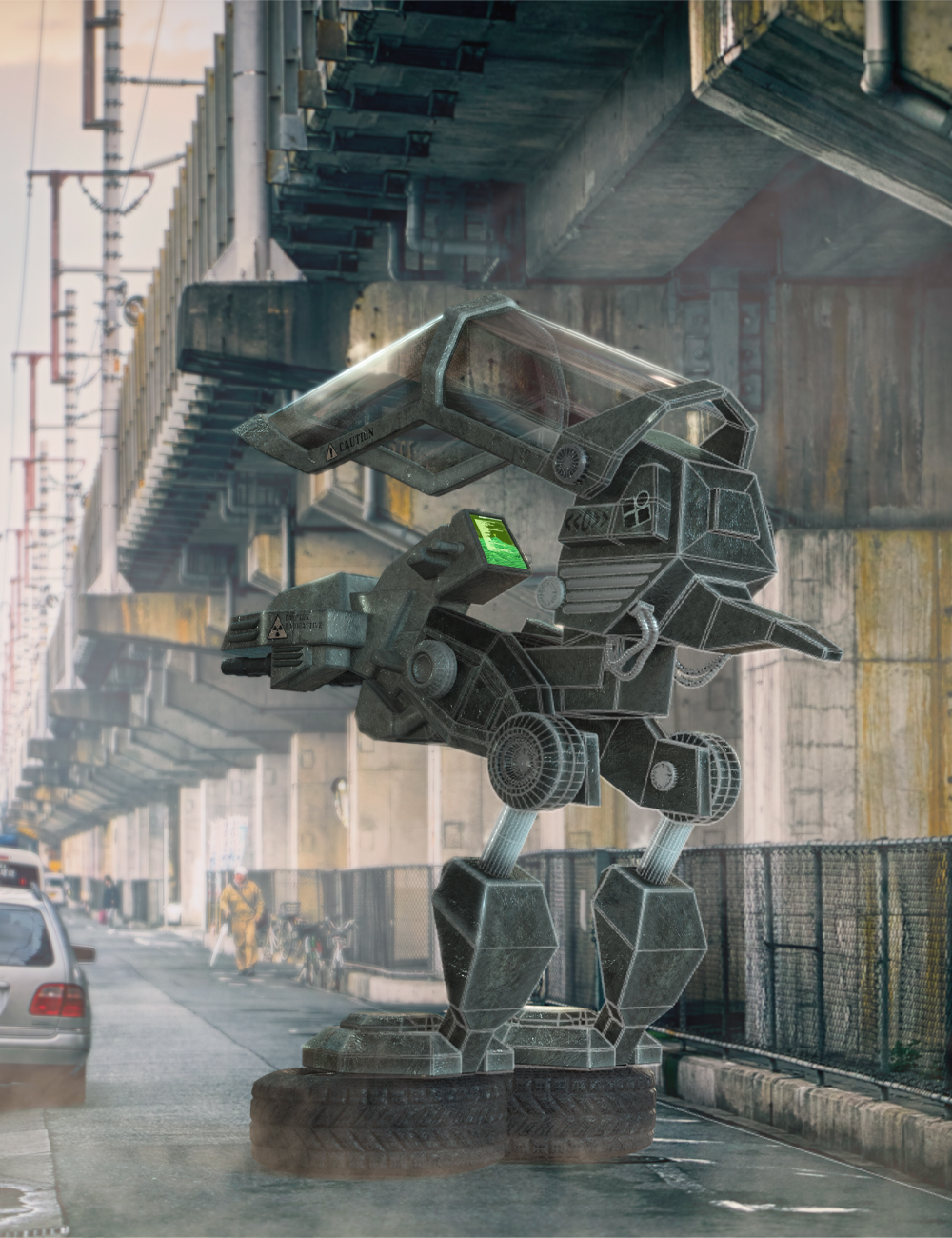 fSpy Project Importer for Daz Studio
The Open source fSpy application by Stuffmatic is a utility that uses vanishing points on an image to calculate a 3D camera's approximate focal length, orientation, and position in 3D space required to produce the image. This technique is called Camera matching. fSpy is made specifically to simulate a 3D camera in Blender.
With "fSpy Project Importer" for DAZ Studio, you can directly open an fSpy project file and recreate not only the camera view, but also floor planes and a lot more. Our utility automatically sets up your 3D viewport to the correct aspect ratio, loads the image data into the background, creates the 3D camera, and for the Iray render engine, even creates shadow/reflection catching planes in your scene at the click of a mouse.
https://www.daz3d.com/fspy-project-importer-for-daz-studio
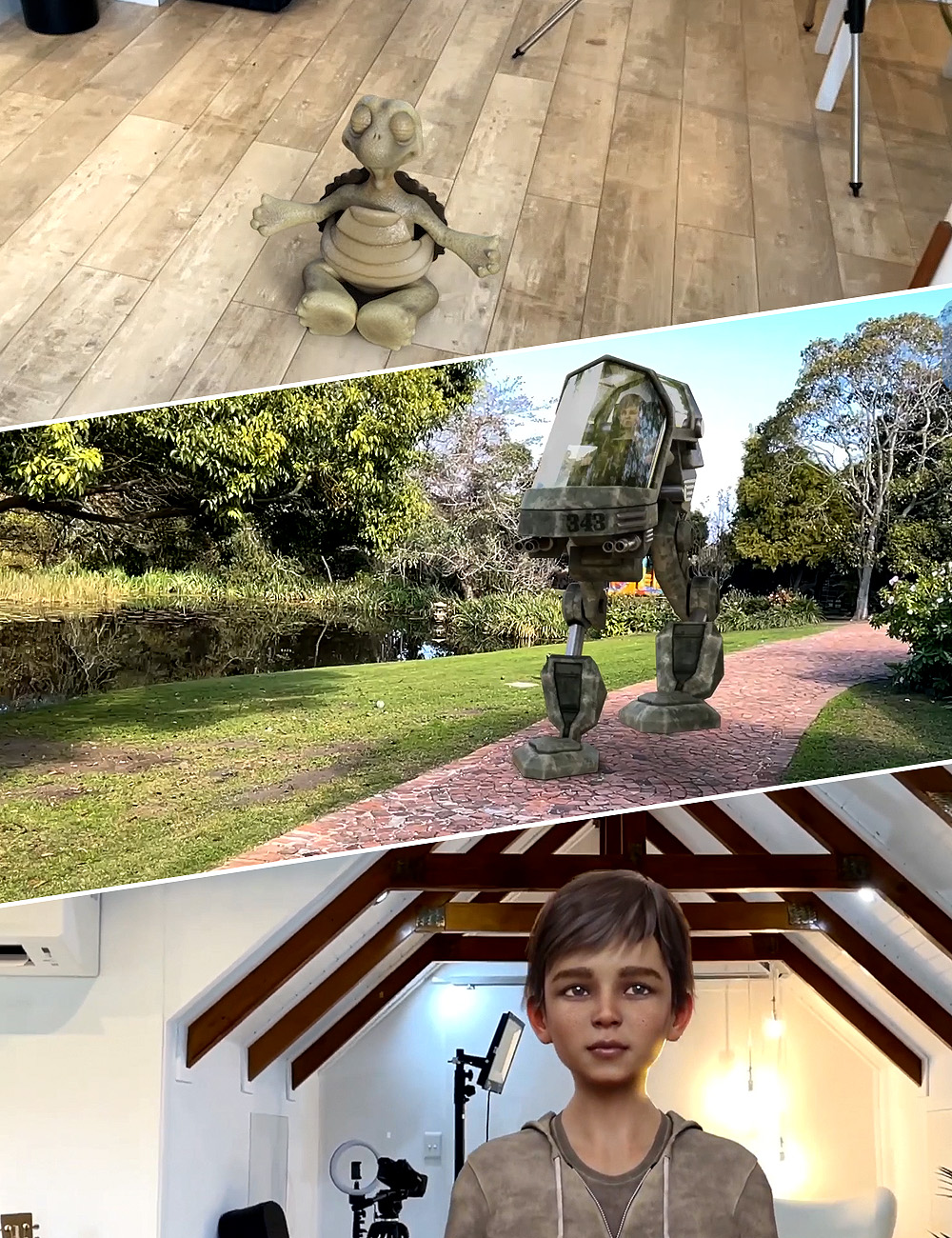 Camera Tracking Importer for DAZ Studio - HitFilm Composite Shot
Using the free CamTrack AR app for iOS, video is recorded along with the real-time camera motions.
Our utility will take all this information and recreate the exact camera with animated motion in DAZ Studio. Additionally, this amazing utility can also:
- Create 3D anchor points from the points created in Camtrack AR in your scene that don't appear in your final render. These are perfect for placing the 3D objects exactly where you want them.
- Translate and rotate the scene to match your lighting direction and DAZ Studio scene center.
- Create a shadow/reflection-catching surface that will help your 3D objects cast shadows in the final video and make the integration more realistic.
- Set up all the relevant render settings to enable you to easily render out a sequence of images with transparent backgrounds for easy integration with your video.
https://www.daz3d.com/camera-tracking-importer-for-daz-studio--hitfilm-composite-shot
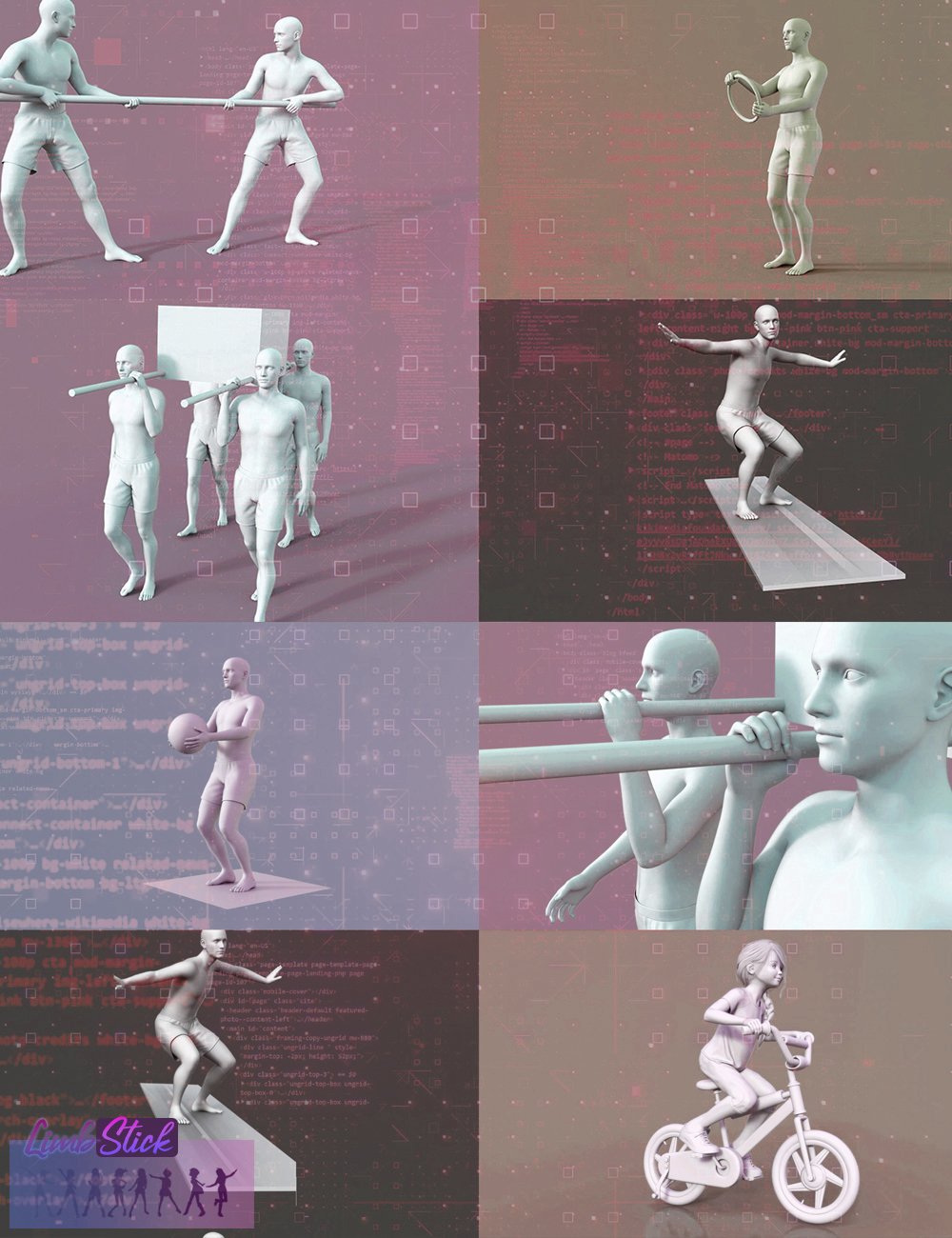 LimbStick for Genesis 9
The short version: Click on a hand or foot followed by a target, and run the utility to magically have it stay attached to the target.
The long version: Similar to inverse kinematics, LimbStick is a utility that uses a mathematical process of calculating the joint parameters needed to place an appendage (hand or foot), in a given position and orientation relative to the node selected to follow.
https://www.daz3d.com/limbstick-for-genesis-9
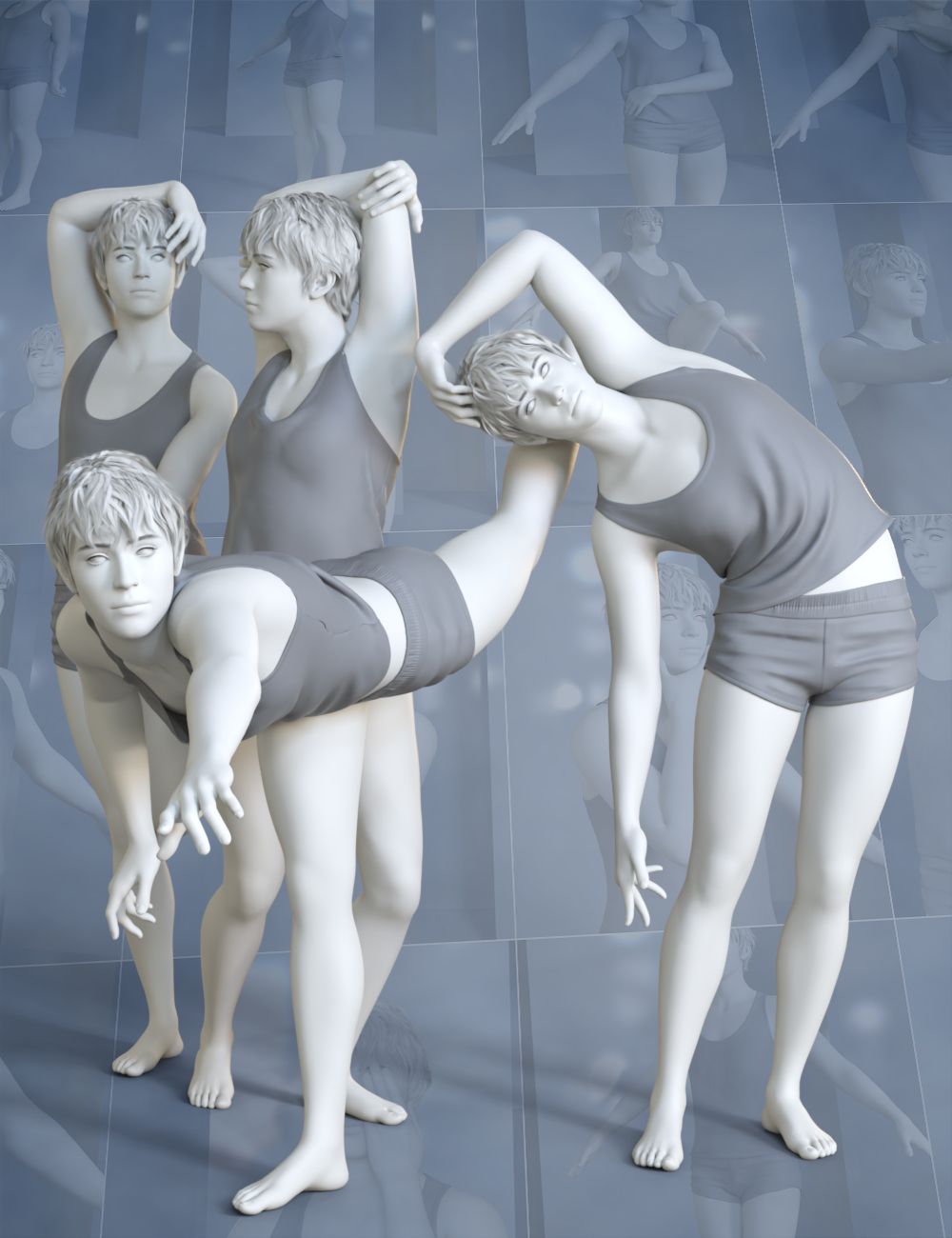 Pose Architect for Genesis 9
Similar to inverse kinematics, LimbStick is a utility that uses a mathematical process of calculating the joint parameters needed to place an appendage (hand or foot), in a given position and orientation relative to the node selected to follow.
The calculations are made across a partial or full animation to ensure that the selected appendage perfectly follows the selected target node.
The short version: Click on a hand or foot followed by a target, and run the utility to magically have it stay attached to the target.
https://www.daz3d.com/pose-architect-for-genesis-9
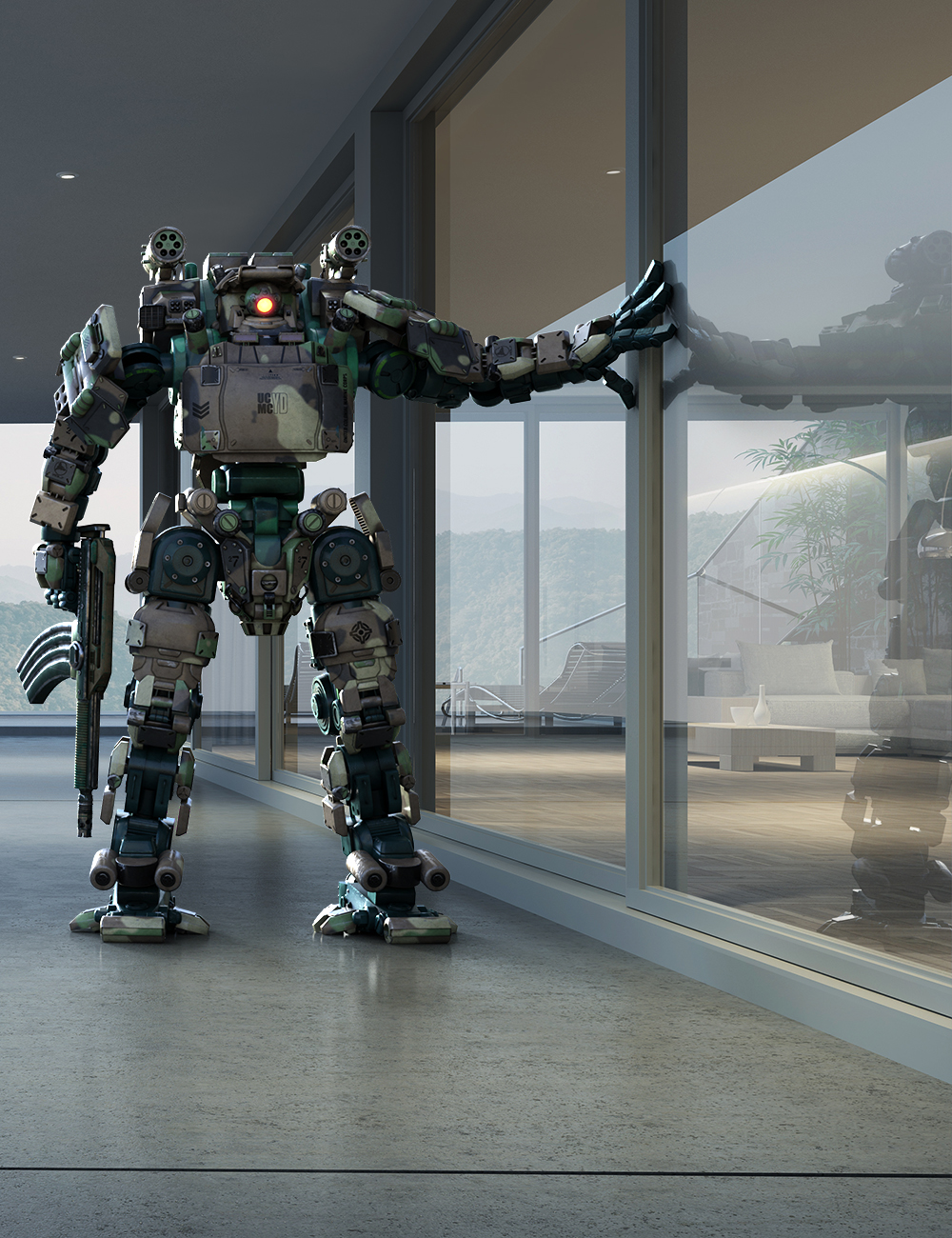 Catcher Plus - Shadows and Reflections for Iray
Being able to recreate shadows and reflections in your 3D scenes enables you to insert 3D content into photographs and make it look like it belongs there.
Catcher Plus is a utility that makes it very easy to catch shadows and reflections leveraging the powerful Iray render engine. Floor and Wall planes can be easily created, and even existing geometry in your scene can be converted to catch shadows, reflections, or both.
The utility allows you to adjust the reflection amount, as well as the reflection blur to match up with the existing reflections in your background photograph. Simply selecting any catch you've created and running the script again allows you to make changes to the settings.
Catcher Plus is an excellent utility to add to your toolbox if you enjoy merging 3D items into existing still photographs.
https://www.daz3d.com/catcher-plus--shadows-and-reflections-for-iray
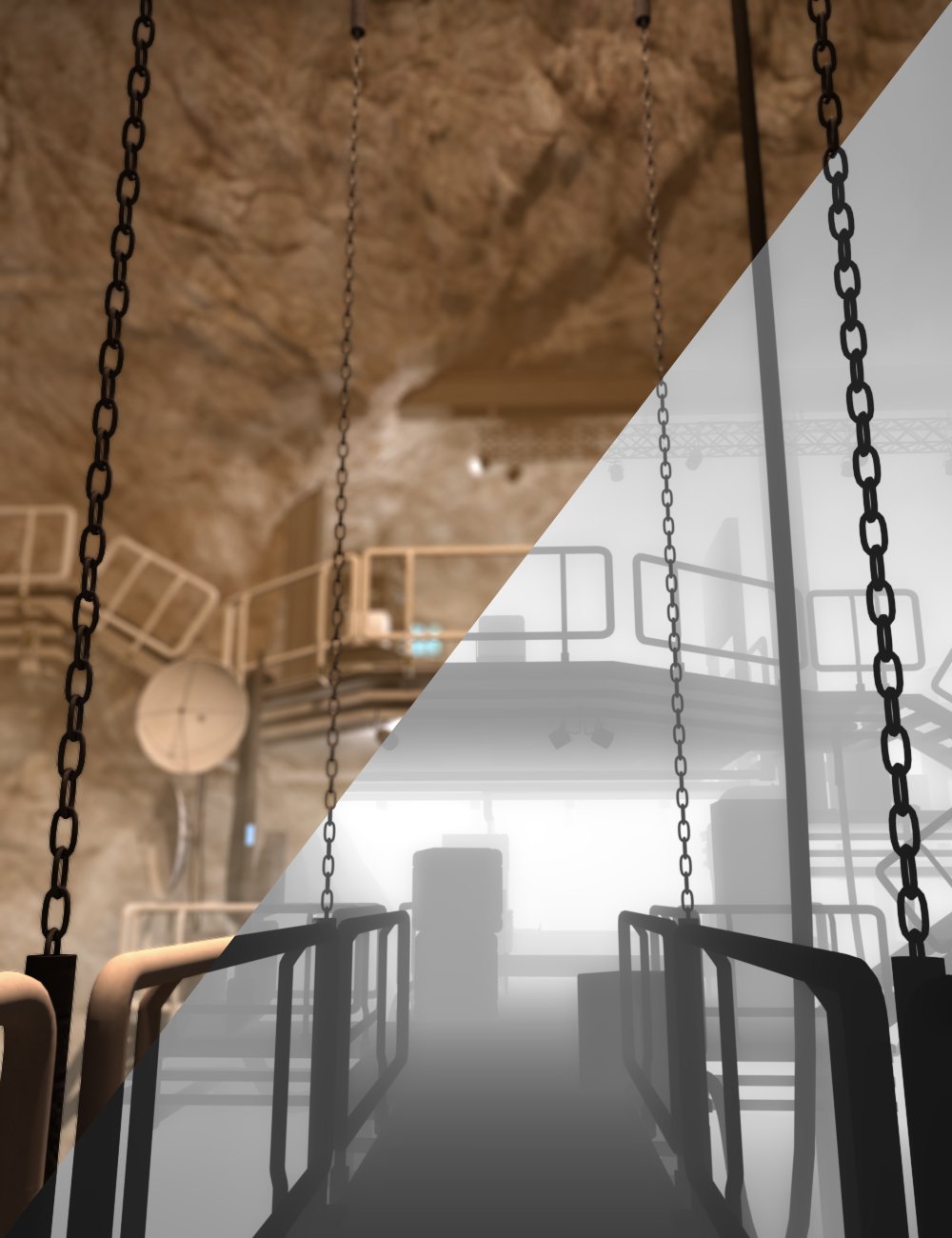 Basic Depth Map Maker for Daz Studio
A depth map is typically presented as a two-dimensional grayscale image, where each pixel corresponds to a point in the observed scene. The intensity or color of each pixel in the depth map encodes the depth or distance information of the corresponding point in the real-world space.
Depth maps can be used to adjust the focus or depth-of-field of a rendered image, simulating realistic lighting and shadows, and adding details like fog and smoke that integrate with your scene.
Basic Depth Map Maker for Daz Studio makes it very easy to create depth maps from DAZ Studio scenes. Whether you need a depth map of the full scene or a custom range, Basic Depth Map Maker has you covered.
https://www.daz3d.com/basic-depth-map-maker-for-daz-studio
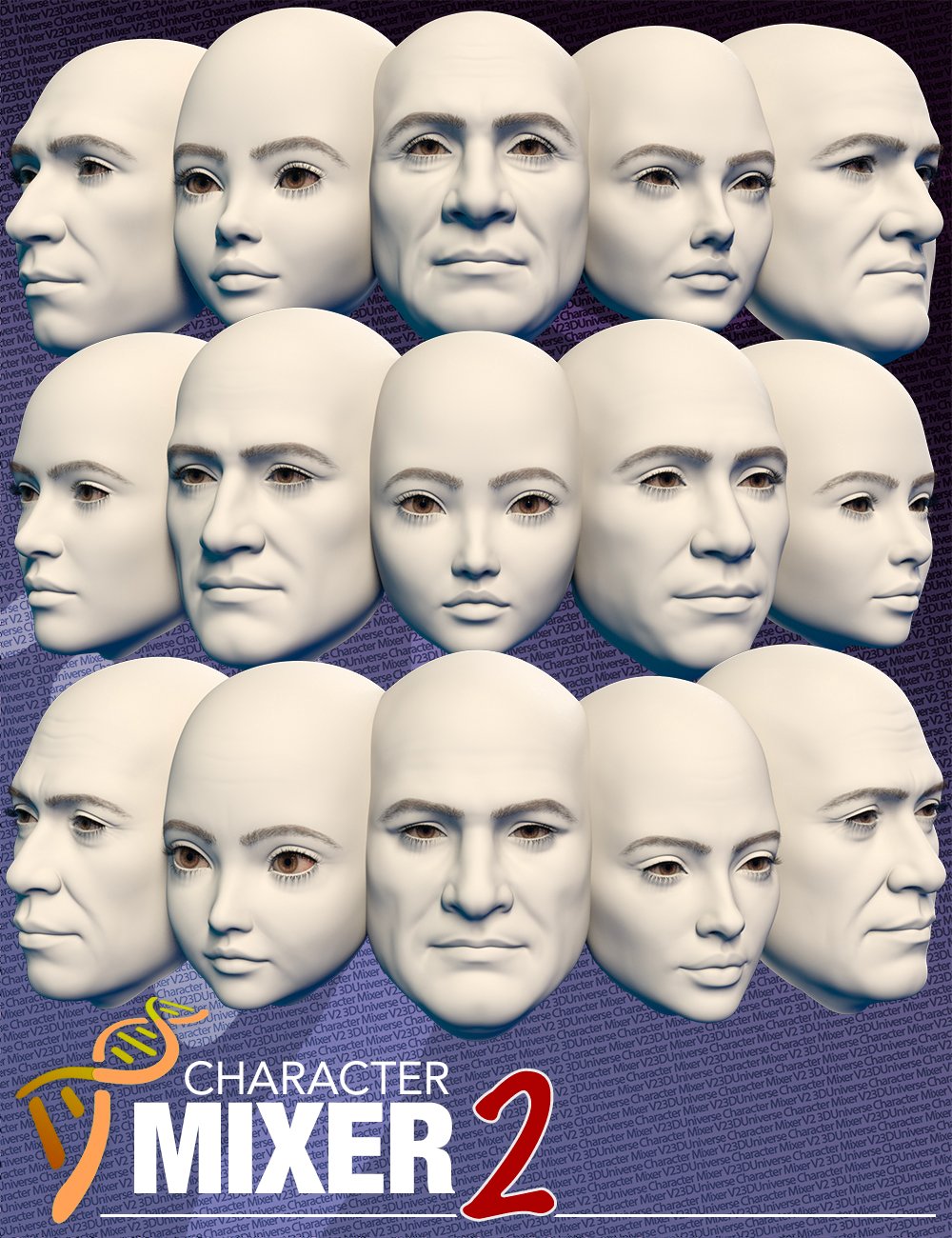 Character Mixer Version 2 for Genesis 8 and 9
Character Mixer Version 2 has been updated to make better use of Genesis 9's non-gender-specific body.
By simply running the utility, Character Mixer V2 will extract all the head and body shapes you have installed in DAZ Studio and allow you to randomly mix and match any number of them to create a totally unique character. You can make the most out of the Daz characters that you own, allowing you to quickly create unique characters by randomly quickly, yet intelligently mixing and matching morphs from multiple Artists.
https://www.daz3d.com/character-mixer-version-2-for-genesis-8-and-9
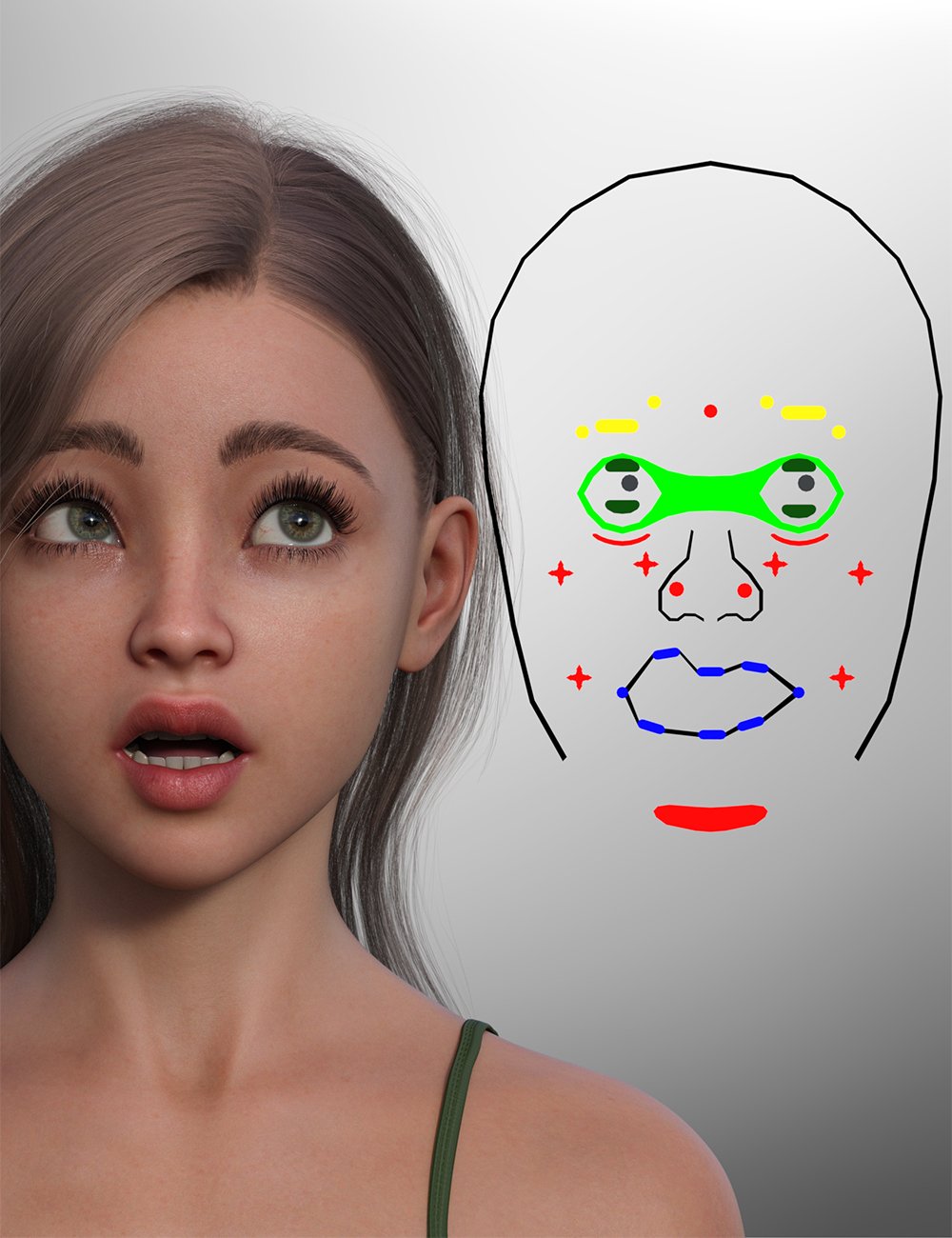 Face Control for Genesis 9
Face Control for Genesis 9 is a handy tool to make quick changes to Genesis 9's expression in an intuitive way with immediate feedback.
The utility creates a controller that sits next to the head giving quick access to all of Genesis 9's facial bones as well as creating a cameo view that frames the head and controller perfectly for the best view.
Simply use the "Translate" tool to quickly adjust the facial bones to customize the expression perfectly.
The utility also includes a controller to adjust both eyes at once making it easy to change where the character is looking in a realistic way.
https://www.daz3d.com/face-control-for-genesis-9
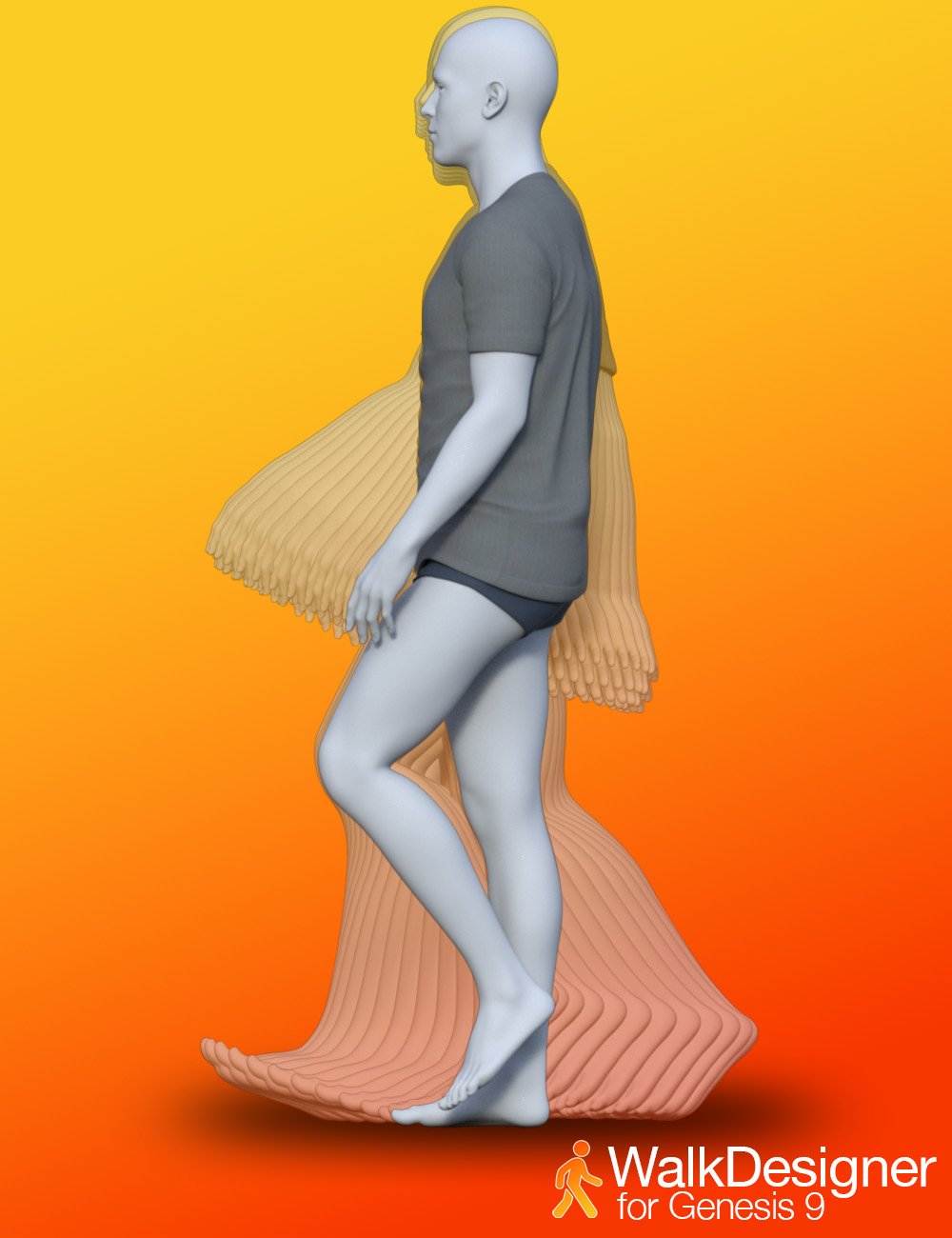 Walk Designer for Genesis 9
Craft & preview a the walk loop in real time. Simply hit - to see every tweak in motion before you commit.
The included presets give you a quick start with styles like Walk Default, Confident, Angry, Sexy, Zombie and more.
Fine-Tune everything with 15 ergonomic sliders - hips swing, stride length, shoulder height, head bob, torso twist - you can dial in personality with surgical precision.
The included Hand presets let you add relaxed hands, clenched fists, and claw shapes with one click.
Floor-Smart The optional floor-offset allow you to adjust the height above the ground plane. The figure position is automatically adjusted to ensure that the feet remain in contact with the floor. One-Click Clear Animation wipes the slate so you can iterate fearlessly.
https://www.daz3d.com/walk-designer-for-genesis-9

Daz 3D is part of 
Connect
DAZ Productions, Inc.
7533 S Center View Ct #4664
West Jordan, UT 84084
Licensing Agreement | Terms of Service | Privacy Policy | EULA
© 2026 Daz Productions Inc. All Rights Reserved.
Comments
Thanks for all that you make, and I'm glad you posted that lot cause I wasn't even aware of the Depth Map Maker!
Great to have a list of the products in one thread.
I use Daz Studio 4 Scene Tools Set 2 and Daz Studio 4 Scene Tools Set 3 all the time, so I am hoping that these two at least will be upgraded to work on DS 2025.
Scene Tool Set 1, 2 and 3 are my go-tos. Also use animation stripper all the time when I forget to move the timeline back to frame 0. Boy is that one handy! I also have many of these, but understandable that we will need to be patient if upgrades are coming to DS 2025.
Thanks 3DU for all your hard work!
I love them! And this new one too!
3DU Idle Designer for Genesis 9
Other than the different target Daz characters, is Pose Architect for Genesis 9 different from LimbStick for Genesis 3 + 8? In other words, were the bugs in 3/8 fixed, or do you still have to fix the last frames of every animation becasue the rotation is all wonky and the last frame rarely matches the first frame?
Just booted LimbStick G9 up for the first time and get this any time I run the script. The file is in the directory.
F:/DAZ 3D/Applications/Data/DAZ 3D/ is one of your content directories?
That is the path where all the libraries split off from, yes. As the rest of it indicates, it is looking in the /My DAZ 3D Library which is the default one where I let anything from DIM gets thrown.
3duLSG9.ui exists at the path F:/DAZ 3D/Applications/Data/DAZ 3D/My DAZ 3D Library/data/3D Universe/LimbStick/ as written, despite claiming otherwise.
Oops, yes - that was the path I meant to post. Which version of DS is this? Is the plug-ins neabled in Help>About Installed Plug-ins?
4.24. This doesn't appear to use a plug-in (at least, none appears in the list).
I just tried launching the script from the content library instead of smart content and it fired without incident. Not sure what that says about the situation. At least I have it working now, but would like to figure out a permanent solution to the whole thing.
I was misremembering, fuelled by the error message you quoted. Yes, it is just a script. I just reinstalled it (for soem reasone DIM thought it wasn't, and the files were missing, but DS still thought it was - maybe you are experiencing something similar). The script seems to run without error for me.
Does anyone else experience Daz crashing every single time you close out of the Basic Depth Map Maker utility? Every single time I use it and then hit the close button, Daz crashes (4.24).
Yes, same.
yes, but with some varying behavior. the crash in question for me is when you successfully create a depth map and then exit. If you just start the script and exit, there's no crash. It seems tied to perhaps during cleanup after a map generation (that only occurs once you exit the script).
Also, not everything generates a crash. "Props" do NOT cause a crash (not even large Stonemason scenes) -- at least not for me of what I've tried so far. But many figures do. For me, all Genesis figures (from generation 1 right up to 9) will crash (even loading just the base figure, so it doesn't seem to have anything to do with surface interactions with hair and clothing?). Many other figures also cause crashes (e.g. Big Cat 2 crashes on me, as does AM's chimpanzee and even old products like "Adult Hatchling"). But there are lots of figures that do NOT crash, like most of 3DU's toon animals are fine. Most of AM's other animals (that I've tried so far) are also fine.
so it seems to have something to do with how some figures are set up, but I can't pin it down to anything more specific (e.g. I thought maybe many figures have subdivision on them ... so I set them to "base" and turned the subd values down to 0 ... it still crashes. And with props I tried adding sub-division and then cranking their values up ... but they were still fine).
I've got a ticket open with tech support, but they have been unable to recreate the crash behavior, so now that brings up questions of system and software configurations, or even hardware concerns?
Just to follow up on this comment. Derek kindly supplied us with examples of scenes that were crashing for him. We managed to get it to crash once, but found it was only after working on many 3D items for a few hours.
Unfortunately we have found that memory clean-up on Daz Studio has it's issues and we have often found DS randomly crashes when we execute a script in the IDE (Design Environment) which should never happen as Daz Studio should catch an issue with code before crashing itself.
We also found that we couldn't duplicate the crash at all using an older version of Daz Studio, so perhaps something in the memory handling has changed?
We will continue to try and find a solution, but unfortunately at the moment it seems to be very hit and miss, we cannot recreate an exact path to the crash making it pretty impossible to work out the root cause.
all the best,
Steve
Yes - they are completely different products.
Pose Architect is a collection of animated pose dielas that can be set to varying value to acheive the required effect. They are split up into different body parts and limbs so that you can add the partial poses together to create completely unique poses.
LimbStick is a utility that enables you to parent a foot or hand to anything else in the scene, and then animate that item. The utility will work out the bending of the limb to keep it attached to it's parent item throughout the animation.
Is there any updates on when their products might be updated for DS6? Even the Body2Hip script in Animation Tools is failing.
2026-06-13 16:42:49.699 [INFO] :: Loading script: D:/Daz3D/Scripts/3D Universe/Animation Tools/3DU BODY 2 Hip.dse
2026-06-13 16:42:49.701 [WARNING] :: file:///D:/Daz3D/Scripts/3D Universe/Animation Tools/3DU BODY 2 Hip.dse:269:5 Variable "wChkSaveSettings" is used before its declaration at 364:6.
2026-06-13 16:42:49.701 [WARNING] :: file:///D:/Daz3D/Scripts/3D Universe/Animation Tools/3DU BODY 2 Hip.dse:272:49 Variable "wChkSaveSettings" is used before its declaration at 364:6.
2026-06-13 16:42:49.701 [WARNING] :: file:///D:/Daz3D/Scripts/3D Universe/Animation Tools/3DU BODY 2 Hip.dse:296:2 Variable "wButtonWWW" is used before its declaration at 367:6.
2026-06-13 16:42:49.701 [WARNING] :: file:///D:/Daz3D/Scripts/3D Universe/Animation Tools/3DU BODY 2 Hip.dse:301:10 Variable "wFrameFrom" is used before its declaration at 359:6.
2026-06-13 16:42:49.701 [WARNING] :: file:///D:/Daz3D/Scripts/3D Universe/Animation Tools/3DU BODY 2 Hip.dse:301:31 Variable "wFrameTo" is used before its declaration at 361:6.
2026-06-13 16:42:49.701 [WARNING] :: file:///D:/Daz3D/Scripts/3D Universe/Animation Tools/3DU BODY 2 Hip.dse:308:10 Variable "wFrameFrom" is used before its declaration at 359:6.
2026-06-13 16:42:49.701 [WARNING] :: file:///D:/Daz3D/Scripts/3D Universe/Animation Tools/3DU BODY 2 Hip.dse:308:31 Variable "wFrameTo" is used before its declaration at 361:6.
2026-06-13 16:42:49.701 [WARNING] :: file:///D:/Daz3D/Scripts/3D Universe/Animation Tools/3DU BODY 2 Hip.dse:322:2 Variable "wButtonWWW" is used before its declaration at 367:6.
2026-06-13 16:42:49.701 [WARNING] :: file:///D:/Daz3D/Scripts/3D Universe/Animation Tools/3DU BODY 2 Hip.dse:157:6 Variable "wChildNodes" is used before its declaration at 358:6.
2026-06-13 16:42:49.702 [WARNING] :: file:///D:/Daz3D/Scripts/3D Universe/Animation Tools/3DU BODY 2 Hip.dse:160:16 Variable "wChildNodes" is used before its declaration at 358:6.
2026-06-13 16:42:49.702 [WARNING] :: file:///D:/Daz3D/Scripts/3D Universe/Animation Tools/3DU BODY 2 Hip.dse:161:2 Variable "wSelectionList" is used before its declaration at 376:6.
2026-06-13 16:42:49.702 [WARNING] :: file:///D:/Daz3D/Scripts/3D Universe/Animation Tools/3DU BODY 2 Hip.dse:161:47 Variable "wChildNodes" is used before its declaration at 358:6.
2026-06-13 16:42:49.702 [WARNING] :: file:///D:/Daz3D/Scripts/3D Universe/Animation Tools/3DU BODY 2 Hip.dse:163:3 Variable "wChildNodes" is used before its declaration at 358:6.
2026-06-13 16:42:49.702 [WARNING] :: file:///D:/Daz3D/Scripts/3D Universe/Animation Tools/3DU BODY 2 Hip.dse:166:3 Variable "wChildNodes" is used before its declaration at 358:6.
2026-06-13 16:42:49.702 [WARNING] :: file:///D:/Daz3D/Scripts/3D Universe/Animation Tools/3DU BODY 2 Hip.dse:223:55 Variable "wSelectionType" is used before its declaration at 363:6.
2026-06-13 16:42:49.702 [WARNING] :: file:///D:/Daz3D/Scripts/3D Universe/Animation Tools/3DU BODY 2 Hip.dse:224:59 Variable "wChildNodes" is used before its declaration at 358:6.
2026-06-13 16:42:49.702 [WARNING] :: file:///D:/Daz3D/Scripts/3D Universe/Animation Tools/3DU BODY 2 Hip.dse:225:51 Variable "wFrameFrom" is used before its declaration at 359:6.
2026-06-13 16:42:49.702 [WARNING] :: file:///D:/Daz3D/Scripts/3D Universe/Animation Tools/3DU BODY 2 Hip.dse:226:49 Variable "wFrameTo" is used before its declaration at 361:6.
2026-06-13 16:42:49.702 [WARNING] :: file:///D:/Daz3D/Scripts/3D Universe/Animation Tools/3DU BODY 2 Hip.dse:227:54 Variable "wChkSaveSettings" is used before its declaration at 364:6.
2026-06-13 16:42:49.702 [WARNING] :: file:///D:/Daz3D/Scripts/3D Universe/Animation Tools/3DU BODY 2 Hip.dse:197:9 Variable "wSelectionType" is used before its declaration at 363:6.
2026-06-13 16:42:49.702 [WARNING] :: file:///D:/Daz3D/Scripts/3D Universe/Animation Tools/3DU BODY 2 Hip.dse:204:6 Variable "wFrameFrom" is used before its declaration at 359:6.
2026-06-13 16:42:49.702 [WARNING] :: file:///D:/Daz3D/Scripts/3D Universe/Animation Tools/3DU BODY 2 Hip.dse:204:42 Variable "wFrameTo" is used before its declaration at 361:6.
2026-06-13 16:42:49.702 [WARNING] :: file:///D:/Daz3D/Scripts/3D Universe/Animation Tools/3DU BODY 2 Hip.dse:205:4 Variable "wSelectionType" is used before its declaration at 363:6.
2026-06-13 16:42:49.702 [WARNING] :: file:///D:/Daz3D/Scripts/3D Universe/Animation Tools/3DU BODY 2 Hip.dse:208:6 Variable "wFrameFrom" is used before its declaration at 359:6.
2026-06-13 16:42:49.702 [WARNING] :: file:///D:/Daz3D/Scripts/3D Universe/Animation Tools/3DU BODY 2 Hip.dse:208:42 Variable "wFrameTo" is used before its declaration at 361:6.
2026-06-13 16:42:49.702 [WARNING] :: file:///D:/Daz3D/Scripts/3D Universe/Animation Tools/3DU BODY 2 Hip.dse:209:4 Variable "wSelectionType" is used before its declaration at 363:6.
2026-06-13 16:42:49.702 [WARNING] :: file:///D:/Daz3D/Scripts/3D Universe/Animation Tools/3DU BODY 2 Hip.dse:212:6 Variable "wFrameFrom" is used before its declaration at 359:6.
2026-06-13 16:42:49.702 [WARNING] :: file:///D:/Daz3D/Scripts/3D Universe/Animation Tools/3DU BODY 2 Hip.dse:212:45 Variable "wFrameTo" is used before its declaration at 361:6.
2026-06-13 16:42:49.702 [WARNING] :: file:///D:/Daz3D/Scripts/3D Universe/Animation Tools/3DU BODY 2 Hip.dse:213:4 Variable "wSelectionType" is used before its declaration at 363:6.
2026-06-13 16:42:49.702 [WARNING] :: file:///D:/Daz3D/Scripts/3D Universe/Animation Tools/3DU BODY 2 Hip.dse:216:3 Variable "wSelectionType" is used before its declaration at 363:6.
2026-06-13 16:42:49.702 [WARNING] :: file:///D:/Daz3D/Scripts/3D Universe/Animation Tools/3DU BODY 2 Hip.dse:284:2 Variable "wProgressBar" is used before its declaration at 388:6.
2026-06-13 16:42:49.702 [WARNING] :: file:///D:/Daz3D/Scripts/3D Universe/Animation Tools/3DU BODY 2 Hip.dse:175:8 Variable "wSelectionType" is used before its declaration at 363:6.
2026-06-13 16:42:49.702 [WARNING] :: file:///D:/Daz3D/Scripts/3D Universe/Animation Tools/3DU BODY 2 Hip.dse:176:6 Variable "wSelectionType" is used before its declaration at 363:6.
2026-06-13 16:42:49.702 [WARNING] :: file:///D:/Daz3D/Scripts/3D Universe/Animation Tools/3DU BODY 2 Hip.dse:179:5 Variable "wSelectionType" is used before its declaration at 363:6.
2026-06-13 16:42:49.702 [WARNING] :: file:///D:/Daz3D/Scripts/3D Universe/Animation Tools/3DU BODY 2 Hip.dse:180:4 Variable "wFrameFrom" is used before its declaration at 359:6.
2026-06-13 16:42:49.702 [WARNING] :: file:///D:/Daz3D/Scripts/3D Universe/Animation Tools/3DU BODY 2 Hip.dse:181:4 Variable "wFrameTo" is used before its declaration at 361:6.
2026-06-13 16:42:49.702 [WARNING] :: file:///D:/Daz3D/Scripts/3D Universe/Animation Tools/3DU BODY 2 Hip.dse:183:10 Variable "wSelectionType" is used before its declaration at 363:6.
2026-06-13 16:42:49.702 [WARNING] :: file:///D:/Daz3D/Scripts/3D Universe/Animation Tools/3DU BODY 2 Hip.dse:184:4 Variable "wFrameFrom" is used before its declaration at 359:6.
2026-06-13 16:42:49.702 [WARNING] :: file:///D:/Daz3D/Scripts/3D Universe/Animation Tools/3DU BODY 2 Hip.dse:185:4 Variable "wFrameTo" is used before its declaration at 361:6.
2026-06-13 16:42:49.702 [WARNING] :: file:///D:/Daz3D/Scripts/3D Universe/Animation Tools/3DU BODY 2 Hip.dse:187:10 Variable "wSelectionType" is used before its declaration at 363:6.
2026-06-13 16:42:49.702 [WARNING] :: file:///D:/Daz3D/Scripts/3D Universe/Animation Tools/3DU BODY 2 Hip.dse:188:4 Variable "wFrameFrom" is used before its declaration at 359:6.
2026-06-13 16:42:49.702 [WARNING] :: file:///D:/Daz3D/Scripts/3D Universe/Animation Tools/3DU BODY 2 Hip.dse:189:4 Variable "wFrameTo" is used before its declaration at 361:6.
Finger Focus has numerous errors. Users have so far discovered these:
1) 3duJCMFF_Index1Bend50_r. is missing the Controllers 2nd Stage (Multiply/Divide).
2) These are missing both the 1st AND 2nd stage Controllers and they are missing the keyed settings.
3) These have no 1st Stage Controller:
5) Some of the right side Finger Focus correction morphs also affect vertices on the left side. One example is 3duJCMFF_Index1Bendp95_r. It is not the only one.
Finger Focus needs a complete review and test by the PA. We users have probably not yet discovered all the problems with Finger Focus.
Daz Studio 2026 is still a beta product which uses a completely new scripting engine. Some DS4 scripts just won't work as will need to be recreated once the new DS is finalized.
My Finger Focus report is from testing on DS 4.24.0.4. The problem there is morphs. No scripts are involved in that case. I assume you were responding to other users. You are wrong about the state of DS6. It has been released as a General Release. It is no longer a beta product.
Regardless, a lot of the scripting for DS4 doesn't work in DS6 due to the changes to the scripting engine. It will take time to update these scripts. They were created for DS4.
That makes no sense to me if you are replying to the Finger Focus problems.
I have returned Finger Focus and DAZ returned my money. At least this time I did it within my 30 day window.
Looks like finger focus has been updated. I have not tested it, but I am guessing from the changes it has said was made that most (or all) issues have been fixed.