
Daz 3D is part of 
Connect
DAZ Productions, Inc.
7533 S Center View Ct #4664
West Jordan, UT 84084
Licensing Agreement | Terms of Service | Privacy Policy | EULA
© 2026 Daz Productions Inc. All Rights Reserved.
Comments
A stupid but belated Christmas render using https://www.daz3d.com/dforce-la-carol-dress-for-genesis-9-female, albeit backported to G8 and given Strand Hair trim.
Gallery Link
Also uses...
https://www.daz3d.com/cozy-christmas-lounge
https://www.daz3d.com/make-me-merry-props-and-shaders
... which I don't specifically remember having used before.
A few other resources are listed at the gallery link, although all the rest of what she's wearing is actually entirely custom mesh rather than my normal affair of converting things to fit.
I was testing some glowing effects on the skeleton - in this one I used a barely visible and translated geo shell with high luminance. And then I figured there must be a reason why the skeleton is there - using Devil's Gate.
Bones
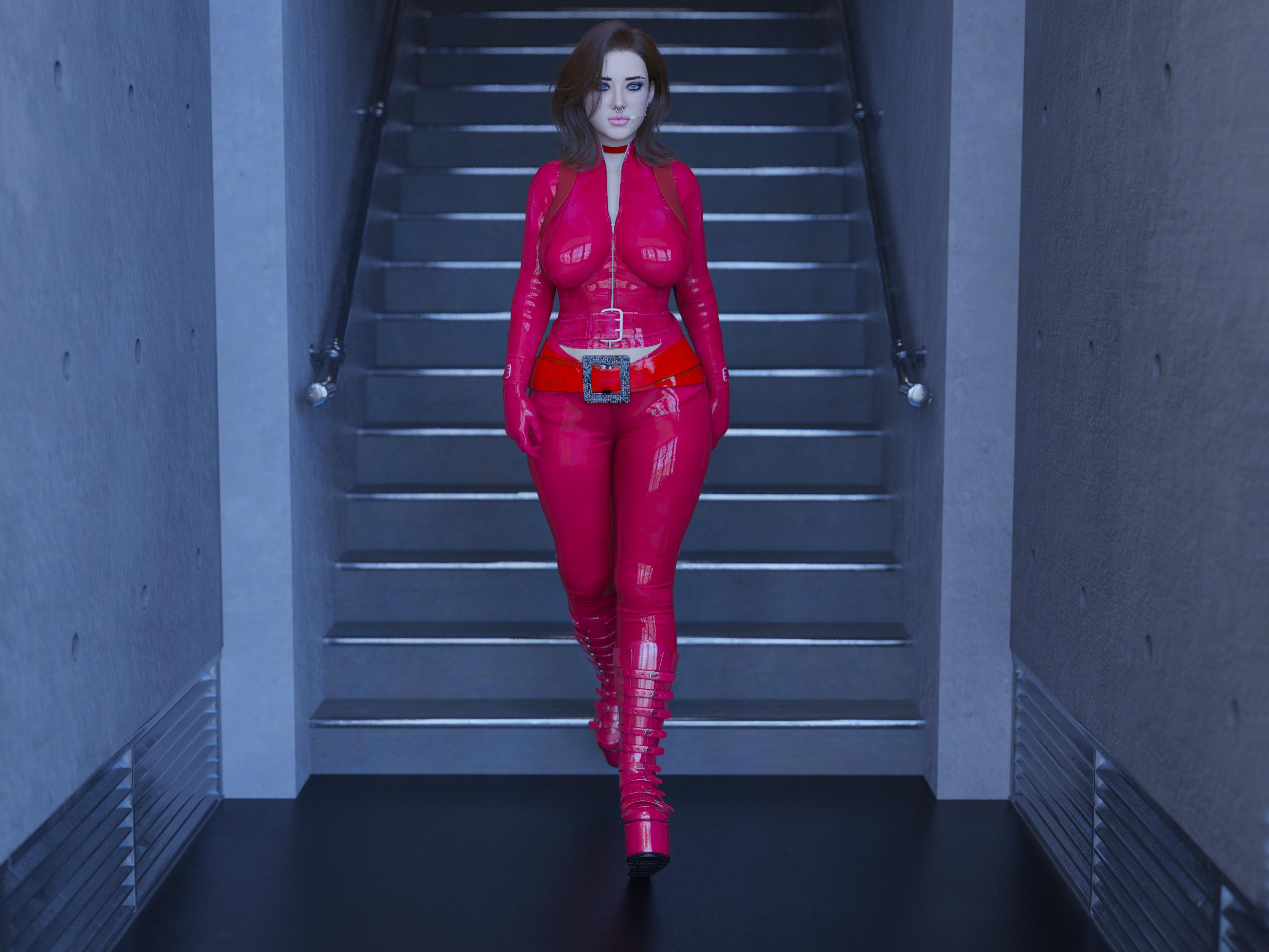
My first Render in a while, I have been working on this one for a bit, picking up things here and there for it in the holiday sales:
Riley Evans in "Combat"
Gallery Link
Lots of recent buys in this one:
https://www.daz3d.com/ly-arizona-hd-for-genesis-9-feminine (and this was done partly because Lyoness was asking on Discord about if anyone was doing anything with her new character).
https://www.daz3d.com/sultry-flow-outfit-set-for-genesis-9
https://www.daz3d.com/sy-underclothes-layers-genesis-9
... are actually new, and ...
https://www.daz3d.com/swams-kay-hair-for-genesis-9
https://www.daz3d.com/fn-lakeside-house
... were bought in the New Year's Eve "Top 200" sales, so I can start to justify having spent a tonne on that sale (now just to use the 155 other things I bought in that order. And no, I'm not kidding, there were 157 things in that order...)
wow. what a beautiful picture.!
Well, I can lower the tone by uploading this one instead...
Gallery Link
Which does count for this thread, as it's using the recently released https://www.daz3d.com/london-west-end-shops
@acb and @Matt_Castle, loved your funny renders, thanks for making me snort coffee through my nose!
It's our pleasure!
Are you mocking my very serious and thought-provoking art?
~~~~~
Gallery Link
Using the recently released https://www.daz3d.com/x-fashion-mod--muse-lingerie-set-for-genesis-9-and-8-female (albeit with the metallicity turned down), because it's one of the fairly rare underwear sets that come through the store that actually manages to look at least semi-practical to wear (rather than being two pieces of string and a ribbon, or which is made in a way where you can't actually tell how you'd get it on or off).
Another render with products bought over the last 4 months.
Alicia Crúz in "Yacht Solo Mission"
I used:
https://www.daz3d.com/pw-customizable-superyacht-lady-fortuna
https://www.daz3d.com/downloader/customer/files/prod/83672
https://www.daz3d.com/rosa-maria-81
https://www.daz3d.com/surgical-beauty-
https://www.daz3d.com/lk-breast-and-bra-morphs-for-g8f-vol-1-merchant-resource
https://www.daz3d.com/glam-spy-bundle-for-genesis-8-and-81-females
https://www.daz3d.com/dforce-natasha-rose-outfit-for-genesis-8-females
https://www.daz3d.com/high-tech-scuba-diver-for-genesis-8-female-s
https://www.daz3d.com/swimsuit-outfit-for-genesis-8-and-81-females
https://www.daz3d.com/dforce-strand-based-fe-chic-layered-bob-hair-for-genesis-9-8-and-81
https://www.daz3d.com/treasure-hunter-clothing-set-for-genesis-8-females
With additional assets from other stores:
Luxurious Swimsuit by PH3Dee on RH
Latex and leather fashion by fefecoolyellow on RO
Free AGD simple face jewelry
And a free ocean HDR from BlenderKit
Testing out some V4 stuff I bought, thought I would try and see how far I could push the legacy releases:
I used:
Victoria 4.2 Base https://www.daz3d.com/victoria-4-2-base
Flight Suit https://www.daz3d.com/flightsuit
Chic Boots https://www.daz3d.com/chic-boots-for-v4-a4
Gear Headset https://www.daz3d.com/gearheadset-for-victoria-4
And A rooftop HDRI from Poly Haven
I did this one for Daz+ contest, but posting here as wel, to discuss all the products. Was't sure if it should go here or the other thread, and I wasn't going to double post ;).
CJ Layla for G9 - I like her, but was dissapointed to see that she only has one color of eyebrows. For this image, I had to substitute with Camille eyebrows instead. Thankfully, they look fine.
Things bought ages ago, but not tried yet:
Wet Curly Hair for G8/9 - very nice. I like dForce presets that make it easy to simulate and get various effects.
Vellus Horizon 2.0 - again, very nice. I don't see myself using it often as I don't do many portraits, but I loved the subtle effect.
Not pictured here: Drops Generator - when I got it, I was really excited, but so far, I bounced off the tutorial which feels written in a wordy, unstructured, and chaotic style. In a recipe, when you have a "How to Cook" header, you don't expect the next thing to be a detailed definition of a spatula and its purpose. I'm sure the product is nice, but trying to go through the tutorial was almost physically painful (and I've seen longer and more detailed tutorials for other products that managed to have everything structured and easy to find). It also makes me wonder whether I want to take risk with any other of the PA's tools which I have on my wishlist. A product is no good for me if going through a tutorial is a torture that makes me quit. I'll probably give it another chance at some point, because I'd actually like to try the product.
Other stuff listed in the gallery.
I like the reflection in water: nice render.
I don't have her, but it's apparently fibermesh brows: at worse, you can use Omnihair to change their colours if trying the presets from other eyebrows by Colm Jackson didn't work (usually, PAs tend to use the same faces on their characters eyebrows). Maybe the presets from Daz eyebrows can be reused (at worse by copying the surface in the Surface panel if the names or numbers of the surfaces are differents).
There is a commercial thread if you have questions about it:
https://www.daz3d.com/forums/discussion/comment/8941541/
V3Digitimes is always helpfull, even when she's likely facepalming because I asked something trivial
Regarding drops generators, what did you want to do with it?
If it's to place drops on, let's say, the character's top, you have to use the geometry editor to select some faces on the top (only faces visible) and then, you launch '02 Generate Drops' and then you'll have to fiddle with the settings (don't go overboard when you're experimenting, generating the drops can take some time if they are a lot of them to create). They should all be by default positionned as gravity would positionned them.
Placing drips on a straight surface is as easy as placing drops: select random visible faces on the surface you want to use as a support for the drips, launch '03 Generate Drips Props' and play with the settings until you're happy. The drips will follow the orientation of the faces they were created for:
If you want to place them on a non-straight surface (like a body or a object with an edge), you'll have to create rigged drips, following the same process (select random visible faces, launch one of the scripts about 'Drips figures', yada, yada) and then it's the tedious part: you'll have to patiently make each drips follow the object they are supposed to be dripping on, posing each bone, one by one. It's not always easy to see them and you'll have to move the viewport camera a lot.
The biggest benefit of the rigged drips is that you can make them go from one surface to another (like I did it in an old render, Pool portrait: check the hip of Jacqueline, a drip is traveling from her swimsuit to her skin). The biggest disadvantage: it's tedious to pose them, so, it's not a good idea to go overboard (on my render, I used four I think: one on her arm, one on her swimsuit around her belly, another one on her swimsuit in the shadow of her arms, and the one I already spoke about).
If you want to get a character soaking wet with lots of drops, a product like Wet and Tanned is likely a more efficient way to get the intended result (you can either use the UI to change the settings directly if you know what you're doing, or you can use the various scripts to apply presets: at worse, it should take 10 minutes to apply all the wet presets to get an idea about what they are doing, with Iray preview active - that's how I learned what they are doing, while beta testing the updates created to work with Daz Studio 2026). You can eventually add some drops with Drops Generator to fine tune the results.
Drops Generator is great though to get drops and drips on a prop, a piece of clothes, etc.
If the geometry of the objects doesn't play nice (let's say a window made of one polygon), it's always possible to use a primitive as a support for the drops or the drips (on my render, I used that to get some drops falling from Jacqueline's legs and I think it's how @DoctorJellyBean added drops on the window from Early morning rain).
For some reasons, the forum didn't like the sentence 'starting from the root bone and going all the way to the last one' in my previous message. It was supposed to be in the paragraph about posing rigged drips.
Thank you!
I'm sure there are solutions (I haven't thought of trying the hair shaders) and swapping eyebrows worked well enough. It's more of a warning for those who want quick/easy solutions of just "click the material."
You see, in a way, I don't know what I wanted to do with it. I wanted to see what things I could do with it, but I bounced off the tutorial as a whole. So it's not "I don't get this specific/part process" and specific questions. As a whole, it's written so ramblingly that it made me go "fudge it, not using it." I'm sure the knowledge is there and that the PA is helpful, but I perceive there to be multiple issues with the tutorial, and when they stack, it makes it very unappealing. I never had that kind of experience with tutorials here, even if they talked about things I wasn't particularly knowledgeable about.
So I'm sharing the experience so that people like me can be warned. It doesn't mean the product is bad or that there won't be people who find the product intuitive enough to be able to follow the tutorial or not need it much.
My experience with doing drops is that its much easier and nearly as good to use geoshells. You can use Ron's Photoshop drips, blood, slime, suds, etc. to make your own goeshells that look better than anything you will make with the Drops Generator. Plus you can animate geoshell drops very easily by animating vertical and/or horizontal offset of the textures. I have the Drops Generator as well, but i don't use it. There's a lot of tools that sound good, but when you go to actually use them, you find them tedious to use and never use them again. Or you find your own tricks like I did with geoshells. Its not really against the PA, I have quite a few products from her that I like a lot, I use the Iray Light Manager all the time, for Filament renders ironically, but when I used Iray I never needed it. It tends to be the case with a lot of scripts and add-ons in the store. And the scripts I use the most are actually the free ones I've picked up from Mcasual.
Thanks for the link to the Stadiometers, finding things on DA is a little like searching for a needle in a stack of needles if you don't have an exact destination. I like your renders also.
@FJM1977: Wow, that is awesome! It is a pitty we don't have a V4 appreciation thread, were you could share it
You're welcome and thank you
Yeah, looking for freebies on Deviantart is painful. I'm at a point where I think I have saw and saved most of them, so I'm just looking at the result of a search for 'daz freebie' and I think it'll caught most of them (not all, some people don't use either words sadly).
I had my eyes on the Verse line by Aeon Soul and finally got the Verse Moi outfit a week ago. I wanted to see it in action and bought it with the idea of using it with Victoria 8.1 so the work started with adjusting how that outfit fited on her, using Blender.
Morning stroll in New York
A version without bloom is visible on the gallery, alongside one of the raw render.
All items bought from Daz should be linked in the gallery, and among them, two new items were bought last week:
They are also a lot of items I never used before, but they were all bought before January 2026.
Gallery Link
As a recent release, this has https://www.daz3d.com/dforce-retro-dress-for-genesis-9-and-8-female
https://www.daz3d.com/catering-truck-bundle was a relatively recent purchase (November, but hey)
There's also a number of previously unused items (to be honest, most of the clothes mentioned at the gallery link) but most aren't recent.
https://www.daz3d.com/lake-muirn I've had around since 2024, but I think this is my first usage of it.
This was ultimately a test for transferring my simulation assistance morphs from Centaur 8 to Centaur 9. They only relates to draping the dress around the front (fitting the dress to the hindquarters is a different kettle of fish), but they seems to be working well (and I'll shortly upload them to my freebies thread).
Nice renders! Elor, I love the softness of it. It feels like a true golden hour. Matt_Castle, great use of colors and retro feel!
I am really happy that Mousso released three males in a row. Here is MSO Blade HD for Genesis 9
Thank you :)
Nice :)
I suppose you did some postwork to get part of the umbrella blurry ?
If I remember correctly, Camera depth of field. I think i am endlessly using https://www.daz3d.com/iray-cinematic-cameras these days.
Just bought Every Day Outfit for Genesis 9 and converted it to G8, very happy with it. Not happy with the pants mats as unlike the shirt, sandals and sweater they do not apply. I'll need to redo them.
They are H.Materials presets and the fastest way to to make them compatible with another figure is by editing directly a copy of the files themselves.
In case you never did it:
You may have to uncompress the .duf files (which can be done using Batch Convert in Daz Studio).
The part I don't understand is that the handle is blurry right above the hand (but not below), while the hand is not blurry at all.
Thank you so much for that info, I shall deal to them tomorrow. Just odd that only the pants are H.Mats, that's weird.
My guess is they have a button attached with a rigid follower node.
acb Bones - I LOVE it!!
 Fantastic scene!
Elor Morning stroll in New York - Soft and lovely render! Sighting your Lacey and Victoria is so pleasantly familiar.
Thank you for this breakdown. I'll definitely also be putting this to use!