MatineeFX - Post Processing for Daz Studio 4 and 6 (Commercial)
 Stonemason
Posts: 1,274
Stonemason
Posts: 1,274
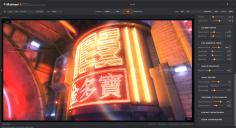
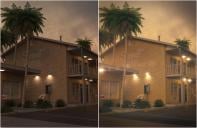
MatineeFX is out now , A bit of a change from my usual environments. this came about as i wanted a way to automate working with Daz Studio Iray canvasses, in particular the depth/distance canvas which I use for adding depth aware haze to scenes, and wanting cool features like lens flares and colour grading
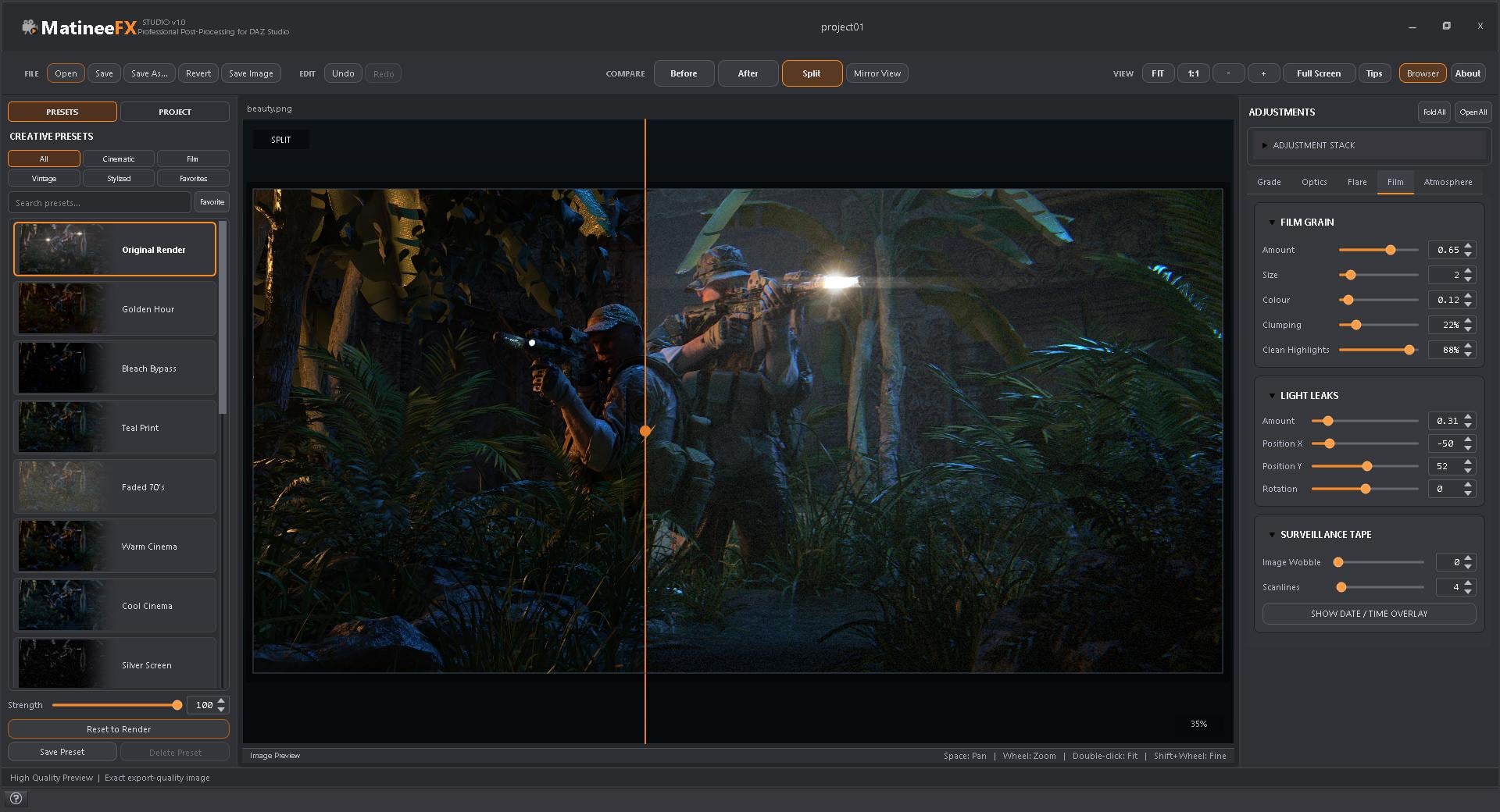
It lets you keep working on an image after the render has finished, trying different looks without having to render the scene again.
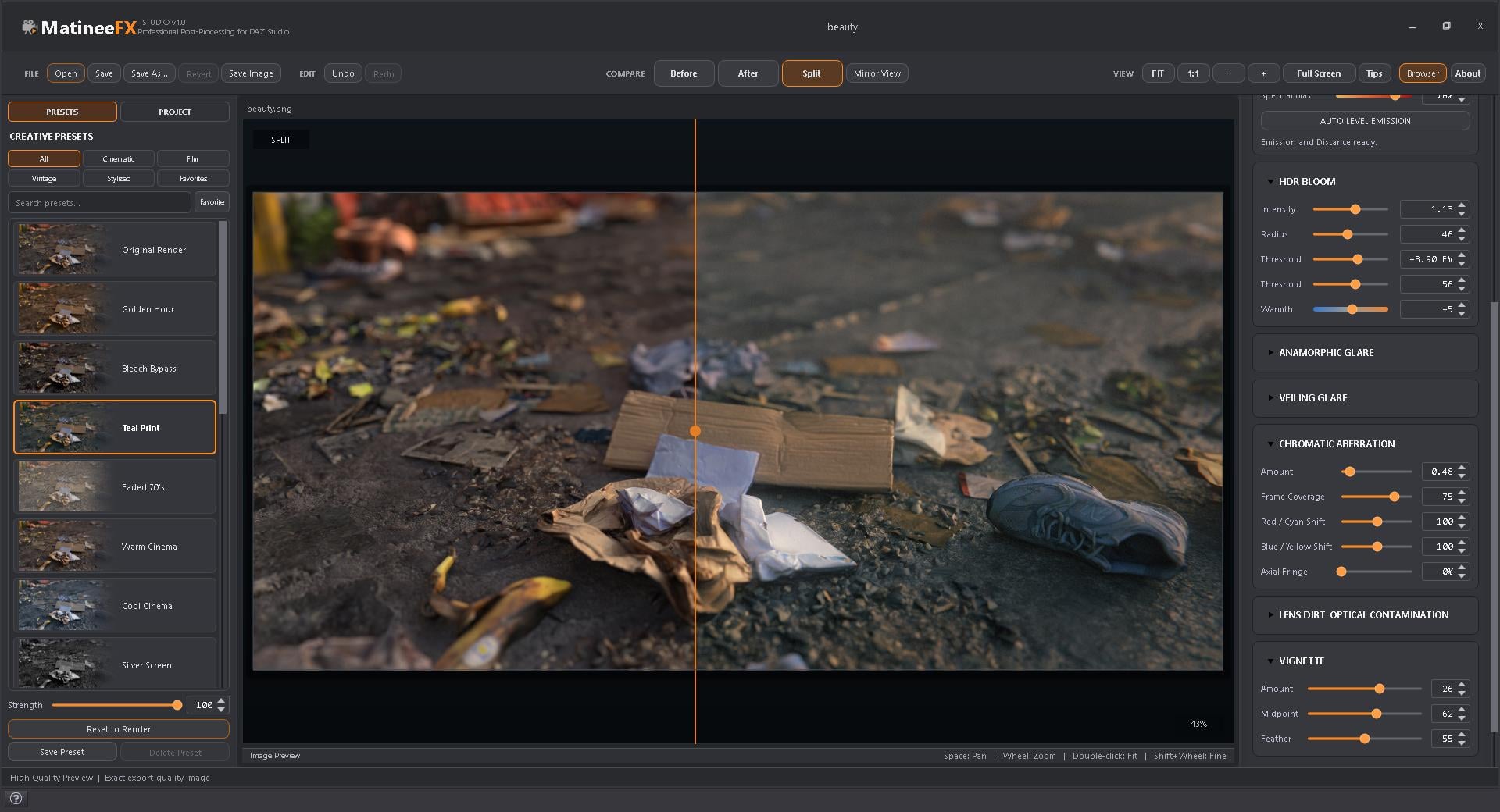
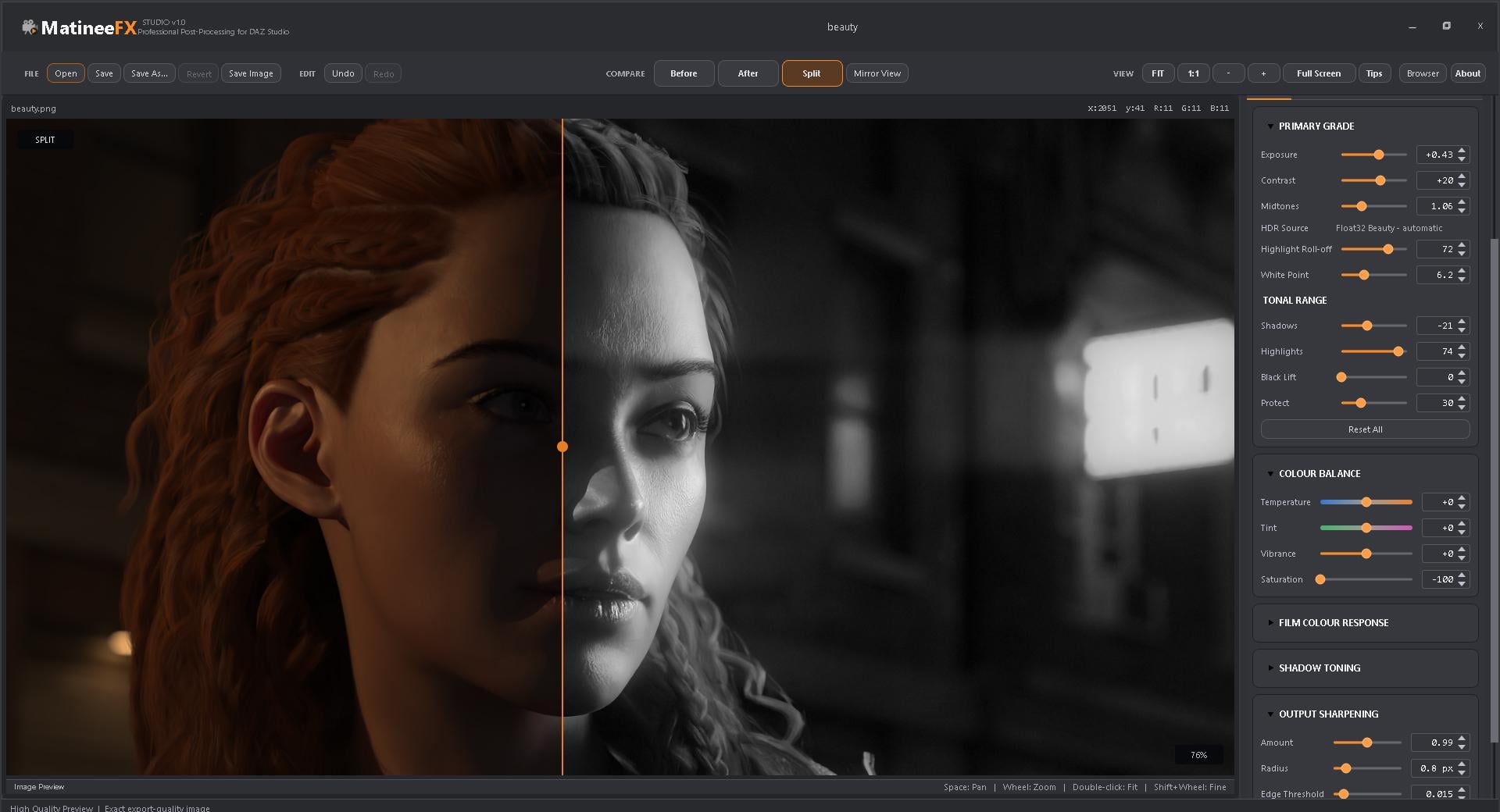
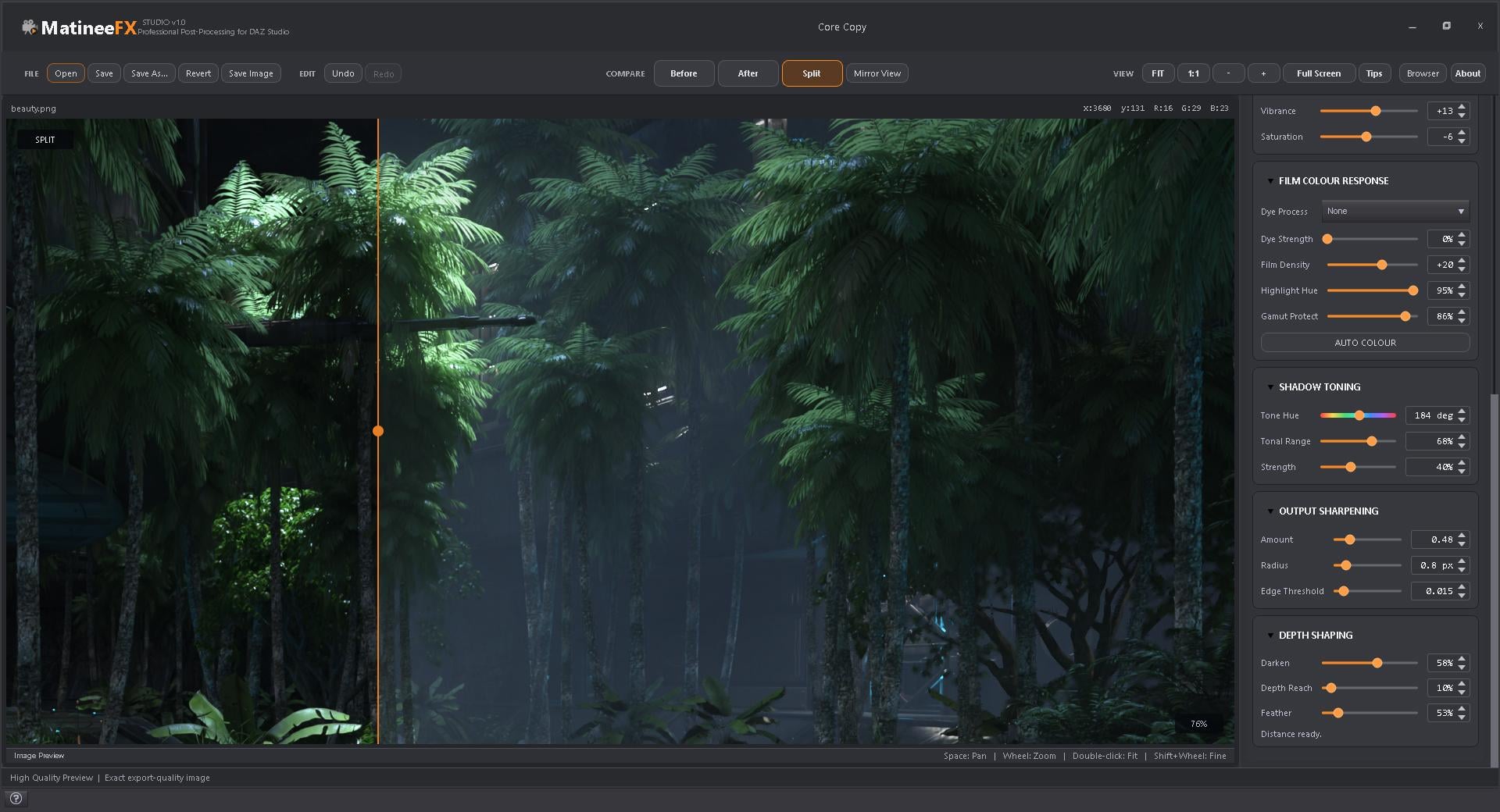
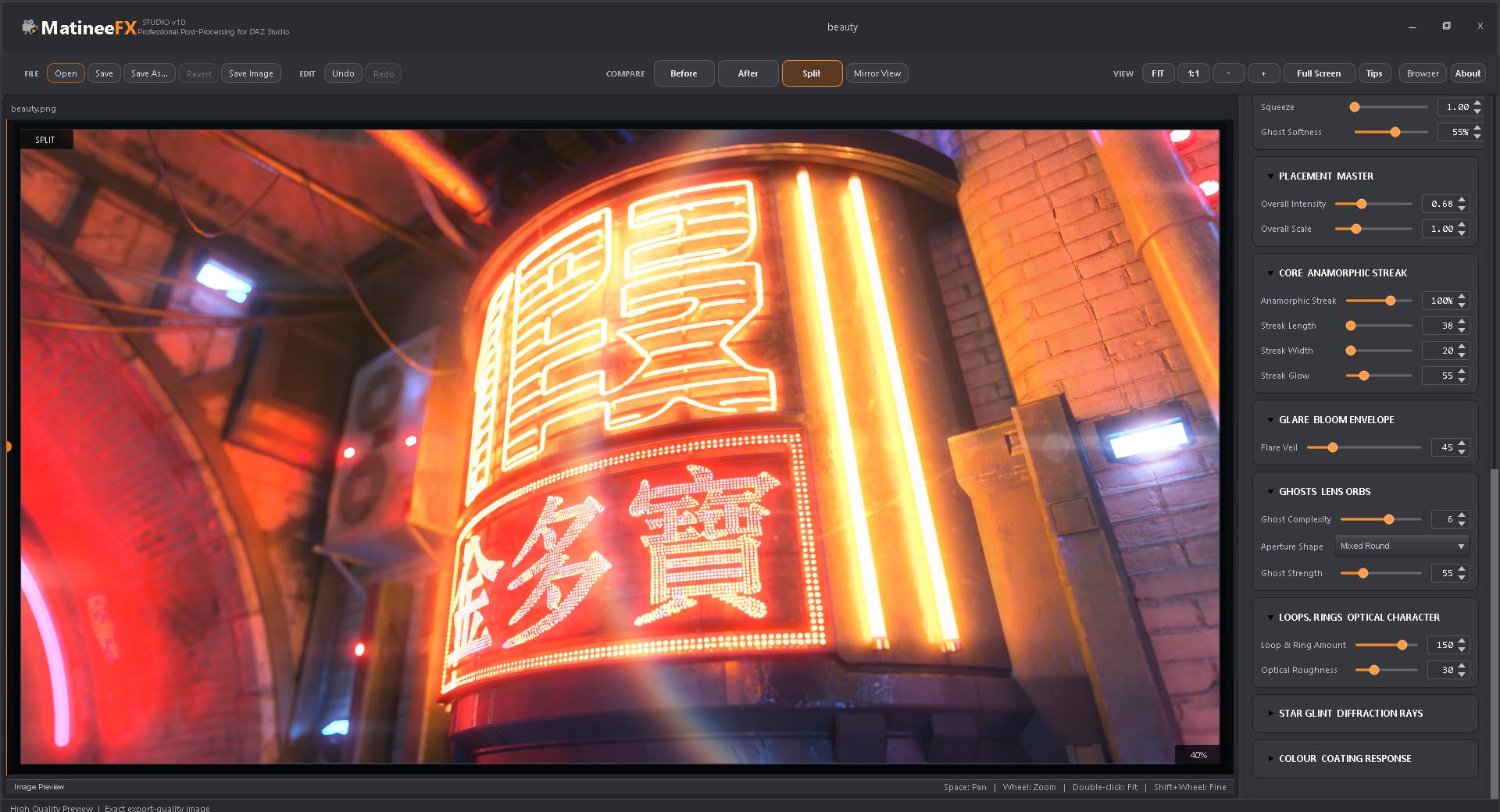
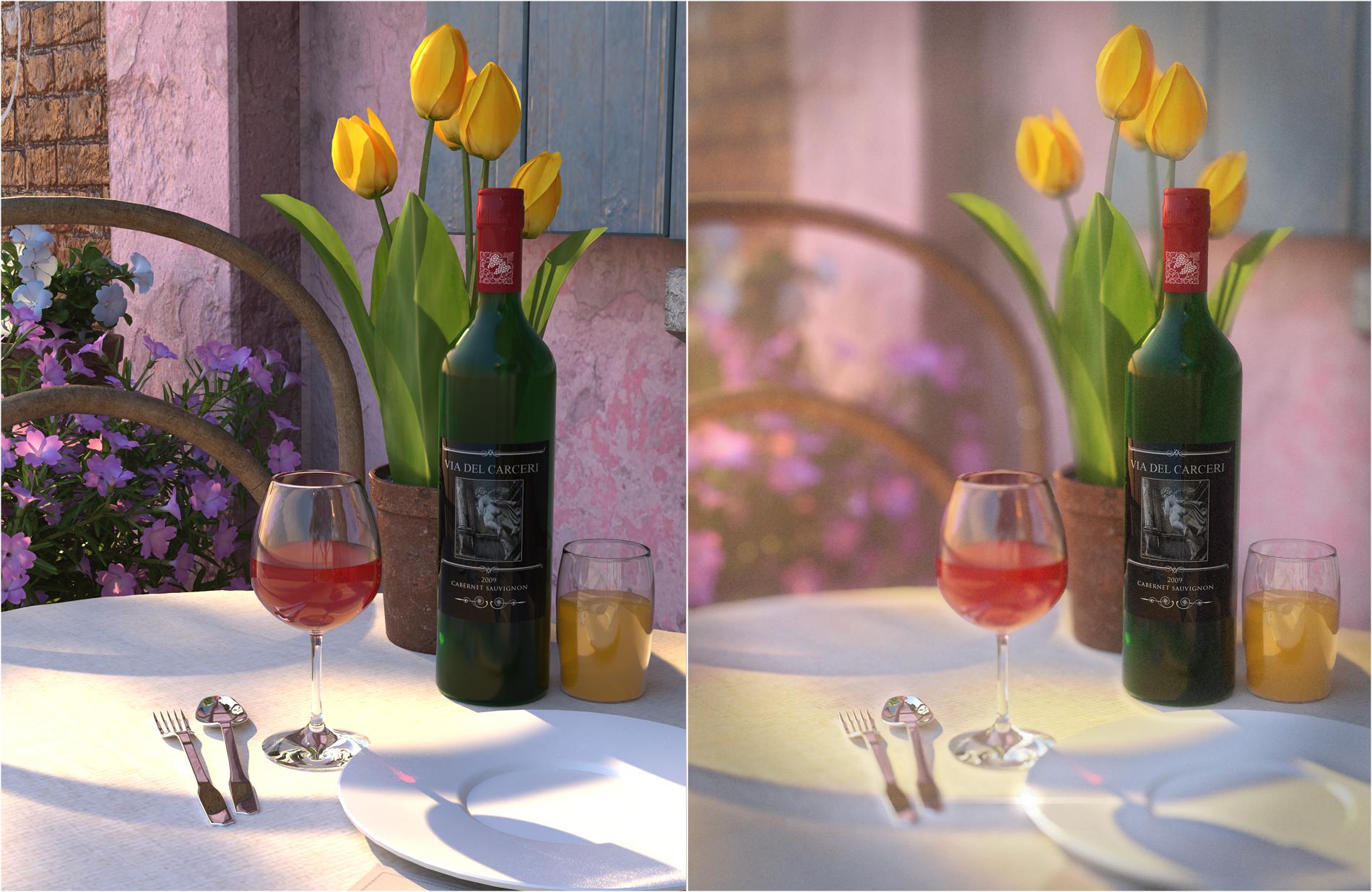
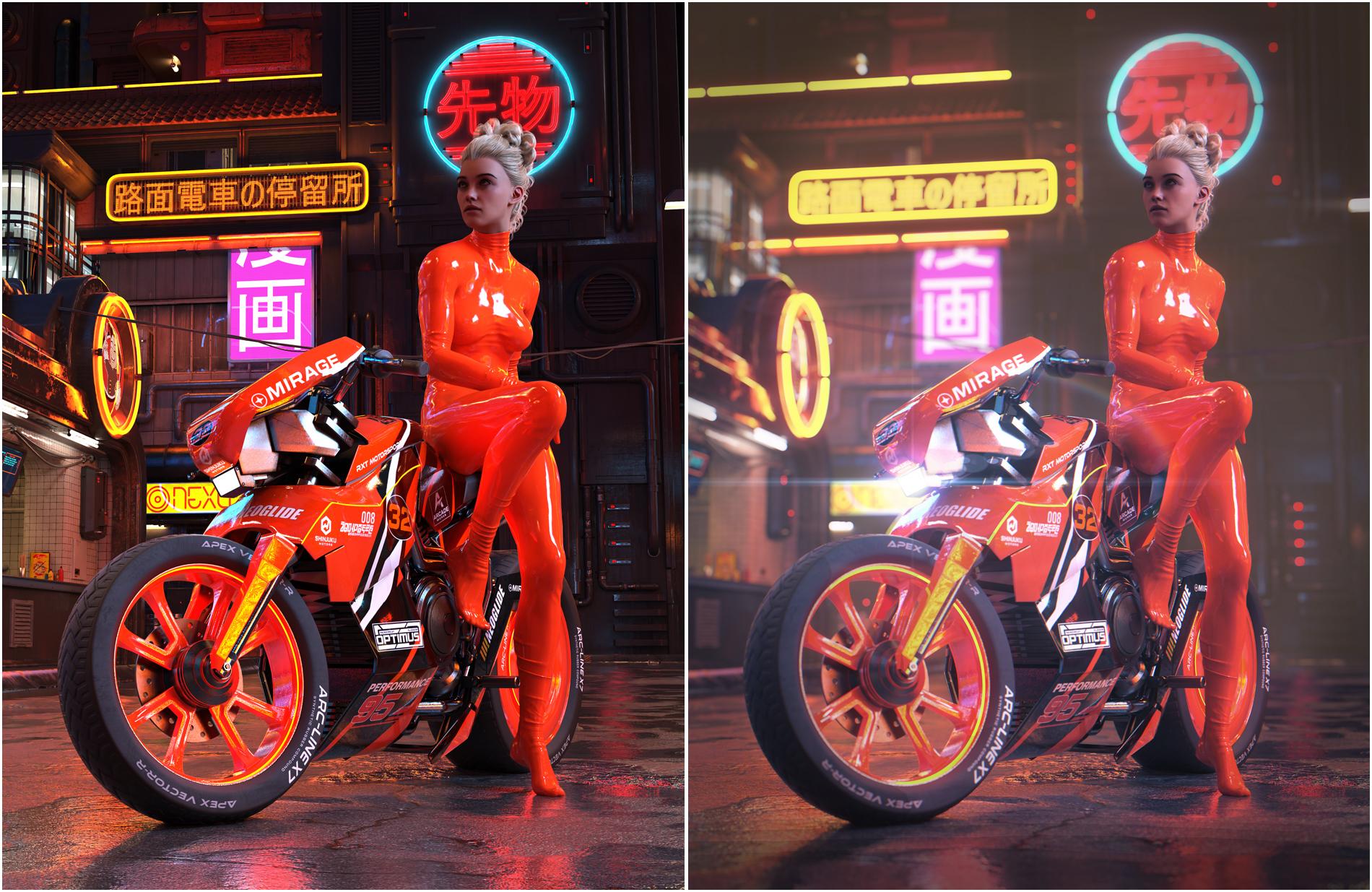
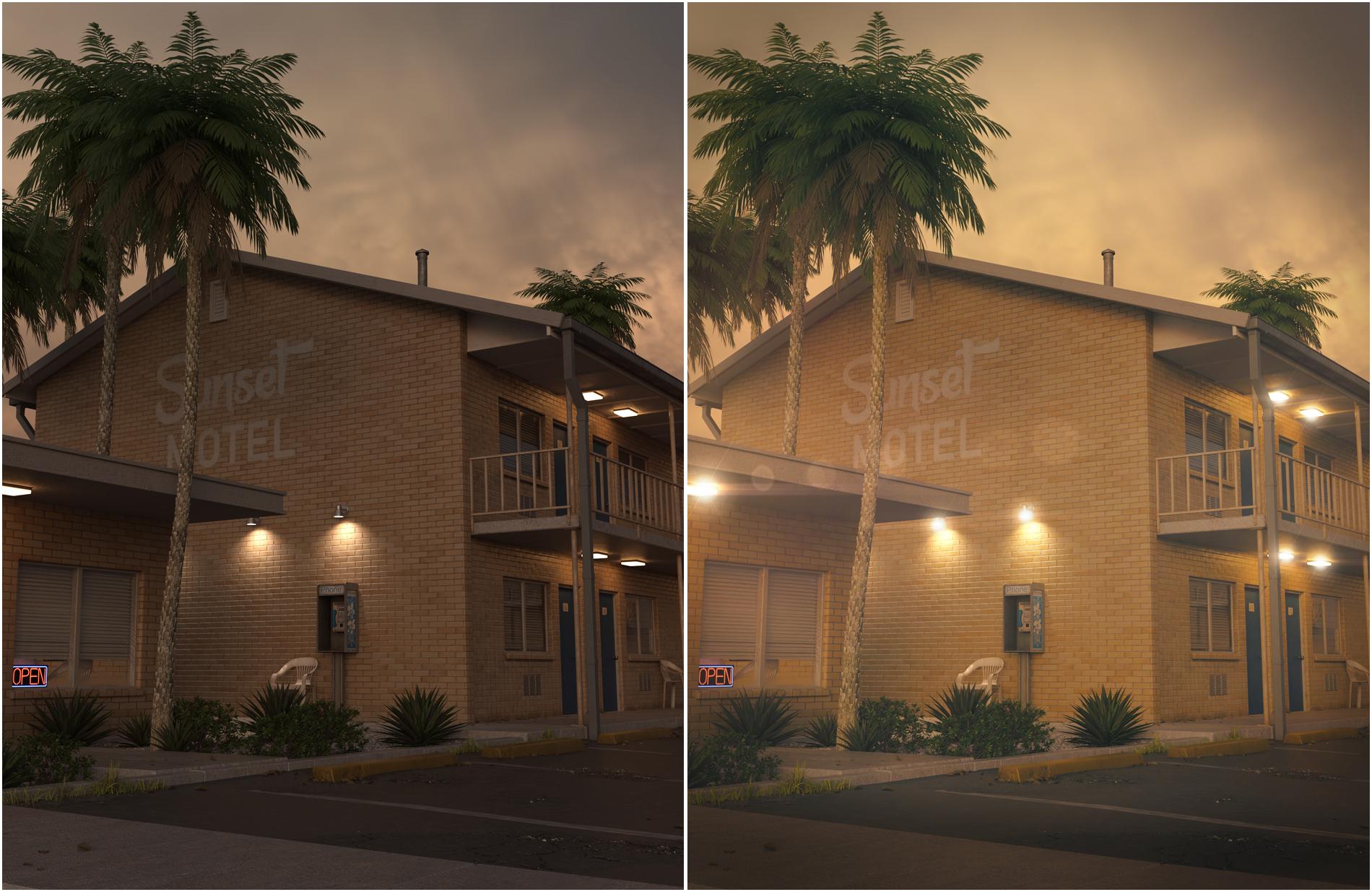
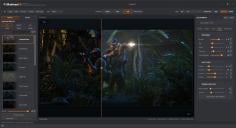
There’s colour grading, depth aware haze and atmospheric perspective, halation,bloom, anamorphic glare, lens flares, light leaks, film grain, vignette and chromatic aberration and more!...for depth of field You can click on the part of the image you want in focus and adjust the depth of field from there.
when rendering with MFX it uses canvasses to help with the post processing effects like dof and atmospherics,
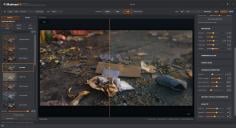
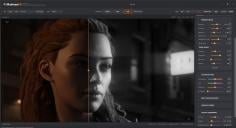
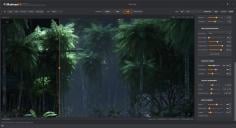
There's also a bunch of presets to get you started, and you can save your own looks too. The split view is handy for seeing how far you’ve taken things compared with the original.flip view to check composition,full screen view for a better look at the image.
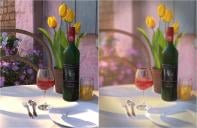
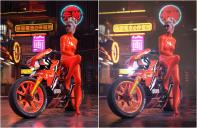
I've added a few examples below. It works with Daz Studio 4 and 6 on Windows.
https://www.daz3d.com/matineefx
Bonus points if anyone finds a couple of the hidden easter eggs

Daz 3D is part of 
Connect
DAZ Productions, Inc.
7533 S Center View Ct #4664
West Jordan, UT 84084
Licensing Agreement | Terms of Service | Privacy Policy | EULA
© 2026 Daz Productions Inc. All Rights Reserved.
Comments
Looks great
Awesome! I'm very interested in this.
Thank you for MatineeFX and creating this thread.
It was the fastest decision to purchase the item made by you.
All the best. Hope you will share more tips about its usage.
Just wonder what is the minimum version of Daz Studio 4 required for MatineeFX to work?
I am using Daz Studio version 4.24.0.3 and MatineeFX does not appear in Render menu.
Great that it works in DS6.
I like, how MatineeFX improves the render.
Used https://www.daz3d.com/dforce-cb-mollie-mae-outfit-for-genesis-8-females-bundle
on https://www.daz3d.com/lynelle-for-genesis-8-female-and-hollywood-mansion
Render DS6
Edited with MatineeFX https://www.daz3d.com/matineefx
Used preset Three-Strip Hollywood
This looks awesome, I will in time buy it :)
It shuld work fine in 4.24.
In DS4, could you open Help > About Installed Plugins and look for MatineeFX? If it’s listed, select it and post a screenshot showing its status and any error message.
Also, did you run INSTALL_MATINEEFX.bat from the DS4 package as well? Each Studio version needs its own MatineeFX installation.
This thread has solutions to install issues people may be having https://www.daz3d.com/forums/discussion/772721/matineefx-is-not-working#latest
Heya, StoneMason! Love your stuff and hoping to be able to give this a shot. I'm running 4.24.0.3. Plugin shows as installed when I look at Help > Installed Plugins. Green checkmark to the left of it. Daz Studio log file shows it being loaded with no visible errors or issues: "15:43:13.305 [VERBOSE] :: MatineeFX.dll". But I'm not seeing it listed anywhere in Daz to be used. There's no Pane for it, nothing in the Render pane/settings, nothing in the content library. Am I missing something?
Edit: Tried it on a second system that has Daz 6 installed. DIM says installed, but didn't show up in the plugins. So did it manually. Now shows in the plugin list, but still nothing in the render window. I have to wonder if it's related to the fact that the base content directory for both installations is non-standard? Both systems share a CMS directory that isn't part of the normal Daz install. But again, both installations show the plugin as active and the log says it's loaded without issue.
just to confirm..did you check the render menu?
...will it also work in 4.21? That is the latest version which works well with lttle trouble on my old hardware.