-
-
 NEW
NEW
-
-
-
$79.99
Optional License Add-Ons:
$1.99*Unless otherwise specified, no discounts or offers will apply to License Add‑Ons.
Optional License Add-Ons:
$1.99*Unless otherwise specified, no discounts or offers will apply to License Add‑Ons.
-
Details
Currently supports Windows Only.
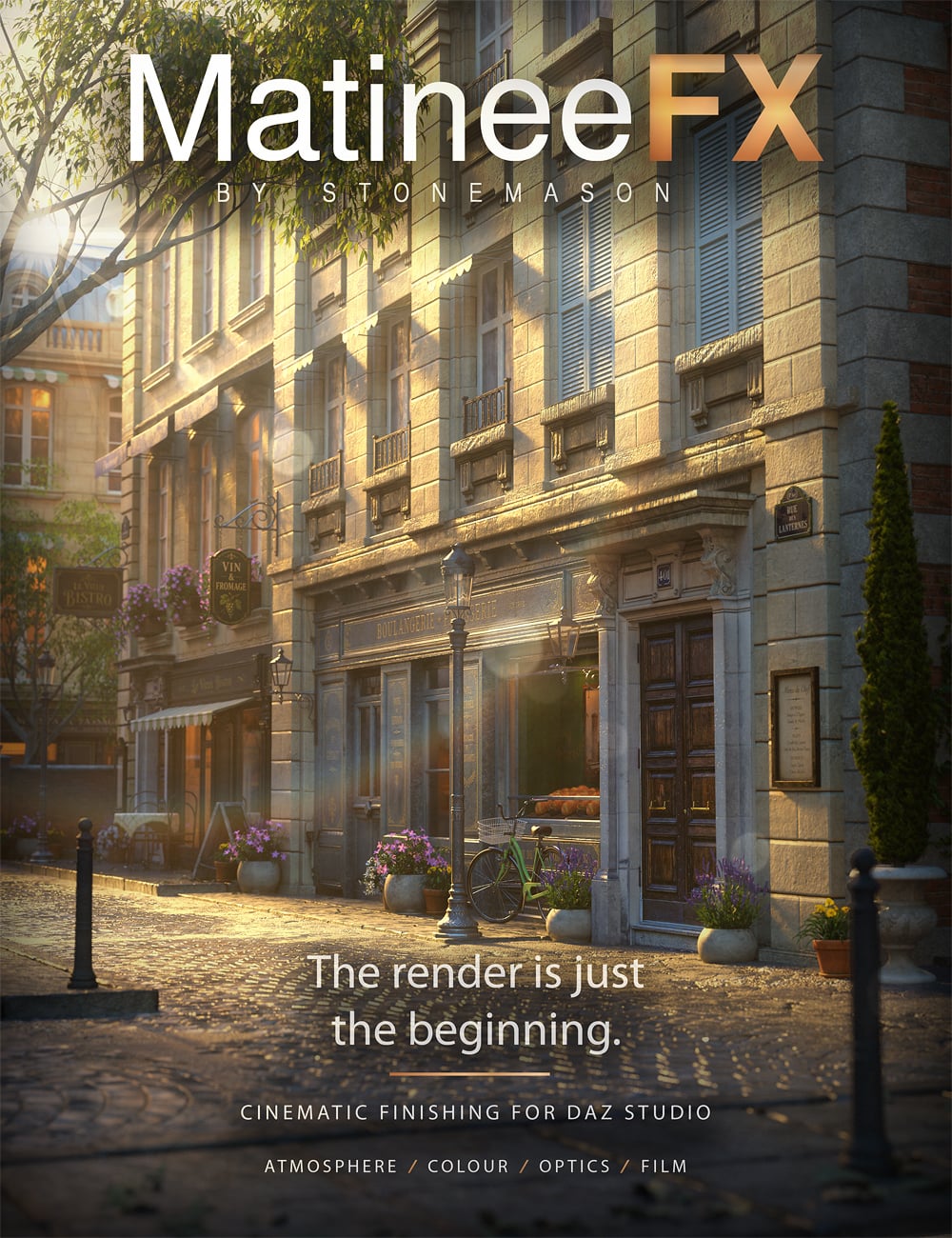
The render is just the beginning.
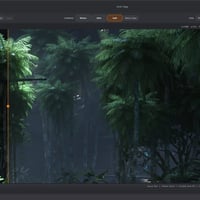
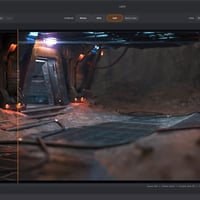
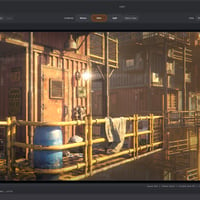
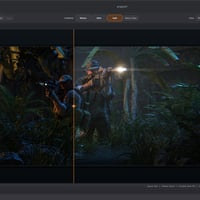
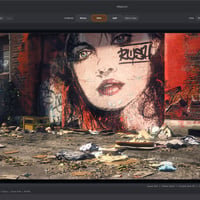
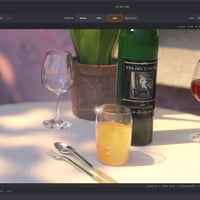
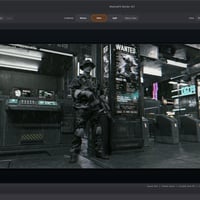
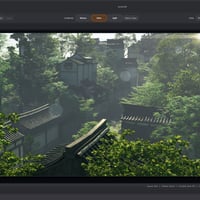
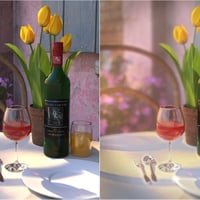
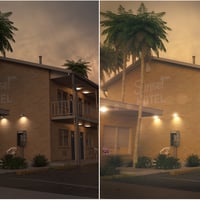
Bring your Iray renders to life with MatineeFX, a cinematic finishing workspace for DAZ Studio 4 and Daz Studio 6. Shape colour and contrast, build atmospheric depth, soften backgrounds and add the character of photographic lenses and film—all after your scene has rendered.
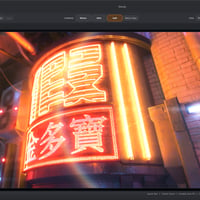
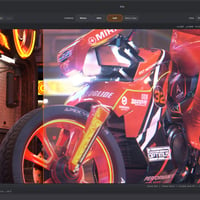
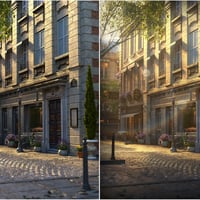
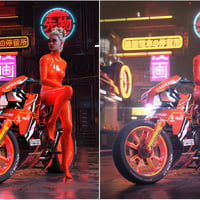
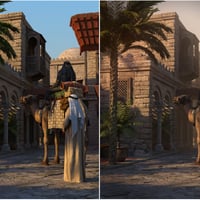
Give a sunlit courtyard a warm cinematic finish, bring luminous colour to a neon street, or draw attention to a portrait with carefully placed focus. Explore different treatments from the same captured render, compare the results and refine your image without rendering the scene again for each adjustment.
Render with MatineeFX captures the Beauty image and supporting passes, then opens the finishing workspace when rendering is complete. Automatic Float32 HDR handling uses available highlight information, while Distance and Emission data support depth-aware atmosphere, focus and optical effects.
Start with a creative preset or build your own look. From subtle colour correction to dramatic cinematic treatments, MatineeFX brings your finishing tools together in one dedicated workspace.
Features include:
-
Colour grading: exposure, contrast, midtones, shadow and highlight adjustments, colour balance and film-inspired colour response.
-
Atmosphere: depth-aware haze, textured atmospheric variation, ground fog and foreground depth shaping.
-
Depth of field: Pick Focus, adjustable focus range, near and far blur, aperture shapes and HDR highlight response.
-
Lens flares: individually placed and adjustable flares with anamorphic streaks, lens ghosts, rings, star glints and coating-inspired colour.
-
Light and glow: bloom, halation, anamorphic glare and veiling glare for effects ranging from gentle highlight diffusion to dramatic light streaks.
-
Lens and film character: chromatic aberration, vignette, lens dirt, light leaks, film grain and output sharpening.
-
Creative presets: explore built-in looks, adjust their strength and save your own recipes.
-
Clear comparisons: Before, After and Split views, individual effect bypass and full-resolution inspection.
-
Editable projects: save and reopen your work, create alternate versions and export finished images. Commit Look creates a flattened starting point for an additional finishing pass.
You can also open existing images for grading and supported effects. Depth-aware and HDR features require the appropriate source passes; image-based depth of field has limitations around transparency and complex overlapping edges.
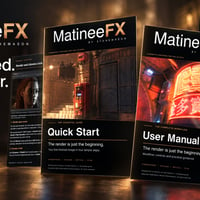
Includes an illustrated Quick Start Guide and User Manual.
Your scene. Your light. Your finishing touch.
Quick Installation:
- 1. Install the product via DIM. The plug-in files are located in your library under \General\Stonemason\MatineeFX
- 2. Run the MatineeFX_Setup.exe file
- 3. Be sure to select the correct version/file location
- 4. Refer to Matinee FX Installation Instructions.pdf located in the Manuals folder for more detailed information.
What's Included and Features
-
MatineeFX
- MatineeFX plug-in for DAZ Studio Windows Only.
- Dedicated cinematic finishing workspace.
- Render capture workflow for Beauty and supporting passes.
- Built-in creative presets, with controls to save your own.
- Project browser for saved sessions.
- Illustrated Quick Start Guide and User Manual.
- Colour Grading: Refine exposure, contrast, midtones, shadows, highlights, colour balance and saturation.
- HDR Highlight Control: Automatic Float32 Beauty support, highlight roll-off and white-point adjustment.
- Film Colour Response: Shape your image with film-inspired colour treatments.
- Depth of Field: Depth-aware near and far blur, Pick Focus, adjustable focus range, aperture shapes and HDR highlight response.
- Atmosphere: Add depth-aware haze, ground fog and textured atmospheric variation.
- Lens Flares: Place and adjust flares featuring anamorphic streaks, lens ghosts, rings, star glints and coating-inspired colour.
- Bloom and Halation: Create soft highlight diffusion and glowing edges around bright areas.
- Anamorphic and Veiling Glare: Add directional light streaks and broad, luminous glare.
- Lens Character: Chromatic aberration, vignette, lens dirt and light leaks.
- Film Grain and Sharpening: Add texture and refine detail for your finished image.
- Creative Presets: Apply built-in looks, adjust their strength and save custom presets.
- Comparison Tools: Before, After and Split views, individual effect bypass, zoom and full-resolution inspection.
- Editable Sessions: Save and reopen projects, preserve adjustments and create alternate versions.
- Commit Look: Flatten your current treatment into a new project for an additional finishing pass.
- Image Export: Save your finished image at full resolution.
- Existing Image Support: Open images for grading and effects supported by the available source data.
- Compatible with DAZ Studio 4 and DAZ Studio 6 on Windows. Install the matching version of MatineeFX for your DAZ Studio edition.
- Quick Installation:
- 1. Install the product via DIM. The plug-in files are located in your library under \General\Stonemason\MatineeFX
- 2. Run the MatineeFX_Setup.exe file
- 3. Be sure to select the correct version/file location
- 4. Refer to Matinee FX Installation Instructions.pdf located in the Manuals folder for more detailed information.
Notes
- This product includes:
- 1. General installer for Windows
-



Daz 3D is part of 
Connect
DAZ Productions, Inc.
7533 S Center View Ct #4664
West Jordan, UT 84084
Licensing Agreement | Terms of Service | Privacy Policy | EULA
© 2026 Daz Productions Inc. All Rights Reserved.