-
AOBB's Luminous v4 for G8.1F (aka Audrey Hepburn). No materials nor textures included.
I have a question as you are so good at sculpting. I am using the DAZ Originals Genesis 9 Head Shapes in trying to dial in the morphs to look like Debbie Harry (about 1976 - 1979) and Linda Ronstadt (also about 1976 - 1979). I am trying Debbie Harry first. In trying to dial in her nose bulb I notice if looks as if two smaller nose bulbs are fused into a larger nose bulb. There is no morph dial to do such. Is this the sort of thing you sculpt in zBrush? Have you ever sculpted in Blender?
Bed, Roll Tube Frame, with some frame morphs and bunk option.I had a vision of this bed while waking from a dream. So I modeled it.
Looks like something you might get at a Scan store or Cost+.
SHORTCOMINGS ---------------------------------------------------------------------------------------------------------
The materials presets for changing the resolution of the image on the mattress don't work on the separate mattress prop.
They only work when the mattress is parented to a bed frame.VERSIONS AND FEATURES ------------------------------------------------------------------------------------------------
This model has a Daz Studio version and an .obj version.
The Daz Studio version has morphs for the frame, in the Parameters tab.
The .obj version does not have these morphs, of course.
But I do include the morph "target" files in case you want to set up the morphs in other programs.
Also, the .obj version files all say "V1". This is fine, as this V2 release has no effect on the raw geometry
or morph target geometry.
MATERIALS -----------------------------------------------------------------------------------------------------------The Daz Studio version has 4 materials presets for convenience.
Default Materials - restores all the materials to the default.
Black Frame - makes the frame black.
Blue Frame - makes the frame blue.
Orange Frame - makes the frame orange.
The picture on the mattress is one I made called "Dantasm":
https://www.deviantart.com/luqu/art/Dantasm-919484673But of course, texture the mattress with other colors or pictures as you please.
The .obj version has no materials applied at all. You’ll need to apply them yourself.
The material zones are all well labeled, in English.Hey, guys, I want to ask you some questions about dazTo repeat, there is no Daz Studio 4.2 - version numbers are not decimal numbers, the full version is four integers separated by dots. I don't know what you are doing to want to merge a figure, and I don't recall that command's ever being available.
Which is being changed by the wrapping? If you make the imported, base resolution, no add-ons Genesis 8 figure have the same shape as the Blender model then you can export it as OBJ and load it through Edit>Figure>Morph Loader Pro - this requires having the option to preserve vertex order set in Blender on import and export, and you need to make sure you are using the same preset in the Daz Studio export and import dialogues. This will give you a morph that will make the rigged Genesis 8 figure match the Blender item's shape, though you will probably then need to use Edit>Figure>Rigging>Adjust Rigging To Shape to get good posing.
Alternatively, if you are making the shape of the Blender figure match the shape of the Genesis 8 figure then you could import the OBJ of the Blender figure and use Edit>Object>Transfer Utility, set the Source figure to Genesis 8, set the Target to the imported OBJ, and click Accept to get a version of the Blender figure that posed like Genesis 8. That would then be likely to need a lot of adjustments and morphs to make it usable, and because it used the Genesis 8 rigging it could not be shared as a stand-alone figure (the Transfer Utility is there for creating add-on like clothes).
Hey, guys, I want to ask you some questions about dazHere's the thing. I want to add the human skeleton of DAZ to the blender's character model. Then I follow the teaching video step by step until I just found a serious problem. My DAZ does not have the option Merge Fitted Figure (s) Geometry. Because the DAZ version of the teaching video is 4.1, my DAZ version is 4.2.
The teaching video means that first use Morph Loader Pro..., then use Merge Fitted Figure (s) Geometry to export. I want to ask if 4.2 has this function. If not, do I need to download another version?
split morphs ?Is there a script, that can split a morph into a left and a right side morph?
3090 with pcie3 and win7 daz 4.20 will this work?I can upgrade the card or the mobo and processors
---
I know the 3090 will lose transfer rate in pci3 slot but how does the effect the overall preformance
Will the 3090 run with the driver for win 7?---
newest driver is 474.06[Released] ManFriday's Mesh Grabber [Commercial]lamoid_5f20d3e469 said:
New meshgrabber problems. For some reason, my MG changes are not saving with a model or a scene. When I reload tthe scene, the changes are gone. This just started. Also, the undo function is not working. Is anyone else having these problems?
Update. I opened a new scene. I put a 1m x 1m plane primitive in it. Then I used MG to grab the center vertex an pull it up until the plane became a mound or a hill shape. Then I saved it as a scene. Then I reloaded it. The morph was gone. just a flat plane again.
I imported a cube and did some random grabs on it. Saved it as both a scene subset and a scene and the changes were still there when I reopened the files. I'm using DS 4.21.0.5.
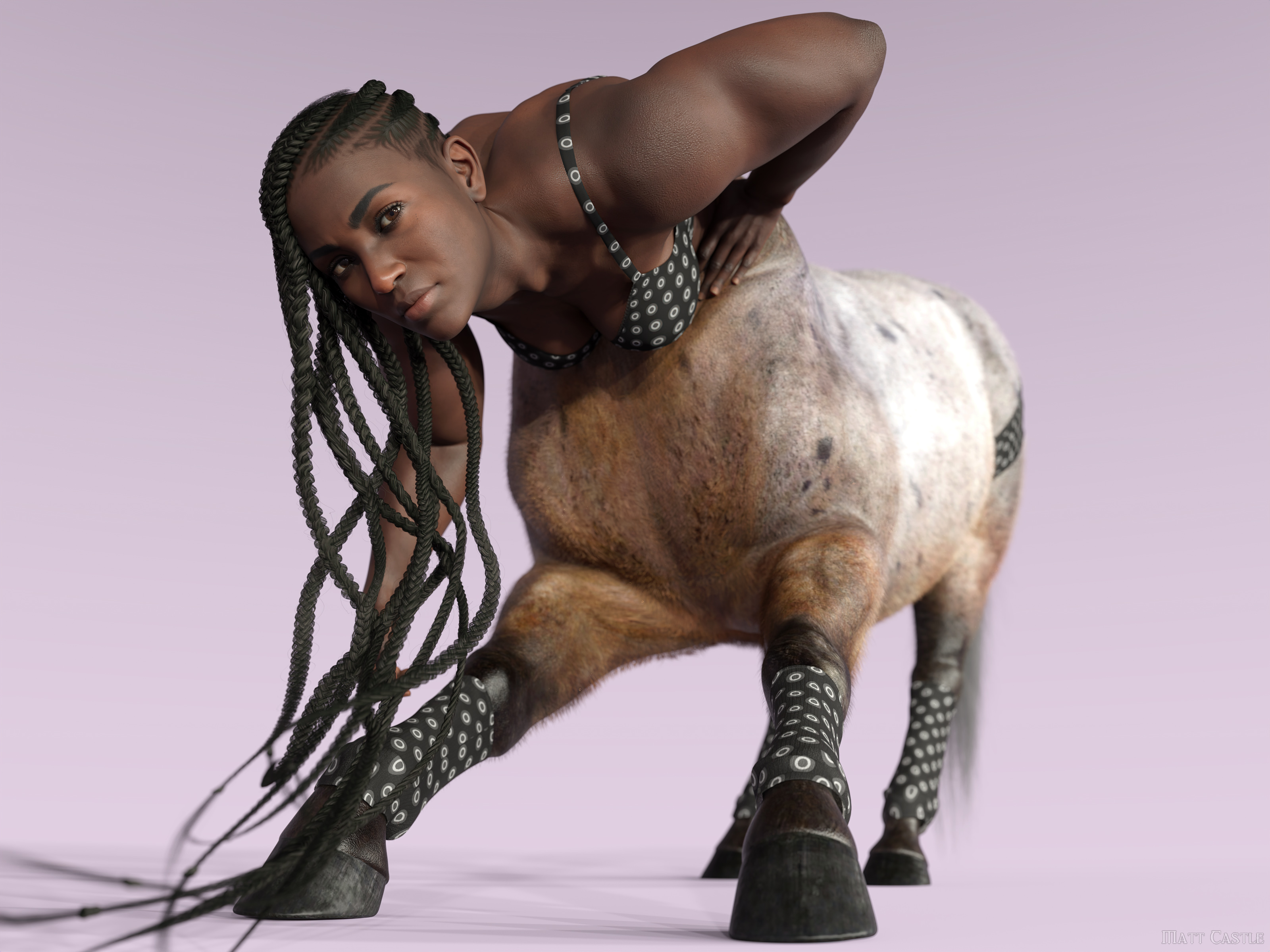
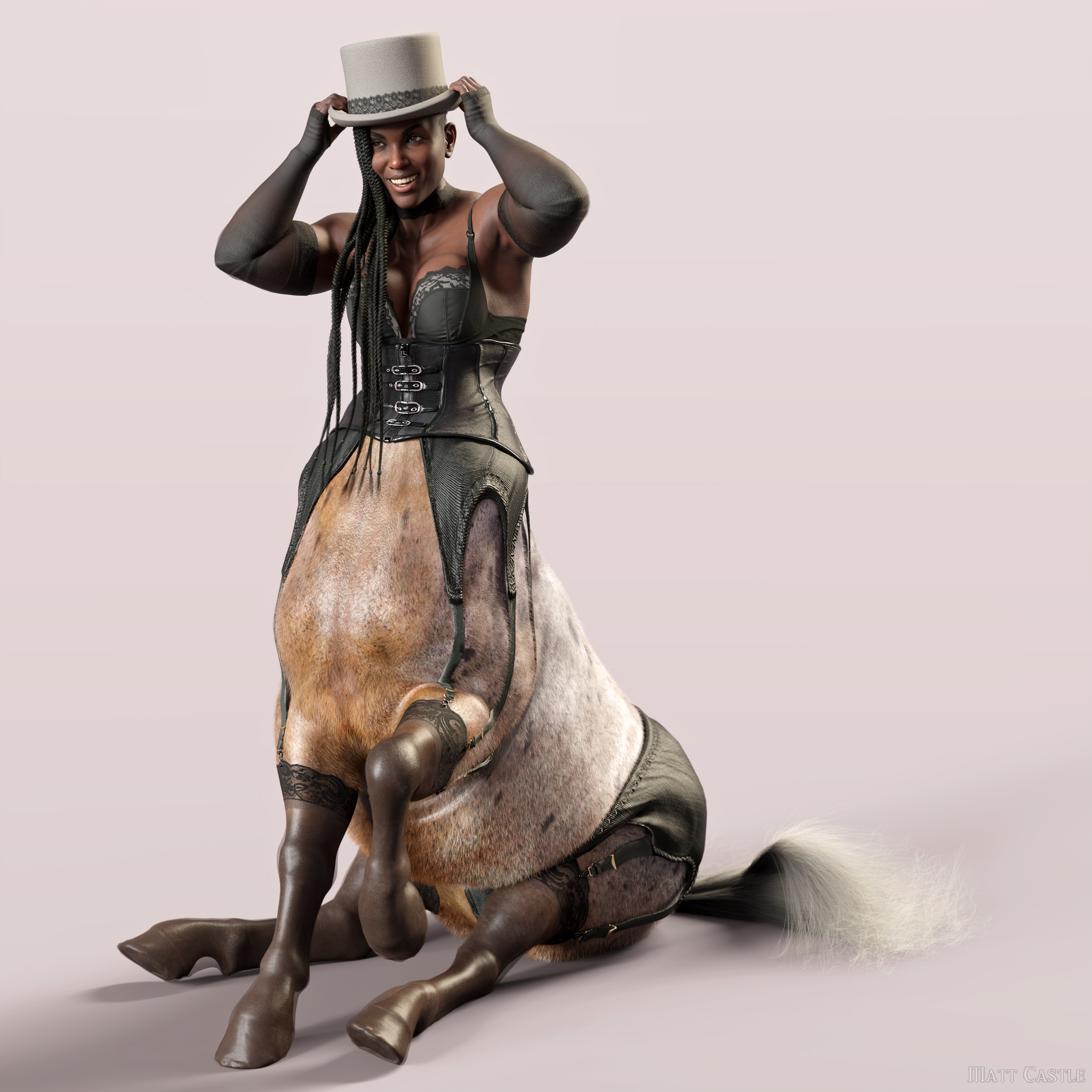
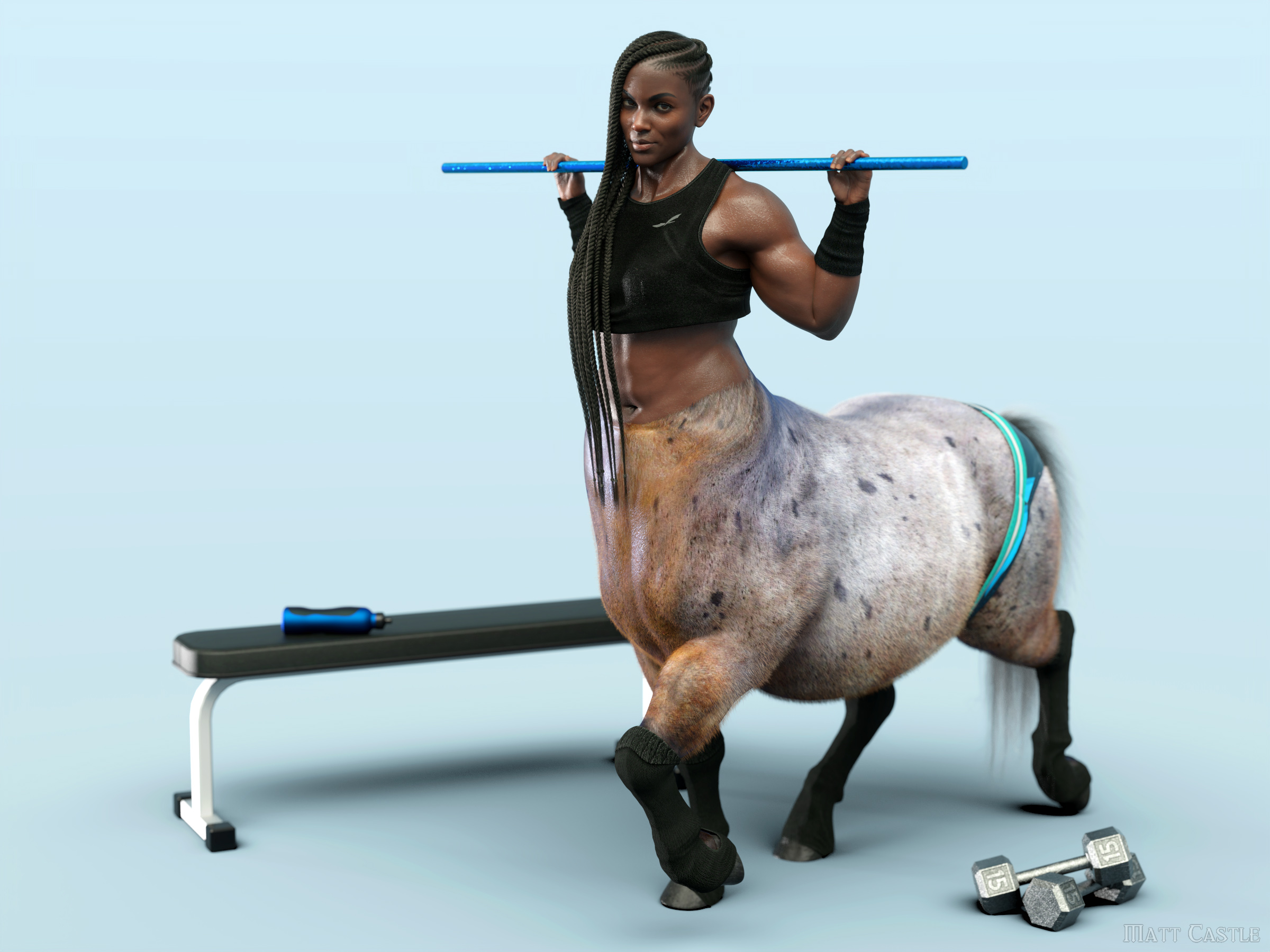
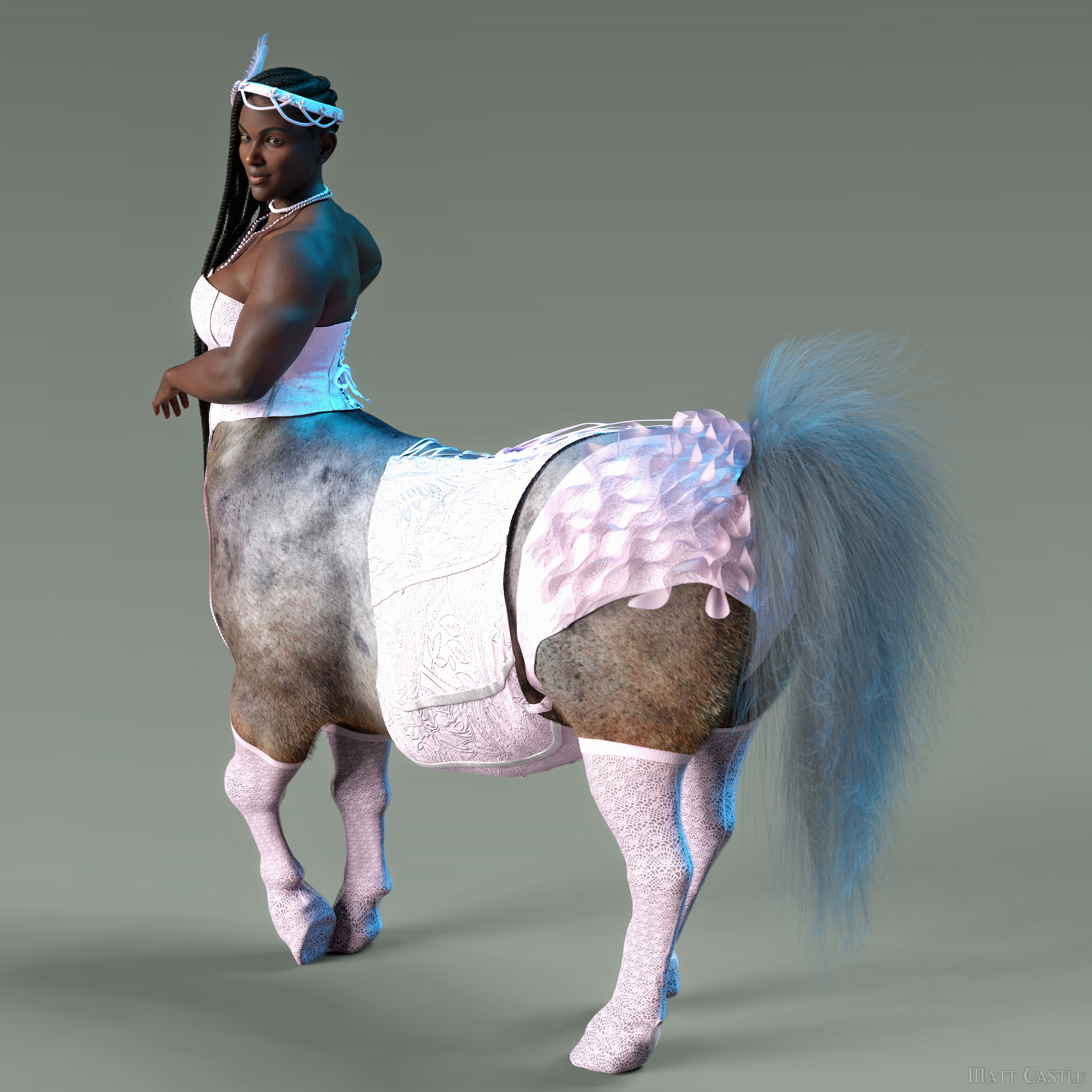
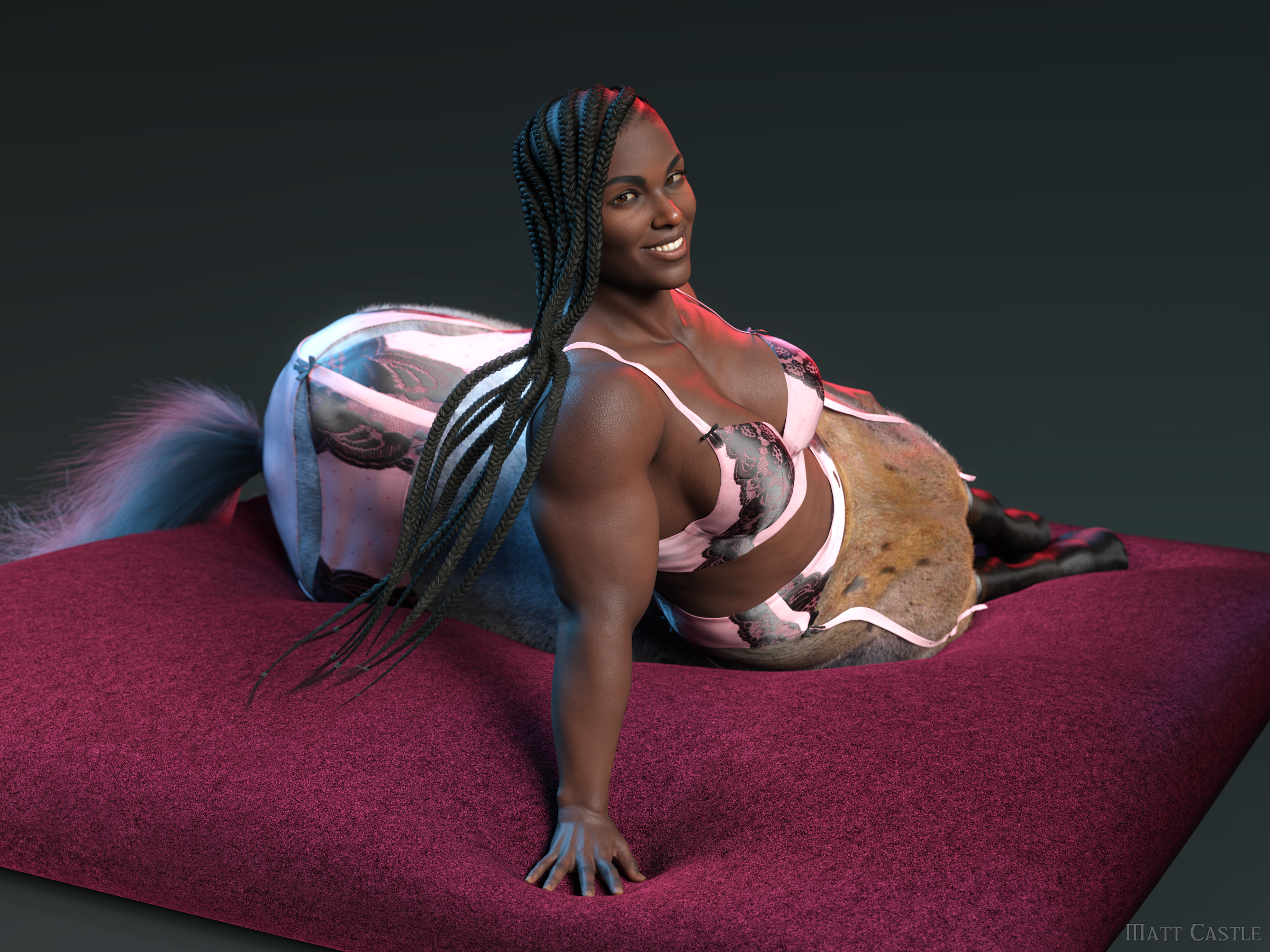
Matt Castle does some stuffI've been in something of a rut lately, and decided I needed to do a rapid fire photoshoot series.
However, it would however have to be a silly series. So I decided to try updating my centaur clothing fit tools and convert over some underwear sets.
This one is actually my own custom underwear set combined with socks converted from an old Horse 2 pack by Karth:Herschel Hoffmeyer's Mystique set:
A mix of Danie/Marforno's Fit N' Sexy, OutOfTouch's Active Lingerie and Anna Benjamin's/Barbard Brundon's Ballet Practice. (The briefs and socks from the Fit N' Sexy set didn't transfer well).
xtrart-3d's Crow Lace Lingerie:
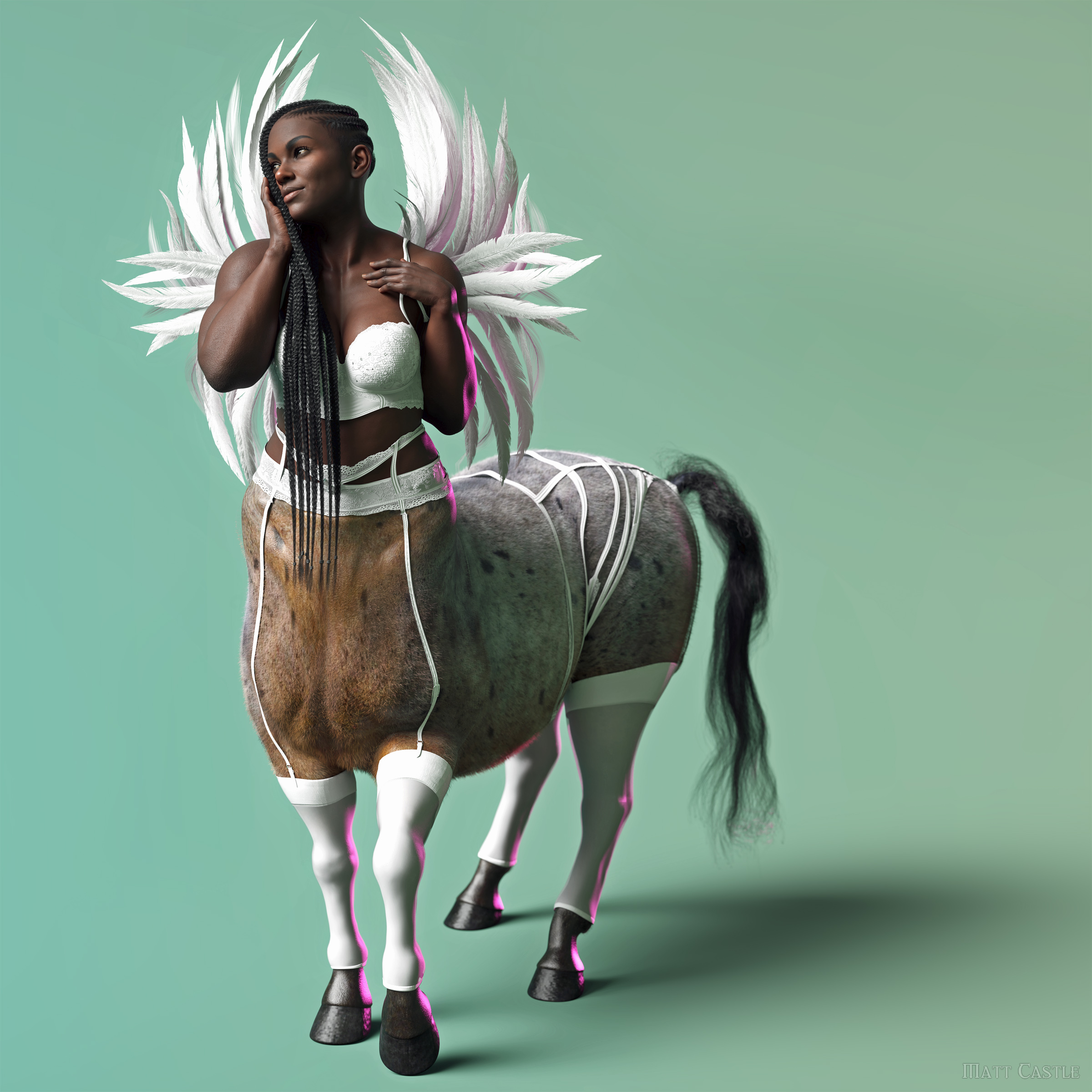
Gallery Link
1920s Boudoir set by Barbara Brundon/Moonscape Graphics/Sade:And OutOfTouch's Tessa Lingerie:
Show Us Your Iray Renders. Part VIIII've been in something of a rut lately, and decided I needed to do a rapid fire photoshoot series.
However, it would however have to be a silly series. So I decided to try updating my centaur clothing fit tools and convert over some underwear sets.
This one is actually my own custom underwear set combined with socks converted from an old Horse 2 pack by Karth:Herschel Hoffmeyer's Mystique set:
A mix of Danie/Marforno's Fit N' Sexy, OutOfTouch's Active Lingerie and Anna Benjamin's/Barbard Brundon's Ballet Practice. (The briefs and socks from the Fit N' Sexy set didn't transfer well).
xtrart-3d's Crow Lace Lingerie:
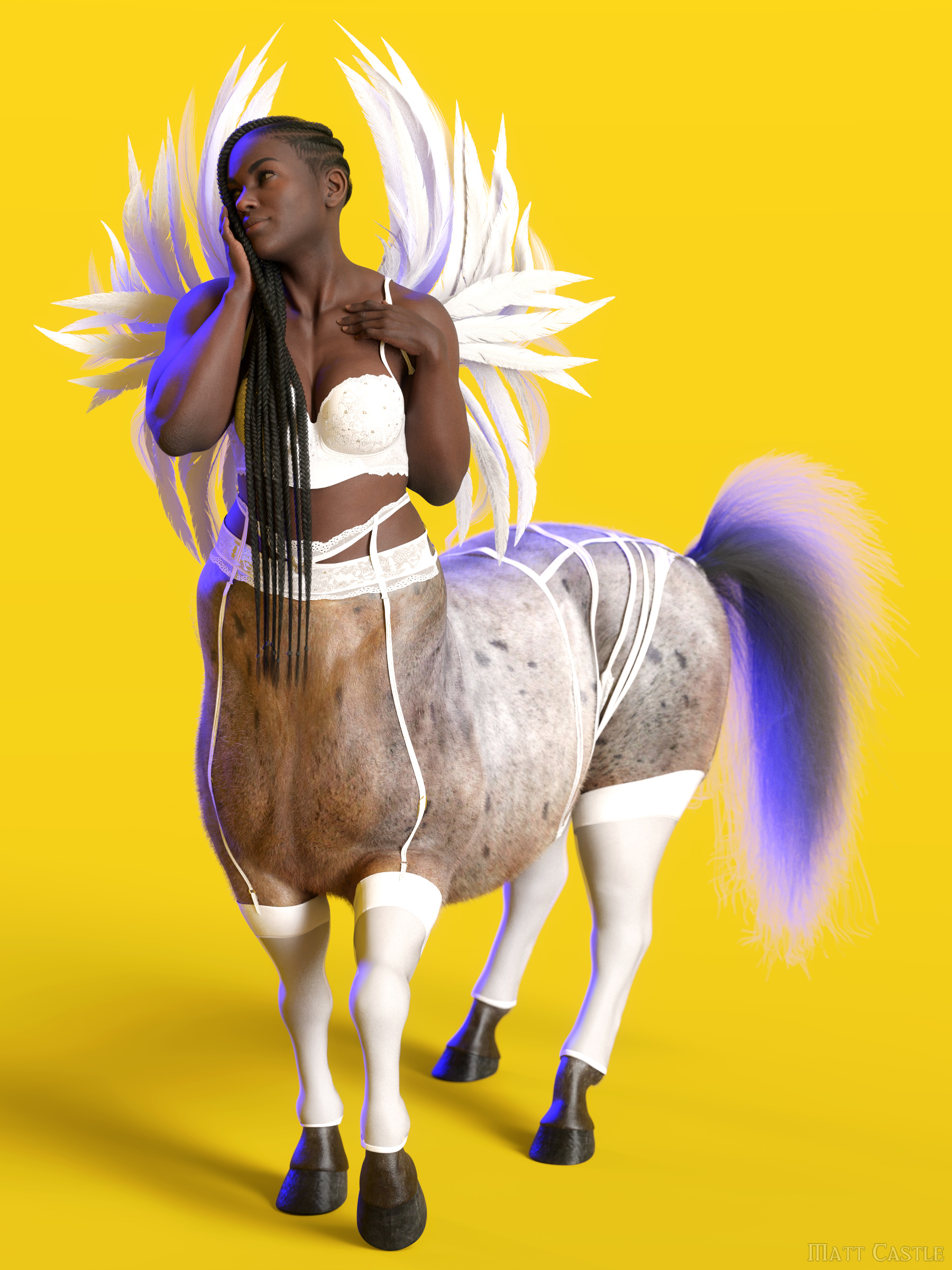
Gallery Link
1920s Boudoir set by Barbara Brundon/Moonscape Graphics/Sade:And OutOfTouch's Tessa Lingerie:
AIUTO...CHI CONOSCE L’ITALIANO? PARTE TREDICIGrazie a tutti ragazzi per i suggerimenti. Alla fine ho acquistato Geo-Grafting Navel and Nipples for Genesis 9 perchè contiene anche una morph per abbassare l'ombelico. Direi che sono soddisfatto!
Mid-way through 2022 a new Sales Thread:Report Issues Here "There's Always Another Sale™"Chatjd said:
The 10% discount on the "Michael 9 HD" mega bundle if you buy an Essential New Release is broken (Note, this is not the Michael 9 Keeping it Casual Mega bundle page but the original Michael 9 HD sale which is still pinned in the rotating banners on the front page). The Michael 9 HD mega bundle is listed on sale for $132.78 (or 51% off) since I'm a Daz+ member on the sale page. When I add the bundle to the cart, it remains at 132.78. When I add the 10% off the mega bundle Essential New Release from that sale page (in this case the Body Morph Kit for Genesis 9), the 10% (or stacking percentage) is not taken off. The amount in the cart should be 119.51 (or 10% of 132.79 = 13.28).
I'm afraid this aspect of the promo ended on Tuesday night, to make way for the new Michael 9 bundles.
Shape Rigger Plus(Commercial)This rigs morph dials. I am confused as to how you are setting this up. Send me a pm pls
Shape Rigger Plus(Commercial)Something is off though, since the morphs are saved as Genesis 8 morphs, and each time I load a base G8 female, the morphs are there. What I want and need, is a custom character that can be loaded. Not a morph dial.
Mid-way through 2022 a new Sales Thread:Report Issues Here "There's Always Another Sale™"The 10% discount on the "Michael 9 HD" mega bundle if you buy an Essential New Release is broken (Note, this is not the Michael 9 Keeping it Casual Mega bundle page but the original Michael 9 HD sale which is still pinned in the rotating banners on the front page). The Michael 9 HD mega bundle is listed on sale for $132.78 (or 51% off) since I'm a Daz+ member on the sale page. When I add the bundle to the cart, it remains at 132.78. When I add the 10% off the mega bundle Essential New Release from that sale page (in this case the Body Morph Kit for Genesis 9), the 10% (or stacking percentage) is not taken off. The amount in the cart should be 119.51 (or 10% of 132.79 = 13.28).
https://www.daz3d.com/introducing-michael-9-hd
Hey, guys, I want to ask you some questions about daz事情是这样的。我想把DAZ的人体骨骼添加到搅拌机的角色模型中。然后我一步一步跟着教学视频走,直到我刚刚发现一个严重的问题。我的DAZ没有合并拟合图形几何的选项。因为DAZ版本的教学视频是4.1,我的DAZ版本是4.2。
The teaching video means that first use Morph Loader Pro..., then use Merge Fitted Figure (s) Geometry to export. I want to ask if 4.2 has this function. If not, do I need to download another version?
Because I'm an idiot who can't use software,
So this is really important to me, please. Thank you
AIUTO...CHI CONOSCE L’ITALIANO? PARTE TREDICIImago said:
menghienrico said:
Buongiorno a tutti! Ho adattato per Genesis 9, un personaggio, utilizzando il software Wrap3. La morph è venuta bene, ma vorrei abbassare l'ombelico. Purtroppo le morph disponibili per Genesis 9 sono ancora poche e fra queste non c'è questa opzione. Ho provato ad esportare la morph del personaggio per modificarla con Blender ma purtroppo esportandola in risoluzione base, l'ombelico sparisce perché è visibile solo in hd. Secondo voi come potrei fare, se è fattibile?
Proprio quello di cui parlavo...
 Ragazzone, che mi dici adesso? E' bello per gli utenti avere pezzi di personaggio in giro per la scena?
Ma non è in giro per la scena ma solo in risoluzione più alta l'ombellico, altre parti concordo come ciglia o simili.
Per l'ombellico da abbassare cmq puoi rifarlo tu la parte in blender no?Shape Rigger Plus(Commercial)Zev0 said:
Hi. I need to see the figure dialed up and the bones.
Hey, here's a screenshot with bones... Also, a screenshot with the morph at 0, showing proper fitting of hair + eyelashes (towards original G8 female shape).
Dartanbeck's Journey - CG Filmmaking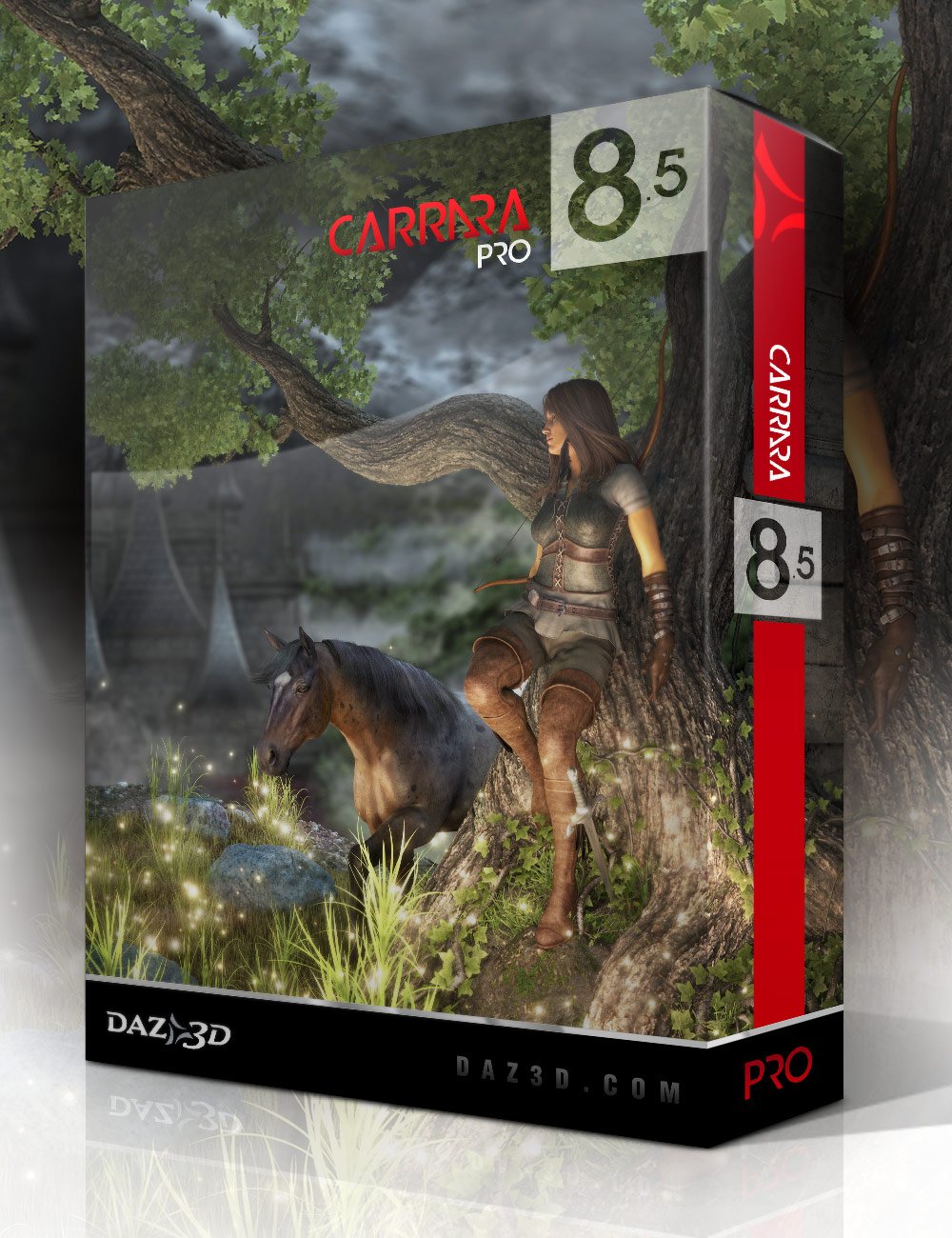 Do you have Carrara?
A Word About Carrara 8.5 Pro
It's not hard to find my words of enthusiasm about Carrara or Daz 3d. It's hard, right now for me not to just start talking about all of the things I love about it. But I had a point, and I want to stick with it.
Diomede has been putting up some wonderful tutorial info regarding Marvellous Designer and dForce, which brings me to writing this post.
I, too, have been playing around with dForce a Lot lately. One huge finding for me is that dForce opens up a whole new realm of costume design, because with its magic, I can use pretty much any clothing with any figure.
Hexagon has a handy bridge to and from Daz Studio, which is a real treat. Carrara truly is nearly that simple with its export OBJ options to include Daz Studio scaling options - and then Studio has Carrara inport/export options. Both allow us to bring the figure in question into the workspace without any special voodoo, which is handy. But it is Carrara that allows us to also use morphs and rigging, even if we're not going to animate and render within.
In Carrara I can load in my target figure, say Genesis, and then morph it around and still model to fit it.
Anyway, Carrara 8.5 Pro is a friendly environment for so many things. Setting up cloth mesh for great use in dForce is no exception.
If you don't already have Carrara 8.5 Pro, it's almost always so inexpensive these days that it's far more worth its weight simply through the wealth of great legacy content that comes with it!
Here's a fun little pictoral article on What Comes with Carrara 8.5 Pro?
These legacy Genesis items are still an invaluable part of my asset inventory. Carrara also includes Carrara surface shaders for M5 and V5 to get you started rendering them in Carrara.
On the fence about Carrara but have always wondered about it?
Dartanbeck.com has a lot of information that might help you decide:
Carrara Zone - a short landing page and container for the Carrara Zone with some pertinent links
Carrara Info - contains links to actual Carrara Discussion Forum threads started with that topic
- Cripeman Memorial - a dedication to a fallen friend with links to his many (Many) Carrara video tutorials, which are both entertaining and essential
- Carrara Plugins - an edited version of Jay Nola's Carrara Plugins Info and FAQ with updated info - with links to the plugins themselves
- History of Carrara - a fun walk through the years of Carrara's wonderful existence!
- Free e-zines: Carrara Cafe (with its wonderful Carrara 3D Expo e-zine) and 3DXtract - AMAPI and Carrara e-zine
- Physics and Particles - a special collection of videos, links and information regarding the topics
- GKDantas' Carrara Video Demonstrations - a list (with links) of excellent video help and demos by this awesome Carrara artist
- a lot more
And then there's another section geared more toward my endeavors to create CG films:
Carrara CG Workshop - a landing page and container for the articles within, which also explains the layout a bitStory - we have to start somewhere, right?
- What Happened on Odysseon Station? - a talk about using content to drive and inspire a story
- Rosie and the Winter Wolf - Using themed content to help with the story
Pacing and Rendering - a short article based on observations and needs
Pre-Production Phase - What do we need to do to get ready?
- Concept Art - designing the look - includes SS Marcoor Kit Bash - kit bashing to make your vision come to the screen
- Scene (Stage) - a landing page which will feature more in the future. Currently has my methods for Volumetric Lighting (video tutorial)
- Character Setup - a landing page with a lot of my work links. I've been busy with this one. I won't list them all here.
Production Phase - a landing page and container for the subject with links
- Animating - a landing page with links and info which currently includes aniMate 2 (article, links, video help) and Hybrid aniMation - aniBlocks and Key Framing by hand
Post Production Phase is currently empty because I'm not there yet ;)
No one asked me - Diomede screenshots on whatever - Warning AI Discussion OKModeling and Rigging Simple Shirt for Genesis 9 in Carrara
Genesis 9 can be converted and saved as a character reset for use in Carrara. These posts will show how to model a very simple shirt around the Genesis 9 base. It will also show how to use Daz Studio's transfer utility to do a smple rigging of the garment.
AIUTO...CHI CONOSCE L’ITALIANO? PARTE TREDICImenghienrico said:
Buongiorno a tutti! Ho adattato per Genesis 9, un personaggio, utilizzando il software Wrap3. La morph è venuta bene, ma vorrei abbassare l'ombelico. Purtroppo le morph disponibili per Genesis 9 sono ancora poche e fra queste non c'è questa opzione. Ho provato ad esportare la morph del personaggio per modificarla con Blender ma purtroppo esportandola in risoluzione base, l'ombelico sparisce perché è visibile solo in hd. Secondo voi come potrei fare, se è fattibile?
Proprio quello di cui parlavo...
Ragazzone, che mi dici adesso? E' bello per gli utenti avere pezzi di personaggio in giro per la scena?Puoi comprare l'ombelico dallo store e sperare che vada ne punto giusto sul tuo personaggio, scolpirne uno utilizzando la mesh base o creare tu stesso un tuo GeoGraft.
Ma ti devo chiedere come mai hai scelto un metodo così costoso per trasferire il personaggio, puoi fare tutto gratuitamente da dentro DAZ Studio stesso, con un rapido salto su Hexagon o Blender.

Daz 3D is part of

Connect
DAZ Productions, Inc.
7533 S Center View Ct #4664
West Jordan, UT 84084Licensing Agreement | Terms of Service | Privacy Policy | EULA
© 2026 Daz Productions Inc. All Rights Reserved.