-
Holiday Gifts from Daz PAs
I really like this freebie: https://www.daz3d.com/reindeer-irradiator-and-poses
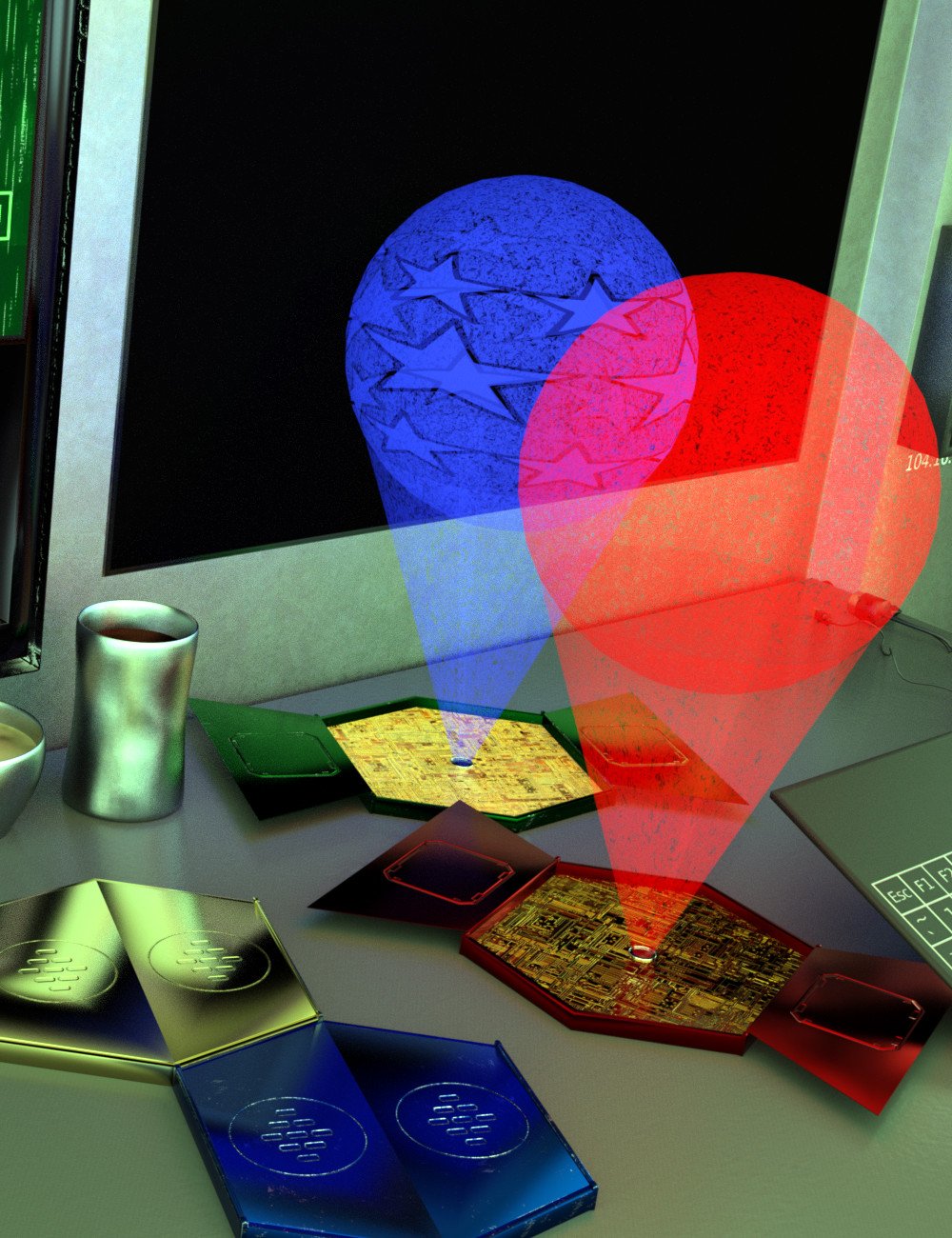
Awesome, and I love that poses for both Genesis 8 and the new gnomes are included. And the morphing beam is included too. The choice of the name of the product made me chuckle, well played.

Naturally, the second freebie is amazing too: https://www.daz3d.com/sbibb-kitten-poses-and-morph
I do have some scenes in mind with a kitten or two, and this will help me a lot.
Thank you FeralFey, Orestes Graphics and SBibb and Merry Christmas to you all.
 Novica & Forum Members Tips & Product Reviews Pt 13
Farren HD (G8F) Adventure Outfit (G8F) dForce Low Bang Hair (G8F/M) Orestes Iray HDRI Environments- Autumn Creek
I really love the Autumn Creek HDRI, you get a lot of options when you pan around/ move the HDRI. This is 03 in the options. Showing you the Luminar results, and btw that bundle ends today so HOP on it. If you don't know what I'm talking about, ask here NOW as there's only an hour and a half left to get that fantastic graphic program CHEAP. I love the sharpen- it offers three sliders for small, medium, and large details, then another one for overall sharpen. You can saturate just the lips, put more color in just the lips, enlarge just the eyes, whiten the eyes, whiten the teeth- it's amazing artificial intelligence. (AI) You can also change the color hue of just the midtones, the shadows, etc. And the collections, skies and clouds which come with the bundle are so much fun to play with!
Compare these before and afters, using Luminar.
First is the default Farrin. Second is with Photoshop to fix pokethrough, then Luminar did everything else. Click back and forth. On the closeup one, I handpainted the hair area in Photoshop, but all the lighting, saturation, sharpening was 100% Luminar.
Iray Stand Kit [Commercial]thanks a lot @3Diva was an HDRI from Orestes ( might have been summmers day ) and yep well spotted it is indeed Freja wanted an adventurer that looked strong enough to swing through the trees and keep going ;)
Holiday Gifts from Daz PAsHappy Holidays everyone! Here's a list of the 2020 Daz PA Holiday Gifts! I'll do my best to keep it updated daily.
1 - dForce Myles Beard for Genesis 8 Male(s) from AprilYSH

2 - Turk Light from 3djoji

5 - Metal Choker for Geneis 8 Males from tentman

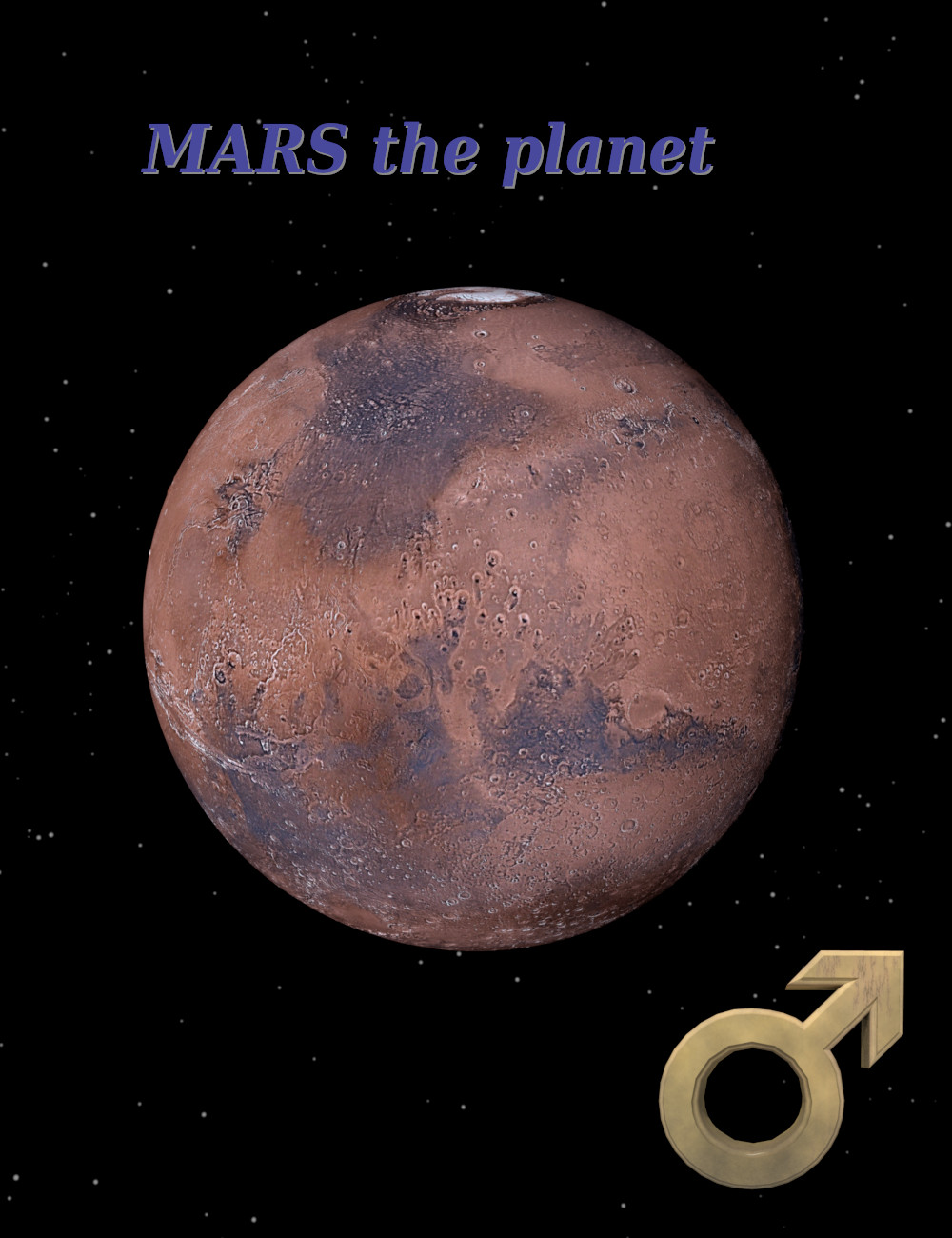
6 - Mars the planet from Alvin Bemar
7 - DigiVault's Outer Marker from The DigiVault

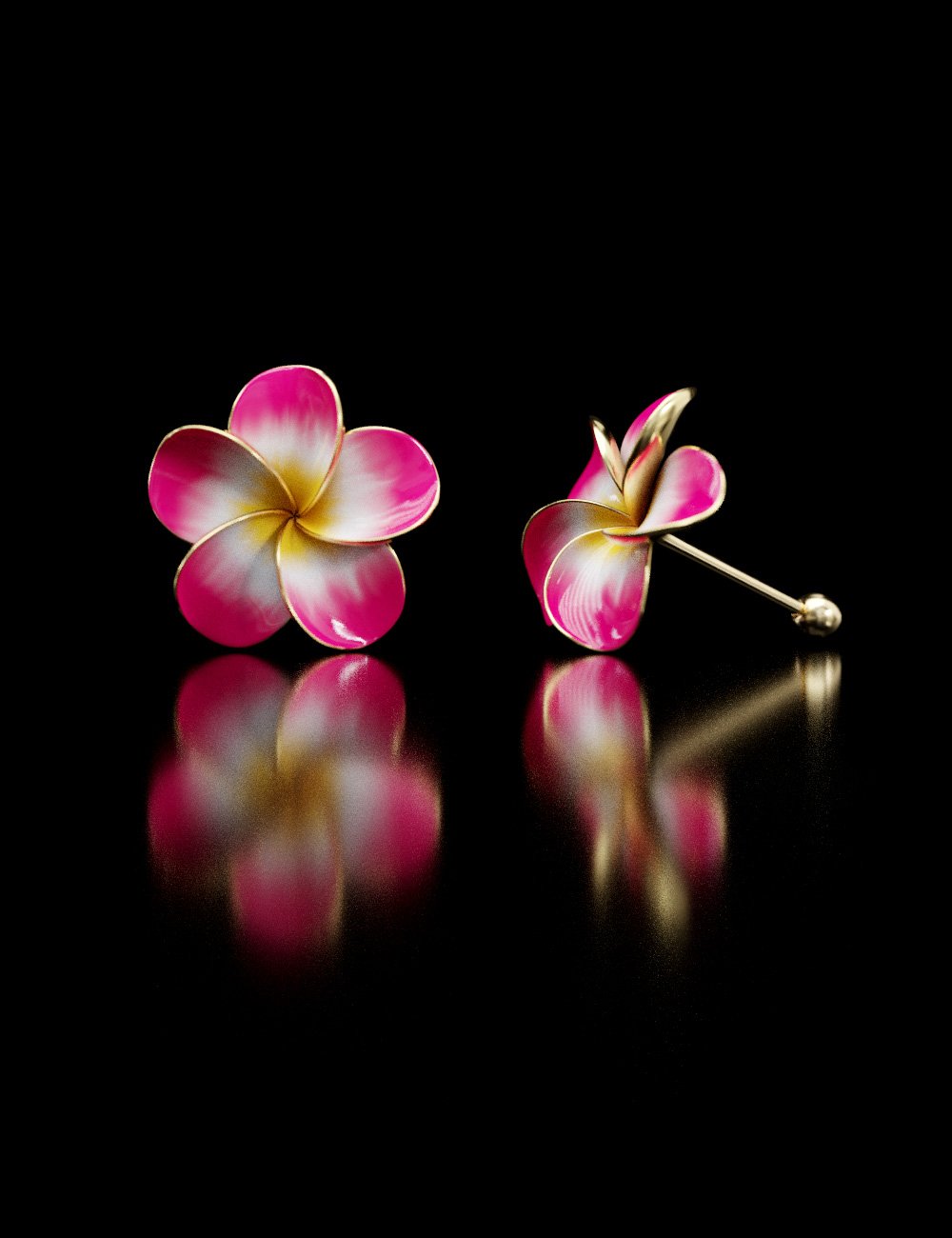
8 - Plumeria Earrings for Genesis 8 and Genesis 3 Female from Hypertaf
9 - Pudding a la Mode from sugatak

10 - A Glass and Bottle of Champagne from Muscleman

11 - Bone Earring for Genesis 8 Male from TwiztedMetal

12 - Xmas Logs from Wee Dangerous John

13 - Jepe's WonderPlant CF from Jepe

14 - The Austerity Christmas Tree - Holiday Ornament from MartinJFrost

15 - MD Table Clock from MikeD

16 - Holiday Hallway from Studio360
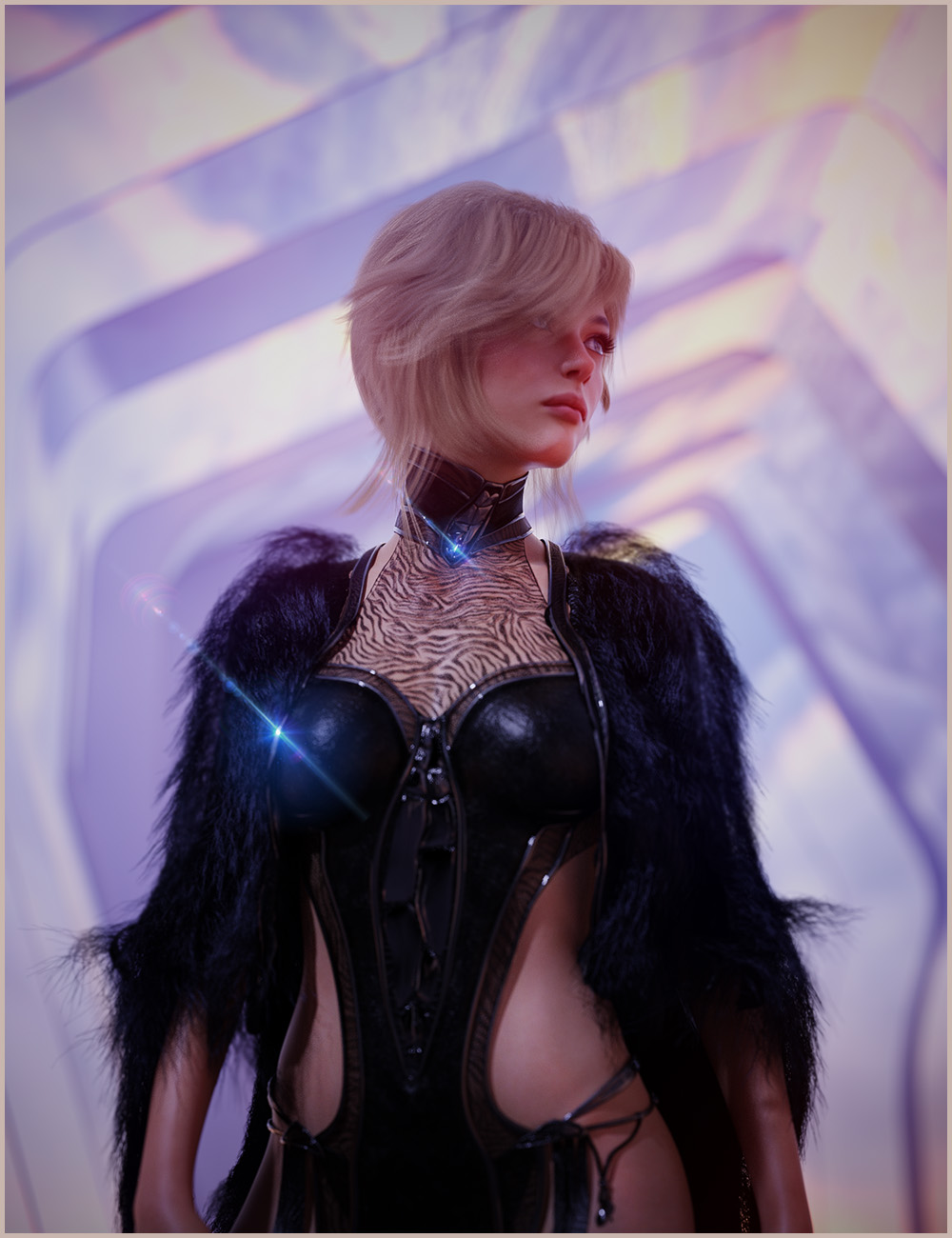
17 - Reindeer Irradiator and Poses from FeralFey and Orestes Graphics

18 - SBibb Kitten Poses and Morph from SBibb

19 - Cute Christmas Reindeer from ZKuro

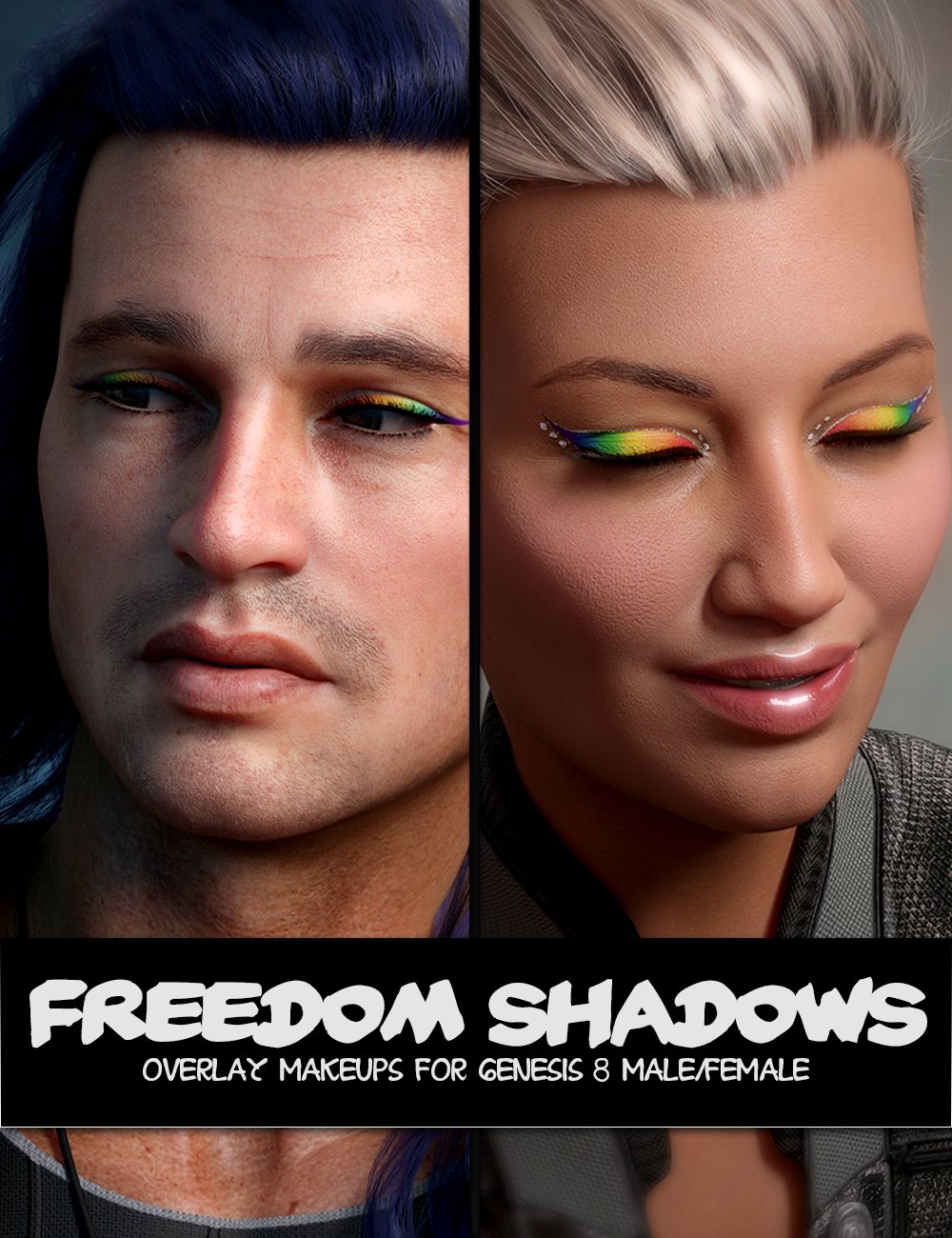
20 - LY Freedom Shadows for Genesis 8 from Lyoness
21 - Crown for Genesis 8 Female(s) from Amaranth
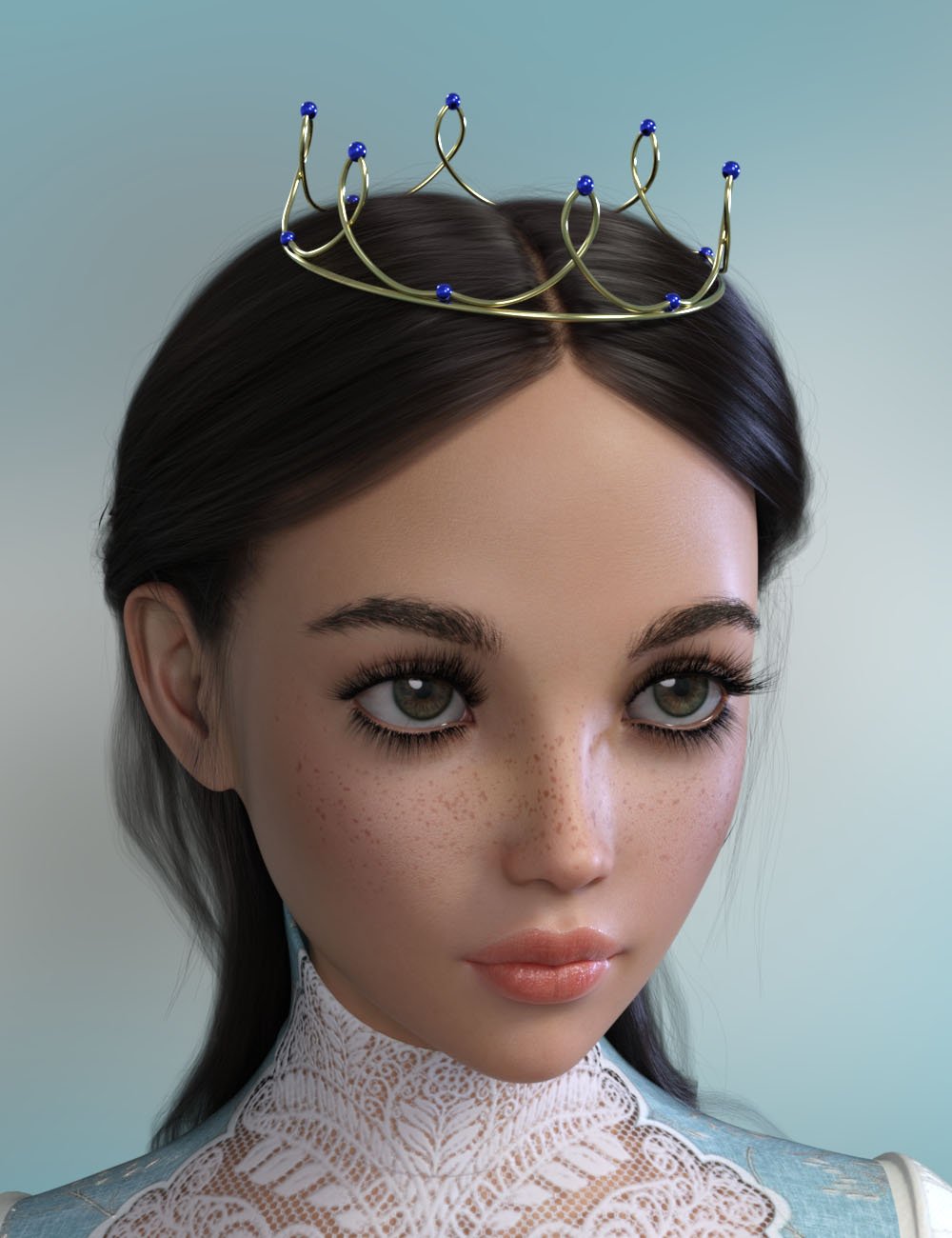
22 - Lion Statue HD-Christmas Freebie from Oskarsson

23 - MMX Fantasy Eyes Mini for Genesis 3 and 8 from Mattymanx

24 - NG Build Your Own Sitting Poses for Genesis 8 Female (Stools) from NewGuy
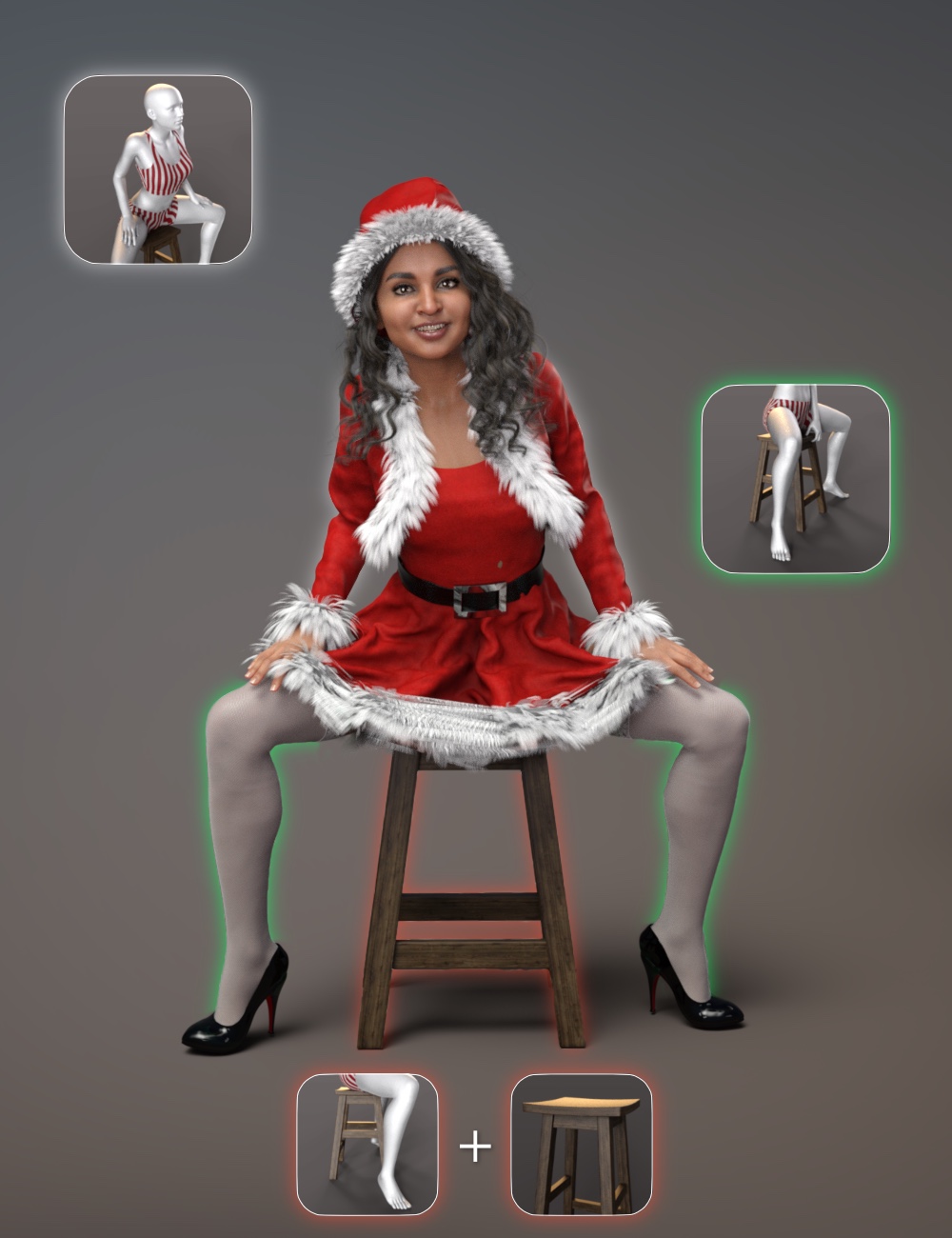
25 - VYK Separates - dForce Skater Skirt from vyktohria

26 - dForce Arix Hair for Genesis 8 Males from 3Diva
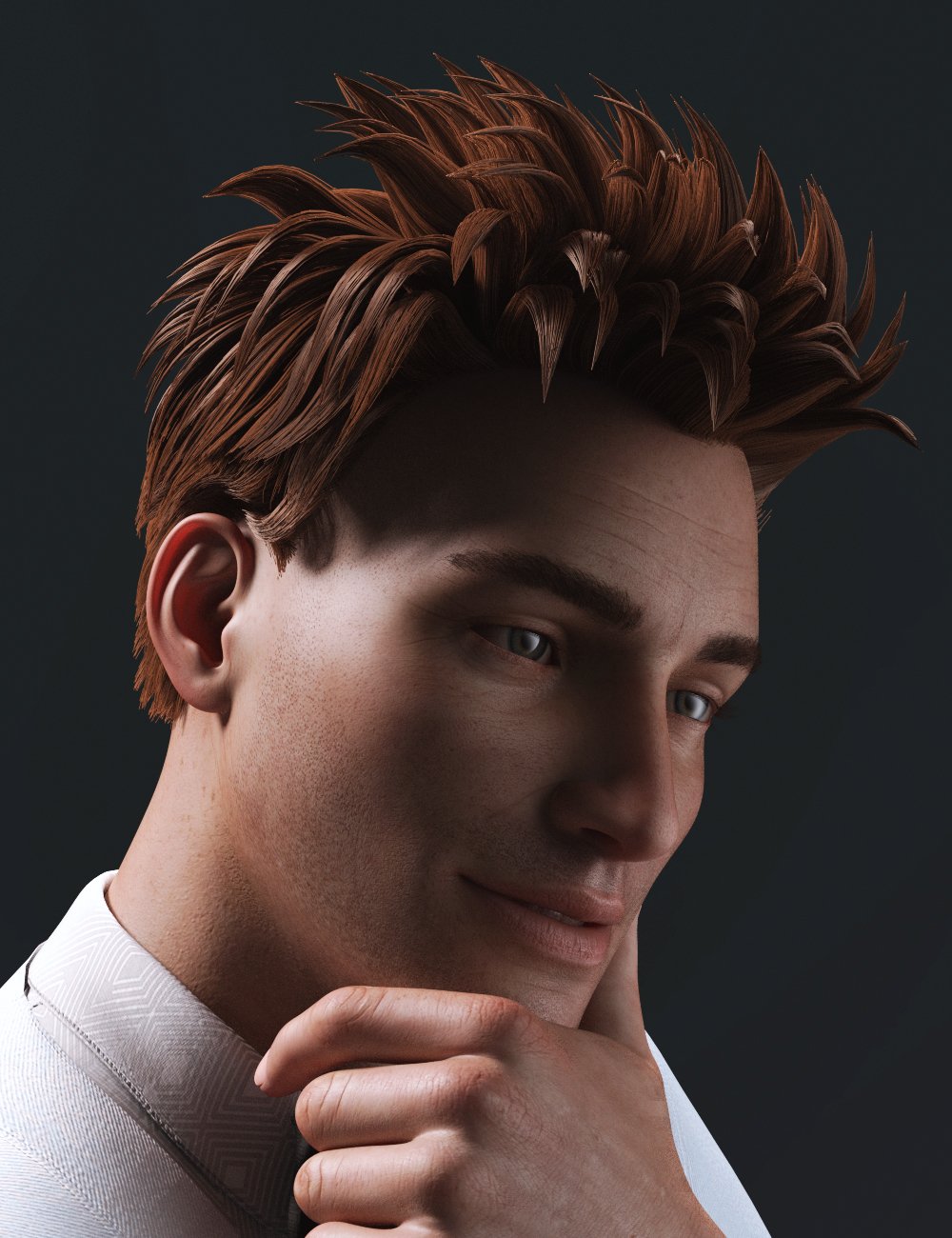
27 - Bloody Christmas Kiss for Genesis 8 from Esid, FenixPhoenix, and FeralFey

28 - Flower Earrings for Genesis 8 Females from esha
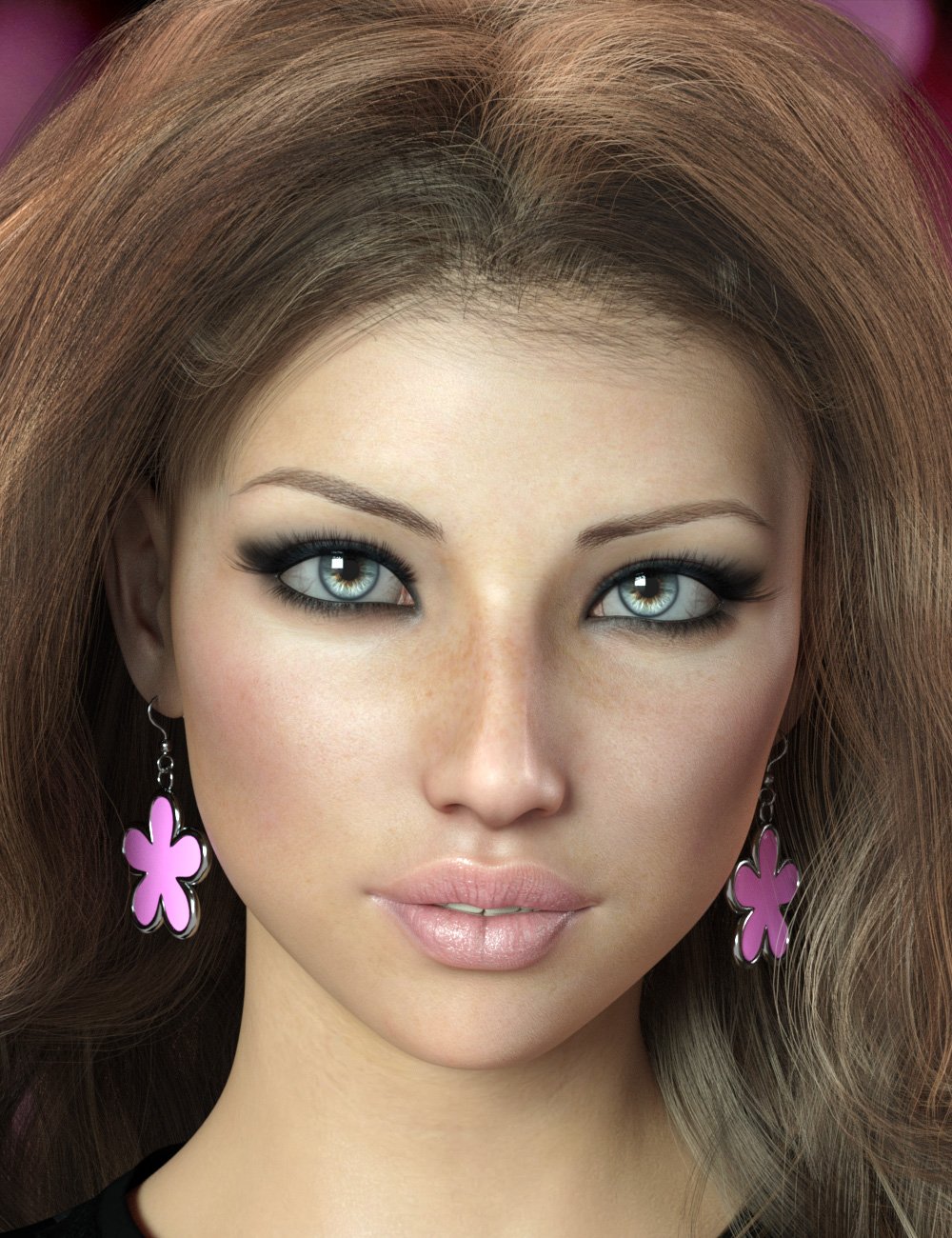
29 - SF Xmas Projector from Silent Winter
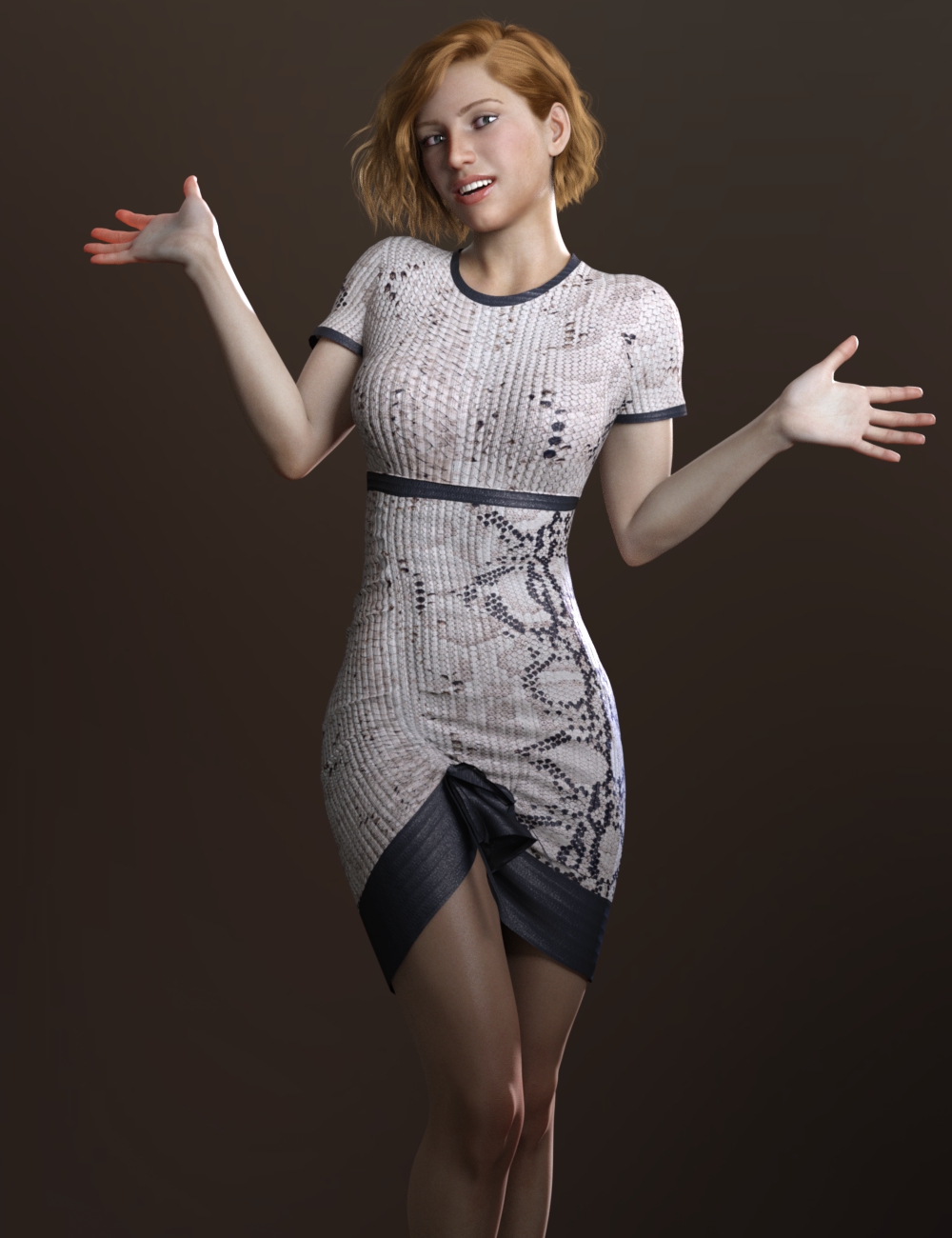
30 - Only Dress for Genesis 8 Female from Anai and Belladona
31 - WinterEyesMe for Genesis 8 from SpookieLilOne

32 - Santa Laughing Animation for Genesis 8 Males from ThreeDigital
 UltraScenery [Commercial]
Okay, just to help clarify things for those just tuning in - if your USC hangs after installing the Accelerator AND you have the Octane Render Plugin you do not have to uninstall Octane, but merely DISABLE it by going in DAZ Studio to the Help\About Installed Plugins...\OctaneRender where you will uncheck the box [edited to correct the next statement - thanks @dawnblade] and then you need to restart DAZ Studio. I saw some vague comments about Octane Render and DREADED having to uninstall it and eliminate any trace files etc - a real chore. But it was as easy as unchecking that box! And between the two, I'd choose UltraScenery ANY DAY! Just thought I would try to help clear that up for anyone not quite sure.
And having gotten it to render in record fast scene-building time, here are a couple of renders.
Moody Monolith
Uses the Australian ecosystem and the monolith prop from Muelsfell Elven Monolith that fits this scene and moody Orestes HDRI lighting so perfectly.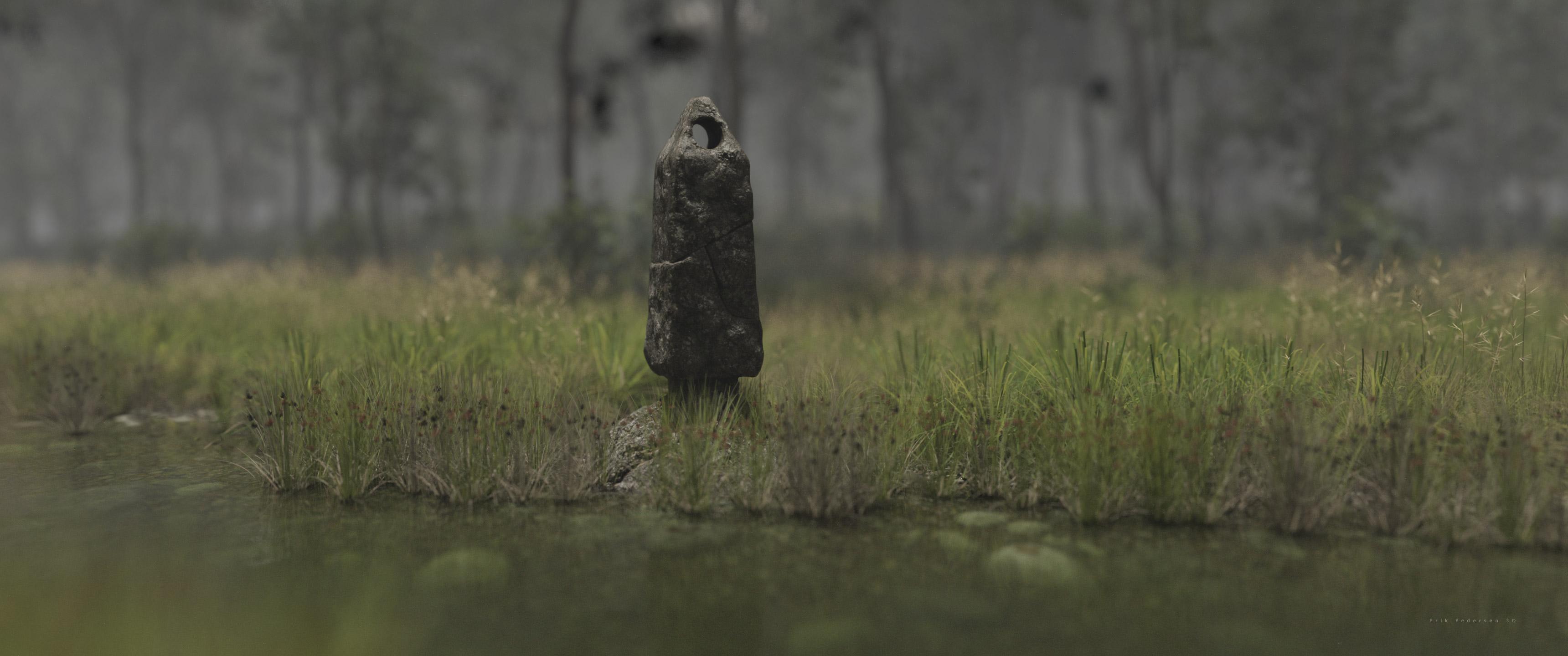
This Autumn Stream scene actually is using TWO generated Ultrascenery scenes (same base, different ecosystems) and both have Render Settings/Matte Fog turned on at about 600 - 800 Matte Fog Visibility (m). Don't forget to color outside the lines! It is much more interesting! How to zoom out an HDRI?
Hello,
I'm trying to make a scene inside a bar, and I'm trying to use an hdr for background in front. However the hdri is way too big and zoomed in, I set it to finite sphere and box, and tried scaling it, but it does absolutely nothing. Here's an example of how big it looks in the window.
Is there a way to zoom it out? Or should I use a picture on a plane in front of the entrance as a static background?
I had a similar experience with an HDRI by Orestes. Just loading an HDRI of theirs made the gigantic "close up".
What worked for me was to load the HDRI image as usual. Then select Iray for the viewport, and set up a Working Camera-(the HDRI must be viewed through a camera to see it properly as show in the product pics) Let the HDRI appear. Now you can rotate the HDRI image with your working camera in your viewport to find your desired part. The "nearness" and giant size do not appear this way. Once you've decided which part of the HDRI you want to use, just stop moving the camera. This worked for me.
UltraScenery [Commercial]This is as much as I could get visible in a Filament scene before it had a fatal crash - i.e. not much.
 Filament doesn't understand Sun-Sky lighting either, evidently.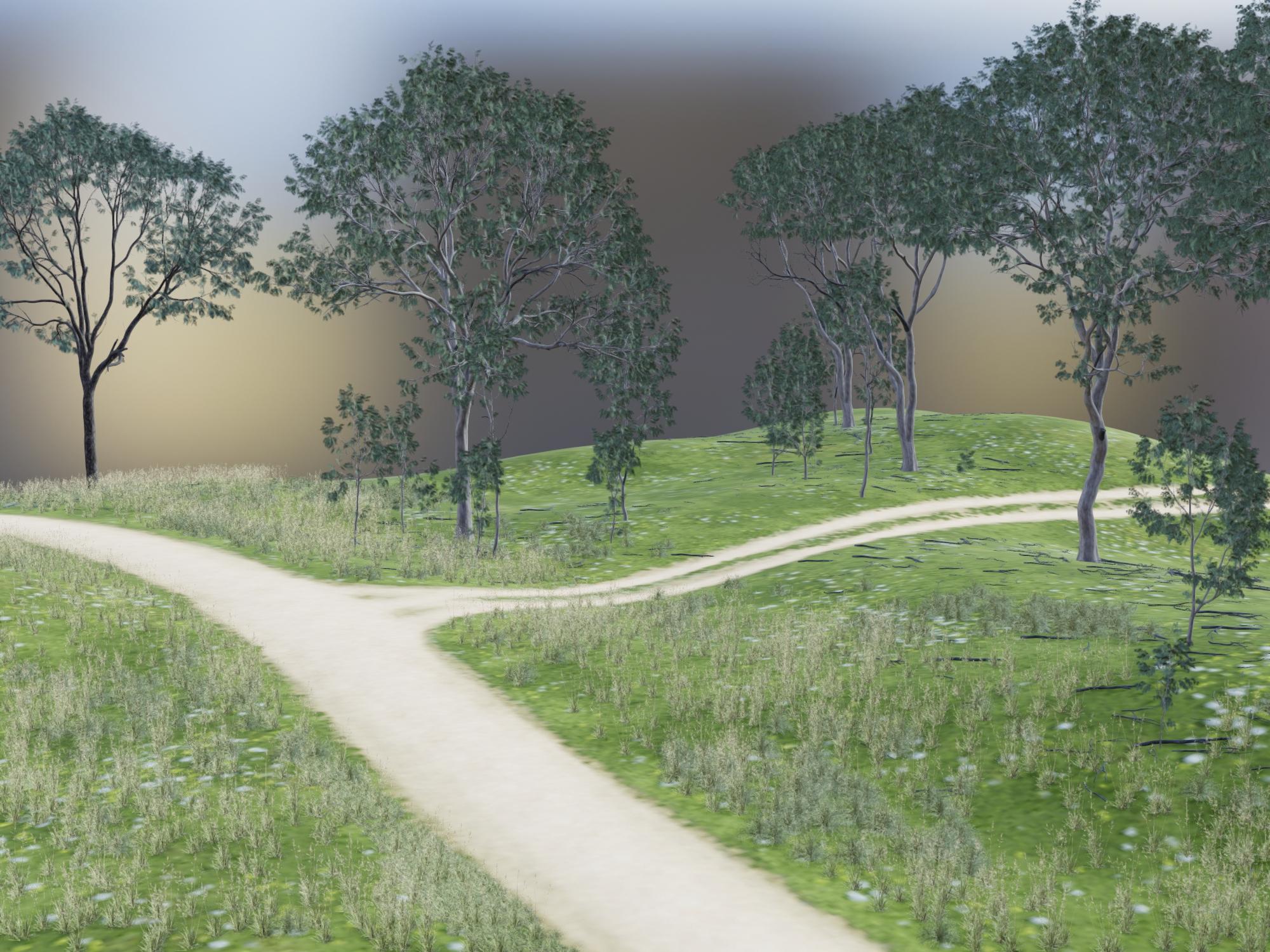
This is the corresponding Iray render. I only let it render for 2 minutes, just to get a comparison of the scene content.
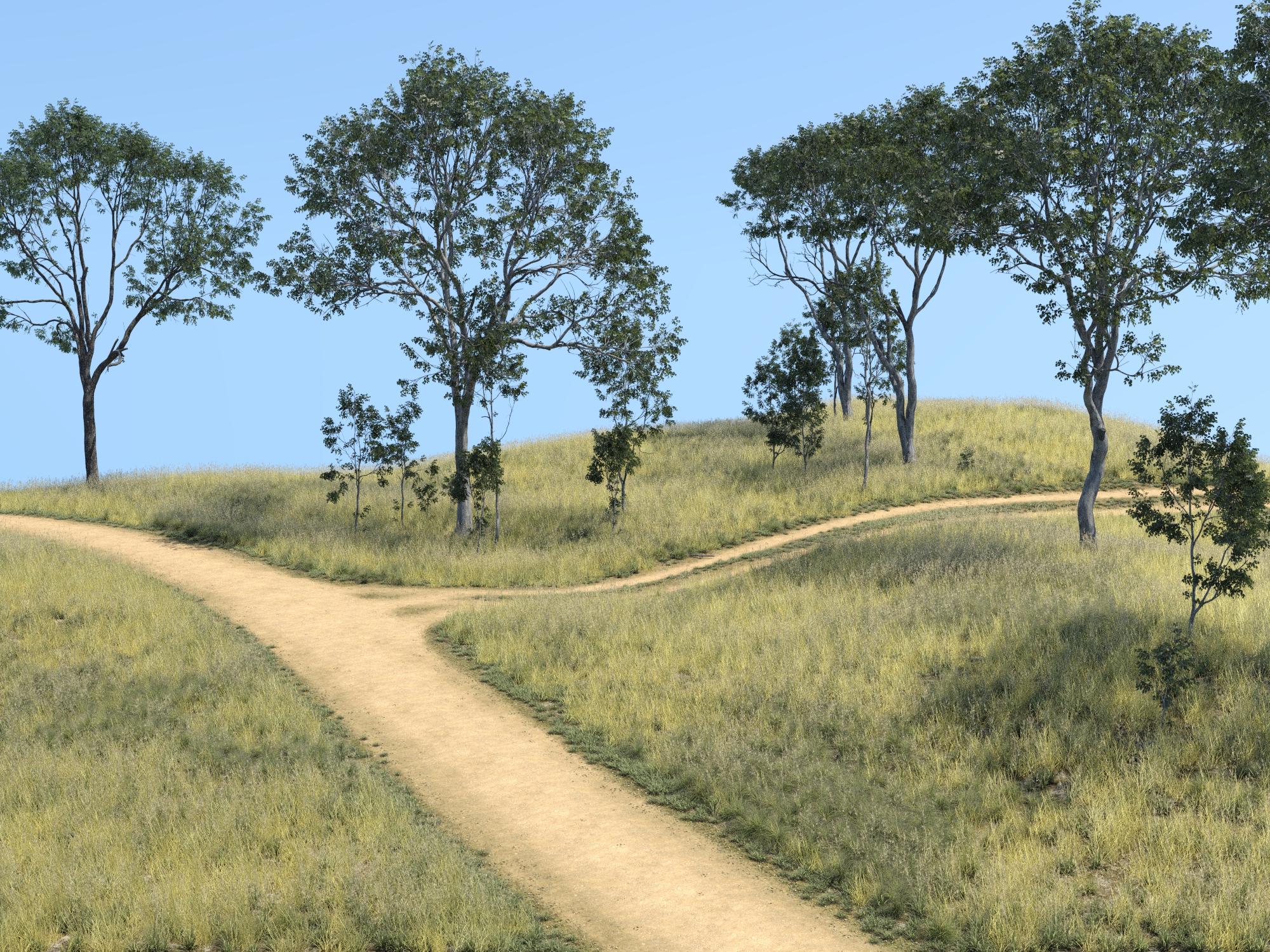
Well, shucks! This was the primary reason I wanted to test Filament. Has anybody tried it with HDRI lighting? I've been really liking the results I get with Orestes skies or DimensionTheory's Skies of Economy but trying to get the lighting set right is pain. Using the tiny aux window set to Iray preview helps but in the end, a lot of time the trees end up blocking the perfect view I found in the preview. Very time-consuming...
November 2020 - Daz 3D New User Challenge - Materials and next level kitbashingIntermediate Challenge. DAZ Studio, rendered in 3Delight with post-work in Affinity Photo.
The main figure is the body of "Gregory" (G3M) with the head of "Horror from the Deep". He is wearing part of the "Undead Wizard" outfit, with more yellow added to the diffuse colour. The statuette with six arms is "Eris" (G8F), with a stone shader applied, three copies in the same pose but with the arms in different positions, sitting on a plinth from "LoREZ Statues 1". The pool is the bathtub from "Opulent spa" (with the taps hidden by the plinth. The figure in the pool is "Madelyn" (for "Izabella 7") with a green tint added to her basic skin texture. She's wearing an outfit that came with "Slender Stephanie 6". In the background, the statues are "Adrienne" (for "Victoria 6") wearing the "Lofn" armor outfit. The figure was duplicated and given a mirror pose; the figure and outfit had a stone shader applied. The archway between the statues is from "Stone Borders". The mirror behind it is from "DM's Cave of Secrets". The moon above is from "Dead Corn". The back wall and floor are two primative planes with brick/stone textures added. The 'hand lightning' is from "Orestes Electromancy". The whole scene was rendered in four parts, with the same basic lighting, but with slight tweeking for each render. The whole thing was composited in Affinity Photo.This whole thing has such a different feel to the usual render, it's really interesting
Not sure if you used that already, for the six armed statue you can hide the rest of the duplicate bodies by closing the exe of the respective bones in the scene tap, which might help with reducing render times. Though I understand that you rendered single items and composed afterwards? Mirroring the pose was a cleverer thing to get the statues like that.
Getting those very different light effects was probably intentional. Wjat I'm not sure about is if you want this to look rather flat, like a painting or if you would like a feel of more depth in this.
So right now I'm staying away from making direct suggestions because I'm not sure which way you want to go with this, so best is, if you have questions to come here and ask them
November 2020 - Daz 3D New User Challenge - Materials and next level kitbashingIntermediate Challenge. DAZ Studio, rendered in 3Delight with post-work in Affinity Photo.
The main figure is the body of "Gregory" (G3M) with the head of "Horror from the Deep". He is wearing part of the "Undead Wizard" outfit, with more yellow added to the diffuse colour. The statuette with six arms is "Eris" (G8F), with a stone shader applied, three copies in the same pose but with the arms in different positions, sitting on a plinth from "LoREZ Statues 1". The pool is the bathtub from "Opulent spa" (with the taps hidden by the plinth. The figure in the pool is "Madelyn" (for "Izabella 7") with a green tint added to her basic skin texture. She's wearing an outfit that came with "Slender Stephanie 6". In the background, the statues are "Adrienne" (for "Victoria 6") wearing the "Lofn" armor outfit. The figure was duplicated and given a mirror pose; the figure and outfit had a stone shader applied. The archway between the statues is from "Stone Borders". The mirror behind it is from "DM's Cave of Secrets". The moon above is from "Dead Corn". The back wall and floor are two primative planes with brick/stone textures added. The 'hand lightning' is from "Orestes Electromancy". The whole scene was rendered in four parts, with the same basic lighting, but with slight tweeking for each render. The whole thing was composited in Affinity Photo.looks like Davy Jones made it to the challenge
not bad at all
November 2020 - Daz 3D New User Challenge - Materials and next level kitbashingIntermediate Challenge. DAZ Studio, rendered in 3Delight with post-work in Affinity Photo.
The main figure is the body of "Gregory" (G3M) with the head of "Horror from the Deep". He is wearing part of the "Undead Wizard" outfit, with more yellow added to the diffuse colour. The statuette with six arms is "Eris" (G8F), with a stone shader applied, three copies in the same pose but with the arms in different positions, sitting on a plinth from "LoREZ Statues 1". The pool is the bathtub from "Opulent spa" (with the taps hidden by the plinth. The figure in the pool is "Madelyn" (for "Izabella 7") with a green tint added to her basic skin texture. She's wearing an outfit that came with "Slender Stephanie 6". In the background, the statues are "Adrienne" (for "Victoria 6") wearing the "Lofn" armor outfit. The figure was duplicated and given a mirror pose; the figure and outfit had a stone shader applied. The archway between the statues is from "Stone Borders". The mirror behind it is from "DM's Cave of Secrets". The moon above is from "Dead Corn". The back wall and floor are two primative planes with brick/stone textures added. The 'hand lightning' is from "Orestes Electromancy". The whole scene was rendered in four parts, with the same basic lighting, but with slight tweeking for each render. The whole thing was composited in Affinity Photo.Artwork from SpaceVagabondHappy Halloween
Content used:
Headless Horseman HD for Genesis 8 Male
dForce Ichabod Outfit for Genesis 8 Males
Ember Horse Texture for Daz Horse 2
FSL Rigged and Morphing Atmosphere Props and Shaders
Orestes Iray HDRI Skydomes - Fantasy Moon
Postwork in Photoshop - aslo using Ron's Skulls

Cool.
Artwork from SpaceVagabondHappy Halloween
Content used:
Headless Horseman HD for Genesis 8 Male
dForce Ichabod Outfit for Genesis 8 Males
Ember Horse Texture for Daz Horse 2
FSL Rigged and Morphing Atmosphere Props and Shaders
Orestes Iray HDRI Skydomes - Fantasy Moon
Postwork in Photoshop - aslo using Ron's Skulls
And yet another toilet without a seat???Some toilet paper for fantasy renders...
https://www.daz3d.com/autumn-leaves
https://www.daz3d.com/orestes-falling-leaves
 Novica & Forum Members Tips & Product Reviews Pt 13
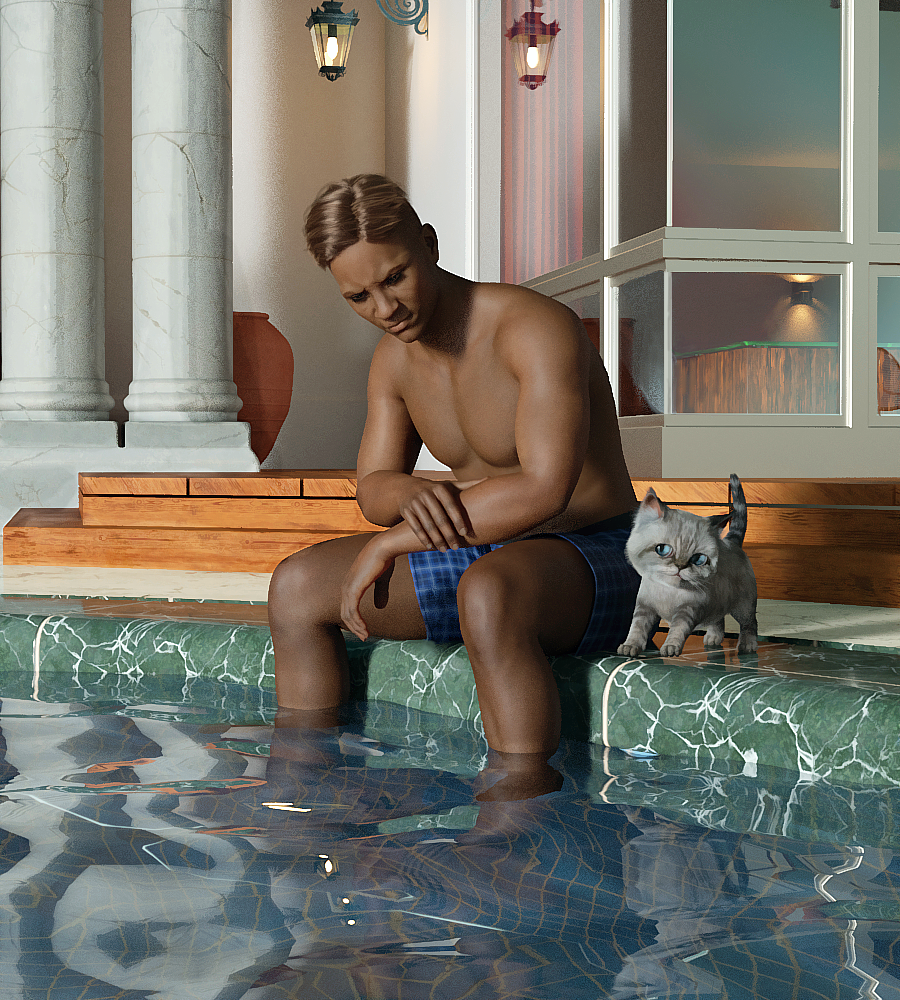
Moshi The Kitten Hamptons Estate Caspian for Valentino 8 Orestes Iray HDRI Abstract Style
If you haven't used the Abstract Style lights, give it a go with reflective surfaces such as window panes. You'll get some interesting colors.
Want this look?
X / Y / Z Dome Rotation: 80 / 220 / 20 using 05"Dude, I'm here for you...but that does NOT include Splashtown USA...."
 Novica & Forum Members Tips & Product Reviews Pt 13
Didn't keep my shopping cart as I was going as fast as I could since I was hours late to the party apparently. But here's what I scooped up. My poor credit card! But I had mostly skipped this sale the entire month. Good call! I really like all of ElianeCKs lights, had just talked about them earlier in the thread. If you see those, consider them! (Since I own them, I can't tell if they're in the sale or not at first glance.) And someone on the thread mentioned Skies of Gaia. I think it was with that cute feathered dragon? Mary, IIRC was that yours? And I love the first set of Longitude and Latitude so got the second one too!
Skies of Gaia Volume 2 - 40 8K HDRIs for Iray 70477 1 $5.00 Expedition Africa HDRI 69583 1 $5.00 Skies of Sylva - 20 Forest Themed 8K HDRIs for Iray 67977 1 $5.00 UltraHD Iray HDRI With DOF - Outdoor Pack 7 - Get Out 70731 1 $5.00 The Day After 71619 1 $5.00 Orestes Iray HDRI Skydomes - Sunrise 69953 1 $5.00 Fantasy IBL - Penthouse Water Park HDRI 69869 1 $5.00 MMX Fire and Smoke for Iray 68271 1 $5.00 iRadiance - HDRI 8K Variety Pack Five for Iray 64749 1 $5.00 ElianeCK Iray Warm Light 64131 1 $5.00 Orestes Iray HDRI Skydomes - Night Storms 67809 1 $5.00 Muelsfell Heroic Studio Backdrops with Iray Presets 66023 1 $5.00 IG Photographer's Toolbox: Cinematic Cameras 2 65935 1 $5.00 IG Photographer's Toolbox: Cinematic Cameras 62813 1 $5.00 IG Photographer's Toolbox: Film & Digital Cameras 62815 1 $5.00 Orestes Iray HDRI Skydomes - Blue Hour 69469 1 $5.00 IDG Kinetic Lighting 2 64327 1 $5.00 IDG Kinetic Lighting 63743 1 $5.00 iRadiance Pro Series 16k HDRIs - Urban Ruins 60571 1 $5.00 Color Shock 2 59851 1 $5.00 IDG Gradient Lights 51271 1 $5.00 Moon 360 49137 1 $5.00 EcVh0's Cinematic Render Resource Kit for Iray 47569 1 $5.00 Longitude & Latitude Lighting and Render Presets for DS Iray Vol 2 38047 1 $5.00 IG Iray Light Probes 2 - Touch of Color 45615 1 $5.00 LI Incandescent - PhotoBox for Iray 71385 1 $5.00 Church Ruins - DAZ Studio Iray HDRI Pack 61167 1 $5.00 Skies of Gaia - 20 8k HDRI Skies with Pre-Rendered Terrain for Iray 59387 1 $5.00 Perfect Storm 58385 1 $5.00 Render Studio Iray 'Scenes' 30837 1 $5.00 iRadiance - HDRI Variety Pack Four 8k HDRIs for Iray 57775 1 $5.00 IG Photographer’s Toolbox: Photo Lights 55151 1 $5.00 Tenebroso Lighting 49747 1 $5.00 Orestes Iray HDRI Skydomes - Darkest Night 56587 1 $5.00 Easy Light and Render - Spectrum Studio 56245 1 $5.00 Well, it was a long 50 minutes. :-)
Novica & Forum Members Tips & Product Reviews Pt 13Didn't keep my shopping cart as I was going as fast as I could since I was hours late to the party apparently. But here's what I scooped up. My poor credit card! But I had mostly skipped this sale the entire month. Good call! I really like all of ElianeCKs lights, had just talked about them earlier in the thread. If you see those, consider them! (Since I own them, I can't tell if they're in the sale or not at first glance.) And someone on the thread mentioned Skies of Gaia. I think it was with that cute feathered dragon? Mary, IIRC was that yours? And I love the first set of Longitude and Latitude so got the second one too!
Skies of Gaia Volume 2 - 40 8K HDRIs for Iray 70477 1 $5.00 Expedition Africa HDRI 69583 1 $5.00 Skies of Sylva - 20 Forest Themed 8K HDRIs for Iray 67977 1 $5.00 UltraHD Iray HDRI With DOF - Outdoor Pack 7 - Get Out 70731 1 $5.00 The Day After 71619 1 $5.00 Orestes Iray HDRI Skydomes - Sunrise 69953 1 $5.00 Fantasy IBL - Penthouse Water Park HDRI 69869 1 $5.00 MMX Fire and Smoke for Iray 68271 1 $5.00 iRadiance - HDRI 8K Variety Pack Five for Iray 64749 1 $5.00 ElianeCK Iray Warm Light 64131 1 $5.00 Orestes Iray HDRI Skydomes - Night Storms 67809 1 $5.00 Muelsfell Heroic Studio Backdrops with Iray Presets 66023 1 $5.00 IG Photographer's Toolbox: Cinematic Cameras 2 65935 1 $5.00 IG Photographer's Toolbox: Cinematic Cameras 62813 1 $5.00 IG Photographer's Toolbox: Film & Digital Cameras 62815 1 $5.00 Orestes Iray HDRI Skydomes - Blue Hour 69469 1 $5.00 IDG Kinetic Lighting 2 64327 1 $5.00 IDG Kinetic Lighting 63743 1 $5.00 iRadiance Pro Series 16k HDRIs - Urban Ruins 60571 1 $5.00 Color Shock 2 59851 1 $5.00 IDG Gradient Lights 51271 1 $5.00 Moon 360 49137 1 $5.00 EcVh0's Cinematic Render Resource Kit for Iray 47569 1 $5.00 Longitude & Latitude Lighting and Render Presets for DS Iray Vol 2 38047 1 $5.00 IG Iray Light Probes 2 - Touch of Color 45615 1 $5.00 LI Incandescent - PhotoBox for Iray 71385 1 $5.00 Church Ruins - DAZ Studio Iray HDRI Pack 61167 1 $5.00 Skies of Gaia - 20 8k HDRI Skies with Pre-Rendered Terrain for Iray 59387 1 $5.00 Perfect Storm 58385 1 $5.00 Render Studio Iray 'Scenes' 30837 1 $5.00 iRadiance - HDRI Variety Pack Four 8k HDRIs for Iray 57775 1 $5.00 IG Photographer’s Toolbox: Photo Lights 55151 1 $5.00 Tenebroso Lighting 49747 1 $5.00 Orestes Iray HDRI Skydomes - Darkest Night 56587 1 $5.00 Easy Light and Render - Spectrum Studio 56245 1 $5.00 "There's Always Another Sale™" (Report sales issue here.)https://www.daz3d.com/orestes-iray-artful-flares-hdris-and-props is missing its readme.
Will report.
"There's Always Another Sale™" (Report sales issue here.)https://www.daz3d.com/orestes-iray-artful-flares-hdris-and-props is missing its readme.
GUIDE - What To Buy On The Daz Store?Figures
Not much to say here. Basically, most figures from these creators are top-notch:
- Mousso: https://www.daz3d.com/mousso
- Rayia: https://www.daz3d.com/raiya
- P3Design: https://www.daz3d.com/p3design
Morphs
Basic Ones
The following morphs were made by Daz itself, and they are used by many other products, so they're the first ones you should buy.
- Female head: https://www.daz3d.com/genesis-8-female-head-morphs
- Female body: https://www.daz3d.com/genesis-8-female-body-morphs
- Male head: https://www.daz3d.com/genesis-8-male-head-morphs
- Male body: https://www.daz3d.com/genesis-8-male-body-morphs
They have stuff like height, fitness, weight etc., so I can't imagine using Daz without them.
If the default range is not enough for you, you can always edit it (click on the wheel on the top right of that parameter->parameters settings->edit min and max values).RareStone's Face Morphs
Female: https://www.daz3d.com/rarestone-s-face-morphs-collection-for-genesis-8-female
Male: https://www.daz3d.com/rarestone-s-face-morphs-collection-for-genesis-8-maleThey're basically all you need to get almost any face you want. Best buy.
200 Plus Head And Face Morphs Bundle
Link: https://www.daz3d.com/200-plus-head-and-face-morphs-bundle-for-genesis-8-female-s-and-male-s
If you want even more morphs, this set from Zev0 is great as well.
If you already have the basic morphs, RareStone's, Zev0's and some figures you like, you probably don't need more for the head/face: remember the introduction about loading times.
Bend Control
Link: https://www.daz3d.com/bend-control-bundle-for-genesis-8-female-s-and-male-s
I use it to give a more realistic look to hips and knees when the character has an unusual pose.
Shape Shift
Link: https://www.daz3d.com/shape-shift-bundle-for-genesis-8-female-s-and-male-s
These morphs are for the whole body, and they have most of what you'll need.
Growing Up
Link: https://www.daz3d.com/growing-up-bundle-for-genesis-8-female-s-and-male-s
If you want to have a younger character, you don't need to buy specific figures: this set, always from Zev0, will allow you to apply youth morphs to any figure.
Aging Morphs
Link: https://www.daz3d.com/aging-morphs-bundle-for-genesis-8-female-s-and-male-s
They are the opposite of Growing Up, for your old characters!
Killer Legs Morphs
Link: https://www.daz3d.com/killer-legs-2-0-morphs-for-genesis-8-female
If you care about legs a lot, this is a great morph package.
Expressions
When it comes to expressions, a must for me is that they have to be sliders.
This way, I can mix multiple expressions as I like them.
And I can quickly zero an expression going to Posing->Currently Used while having the head selected (to quickly find the head, maybe because you want to frame the viewport/camera on it, select the figure in the Scene pane, and click on the head in the PowerPose pane), instead of resetting the pose normally, since, with many morphs installed, it takes an eternity to do that with the head.Then, I don't like it when PA include partial poses (either in expressions or body poses), because their only function is to disorganize my library.
I know expressions are technically poses, but I think they deserve their own category.
The most important products, once again, are those by Daz itself. They are used by many other products, they're amongst the most expressive ones, and you can zero them out very quickly:
- Female: https://www.daz3d.com/genesis-8-female-expressions
- Male: https://www.daz3d.com/genesis-8-male-expressions
My favorite products are (in order of what I like the most)
- 100 Must Have Expressions female: https://www.daz3d.com/100-must-have-expressions-volume-2-for-genesis-8-females
- 100 Must Have Expressions male: https://www.daz3d.com/100-must-have-expressions-for-genesis-8-males
- Expressions of Love and Hate: https://www.daz3d.com/ig-expressions-of-love-and-hate-for-genesis-8-female
- Sweet & Sassy: https://www.daz3d.com/ig-sweet--sassy-expressions-for-genesis-8-females
- Fashion Editorial Poses: https://www.daz3d.com/fashion-editorial-poses-and-expressions-for-genesis-8-female
- Sweet Seduction: https://www.daz3d.com/iv-sweet-seduction-expressions-for-genesis-8-females
- 100 Expressions The Gold Collection: https://www.daz3d.com/v-100-expressions-the-gold-collection-for-genesis-8-female
Then, basically anything from JWolf, the master of expressions: https://www.daz3d.com/jwolf
The only problem with JWolf is that they are the ones doing expressions for all those bundles, so every set is thought for a specific figure: they'll be usable on other ones as well, especially if you have that figure installed, and they'll look great too...most times. Because some times they look different, or they're not totally compatible, with other characters, especially if you used many morphs to create them.Poses
Interacting Figures
These sets of poses are useful if you want to have a "plug-n-play" pose for two/three different characters that are interacting.
Sadly, you'll still need to fix a lot of stuff yourself, because your characters will probably have different shapes than the ones used by the PA to make the poses.
By the way, to easily fix the hands and fingers pose, just frame the viewport/camera on the hand, and use the PowerPose pane.When you choose a pose package to buy, don't let yourself be fooled by the number of poses included: first of all, if they're not of proper quality, you don't need them; then, sometimes products may be inflated by mirror and partial poses, that you can easily apply yourself. Some products only flood your library, without adding any value.
I know that, because I had to check every single product I had installed, and delete most of them. That resulted in a snappier and easier experience.
If you want to apply a total-body pose to just part of the body, select that part, and CTRL+click on the pose you've chosen.My favorite are (in random order)
- Dreamy Honeymoon: https://www.daz3d.com/dreamy-honeymoon-poses-for-genesis-8-male-and-female
- Mad Love: https://www.daz3d.com/mad-love-couple-poses-for-genesis-8-male--genesis-8-female
- Fighting And Making Up Pose Mega Set: https://www.daz3d.com/z-fighting-and-making-up-pose-mega-set
- Make Up And Break Up: https://www.daz3d.com/z-make-up-and-break-up-couple-poses-and-expressions-for-genesis-3-8
- My Short Girlfriend: https://www.daz3d.com/z-my-short-girlfriend-shape-presets-and-poses-for-genesis-8
- My Short Boyfriend: https://www.daz3d.com/z-my-short-boyfriend-shape-presets-and-poses-for-genesis-8
- Wedding Photo Shoot Poses: https://www.daz3d.com/wedding-photo-shoot-poses-for-genesis-8-male-s-and-female-s
- Excuses And Apologies: https://www.daz3d.com/z-excuses-and-apologies-poses-for-genesis-3-and-8
- Romantic Poses: https://www.daz3d.com/romantic-poses-for-genesis-8-female-s-and-male-s
- Actions And Reactions: https://www.daz3d.com/z-actions-and-reactions-poses-and-bonus-expressions-for-genesis-3-and-8
- Love Is Love: https://www.daz3d.com/love-is-love-couple-poses-for-genesis-8
- In Love: https://www.daz3d.com/z-in-love-couple-poses-for-genesis-3-and-8
- Together Brotherhood: https://www.daz3d.com/together-brotherhood-poses-for-genesis-8-male-s
- Love Triangle: https://www.daz3d.com/z-love-triangle--romantic-poses-for-genesis-3--8
- Big Love: https://www.daz3d.com/big-love-poses-for-genesis-8
- My Friend: https://www.daz3d.com/my-friend--poses-and-expressions-for-genesis-8
Other Poses
I think this category is where the Daz Store could improve the most: it's not easy to find poses that look natural.
It's easy to find model poses for pinups, but I usually look for natural ones.These are my favorite (random order):
- Fighting: https://www.daz3d.com/fight-lab-poses-and-expressions-for-genesis-8-male
- Flying: https://www.daz3d.com/i-can-fly-poses-for-genesis-3--8
- Model 1: https://www.daz3d.com/fashion-editorial-poses-and-expressions-for-genesis-8-female
- Model 2: https://www.daz3d.com/dressup-collection-outfits-and-poses-for-genesis-8-female
- Jumping: https://www.daz3d.com/igd-motion-series-jump-poses-for-genesis-3-and-8
- Kneeling: https://www.daz3d.com/sorrowed-soul-poses-for-genesis-8-females
- Running: https://www.daz3d.com/igd-motion-series-run-poses-for-genesis-3-and-8
- Swimming: https://www.daz3d.com/underwater-poses-for-genesis-3--8
- Walking: https://www.daz3d.com/igd-motion-series-walk-poses-for-genesis-3-and-8
- Standing Unisex: https://www.daz3d.com/z-utility-series-simply-standing--poses-and-partials-for-genesis-3-and-8
- Standing Female: https://www.daz3d.com/iv-standing-pose-collection-for-genesis-8-females
- Standing Female 2: https://www.daz3d.com/boldly-whimsical-poses-for-aubrey-8-and-genesis-8-female
- Standing Female 3: https://www.daz3d.com/elegant--essential-poses-props--expressions-for-genesis-8-female
- Standing Female 4: https://www.daz3d.com/fg-pirate-poses
- Standing Male: https://www.daz3d.com/simply-standing-poses-for-genesis-8-male
- Standing Male 2: https://www.daz3d.com/casual-poses-for-vladimir-8-and-genesis-8-male
- Standing Male 3: https://www.daz3d.com/cdi-poses-for-dasan-8-and-genesis-8-male
- Standing Male 4: https://www.daz3d.com/fresh-attitude-poses-for-genesis-8-male
Environments
General Tips
There are no specific tips to give about environments: whatever you like and fits your needs is probably a good purchase.
The only products I regret buying are single rooms: when I create my stories, I need complete and cohesive houses. I have no use for a single bathroom, kitchen or bedroom: when you mix them together to create an actual home, it shows.
Even worse than those are sets with just part of a room.
There are, of course, exceptions if your goal is to render specific pinups.I'm generally not fond of using HDRIs instead of actual environments, because I think they look worse and less realistic in general.
So, I can't list for you everything that's worth buying, because that will depend on your needs and preferences, but I can list some of my favorite creators of environments: whenever they release something, it usually ends up in my wishlist, if not directly into my cart.
- Tesla3dCorp: https://www.daz3d.com/tesla3dcorp
- Stonemason: https://www.daz3d.com/stonemason
- Fugazi1968: https://www.daz3d.com/fugazi1968
- SloshWerks: https://www.daz3d.com/SloshWerks
- KindredArts: https://www.daz3d.com/kindredarts
- Dreamlight: https://www.daz3d.com/dreamlight
- Polish: https://www.daz3d.com/polish
- PerspectX: https://www.daz3d.com/perspectx
Specific Products
But there are some specific products that I really like, and that can be used multiple times
- Lakeside Folly: https://www.daz3d.com/lakeside-folly
- Ultimate Grass & Meadow Worldbuilder: https://www.daz3d.com/ultimate-grass--meadow-worldbuilder
- Techno Render Room: https://www.daz3d.com/techno-render-room
HDRIs
As I've said in the previous chapter, I don't use HDRIs as environments: that's very resource-efficient, but I don't think it gives good results.
Instead, I use them as skies and general light source. Indeed, I almost never use distant lights, spotlights, point lights etc.
And because of that, I don't use HDRIs that have some sort of background, but only skies.
I definitely dislike using flat planes with photos, a tendency that I notice is spreading in the store. Again, resource-efficient, but very poor results, in my opinion.Quick Iray Outdoor Presets
Link: https://www.daz3d.com/quick-iray-outdoor-presets
This set has two problems: the blur is too strong, so I deactivate it every time in Render Settings->Environment; it has no clouds.
But with it, you can quickly get appropriate general lighting, for every part of the day.
You can easily create great-looking clouds with this other product, but they are quite heavy, if you don't have high-end hardware: https://www.daz3d.com/cloudscape-creator--hero-clouds-for-iray
Cloudscape Creator - Bare Sky HDRIs For Iray
Link: https://www.daz3d.com/cloudscape-creator--bare-sky-hdris-for-iray
The creator of the previously mentioned clouds creator, has also made this cool skies packages.
They look completely neutral, so this is not the right package if you want to look at the sky. But if you have privacy glass on your windows, it's pretty good.
If you want to add already made clouds to it, DimensionTheory has also made this product: https://www.daz3d.com/cloudscape-creator--sky-cover-for-iray
SY Sky System Iray
Link: https://www.daz3d.com/sy-sky-system-iray
This set is not as good as the previous ones, but it's still one of the best!
Winter Moon
Link: https://www.daz3d.com/orestes-iray-hdri-skydomes--winter-moon
I like this set for night skies better than Quick Iray Outdoor Presets solution.
Abstract Style
Link: https://www.daz3d.com/orestes-iray-hdri-abstract-style
Orestes has made many great "surreal-looking" HDRIs, but this one is my favorite.
Lights
I've already talked about Ghost Lights in the Utilities chapter.
Now, let's talk about my favorite lighting sets. I've tested countless of them, and there are some nice options that I won't mention, because the following ones are my favorite.LI Incandescent
Link: https://www.daz3d.com/li-incandescent--portrait-lighting-for-iray
The only bad thing about this set, is that it makes everyone create gorgeous renders, being completely plug-n-play.
The set also includes a great camera and light props that you can use everywhere.iRadiance
Link: https://www.daz3d.com/iradiance--light-probe-hdr-lighting-for-iray--expansion-5
There are several slightly different sets with this name, they're all good, and you don't need them all.
LY Leonine Pro
Link: https://www.daz3d.com/ly-leonine-pro-hdr-lighting
This is another great set.
Film Noir Portraid Studio
Link: https://www.daz3d.com/film-noir-portrait-studio
If you're interested in making black and white artistic renders, this is the way to go!
Yes, you can get black and white renders lowering the saturation, but it won't produce the same results.Wow Lights
Link: https://www.daz3d.com/studio-light-pro-hdri-iray-wow-lights
This is a great set for outdoor lighting where you don't need to show the sky.
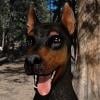
I have to say I completely disagree with the suggestion to remove the roof in indoor scenes.Experimenting with Wet FurThis started out as an experiment with rendering wet fur, then I started playing with UltraScenery, then while trying to pick an HDRI background I came across some stormy ones from Orestes, so then I had to figure out rain and fog effects, and then... ever had one of those renders where they just kind of get away from you? That's what happened here. I let it render for about fifteen minutes before stopping it. It might benefit from cooking more.

Daz 3D is part of

Connect
DAZ Productions, Inc.
7533 S Center View Ct #4664
West Jordan, UT 84084Licensing Agreement | Terms of Service | Privacy Policy | EULA
© 2026 Daz Productions Inc. All Rights Reserved.