How to use G2F skin textures on G3F
 Vitor1
Posts: 21
Vitor1
Posts: 21
in The Commons
Dear sir,
I wonder how to use my G2F skin textures on G3F. If you can help me i´ll be greatfull.
VM

Daz 3D is part of 
Connect
DAZ Productions, Inc.
7533 S Center View Ct #4664
West Jordan, UT 84084
Licensing Agreement | Terms of Service | Privacy Policy | EULA
© 2026 Daz Productions Inc. All Rights Reserved.
Comments
Both models use different mapping ... so at this time you can't.
Short answer: you can't.
Long answer: G3F uses a totally different UV mapping which is not compatible with G2F maps, and there's no way to just provide an alternate UV map as was done for previous versions of Genesis because the material borders and texture splitting are very different and you'd end up needing to use parts of 2 maps in the same material zone in some places. We hope someone will release a texture converter which would convert the maps themselves for use with the new G3F UVs.
See this thread for a bit more details: http://www.daz3d.com/forums/discussion/58379/v4-uvs-for-g3f
Pretty much like every major model update, they change the UV mapping so that you'll likely need to buy some sort of UV map bundle, or they'll provide it for free at a later date. I'm sure there are valid reasons why they do this, but obsoleting content is always frusturating, regardless of reasoning.
Actually this time they changed the material boundaries and the way the texture is split between different maps, and simply providing a new UV isn't enough. They had the same problem with V3 textures vs V4 or Genesis.
Increasing compatibility with Zbrush was another reason, which makes the figure easier to paint on for us artists. ;)
Easier to paint would be nice. I like to add tattoos and freckles to people a lot and he seams are b****es.
For a while when G2F came out I used a lot of old V4 skins (I skipped Genesis). Over time as I acquired a few G2F specific character skins that I really liked and which were versatile enough I just began mostly relying on them. I still use some V4 maps for things like nails or eyes, if there is one I particularly like but for the most part I stay within the G2F folder now.
I suppose eventually the same will happen with G3F but the difficulty will be that transition period where there isn't much you want to buy yet and you don't want to have all characters using the same included skin. I've done a couple of G3F renders just to check out the model but for now, this lack of variety is keeping me from jumping in fully. I do hope they don't start creating custom UVs for every character they release here though.
It's not a 'custom UV' it's more industry standard than our 'old way'. That's a good thing. DAZ didn't just pick it out of a hat or invent something new here.
It seems someone did it:
there is a texture converter available on another store.
It works from V4 to G3F.
The feeback is that it has problems in converting eyes, eyelashes and nails (to me this translates into:"good enough")
Since mine could be taken as advertisement (but I am not affiliated with the vendor nor wiht the store), pls send me a private msg if you need more details.
Oh there was a whole thread on that somewhere in the Commons, no secret.
http://www.daz3d.com/forums/discussion/67127/v4-to-g3f-skin-converter-released-by-blacksmith-3d
...hoping for an update of the Skin Builder plugin. That would make life a lot easier and less expensive.
Now there is a G2F UV for G3F in R, but it is used with geograft. Do Somebody have test this already?
The G2F UV product at Renderosity seems to work really well. I purchased it this morning and played with it a little. Saw no seams at all and the geografts hold up to extreme morphs (I make anthros almost exclusively). I was pleasantly surprised!
Yeah, I bought it as soon as I saw it and have been very pleased at the results so far. Plus it's a lot simpler than using Blacksmith3D's texture convertor. Definitely a case where thinking outside of the box has really paid off. Here's a quick render I did using Countess/Silver's Ginger texture on Teen Josie 7.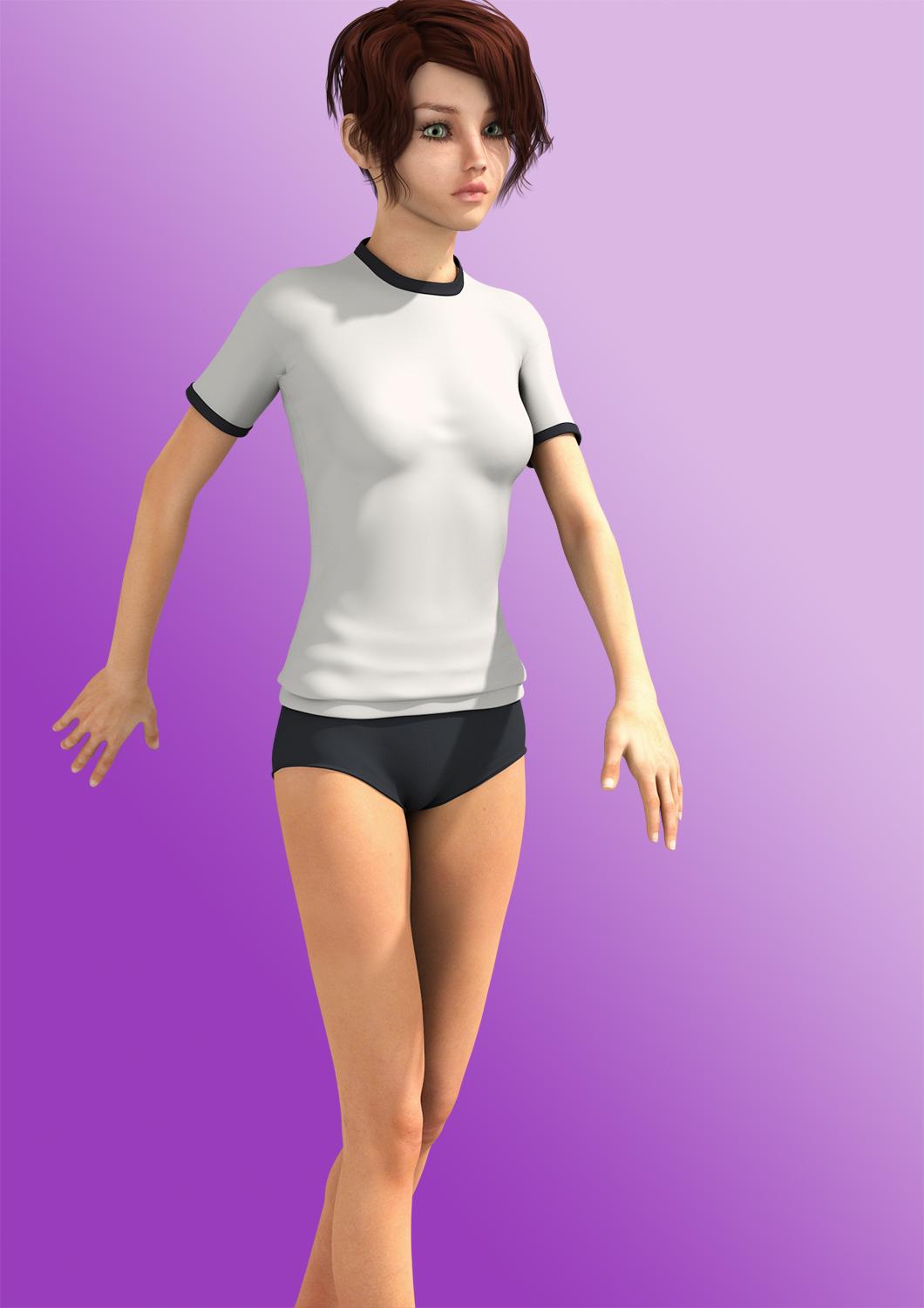
(Please remember to set the width of images to no wider than 800 px.)
Thanks for the info.
...interesting. I'll have to take a look at that.
I have this too, I have tested it on a handful of skins, and so far not seen any evidence of seam lines or texture stretching anywhere, so it seems to be well designed. The product mentions that it is volume 1, so I assume further products are planned with additional UVs.
...such as perhaps G2M, V4, M4 etc....?
That'll teach us. Never underestimate the power of people who know what they want...
Thanks for the info, was wondering if anyone had tried it. Hoping for a V4 version as I have lots more V4 skins than GF2 ones.
I am sure a V4 will likely come, but I can only guess. Naturally you could load the V4 skin onto G2F, and then use map transfer to transfer to G2F UVs, but I suspect that would be no easier than using Blacksmith 3Ds converter (which I do not have, so I can not be sure). This new product makes the process a 3 click operation all inside DS. One click to load the geografts (which wipes out any textures on G3F and leaves you peering inside the body as the geografts are semi transparent, quite strange actually). Second click to load your G2F skin onto G3F, and a final click to load the G2F UVs onto G3F.
Note that the G2F UVs that come with the product are not the same as the real G2F UVs used on G2F (Templates are supplied, so you can look at them). They use the same edge lines, but the rest of the loops layout in an entirely different manner (since they match the G3F geometry). I suspect some shifting of small features like moles, but on the whole I can see no great differences. All the original maps are used, including the internal mouth ones, which do not transfer too well using the blender method (or so I read anyhow).
..ahh, so where the geografting comes is is that it is a set of "second skin" geografts that effectively overlay the G3F UV with the G2F ones. Actually rather ingenious and a lot more affordable (even at the full price) than the Texture Converter + the G3F and soon to come, G3M add on.
Considering I have quite a few G2F skins (and also able to create my own with Skin Builder Pro for Genesis/G2F) this looks to be the better value. Yeah would be cool to have V4/M4, but I have tools to convert those to G2F/G2M already.
On the wishlist for now as I'm a bit short of finances at the moment.
The geografts effectively lay over the problem areas of the joins where access to two or more maps would be needed. The geografts then have multiple surface areas, each one mapped to the physical texture maps it needs.The whole thing is quite a stroke of genius IMHO. I remember when G3F first arrived and we were all discussing various options of what could be done to get Genesis 2 skins onto Genesis 3, I don't recall anyone suggesting this option, or if they had, I missed it.
You didn't miss anything...this way wasn't even considered. It's definitely outside the box...
Here is a quick comparison of the transfer. G3F and G2F side by side, showing the problem areas where the map edge loops are different, ie round the head and ears, where the neck and torso meet, and the shoulder. They look pretty similar to me.
I used the skin from MeMooHD, as I felt an older woman's skin showed up any issues better than the largely smooth and flawless skin of a younger woman. It is incidently one of the skins I most need on G3F, as I have none for an older woman, and I do not think any even exists in the this store yet.
This looked so interesting it went into my Rendo cart the moment I saw it. Now just have to wait another day for my paycheck, since I'm running a little short this week. But I'm so happy to hear how well it's working. This was a complete surprise and shows some real ingenuity.
I just got this product. The places to look for flaws are the ears, head, neck and shoulders. This is where the geograph items are. For what it's worth I haven't seen any flaws yet. Very happy wiith the product.
Huge props to GiGi_7, Zebratech and Cybersox13 for mentioning the product and posting a sample. Based on that alone I not only purchased it but also got several Generation 7 Pro sets Am testing now and the conversions render well in Reality although Lilith doesn't seem to take (at least with the one test that I ran) in R4 but as it looks okay in D|S but it may in 3Delight and iRay, neither of which I render in.
Props and much respect to this thread, which I've been lurking in since it started

I'm checkingout the product page now. I think I'll be buying this when I get to my computer. I'm wondering if there will be a version of this for V3 & M3 skins; it seems like it would work.
If this product works from G2F to G3F, is that going to cover V4 skins too?