[Released] HedgeMaker 2 for DazStudio 6 [Commercial]
 Totte
Posts: 15,384
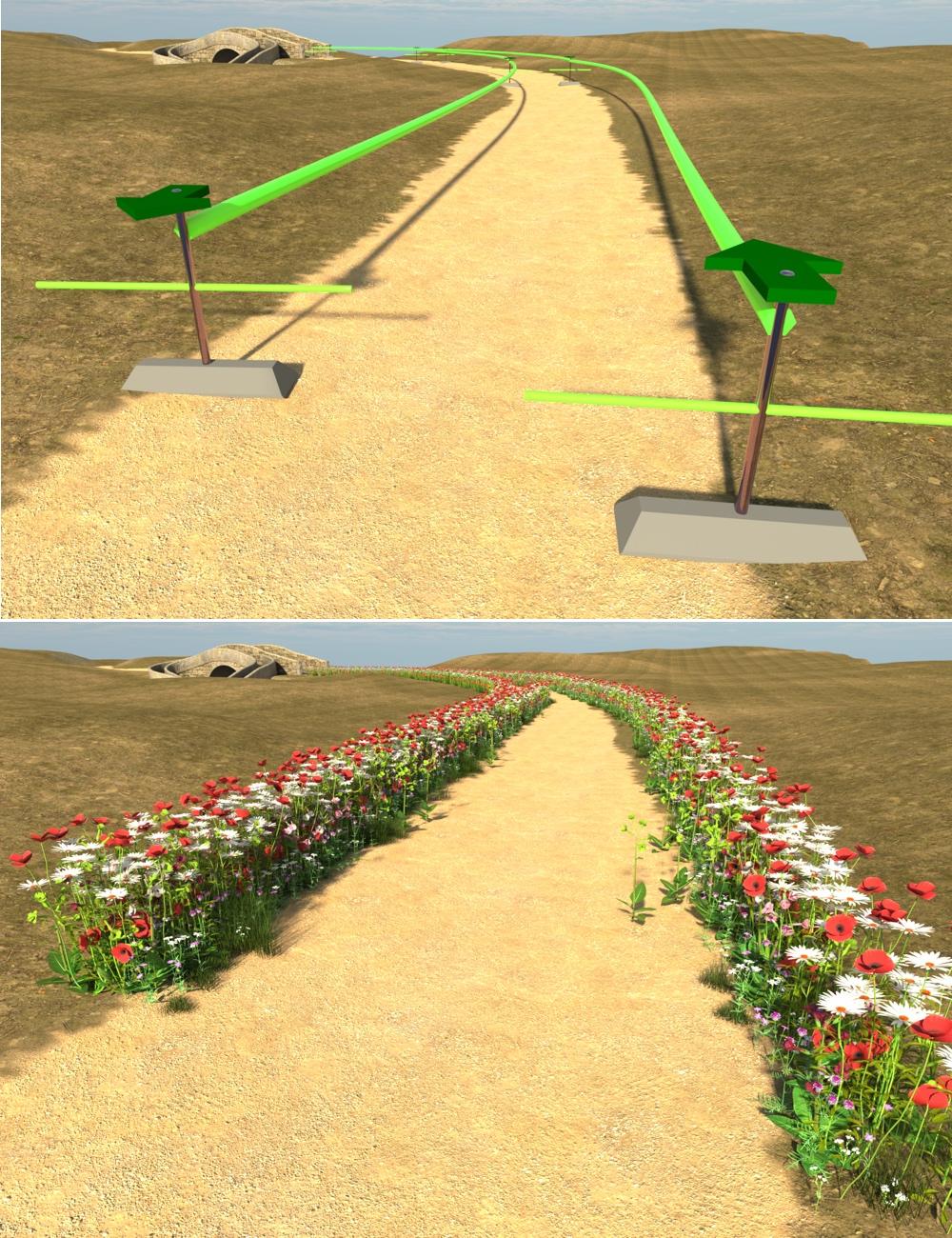
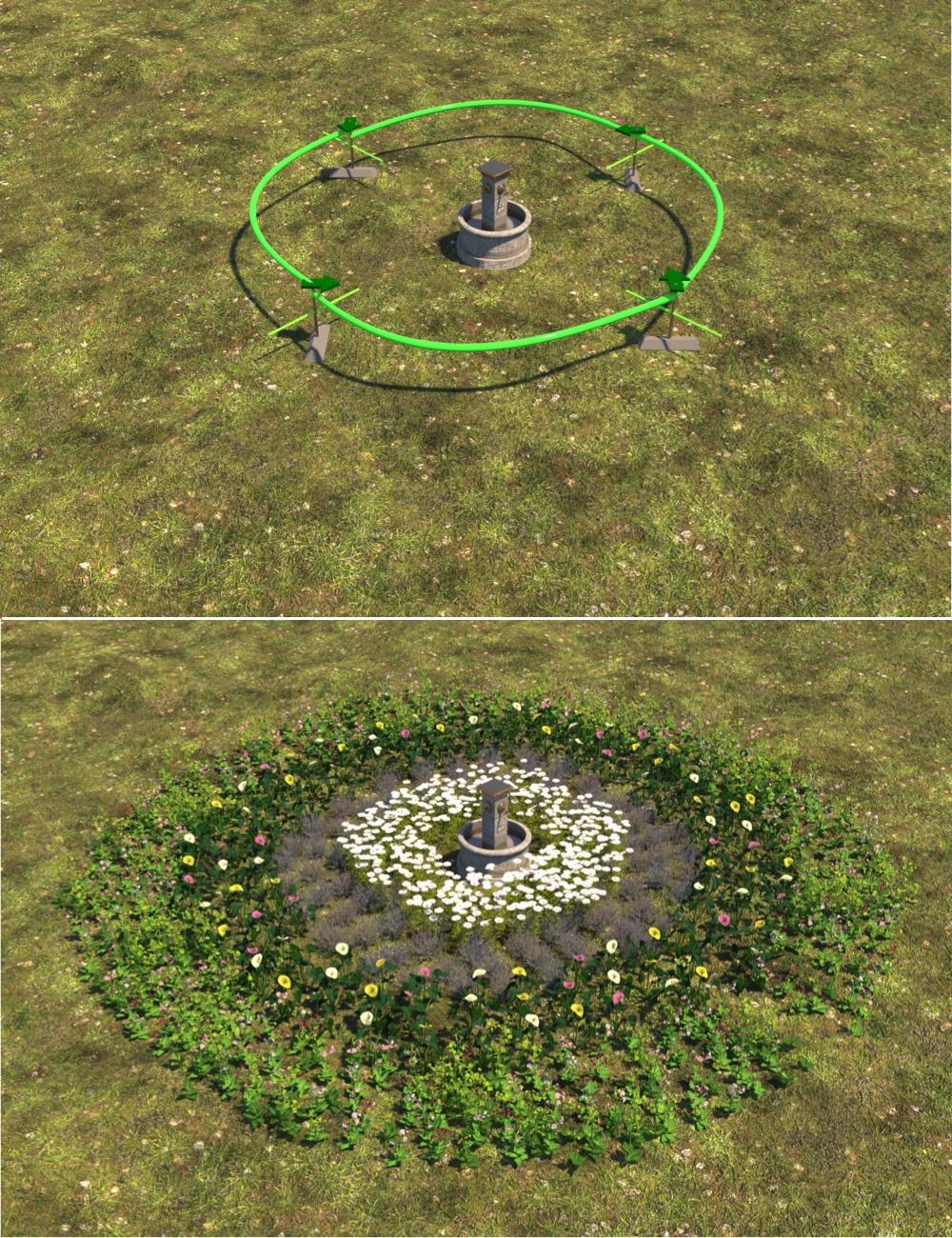
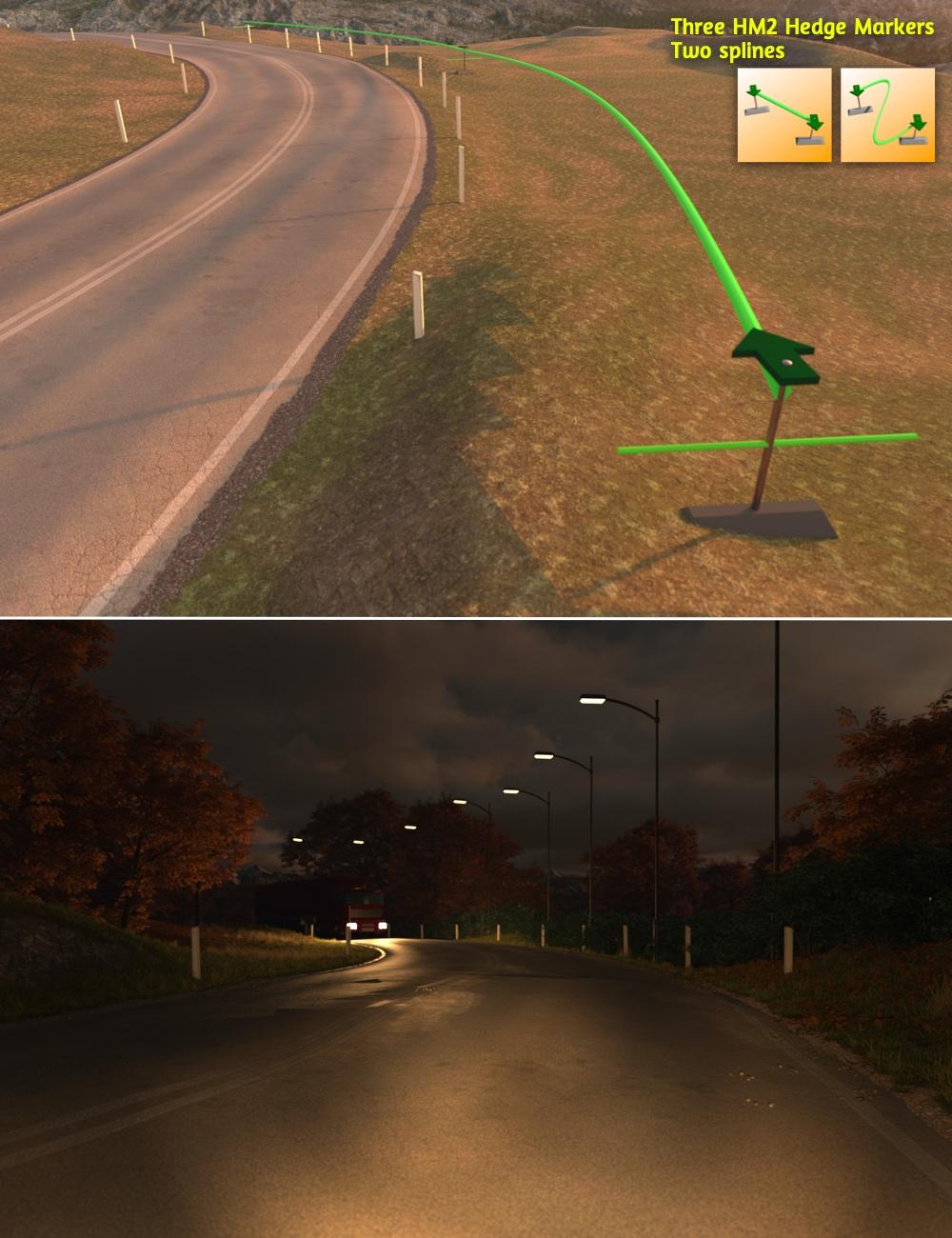
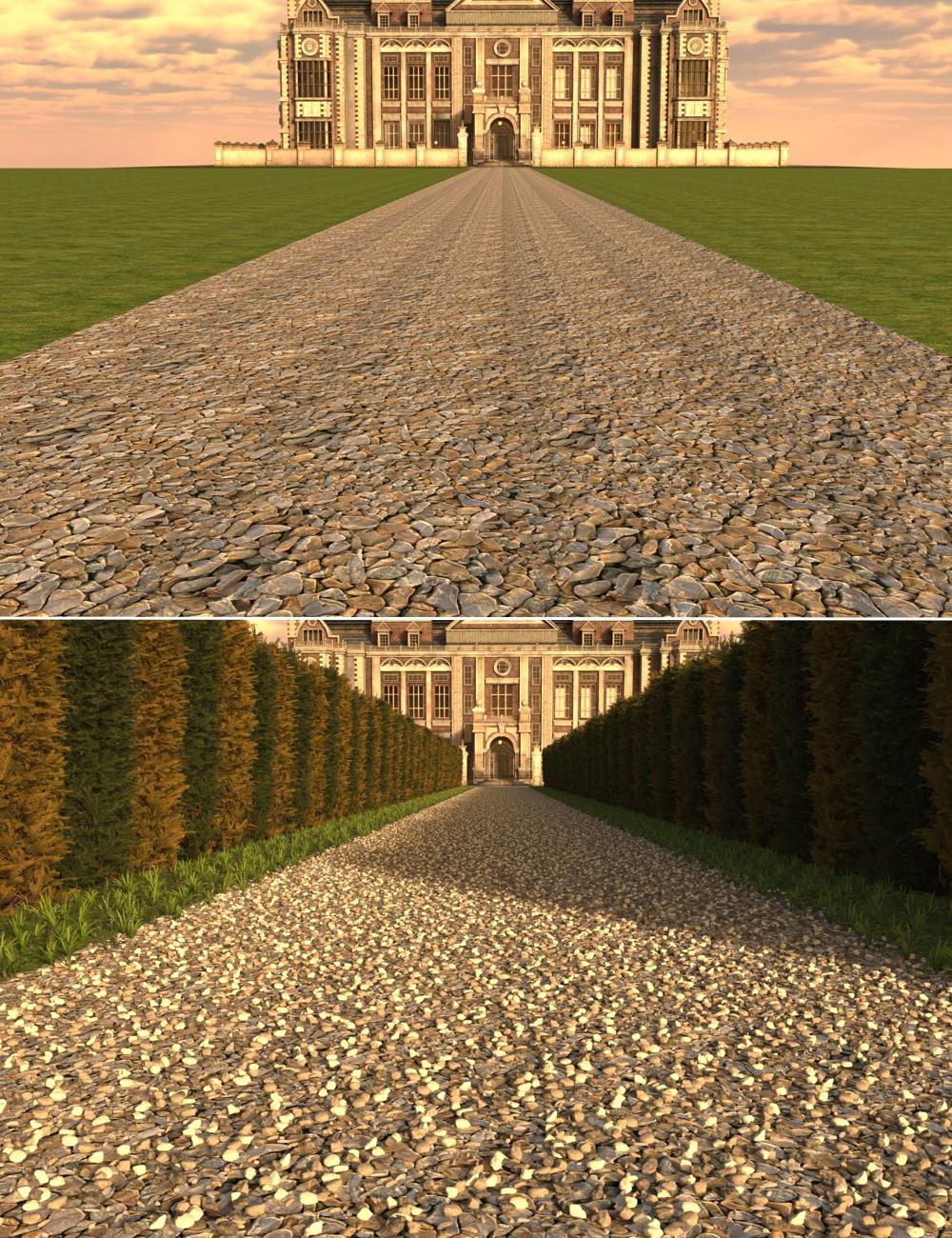
Bringing you all a better, faster and more powerful HedgeMaker, with bezier line support and handling for corners that has been problematric before.

Post edited by Totte on

Daz 3D is part of 
Connect
DAZ Productions, Inc.
7533 S Center View Ct #4664
West Jordan, UT 84084
Licensing Agreement | Terms of Service | Privacy Policy | EULA
© 2026 Daz Productions Inc. All Rights Reserved.
Comments
Will this also be available for DS 4?
Sorry, no. This is a plugin and rewritten from scratch and it would be such a pain to keep two codebases for this as it's a UI Plugin, too much things are different between 4 and 6 when it comes to UI.
I am good with that. I have the original Hedgemaker for DS4, and will buy the new one for DS6.
Thanks for this Totte.
No need to buy the first generation?
Nope - This is a completely new version.
And released: https://www.daz3d.com/c66-hedge-maker-2
Update for DS 6.26 Puiblic Beta in PASS
After installing the DAZ Studio 6 updates released today for the "AI Scene Enhancer" stuff, the HedgeMaker 2 Plugin (along with your C66Graphics Plugin) "FAIL TO LOAD" so the plugins are showing up Red in "About Installed Plugins" and under Information "Reason" both say "Made for an unsupported version of Daz Studio".
Updates was sent to DAZ on October 17 as it was then I learned that Studio 6.26 would not load 6.25 plugins, I know nothing more, sorry, just waiting and hoping the updates arrive in DIM this side of Chrtistmas....
Yeah that's a bummer, Not real happy with DAZ 6 any way and literally ONLY use it right now for YOUR plugin So Im going to roll back. Yours wasn't the only plugin that it broke btw.
You can run both DS4 and DS6 at the same time. You don't have to go forward or go back. You can go "with".
I do, along with 4.24.04 I also run 4.24.03, 4.23 and 4.22 for reasons such as this. So only rolling Daz 6 to it's last version. Don't want multiple versions of 6 yet, I can live without that AI crap. Only installed it in hopes that they had solve an interface issue I with 6, which they hadn't and then saw it Broke the ONE reason I use 6 for.
When I saw the AI plugin in DIM, I hid it. I'll never see it again.