Spline Rail, Light Rail, Object Rail and 1000 Rails [Released]
 EZ3DTV
Posts: 1,652
EZ3DTV
Posts: 1,652
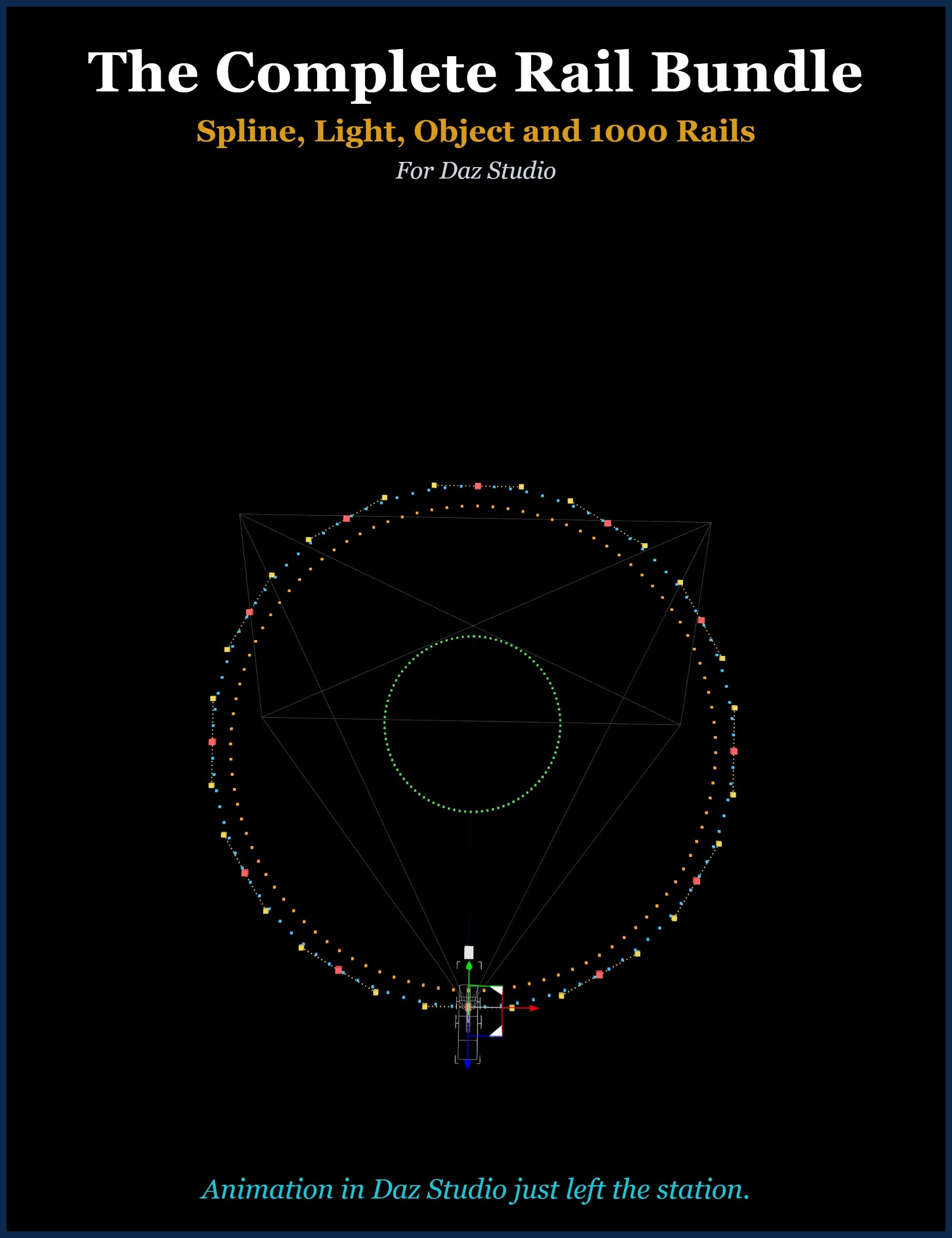
The Complete Rail Bundle is the whole railway: all three Rail products plus the 1000 Rails move expansion, in one purchase.
Or, purchase them separately.
Spline Rail puts your CAMERA on a smooth, editable rail and flies it with continuous, flip-free orientation on every axis - the 360 turntable that never rolls upside-down, the loop over the top that never twists. Animate the lens as it flies: dolly-zooms, rack focus, depth of field, all keyless.
Light Rail does it for your LIGHTS - a spotlight that sweeps, circles or dives, with Intensity and Spread riding the move, so the beam tightens and the light fades exactly where you want. Park several baked light rides in one scene and light a whole set in motion.
Object Rail does it for your PROPS - pick any object and send it down a flip-free rail. Your prop keeps its own animation while it rides: propellers spin, wings flap, tails wag, all on top of the move.
And 1000 Rails feeds all three: one thousand extra ready-to-fly moves in nine categories - Orbits, Spirals, Cranes & Booms, Dollies & Trucks, Fly-Throughs, Reveals, Shapes, Action and Lens Rails. Every move in the bundle works in every Rail product - fly your camera down a corkscrew today, send a spotlight down the same corkscrew tomorrow, and put a dragon on it the day after.
That is 1,119 moves at your fingertips - 119 built in, 1000 in the expansion - browsed from one shared Library where every thumbnail is the move's actual flight path, and where the moves you save yourself load onto anything, at the right scale.
Everything is one click to create and endlessly editable: drag control points and the path reshapes, no keyframes, no baking, no re-keying. Snap any move to your animation's exact length with Fit to Frames. Recompose with Look-ahead, Reverse, Ping Pong and Barrel Roll. Bake and park as many rides as you like - a scene full of moving cameras, lights and props, from a plugin family that keeps your Scene tab clean.
All three plugins run in Daz Studio 4.x and 6 from single installs, and each comes with a full illustrated manual.
Animation in Daz Studio just left the station.
Please see each product's page for details.
The Complete Rail Bundle
https://www.daz3d.com/the-complete-rail-bundle--spline-light-object-and-1000-rails
Spline Rail
https://www.daz3d.com/spline-rail--flip-free-camera-motion-path-editor
Light Rail
https://www.daz3d.com/light-rail--flip-free-light-motion-path-editor
Object Rail
https://www.daz3d.com/object-rail--flip-free-object-motion-path-editor
1000 Rails
https://www.daz3d.com/1000-rails--move-expansion-for-spline-light-and-object-rail

Daz 3D is part of 
Connect
DAZ Productions, Inc.
7533 S Center View Ct #4664
West Jordan, UT 84084
Licensing Agreement | Terms of Service | Privacy Policy | EULA
© 2026 Daz Productions Inc. All Rights Reserved.
Comments
How would the Spline rail work for animations where you want to rotate and zoom or pan the camera?
Hi Garrett! That's exactly what Spline Rail is for. You can pan, zoom, or rotate the camera the way you always do, and the rail smoothly remembers your moves — your camera work becomes a smooth spline path you can see right in the viewport. Scrub the timeline and the camera rides it back exactly, eased and flip-free, no hand-keying every frame. Then just tweak the rail's points if you want to refine the move, and it bakes to clean keyframes when you render. Zoom and focus ride along too, so dolly-zooms and focus pulls are part of the same move.
Happy to walk through any specific shot you have in mind!
Here is a new live video I made demonstrating how the rail programs work.
Introducing the Rail Family of Programs for Daz Studio | EZ3DTV
https://youtube.com/live/XMi3-Rhu9qw
You are very dedicated to your work. Congrats on the release.
Could you publish some example video made with these tools, please?
Thanks in advance.
I have purchased the bundle
https://www.daz3d.com/the-complete-rail-bundle--spline-light-object-and-1000-rails
but it does not install for Daz Studio 4.24.0.3.
It asks for Daz Studio 6.x, which I do not have installed on my computer
and cannot use, because I use Daz to Unity bridge all the time.
DS 6 lacks Daz to Unity bridge.
Please fix the installation error of your bundle. Thanks.
Hi Artini, thank you for your purchase and for the clear report — you found a real packaging error, and your screenshot told me exactly where it lives. The DS4 packages are the correct products for your Daz Studio 4.24 and contain the right files — but their install manifests carry one leftover line from packaging that references Daz Studio 6. DIM refuses to start an install until every application mentioned in the manifest has a path defined, and that stray line mentions a Daz Studio 6 you rightly don't have. I've reported it to Daz with the exact fix and will post here the moment the packages are corrected. Nothing is wrong with your setup, and there are a couple options besides installing Daz Studio 6.
First, one tip that applies no matter what: your products each come as several packages (DS4, DS6, and Content). Install only the DS4 and Content packages — leave the DS6-named ones unchecked, since those files are for a studio you don't run. The Content packages and 1000 Rails have no application requirement at all and install normally.
Two workarounds in the meantime — either gets you animating today:
Workaround 1 (easiest): in that Install Errors dialog, click the "…" next to Path and choose your Daz Studio 4 folder (usually C:\Program Files\DAZ 3D\DAZStudio4). To be clear about what this does: DIM already knows your real Daz Studio 4 path — this just fills the "Daz Studio 6" slot the stray line is demanding, using your DS4 folder as a harmless stand-in. Once that's satisfied, the package's own correct Daz Studio 4 entry installs the plugin through your normal DS4 path, exactly where it belongs. This is also why the DS6 packages must stay unchecked with this trick in place — checked, they'd deliver Daz Studio 6 files into your Daz Studio 4 folder.
Workaround 2 (for the hands-on): open the downloaded package zips in DIM's download folder (DIM Settings shows the location — files named like IM00117527-02_...DS4.zip), open the Manifest.dsx inside each with Notepad, and delete the single line containing VERSION="6;6.x Public Build;6.x Publishing Build" — leave the 4.5 line alone. Save it back into the zip and install normally; with the stray line gone, DIM asks only for the Daz Studio 4 it already knows. You'd repeat this for all three plugin packages: Spline Rail, Light Rail, and Object Rail (the DS4 zips only).
After either workaround, restart Daz Studio and the Rails appear under Window > Panes (Tabs). Once Daz ships the corrected packages, a fresh download and reinstall through DIM will square everything up cleanly, whichever road you took. Thanks for your patience on launch weekend — and enjoy the Rails!
A third option:
One more option, if you'd rather not touch paths or files at all: temporarily install Daz Studio 6 (it lives alongside 4.24 in its own folder and won't affect your setup or your Unity bridge). With a Daz Studio 6 path known to DIM, the DS4 packages install normally — into your Daz Studio 4, where they belong. Once the Rails are in, you can uninstall Daz Studio 6 again; your plugins stay put. It's the heaviest of the three workarounds, but it's also the most hands-off.
I am here to assist you further Artini, let me know if you need more info and if you manage to get them installed and which method worked (or did not work) for you.
Best!
EZ3DTV
The one silver lining: for users with both Daz Studio versions installed, all the packages install perfectly — I verified this on my own machine this morning, and DIM's manifest shows the correct files landing in the correct places. So the packages' contents are fine; it's only the stale application line that blocks single-version customers.
Thanks a lot for the tips.
First method does not work. The OK button is grey out and cannot be clicked.
Just installed DS 6 Public build and got installed all rails.
Just out of curiosity, why did you choose to have the tabs on the library invisible? That frustrated me quite a lot this afternoon.
YAY!!! Glad you got it working Artini! Let me know if I can help in any way!
Hi jhogenboom, thank you for the report — and sorry for the frustrating afternoon! To answer directly: it wasn't a choice at all. The library has three ordinary tabs across the top — User, Factory, and Add-ons — but you've caught a styling bug: under Daz Studio's dark interface theme the tab labels can render nearly the same color as the background, so the tabs are there and clickable but almost impossible to see. That's my bug to fix, and a Rails update will give those tabs proper high-contrast styling. In the meantime, the three tabs sit in a row just above the preset list, left to right: User (your saved rails), Factory (the built-in moves), and Add-ons (expansions like 1000 Rails) — hovering the mouse along that strip will highlight each one. Thanks for taking the time to say so — reports like this are exactly how the rough edges get found.
Thanks for the reply. I shall watch the video when I'm a bit more awake - it's way past bed time here right now.
ALL CLEAR — Rail installers fixed for both DS4-only and DS6-only users!
Great news for everyone who hit the "locate the application" dialog when installing Spline Rail, Light Rail, or Object Rail: Daz has fully rebuilt the installers, and the issue is completely resolved. You no longer need both versions of Daz Studio installed — the DS4 packages install cleanly on a DS4-only machine, and the DS6 packages install cleanly on a DS6-only machine. Each installer now carries exactly what your Studio needs, nothing more.
One important step to get the fix: DIM keeps the packages it already downloaded, so it won't fetch the new ones on its own. In Install Manager, right-click each Rail package, choose Delete File(s), and let it re-download — then install as normal. That's it.
I also want to say publicly how impressed I am with how Daz handled this. Once the issue was diagnosed, they rebuilt the DS4 installers in a day, and when I flagged that the DS6 set needed the same treatment, they had those rebuilt within the hour — early in the morning, no less. I verified every fresh installer myself this morning and they are all exactly right. Fast, thorough, and genuinely competent work. Thank you, Daz!
And thank you to Artini for the original report that got this rolling. If anyone still sees anything odd after the delete-and-redownload step, post here and I'll jump on it.
— EZ3DTV
If it is a new package, DIM should report it as a product update. An owner shouldn't have to delete the original packages manually. Maybe DAZ didn't make the packages so perfectly after all, if they don't appear in DIM as a product update. Owners who don't read this thread will not know about the correction, if it doesn't show up as a product update in DIM. I suggest you ask your contact at DAZ about that issue.
Thanks for your post barbult — it's a fair question.
There was no version change here. Daz rebuilt the packages in place so the correction could go out swiftly, rather than waiting on the full release pipeline for a new version. Since the version numbers stayed the same, DIM has no update to announce — the packages with the corrected manifests simply replaced the originals on the server.
Most people won't even encounter this issue. But IF the new files do not fix the problem for you, the sure remedy is: delete the packages, close and reopen DIM, and redownload them fresh. That guarantees all ten packages come down with the corrected manifests rather than anything cached. It's a one-time, five-minute step, and I verified the fresh installs on my own machines.
A version bump would have surfaced this as a proper update, you're right — but the swift route got the fix out the same morning it was asked for, and anyone affected has a short, certain path onto it.