-
-
 NEW
NEW
-
-
-
$49.99
Optional License Add-Ons:
$1.99*Unless otherwise specified, no discounts or offers will apply to License Add‑Ons.
Optional License Add-Ons:
$1.99*Unless otherwise specified, no discounts or offers will apply to License Add‑Ons.
-
This product is in this bundle
-
Details
What has been holding you back from animating in Daz Studio?
For a lot of us it comes down to the camera. Orbit it around your figure, and it rolls upside-down at the back of the turn - so you fight it, hand-key around it, or give up on the shot. Spline Rail ends that.
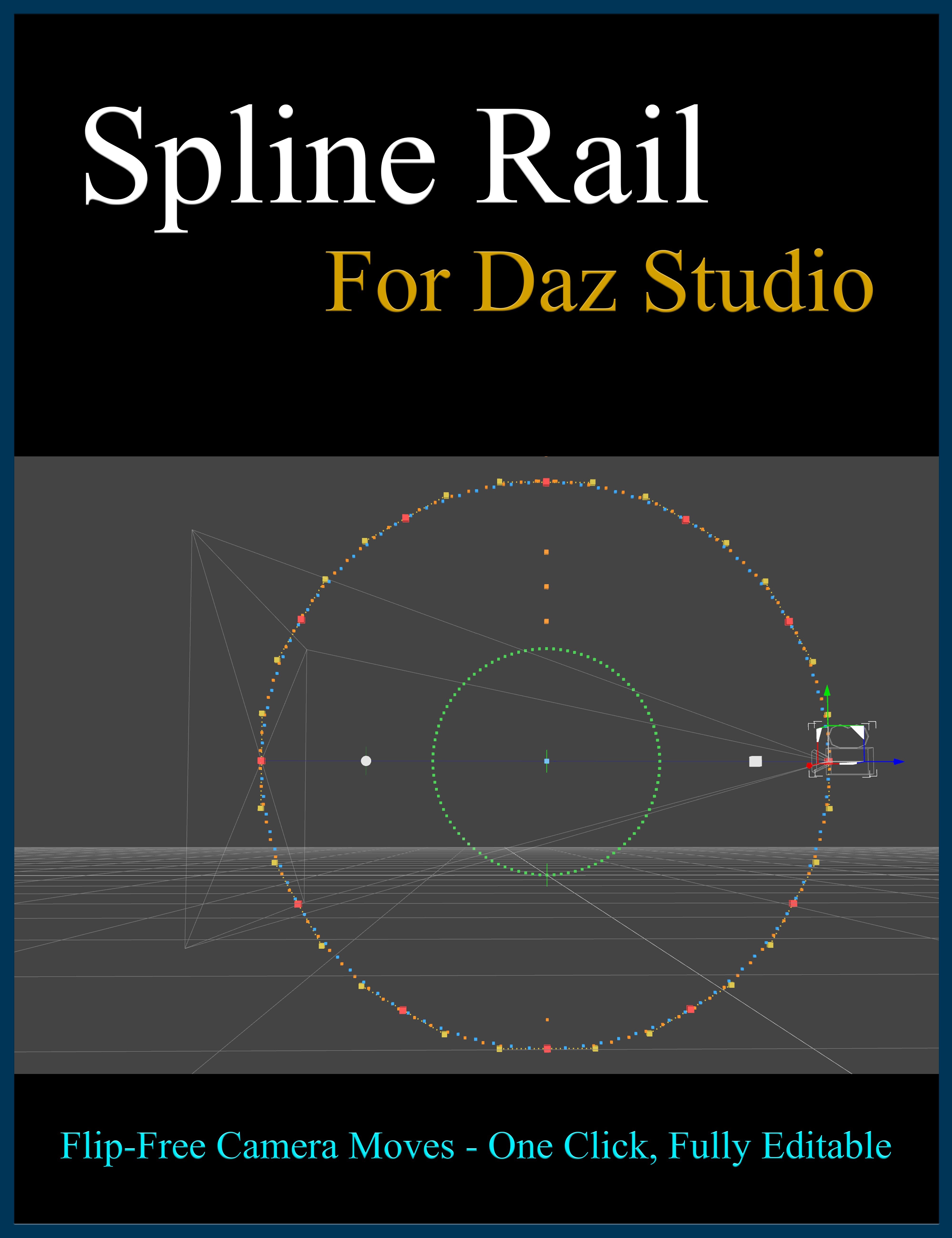
Spline Rail is a native plugin that puts your camera on a smooth, editable rail - a spline - and flies it along that path with continuous, flip-free orientation on every axis. A full 360-degree turntable stays perfectly oriented the whole way around. A loop straight over the top never twists. It just works.
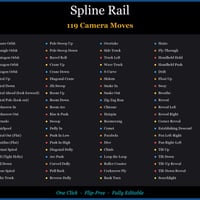
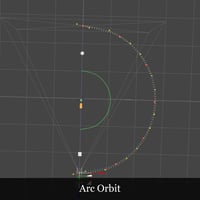
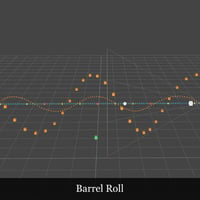
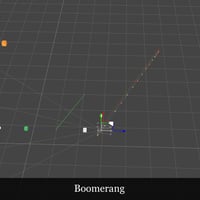
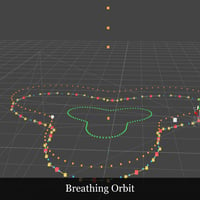
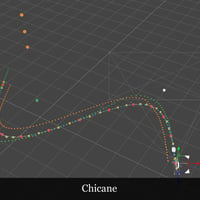
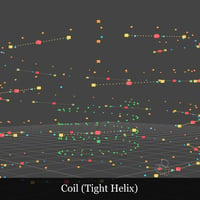
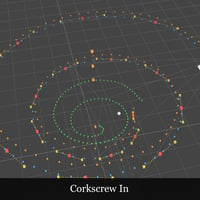
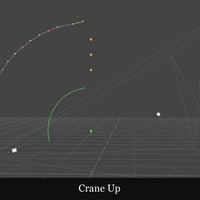
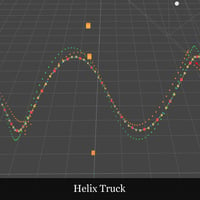
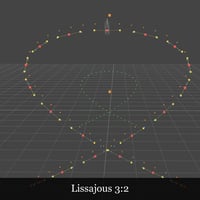
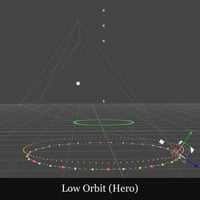
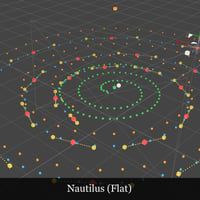
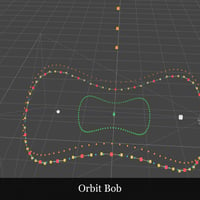
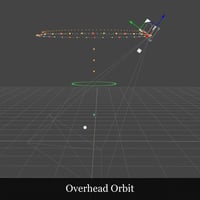
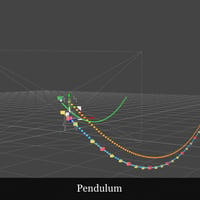
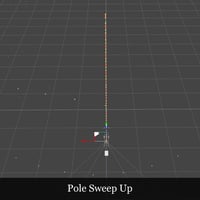
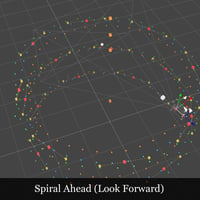
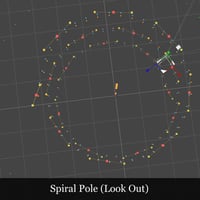
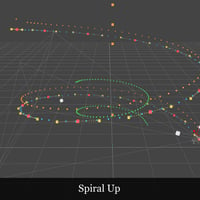
Pick from 119 cinematic moves, click Create Rail, and scrub the timeline - your camera performs the shot instantly, with no keyframing and no baking. Want it different? Drag the rail's control points, and its path reshapes with them - then scrub or play to preview the new move, no re-keying and no re-baking. Animate the lens as it flies - zoom, focus and depth of field - or trace any animated object's motion into an editable camera rail of your own.
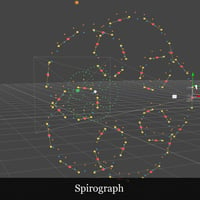
From a simple turntable to a dolly-zoom, a rack-focus reveal, a barrel roll or a spirograph fly-through, the camera move Daz couldn't make is now one click away.
Animation made simple: insert the Spline Rail move of your choice, place it where you want it, and render. No more fussing with messy camera keyframes - just smooth camera flow through your scene.
Spline Rail runs in Daz Studio 4.x and 6 from a single install, drops into your scene clean, and comes with a full illustrated manual.
*Windows only
What's Included and Features
-
Spline Rail - Flip-Free Camera Motion Path Editor:
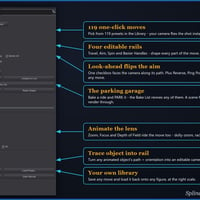
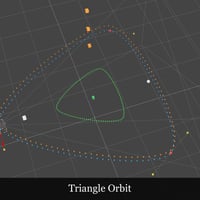
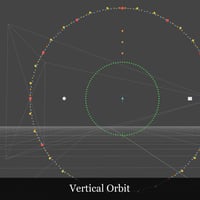
- - 119 one-click camera moves - orbits, spirals, cranes, dollies, fly-throughs and shapes.
- - Flip-free on every axis - orbit, tumble and loop with zero roll-over.
- - One click to create, then reshape any time - drag a control point and the path moves with it.
- - No keyframing, no baking - the camera is driven by the spline itself, edits take effect instantly.
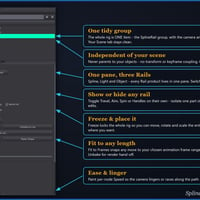
- - Fit to Frames - snap any move to your animation's exact frame length in one click.
- - Animate the lens - Zoom, Focus and Depth of Field ride the move (dolly-zoom, rack focus).
- - Shape every move - per-node speed, plus Aim, Spin (bank) and Bezier-handle rails.
- - Show or hide any rail on its own - isolate one part for close, precise edits.
- - Recompose instantly - Look-ahead, Reverse and Loop work on any preset.
- - Trace any animated object into an editable camera rail - path and orientation.
- - Save your own moves and reuse them on any figure, at the right scale.
- - Inserts clean - ONE tidy group, camera and rail lines bundled inside, one Undo removes it all.
- - Freeze and place it - click the group to move, rotate or scale the rails, camera and all, in seconds.
- - Render-safe and automatic - freezes for the render, restores live after.
- - Works in Daz Studio 4.x and 6 - one native plugin, single install.
- - Lives in a dockable tab - open it from Window > Panes (Tabs) > Spline Rail.
- - Includes a full illustrated PDF user manual.
Notes
- This product includes:
- 1 DSON Core Installer
-
Spline Rail - Flip-Free Camera Motion Path Editor:

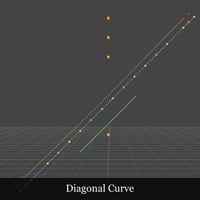
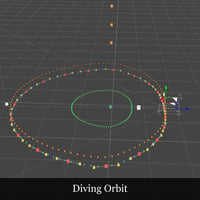
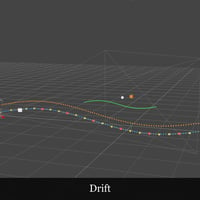
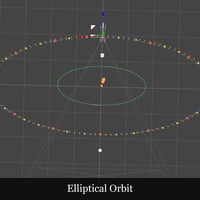
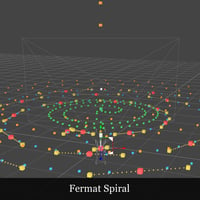
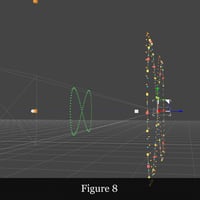
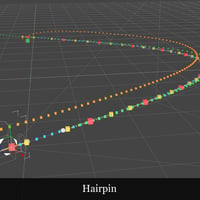
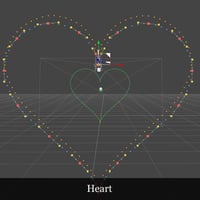
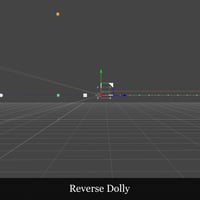
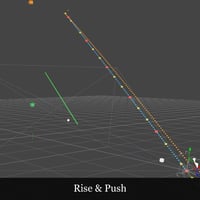
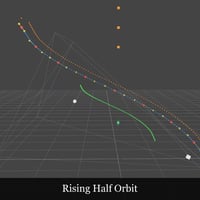
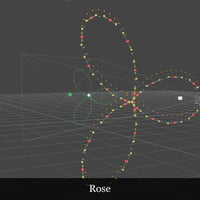
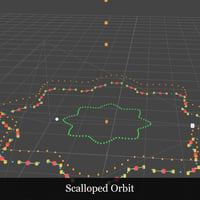
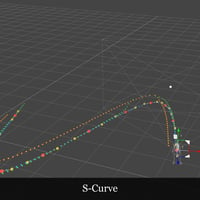
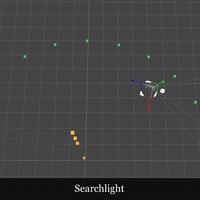
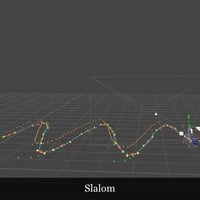
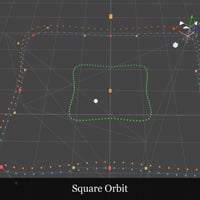
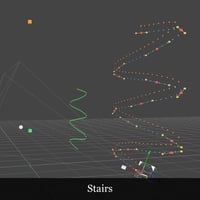
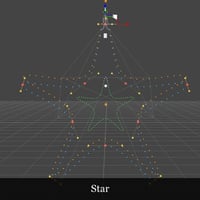
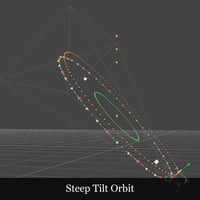
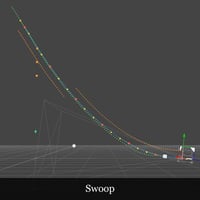
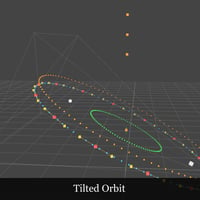
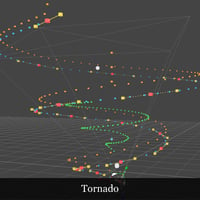
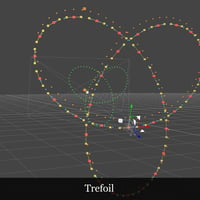
Product Add-Ons

Daz 3D is part of 
Connect
DAZ Productions, Inc.
7533 S Center View Ct #4664
West Jordan, UT 84084
Licensing Agreement | Terms of Service | Privacy Policy | EULA
© 2026 Daz Productions Inc. All Rights Reserved.