-
-
 NEW
NEW
-
-
-
$39.99
Optional License Add-Ons:
$1.99*Unless otherwise specified, no discounts or offers will apply to License Add‑Ons.
Optional License Add-Ons:
$1.99*Unless otherwise specified, no discounts or offers will apply to License Add‑Ons.
-
This product is in this bundle
-
Details
How do you fly a prop across a scene in Daz Studio?
Until now: hand-keying, frame by frame - and watching it roll upside-down at the back of the loop. Object Rail ends that.
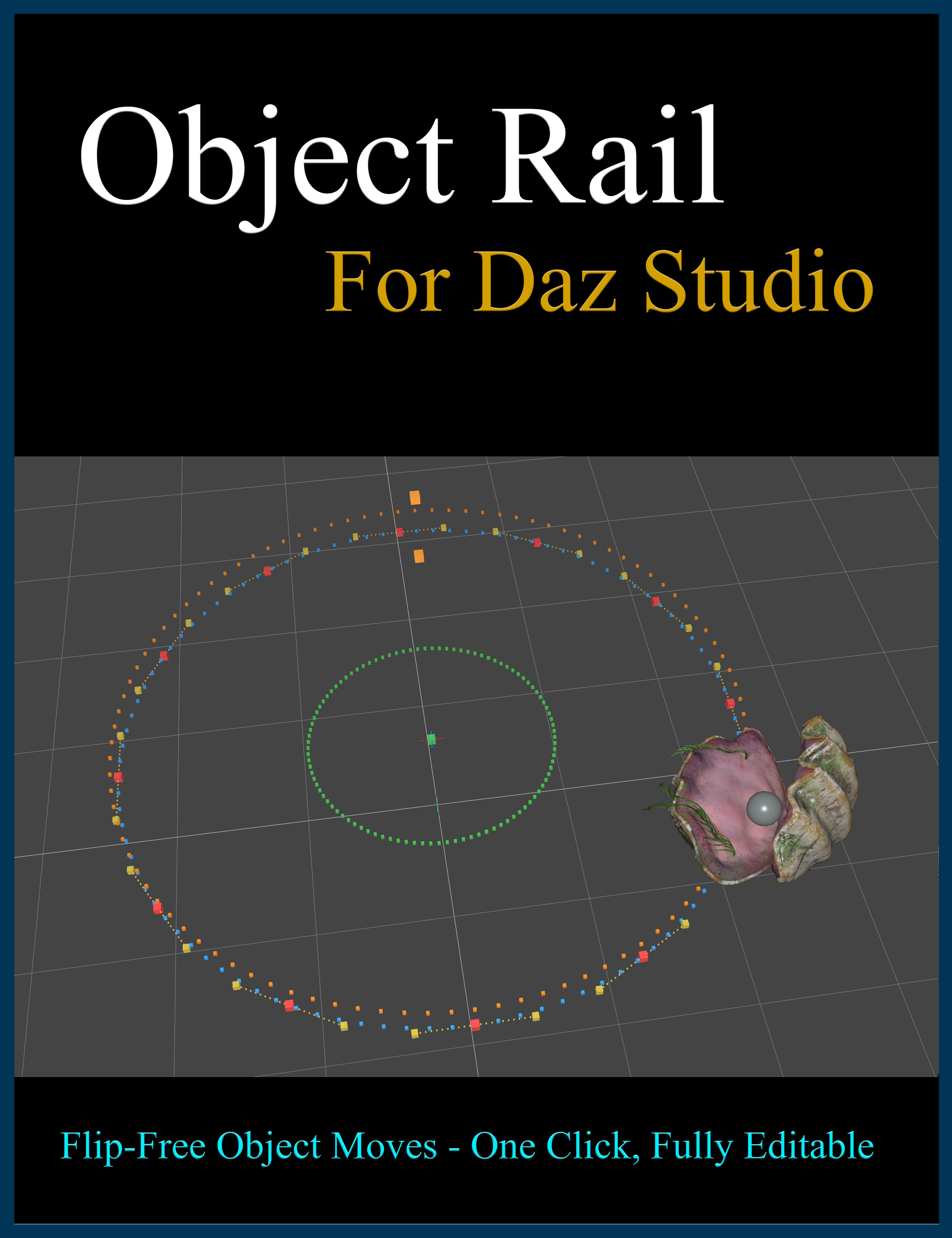
Object Rail is a native plugin that puts ANY prop on a smooth, editable rail - a spline - and flies it along that path with continuous, flip-free orientation on every axis. A drone circling your figure, a moon orbiting overhead, a fish looping through a reef - the move stays perfectly oriented the whole way around. It just works.
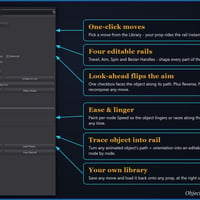
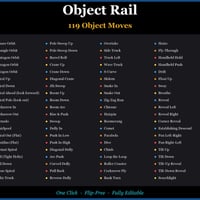
Pick from 119 one-click moves in the Library and your prop performs the shot instantly - no keyframing, no baking. Want it different? Drag the rail's control points and the path reshapes with them; scrub or play to preview, no re-keying. And your prop stays itself the whole ride: the baked keys land on the rail's rider, never on your object, so propellers keep spinning, wings keep flapping, and tails keep wagging on top of the move.
Then fill the scene. Bake a ride and PARK it in the garage: the rail hides, the prop keeps flying its keyed path, and the floor is free to build the next one - birds, traffic, drones, as many moving props as your scene wants, each parked ride wearing its name in the Scene tab. The Bake List revives any ride for editing at any time. Or run it the other way: Trace any hand-animated object into an editable rail, and tidy the motion node by node.
From a drone pass to a roller coaster, a bouncing comet to a spirograph swarm, the object animation is now one click away.
Animation made simple: insert the Object Rail move of your choice, place it where you want it, and render. No more fussing with messy keyframes - just smooth motion through your scene.
Object Rail runs in Daz Studio 4.x and 6 from a single install, drops into your scene clean, and comes with a full illustrated manual.
*Windows only
What's Included and Features
-
Object Rail - Flip-Free Object Motion Path Editor:
- - 119 one-click object moves - orbits, spirals, fly-throughs, dives and shapes.
- - Flip-free on every axis - loop, tumble and corkscrew with zero roll-over.
- - Any prop rides - select it, pick a move, it flies.
- - Props keep their own animation while they ride - propellers, wings, tails.
- - Keys land on the rail's rider, never on your object.
- - One click to create, then reshape any time - drag a control point.
- - No keyframing, no baking - the object is driven by the spline itself.
- - The parking garage - bake and park many moving props in one scene.
- - Parked rides wear their names in the Scene tab and survive save / load.
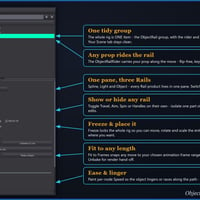
- - Fit to Frames - snap any move to your animation's exact frame length.
- - Shape every move - per-node Speed, plus Aim, Spin and Bezier-handle rails.
- - Show or hide any rail on its own - isolate one part for precise edits.
- - Recompose instantly - Look-ahead, Reverse, Ping Pong and Barrel Roll.
- - Trace any animated object into an editable rail - path and orientation.
- - One shared Library - moves swap freely with Spline Rail and Light Rail.
- - Save your own moves and reuse them on any prop, at the right scale.
- - Inserts clean - ONE tidy group, one Undo removes it all.
- - Freeze and place it - move, rotate or scale the whole rig in seconds.
- - Render-safe and automatic - freezes for the render, restores live after.
- - Works in Daz Studio 4.x and 6 - one native plugin, single install.
- - Lives in a dockable tab - open it from Window > Panes (Tabs) > Object Rail.
- - Includes a full illustrated PDF user manual.
Notes
- This product includes:
- 3 DSON Core Installers
-
Object Rail - Flip-Free Object Motion Path Editor:

Product Add-Ons

Daz 3D is part of 
Connect
DAZ Productions, Inc.
7533 S Center View Ct #4664
West Jordan, UT 84084
Licensing Agreement | Terms of Service | Privacy Policy | EULA
© 2026 Daz Productions Inc. All Rights Reserved.