Write Anywhere Plus Advanced LIE and Aging Tools (Commercial)
 V3Digitimes
Posts: 3,477
V3Digitimes
Posts: 3,477
Find it here : Write Anywhere Plus Advanced LIE and Aging Tools - Store link
From instant writing to advanced text aging: fast for beginners, powerful for experts.
Write Anywhere Plus Advanced LIE & Aging Tools is a complete toolbox to turn any object into a living canvas. It’s not just about writing text, dropping a pattern wherever you want and aging them as you like – it’s a full workflow designed to be simple, creative, and flexible, whether you are a beginner or an advanced user.
How it works: everything is based on Decal Nodes. Take Care, DECAL NODES ARE IRAY ONLY! (In other render engines, they may be used to generate the written or decayed maps, but they are not visible and cannot project anything).
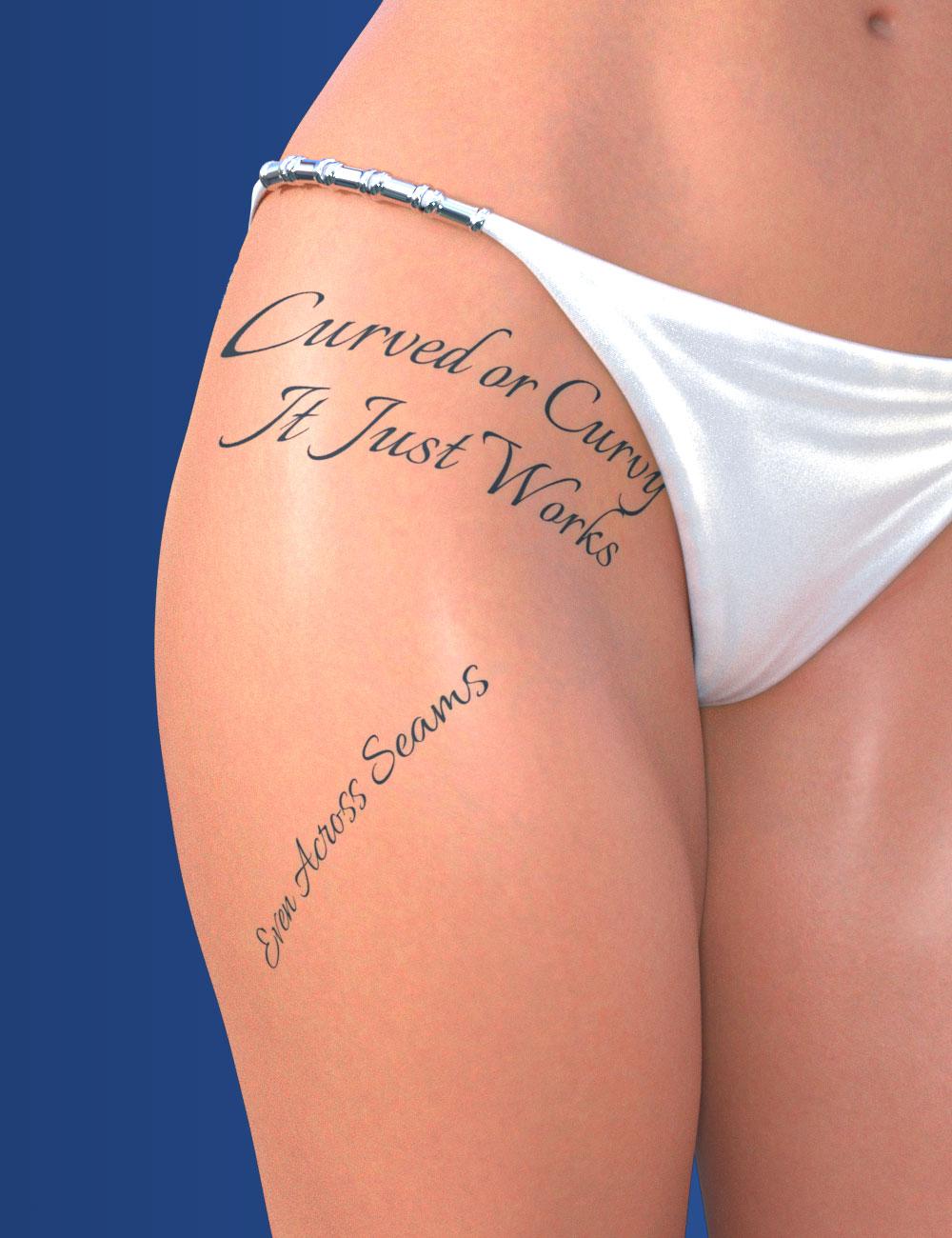
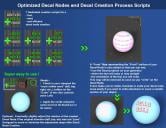
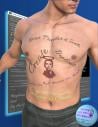
That means you can write on any object – flat or curved – without worrying about UV seams. The decal is projected directly onto the surface, and you can move, scale, rotate or re-texture it at will. Beginners get the freedom to “write anywhere” without technical headaches, while advanced users can refine projection modes for perfect control.
Getting started is easy.
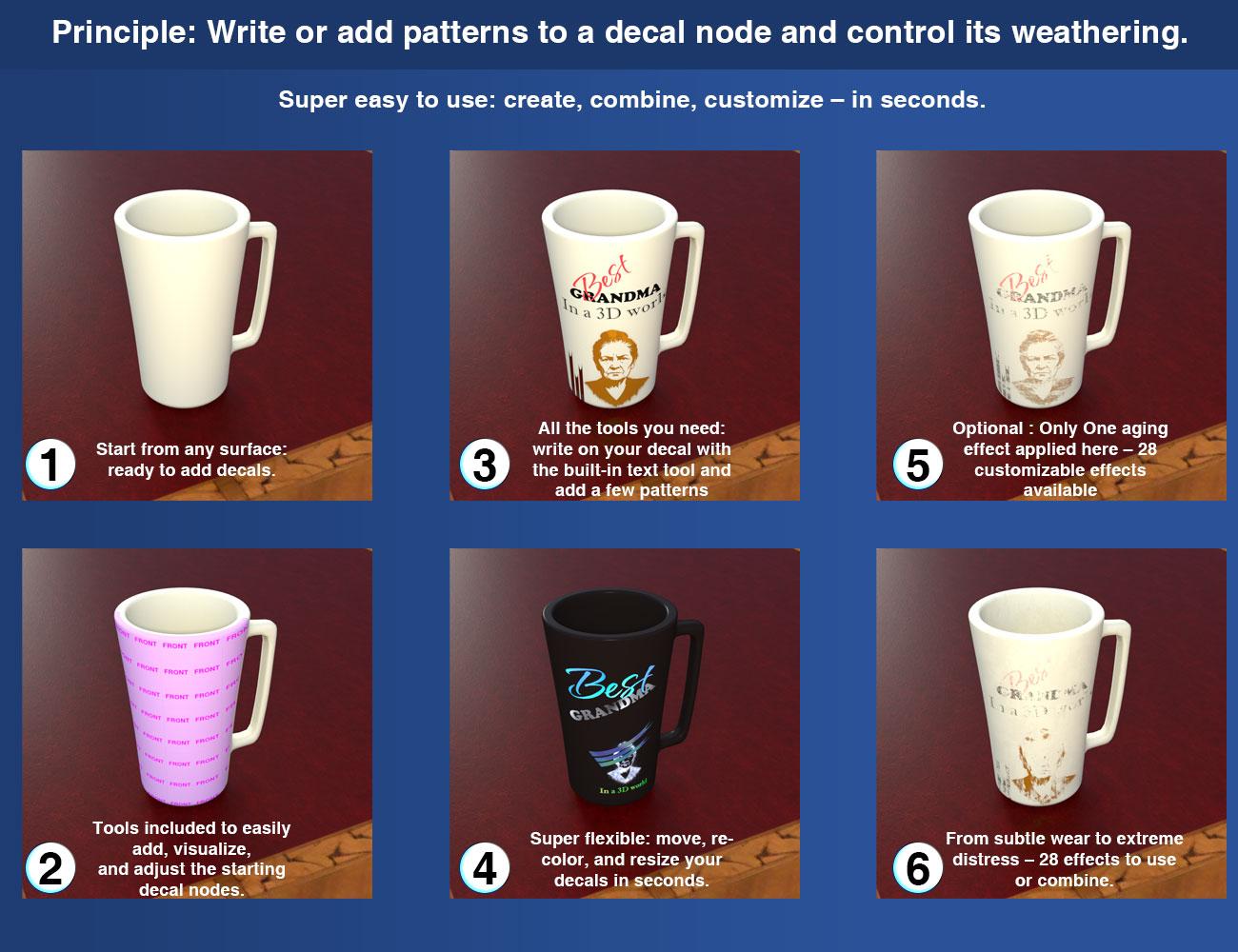
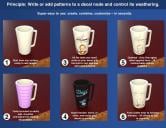
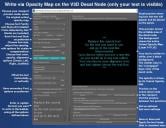
Scripts create optimized decal nodes with the right orientation and even a temporary preview map, so you can see the position and distortion before typing a single letter. Writing then becomes fast and precise, with constant visual feedback.
Text and patterns.
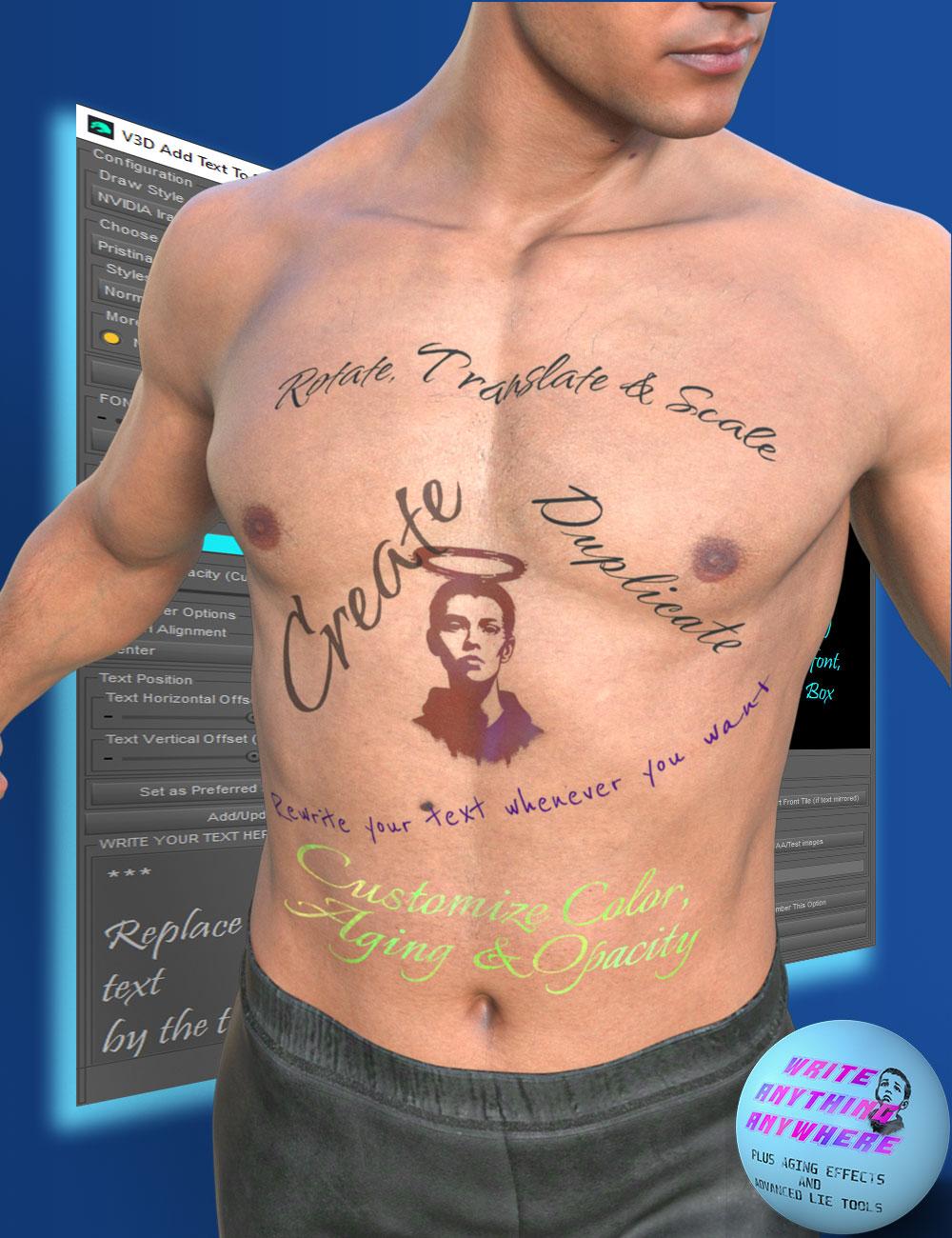
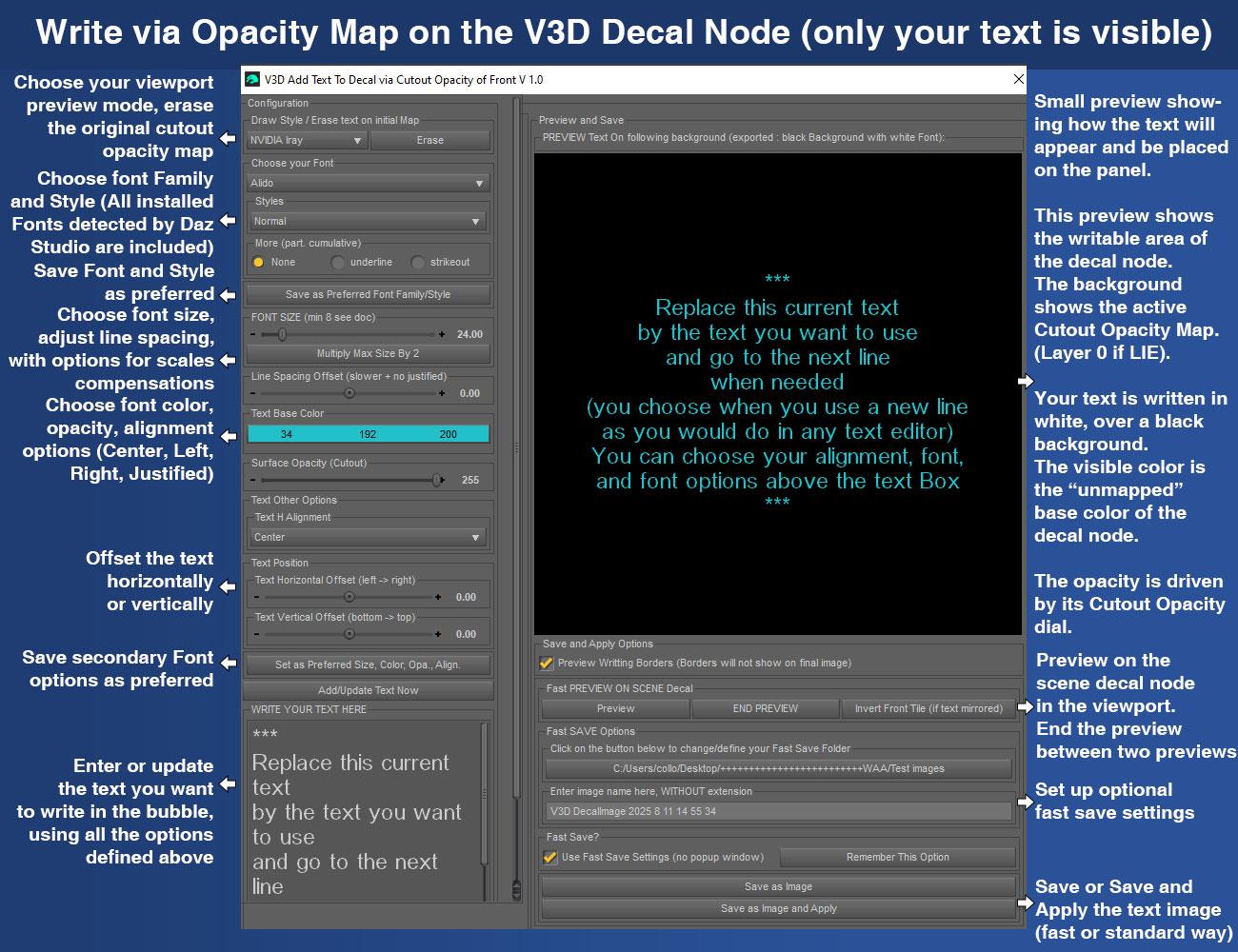
A script is included to easily add text to your decal nodes (you transform your decal nodes into decal texts). Choose any font, color, opacity, style, alignment, or line spacing to compose exactly what you want. One word, a sentence, multiple lines – or mix several decals with different fonts and colors.
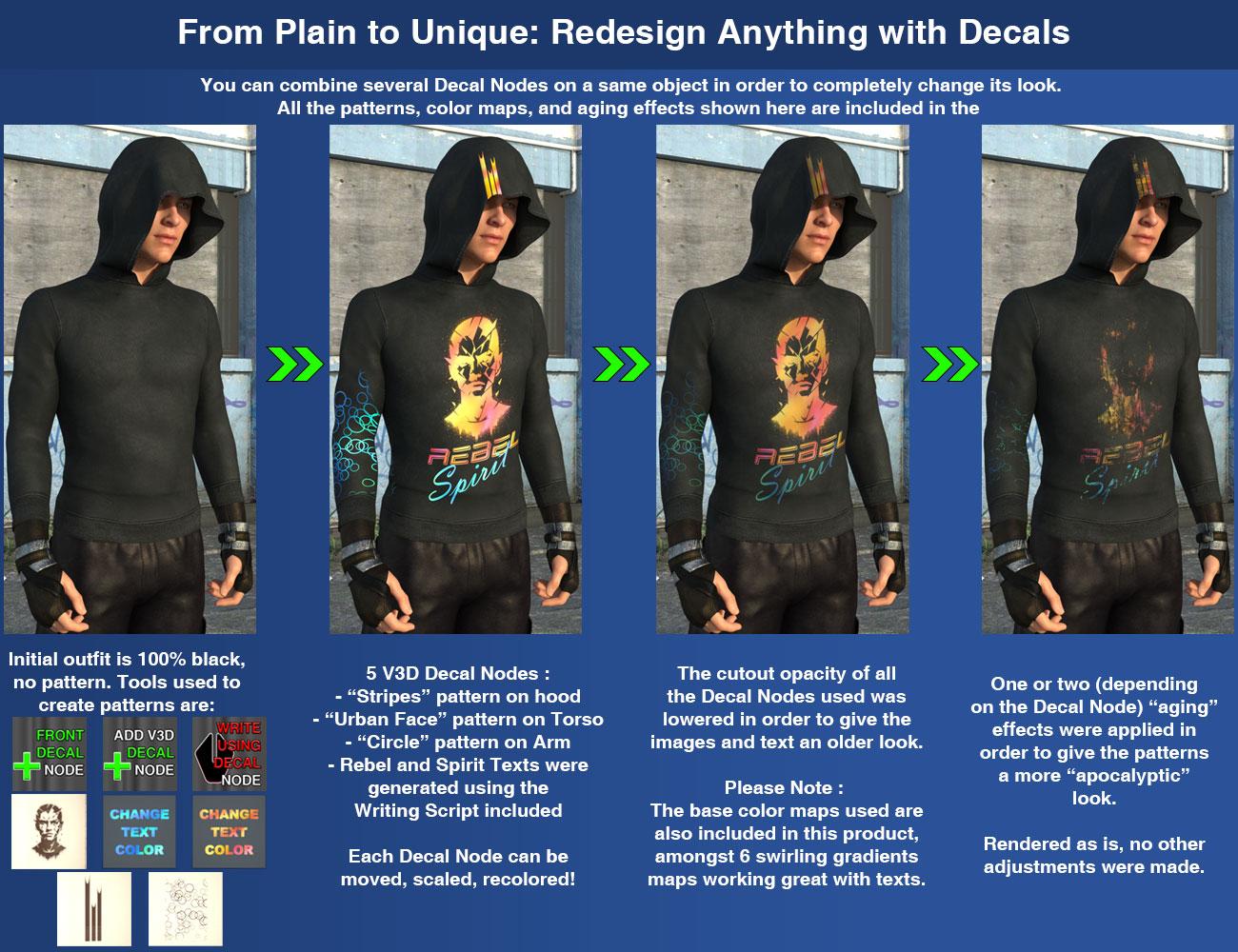
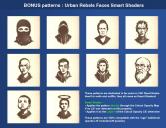
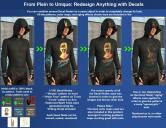
The product also includes ready-to-use patterns: a bonus set of rebellious stencil faces delivered as Smart Shaders. They can either replace the Layer 0 of an existing LIE or be applied directly, making it easy to combine text and images.
Aging and shaders.
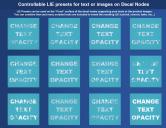
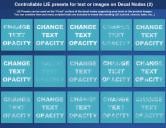
You get 29 aging effects as opacity LIE layers (plus a reset), to go from subtle wear to extreme grunge in seconds. Seven base color shaders are also included: six gradient styles and one subtle dirt effect, all calibrated to work with your decals.
Advanced LIE Tools.
This part is useful for everyone, not just experts:
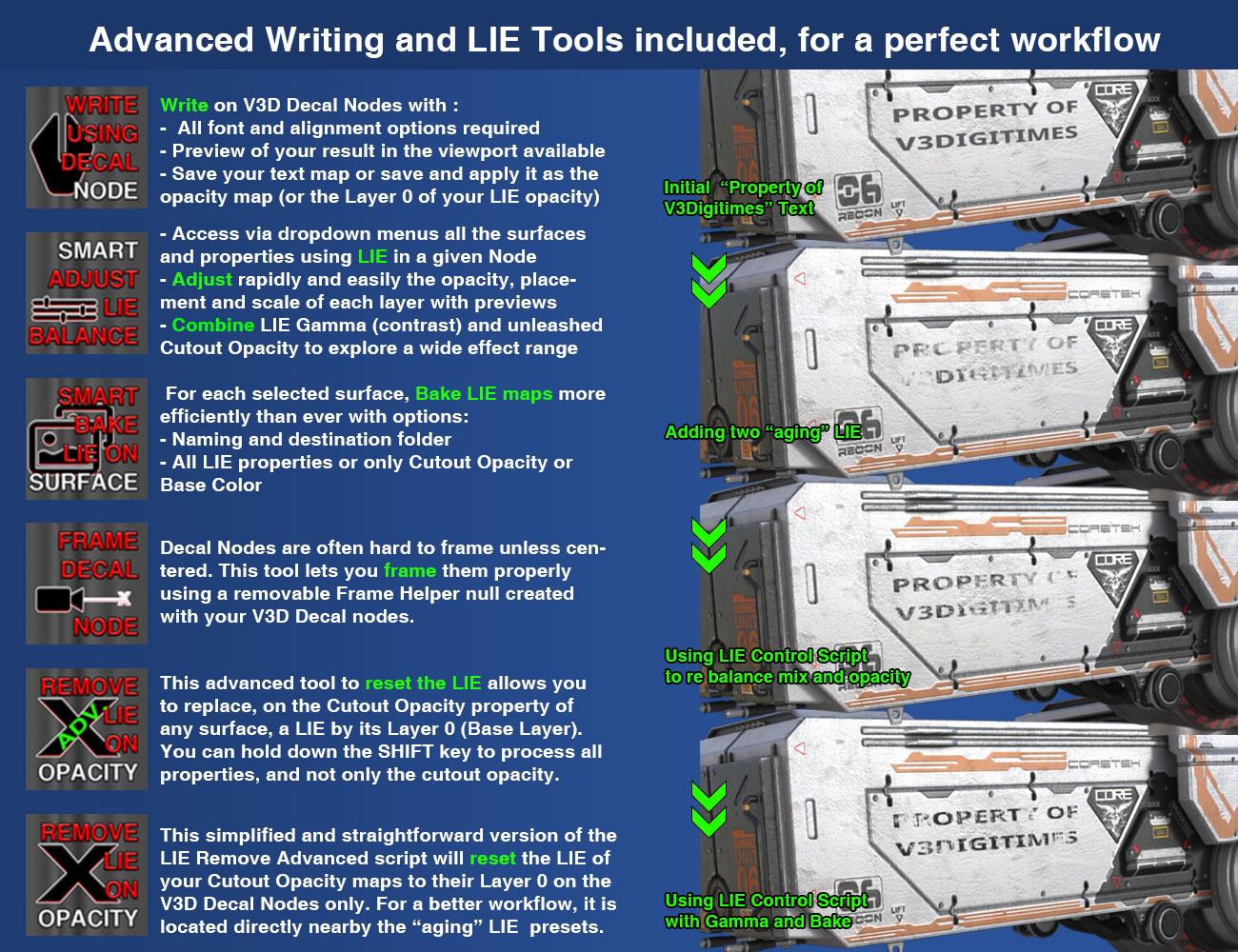
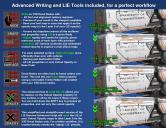
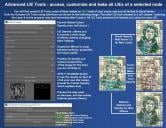
- Adjust each LIE layer individually (opacity, gamma, global boost above 1 to compensate LIE Stacking).
- Bake your effects with multiple output options (naming, location, auto-apply).
- Two LIE cleaners included: a global cleaner (cutout, base color, or all channels) and a fast cleaner dedicated to decal nodes.
In short:
- Beginners can create and age a text in seconds on any objects or figure they want.
- Advanced users can combine, layer, and push the creative limits even further.
I also made a promo video with chapters
Remark: sorry, I saw youtube added ads to my tuto video. I tried to have have them OFF but I'm unable to do so (my account is too small). Only thing I can say is Skip as soon as you can.

Daz 3D is part of 
Connect
DAZ Productions, Inc.
7533 S Center View Ct #4664
West Jordan, UT 84084
Licensing Agreement | Terms of Service | Privacy Policy | EULA
© 2026 Daz Productions Inc. All Rights Reserved.
Comments
Compatible with DS 4.22?
Ok, thanks!
In the store and my cart.
Thanks for the support ! And as usually you can come if you have questions :)
How awesome is this?
Very.
Straight in the cart, checked out, and downloaded - off to play :)
Another amazing product. Thanks for creating it.
Thanks so much for those nice words. Any question you have, feel free to come here!
You're welcome! I hope you'll have fun with it ! I guess you'll come to share your renders ??
After asking if it'd work on my system, it'd be rude not to buy it ...!
Lol ! Thanks a lot! If you have an issue on your system DS 4.22, just tell me, because I see no reason why it should not work (I checked, decal nodes creation, which was my only doubt, came in 4.11), so I guess an easy fix should exist if it is the case.
Just to know - if it is not an issue for your to answer - why not 4.24? (I ask this because I wonder if it's because of 4.24 that my computer is overheating all the time on Daz, or if it is because of my computer only - which begins to be old).
A quick test seems to indicate that this works in DS 2025 ALPHA.
In case you can't see it, it is below the smoking sign.
Thanks for the confirmation!!! What do you have against men? Lol.
Thanks fro sharing too!
Yes I have not mentionned it, but I made it 99% compatible with DS 2025 (DS 6) too... I tried to have it compatible from 4.11 to 2025.
There is only a small issue which is, when you write your text, the dropdown menu displaying the font styles after you choose a font does not see all the existing styles (such as bold, italic, bold italic). This is I think dependent only on Daz Studio 2025 (which is the one which reads the styles of the font), because it is perfectly fine in Daz Studio 4.24 and I still hope that it is going to be fixed.
Nothing, I'm one. It relates to the scene I'm currently working one.
Lol, yes I knew, I supposed there was some story telling with this line... But wanted to be sure!
Easy to use
Versatile
All fonts
Write anywhere
(Click for bigger) As well as the screen and desktop, there's a bit on her cyber-arm too.
This was just a quick test but very happy with how easy it is to use
Wow, thank you so much for your feedback and the amazing image! This is exactly the kind of message that makes me want to keep creating and pushing things further. I’m truly touched that you took the time to test it and share this!!! And I'm so happy that you're happy!
The limited trials I have made suggest that it works like a charm!
And, as for 4.22 - it's because I am still using W7 and that is the latest version I can run due to Nvidia drivers, etc.
Wow! Wonderful! Thanks for the goods news!
And for the info, now I understand better the 4.22 limitation... :) Even if I still don't know why my computer is overheating only on Daz Studio.... :(
It seems to be a nice tool.
I have a question because I'm not sure I have fully understood the line about the LIE Cleaner script: does it work on anything or just the objects created by your product?
Initially, I read V7 instead of W7 and I was scratching my head because V7 does work with newer Daz Studio versions, but then, I reread and, oopsie
Hi Elor, there are two cleaners. That's why it may be confusing in the description.
- The first one is located with all the other scripts, and will work with any object you select, not limited to this product objects, and cleans by default only the cutout opacity LIEs BUT you can hold down the shift key to "clean" all the properties on which there is an LIE. (you keep the layer 0 map only removing all layers above). You will see a green ADV. on the X of the thumb (for advanced)
- The second one is located with the aging LIE presets - it is a fast reset for them without browsing to another folder - and will work only on the product decal nodes (and will process only the cutout opacity). You will not see the green AVD on the X of the thumb.
Works only on IRay? Can use props to paint on surfaces?
Decal nodes are a function of the Iray render engine so they are only visible in Iray Preview or through an Iray render.
3Delight can (could, with respect to DS 2025) do projected materials through Sahder Mixer - see the old Shades of Life shader products, if I am recalling the names correctly. I don't know about Filament.
The process involves saving a temporary cutout opacity mask to a defined temporary folder. In theory you could use that mask on a geometry shell, etc., and have a similar effect - probably with a bit of fiddling with horizontal and vertical offsets, etc.
Sorry I was at the school meeting... So :
- yes Iray Decal Nodes are Iray Only.
- yes if you want to use another render engine, you can use the generated map .. You generate everything on the decal node, then transfer the map to a geometry shell for instance. BUT as said : a "clean coverage" come from the projection method of decal nodes, using it on a geometry shell, you come back to the UV stretching and seams. Or you can use a projection method in the shader mixer (I remember I saw them once).
--> Map with written text : you can save and apply or save only the map to use it anywhere.
--> Any map - written or not - with "aging LIE effects" added : you can bake it and use it as the new opacity map to use it anywhere.
Said differently : all the generated maps can be saved and then loaded at any time, where you want.
I updated the first post to clarify that Decal Nodes are Iray only. I thought this was common knowledge, but maybe I should also ask Daz to add it in the product description?
Looking through this thread I decided "Hey, I NEED that!" but was a little surprised to have to go dig around and find the product in the store on my own.
Here's for everyone else:
Write Anywhere Plus Advanced LIE and Aging Tools - Store link
Ooops! You’re right, I completely forgot to add the link to the first post. Thanks a lot for catching that, I’ve fixed it on my side too!
BTW thanks for the support, and the smile ;)