
Daz 3D is part of 
Connect
DAZ Productions, Inc.
7533 S Center View Ct #4664
West Jordan, UT 84084
Licensing Agreement | Terms of Service | Privacy Policy | EULA
© 2026 Daz Productions Inc. All Rights Reserved.
Comments
I've decided to make this my final image for this month's contest
Here is a corrected render. It indeed looks better now. Kismet, I have a question regarding make up as LIE. When I use LIE on a female character, the lipstick color turns much darker: What can I do about to have the same color as used in Affinity Photo? In my entry the red color of the face paint has not changed, probably while it is placed over the base black color. But if I use only red color (or a shade of magenta) it turns much darker. Should I use CMYK or RGB? In the surfaces tab I place the png layer under Base Color and Translucency. Is it better to place it under Top Coat and do some changes in the settings?
So here's my entry #2 (we are still allowed those? right?). Featuring Catoon, but I manually changed its eye color (I edited the texture's hue in Photoshop, then loaded the texture in the proper slot).
ENTRY #2: You can trust me...I'm a cat.
"You know it. A cat is Man's best friend. Here, take this potion..."
Beginner Challenge "Portrait Rendering (Expressions and Lighting)"
[FINAL VERSION, Daz Studio - Iray Render]
@eligodesign I like what you did with the L.I.E. editor, very creative!
Just my opinions on the matter. :)
Beginner Challenge - July 2020 Portrait Rendering
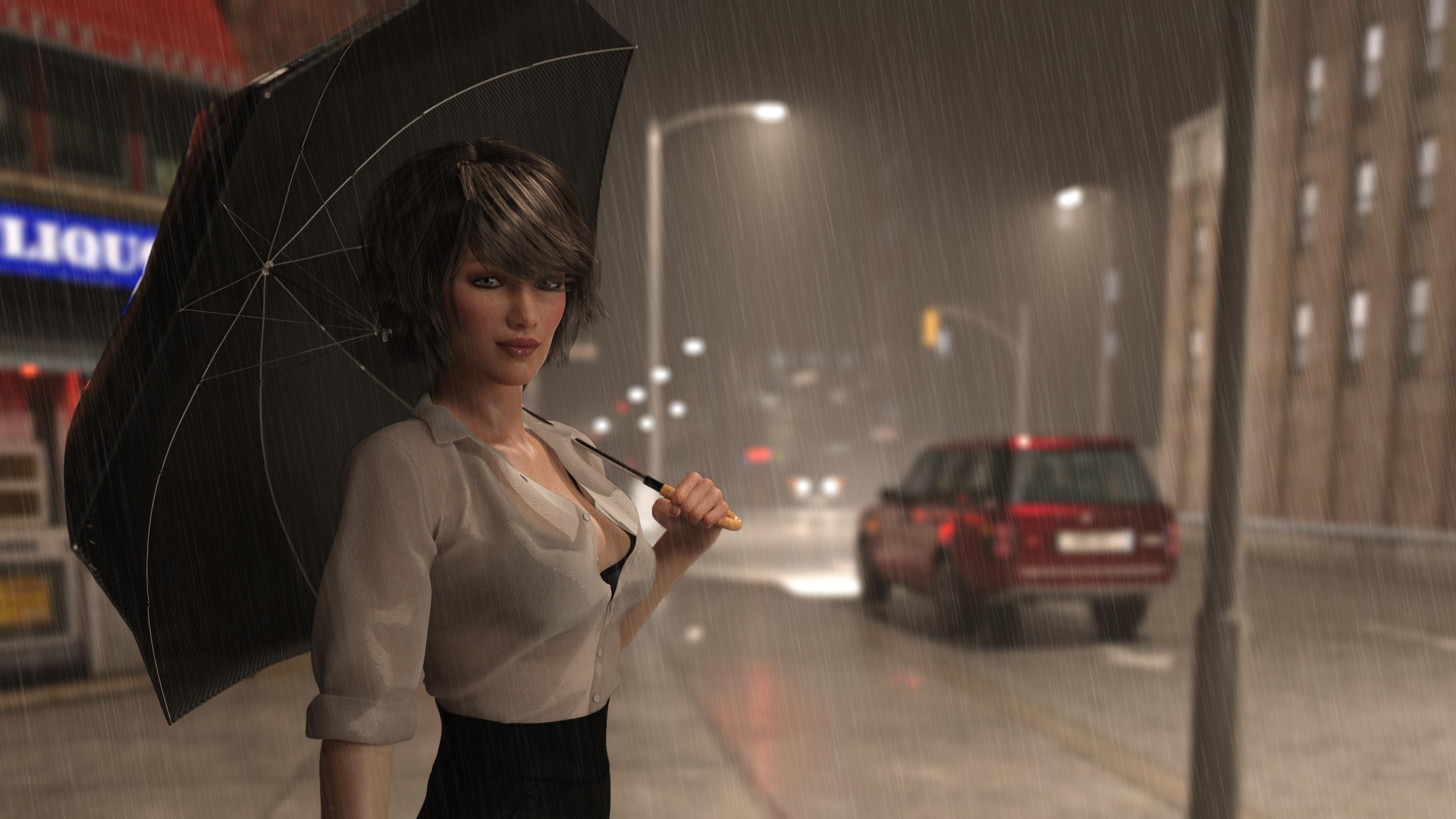
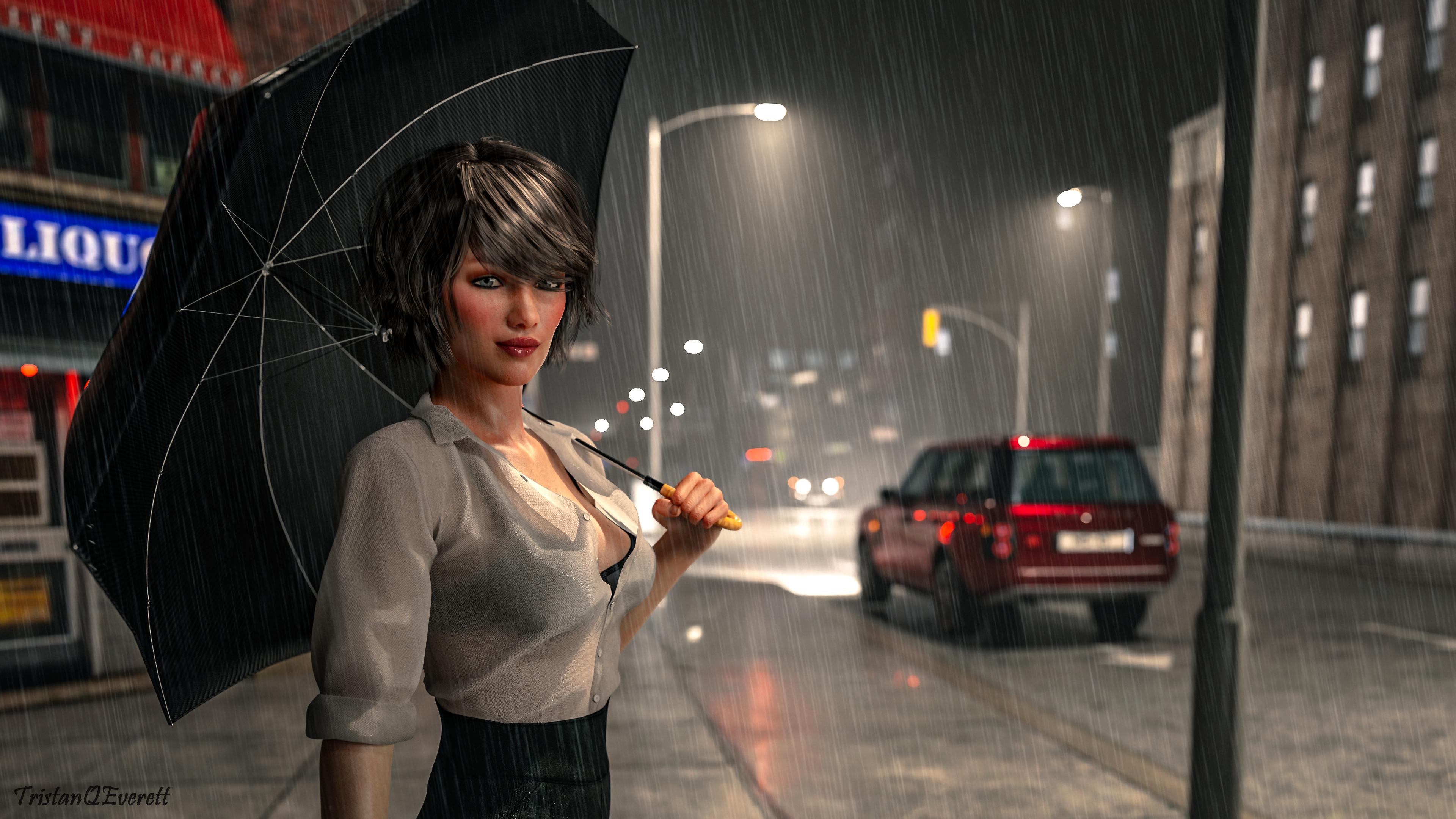
Title - Rainy Nights
Original before postwork:
Entry:
Tone-mapped With lightroom
I did not add lights but I did post worked the tone-mapping on the original using lightroom. What I have changed include but not limited to is Contrast, dehaze, clarity, texture, saturation, vibrance, curves, etc.
I have settled on these as my entries for the beginner contest. I am very proud of my previous entry, but I am much happier with the environments and expressions I was able to get and these two represent much better the direction I want to go in.
First is Charlie at Cheirocrates.
Charlie HD
Cheirocrates
Agate Noire
Perrin Hair
Next is Ruya
Aiko 8
Lake Muirne
Leony Wet & Dry Ponytail
My entry for Portrait Rendering (Expressions and Lighting)
The model is a custom morph I've been working on, in the likeness of an old friend. The set is Loft for Lease with the Dance Studio add-on. Lighting is completely custom.
I'm not 100% happy with the fill light on her face, but I don't have time to adjust and re-render if I want to submit it for this. (The photographer in me just had to have a massive mirror in my scene, driving the render time up to hours instead of minutes. )
)
Beginner Challenge: Portrait Rendering (Expressions and Lighting)
Rendered in Daz Studio with Iray.
Title: Lucent Thoughts
My second entry.
This time I used larger DOF and made sure the white jumpsuit was not overexposed.
I have been having lots of fun playing with scenes and then decided to go back to characters again at the end of the month, so thought I would put it up here as another one!
@jecswp I love your images so, if you will allow me, let me make a few notes:
Charlie at Cheirocrates: Amazing expression and framing. The only critique is that the character seems to be lacking...highlights. The background, on the oher hand is quite well balanced in terms of luminosity.
Ruya: I like the concept BUT:
Again, these are just some things to consider if you want to achieve a bit more realism.
I have not tried to adjust the colour in LIE myself. I have adjusted the size and location my moving it around. I asked the other Community Volunteers to see if any of them might have an answer for you and this is the suggestion I received.
"RGB, and changing the translucency colour will affect tone - lighter trans gives darker result, I think.
Using topcoat would obviate the need for LIE at all, if there isn't anything there initially."
I hope this helps.
Yes a 2nd entry is allowed.
Not sure I quite trust that cat though.
Lovely portrait. And of course the postworked version is much more vibrant in colour.
These are wonderful entries.
Water is not easy to work with. Nicely done.
Huge reflective surface bouncing light in every possible direction...ya...that would do it.
I have used mirrors but they tend to be smaller. Not sure I have the patience to wait for a render with a mirror of that size.
He does look lost in thought. You did an excellent job with the posing and his expression.
This gives me the impression of a candid shot taken by the photographer. She has the look of someone trying to make a difficult decision.
@daedalus7 Thank you for the kind words and suggestions. First, let me say, I admire your submissions. Your backgrounds are gorgeous and your characters are very powerful and alive.
Regarding Charlie at Cheirocrates, I like the lighting for what the scene is; a dark-clad figure peeking out of a hidden alcove poorly lit by a streetlamp. But I know it needs some highlights as you suggest. I really like the way her hair looks in this picture, but it bothers me that it comes from a light that shouldn't be there. I know there's a way to do it without looking like it's being done. I would welcome any advice on how to proceed.
Regarding Ruya, Guilty as charged on all counts The environment is one object so I can't position or even remove them. So I decided to narrow my focus so fewer of them are in the shot and hope the DOF blur made the remaining ones less offensive.
Thank you very much for your tips. Yes, he is going to have more tattoos and body paint. I'm working on it. :) There is also one good tip for tattoos or make up created with vector shapes. To use a blur filter to soften the edges. In this way they are going to blend more with the skin and look more "natural".
Thank you very much Kismet :) I'm going to try it out and work more on translucency.
My super last minute entry for this month's intermediate challenge, L.I.E.
Salvaged some stuff from my beginner challenge entry (used a different kimono because the first one just didn't want to cooperate with this pose).
Wanted a completely custom leg tattoo but all the cool japanese style calf tattoo patterns I found online were probably subject to copyright and have no idea how such textures can be used legally.
Title: Black porch nostalgia
Finally allowed to go on vacation, Tamiko is now sitting at the back porch of the old family property with tea and delicious home made mochi. Watching the old red maple tree in the garden she can't help but feel the nostalgia and some regret taking over her.
Software used: Daz Studio for render and Photoshop for tone mapping and whatnot.
Expression is from K-pow pose &expression pack then further adjusted manually for a more sulky/thoughtful/pouty look.
LIE items used in the scene:
For the the rice powder on her face (although it's super subtle) and the eyeliners the LIE makeup options from the Grace Yong product were used.
For the leg tattoo eventually I used a G8M asian LIE tattoo product and adjusted its position with LIE editor (from left to right leg).
Attached both raw and postwork versions.
All comments and feedback are welcome (even if cannot modify the images, I'm happy to learn from my mistakes)
This is superb. There's an entire story there.
Leaves......Intermediate.
Thank you! I'm really happy with your observation! You have a surgically artistic look! There is no better description!
Portrait Rendering (Expressions and Lighting)
Black Widow
Hopefully it is on time for the second round!
I hope it's good, because I have no way to redo the scene! I accidentally deleted the project! ????
The Challenge is now CLOSED
Thank you Kismet! :) I was really happy with how this turned out.
Thank you! :)
@Kismet
I tested the make up LIE and translucency. It worked so well. You have to change the shade of the translucency color (default is red) from dark to light. Do this only on the lips in the surfaces tab not on the face. The lighter shade of red won't darken the color used for LIE.
July 2020
Showcased Participants for the July Beginners "Portrait Rendering" Challenge
phong3d
cirtebpsu
AndyAkins
Showcased Participants for the July Intermediate "LIE" Challenge
eligodesign
daedalus-7
LilliumVA
New User Welcome
ekke2020
Gamble
CONGRATULATIONS to all the Winners! And to everyone who participating, you all did an amazing job!