Show Us Your Iray Renders. Part VII
This discussion has been closed.

Daz 3D is part of 
Connect
DAZ Productions, Inc.
7533 S Center View Ct #4664
West Jordan, UT 84084
Licensing Agreement | Terms of Service | Privacy Policy | EULA
© 2026 Daz Productions Inc. All Rights Reserved.
Comments
In a scifi mood
That is stunning
Excellent
Thank you both!
https://twitter.com/LevithorArts/status/1241465056220442624
Been a while
Pavillion
Go to the gallery page for more into.
Beautiful!
Thank you!
This has to be one of the most eye-catching images I've seen in this thread in quite a while. Very good indeed.
Cheers,
Alex.
Thanks for your comment!
Macross: The Dark Bird Attacks
A bunch of tweaking of maps and such of Shantara City, plus Steam car and felinefolk male.
Beauty on a grassy meadow:
Gallery link with products used listed: https://www.daz3d.com/gallery/#images/961616
latest
RE: Linday's DAZ Studio iRay Scenes
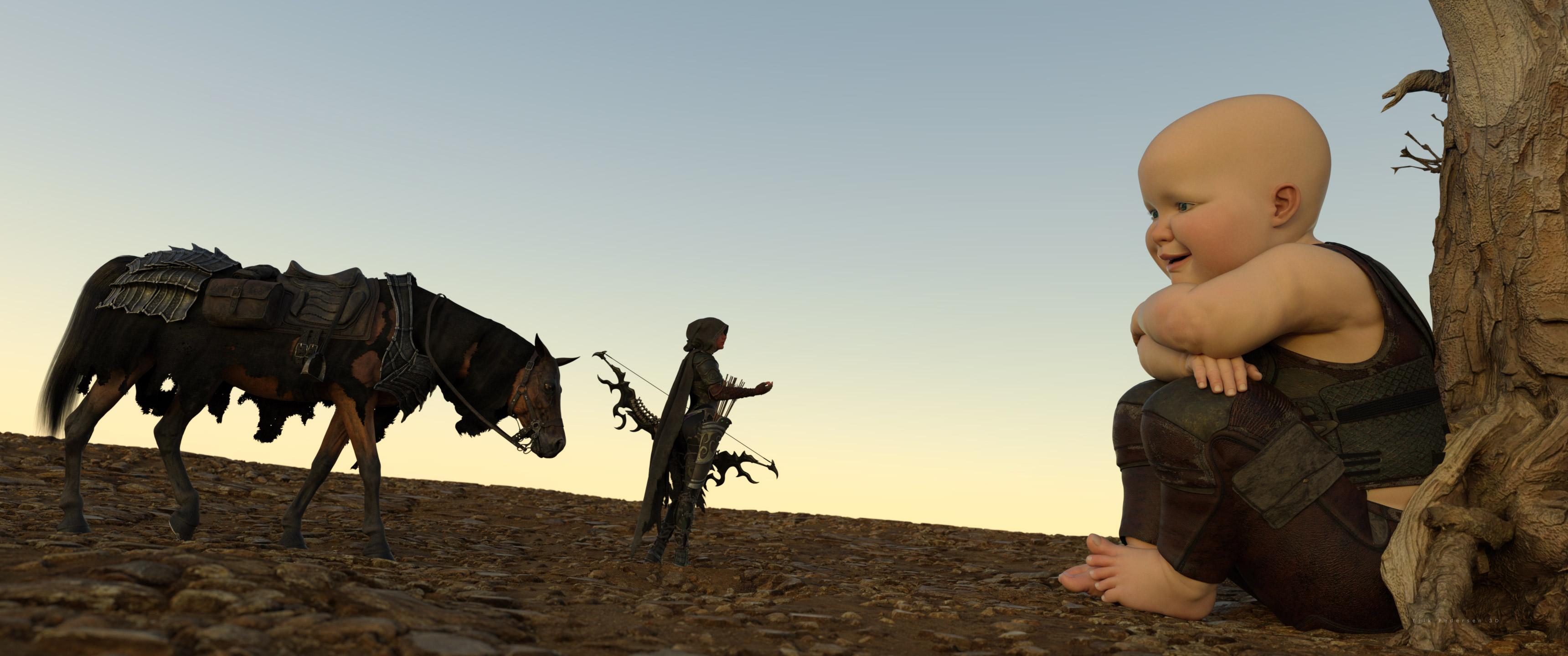
This started with the Devlins Tree Scene and sort of got out of control. Made me laugh out loud though. :)
It's a great day for a little sunbathing.
That's a fun image. I dig art that messes with normal Perceptions like this. If that's a baby giant though, the woman needs to watch out for the parent's feet approaching.
Playing around more with UltraScenery. This time I didn't do alien planets, just a weird general environment.
Reminds me strongly of Bioshock: Infinte
And another:
Will,
This is great. I assume you used a height map of some sort?
Cheers,
Alex.
No. I just used UltraScenery 'Road' preset. The Road preset maintains a 0 height for the road. If the height is positive, the road tends to cut down from the surrounds.
Which made me think... if I set it negative, will that make a raised road?
Yep!
"Busy" with self-isolation and trying to get some renders done. Learned some things. Had some fun. Had some frustration. Same ol', same ol'.
Predator
Will,
Thanks for the tip. I'll try this out when I get a spare minute.
Cheers,
Alex.
Moble Suit WIP III
I've used only one spotlight in this render.