-
Jepe's Project Hairy 456 for Daz Studio - Working on it
Regarding the BeddingZ for Michael 4; I found the poses for Michael 4 but I can't find poses for the cushions, bed covers, and duvets props. Do I have to pose them manually? Like the ones you have in your promo images.
Michael 4 clone for Genesis 8Hi,
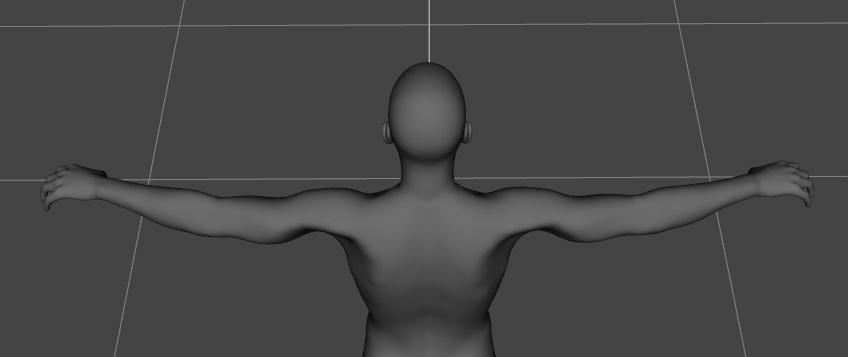
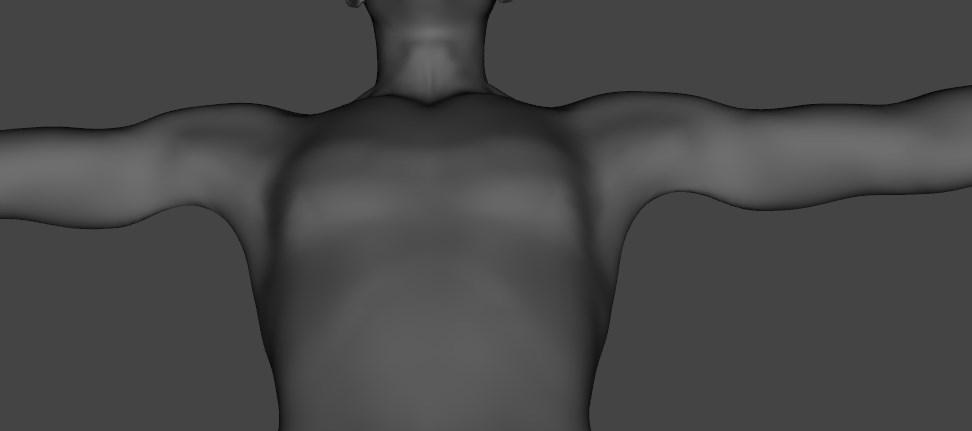
Just I discover there is something wrong with the M4 clone for G8M, now I understand why the armpits are strange when the figure wears the M4 bodysuit.
Michael 4 clone morph
 "Michael 4 for Genesis 2 Male" DAZ crashes on loading M4-cloth for G2M
At a glance it looks as if you are loading presets (.ds files) - which are settings and not the models themselves so they won't have any visible effect - and .daz scene files - which do load content but which are not reliable. All Michael 4 content should include Poser-format files, which I think you will find load and convert correctly (certainly the three I just tried worked).
I don't recall that AutoFit is supported in Poser anyway, so no the Michael 4 clone for Genesis 2 male won't - however, you would be able to save the converted clothing from DS and give it Poser Companion Files for use in Poser.
"Michael 4 for Genesis 2 Male" DAZ crashes on loading M4-cloth for G2MShould "Michael 4 for Genesis 2 Male" also work in Poser 11?
"Michael 4 for Genesis 2 Male" DAZ crashes on loading M4-cloth for G2MHello
I try to convert cloth of M4 to G2M. I bought "Michael 4 for Genesis 2 Male" but it doesnt work. The most M4-cloth don't load on G2M, the other M4-cloth bring DAZ to crash while loaing the M4Clone.dsf.
Is anybody experienced with converting M4-cloth to G2Mthank you
Jepe's Project Hairy 456 for Daz Studio - Working on it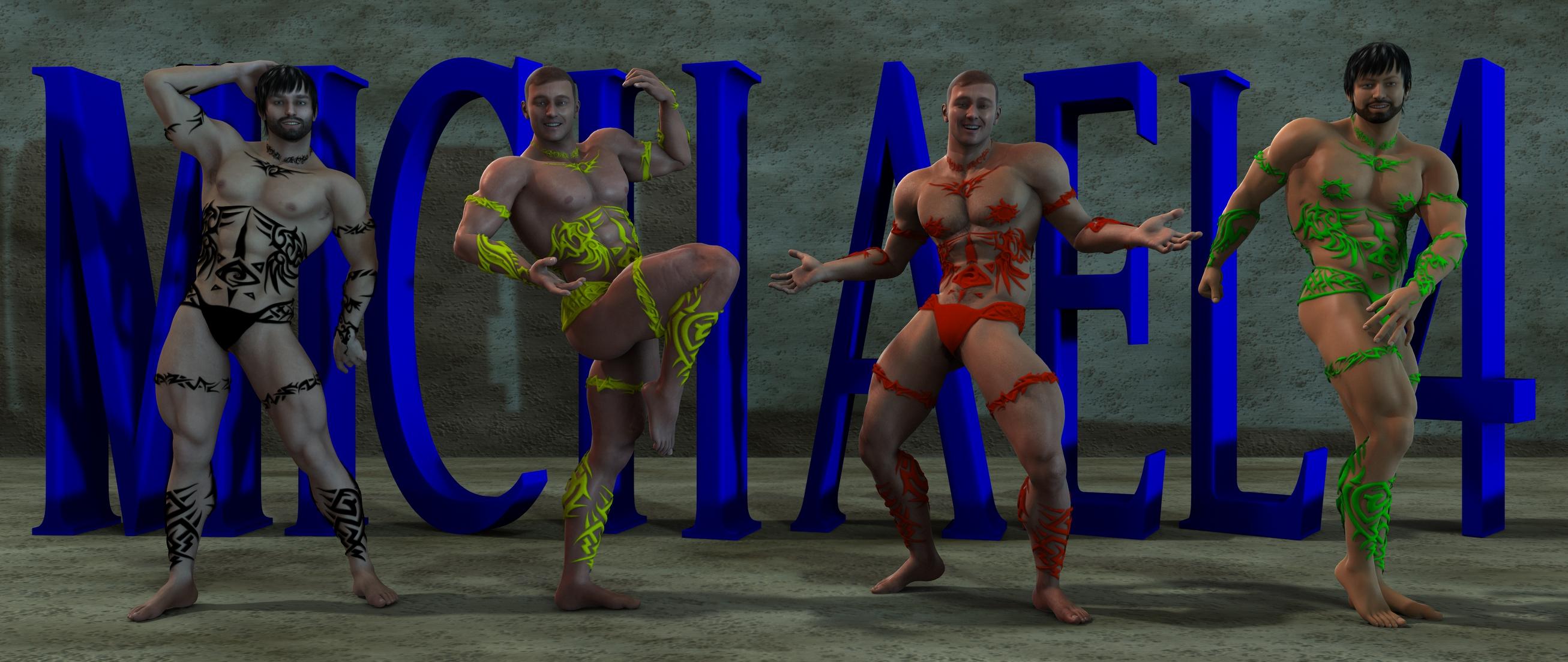
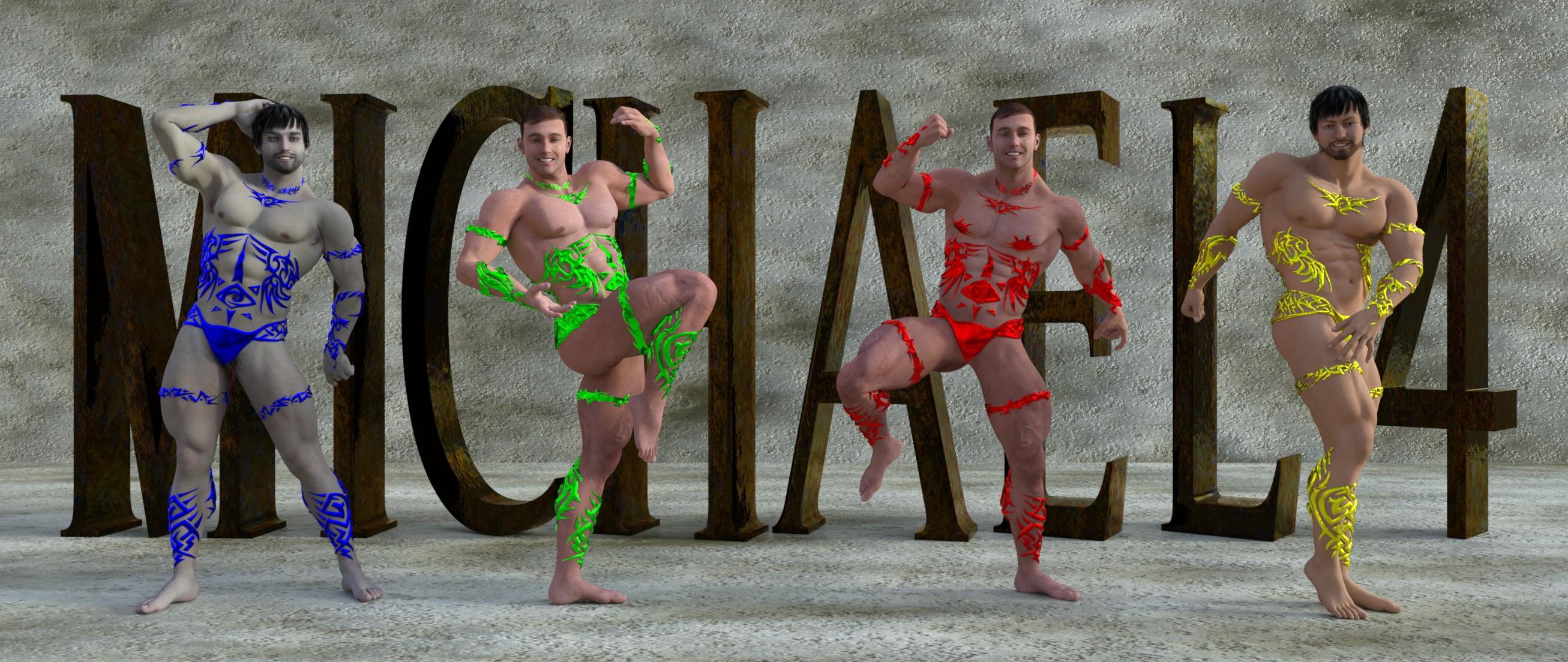
Just having fun with Michael 4 (3Delight)
Iray below. I need to work on lighting and shadows, and also skin matt and translucency.
 Carrara Challenge 41: The Super, Legendary, Epic Render Challenge!
Thanks EP, I think i'm just gonna submit that one. and maybe start another
Light of Heaven, I must say it's wonderful to have you on board!!!
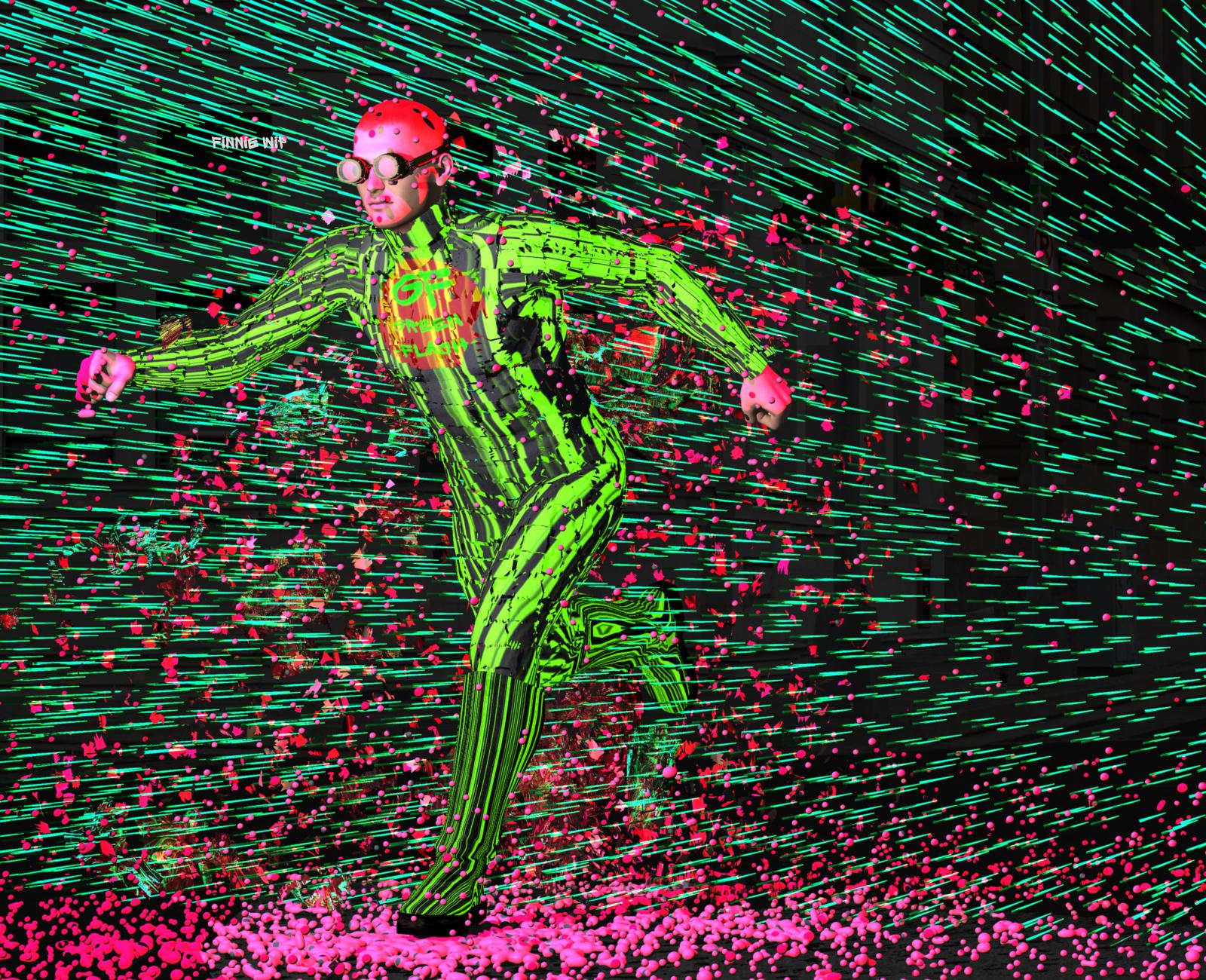
The Green Streak - 'epic,' little-known super hero!
WIP; metaball particles gizmo coming off Michael 4
Love the paint splatter effect with the metaball particles Heady
Thank you Selina , that's very kind of you. !
Here's a bit more mucking around. I put hair on an invisable plane and used the hair for the 'speed lines'
The Green Flash logo is another Michael body with an alpha map applied to his torso just to show the GF logo - notr really working at the moment. The logo is circular and saved as a png but Carrara makes it square - dont know why.
Hey I learnt something:
I made Carrara hang when it was doiung the particles.... got impatinet clicked too many times.
On a hunch I went into my computer and renamed the file I was working on.
Then back in Carrara I hit Ctrl S - and Carrara saved the file!! even though it was hung. I like that
 Xurge3D outfit Readme file installation
So, I purchased an outfit from Xurge3D (in fact 3 outfits), they say that are made for Michael 4, I purchased Michael 4 too. Nothing is working. The clothing isall wrong, nothing ftis on the character. I wanted it to fit my Genesis 8 characters, but I guess there's no luck in such thing?
I have attached the print screen with Michael 4, and also with another Genesis 3 male character...I tried everything, it just doesn t fit at all.
That's a V4 outfit, not a M4 one, so it's perfectly normal it doesn't fit M4.
You could autofit it to G3M if you have this: https://www.daz3d.com/wear-them-all-autofitting-clones-and-clothing-smoothers-for-genesis-3-male-s or to G8M if you have this: https://www.daz3d.com/sy-victoria-4-and-michael-4-clones-for-genesis-8
But there's no guarantee it would look good on a male figure since it's a female outfit.
Yes as I said earlier, that outfit is for V4 not M4, and it would appear that the other Xurge outfits shwoing in your images, one is for M3 and on the last one is actually an M4 outfit.
Xurge3D outfit Readme file installationSo, I purchased an outfit from Xurge3D (in fact 3 outfits), they say that are made for Michael 4, I purchased Michael 4 too. Nothing is working. The clothing isall wrong, nothing ftis on the character. I wanted it to fit my Genesis 8 characters, but I guess there's no luck in such thing?
I have attached the print screen with Michael 4, and also with another Genesis 3 male character...I tried everything, it just doesn t fit at all.
That's a V4 outfit, not a M4 one, so it's perfectly normal it doesn't fit M4.
You could autofit it to G3M if you have this: https://www.daz3d.com/wear-them-all-autofitting-clones-and-clothing-smoothers-for-genesis-3-male-s or to G8M if you have this: https://www.daz3d.com/sy-victoria-4-and-michael-4-clones-for-genesis-8
But there's no guarantee it would look good on a male figure since it's a female outfit.
Xurge3D outfit Readme file installationSo, I purchased an outfit from Xurge3D (in fact 3 outfits), they say that are made for Michael 4, I purchased Michael 4 too. Nothing is working. The clothing isall wrong, nothing ftis on the character. I wanted it to fit my Genesis 8 characters, but I guess there's no luck in such thing?
I have attached the print screen with Michael 4, and also with another Genesis 3 male character...I tried everything, it just doesn t fit at all.
Xurge3D outfit Readme file installationOk, I had to link the folder, because I changed the file directory. Now I found them, but nothing fits to any character. Why is this happening? Not only for Michael 4, (which is made for that character)
Jepe's Project Hairy 456 for Daz Studio - Working on itIray vs 3Delight on Michael 4
The difference can be discernable at first glance for the avid 3D artist. It may not be so for an art patron. Realism is obvious in an Iray render (depending on the type of render mode) but not for 3Delight. In any case, the art spectator will be the judge on what appeals to his/her eyesight (which is eventually interpreted in various ways).
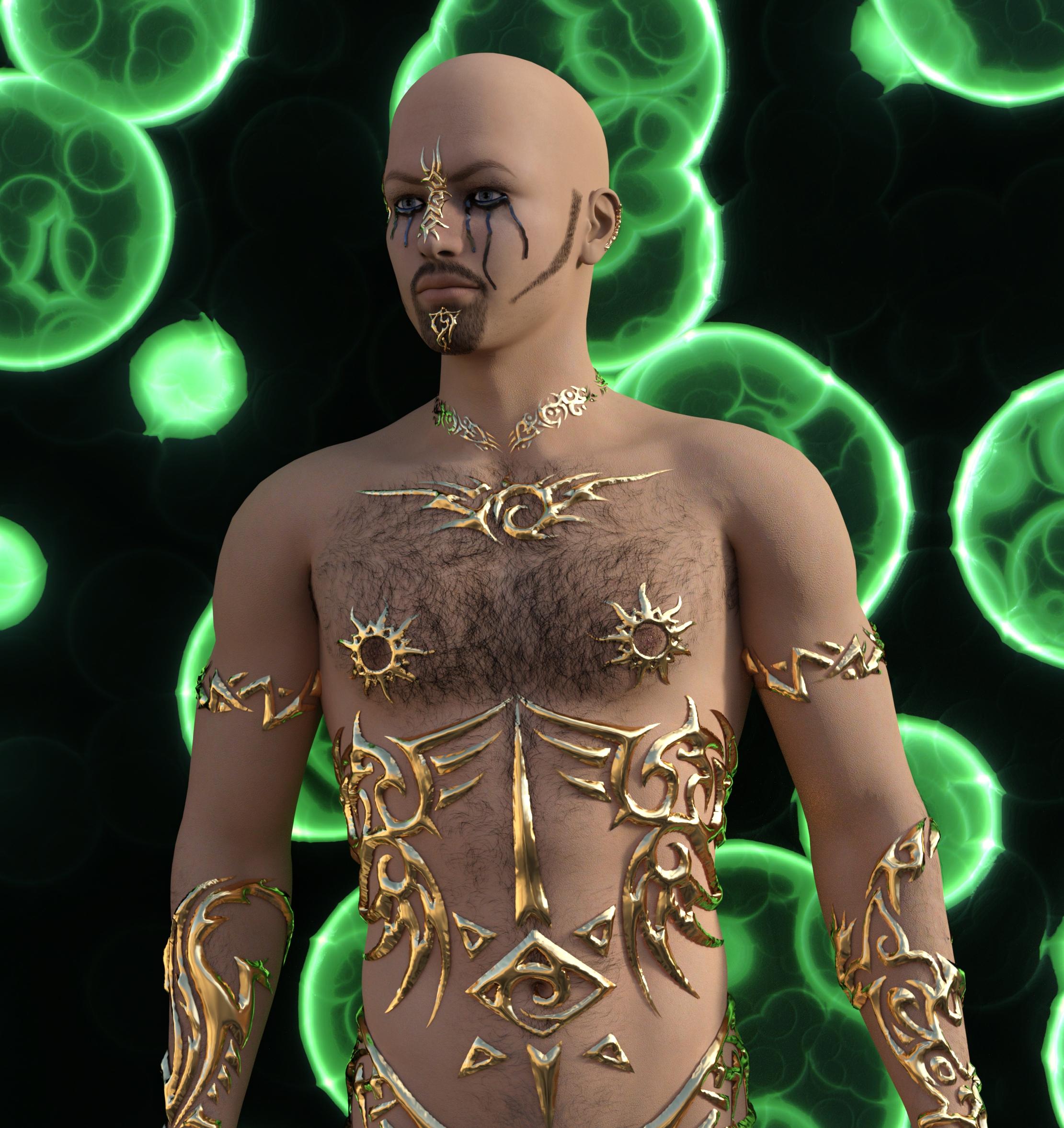
Iray: I used Liquid Rust skin and forgot to adjust the setting so it came out like fake skin. I was able to eliminate the greyish color on chest hairs via increasing the Cutout opacity so it came out as desired. I should do more adjustments to the facial hairs to make them more realistic. The lighting used was Lantios daylight, and it needs to be adjusted a little bit more to produce some dramatic effect. Perhaps I can use portrait lights next time or just use the default point and spot lights. I used the goth tears materials and it worked well on the bald head, but it maybe better if there is hair on the head. The gold jewels looks stunning so no complains!
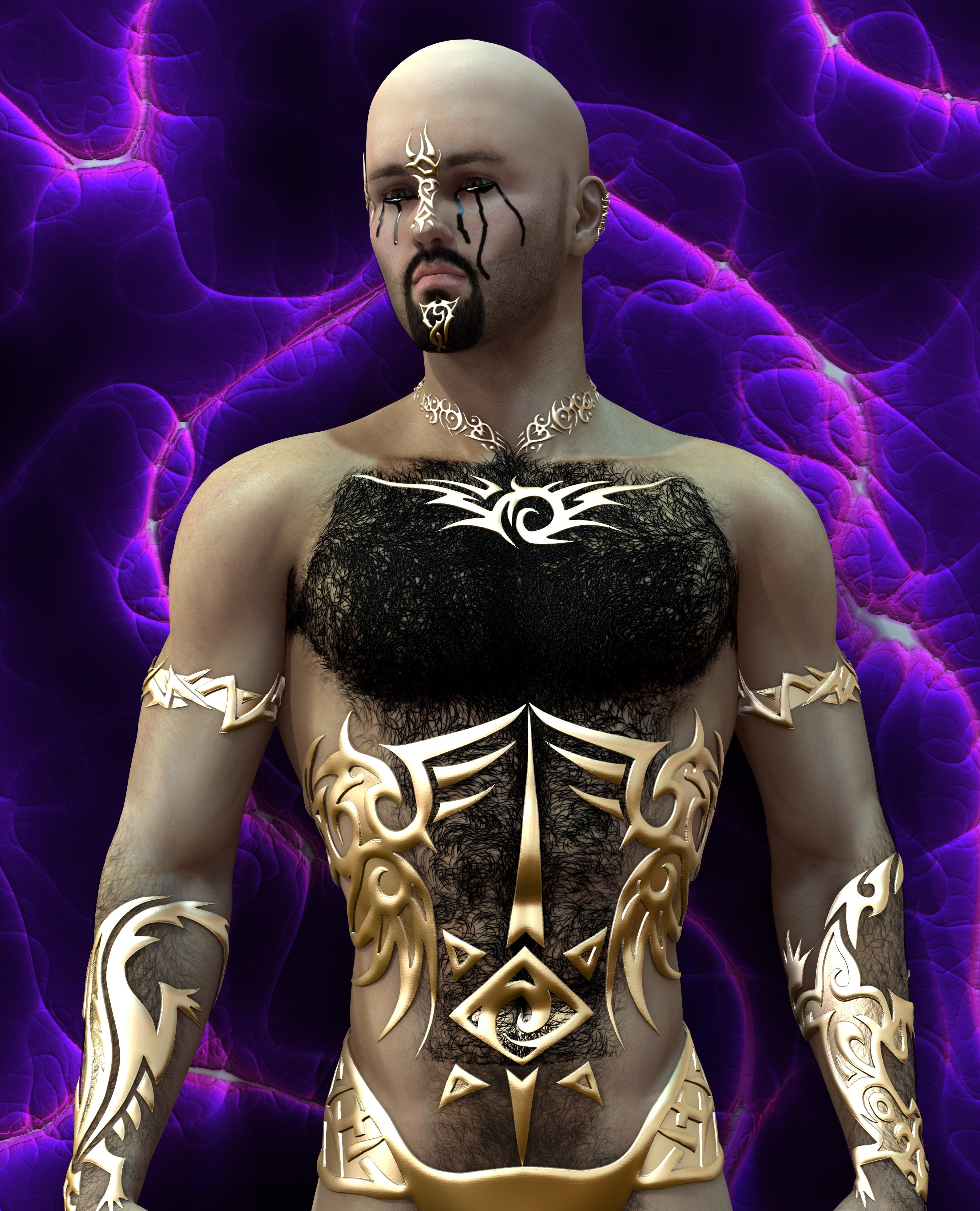
3Delight: The goth tears have white streaks. I am not sure if it is because of lighting or misdjustment in geoshell. The chest hair is obviously out of proportion and the borders are obvious. I adjusted the Cutout opacity to 200%, so I overdid it. Facial hair is optimal and probably don't need much adjustment. I am not sure about the jewels, the shine may be too much in certain areas due to lighting. Overall, it looks like the chest hair messed up the entire render, though in reality it is dense in some men.
I am done with Michael 4 for now. The next character in line is either Michael 6 or Lee 6 (hopefully practice can make a difference if not disappoint).
More characters wanted - real, unique charakters (like Eddie and Ollie)Just girls, nothing but girl's stuff today. Nice, but ... And a room. I don't need a single item of this. I own enough DAZ girls to populate a whole village. What I need are guys, not just any guys, but ones who don't look like being Mikes brothers. Especially the mouth region makes a lot of these males look alike. Michael 4 had more interesting an unique characters.
Of course females have the same problem with the victoria face. But there are so many females that I find some unique enough. They have a totally different problem. The vast majority of them looks to young and too model-like for normal women.
They definitely could use bit of everyday realism. I need a rough, hard-boiled cop patrolling in a bad neighbourhood? None of these look as if they would survive such a job. As for that, none of these look like they could muck the stables, clean the wastebins, drive a heavy truck or survive in a wilderness on their own.
Except, of course, these beautiful faces are nothing but extremly good camouflage.
P.S. Even the othervice very useful now-crowd-billboards suffer from consisting of too many people of the same age group and the same hight and the same posture ... you get the picture.
Problems with a Michael 4 robe.Hello everyone. I need a dependable robe for M4. I am designing biblical characters and I need clothing that work. I baught the Moroccan Dreams for Michael 4. It does not fit properly. See attached .jpg. Has anyone had the same problem? If so, has any one worked out a solution?
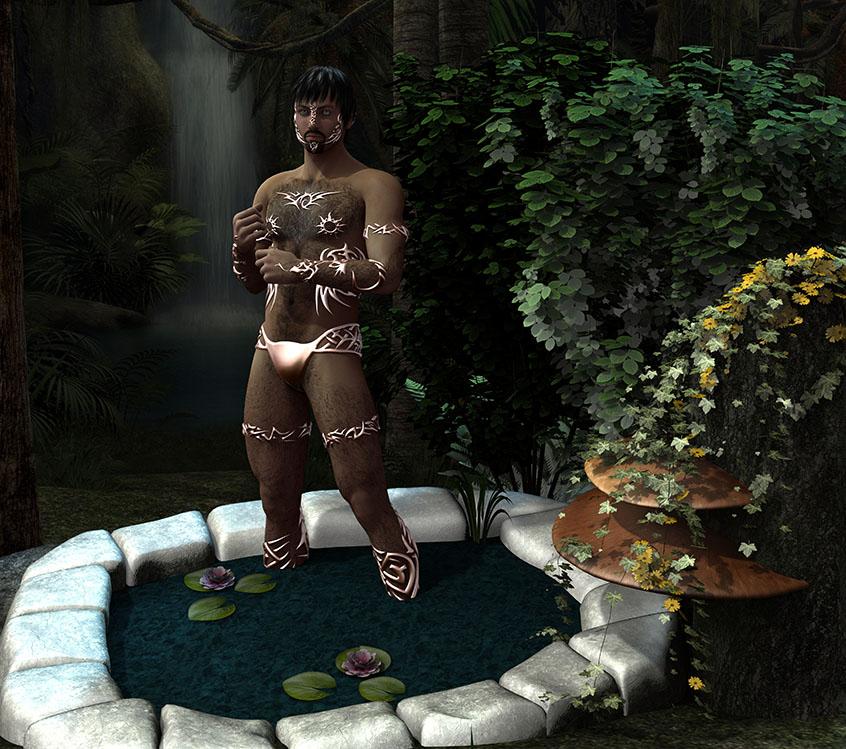
Jepe's Project Hairy 456 for Daz Studio - Working on itFinally, the first 3Delight test render! It took around 28 hours and more for it to be finished. It is one of the longest render I have done so far (never realizing it would take that long). It isn't exactly a complicated scene but the props may have been so much of a challenge to my poor computer lol. I used whimsical pool, heart of the jungle, and lantios daylight. It would probably look better in Iray. There is no postwork but I trimmed the file size because Daz forum is rejecting the original configuration. Anyways,....
Eyes: the opacity strength in both geometry shells were down to 0 so I got it to show up. I decided to apply Jericho's blue eyes, and I like the dramatic effect it did. Intense, dramatic, and fantastical. I guess, I could do better if I adjusted the surfaces.
Nipples: It's missing because I forgot to lower the opacity in both geometry shells.
Chest hair: It appears greyish. I tried changing the opacity but I can't get it to work properly. I wanted a thickly haired chest so i adjusted the opacity up to 100 but the consequence was a greyish hair. I lowered the opacity which resulted to a lowered greyness and less thickness but it isn't what I wanted so I decided on thickness. Postwork can fix it for sure with an extra effort. I don't know how to work this. Any advice?
Hair over jewels: I really like that the jewels are elevated on the skin but I also wanted some hairs to be superimposed on top of it. Maybe 5 - 8 strands of hair over some parts of the jewels would be nice especially on the chest and face. I guess that would be called morphing? I don't know how to do this. Any ideas?
I haven't applied the color materials for the body/face hair yet. I still need to work on tears and wet materials to see what issues may arise. More renders to come (Iray and 3Delight) for Gen2 and Genesis.
Overall, I thought that the jewels and hairs looked impressive on Michael 4.
 .Looking for a vintage dress uniform outfit
There's a couple of G8M outfits with a similar vibe, I know one was in the Michael 8 bundle and the other might have been in the Lucas 8 bundle.
There's also this, but you either need to be comfortable with Optitex dynamics or know how to convert them to obj similar to Poser dynamics (basically, bring the clothes into a scene, export them as objs, and then import them and Dforce them the way you would an imported Poser dynamic), and be comfortable with using DForce on Poser dynamics.
Jepe's Project Hairy 456 for Daz Studio - Working on itSo far I was able to follow and apply your instructions. I am now trying to render a scene applying facial hair, body hair, and jewels to Michael 4 in 3Delight, then to Iray. Hopefully my Mac computer can withstand all of these and will not crash on me lol...
Jepe's Project Hairy 456 for Daz Studio - Working on itProject Hairy 456 is the updated version for M4, Genesis and Genesis 2 Male. It should show in your usual DAZ Studio Content Library under People - Michael 4 or Genesis or Genesis 2 Male - Materials - Jepe - Project Hairy 456. With 3DL and Iray Presets - make sure you apply them to the geoshell, not to the main character.
Hello Jepe, I was able to locate the files and tried applying them one at a time. I notice that part of the eyes and forehead turn greyish white whenever I apply any material (facial hair, body hair, tears, jewels, etc). Also I am not able to combine them all at once, everytime I apply facial hair and then add tears, the facial hair will disappear and tears will be retained. Am I doing something wrong? BTW your creation is awesome! Thank you for this fabulous work
 Jepe's Project Hairy 456 for Daz Studio - Working on it
Project Hairy 456 is the updated version for M4, Genesis and Genesis 2 Male. It should show in your usual DAZ Studio Content Library under People - Michael 4 or Genesis or Genesis 2 Male - Materials - Jepe - Project Hairy 456. With 3DL and Iray Presets - make sure you apply them to the geoshell, not to the main character.
DAZ 3D Human Figures - A HistoryDear Daz family, I'm new to the daz 3D community and I got several Pro packs when they were on special which includes animals/actors/anthropomorphic creatures like the lizard man, centaur and Minotaur along with Michael 4 Victoria 4 (their variance) and freak 4. I'm overwhelmed with trying to fit clothing and understanding the mechanics of all these conversions, UV mapping, converting,batching, skins,morphs and what not. Also a lot of the clothing I get doesn't seem to fit right on other characters and I'm not sure what I'm doing wrong. Perhaps I'm just not understanding the process. I was wondering if there was a flow chart available, for example, an M4 character might have an arrow pointing to what generation it is, followed by what converters/uv maps/batching/etc (with links to purchasable content) depending on your goal. The flowchart would eventually lead to the current Genesis, which I assume is the goal since it'll have more options available and flexibility. Would Following the flowchart in reverse allow you to change from a Genesis model back to the previous one? Would there be a reason to do so? If not a flow chart, how about a spreadsheet or a web page with drop-down menus that you select a model name or version and then it would list all that was said above. Is there anything of that nature available? A visual aid would be a big help here. Thank you for your time and any advice would be appreciated.Try this thread: https://www.daz3d.com/forums/discussion/64403/converting-to-g1-g2-g3-g8#latest
Daz 3D is part of

Connect
DAZ Productions, Inc.
7533 S Center View Ct #4664
West Jordan, UT 84084Licensing Agreement | Terms of Service | Privacy Policy | EULA
© 2026 Daz Productions Inc. All Rights Reserved.