-
Duplicate formula found - how to fix it?
crosswind said:Then you saved it as a 'G8F version', it turned into a separate figure asset, so there would be no duplicate error. However, you said after saving a new Wearable Preset of G8F hair figure and loading it, the error came back.... I don't know why ~~ That shouldn't happen as the modifers are already saved...
thanks for the reply.
i actually remade the morph with a new unique name, using the new G8F figure as a source, thinking that maybe the old morph had become cross-pollinated somehow.
all ok so far. saved it as a wearable. applied it and the errors start again, but with the new morph name this time.
i think i might just clone the hair and make it a completely new entity. export, import as new hair.
i'll lose all the original's adjustments, which i don't want anyway. but this seems a brutal solution to something that should be simply fixable
...and done. morph works. no errors on loading. i'll look into the Nita error again later, but at least my figure has her own hair now.
Duplicate formula found - how to fix it?clivewil2 said:
...tacking this onto an existing thread and hoping someone sees it
i'm having an issue with Nita Hair generating these errors
Nita original is a G3F hair, which i converted to G8F with the Fit To dialogue. it has sat in my library without issue for a long time, but i don't think i have really used it before until now.
ok, so... i created a 'behind shoulder' morph to push the hair back, as it doesn't have one of its own.
the morph works, but if i saved the hair as a wearable, on loading it was generating these dupe errors.
if i save the hair as a figure***, Hair Nita G8F, the hair loads and works as expected.
however, as soon as i save Hair Nita G8F as a wearable (Hair Nita v2) and apply it to a character, the errors return again.
any clues?
*** while forcing it to generate a new unique ID for the figure
The unique ID for the hair figure shouldn't have anything to do with the duplicate formula errors related to modifiers. Your DS log should tell you what modifiers have ID conflict in the 1st place ~~ have you checked that ?
As you described, your created a modifier named 'behind shoulder' on a auto-fitted G3F version and just saved it as Wearable Preset... If so, be noted this Wearable Preset is still based on G3F hair's DSF and the newly-created 'behind shoulder' modifer is just saved in the Wearable Preset. Then if there's already a modifier in G3F version's data folder which has the same ID of 'behind shoulder', when loading the Wearable Preset, the modifer in the data folder and in Wearable Preset DUF will be both loaded, then there'll be a conflict...
So better firstly check if that's the case you have... by checking the data folder of G3F hair to see if there's any DSF which has the same ID of 'behind hair' ~~
Then you saved it as a 'G8F version', it turned into a separate figure asset, so there would be no duplicate error. However, you said after saving a new Wearable Preset of G8F hair figure and loading it, the error came back.... I don't know why ~~ That shouldn't happen as the modifers are already saved...
Duplicate formula found - how to fix it?...tacking this onto an existing thread and hoping someone sees it
i'm having an issue with Nita Hair generating these errors
Nita original is a G3F hair, which i converted to G8F with the Fit To dialogue. it has sat in my library without issue for a long time, but i don't think i have really used it before until now.
ok, so... i created a 'behind shoulder' morph to push the hair back, as it doesn't have one of its own.
the morph works, but if i saved the hair as a wearable, on loading it was generating these dupe errors.
if i save the hair as a figure***, Hair Nita G8F, the hair loads and works as expected.
however, as soon as i save Hair Nita G8F as a wearable (Hair Nita v2) and apply it to a character, the errors return again.
any clues?
*** while forcing it to generate a new unique ID for the figure
Draped Ghosts BreastmorphI had the breasts shape fixed in Blender. You can extract the data folder in the attached ZIP to your Daz Library. Load the Prop1 and Prop3 and dial the morphs under Actor/Adjustment (Prop2 has no breasts shape...)
Edit: Alternative morph makes the crease / fold shape change more on the cloth... pls dial it as needed.
Video tutorial for productsThey are in the files:
- L4N4 Full Body Morph 1 Complete.duf
- L4N4 Full Body Morph 2 Complete.duf
@DrunkMonkeyProductions has put which line numbers inside each of those files, and what the value needs to change from/to
You can use notepad++ to open and edit them
Ideas For New DO Bundlesrichardandtracy said:
And they'd have to have a sensible projection morph because characters with small (ie ballet dancer size chests) look really silly with their tops bulging out above their sternums like a third breast. Regards, Richard.
I think most of Krashwerks characters could fit the ballerina bill. They tend to be very slim (and flat in the chest area).
Video tutorial for productsA tutorial on the product, wouldn't solve your problem, as this is an actual troubleshooting issue that requires a bit of understanding of the software to fix.
That error generaly indicates that you have the wrong thing selected in the scene tab.
In this case, however, the node's name is not the same for the figure and what the hierarchy is looking for.
To fix this, you need to edit lines 129674, for L4N4 Full Body Morph 1 Complete.duf and 127138 in L4N4 Full Body Morph 2 Complete.duf
The value for "Name" needs to be changed from "L4N4 Full Body Morph (1 or 2) Complete" to "Genesis8Female". in both files.
Video tutorial for productsMy suggestion is to make mandatory for vendors to include Video tutorial for their products. I'm trying to use L4N4 but all the time I try to change the suit color I receive an error. "An error ocurred while reading the file. See the log for more details". Thanks to a video I learned where is the log file... But no idea how to fix it. I did a research to find someone using this product but nothing.
ANy idea how to help me to learn more about this?
https://www.daz3d.com/l4n4-hd-morph-for-genesis-8-femalesHow do I share a character with all the assets it uses?Hi, ss there a way to share a finished character so the other person gets the same look without rebuilding it morph by morph and reapplying textures?
I don’t want to send a long list of products and settings. I want to package the character and whatever it actually uses (shape, materials) so they can load it and have it look the same.
What’s the simplest way to do that in Daz Studio?
Thanks.
Custom morphs only works with default models?591249131 said:
What is Morph Loader Pro?
One of the tools included with Daz Studio, it is found in Edit>Figure or Object>Shape. If you don't see it, make sure you have entered the Daz Studio Pro serial nunber from your account page.
Custom morphs only works with default models?What is Morph Loader Pro?
Projecting a face to daz3d face uv mapthere are a few commercial options such as Face Transfer https://www.daz3d.com/face-transfer-2, Headshop https://www.daz3d.com/headshop-2025-full-bundle and Facegen by Singular Inversions, we are not allowed to link offsite commercial products so Google
also using Spotlight in Zbrush to polypaint on the mesh and sculpt it manually to resemble the Face
then export the texture and obj (not subdivided) as a morph for morphloader
I imagine one can also do this in Blender for free but I don't know how
I have Face Transfer 2 and got it heavily discounted, (I also use the polypaint in Zbrush to add details and move brush because my neckchin doesn't transfer well so sculpt it in all it's horror for a morph, Dformers in D|S can do this too) one can always wishlist it and hope
The "The Weather Changes More Often than the Thread Title" Complaint ThreadMorning window view: 7:30AM and the view out my window today was "fall fog". Filling the creek valley through town.
 Yesterday I finally got a bee in my bonnet and gathered all my disassembled cardboard boxes from Amazon and stuck them in a still functional big strong box that I'd received yesterday, and shoved them out onto the porch for eventual removal to the transfer station (i.e. dump) by house-neighbor. Regular garbage pick-up doesn't take mass quantities of cardboard. Yay! my boxes are gone from behind the kitchen bin bucket, from out of the pantry, and from off the stair landing. Space, glorious space!
Complaint: House-neighbor guy mows the lawn around this house. Not very regularly, but at least it never turns into jungle. HOWEVER, for some unknown reason, he leaves about a 3 by 6 foot patch next to my little porch, and it grows into a tall weed garden, with many varieties of flowering, or thorny, or alergenic seldom cultivated flora.
Non-complaint: I don't really mind. Some of their little flowers are interesting. And I even get those things that grow seed pods that explode when you touch them (Touch-me-nots?) nope, actually, I described it to GoogleAI and it came up with Jewelweed.
Perhaps he thinks that I want to use that area as a flower garden but just never got around to it. I just watch the weeds go through their cycle during the warm months and eventually get buried by winter's snow. What I do use that patch for is as a mouse cemetery.
 Snap, mouse in trap, then trap and victim gets carried to the porch, trap is opened, and victim is dropped into the Lower Netherworld of the weed garden to become one with the Earth, eventually.
A Few Momements Later:
Actually it is called Touch-me not, or Spotted Touch-me-not, but the name is shared with a type of Mimosa whose leaves curl when you touch them. Ain't the Internet wonderful!
There's Always Another Sale Thread -- Discussions Only Pt 6I had my own Christmas in September yesterday, or else Get Ready for Christmas with 3 tokens, GT, & yesterday's code. I got https://www.daz3d.com/holy-family-bundle for under $7 (additional discount for already owning Mary, who was recently in OS). I also picked up the other Magi, https://www.daz3d.com/three-kings-king-caspar-ds & https://www.daz3d.com/three-kings--king-balthasar-for-genesis-8-males plus https://www.daz3d.com/my-camel-camelia-hd, each for less than the $2.99 floor price. I don't think I have sheep, but surely one of my horses has a donkey morph. I think a sheepdog to help the shepherds would be a nice touch...
DAZ Studio: Best Bender (for figures)?mattlight07 said:
Masterstroke said:
Again and again:
One fits all morph corrections do NOT exist.
Every character will need its own specific set of morph corrections.
That's in the nature of things.Not sure if this is a response to my post but this idea is one of the central reasons a professional working in a production would prefer the tools in cc5 rather than daz.Quite possible, that I misunderstood the context. Keeps happening to me. My apologies :-)
Blender/Diffeo Model: issue with GeograftsGeograft are merged, when I'm using custom morph (which was purchased at your store) the geograft does this:
-the custom morph is changing Glute Size;
-inside of Daz Studio Everything works fine
:(DAZ Studio: Best Bender (for figures)?
Not sure if this is a response to my post but this idea is one of the central reasons a professional working in a production would prefer the tools in cc5 rather than daz.Masterstroke said:Again and again:
One fits all morph corrections do NOT exist.
Every character will need its own specific set of morph corrections.
That's in the nature of things.hat hair problemThere are various options. You can use something to pull the hair in (dForm, MeshGrabber/Geometry Sculptor, for some hair a Push Modifier), crate a morph for the hair in an external modelling application, use Geometry Editor to remove some of the hair, if the hair can be simulated then use a play-range animation to lower the aht onto the head to push the hair donw, or just do two renders - one with the hair, one bald - layer the one with hair on top of the one without, and erase the areas with unwanted hair so that the hat is visible instead. Depending on figure and hair type there are several products that use a bunch of dForms for this.
Raw Deals: Nyxii for Genesis 9 [commercial]She's a real cutie pie
And I love the emoticon eyes, very fun. Kind of similar to Boo the Friendly Spirit. That actually makes me wonder if Boo's eye textures would transfer, or if you could use Write Anywhere to expand the possibilities
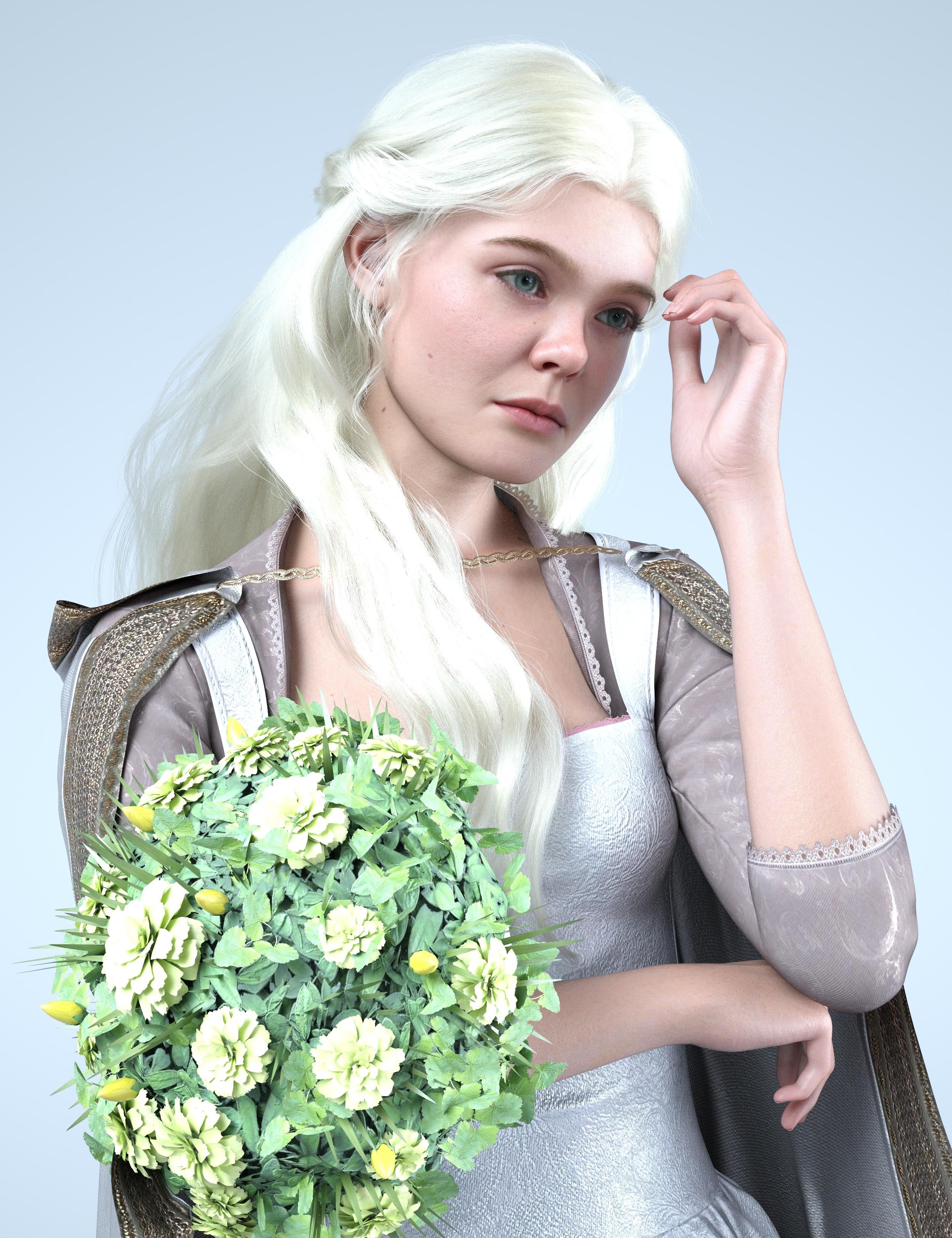
Isabella 9Gone back to Daz 4.24. I can't deal with how slow Daz 6 is. Many days later, here are a few test pics to add to the thread...
The hair is nice but very hard to pose, I think I just ended up sticking some flowers in front of where it was intersecting with her chest:
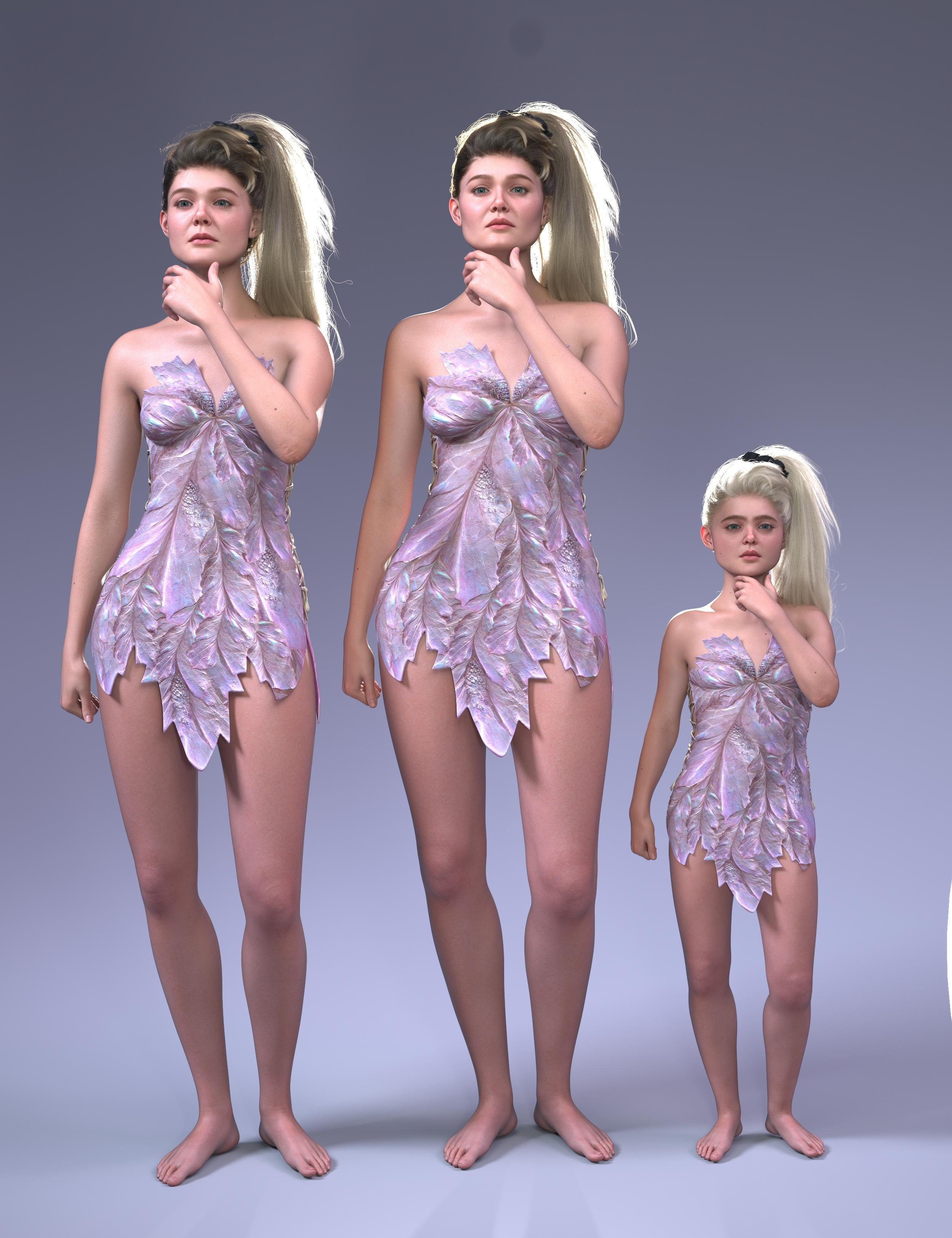
Compared to her older and child version:
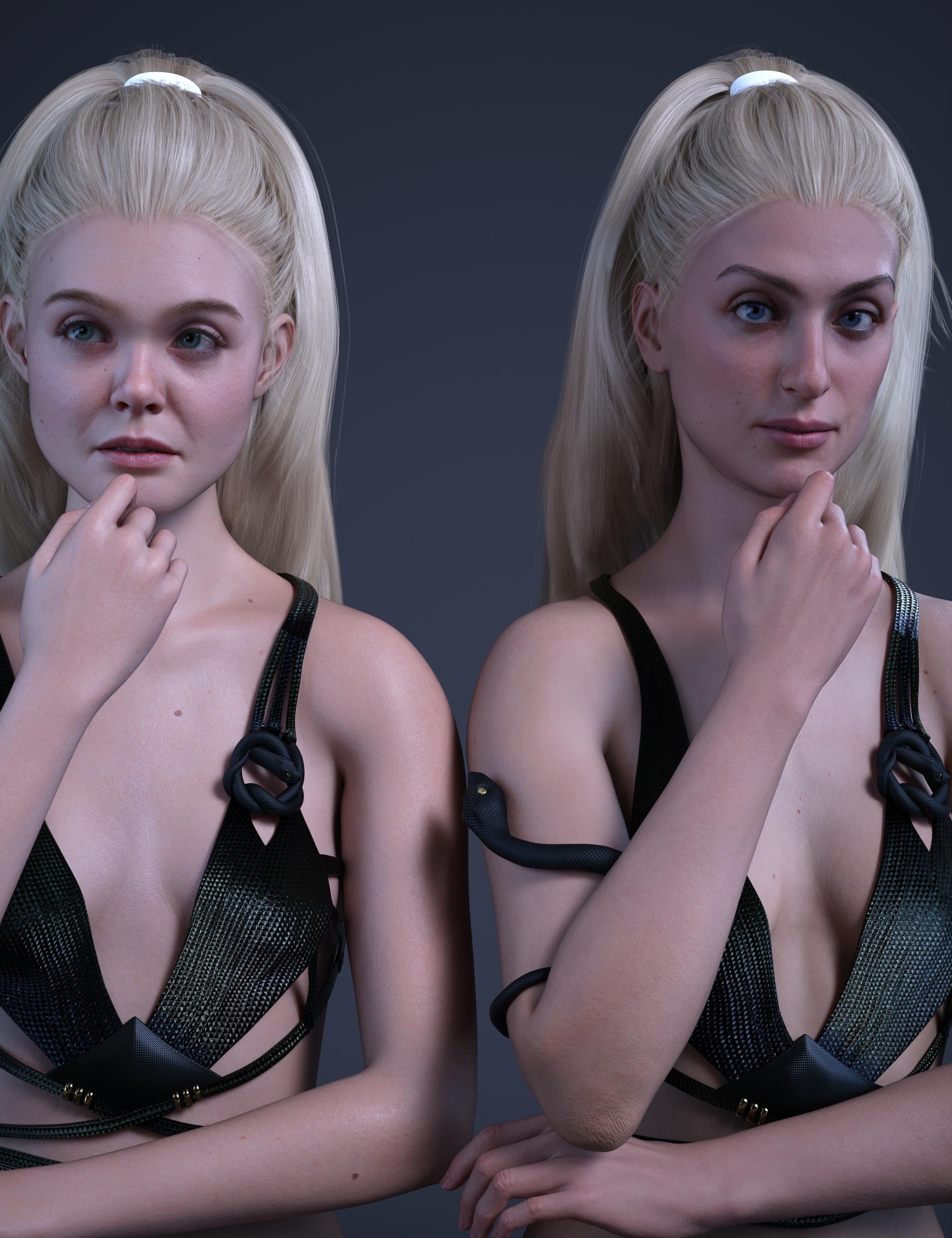
Compared to the Ice Queen:
Using her child morph on another character (Angela 9), simalar to the ice queen kiddo, this one lets you make a whole slate of creepy kids. The child in the middle is Yuxi.
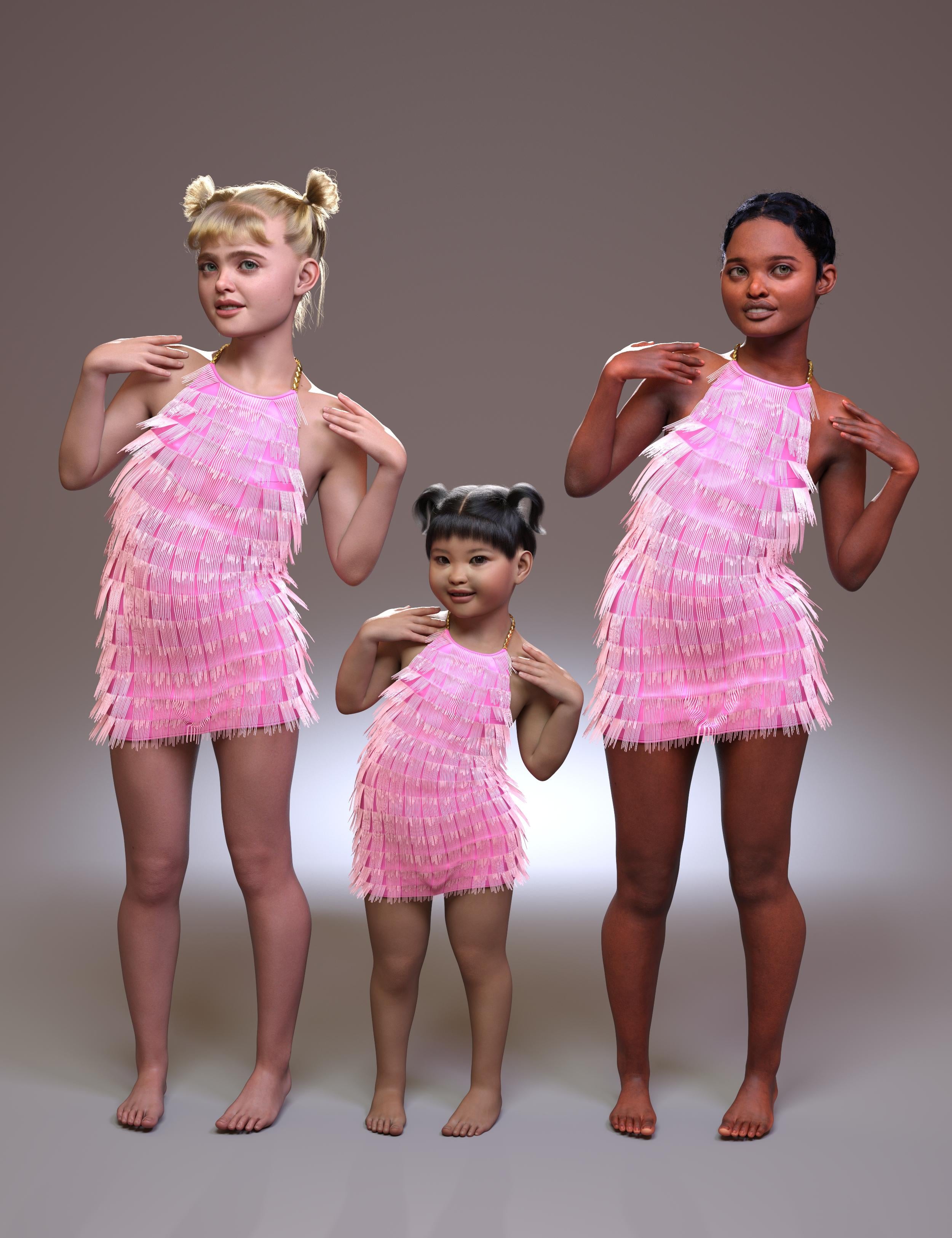
Pretty dress:
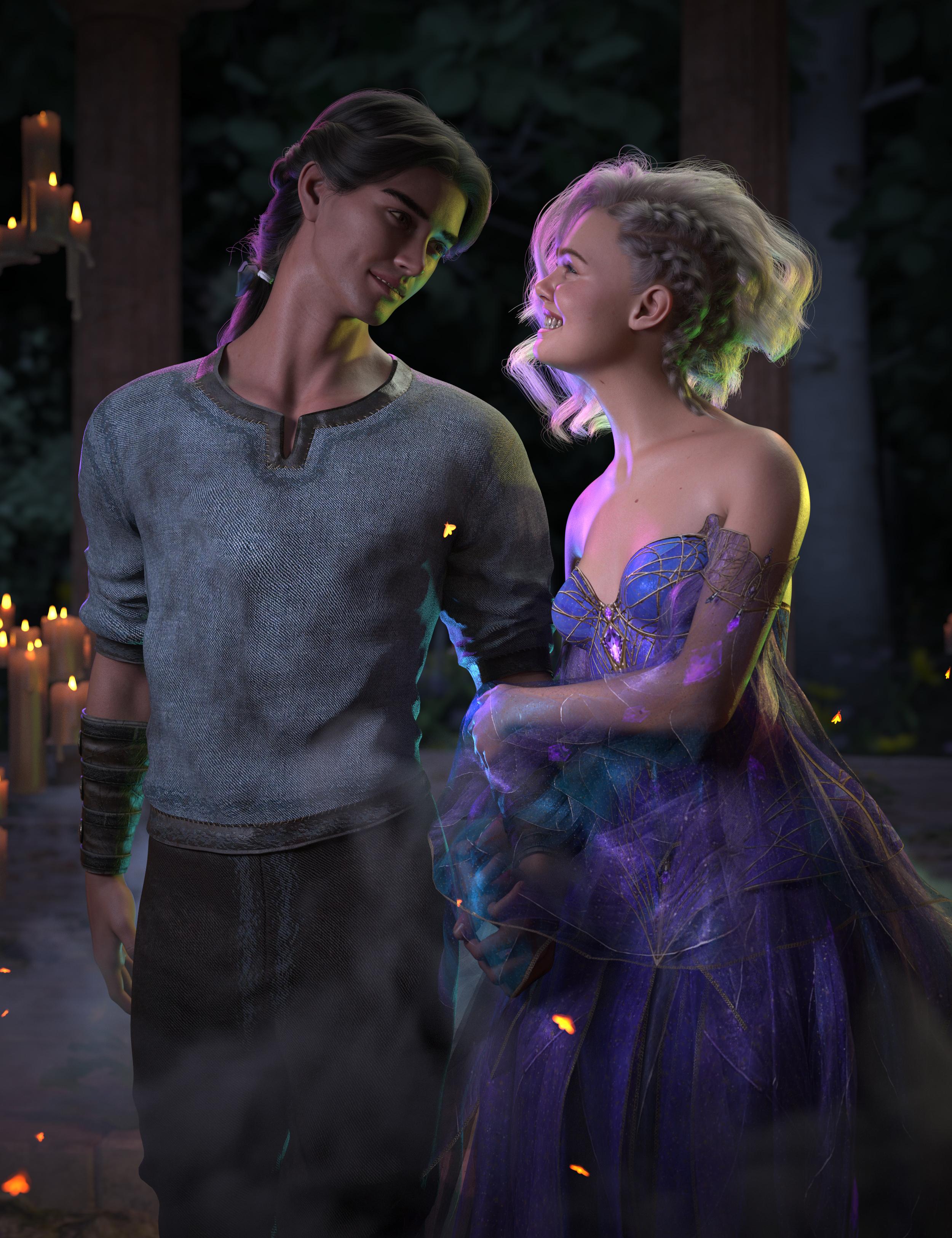
Big versions attached
Daz 3D is part of

Connect
DAZ Productions, Inc.
7533 S Center View Ct #4664
West Jordan, UT 84084Licensing Agreement | Terms of Service | Privacy Policy | EULA
© 2026 Daz Productions Inc. All Rights Reserved.