-
Saving morph assets in Studio 4.23/4.24 [Solved]
garrett_3d said:
Rather than staring a new thread...
I thought I'd have a go at creating a character (as new G8 characters are few and far between). I am trying to save it using the Modifier Asset option and Studio is loading every single morph in my library as part of the process. Why? Surely it only needs the textures, etc. that I've actually used? I've ended up killing the process as I don't think it's doing what I expected it to.
This is the improvement from a long time ago when you had to load morphs individually. I agree it is odd. But it is never going to change. Daz is about being "easy" not efficient.
There are new G8 figures on other websites every day. And every one you buy adds to the morphs in your library that are loaded with every figure. :)
Jeepers, Creepers... I gave G8 G9's peepers.I cannot find a thread to help me here
but I created a G9 morph of Bugga Boo using clone shapes
but the eyes, mouth etc do not fit
most morphloader morphs one can just slightly adjust the parts moving the matching bones
but this is an extreme morph
was wondering if I can somehow do the reverse of this to get fitting bodyparts
Work while rendering - within DSgarrett_3d said:
If you are looking for what is essentially just a catalogue to browse for ideas while you have a render running, why not run a different copy of DS? You could even pose your scenes in that, save them and then open them in the other one to render.
This is basically how I work, except that I run 4.24 on two different PCs side by side and transfer save files via USB stick (until I've sorted out my new NAS anyway).
yes, for sure that would work. Much work to install everything though
Work while rendering - within DSIf you are looking for what is essentially just a catalogue to browse for ideas while you have a render running, why not run a different copy of DS? You could even pose your scenes in that, save them and then open them in the other one to render.
This is basically how I work, except that I run 4.24 on two different PCs side by side and transfer save files via USB stick (until I've sorted out my new NAS anyway).
AIUTO...CHI CONOSCE L’ITALIANO? PARTE QUATTORDICIBuongiorno, oggi voglio farvi vedere la morph base a cui sto lavorando, dopo le Tee e le Young Teen, sto provando a far scendere ancora di più l'età dei miei personaggi. Cosi, ecco a voi la Preteen Base.
Per la cronaca è Genesis 8 Female
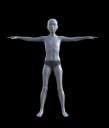
Sembra un pò un maschietto, ma in realtà è una feminuccia. Ho voluto smarcare un pò i tratti troppo adulti, e limare un poco la bocca come meglio potevo.
Ideas For New DO BundlesYes, along with related poses, we need: ringmaster outfit, acrobat outfits, elephant, trapeze, tightrope, safety net (with optional 'set it on fire' material/vdb [sorry, just been watching Avatar: The Last Airbender], and 'dropped to floor' morph), cannon to fire a daredevil out of, high-dive platform into a tiny pool, etc. etc. And all that just in the big tent. Endless ideas for other carnival games: hammer strength test (the one where you hit it and try to ring the bell), fishing for plastic ducks, various throwing games (the Midway games sets have some of this, though they're very old) like the ring toss or the balls through the holes, and so forth.
Duplicate formula found - how to fix it?chris-2599934 said:
For future reference, G3 hair can almost always be "converted" by loading the hair with no figure selected, selecting the hair, then going to Edit>Object>Scene Identification... and changing the Preferred Base from /Genesis 3/Female to /Genesis 8/Female.
ah yes i have used the Scene ID thing often, as i say this hair has been in my library for a long time (in converted form) before i finally got around to using it, so it may have originally been Scene ID'd instead of using Fit To, i'll often try both methods and go with the winner
the issue in this case though, is that it never had a behind-shoulder pose/morph to begin with, which is odd because it has every other type of morph...
Isabella 9sid said:
Gone back to Daz 4.24. I can't deal with how slow Daz 6 is. Many days later, here are a few test pics to add to the thread...
The hair is nice but very hard to pose, I think I just ended up sticking some flowers in front of where it was intersecting with her chest:
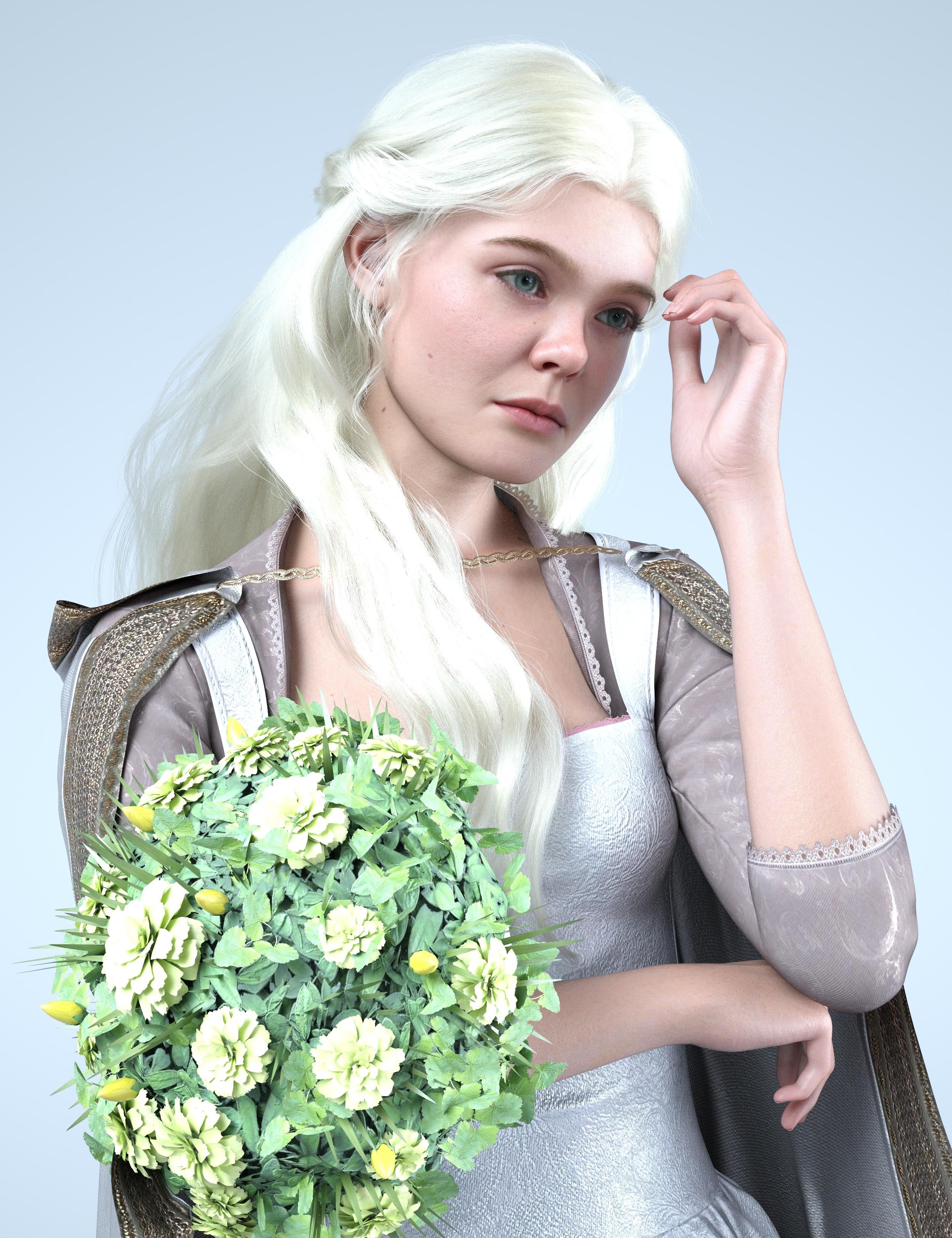
Compared to her older and child version:
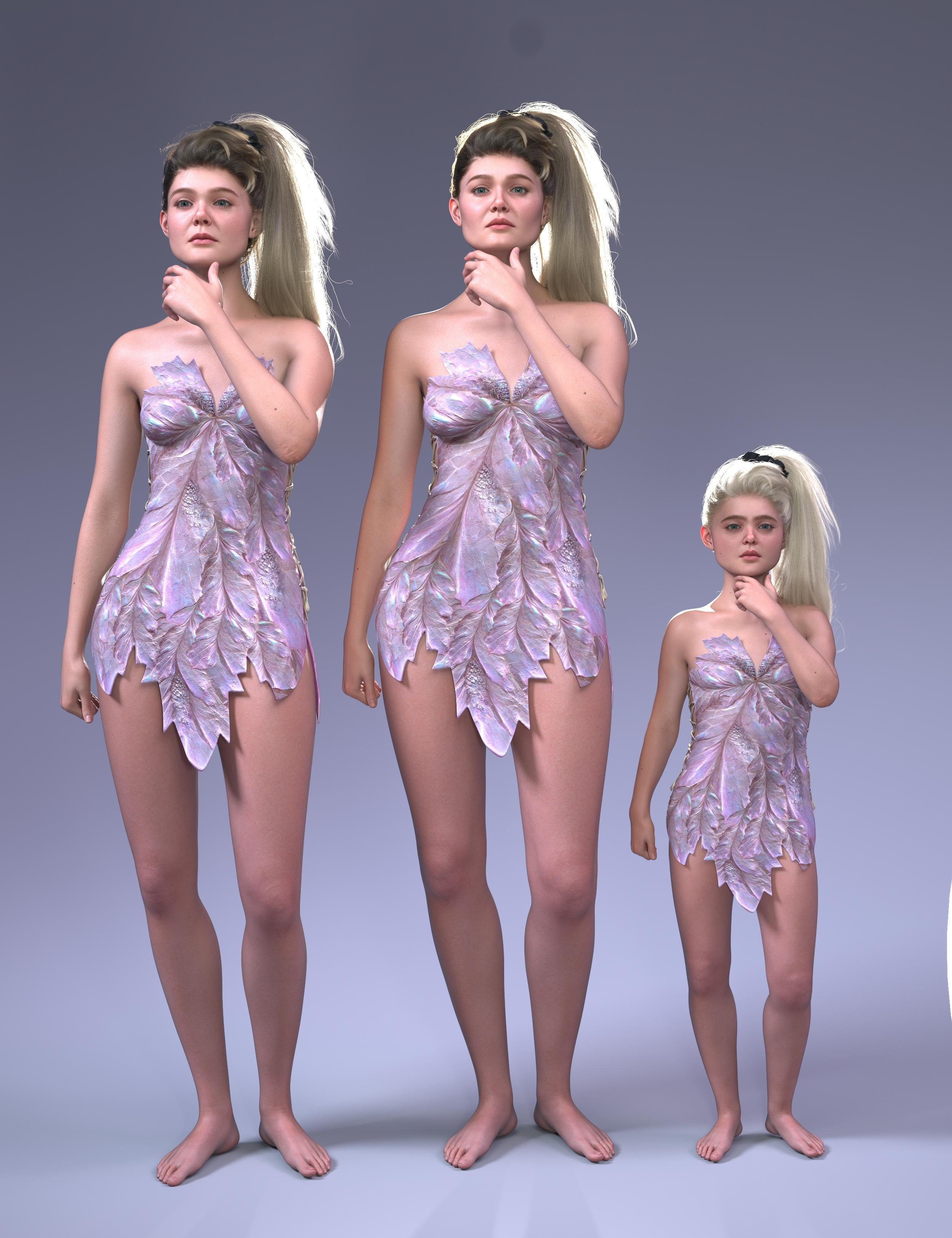
Compared to the Ice Queen:
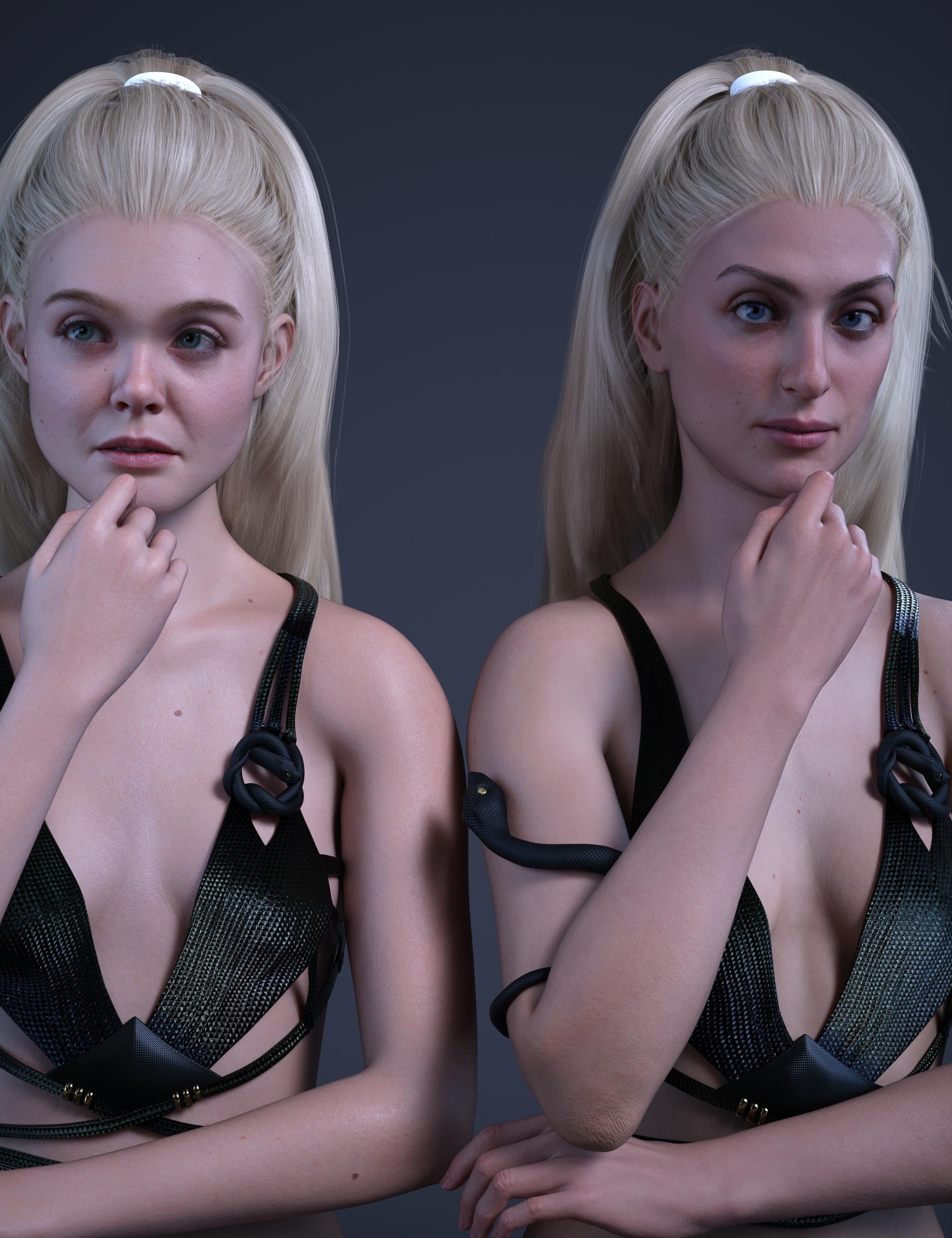
Using her child morph on another character (Angela 9), simalar to the ice queen kiddo, this one lets you make a whole slate of creepy kids. The child in the middle is Yuxi.
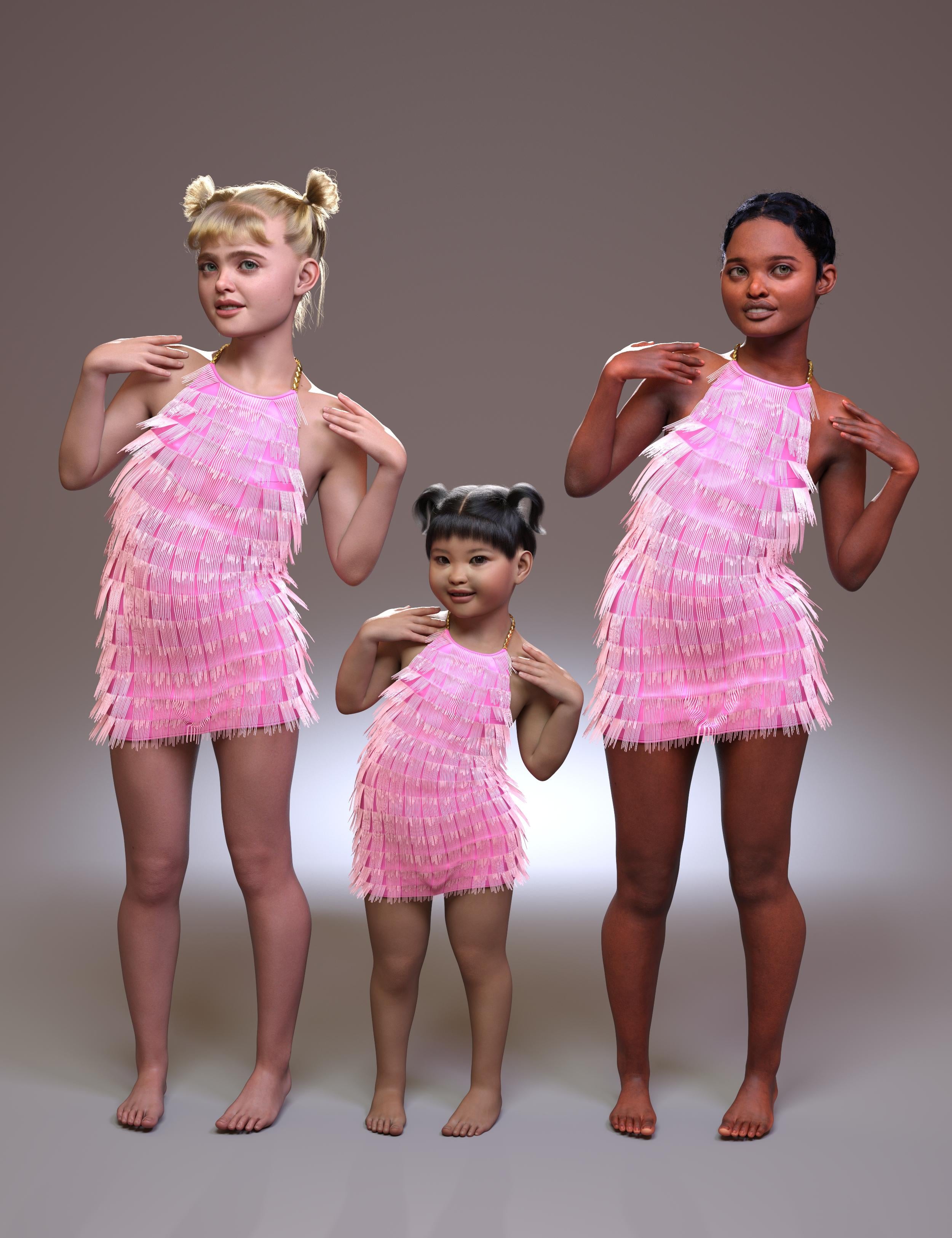
Pretty dress:
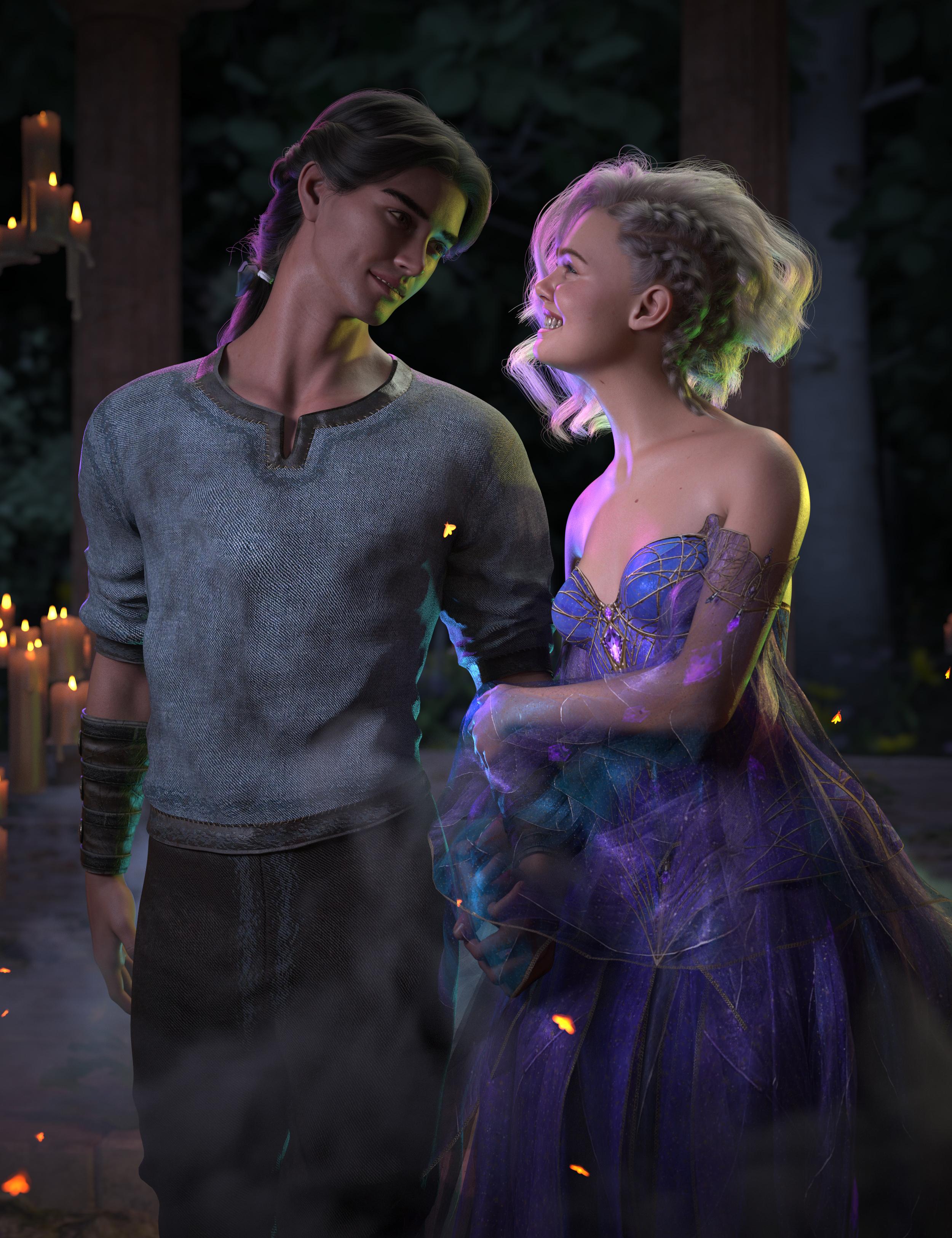
Big versions attached
Nice renders, you're right about the creepy kids lol. Dont know why they give kid morphs such chiseled jaw and broad shoulder.
Saving morph assets in Studio 4.23/4.24 [Solved]Rather than staring a new thread...
I thought I'd have a go at creating a character (as new G8 characters are few and far between). I am trying to save it using the Modifier Asset option and Studio is loading every single morph in my library as part of the process. Why? Surely it only needs the textures, etc. that I've actually used? I've ended up killing the process as I don't think it's doing what I expected it to.
Support asset/morph asset is depricated...felis said:
If you want to save a morph it is Save As > Support Asset > Modifier Asset and select the morph you want to save.
Okay, thanks. I'm gonna assume uncheck everything except the head split character head/body morphs and then save? Or just save as the dialogue box opens?
Support asset/morph asset is depricated...If you want to save a morph it is Save As > Support Asset > Modifier Asset and select the morph you want to save.
Support asset/morph asset is depricated...So, how do I now save Head Split morphs? Is it "figure/prop assets" or "save modified assets"? And, if it is "save modifified assets", where do I find these assets once they've been saved so they can be applied to a character?
Reminder To Myself: Never again SBH HairWendyLuvsCatz said:
crosswind said:
Binding dForce tools, Multi-Resolution Morph Support plugin... etc. into Premier tier would be an attractive offer if Daz doens't want to release them for free ~~
I was saying this from the time they introduced Premier
would be the only thing that would entice me to join
Ah, thank you very much !
Indeed ~ Why not let Daz users directly benefit from using these tools in a healthy way rather than letting some guys sort of 'reverse-engineered' the plugins and sell them on other sites......
Reminder To Myself: Never again SBH Haircrosswind said:
Binding dForce tools, Multi-Resolution Morph Support plugin... etc. into Premier tier would be an attractive offer if Daz doens't want to release them for free ~~
I was saying this from the time they introduced Premier
would be the only thing that would entice me to join
Reminder To Myself: Never again SBH HairBinding dForce tools, Multi-Resolution Morph Support plugin... etc. into Premier tier would be an attractive offer if Daz doens't want to release them for free ~~
Dynamic clothing control in Daz 6jmucchiello said:
No DS4 plugins work in DS6. Until the PA creates a DS6 version, you'll have to continue using it in DS4. Luckily, you can have both installed at the same time.
This is indeed true in general regarding DS plugins.
In the specific case of Optitex dynamic clothes, the plugins were developped by Daz and have been retired according to the evergreen thread, so there won't be a DS6 version. Beside Optitex clothes were typically offered in .daz format which is not supported anymore either.
Regarding the clothes, an option to use them in DS6 would be to serup the scene and simulate the clothes in DS4, save the resulting simulation as a morph, then use the resulting scene in DS6. Or as was suggested, convert them to dForce as that usually works quite well.Alessandro_AM Wolf 2.0 won't morphI recently purchased Alessandro_AM's Wolf Wolf 2.0 for Poser by AM for $28.95 and installed it properly into my Poser library. However when I select the Wolf 2.0 character for it to generate into my scene the fur becomes disjounted from the character and the base character is pink. How do I fix this because I'm unable to contact the vendor.
Thanks.
Reminder To Myself: Never again SBH Hairapparently they can
we can't which honestly is a worse limitation than not being able to make it dynamic
I can convert massive Carrara created imported hairs to curves by converting ribbons to lines then curves, but even if I rig them to the character with the transfer utility first, the conversion to curves loses the weights. so only static props that won't follow the figure and can only be parented to the head.
Cannot use any of my morphs either (yes I can create morphs from the Carrara dynamic animation and styling exported as objs)
my Carrara hair imports are either very thick and wiry or very sparse as is, with curves I can add many more fine hairs. The latter being a good advantage for short prop ones at least
likewise Poser hair conversions
Duplicate formula found - how to fix it?crosswind said:Then you saved it as a 'G8F version', it turned into a separate figure asset, so there would be no duplicate error. However, you said after saving a new Wearable Preset of G8F hair figure and loading it, the error came back.... I don't know why ~~ That shouldn't happen as the modifers are already saved...
thanks for the reply.
i actually remade the morph with a new unique name, using the new G8F figure as a source, thinking that maybe the old morph had become cross-pollinated somehow.
all ok so far. saved it as a wearable. applied it and the errors start again, but with the new morph name this time.
i think i might just clone the hair and make it a completely new entity. export, import as new hair.
i'll lose all the original's adjustments, which i don't want anyway. but this seems a brutal solution to something that should be simply fixable
...and done. morph works. no errors on loading. i'll look into the Nita error again later, but at least my figure has her own hair now.
Duplicate formula found - how to fix it?clivewil2 said:
...tacking this onto an existing thread and hoping someone sees it
i'm having an issue with Nita Hair generating these errors
Nita original is a G3F hair, which i converted to G8F with the Fit To dialogue. it has sat in my library without issue for a long time, but i don't think i have really used it before until now.
ok, so... i created a 'behind shoulder' morph to push the hair back, as it doesn't have one of its own.
the morph works, but if i saved the hair as a wearable, on loading it was generating these dupe errors.
if i save the hair as a figure***, Hair Nita G8F, the hair loads and works as expected.
however, as soon as i save Hair Nita G8F as a wearable (Hair Nita v2) and apply it to a character, the errors return again.
any clues?
*** while forcing it to generate a new unique ID for the figure
The unique ID for the hair figure shouldn't have anything to do with the duplicate formula errors related to modifiers. Your DS log should tell you what modifiers have ID conflict in the 1st place ~~ have you checked that ?
As you described, your created a modifier named 'behind shoulder' on a auto-fitted G3F version and just saved it as Wearable Preset... If so, be noted this Wearable Preset is still based on G3F hair's DSF and the newly-created 'behind shoulder' modifer is just saved in the Wearable Preset. Then if there's already a modifier in G3F version's data folder which has the same ID of 'behind shoulder', when loading the Wearable Preset, the modifer in the data folder and in Wearable Preset DUF will be both loaded, then there'll be a conflict...
So better firstly check if that's the case you have... by checking the data folder of G3F hair to see if there's any DSF which has the same ID of 'behind hair' ~~
Then you saved it as a 'G8F version', it turned into a separate figure asset, so there would be no duplicate error. However, you said after saving a new Wearable Preset of G8F hair figure and loading it, the error came back.... I don't know why ~~ That shouldn't happen as the modifers are already saved...
Daz 3D is part of

Connect
DAZ Productions, Inc.
7533 S Center View Ct #4664
West Jordan, UT 84084Licensing Agreement | Terms of Service | Privacy Policy | EULA
© 2026 Daz Productions Inc. All Rights Reserved.