-
Looking for Miku Miku Dance enthusiasts that like using DAZ as an MMD platform
Wow, nice input on this thread guys! I love getting a different perspective. I have to say though pdr0 everything you said is spot on, however I have been able to get very clean results on on my conversions to each DAZ generation. I had to learn the hard way but one thing I discovered was that using the Teto TDA model as the base PMX yeilded the most accurate results in 3DXchange. I use a free script called "Pmx2Fbx with Batch Files" to attain an FBX with motion from the combination of the PMX and VMD files placed in the batch folder with the script. One thing I discovered was that importing the created FBX int Ikinema Web Animate and simply exporting it back out some how frees the root bone so when I import it into 3DXchange I don't get the legs flayling about and the motion is very stable. After I create a BVH and import it into DAZ I make sure to turn off limits and unlock nodes both the base nodes and pose nodes (Edit, Figure,Lock menus). This generally eleminates all feet sliding and makes motion as smooth as in MMD.
Artini i found the the step by step instructions here:
He also made a MMD script that can export the facial data into DUF files for G1 and mcasual made a script that can transfer the facial morphs from G1 to G2 G3 and G8.
As far as the breast physics go as pdr0 suggested you can use 3DXchange to map the G3 or G8 because the bone movement is imorted in with the FBX. I usully just use the Breast Jig script I baught from another site. VWD can also do breast and glute physics but there is a learning curve and yes it does work in DS 4.11 and 4.12 there is actually a version 2 out now.
BTW way pdr0 I do have an interest inimporting a few of the MMD cloting items in and I attempted by converting triangular to quads in blender and import as an OBJ into DAZ used the transfer utility ( very slopilly I might add) and the made it SubD. there are some faces that have rounded corners in within the mesh now and the texture has gaps in it after converting. Anywhere to get tips on converting MMD clothes and hair?
Darwins' Schtuff Pt DeuxIt will be some scarring, yes- Haven't had a chance to work on it tonight, but will a bit before crashing.
As for "Elyot" I may end up calling him John, just to keep it simple. XD I'll be working on him soon(ish) after Tathar - Mr. Sneak Peek up there. ;)
On a side note: People will see an update for the Dragon Empresses Character set- I found one of the figure's eye corrective morphs were hooked to G8F rather than her head morph, so I corrected that and sent it in for everyone else's files to be corrected. It went live today.
any news on the hd plugin?? :Dhas anyone saved their hd figure versions to carrara tray?
i'm still at the stage of picking which morphs i would want on every figure. as a base morph set
like breathinga static version of every kitbashed character seems like a good idea.
Was reading in commons, how installing a new morph can whack out saved characters. i would cry if that happened.
[Released] Character Converter from Genesis 3 Male to Genesis 8 Male (Now Conv JCMs) [Commercial]Hi, it's me again. This time with another question. It's about the anatomical elements or gens. For the Genesis 3 Male, there were some fine products that came out with added morphs for the DAZ gens. I'd like to be able to get these morphs into the Genesis 8 DAZ gens. Will either of these scripts pick up morphs on the anatomical elements and transfer them to the G8 anatomical elements? If so, which script should I use? I realize that in the DAZ Content Pane, these are under Anatomy and not under Characters, so that's why I'm wondering.
Oooh, that is a good question. I don't know. I never use the gens and certain don't have morphs for it. I don't think it will work, but you can try the Convert Scene Character.
Looking for Miku Miku Dance enthusiasts that like using DAZ as an MMD platformhttps://www.deviantart.com/dzonatan/gallery/
Not really using MMD motions as much as using hair props to complement Sakura 8's poor selection of anime hair.
You intrigue me with the motion transfer from MMD to Daz. I recall reading a threat, downloading some scripts and even seeing some tutorial on cgpeers.
Would like to see a detailed tutorial about your workflow so I could put some animation on my girls one day.
About breast physics.
The best solution I can think of is using Dynamic Bones in Unity and rendering it there via Octane Render which is another iray renderer going by a different name.
mcjTeleBlender:Daz Studio scenes/animations w/Blender's Cycles EngineYAY! i now know how to transfer an animated Daz Studio scene to Blender, using FBX, and i made script(s) that allow healthy animations to replace the baaaad ones from fbx - then i'll adapt the code that fixes the material transfer issues of fbx (mcjBlendBot)
blender eevee render, 2 secs per frame
but with proper materials and lighting it will look good enough for movies
 [Released] Character Converter from Genesis 3 Male to Genesis 8 Male (Now Conv JCMs) [Commercial]
Hi, it's me again. This time with another question. It's about the anatomical elements or gens. For the Genesis 3 Male, there were some fine products that came out with added morphs for the DAZ gens. I'd like to be able to get these morphs into the Genesis 8 DAZ gens. Will either of these scripts pick up morphs on the anatomical elements and transfer them to the G8 anatomical elements? If so, which script should I use? I realize that in the DAZ Content Pane, these are under Anatomy and not under Characters, so that's why I'm wondering.
Darwins' Schtuff Pt DeuxOk! SO, thank you to everyone who made the first morph collection I've done a success; I'm very glad it was well recieved. As stated before, I will definitely be making another-but probably not for another month or so. The next character, however, from the challenge list below will be chosen!
The All-My-Tee Randomizer chose: Sam Elliott
Not to be greedy or anything, but is there any possibility "Elyot" will include "a dial preset for Zev0's Aging Morphs for Genesis 8 Male(s) to give him a more aged appearance" like you did for Liam. Sam Elliott was a handsome man in his youth, as well as in his maturity. It would be wonderful to have both the young and the old as presets.
I'll buy him regardless, of course…
Im going to second this. That man has been hot his entire life...
Looking for Miku Miku Dance enthusiasts that like using DAZ as an MMD platformFor those that don't know, MMD users make up a massive community - it completely dwarfs DAZ and Poser user base combined probably by 100x. Many videos have tens of millons of views just on English youtube - that doesn't even count the Asian web equivalents like weibo, nicovideo. The majority of users originate from Asian countries such as Japan, S.Korea, China
Most of the MMD models are lower poly, have lower quality textures - not the same quality as typical DS assets . If you're a DS user you probably will not be interested in the models unless there is some specific reason (some specialized character designs and garments) . Or if you are willing to do some work to modify and retexture (you'd have to anyways if using DS IRAY or 3DL)
DS users would probably be more interested in motions . As mentioned above, most motions are dances, but chances are you can find anything if you look hard enough. But it can be quite difficult to find assets for English users - and Google translate doesn't always work perfectly . Some assets are buried deeply and have passwords, it's like some massive Easter egg hunt... not fun at all :(
However - It's quite difficult to transfer motions over to say, a G1/2/3/8 skeleton cleanly . Often there are problems. There are several different methods (some detailed on this forum) dealing with that. The PMX2FBX method mentioned above is probably the best one overall. But you absolutely need retargetting software such as iclone 3dx, motionbuilder, webanimate . And even with those, the motions require a lot of work to clean up. Most MMD models are anime stylized - skinny , with different bones and proportions - very different that the "muscular Michael" or "voluptuous Victoria". Beacuse of the large biomechanical differences, there are often extra problems that require attention
Blender has some MMD addons mentioned above, and you can import MMD models and VMD motions directly into blender. However, transferring them to a different model such as G1/2/3/8 cleanly within blender is still problematic . It doesn't have great retargetting tools yet (or maybe there is some 3rd party addon from the market I'm not aware of) . And getting from blender back into DS with rig and keys is problematic (and why would you want to do that? Proper HD, proper subd, JCM's - some methods cover one, but not all, you need to bring it back into DS to get everything)
There were some threads on breast jiggle. MMD has bullet physics since basically forever. PMX bases that have physics enabled, will calculate breast parameter. Because G3F/G8F have the same breast rigging (L/R Pectoral bone), you can just copy the curves over or adjust them for stronger/weaker effect . Same with any other physics enabled PMX rigged parts, such as clothing, hair etc....It's not as good as a true softbody rig - it does not calculate collisions or deformations, but it's decent, free and fast
Some of the motion tracers are quite talented (or so dedicated that they must spend months/years on a single song.) But some motions are just terrible, so YMMV. Motion tracing in MMD typically involves placing a dance choreography video on a plane and manually animating
You have to be careful with the usage and readme . Some of the authors place restrictions on certain assets and motions eg. that they cannot be used outside of MMD environment for example (ie. they don't want you using it in DS, or blender for whatever reason) , or for R18/adult purposes, or commercial usage
virtual nickel 4 yor carrara thoughts: the next leveltHE HD PLUG IN comes with a scaling script that may help.
another option is to bake in the scaling in your V8 clothes morph. not sure how baking works exactly.
Diego 8Straight Diego EXCEPT: I scaled his eyes down 11% and did a negative eyes puffy to make them look less "droopy" underneath. I did add some of P3D's morph pack to the body tho.
Laurie
Diego 8The thing I really like about the Diego offering is that we have three really good morph sets included in the Add-on items. Since I already have a bunch of skins that will pass for latin/hispanic, sets like this put a huge array of new characters into my runtime for a really reasonable price. I should also point out that whiole the 20% off offer from the Meet Your Ambassador add two days ago doesn't stack on the NEW items, it does stack on top of the "free" item categories, so you can get a little more value there, and it also stacks on the Featured Artist items, which get a 30% discount if you buy 4 add ons. Added to the 10% DIego coupon some of us got, and the savings really start to multiply... I'm seeing discount as high as 80%... and easily offset the cost of the two Ambassador items I bought to get the discount.
Posed Daz to Marvelous DesignerJust a quick test - G8F to MD8. First imported the A-Pose as an avatar, then imported the pose as a morph (both in OBJ format).
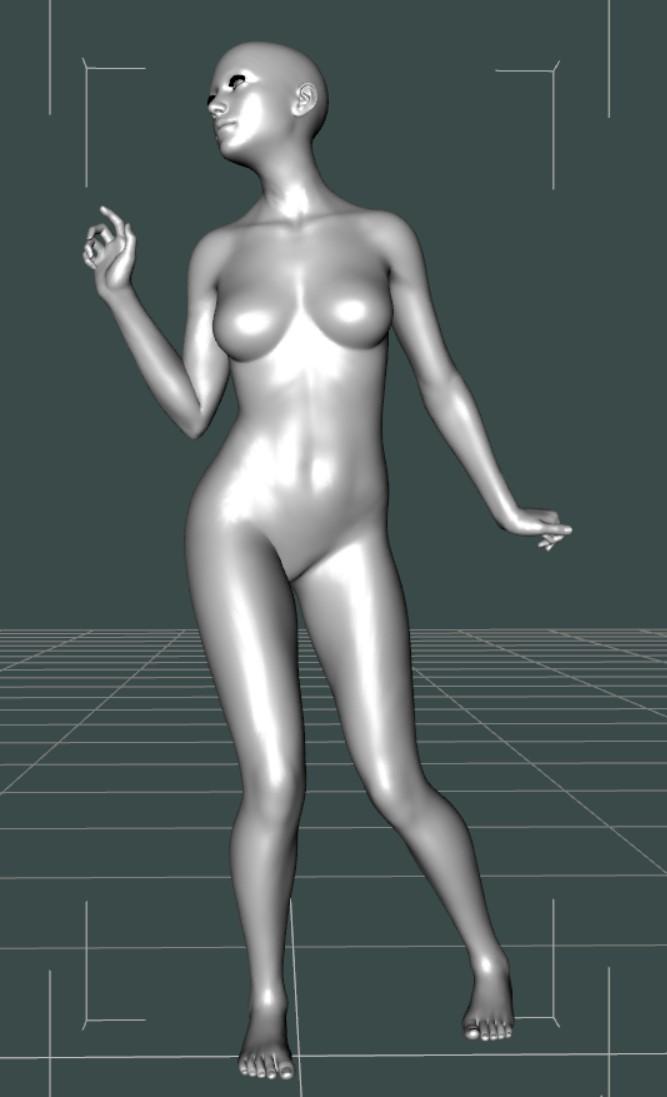
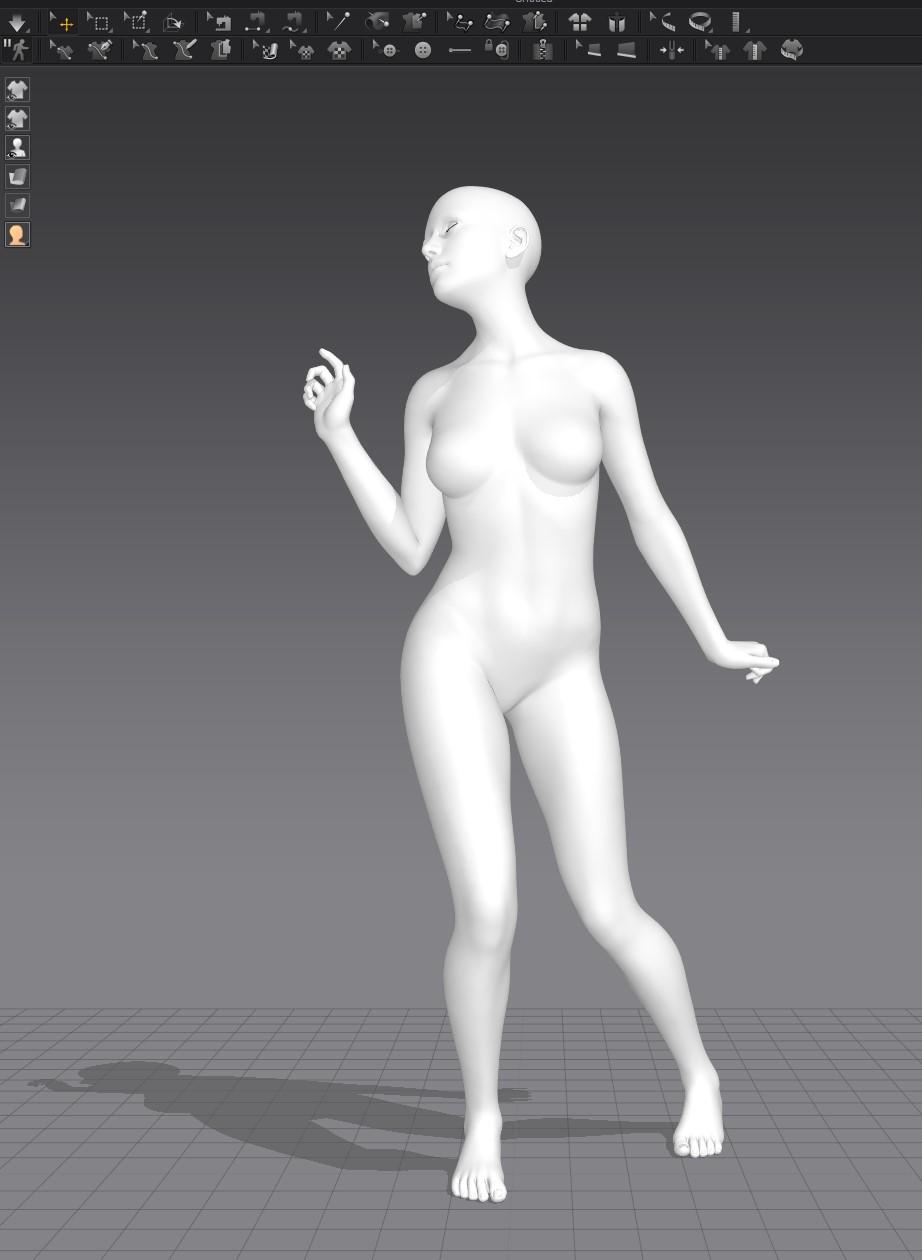 Morph problem.
Hi
I'm looking for some help with transfering some unique morphs in Daz. I try to follow instructions from the forum and from some youtube tutorials but I always get this error ''Geometry did not match, failed to create morph''. It seems not only do I get this error with custom objects and models but also with daz figures.
PS: I had been searching for tutorials on google but I didn't find anything useful. I've decided to ask for help here. I'm a begginer trying to learn how to transfer morphs into daz.
virtual nickel 4 yor carrara thoughts: the next levelCould there be something wrong with my installation of your Genesis 8 Female character? What are all the files and where do they go?
Here I dialed up some Victoria 8
there is only a duf file and a thumbnail, it should be under \Content\people\genesis 8 carrara beta\
and a plain black jpg for eye moisture opacity.did you transfer morphs from g8f to the clothes?
it could be a scaling issue. V8 embedded scaling in the body morph. as in there isn't a separate slider for her scaling.
GoZ to Daz3D crashes due to missing files?i think the unwanted deformation comes from having the character morph already dialed in, like since you are adding in another iteration of the base shape it exaggerates the shape twice. thats just my experience with goZ anyway which just automates the morph loader anyway. i bet there are a few topics on loading original morphs out there already.
as for the original GoZ issue i think the GoZ app is missing the script that opens up morph loader. like when it's supposed to activate morph loader it just stops and doesnt do anything with the mesh.
i hope the issue is resolved soon. i wanna try new techniques, especially with the ZWrap for Zbrush..Uninstalling and reinstalling Stuio won't fix your problem with content. You will need to delete your entire Genesis 8 folder and start fresh. Use DIM to install DAZ products, for products from other sites create separate libraries for each site. Be sure to save any morph assets you create to your personal library. Having multiple libraries makes it easier to narrow down where a problem is coming from by just temporarily removing a library from Content Directory Manager.
virtual nickel 4 yor carrara thoughts: the next levelUpdate - Started over, but for your G3F character instead of your G8F character. Now it works. I think there may be something wrong with how my G8F stuff is setup for your character.
Here is the top (blended weight in Carara) on your G3F base and with the V7 morph applied. This morphs appropriately on G3F. Contrast with morph failure of G8F above.
[Released] Character Converter from Genesis 3 Male to Genesis 8 Male (Now Conv JCMs) [Commercial]transferred morph applied to base loaded Genesis 8 male, see the eyes.
Mine converted ok :( Will probably use a different set of eye textures tho.
Laurie
Thanks for sharing Laurie!
Diego 8Jepe's character is great. The fibermesh hair options is the kind of thing a new DO male character should come with out of the box. His morph looks like a unique character. Daz should just commission Jepe to design all their male original figures.Daz 3D is part of

Connect
DAZ Productions, Inc.
7533 S Center View Ct #4664
West Jordan, UT 84084Licensing Agreement | Terms of Service | Privacy Policy | EULA
© 2026 Daz Productions Inc. All Rights Reserved.