-
Daz Studio Victoria 4 (Aiko 4) no head morphs in list FBX export list.
I can't seem to export the head morphs at all in FBX.
I'm specifically looking for Visemes and eye close/open
I've attached pictures showing that the Visemes are there in the Parameters list but don't appear in the export list. The morphs should appear in that list when exporting no matter how you have the rules set right?
Collada export does show all the morphs but seems to break when I try to export it with head morphs. (Blender throws an warning and imports nothing)
"Sax FWL (Warning): Source with id "blMilWom_v4b_68498-morph-targets" in morph controller with id "blMilWom_v4b_68498-morph" used in input with semantic SEMANTIC_MORPH_TARGET could not be found!"
I created the Aiko 4 model by double clicking on the Aiko 4 Base and going through the PowerLoader import dialog (selecting the V4.2 Base and Aiko 4 Morphs.)
I'm not sure what I'm missing here?
I've also tried setting the Morph Export Rules to target the visemes just in case and nothing.
Problem default MouthrealismAny gen 3 character I load is messed up. I narrowed it down to mouthrealism morph, default is at 100%. I did what was suggested on here and changed it through gear option and then saved but it still comes back as 100% default no matter what. Any ideas what I'm doing wrong? ThanksBlender and/or DAZ Studio?You can implement a Duo ecosystem pipeline however you need to become knowledgable
in BOTH softwares..No way around itOfficial Daz2Blender or Diffeo seems to be perfect pathways for DS genesis users as they are the equivalent of the Auto setup tools we use for our Iclone/CC3 to Blender/UE4/Unity pipelines...
no manual texture node setups.
However you need still to become knowledgable
in BOTH softwares..No way around itI assume you are not becoming a content creator with blender so for you it
it is a one way pipeline.Pick a figure transfer method (Official Daz2Blender or Diffeo)
decide what features of Blender are your priority for your rendering objectives
and learn them...No way around it ....SERIOUSLY No ...way..around....itGenesis 3 Female - Merging anatomical elements geometry doesn't workWell it is definitely possible since I did it 1 or 2 years ago and imported this model to Unity. It was working fine. My issue is that I wanted to update the export morph list with some new ones but when I merge, the genitalia morphs stop working.
And I'm not the only one with this issue, check there, it's a bit outdated but the exact same issue:
https://www.daz3d.com/forums/discussion/comment/5213316/
It was working before but not anymore.
I do remember following the steps there:
https://www.reddit.com/r/adultvrgames/comments/4p7016/using_daz3d_models_in_unity_and_unreal/
It was working then but not anymore. Isn't the Daz team aware of this bug ?
As for exporting morph by morph, that's not possible with my project unfortunately way too many morph combination possible. I need the morphs/blendshapes in Unity to shape the girl however the players want.
Convert/upgrade genesis 8 characters to 8.1?j_grean said:
As above, looking to use 8.0 morphs shapes from various characters, on thr 8.1 model.
Am I right that most people instead are suggesting to shape 8.1 shapes and apply to 8? For example, the 8.1 eyes are great. But I find it very odd that in 4.15 the 8.0 morphs are not available to me in "parameters", say for example when you select actor > head > people there's 2 or 3 morph options for the head from the small amount of 8.1 content I have, but I was led to believe that 8 was all compatible. So I can't load 8.1 and then the Teen Josie shape. Is this correct or is something not right in my setup? Checked with DIM and all appears up to date.All the G8 morphs (and characters) will automatically be loaded to G8.1 Parameters tab on DS 4.15, provided of course that they can be found in the path where DS is looking for them, which is "data/DAZ 3D/Genesis 8/[Gender]/Morphs".
If you search your drive for "PBMNavel.dsf", where can it be found? - The full path/paths please.
Convert/upgrade genesis 8 characters to 8.1?As above, looking to use 8.0 morphs shapes from various characters, on thr 8.1 model.
Am I right that most people instead are suggesting to shape 8.1 shapes and apply to 8? For example, the 8.1 eyes are great. But I find it very odd that in 4.15 the 8.0 morphs are not available to me in "parameters", say for example when you select actor > head > people there's 2 or 3 morph options for the head from the small amount of 8.1 content I have, but I was led to believe that 8 was all compatible. So I can't load 8.1 and then the Teen Josie shape. Is this correct or is something not right in my setup? Checked with DIM and all appears up to date.The My Bucket's Got a Hole In It Complaint thread...well G8 actually becomes somewhat useful on its own as I just picked up Zev0's Skin Builder 8 for 13$ and change (with coupon) as part of the Epic Megagrant sale (crikey, about half of my wishist if 60% off). Now I just need X Transfer (not on sale) to transfer shapes & morphs from G3.
ETA
Bugger the Megagrant sale is over.
The My Bucket's Got a Hole In It Complaint threaddunking ginger snaps in coffee doesnt work. has to be tea.
but then i wouldnt dunk biscotti in tea, has to be coffee.is there a gizmo to steam milk outside of a cappucino maker?
sometimes i just want plain steadmed/frothed milk.i dont understand how to make a morph asset in carrara. in the poser days, poser needed a morph channel. cant remember how to do that either.
drinking decaf doesnt help memory.
What’s the deal with G8.1?If the list does not show up, you click on the 3 dots to the right of the arrow. This will show a large list of all the different models. Just go down to Genesis 8 Female or Male. BTW, if you load a Genesis 8 or 8.1 first, the list should populate like the pic that was shown. I believe that is why the list does not populate for you when you load only the tear/lash by itself.
To keep things less confusing, give this new prop a new name. Make it whatever sounds good to you. You cannot use a decimal point, so I just called mine "Tear 81 for 80" or something like that. This way you do not confuse it with the other tear, or risk overwriting the 8.1 tear. Also, move the viewport around to focus on the tear/lash. What is in the viewport becomes the thumbnail by default. You can make own your thumbnail, too, it you want, and replace it. I think Daz can handle 256 by 256 pixel size images for the thumbnail. So you can make your own nice thumbnail, or place text in the thumbnail to make it easier to spot.
After doing this you will need to save this as a new support asset>figure prop asset. It will ask you what vendor, you can use your own name or even Daz's if you want. It doesn't matter, this doesn't turn you into an actual vendor.
If you use both the new 8.1 tear and lashes on 8.0, then you do not need the 8.0 eyelash prop at all. But if you do use the old 8.0 lashes with the new tear, you might want to hide the old tear. You don't have to, though. You can test it out and see how the renders look. You might prefer having them both on! It is all up to you.
With this method, you do not need to use autofit or anything. In fact autofitting might not work as well. So this is not only easier, but works better.
You can do this Scene ID change on all of the new props. The tear, lash, and all body hair for 8.1 can all be easily used on 8.0 with this method. This method is so easy and simple that I have to say it really irritates me that Daz did not bother themselves to do it in the first place. They actively chose to ignore this just to push 8.1 on to you guys so that can claim 8.1 has so many new features. They know that most users are unaware that this is even possible. After all, if all the props can be so easily used on 8.0, along with the skin shader it sure makes 8.1 look silly, doesn't it? They need to have their bullet points, LOL.
Additionally, you can even use all the same data morph files from the old 8.0 genital props on the new 8.1 gen props. It is as easy as copy and pasting the data folder with genital morphs to the new 8.1 gen morph data folder!
I'll have to remember how to save the new UVs for use on 8.0, at least for the eyes. This is from memory, so I might be wrong. You first load a dev model of 8.1. The dev models are in the starter essentials if you don't have them. Go to parameters and change the mesh resolution from high res to base. Now export this figure as OBJ. Give it a name, like "81 UV" or something. Now load a dev load of 8.0. Switch mesh resolution to base like before. Then go to the surfaces tab. Click the little menu and one of the options is to load a new UV. Select this and load the 8.1 UV you made. Now you have the 8.1 UV for 8.0, but this only works for the eyes. This allows you to use any eye textures for 8.1 on 8.0 characters by changing the UV set under the eyes. Sadly there is no way I know of yet to use the new neck texture on 8.0, since 8.0 doesn't have enough options. But I am sure there is a way to do it, I just haven't figured it out.
Daz to Blender - New Bridge Update Ready for TestingPadone said:
@DAZ_sam Ok thank you, we will wait for the next update then. Please note that in blender every single morph takes the whole object geometry. So it is important to optimize the used morphs. Spreading around all the morphs to all the objects, either if they apply or not, may result in a massive memory leak. Especially for HD figures that can easily make use of hundreds of morphs.
Yeah I 100% agree its on the top of our list for next month. It's a big issue in general for all the bridges thanks for always bringing these issues to our attention its been helping a lot this month :)
Daz to Blender - New Bridge Update Ready for Testing@jeff_someone
Hey! So just to clarify are you choosing the JCMs in the export out of Daz. We have completely rehauled the morph export so it's nothing like before. But, if you like to grab all of the Base Morphs ( The Basic Head morphs, the Basic JCMs, and the Basic Expressions) I added a preset to this dropbox link that you can add to your folder (made it for Genesis 8) https://www.dropbox.com/transfer/AAAAAMC6agc2yhwa-tZDhBiL1uipxO3R-tEE4lmVH59X17krPORmU50
The preset folder is located at:
PC: C:\Users\ username \Documents\DAZ 3D\Bridges\Daz To Blender\Presets
MAC: /Users/ username /Documents/DAZ 3D/Bridges/Daz To Blender/Presets
Once you are there make sure to enable morphs and in the dropdown choose the preset I shared.
We have a tutorial in the pipeline right now but, I hope this helps in the meantime.Celebrity Look-a-Likes for 3D figures part 3JRenderer said:
My attempt : Yvonne Strahovski? (Handmaid's tale, Chuck) I used Face Transfer and done some dials spinning.
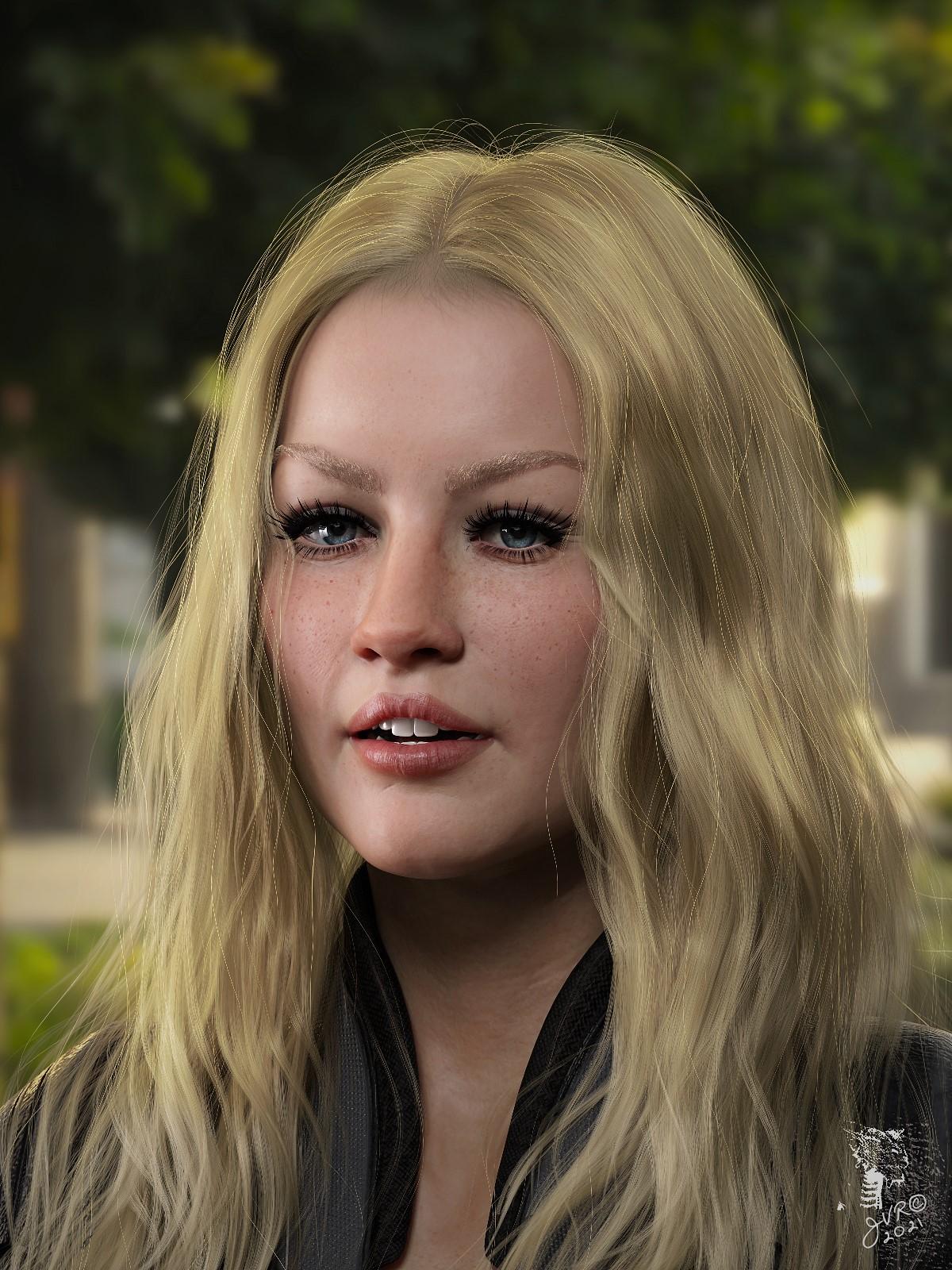
She looks very much like Kate Hudson to my eye.
Morph Loader Pro problem(Daz4.15) need help with morphsHave you saved them as morph assets or are they embedded in the scene file you are working on? If they are saved as assets you will need to delete them from the /data folder, if they are still embedded in the file you can put the Parameters pane in Edit mode via the right-click menu, then right-click on the properties to remove them.
NFT and the Future of Digital ContentDeadly Buda said:
Khai-J-Bach said:
Deadly Buda said:
Wolfwood said:
While it is step, i think the better step would have been to dich NFTs.
I think you guys and gals aren't approaching this subject correctly. An NFT is essentially a unique contract. Basically a digital contract that replaces a paper contract, and can have parameters built into it. So if your art sold for $7 vi NFT, it could be programmed that the resale, say at $10, would confer 10% to you. So another $1s worth of the crypto goes instantly to you. So you bypass banks and lawyers, it makes life way easier. The NFT can be attached to a digital file, or a real object. It just depends on the use-case scenario. People buying digital art is one such scenario that a lot of people enjoy.
The way NFT is hyped, is perhaps leading some people to miss the point. It's a "smart" contract, not some new type of art format.
I think you miss an important point.. this is an art site that sells materials to artists to make art.
not a gallery to purchase art with digital reciept tokens that have less stabilty than quicksand.
In regards to Daz, I can guess they would be attracted to NFTs because it would streamline their checkout and licensing process. So, their way of introducing this might have been wonky, but obviously from this discussion it can be a complicated topic given all the hype surrounding it.
Simply, an NFT is a unique digital contract tied to one type of cryptocurrency or digital currency or another. Nothing more. If you like one currency more than another then opt for that.
The actual NFT technology is neutral though. Whether your financial institutions run the system or its a decentralized system where your GPU is part of the transaction validated process, the technology is now here. Not coming. Here. Questions about energy use don't really make sense, because people are going to make a value judgement on what they think is important. If you can convince every gamer mining Ethereum to pay off their GPU is hurting the earth, well, some big institution or another is going to still use that amount of energy to process transactions.
And, conflating ETH mining with Bitcoin mining, in regards to the "energy" argument is dishonest. They are two different types of mining with different energy signatures. Most NFTs won't even use mining, so, it's really a non-issue other than certain news outlets want to catch eyeballs.
...well that is if Daz3D did crypto transactions.
I can't speak for everyone, but being on a fixed retirement income (that isn't much) I am good with using my nation's currency. Why should I convert (paying a fee) my zloty's to Poopoocoin to make the transaction while I can easily do so through my existing debit card and save the step (and transfer fee), as well as not having to set up a crypto wallet beforehand? I don't need to hide my identity for a legitimate above the board purchase (which is one of the attractive features of crypto).
Morph Loader Pro problem(Daz4.15) need help with morphsRichard Haseltine said:
Weirtd how? Did you check the option in Blender to preserve vertex order?
Awesome thanks to you I did finally got it to work I have overlooked those things, here is the morph test I did :D. Is there a way I can delete all those morphs I did, after some test I have like couples of them stacking up.
NFT and the Future of Digital ContentDeadly Buda said:
Khai-J-Bach said:
Deadly Buda said:
Wolfwood said:
While it is step, i think the better step would have been to dich NFTs.
I think you guys and gals aren't approaching this subject correctly. An NFT is essentially a unique contract. Basically a digital contract that replaces a paper contract, and can have parameters built into it. So if your art sold for $7 vi NFT, it could be programmed that the resale, say at $10, would confer 10% to you. So another $1s worth of the crypto goes instantly to you. So you bypass banks and lawyers, it makes life way easier. The NFT can be attached to a digital file, or a real object. It just depends on the use-case scenario. People buying digital art is one such scenario that a lot of people enjoy.
The way NFT is hyped, is perhaps leading some people to miss the point. It's a "smart" contract, not some new type of art format.
I think you miss an important point.. this is an art site that sells materials to artists to make art.
not a gallery to purchase art with digital reciept tokens that have less stabilty than quicksand.
In regards to Daz, I can guess they would be attracted to NFTs because it would streamline their checkout and licensing process. So, their way of introducing this might have been wonky, but obviously from this discussion it can be a complicated topic given all the hype surrounding it.
Simply, an NFT is a unique digital contract tied to one type of cryptocurrency or digital currency or another. Nothing more. If you like one currency more than another then opt for that.
The actual NFT technology is neutral though. Whether your financial institutions run the system or its a decentralized system where your GPU is part of the transaction validated process, the technology is now here. Not coming. Here. Questions about energy use don't really make sense, because people are going to make a value judgement on what they think is important. If you can convince every gamer mining Ethereum to pay off their GPU is hurting the earth, well, some big institution or another is going to still use that amount of energy to process transactions.
And, conflating ETH mining with Bitcoin mining, in regards to the "energy" argument is dishonest. They are two different types of mining with different energy signatures. Most NFTs won't even use mining, so, it's really a non-issue other than certain news outlets want to catch eyeballs.
In regards to Daz, I can guess they would be attracted to NFTs because it would streamline their checkout and licensing process.
In what way? Right now an artist buys a license to download and use an item DAZ was selling in their store. There is no way an artist would want to buy a token to a link for hundreds of dollars at current NFT/transfer costs (plus whatever DAZ wanted for the item). So no, NFT would not help DAZ sell items – at the ‘new’ NFT price points it would in fact close the store down.
Cryptocurrency
Fluctuates, which is another reason many of us aren’t interested in playing the game of hoping the bottom doesn’t drop out of it at any given time. If we wanted to play those games we’d all be playing the stock market (and there wouldn’t be any day-traders if every stock transfer was as much as what these NFT brokers want.)
Most NFTs won't even use mining
They just want your cold hard cash.
Let’s face it, NFT is a money-making scheme. The problem is the artists aren’t going to be the ones seeing most – if any – of that money. The only guaranteed winners in this game are those getting paid to generate the NFT and the ones getting paid to do the transfers.
Like most schemes only a few people in the right places at the right time are going to make money on NFTs, your average artist ain’t them; which makes how hard certain people are pushing this scheme rather suspect – as they can only make money if they can convince others to buy into the idea and open their wallets. Funny thing, I refuse to use paypal for the same reasons I’ll stay away from cryptocurrency and NFTs – a lack of trust. (I do have a few friends that do use paypal, and the idea that paypal can and has frozen their accounts for no given reason at all – and maybe unfreeze it and still never say why – is not a company I want holding any of my money.)
Daz to Blender - New Bridge Update Ready for TestingFor me, the latest beta build does not import any JCMs. E.g., if I go to Daz, create a new G8 character, export it out via the new Bridge plug in, then import it into Blender via the DTB Plug in, the character comes across fine but none of the basic body JCMs are in place- i.e. if I bend the upper leg forward or backward, it does not morph the buttocks or thigh... I could have sworn it used to do this... any thoughts?
Thx
Morphs on DemandDaz's loading times can take a long time due to all morphs being loaded. Used, or not. I know there is a workaround, but it takes time and effort, and it is possible to forget you have the morphs installed, and have to go through the effort to reactivate them. I think there could be a better way.
I think it would be a good idea to either update Daz Studio so it only loads the used morphs, or someone could create an addon that sets up Daz to only load the used morphs.
Then all the morphs that are not used have an inactive message or some symbol instead of the slider. Click on it, and it loads that one morph onto the character.
I am no expert here, but I would assume the time to load a single morph is with the tradeoff of loading all the morphs at the beginning. Well, at least when you get enough morphs, that is.
Daz 3D Receives Epic MegaGrant from Epic GamesWe’re excited to announce that Daz is a recipient of an Epic MegaGrant from Epic Games! This allows us to provide a better experience when you use the Daz to Unreal Bridge and other Daz products.
What Is an Epic MegaGrant?
Epic Games awards these specialized grants to support those who are innovative in their use of the Unreal Engine and/or bettering the 3D graphics community. This includes game developers, enterprise professionals, media and entertainment creators, students, educators, and tool developers.
In our case, we have the Daz to Unreal Bridge available for free that allows creators to transfer their Daz assets into the Unreal Engine and work from there. Not only is it incredibly easy to use, but it also gives Unreal Engine users access to our versatile and customizable character platform. This fits Epic Games’ description of a project that solves tough problems and improves workflows. We’re very grateful to receive an Epic MegaGrant!
Epic MegaGrants is a $100 million program designed to service and assist game developers, enterprise professionals, media and entertainment creators, students, educators, and tool developers doing outstanding work with Unreal Engine or enhancing open-source capabilities for the 3D graphics community.
What’s Next?
We’re very grateful to receive an Epic MegaGrant as it will help us improve the Daz to Unreal Bridge and add new features. Plus, we plan to convert thousands more of our products and characters as we kick start the storytelling process for Unreal Engine users.
Want to know more about Epic MegaGrants and the application process? Visit this website, and if you have additional questions, have a look at these FAQs.
If you want to start working in the Unreal Engine, check out how you can use Daz Studio for faster game development in Unreal.
teen body has many seams in UE4Here I did some new test, seems the problem was caused by 'Face transfer'. (the top example also made by face transfer)
Below the G8M was just made by face transfer, didn't add any skin or shader or whatever, exported to UE4 by the bridge, now it seems has some seams when editing the skeleton mesh, which was not shown in DAZ iray viewport.
Daz 3D is part of

Connect
DAZ Productions, Inc.
7533 S Center View Ct #4664
West Jordan, UT 84084Licensing Agreement | Terms of Service | Privacy Policy | EULA
© 2026 Daz Productions Inc. All Rights Reserved.