[Released] Disur: Distortion of Surfaces
 Alberto
Posts: 1,472
Alberto
Posts: 1,472
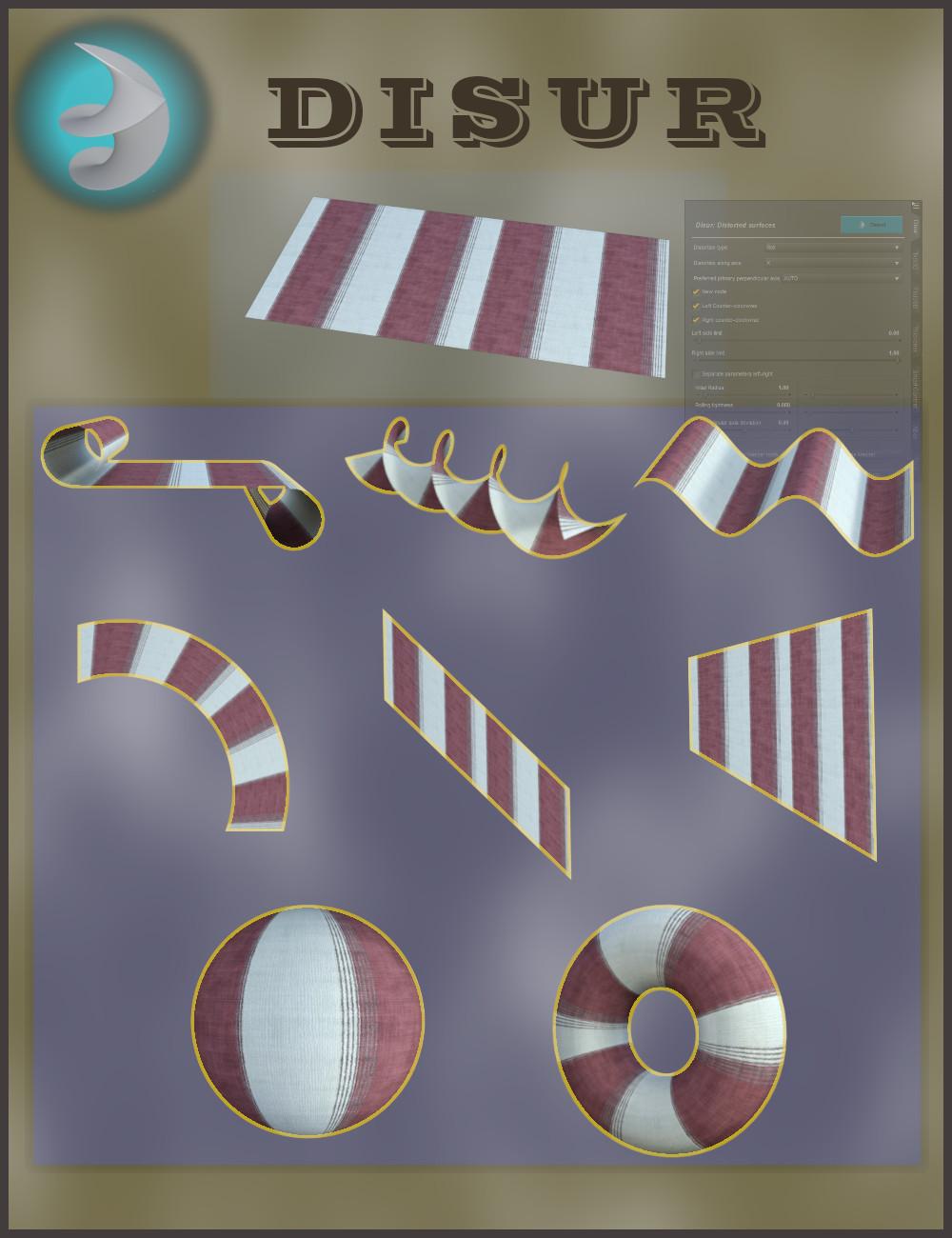
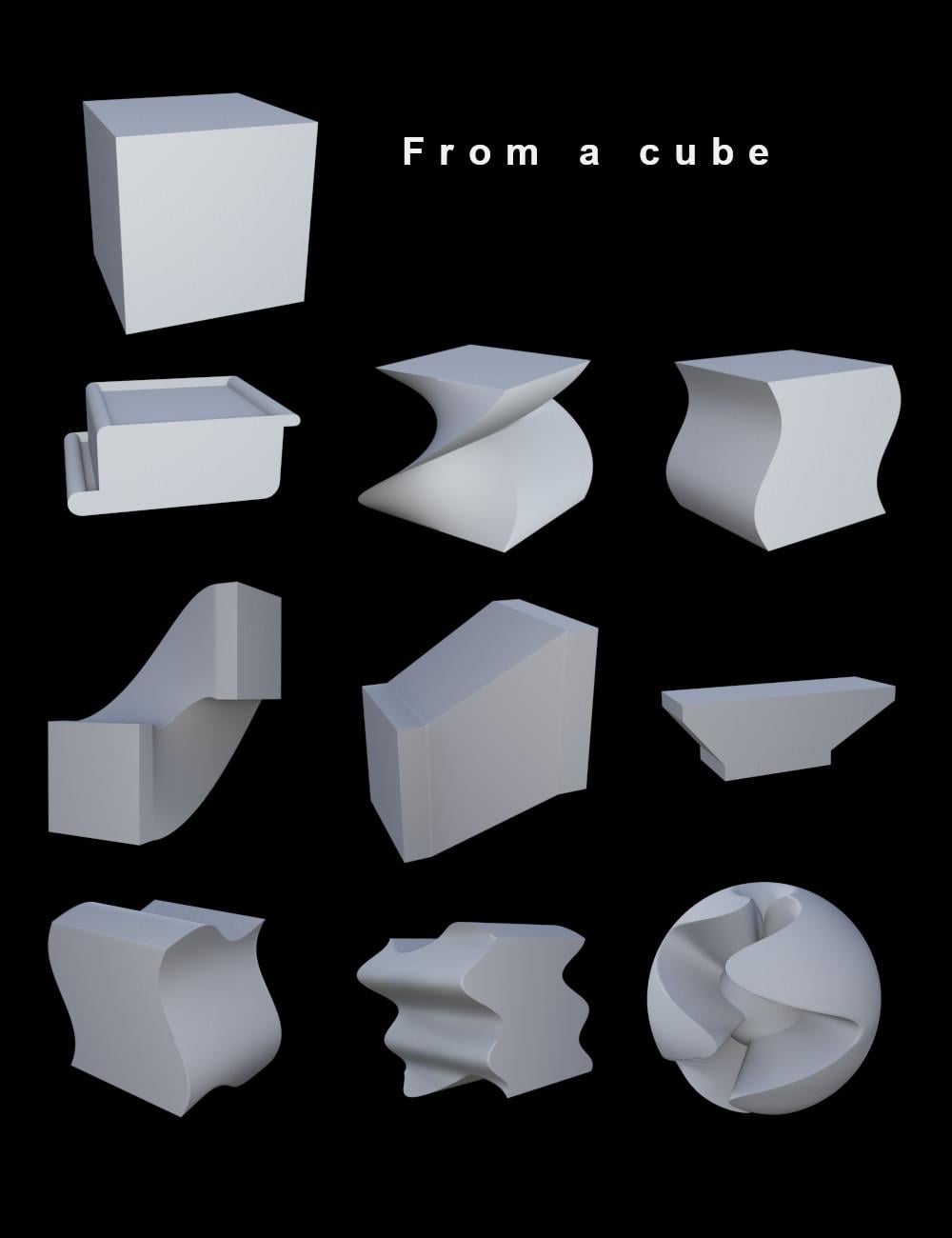
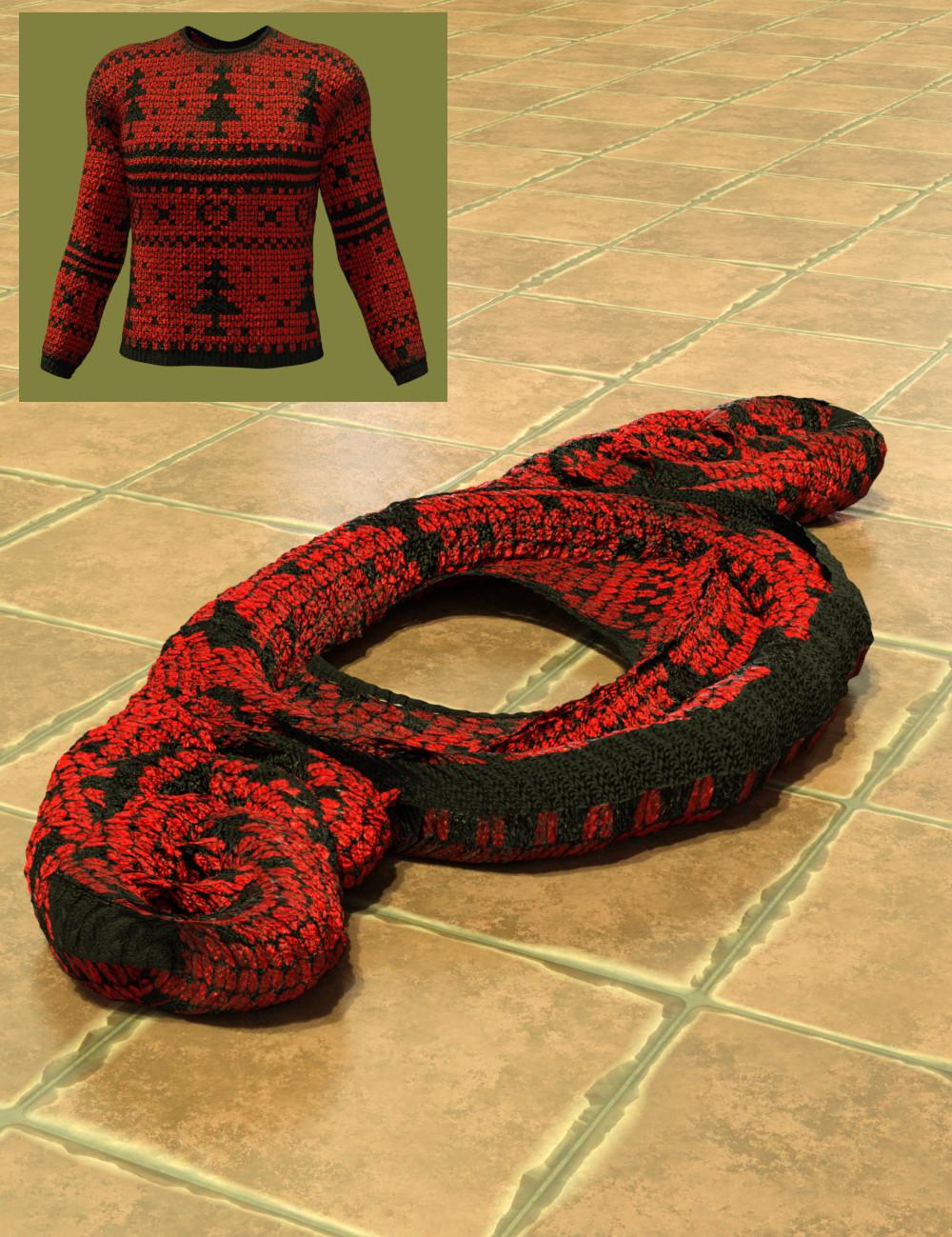
Disur is a plugin specialized in distorting surfaces. These distortions are topology-preserving, that is, the vertices remain connected to the same vertices, with no new connections nor disconnections.
The basic distortions are:
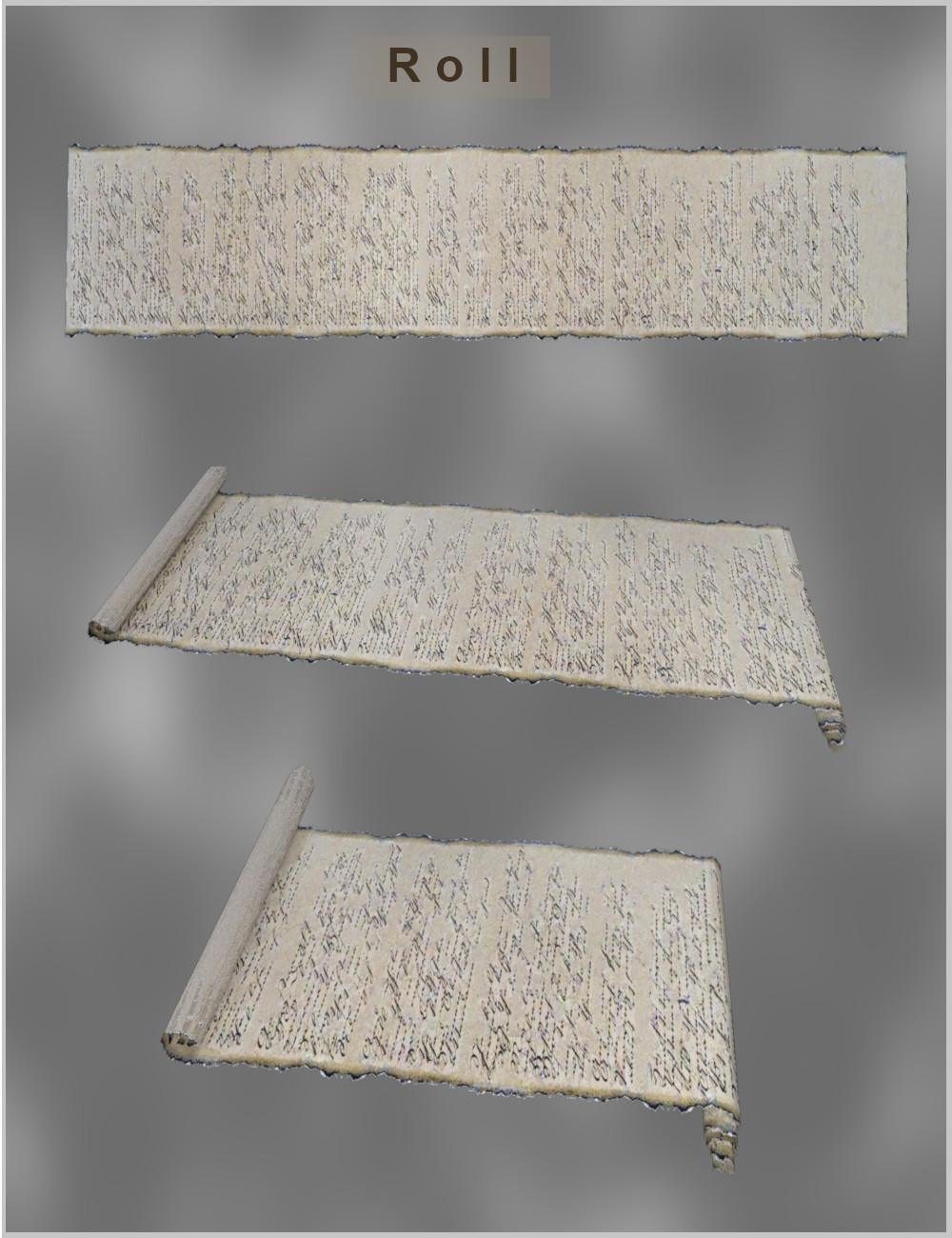
- 1. Roll
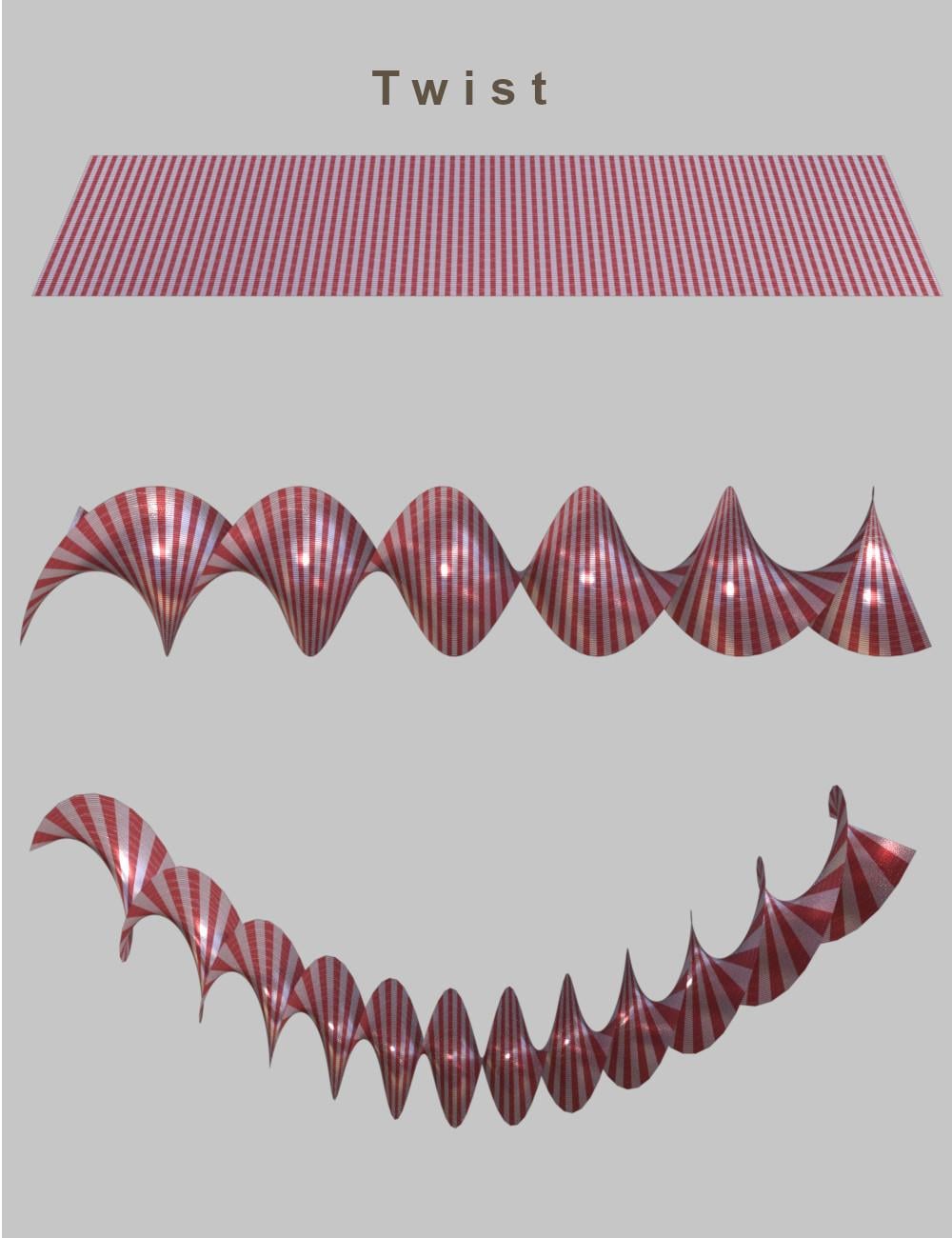
- 2. Twist
- 3. Wave
- 4. Bend
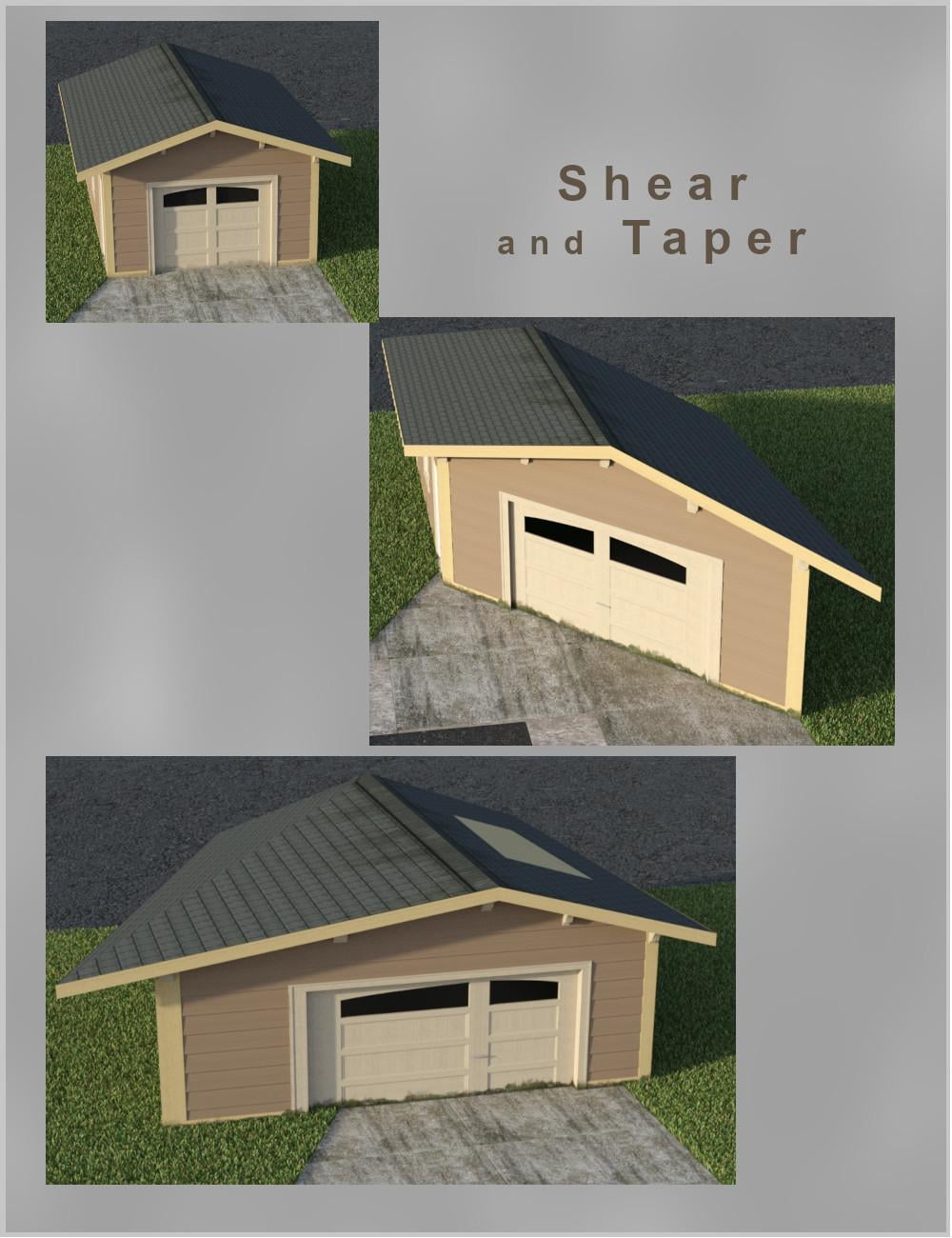
- 5. Shear
- 6. Taper
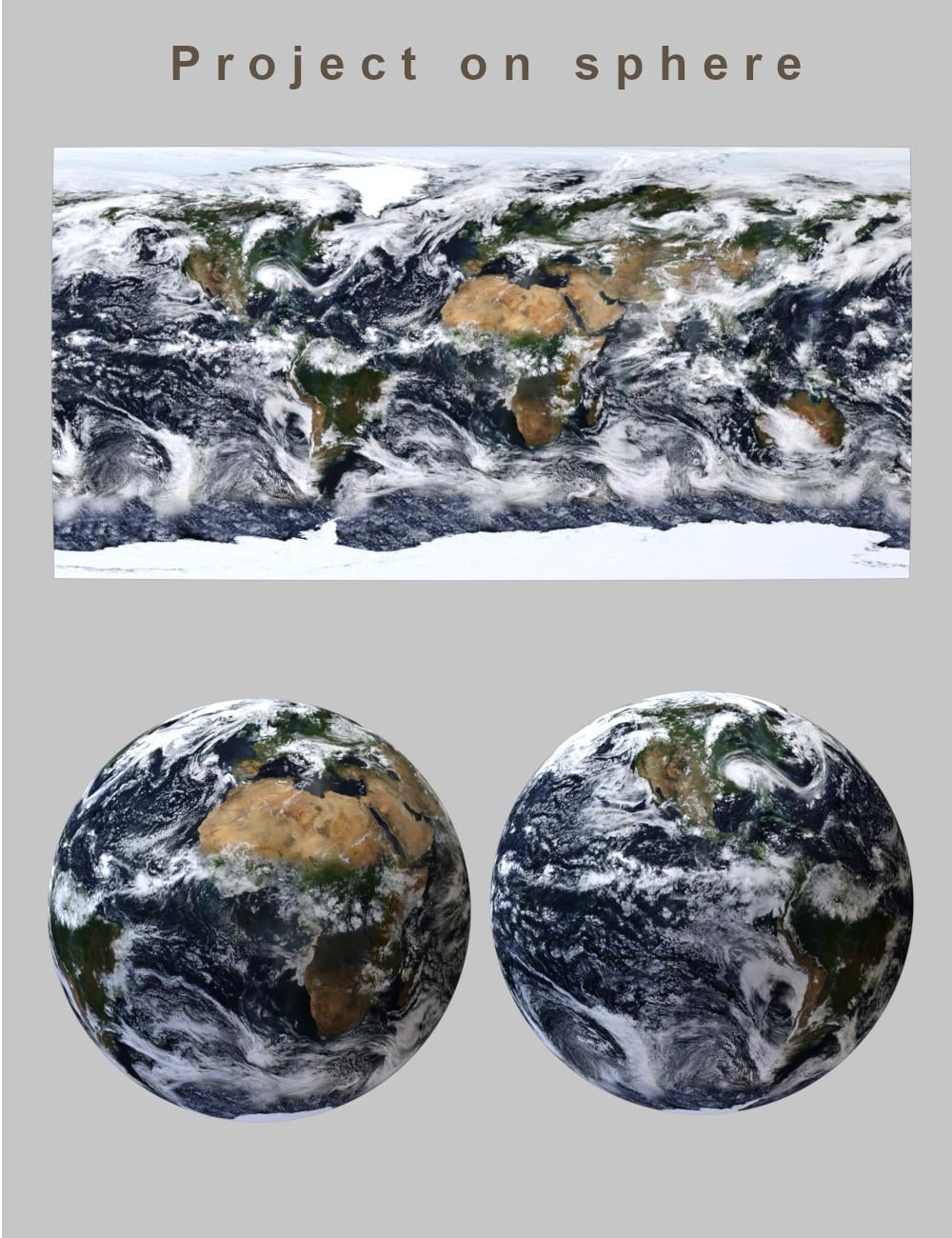
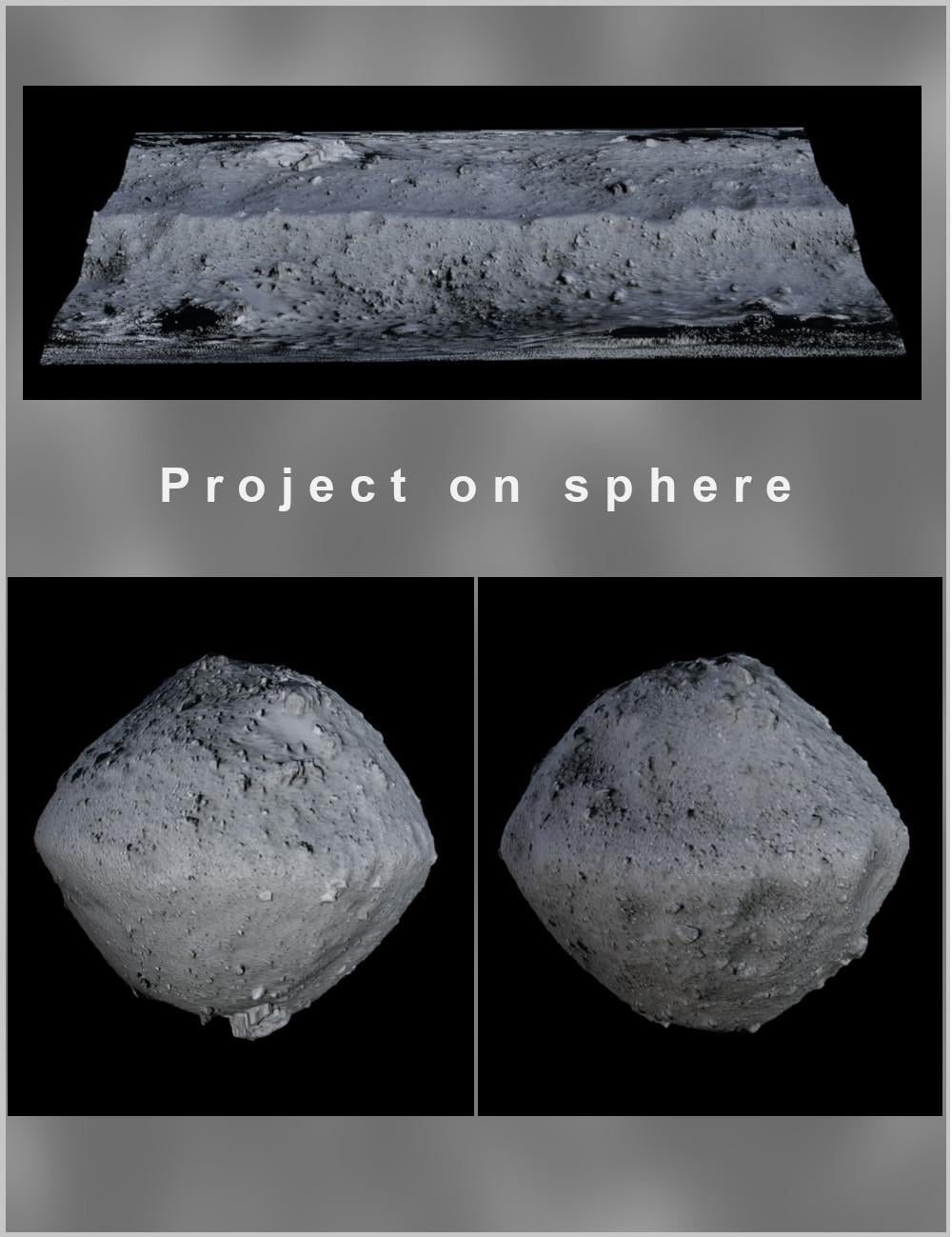
- 7. Project on Sphere
- 8. Project on Torus
Disur is highly flexible: The distortions of surfaces can be easily combined and even seamlessly animated.
Although Disur is designed primarily for open surfaces, it also works with closed surfaces. You can even apply it to rigged figures.
Customize your props, distort your figures, and animate the distortions. Use Disur to create static scenes or animated ones.
This version is compatible with Windows 64-bit only. The macOS version will follow soon. The macOS version is release now.


Daz 3D is part of 
Connect
DAZ Productions, Inc.
7533 S Center View Ct #4664
West Jordan, UT 84084
Licensing Agreement | Terms of Service | Privacy Policy | EULA
© 2026 Daz Productions Inc. All Rights Reserved.
Comments
Looks interesting.
Thank you!
Here is another example using the Taper distortion on an ant:
And here is an animation of Wave distortion applied to a cup:
https://youtube.com/shorts/CnOO7CZYtPY
Will this work in Daz Studio 6?
You won't be able to use this version in DS 2026 because it doesn't support it. However, a working alternative will be released later.
Alternate? As a separate purchase? Same question for all your other amazing plugins: fluidos, gescon, etc, and my favorite and most used: Typi3D
About Disur, I intend to add the 2026 version to this package for free. I need to wait the Daz Studio 2026 release version to do it. And I need to ask Daz if it is suitable.
I have a workable version already for the DS Beta.
About the others plugins, I have to study case by case.
This looks great & I'd love to try it out, but having purchased it I can find NO serial number for it in my DAZ account. Very frustrating, & yes I have raised a support ticket with DAZ, hopefully I will get the serial number soon
Sorry for the inconvenience!
Is there anyone else with this problem (the missing of the Serial number)?
Yes. Gave the system an hour and checked again.
Yes, my serial number is missing.
I already submitted a support ticket to Daz.
Please, send tickets to Daz to expedite the solution.
I'm creating a ticket...
My trials with Disur.
This looks really useful, especially the ability to animate it.
Thanx Alberto, I've still had no response from DAZ to my support ticket.
I submitted it to the ''Sales'' department, was that appropriate, or should it be a ''Technical'' department issue???
Just wonder how to bake animation to FBX or any other format and send it to Unity.
My computer is too week for rendering animations in Daz Studio, but in Unity is ok.
I would think Sales. I do have one, between DS 6 and Hexagon 2.5 in the list of serials rather than at the end.
Thanx Richard,
in the same order I also purchased UV Tailor which has appeared about a third of the way down my list of serial numbers. There seems to be no rhyme or reason to it, I don't even know what I'm suposed to be looking for, is yours listed as ''Distur''
Regarding the sales department, how do I get them to respond, I still have had no response to my original support ticket.
DAZ can be so frustrating sometimes,
Yes, just like this
Thanx Richard,
I raised a new support ticket with the Technical dept. & in the process could see no trace of any support request to the Sales dept. in my records, which would explain why they haven't reponded to me. The Tech support ticket has been acknowledged & is currently pending so I will leave it & see if they can help, or whether they refer me to Sales
My support ticket has been actioned now & Distur successfully activated. I did let them know others were also affected so hopefully any others will be sorted too. Now for some fun & games
Alberto,
thanx for another great tool (now I have it working).
As with all powerfull tools there is going to be a learning curve, & to help speed mine, a query for you.
Is it possible for me to isolate sections of an object to distort by using selections in geometry or surfaces??
Regards.
Dave
Thank you!
The only way to isolate sections for distorting is to use the limits (sliders) for each type of distortion.
As discussed in the product thread, some people did not get serials and in some cases have needed a support ticket to get one added to their accounts from Richard.
So I did submitted one and checked, nothing yet.
However, today I checked email, okay I hardly ever do.
There's an email from daz support wanted to check my address so I click that and it says my address is good and here's a button to go to support. Muliple hits of the login button and yes, here I can click on active tickets and I have one about the number that is open. Good. except it says it was opened two minutes ago. Or once my email was confirmed.
Without going to tongue in cheek is this a new standard? After I submit a ticket do I have to go check my email to confirm my email before the ticket becomes active?
---
There are people complaining about no replies when they file a ticket? Could it be that there are tickets out there that we submitted that haven't become active because we didn't catch an email to confirm our email address?
Partially I ask this because while I may have filed a dozen tickets or so over the years, I've never gotten the email before. Is it new or random>
---
anyway serial appeared and installed
I'm having some issues with this. I'm not getting any of the effects. I'm just getting cut off planes and trapezoids, or no distortion at all.
For example, in the attached, the right plane is what I am trying to distort with a roll, and you can see the settings, which are the same as in the youtube tutorial, and I just get a cutoff plane. I've tried changing settings and I just get a trapezoid result and no rolling.
In the second, twisting literally does nothing.
In the third, wave literally does nothing.
Edit: I also just uninstalled and reinstalled it from DIM, deleting the .dll in between so it could get reinstalled, and it still does it.
How many divisions does the plane have?
Well that would do it wouldn't it. Usually don't need more than 1 for what I want it for so it didn't occur to me.