Files On A secondary Drive Not Loading Despite Showing Inside of Studio ( SOLVED)
 IceDragonArt
Posts: 12,972
IceDragonArt
Posts: 12,972
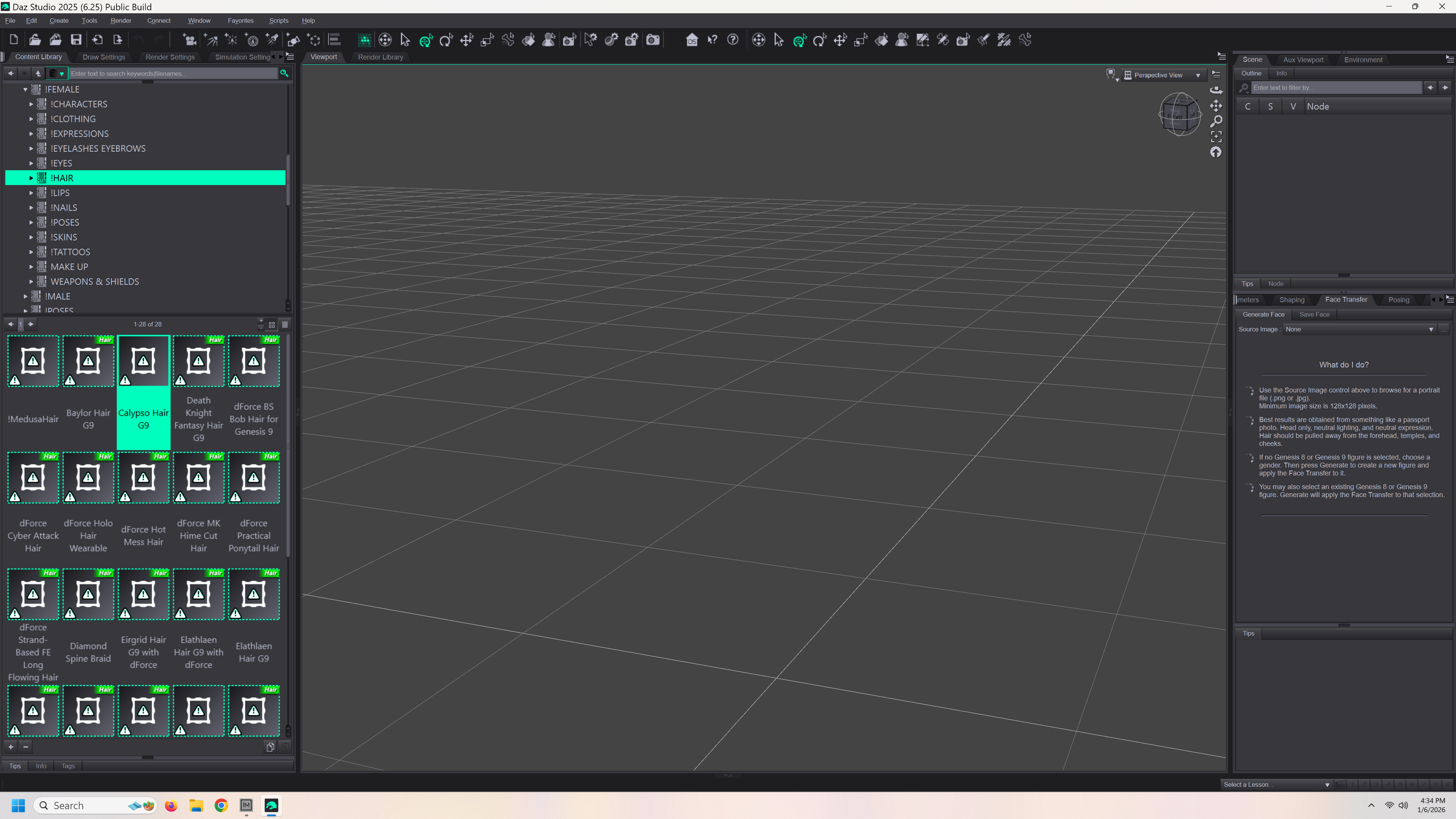
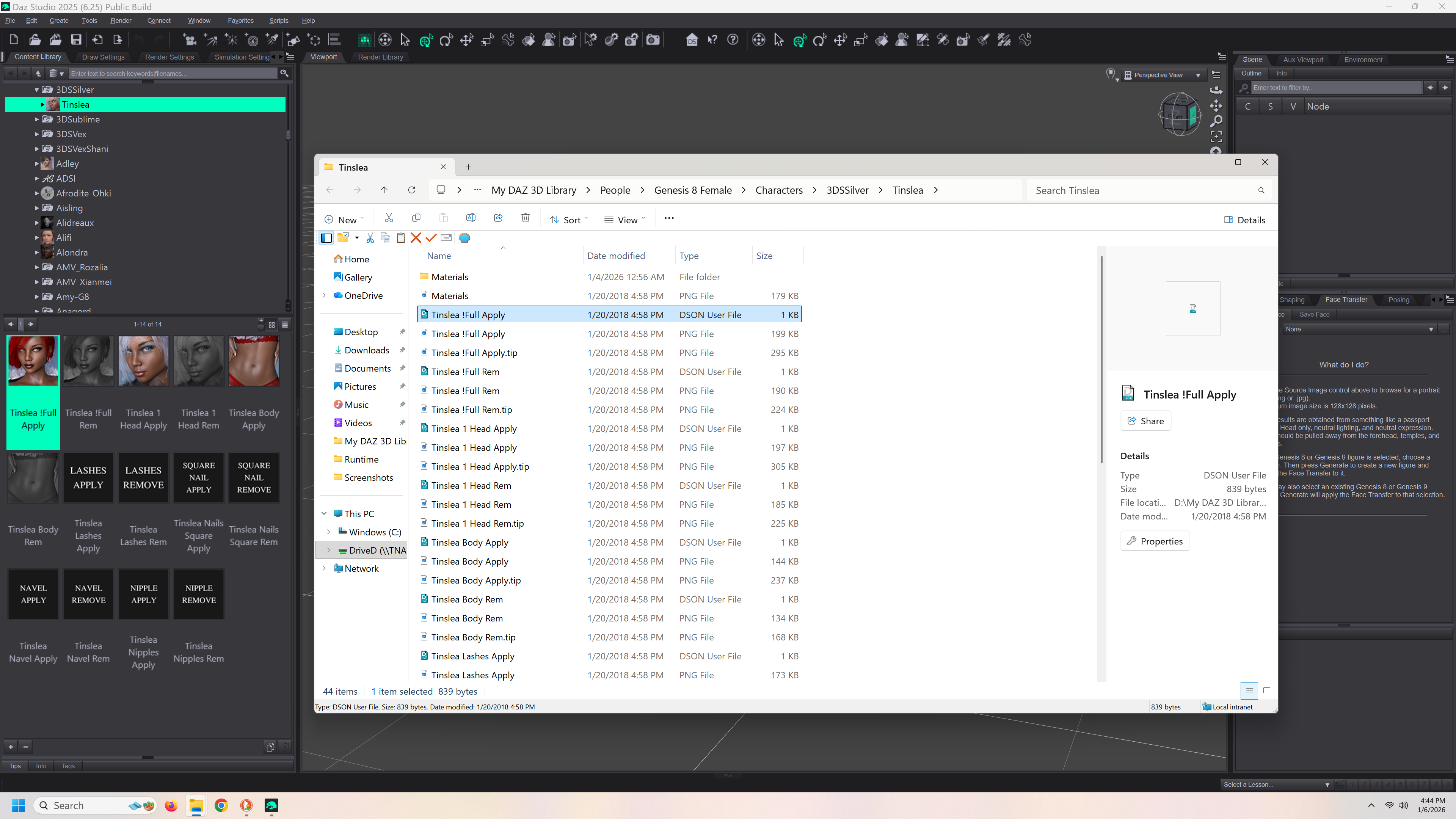
Okay, I got everything loaded, remapped the DIM directories and remapped inside of studio (content database management) EXACTLY the same on as on the old system. It actally shows all of my assets in studio and shows my custom categories but when i click on something it says it can't find the files. even though, if I click on go to file directory, it goes to the right place.
Post edited by IceDragonArt on

Daz 3D is part of 
Connect
DAZ Productions, Inc.
7533 S Center View Ct #4664
West Jordan, UT 84084
Licensing Agreement | Terms of Service | Privacy Policy | EULA
© 2026 Daz Productions Inc. All Rights Reserved.
Comments
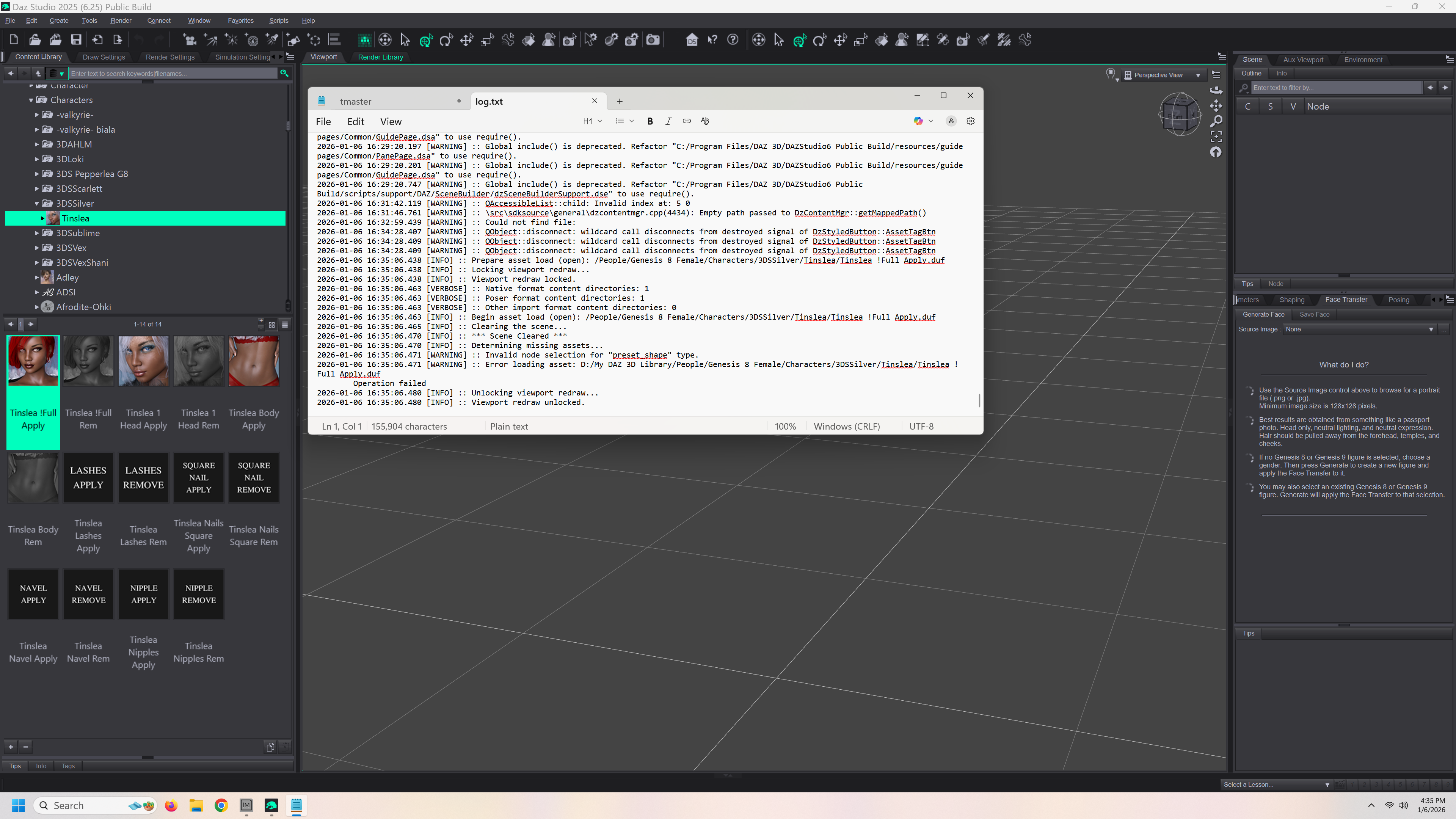
The log shows you are trying to load a preset without a figure for it to apply to in the scene and selected. The content pane shows a lot of user categories (ostensibly) without references - if you are having trouble the first plae to lok for content is in the Content Library under Daz Studio Formats, rather than in a view that is built from the CMS database.
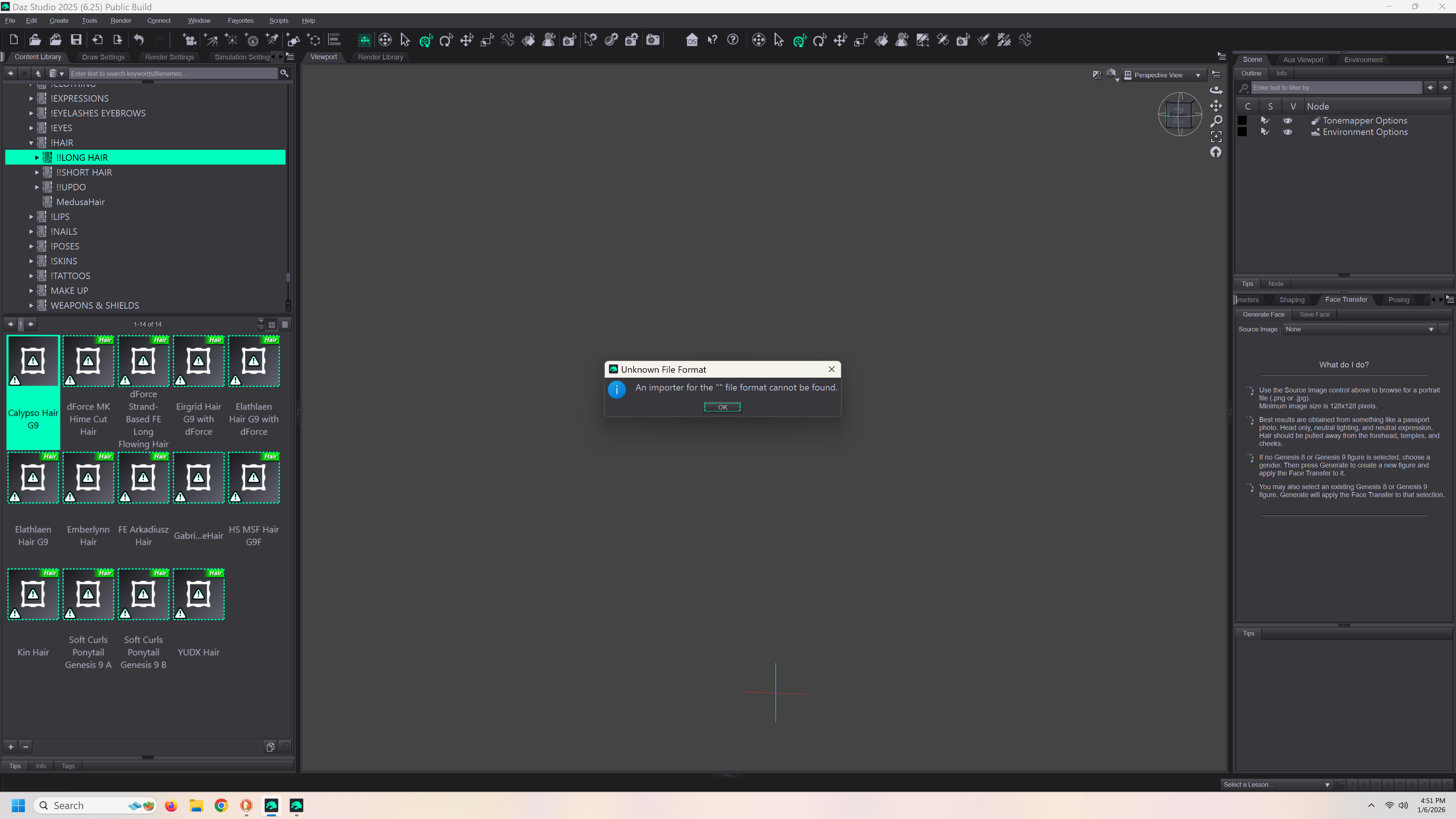
so when I go to load a regular figure, it says its missing the files and invites me to download the correct files. However, when I right click on the figure and go to navigate to file location, it goes to the file location. DIM and the content database manager are set up exactly the same as it was on my old system, which still works perfectly. I don't understand what I am doing wrong. My content 100% will not fit on my c drive, I have to figure out what I am doing wrong. I'm really not trying to be a pain. Ive been working on this for 4 days now (it takes a long time to move all that content from one drive to another) and I don't know if I want to run screaming or just have a really good cry. And I am prone to neither lol.
Okay, when I hook up my old external drive to the new system it works perfecty. Everything is exactly where its supposed to be. I've copied those files exactly to the new network drive. It will NOT find the files. I am at a total loss. If it won't hook up right then I have a very expensive back up drive that I can't actually use with Daz Studio and will have to continue to use the external drive.
Is the drive letter the same on both drives?
No. But the paths are identical as I just copied all of the files exactly. and they all match in DIM and the content management inside of studio
Is the drive a local drive or a netweork drive - the path given in the explorer window is confusing.
If you right-click on the product thumbnail (e.g. Genesis 8 Starter Essentials) in DS does it have an Uninstall otpion? Thay would indicate that the databse shows a connect install, which wil take priority, but you are showing the files from a DIM/maunal install.
Its a network drive. The name is just so I knew exactly where i put it. I will have to check the thumbnail when my render finishes and I have time to reroute everything again as currently I have it hooked up to the external drive I was using with my laptop.
Is it mapped to a local drive (the D: in the name)? If not you will need to do that as DS doesn't handle network paths.
The one that works is a local drive. The D drive is the network drive. What parts need to be pointed to the local drive? I can put the manifest files and the appdata files onto the c drive if I need to. Daz studio and DIM are on the C drive. I just don't have room on the C drive for all of the content.
https://learn.microsoft.com/en-us/answers/questions/1193644/adding-a-path-to-a-network-drive the answer from Ayomide Oluwaga is what you need.
So the network drive is already mapped. But, I went ahead and mapped it again, still doesn't work. It literally shows everything in the library but won't link to the actual files. I'm going to try creating a symbolic link, which seems to be the next step.
having read the documentation I may need to create a hard link. This is how it says to do it but I have zero idea what to type in the box. This is what it says I have to do. Can I create a hard link to the entire network drive? I am so confused.
mklink /d \MyFolder \Users\User1\Documents mklink /h \MyFile.file \User1\Documents\example.file rd \MyFolder del \MyFile.file
Also, if this doesn't work, can i just put the manifest folders and the appdata files on my c drive and the actual content on the network drive?
I have now tried everything. I gave up and ordered and secondary ssd that will go directly into my pc. I will just use the network drive to back everything up and to store my art and pictures on.
So, for educational purposes, don't get a network drive to store your content on as Daz can't seem to access it.
I don't know why the mapped drive was not working, though it does ring a bell that someone else was having similar issues a while back.
I've tried everything I could find on it, and if its fixable its above my pay grade lol. I ordered a secondary ssd drive that I will install myself and I will use the network drive to back up everything. Its a mirrored drive so it should back up things twice and I won't have to worry about losing anything anymore. I will be putting only the Daz Studio stuff on the secondary internal drive as photoshop and everything else seems to be just fine using the network drive. I can make it work. I do appreciate the help