Image Generator, Using DAZ Products
 thomask_1
Posts: 32
thomask_1
Posts: 32
Anyone know if there is a way for me to use my (purchased) items on the daz store in the generator?
IE, I try to generate an image with the shuttlestar model, and I get some variety of a range rover, I tell it to do teh same with the millenium falcon, and I get a pretty close rendition of what I was hoping for.. with the exception of the image being square... (LOL)
Is this a premium only feature? am I simply missing how to on the free? Is it even possible to use store catalog items?
Thanks.

Daz 3D is part of 
Connect
DAZ Productions, Inc.
7533 S Center View Ct #4664
West Jordan, UT 84084
Licensing Agreement | Terms of Service | Privacy Policy | EULA
© 2026 Daz Productions Inc. All Rights Reserved.
Comments
So you want to resize the final render size, a custom render size or, are you talking about the viewport size?
I actually want to use products I've already got in my daz3d catalog... items such as sci-fi cruiser, etc.
Are you getting any kind of errors, that is not allowing you to resize?
Unless they have added a new feature, you cannot use any of your owned products in the generator. It is just for the specific ones they include on the genefrator page.
Well, that suck5 big time. I'd rather have access to my various products...
Have a look at the thread in the art gallery section. People input their Daz3D renders into the Ai generation tools and then enhance them. Not quite full automated, but its an option.
https://www.daz3d.com/forums/discussion/706231/enhancing-your-renders-with-ai#latest
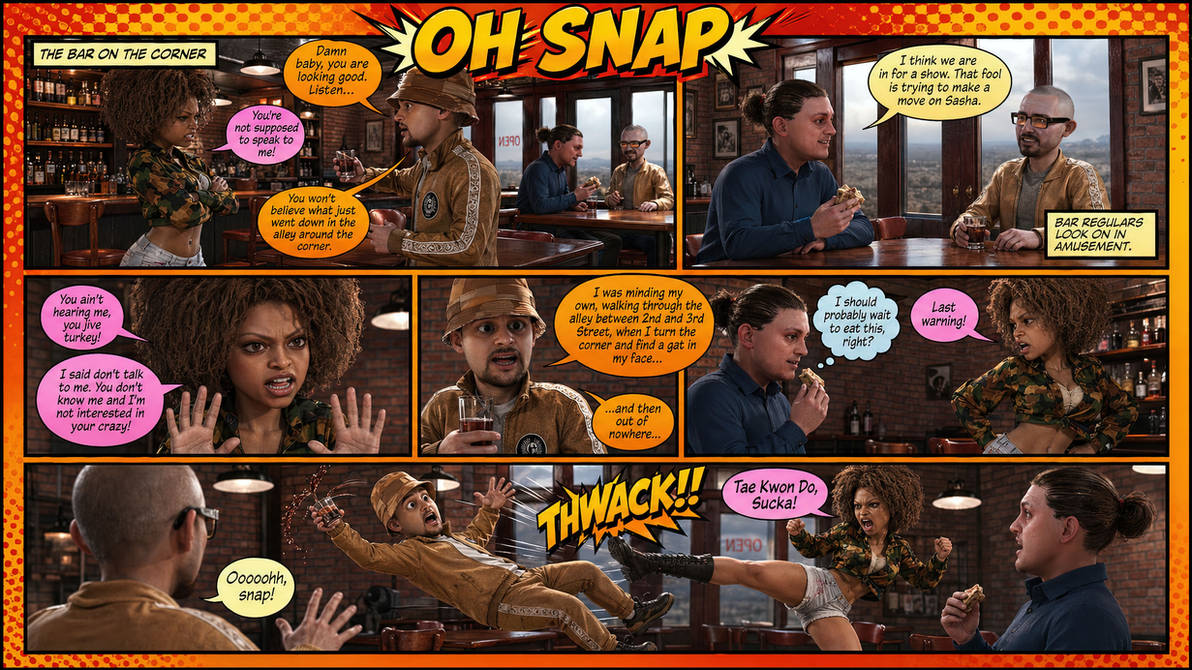
There's a ton of easy ways to use your Daz purchases in conjunction with AI tools. Everything in this one started life in Daz Studio including the characters themselves.
I was spending more money on a DAZ wardrobe than I was on my own and thought it would be cool if I could wear some of this stuff. I recently created my AI clone and thought about how I can use my DAZ assets in my visual content. This is my AI clone wearing the dForce Dark Crusader Knight Armor for Genesis 9. I'm sure there is probably an easier way, but I loaded up the armor in DAZ on a character similar to my body type, made alterations to the armor, and posed the character to match certain reference scenes, then made the character invisible, then rendered it. I then matched the posed armor with my clone pose to create the storyboard scene of my clone in the armor, and created this video scene https://www.instagram.com/p/DXtJ3mxErC1/
I'm sure there is an easier way, and if you know of one, feel free to share any tips