Morphs in Blender: scale to 100 before export?
 pixelquack
Posts: 445
pixelquack
Posts: 445
Have a G8 actor at 95.16% scale, tried to create a morph in Blender. Morph Loader Pro loads the obj but moving the slider to the minus enlarges the character up (well, technically you dial the main body morph out so that seems correct) but moving the slider into the plus distorts the character and shrinks it.
My first attempt at morphs. I might be doing it wrong. My prime suspect is the scaling - I'd have to scale to 100% before exporting?
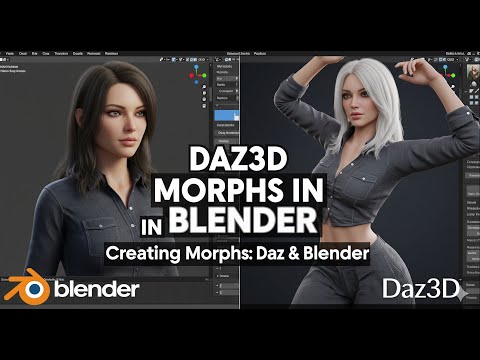
I followed this tutorial, Daz 4.x, Blender 4.4.3

Daz 3D is part of 
Connect
DAZ Productions, Inc.
7533 S Center View Ct #4664
West Jordan, UT 84084
Licensing Agreement | Terms of Service | Privacy Policy | EULA
© 2026 Daz Productions Inc. All Rights Reserved.
Comments
Ideally yes, work with no scaling applied or you bake the scaling into the morph so it gets double-applied when you combine it with the original. Alternatively, check Reverse deformations when importing the morph to leave only the changes you made.
Export at scale 100 and import works. That means on existing scenes I'll have to scale up, load morph, scale down - sounds like a script job.
Another tut suggested to "Overwrite Existing: Deltas only" , seems to work.
Ok, loading the morph in an existing scene does not work at all, scaling goes all crazy - so I have to reset the pose before loading the morph?
In that case it'd be easier to save the figure as a new subset, load that into the scene and clone pose, expressions and whatnot.
That's a lot of work on an existing series. Pointers appreciated if I can have that easier.
Can I load the morph at standard resolution or do I have to switch to base res, then load, then switch back?
Loading the morph doesn't matter.
One way around the issues is to load the exported OBJ as a morph and set it to -100%, load your modified OBJ as a morph and set it to 100%, export the result as an OBJ, then load that on a fresh copy of the figure/scene (so you don't have the other morphs bloating the file size) as your final morph.
Make sure that you are using the same preset in the OBJ Export and Morph Import dialogues - if they don't match you may introduce additional scaling or orientation issues.
I should have watched the whole thing, save the morph properties, save the morph out to library -- I have it working actually.
It now works in the scenes with the scaled down character, too, of course.