Creating 360 degree HDRIs
 evilproducer
Posts: 9,056
evilproducer
Posts: 9,056
I recently bought an Insta360 X4 camera. One of the things I want to do is create 360 degree HDRIs for use in Carrara and other programs for realistic lighting. The camera itself has a fixed F-Stop of 1.9. I can shoot 72 mega pixels.
I know the basic principles of HDRIs, but one of the things I am unclaer about is how many exposures is best, and how many is overkill? I know tone mapping is needed to properly display HDRIs on non-HDRI compliant monitors and such, but does doing that affect how 3D software interprets the HDRI radiance? Would I have better results if I load non-tone-mapped HDRI images in Carrara or other 3D software?
Carrara can't handle EXR files, but I know other software does. Do they work better than HDRIs? Both are 32 bit. The file sizes I'm getting at 72 MP are stupid-huge compared to the file sizes for the HDRIs, which also seem large to me.
One of the issues I'm having is that when Skylight is enabled in Carrara and my HDRI is loaded in the Scene Effects tab, I have to crank the Skylight brightness to 150% for better results than if it is set at the default 100%. I do have to add a keylight for highlights, which is something I have to do for HDRIs from other people as well, so I assume it is standard practice in other software. Is that a correct assumption? I guess I'll have to bite the bullet and DL Studio again...
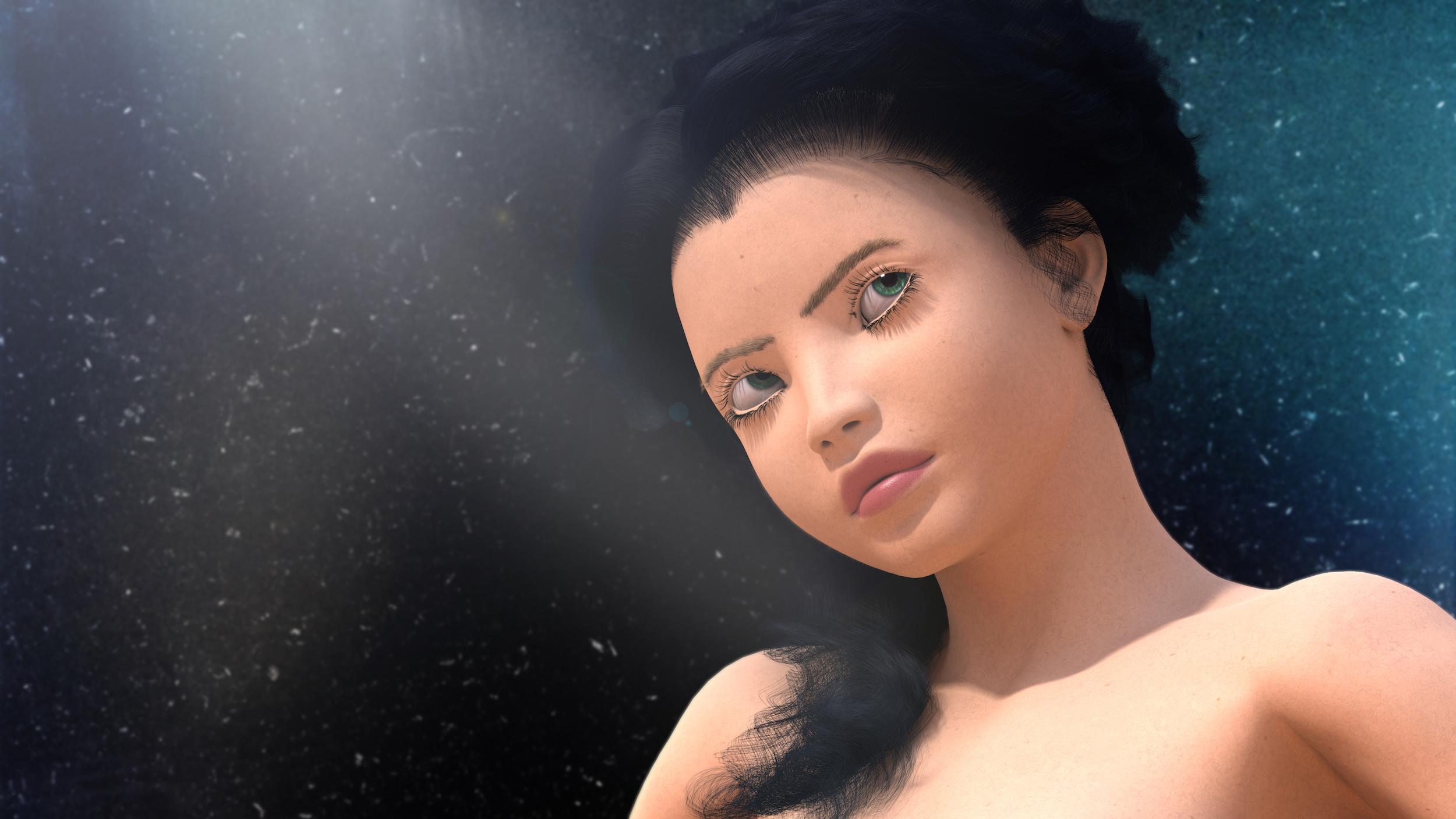
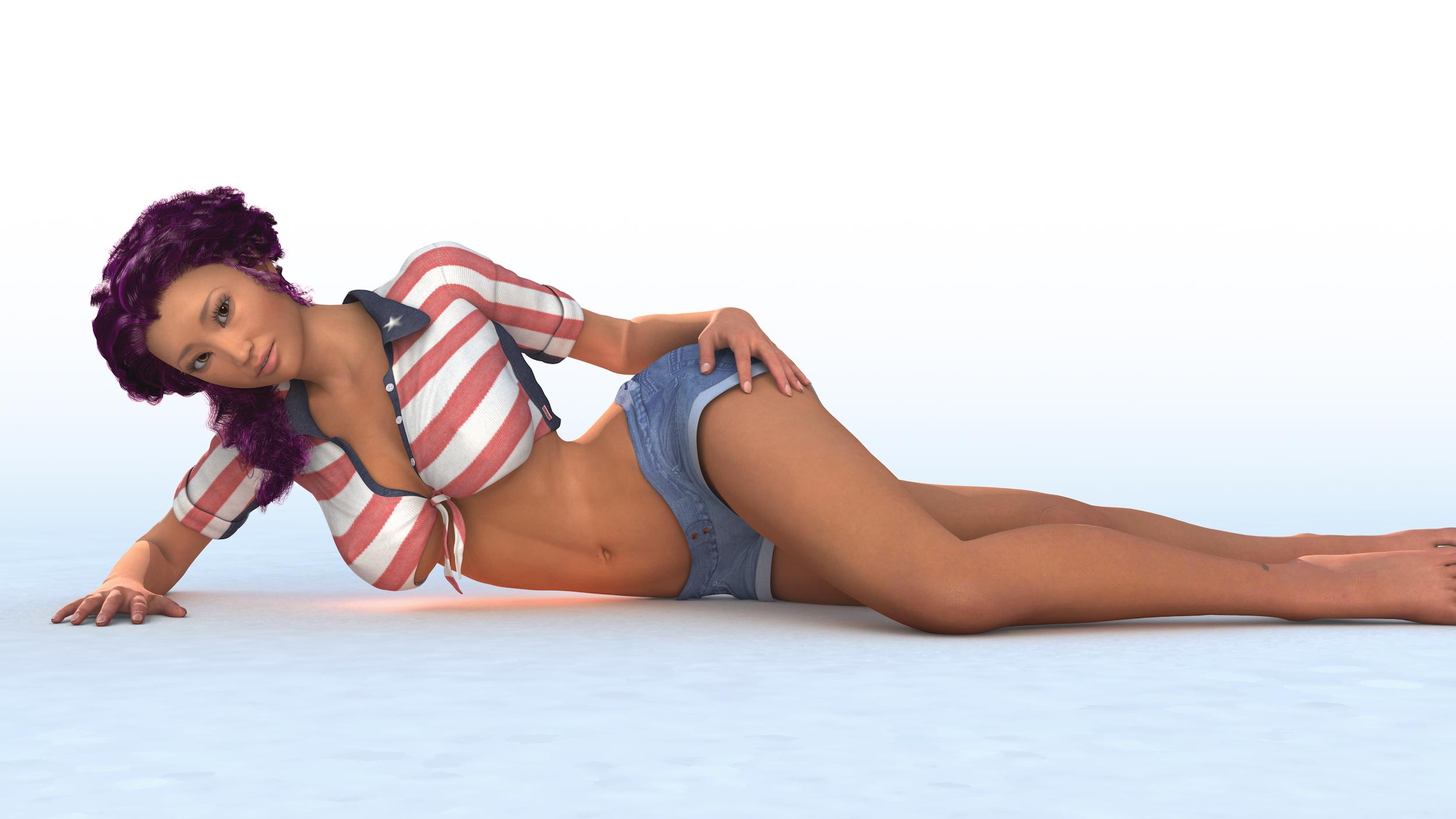
Here are a couple images I rendered with an alpha channel and added my own background and used a depth map to add a DOF in post prductions. I did not adjust levels. Both used an HDRI, the Skylight set to 150% and a key light (and in the case of A4 wearing the denim shorts, a rim light for the hair). I alsom used a low intensity elipse shape light to get the specular highlights for the eyes in the A4 shorts image. I also used full Indirect lighting set at the default 100%.
Click for full size
Click for Full Size



Daz 3D is part of 
Connect
DAZ Productions, Inc.
7533 S Center View Ct #4664
West Jordan, UT 84084
Licensing Agreement | Terms of Service | Privacy Policy | EULA
© 2026 Daz Productions Inc. All Rights Reserved.
Comments
Welcome back evil! Hopefully someone will answer!
AFAIK your assumption is correct.
This was also as such described in Philemo's HDRI Light Dome plug-in thread back in 2019. https://www.daz3d.com/forums/discussion/331301/new-plugin-hdr-light-domes/p1
Nice images.
I checked out that model on youtube... I wouldn't mind getting one they look awesome to use.
https://www.pluralsight.com/resources/blog/software-development/vfx-file-formats-you-need-to-know
https://openexr.com/en/latest/
Quote: The purpose of EXR format is to accurately and efficiently represent high-dynamic-range scene-linear image data. This is a significant difference to most image formats, which store images that are ready for display. Software that handles OpenEXR images may need to process them differently to images in other formats such as JPEG (see Scene-Linear Image Representation for more details). OpenEXR files have strong support for multi-part, multi-channel use cases, and extensive representation of associated metadata. OpenEXR is widely used in host application software where accuracy is critical, such as photorealistic rendering, texture access, image compositing, deep compositing, and DI.
Here you go.
https://www.daz3d.com/forums/discussion/429356/tutorials-for-using-hdri-resources-exr-files
I hear what you're saying, but I'm wondering if there is a noticeable difference between an HDRI and EXR, because they have a 32 bit depth, yet the HDRIs I've been getting are between 150 and 200 MB, while the same images compiled as an EXR come out at 800 to 900 MB. If the quality of the lighting is only marginally better in an EXR compared to an HDR, then is it worth it?
https://blender.stackexchange.com/questions/3470/what-file-format-should-i-use-for-rendering
https://knowledge.shade3d.jp/knowledgebase/which-image-file-format-should-i-choose
quote: Use EXR when handling images with fine gradation PNG and JPEG formats have 256 gradations for each R / G / B / A. When saving the depth value (Z value) of the rendered image, 256 gradations are not enough. In this case, use EXR format. The lower image is processed so that the depth value of the rendered image is 0.0-1.0 from the depth value to the farthest, and saved in JPEG format. If you treat it as real data, you must treat it as a real value including a decimal point. It should be noted that, with a dynamic range information HDRI is two and the presence of the HDR format and EXR format. The gradation accuracy is higher in EXR format than in HDR format. Therefore, unless you need a smaller file size, you will generally use the EXR format. The EXR format is lossless compression and there is no deterioration as an image.
I think I can use EXR in the Octane Render plugin in the material node editor (not the Carrara shader room)
been a long time since I looked as hate that interface (bricks and cords)
it does render them and I convert them to HDR with Gimp which I do for EXR anyway to use in Carrara hence not checked that option in Octane
anyway this leads me to think someone could possibly create a plugin to read exr for Carrara (not me obviously)
I may have to create EXRs and compare their performance Vs HDRs in something that can read both. Perhaps in Studio if it can handle both. The other option could be Blender.
Carrara seems to handle my HDRs fine. They're in the 150-200 MB range. I should say it handles them fine when saving locally, not sure how well it would handle if I saved all internally.
Those sound like 12 or 16k files. I did a quick blender test with some 4k hdr exr up to 12k. Saw no lighting diff. The files opened in Gimp show 16bit floating point encoding. I believe this is the default in Blender. I don't know if it was updated to allow 32. I think it is just a default. Anyway, check the encoding to be sure it IS 32. Don't know what Carrara's limit is. Doubt you are going to notice a difference. However, different surfaces can show differences.
This is Blender more current manual. I had read about 16bit a long time ago. Talking about reading not writing, but this is what it says on both formats. https://docs.blender.org/manual/en/4.0/files/media/image_formats.htmlQuote: Internally Blender’s image system supports either: 8 bits per channel (4 × 8 bits). 32 bits float per channel (4 × 32 bits) – using 4 times as much memory. Images higher than 8 bits per channel will be converted into a float on loading into Blender... Radiance .hdr files store colors still in 8 bits per component, but with an additional (shared) 8-bit exponent value, making it 32 bits per pixel.