Easy FilaToon [Commercial]
 3Diva
Posts: 12,058
3Diva
Posts: 12,058
This is a discussion and help thread for Easy FilaToon: https://www.daz3d.com/easy-filatoon
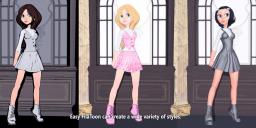
Easy FilaToon is a full suite designed to help you turn your scenes and existing characters into Filatoon characters and scenes. It includes scripts to help create Filatoon scenes, animations, and renders from your existing content library. Easy FilaToon can help convert your characters, clothing, props, polygon/mesh-based hair, and environments into Filatoon allowing you to utilize your existing assets more easily for Filatoon renders.
I've created a tutorial and I hope that you guys find it helpful. I split it up into two parts - the first is about 10 minutes long and it covers a quick walkthrough of how to use the product, the second part is about 14 minutes long and is a more in-depth walkthrough of all the presets and what they do. Both parts of the tutorial have a "recipes" section at the end of each video to give you ideas of some of the different NPR looks that can be created with Easy FilaToon.
I hope you guys like the product! I also hope to see you guys do experiments with different setting combinations.
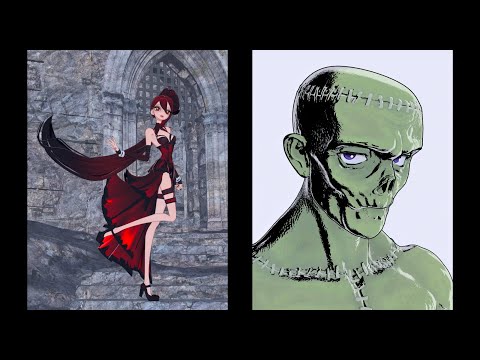
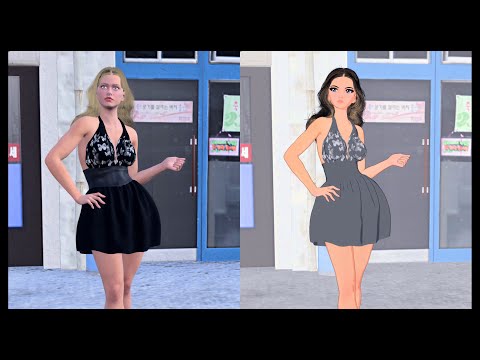
Please Note:
- It's not recommended to use the included scripts on strand-based hair - strand-based hair doesn't do well with Filament and FilaToon rendering without some additional fiddling with both the surface settings and render/viewport settings.
- Converting characters other than Genesis 9 characters takes longer. The Base Feminine and Base Masculine scripts are designed for Genesis 9 characters. You CAN use the included "Base Clothing" or "Base Hair" script to convert other generation characters, but doing so does take time. The included scripts utilize the "FilaToon - General" preset included with Daz Studio's assets, and this preset can, and often does, take much longer to apply when applied to older generation figures.
- The included Scripts and Shader Presets tend to work best with Iray surfaces, so it's recommended to convert other surface types like 3Delight to Iray surfaces first.
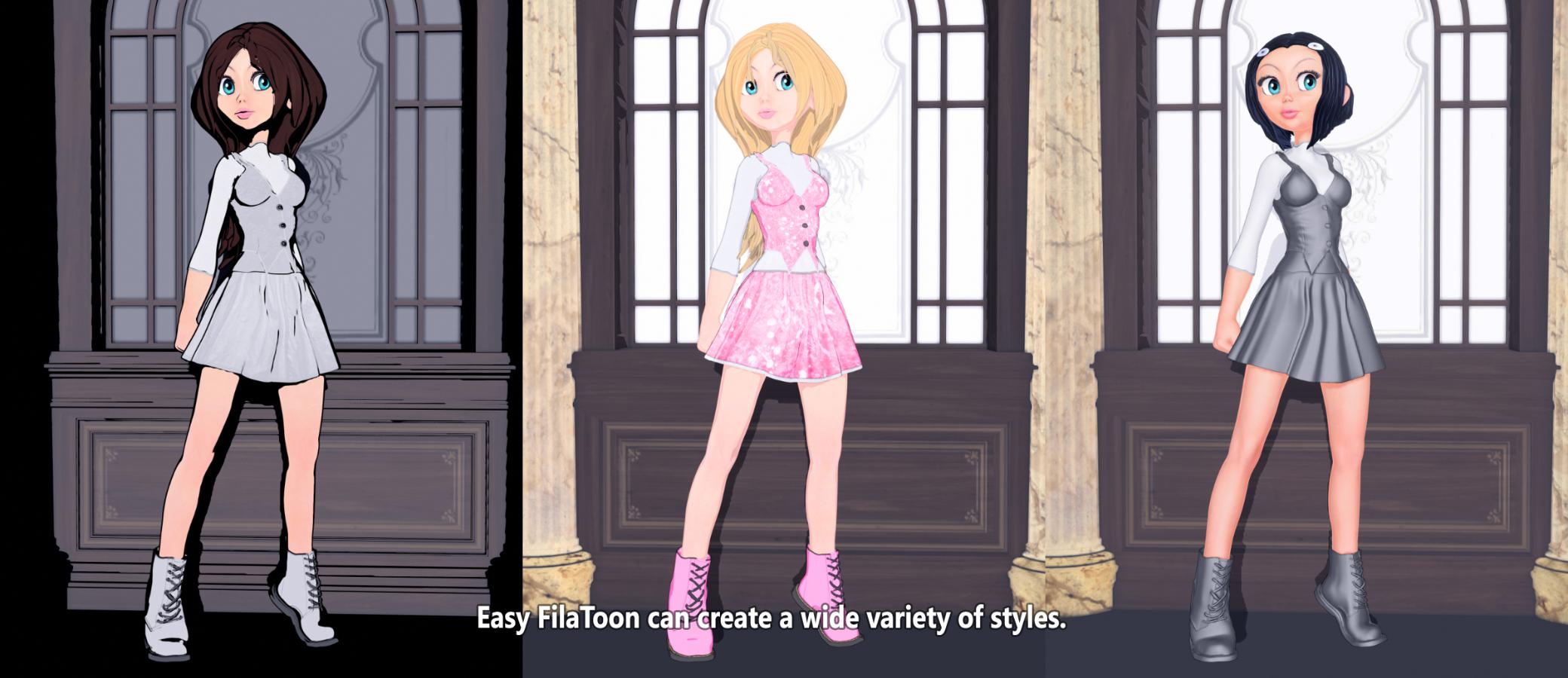

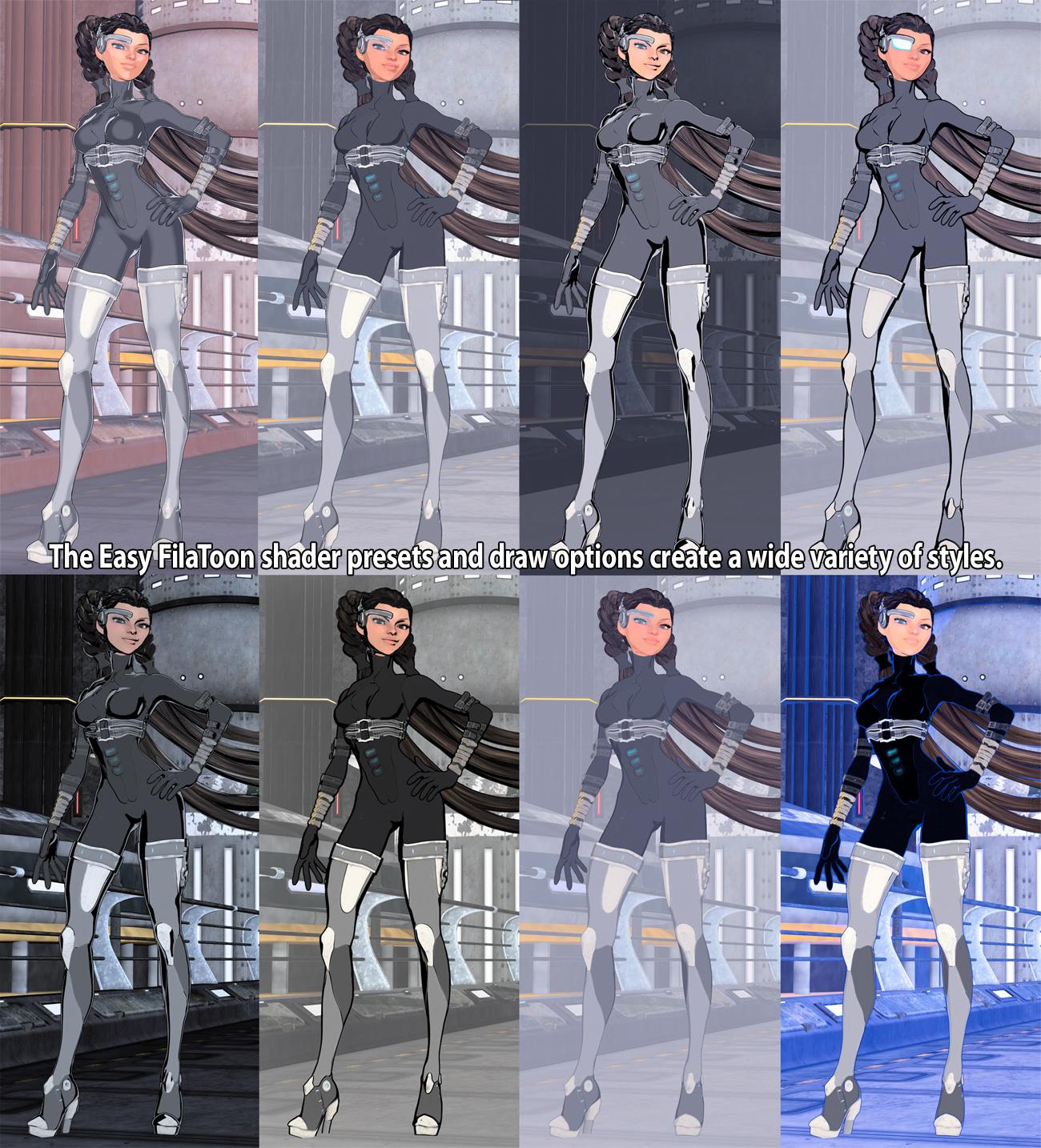
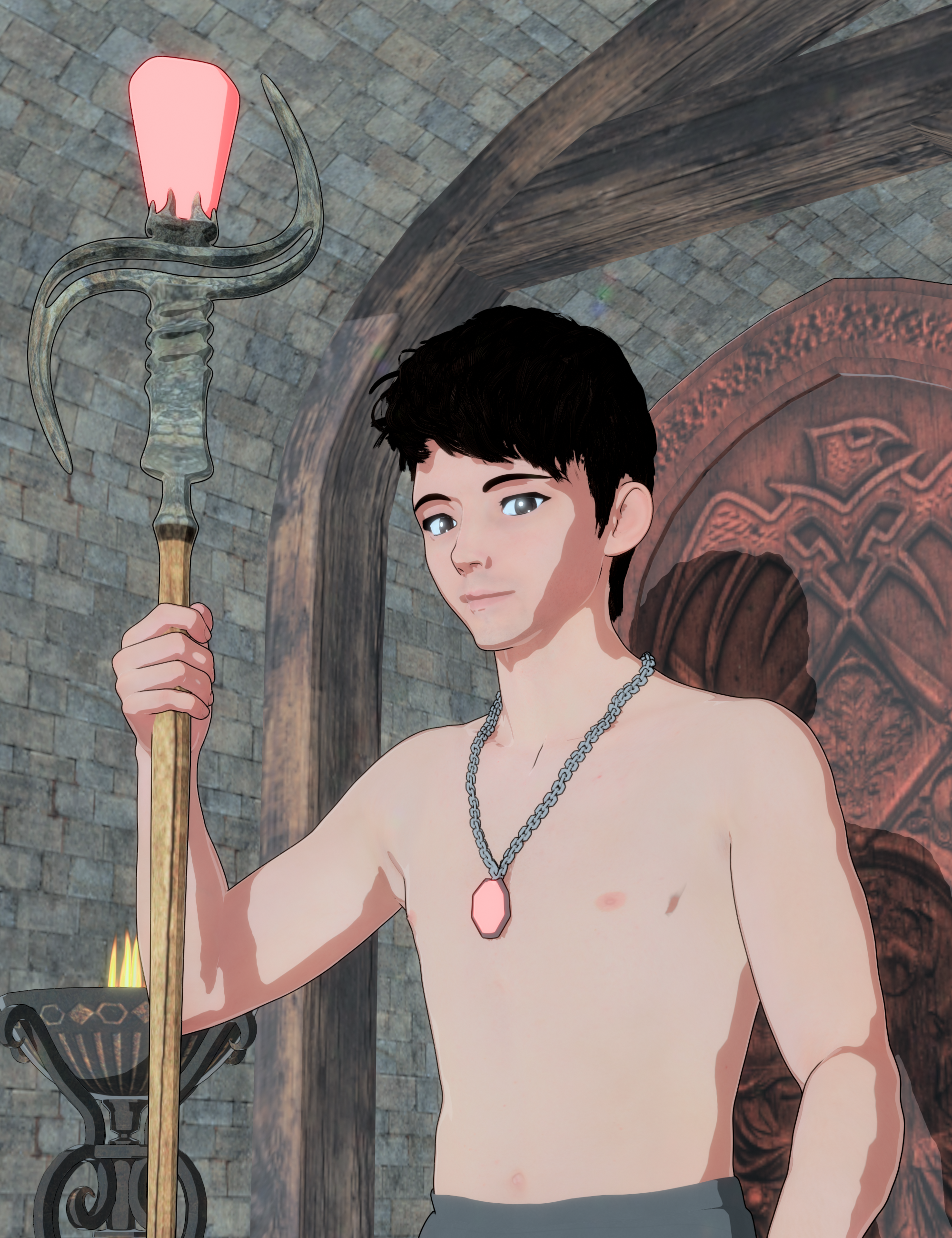
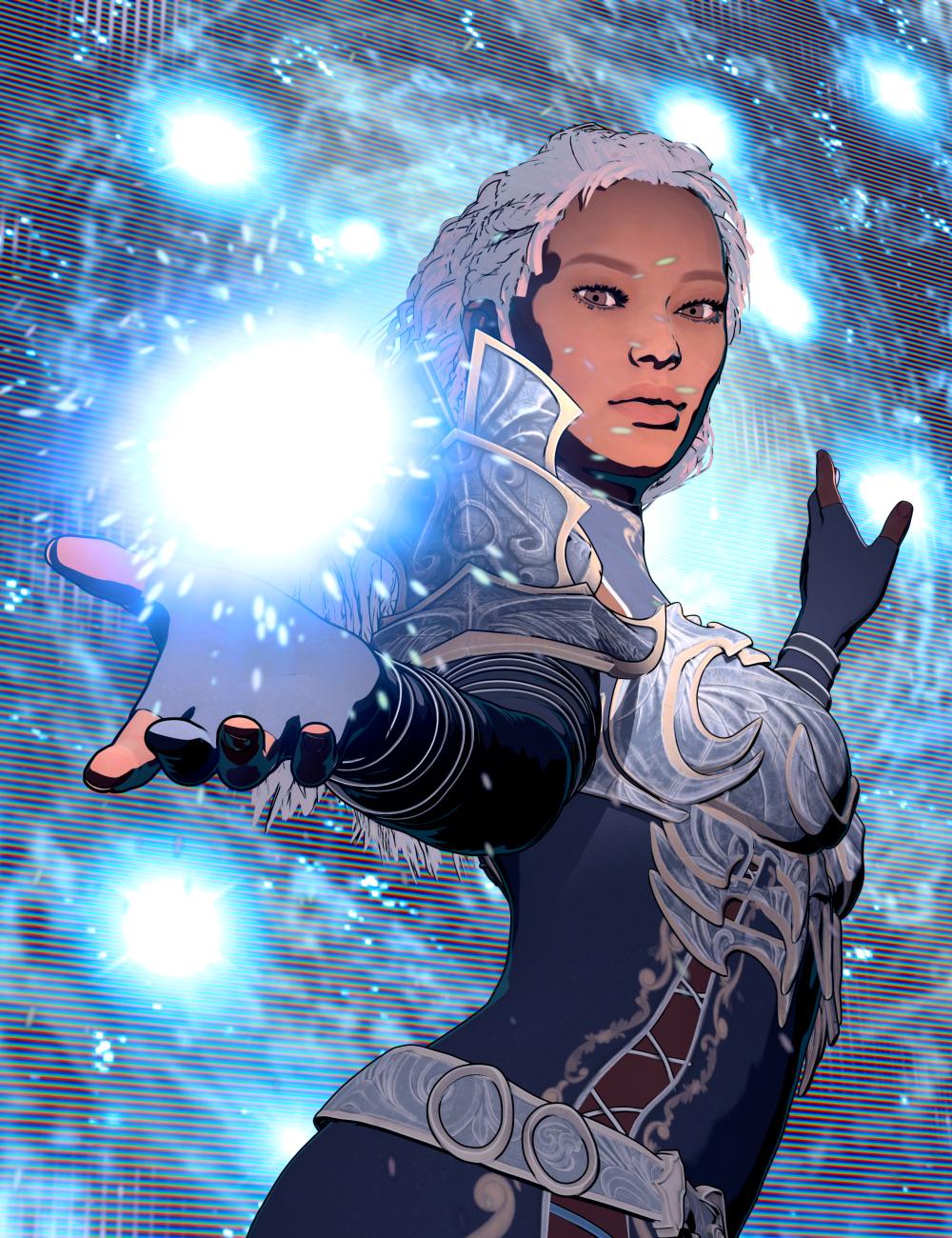
Please feel free to share your "recipes" if you find different draw options settings and shader preset combinations that you like the look of. Also, please feel free to share your renders with the product as well. I'd very much enjoy seeing what all you guys do with this product! :D

Daz 3D is part of 
Connect
DAZ Productions, Inc.
7533 S Center View Ct #4664
West Jordan, UT 84084
Licensing Agreement | Terms of Service | Privacy Policy | EULA
© 2026 Daz Productions Inc. All Rights Reserved.
Comments
This looks amazing. I have no idea when I'll get time to play with it but just had to purchase. And thanks for the tutorials, I look forward to watching them.
Thank you! If you have any questions feel free to let me know, once you get a chance to play with it. I will try and monitor this thread as much as I am able over the next few weeks (God willing I will have the time to keep popping in here frequently to answer any questions and to see what you guys may be posting and sharing - I hope I get to see some renders with it!). Thank you so much for the purchase and for your support! I really hope you enjoy the product!
Looks amazing and very useful for my purposes.
Can't wait to test it.
Thank you, Artini! I hope you find it helpful. I'm looking forward to seeing what you do with it.
It's about 2 AM here so I should get to bed but I'll try and pop back in when I can after I get some Zzzz. :)
This looks really cool! Thanks for the product. What are the differences between this and V3D FilaToon Converter, Manager and Tools | Daz 3D? (Apart from this being cheaper!) I'm morfe interested in characters than environment.
AWESOME!!! I'm so happy to see this finally in the store - have been looking forward to it ever since you mentioned working on the presets. It was in my cart before ever seeing the promo pics or reading the description.
Reading the description now, there are SOOO many presets and options! And tutorials! You've put a lot of effort into this. I hope it sells really well.
Just finished a larger FilaToon project, so will try this out soon on some new scenes. It's a shame that DAZ hasn't made it easier to get previous generations to work as quickly with FilaToon as G9. I hope they do that at some point. FilaToon is fantastic. I'd love to work with some large older G8 projects as easily in FilaToon.
3Diva Thank you for your lovely product!
As usual, 3Diva, you never disappoint! I picked this up and I have to say, the options are quite extensive. Here's a render of an amazonian Tara 9 in Iray and then in Filament:
The quick shader options are effective and really make the process of turning your scenes into Filatoon much faster. Many color options to go along with what you'd like, too. When you apply the Base Feminine or Masculine, it will also automatically apply the anime style to the character, too. In this case, it also replaced Tara's head, so I manually morphed it back to how she looked in Iray. It's not a bad thing at all, just a noteworthy optional step, unless I did it wrong.
I also didn't follow the instructions and used a strand based hair for the Iray and can confrm it didn't work for the Filatoon, so that's why there's a different hair. But the shader works! There was even a good shader for the backdrop, which was originally a random color I picked out, so that was also a nice touch. I like this product because it can be cumbersone and a little time consuming to go through your scene and manually apply the shaders, it's just much easier with this tool.
Here's an example with more scene elements. One of my recently shared renders with Cecelia and Charlie, and I let it do the anime applications, I made no manual morphs to anything in this scene at all. Came out nicely.
I had issues with the lighting until I realized I could lower the intensity of the EFT Distant Light and that made everything look as I intended. Question for you, @3Diva, I noticed for the scene elements like the walls and ceilings here, I could only turn it into Filatoon when selecting the surface textures and using the Clothing application. I assume even though it's labeled as Clothing, it's mean to apply for any non-figure asset, right?
Looks great and looks like it hits the "wants" for filatoon conversions. Watched the video tutorials over lunch at work. Definitely clock watching to get home and give this a go.
Went looking for my favorite Daz cat, 3DU's Noodle, and found him in Xivon's XI NA Market:
This image is the direct DS output with the only postwork being resizing it to 800x800 before posting.
It's awesome that it's so easy to basically convert your entire library without the need to buy FilaToon specific assets. The 2 Tutorial videos walk you through everything. FilaToon previews are practically instantaneous, so browsing all the presets and applying them until everything is tweaked to your liking was quick & fun - cheers!
- Greg
My first trial...
Thanks Diva, been waiting on your next product. Can't wait to watch the vids and try it out over the weekend!
I never really render toon style, not intentionally anyway, but after looking this over and watching the 2 videos, this is a really impressive package. I'm gonna have to buy this just in case I want to do some toon style in the future. It seems like the easiest and most complete system so far. (And to be honest, I do have a use case for toon style, even in realistic renders I can sometimes use a toon style graphic on a custom t-shirt or for background art, posters in a bedroom, graffiti, etc. I'm sold.
Looking forward to trying this out.
I'm sorry I don't own the V3D FilaToon Converter, Manger, and Tools product so I don't really know what all the differences or similarities there are between the two. It looks like a fantastic product though! :) If you already own the V3D product I don't know how much use you'd get out of mine or if you'd like one better than the other, as I'm unsure of what all the other product does nor the different NPR styles and looks that you can get with V3D's product - but I do know Easy FilaToon comes with a TON of different Filament Draw Options and Shader Presets that can create NPR styles that I didn't see in the promo images for the V3D FilaToon Convter product.
I'm sorry, I wish I could be more help. If you already own the other product and get a lot of use out of it, definitely consider if you want to purchase mine or not (I hope I'm not losing a sale by stating that lol, but I'd really rather the customers be happy with their purchase than regret buying it). :) So if you find that the V3D product meets all your needs for the NPR looks that you like then that might be all you need. I'd be very happy if you bought my product too, but I wouldn't want you to regret it if you already love the V3D product.
Thank you so much for the support! I'm looking forward to seeing what you do with the product! It makes me happy that you are excited to try it out. And I agree, more support for G8 products would be great. If this product does well I'll definitely have to consider a product designed specifically for G8. I don't know how much of the user base does use Filatoon though, so I guess we'll see how well Easy FilaToon does first. lol It was months in the making and a lot of testing before I was satisfied with it enough to release it. Hopefully the sales will be enough to make it worthwhile for future FilaToon products that might be geared specifically for older gen figures. :)
Thank you for the great feedback and review of your experience with the product so far. And thank you for the render share! And yeah, the script dials in the Base Anime Shape at 60% to help turn the characters into toons, but that's pretty easy to dial back out if one prefers a less toon look to the characters. I do like the before and after - thank you for sharing it!
hahah That's a funny render! Thank you for sharing it! And yes, the "Clothing Base" script can be used on any props or scene elements as well as any other figures in the scenes one wishes to convert that may not be Genesis 9 figures (though one needs to manually adjust the eyes on non-Genesis 9 figures). The "Hair Base" script could also be used in the same way.
Thank you! I hope you find the product helpful! :)
hahah This is such a fun render. Thank you for sharing it! The "Noodles" sign over Noodles the cat really made me laugh! A perfect environment for this feisty little kitty. Thank for the comments and the sweet review of the product, Greg! :D
And I agree, the fact that what you see in the viewport is exactly what you get when you hit render makes testing out the different scene settings and shader presets easy and fun as you can instantly see the changes and how it will look when you render. Just browsing through the different settings and seeing how it affects the look of the scene can be fun, IMO. It's funny, I know it's my product but I have so much fun with it! LOL I guess that's how it should be - as a PA it's fun to make the type of products that I realy like and frequently use. If we, as makers of the product, really like it and use it a lot, chances are the customers will too.
I'm so glad Daz3D introduced Filatoon rendering. It has really reenergized my enjoyment and fun of rendering in Daz Studio!
Dawww Cute character! Thank you for sharing the render with us! :)
Awesome! If you end up getting it and rendering with it, I'd love to see your renders!
Oh good! I'm really glad you can find a use for the product even though you might not render toon very often. :) I hope if you end up using it you share your work here as I'd love to see what use cases you might find for it even with more photo-realistic renders. :)
Sweet! I'm glad and I hope you share your renders with us! :)
Buying THAT as soon as I am able to.
Slightly edited in the Gimp - Cartoon filter.
He's ready to take over and start his new empire!
COOL! I hope you post some renders, I'd love to see what you do with it if you end up picking it up! :D I've enjoyed seeing your NPR stuff for quite some time so would be excited to see what you do with Easy FilaToon if you decide to get it. :) No sweat though if you can't get it or if you decide not to, I'll still be excited to see any of your other Filatoon stuff and will continue to enjoy all of your NPR work either way! :D
HAHA That's delightful! He looks like he's saying something like "AH! My experiment was a success! And soon I will rule the world!". LOL
ROFL That's exactly what I thought when I saw it! Fun render! :D