JUST RELEASED: EmmaAndJordi's EJ Gregori HD Deluxe Pack [Commercial]

EmmaAndJordiEmmaAndJordi Posts: 952
edited November 2015 in The Commons

Hi all! :)

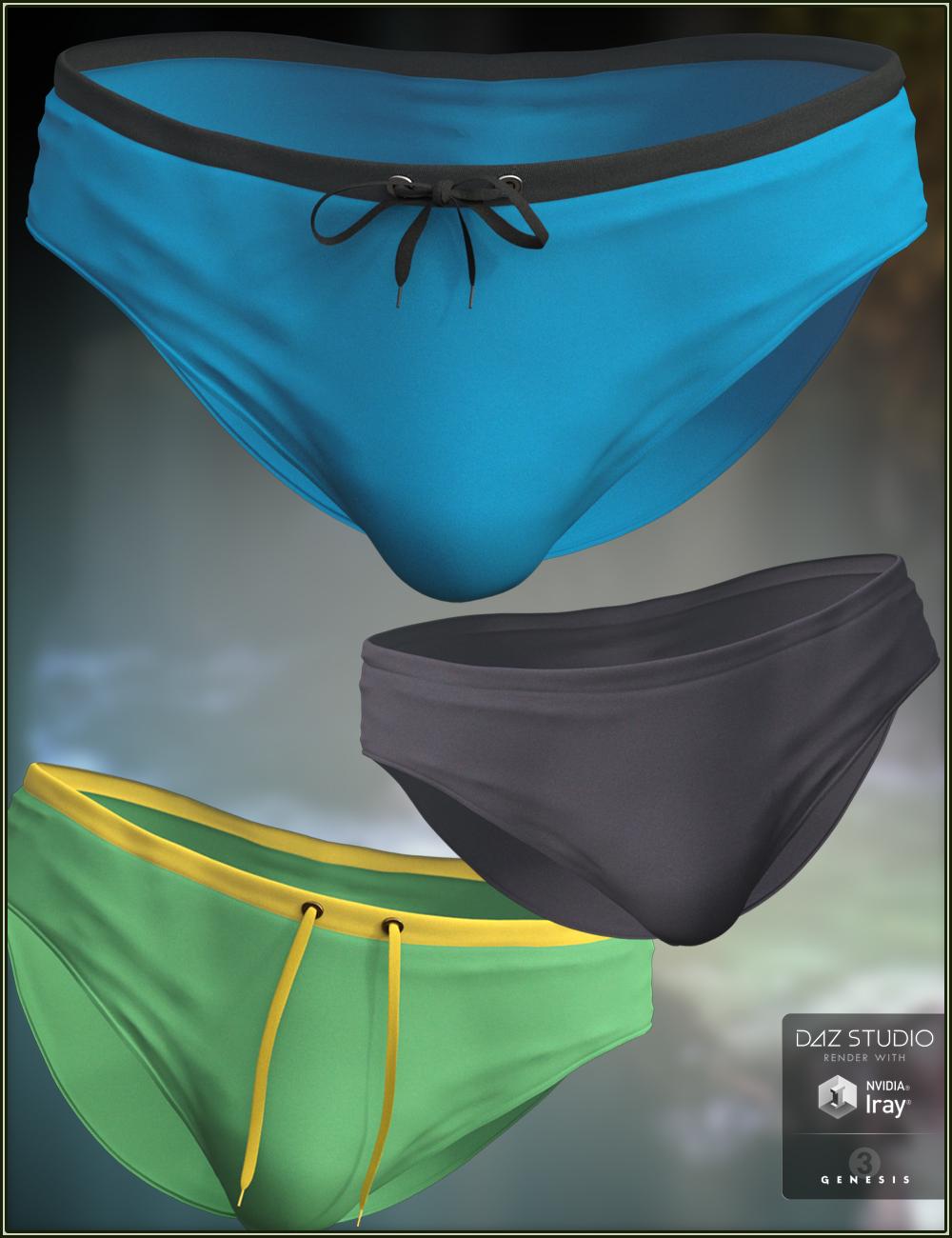
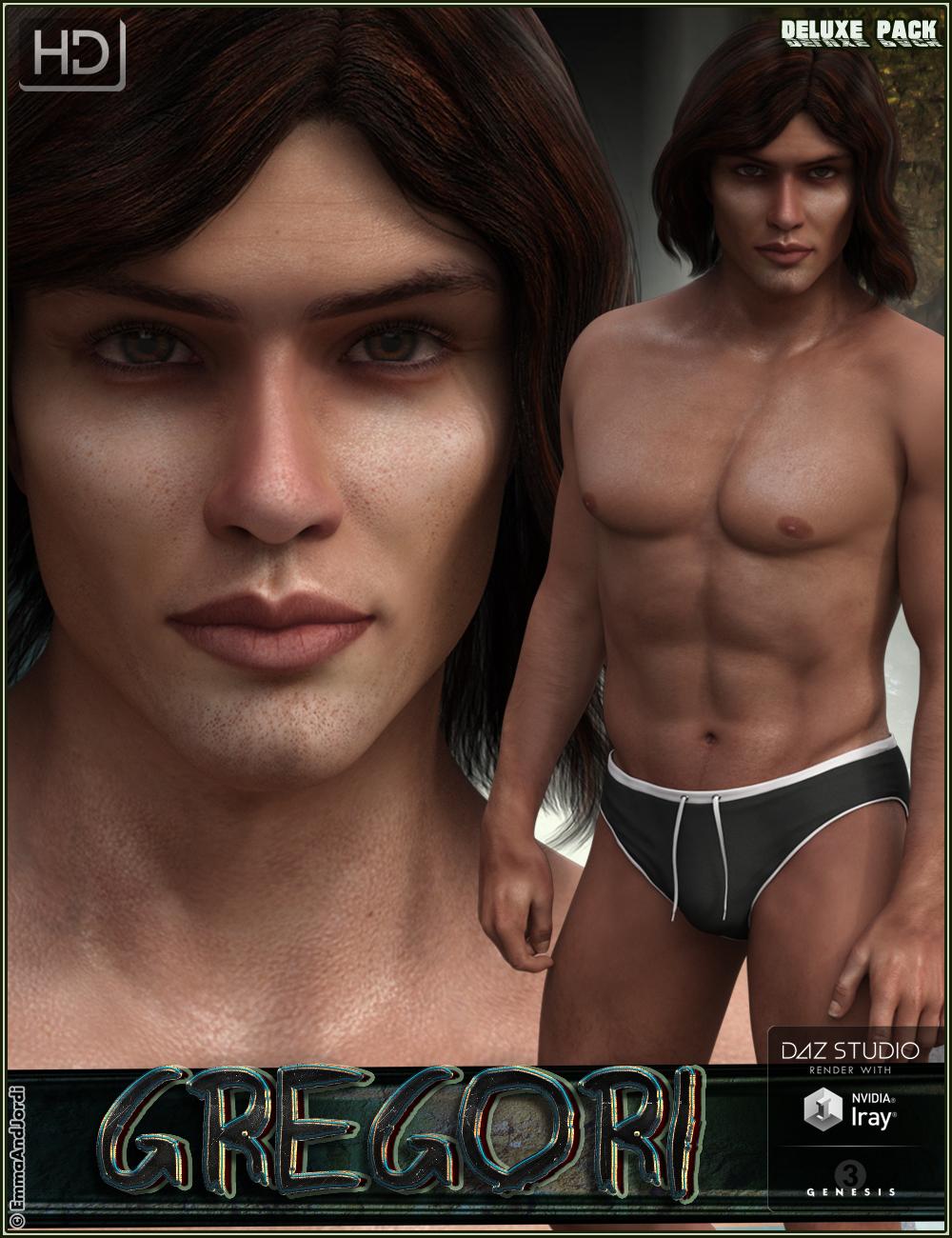
This is our new product: EJ Gregori HD Deluxe Pack. It includes this: a HD character for Genesis 3 Male and Michael 7, including 5 skin tones, vampire fangs and bloody sclera eyes, and genitalia (mats and morphs), tattoos, a highly customizable men swimwear with lots of morphs and partial materials, and 10 full body poses with their mirrors.

You can customize the swimwear with tied or untied cords, hide them, and choose a fabric for the swimwear center, top border, leg borders, and cords. The 5 skin tones allow you to make him more pale or taned. The HD morphs intensify the wrinkles so you can make him look older, for different moments of his life. This two things together bring real life to Gregori.

Hope you like him, and it will be great that you post your renders here, we will love to watch them! :)

You can find him here: http://www.daz3d.com/ej-gregori-hd-deluxe-pack

And here you are some images:
Main.jpg
1000 x 1300 - 862K
popup_6.jpg
1000 x 1300 - 662K
popup_9.jpg
1000 x 1300 - 785K
Post edited by EmmaAndJordi on

Comments

  • IceDragonArtIceDragonArt Posts: 12,972

    He makes a most excellent vampire.


  • He makes a most excellent vampire.


    Thank you Sonja! :) We are very fan of vampire novels, specially me Emma :)

  • Ken OBanionKen OBanion Posts: 1,456
    edited November 2015

    He makes a most excellent vampire.


    Thank you Sonja! :) We are very fan of vampire novels, specially me Emma :)

    Bought him, for that very purpose.  Unfortunately....

    I downloaded and installed him -- or tried to, at any rate.  It gets about 4% into the install, and returns an 'Install failed!' error.  This has happened no less than five times; I have closed and restarted the DIM, even restarted the computer.

    Any idea what's going on?

    Edited to add: I also tried downloading him again.  Same unfortunate result.

    Post edited by Ken OBanion on
  • He makes a most excellent vampire.


    Thank you Sonja! :) We are very fan of vampire novels, specially me Emma :)

    Bought him, for that very purpose.  Unfortunately....

    I downloaded and installed him -- or tried to, at any rate.  It gets about 4% into the install, and returns an 'Install failed!' error.  This has happened no less than five times; I have closed and restarted the DIM, even restarted the computer.

    Any idea what's going on?

    Edited to add: I also tried downloading him again.  Same unfortunate result.

    Hi Ken! :) Thank you for buying him.
    We just tried to install it through DIM and it downloaded and installed completely. So we don't know well what may be happening to you.

    You may try again, as it may have been a temporary problem.

  • Ken OBanionKen OBanion Posts: 1,456
    edited November 2015

    Well, I was finally able to get him installed into a content library -- just not the one I wanted him in.

    He's in a library on an external drive (my 'carry-along' drive, for use on whatever machine I have with me at work, or more accurately, my neighborhood watering hole), so obviously, there's nothing wrong with the install package.

    It's starting to look like a network issue; I'm certainly having my share of those, what with 12TB of NAS hanging off of my router.  (Yeah, I'm a storage-whore; what's your point?)  But with some 600GB of content, that I have to share among three different computers; not to mention all the other stuff that I have to put somewhere....

    Post edited by Ken OBanion on
  • Well, I was finally able to get him installed into a content library -- just not the one I wanted him in.

    He's in a library on an external drive (my 'carry-along' drive, for use on whatever machine I have with me at work, or more accurately, my neighborhood watering hole), so obviously, there's nothing wrong with the install package.

    It's starting to look like a network issue; I'm certainly having my share of those, what with 12TB of NAS hanging off of my router.  (Yeah, I'm a storage-whore; what's your point?)  But with some 600GB of content, that I have to share among three different computers; not to mention all the other stuff that I have to put somewhere....

    It's great to hear you could install him! And about the 12 tb that sounds so great. We bought 2 hard drives recently and they are already almost full. We pass the info from one to the other and always saying "save this in your drive", "not better you do it in yours" LOL In this house data are a hot potato :D

  • Wangke75Wangke75 Posts: 4

    Is there instructions somewhere that I can follow. His "little buddy" isn't attaching. I tried to follow the little notes in game, but its not showing up. The scaling instruments loaded. If you could give step by step instructions it would be awesome. Thanks!

  • Is there instructions somewhere that I can follow. His "little buddy" isn't attaching. I tried to follow the little notes in game, but its not showing up. The scaling instruments loaded. If you could give step by step instructions it would be awesome. Thanks!

    Hi Kingkristofer! :)

    Here are steps by step:

    First you need to have Genesis 3 Male and Genesis 3 Male Genitalia.

    1- Load the character.

    2- Be sure of keep it selected, and add the genitalia

    3- Select Genesis 3 Male, AND also the genitalia (you can click Genesis 3 Male and then press the CTRL key and click on the genitalia. Look at the scene tab to see both are selected. Probably if it's not working it is because you don't have the two selected.

    4- Then apply the material in Materials / Iray(or3dl) / Genitalia / Genitalia Base Material (it has a highlighted border in turquoise)

    5- Now if you want it, you can click the genitalia and go to Morphs folder and apply the genitalia morph to it

    WITH TATTOOS:

    If  you want to combine genitalia with tattoos on body, the order as explained in the thumbs is: apply tattoos, then select genesis 3 and the genitalia and apply the genitalia base mat to BOTH.

    WITH SKIN TONES:

    In any moment, select Genesis 3, and apply a skin tone located at Materials / Iray(or 3dl) / Skin Tones, and then select the genitalia and apply a matching skin tone in Materials / Iray (or3dl) / Genitalia.

    Please tell if you need any more help or advice. Thanks a lot for writing! :)


  • Wangke75Wangke75 Posts: 4

    Thanks for the instruction, I would have never figured it out.

  • Thanks for the instruction, I would have never figured it out.

    Happy to help! :)

  • SimonJMSimonJM Posts: 6,084

    Well, I was finally able to get him installed into a content library -- just not the one I wanted him in.

    He's in a library on an external drive (my 'carry-along' drive, for use on whatever machine I have with me at work, or more accurately, my neighborhood watering hole), so obviously, there's nothing wrong with the install package.

    It's starting to look like a network issue; I'm certainly having my share of those, what with 12TB of NAS hanging off of my router.  (Yeah, I'm a storage-whore; what's your point?)  But with some 600GB of content, that I have to share among three different computers; not to mention all the other stuff that I have to put somewhere....

    It's great to hear you could install him! And about the 12 tb that sounds so great. We bought 2 hard drives recently and they are already almost full. We pass the info from one to the other and always saying "save this in your drive", "not better you do it in yours" LOL In this house data are a hot potato :D

    Wholly off-topic (and late!), but kudos for using 'data are' - many are not aware that 'data' is a plural

  • SimonJM said:

    one to the other and always saying "save this in your drive", "not better you do it in yours" LOL In this house data are a hot potato :D

    Wholly off-topic (and late!), but kudos for using 'data are' - many are not aware that 'data' is a plural

    Oh yes you're right! We know it because the origin of data that is latin and as in Spain it was mandatory to study Latin, finally it works for something! :D

  • Is there instructions somewhere that I can follow. His "little buddy" isn't attaching. I tried to follow the little notes in game, but its not showing up. The scaling instruments loaded. If you could give step by step instructions it would be awesome. Thanks!

    Hi Kingkristofer! :)

    Here are steps by step:

    First you need to have Genesis 3 Male and Genesis 3 Male Genitalia.

    1- Load the character.

    2- Be sure of keep it selected, and add the genitalia

    3- Select Genesis 3 Male, AND also the genitalia (you can click Genesis 3 Male and then press the CTRL key and click on the genitalia. Look at the scene tab to see both are selected. Probably if it's not working it is because you don't have the two selected.

    4- Then apply the material in Materials / Iray(or3dl) / Genitalia / Genitalia Base Material (it has a highlighted border in turquoise)

    5- Now if you want it, you can click the genitalia and go to Morphs folder and apply the genitalia morph to it

    WITH TATTOOS:

    If  you want to combine genitalia with tattoos on body, the order as explained in the thumbs is: apply tattoos, then select genesis 3 and the genitalia and apply the genitalia base mat to BOTH.

    WITH SKIN TONES:

    In any moment, select Genesis 3, and apply a skin tone located at Materials / Iray(or 3dl) / Skin Tones, and then select the genitalia and apply a matching skin tone in Materials / Iray (or3dl) / Genitalia.

    Please tell if you need any more help or advice. Thanks a lot for writing! :)


    This function worked once about a week ago, but I didn't save the scene and I can't remember doing anything different.  Now when I go back and try to recreate, The genitalia morph function doesn't work.  I followed the above steps, but can never "select" the genitalia to add the base mat because it never shows up, either in mainview or scene tab.  Is there something else I am forgetting or need to have?  I tried uninstalling and deleting pkg, then reinstalling.  It all seems to work, but the "add gentialia morph" just flashes a quick window display and then it goes away before I can even read it.  Nothing changes on character or in scene tab.  ANy ideas?

  • This function worked once about a week ago, but I didn't save the scene and I can't remember doing anything different.  Now when I go back and try to recreate, The genitalia morph function doesn't work.  I followed the above steps, but can never "select" the genitalia to add the base mat because it never shows up, either in mainview or scene tab.  Is there something else I am forgetting or need to have?  I tried uninstalling and deleting pkg, then reinstalling.  It all seems to work, but the "add gentialia morph" just flashes a quick window display and then it goes away before I can even read it.  Nothing changes on character or in scene tab.  ANy ideas?

    Hi! :)

    The genitalia you have to add in step 2, with the character selected, is the Genesis 3 Male Genitalia. If it doesn't show is that something in that product doesn't work, maybe you have to reinstall it. Our product sets a material and morph for those Genesis 3 Male Genitalia. If the genitalia is not there, using the icons of Gregori will do nothing.

    Please tell if we can help you further :)

  • Hi! :)

    The genitalia you have to add in step 2, with the character selected, is the Genesis 3 Male Genitalia. If it doesn't show is that something in that product doesn't work, maybe you have to reinstall it. Our product sets a material and morph for those Genesis 3 Male Genitalia. If the genitalia is not there, using the icons of Gregori will do nothing.

    Please tell if we can help you further :)

    Thank you for your reply.  That must be it.  I obviously dont have that installed.  This may sound dumb, but I can't seem to find the Gen 3 genitalia for men.  Do you happen to know what products in DAZ store would have those?  I wouldn't even worry about it but I have a specific commission I am working on.  I tried doing different searches but could not find it

  • EmmaAndJordiEmmaAndJordi Posts: 952
    edited December 2016

    In this thread they say where the genitalia are: http://www.daz3d.com/forums/discussion/88741/genesis-3-male-anatomical-elements

    We think the genitalia elements are only in the pro bundle of M7: http://www.daz3d.com/michael-7-pro-bundle

    In the "What's Included and Features" it appears at the end ("Genesis 3 Male Anatomical Elements")

    But we are not sure 100%

    Post edited by EmmaAndJordi on
  • In this thread they say where the genitalia are: http://www.daz3d.com/forums/discussion/88741/genesis-3-male-anatomical-elements

    We think the genitalia elements are only in the pro bundle of M7: http://www.daz3d.com/michael-7-pro-bundle

    In the "What's Included and Features" it appears at the end ("Genesis 3 Male Anatomical Elements")

    But we are not sure 100%

    Thanks.  Not looking good for this commission. Appreciate the help.

  • Your welcome!

  • Anatomical elements are available in all Pro bundles so if you have purchased any Pro bundles with G3F you should have anatomical elements for the G3F girls and any Pro bundles for G3M will have anatomical elements for the G3M guys.

  • nicsttnicstt Posts: 11,715

    Anatomical elements are available in all Pro bundles so if you have purchased any Pro bundles with G3F you should have anatomical elements for the G3F girls and any Pro bundles for G3M will have anatomical elements for the G3M guys.

    Presuming the Pro bundles are 'adult' characters.

Sign In or Register to comment.