From a Die Hard Carrara User
 Dartanbeck
Posts: 22,155
Dartanbeck
Posts: 22,155
This is all incredibly cool stuff going on here, in the Blender forum - I love it! One of these days (when I'm not working) I have to grab a new copy of Blender, collect all of these wonderful plugins and give it a shot!
Why am I here? Well...
A friend of mine uses Blender quite well, and also is a Carrara user. So I thought I'd pop in here and just show a few of the things that this incredibly inexpensive software package can do, and you guys can determine if it helps the workflow in any way - I really think it can, even if it's only used to create spherical maps for use in the render engine (environmental lighting/atmosphere, etc.,)
Hi, I'm Dartanbeck and I'm a Carrara 8.5 Pro addict
Seeing folks having an urge to get Daz 3D goodies into Blender is So Cool! I truly feel that some of you, especially animation enthusiasts, might benefit greatly by adding Carrara 8.5 Pro to your kit.
I have a website dedicated to documenting my Carrara experiences and helping others to learn what it can do at Dartanbeck.com
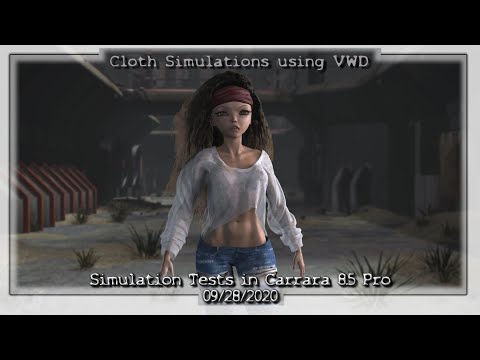
Here's a little primer - some cloth and hair simulations I've been working on, This video (less than a minute) was made using test renders of my simulations. As such, it's certainly not without its imperfections:
Massive Bundle of Goodies
If you're a PC+ member at Daz 3D, Carrara 8.5 Pro is incredibly (incredibly!) inexpensive. I've put together a nice little page of all of the bundled goodies that come with it, including a pdf of just the modeled objects in the Carrara Object Browser - but there's a lot more that comes in the browser for modifiers, rigging, atmospheres, terrains, etc., that isn't listed here.
Carrara 8.5 Pro Content Bundle
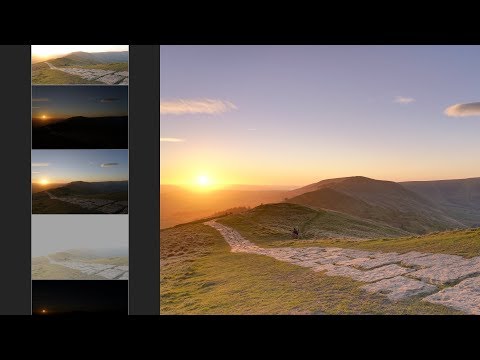
Spherical maps, like what we see in HDRI and such, are so incredibly useful in so many ways. Making these things within Carrara is easy and a lot of fun! Carrara's Realistic Sky is an amazing tool for creating the global atmosphere and the Sun Light's rotation then automatically adjusts the time of day as far as the sky and atmosphere are concerned. So it's super easy to create a sunset, for example. I like to use the atmospheric fog from the realistic sky even on indoor environments to help add depth to the scene. We can change how much depth change occurs with a simple setting of scale between the scene's interpretation of a mile compared to a real-world mile.
Then Carrara's Terrain Builder/Editor makes terrain building easy, fast and a lot of fun! We can use height maps, the built-in filters and generators and/or even go into it's own built-in painter and terrain painting tools to edit away by drawing!
Carrara's Plant Builder/Editor is an amazingly simple way to make trees and, since version 8.5 we can add multiple layers of leaf types - useful for adding fruit or whatever else you want to add.
Along with the several modelers in Carrara and the vast amount of included objects and such, it's now very simple to create a full spherical surround scene.
A spherical png or jpg, whatever, can be used to high extent for image based lighting but an HDRI can take it much further with its 32 bit range information built into it - widely used in today's PBR render engines. So we can use Carrara to render out "Bracketed Images" (images shot at various exposure levels between ultra dark and ultra light) and 'bake' them all into an HDRI that can be used as such!
I'm allergic to Adobe's subscription-only way of business, being a starving artist and all, so I use Affinity Photo. I'm sure there are plenty of tutorials on how to do this in Photoshop, however. Here's one for Affinity Photo that I really like. This video is what got me to buy Affinity in the first place
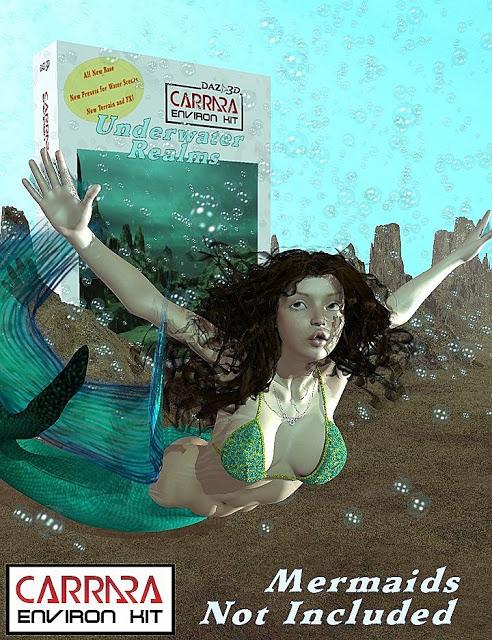
 EnvironKits, which used to be sold here at Daz 3D, are now completely free, and each of them includes a spherical map sandbox along with the spherical map that it makes using only its base state. Woodlands comes with a few spherical maps. All of them come with a quite a few preset scenes, terrains, plants (bubbles for Underwater Realms) and shaders to apply to your own creations to get them to immediately match. Also useful for switching things from one kit to blend with another. Check them out!

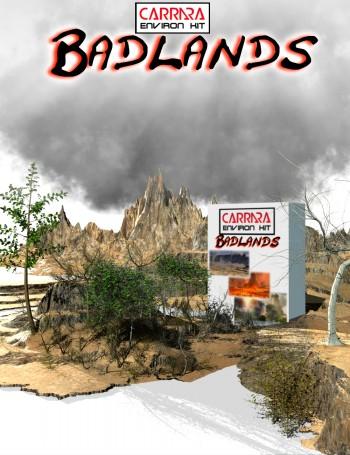
Here's a cheesy 70's-style ad I made for Badlands
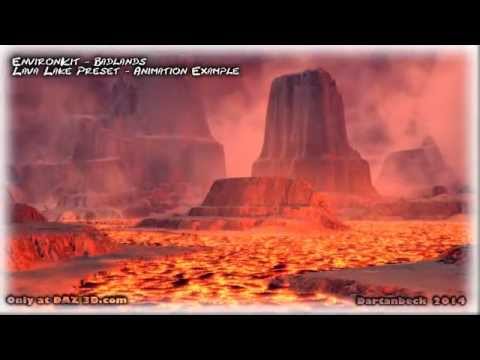
That animated lava is built right into that preset. Just render and go! Woodlands was the first EnvironKit, which includes a system for animated water built into every preset. Just turn it on if you want it in scenes that don't use it, or off in the ones that do. In Carrara, everything is really easily animated!
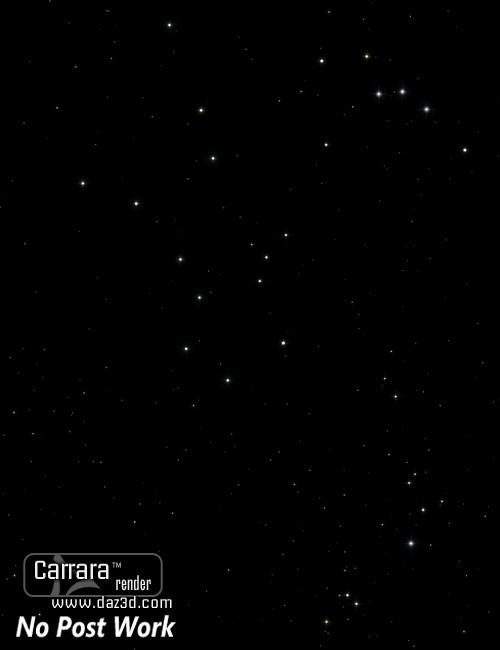
I also have one for space - an easily customizable scene with thousands of low-poly, glowing stars cast about the outer limits using invisible globes - some random, some using replication maps. Four depth layers of stars can be rotated, scaled or changed in any other way to create amazing animations. Drop in some of Carrara's Volumetric Clouds for nebulae, add space ships... there's no end to the possibilities!
Many of us, who used to have content stores here at Daz 3D for Carrara, are now offering up our products for free.
With all of the cool plugins available for Carrara, we've almost extended it into a new version of software! Well, not really. But it's amazing how many things we can do, and how amazing this software is when we get it fully loaded like this!
Check it out:
Well, I've babbled enough for now. There's a lot more to explore on my site, if you're interested.
Carrara has a very friendly, easy to learn workflow so I do feel that it's a great addition to any animator's toolkit. As a closing message, I'll leave a few more short videos that I've made recently (links in titles lead to corresponding write-ups):
Introducing Rosie 5 - a look at my new animation hero seen in the Simulation Tests video above
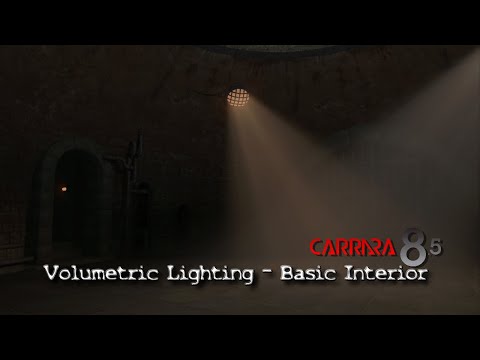
Volumetric Lighting - a look at how easily we can put together an interesting scene in Carrara
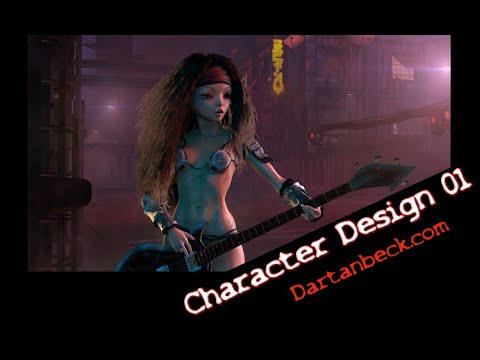
Character Design in Carrara 01 - my default method of creating new characters using Daz 3D figures in Carrara
DaVinci Resolve - A Quick Look - we tiptoe into DaVinci Resolve to look at the simple procedures I used to create Introducing Rosie 5
Cheers! Hope to see some of you in Carrara Land!!! :)
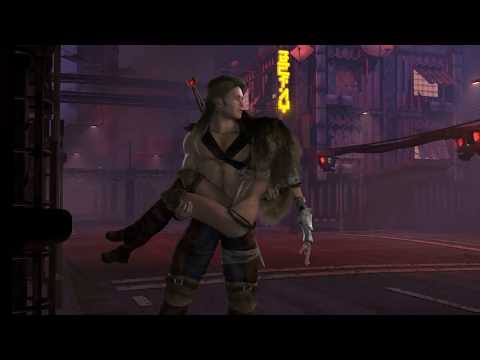
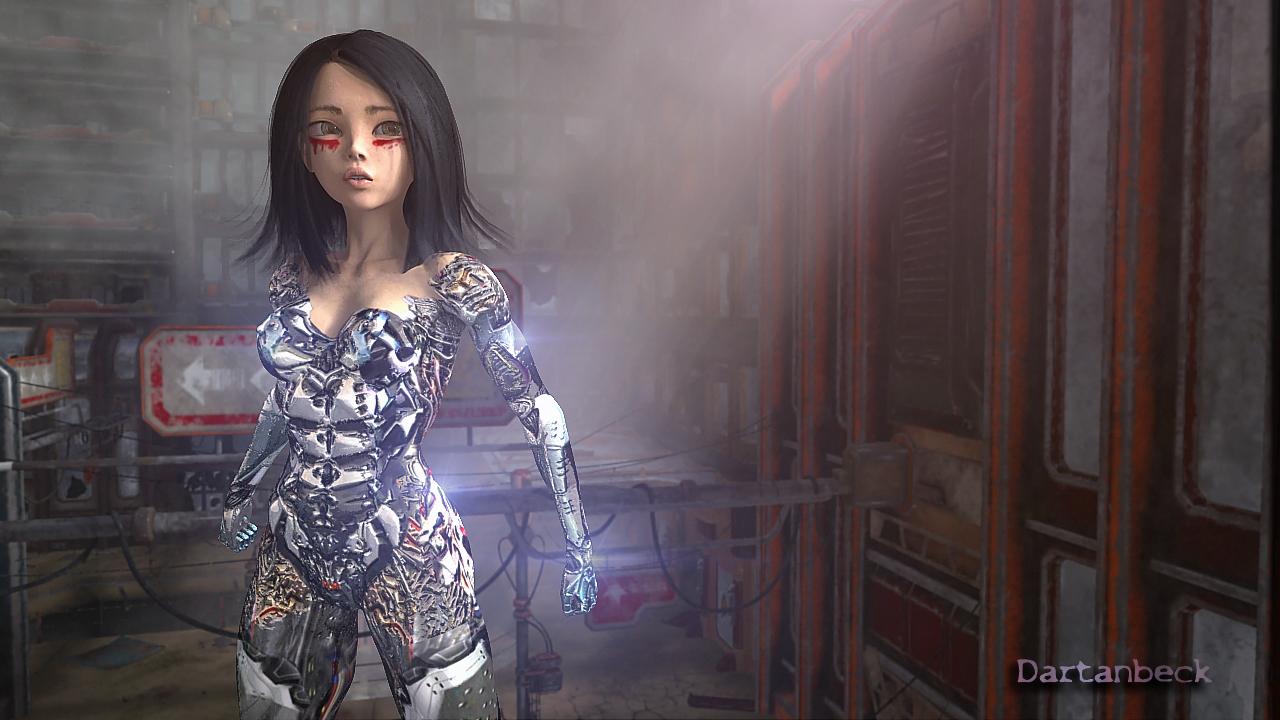
Alita Senses Danger
This image is Veronica Wr8th (a Genesis 8 Female preset that works in Carrara) with Syph, by Marcius playing as Alita Battle Angel in The DigiVault's amazing Silent City - all within Carrara

Daz 3D is part of 
Connect
DAZ Productions, Inc.
7533 S Center View Ct #4664
West Jordan, UT 84084
Licensing Agreement | Terms of Service | Privacy Policy | EULA
© 2026 Daz Productions Inc. All Rights Reserved.
Comments
Free is always nice! Thank you for making this available. I use Carrara from time to time. Nice to have options.
Thanks! :)
For anyone interested in exploring ideas, I'm always full of ideas and enjoy writing about it while I'm waiting for my Batch Queue of renders
So here's my current site map:
DARTANBECK.COM
Dartanbeck.com Home - Kind of a blog of what's inside with recent events toward the top of the page, under the initial greeting
CARRARA ZONE
Carrara Zone - Currently mostly a landing page to hold all of the Carrara oriented pages, but will eventually also serve as a more Carrara-centric blog
Carrara Info
Carrara Info - A new Index for Carrara Information - features, guides, video links... this is meant to become a more cleanly placed and organized ►►► Carrara Information Manual ◄◄◄ sort of thing. It now houses a new Forum Help!!! Links index, but this time with Carrara Training videos from Cripeman and GKDantas, and will include my own as well.
Carrara Cafe - A word about an amazing site!
Cripeman Memorial - A loving dedication to a lost friend and the Index to his Cool Carrara Tricks
GKDantas' Carrara Training Videos - Wonderful guides into many of Carrara's features and tools
Installing Carrara - Just some important tips to get all you deserve from this incredible software. I'll be expanding this page soon
Custom Browser - Still needs support images to guide the text, but this is part of what keeps Carrara very efficient for me to work in
Carrara Plugins - An edited and updated version of Jay Nola's FAQ, this page also expands to several others filled with information, links and demonstrations. BrianOrca's Ocean, YaToons and more are on this main page within Jay's FAQ
>>> Alvin Bémar
>>> Daz 3D Plugins for Carrara
>>> Digital Carvers Guild
>>> Fenric
>>> Frederic Rible
>>> Inagoni
>>> Philemo
>>> Sparrowhawke
>>> VWD
►►► Carrara Information Manual ◄◄◄ - talks about the origins of the post, etc.,
Dantanbeck's Articles - Meant to be an index to the hybrid Video/Written articles I create - currently just links to my articles
>>> Finding Carrara - a story of how I discovered my favorite reason to be on a computer!
3DXtract e-zine - Keeping this historic archive of greatness alive!
Physics and Particles - a branch off of the Forum Help!!! Links, specifically regarding Physics and Particles
...Dartanbeck.com continued
Carrara CG Workshop
Carrara CG Workshop - In addition to being a landing page for all of the pages within, this page also explains the goal for this section
Story - It all begins with one of these, right?
Pacing and Rendering - A discussion regarding common film practices as well as render outputs for animations
Pre-Production Phase
Pre-Production Phase - The things we do to prepare for Production
Concept Art - I have a few of my designs in here. I'll be adding more along with descriptions of them... eventually
Concept Art > Kitbashing Marcoor - The process of making my cool Marcoor Hunter space vessel
Scene (stage) Setup - Currently only has one offering: Volumetric Lighting, which is an early hybrid video/written article. It doesn't have much of a written version yet - but does include a Base Scene Download
Character Setup - This seems to be my main interest lately, as it has quite a few articles. Don't worry, I'll be getting on to other stuff soon!
Introducing Rosie 5 - I needed to get something started to find a focus toward developing this web site. This was it
Making Rosie 5 - Developmental information on creating my main protagonist - to be developed further
Using Genesis in Carrara - A work in progress that will explore many ways to use various Genesis generations within Carrara
Genesis Morph Reduction - My method of not only reducing the weight of a Genesis figure, but also the number of available sliders in the Parameters tab
Dynamic Hair - One of the parts of the Hybrid Video/Written article for Introducing Rosie 5
EYEdeas 3+ - A look at using Arki's amazing 3D eyeballs! Another part of Introducing Rosie 5
Millennium Teeth - Using third-party teeth to get what my character (Rosie 5) needed to complete her ultimate look. Another part of Introducing Rosie 5
Character Transfer using NLA - I often like to update/upgrade my character to a fresh base figure with a different set of morphs (often when I buy new ones) - here's how I transfer the shape over
Character Design - With its Character Template Scene download, this video/article demonstrates how I build each of my characters, monsters, animals, etc., It also covers the basics of creating shaders for Genesis (or any other figure, for that matter)
Modeling for Genesis - A fresh look, rejuvenating an article I wrote here quite some time ago. The video I made then is still helpful in how to send models from Carrara into Daz Studio, rig them to conform to the intended figure, and save back into the library.
Character Shader Basics - Explore the absolute quickest and simplest way to get a Daz Figure's materials up and running in Carrara! A very basic approach with no frills for speedy renders
Production Phase
Animating - This is where my animation articles will continue. I placed some useful info in here to get it started
Hybrid aniMation - another hybrid article I'm working on now. Currently contains much of the info from aniMating in Carrara
aniMate 2 - Daz Studio comes with a free version, but when we buy the full version we get some really great bonus features!
DAZ ZONE
DAZ ZONE - This is an exciting page full of my love for Daz 3D with a stroll back in time to when Genesis came out and then even further down is this wonderful video I posted years ago - Daz 3D as it was when I was an aspiring young PA here! (the face you see there (video's thumbnail) is Kevin, who was my boss! :) )
Daz Content
Daz 3D Content - Mainly just a container/landing page, but will eventually be really cool!
Daz 3D Bundles - A look at the amazing wealth of content to be found in Bundles at Huge savings
Genesis 1 ROCKS!!! - I really dig into what I love about this amazing figure generation
Victoria 4 - A look at what is still (by far) the absolute Most Supported 3D articulate human figure on the planet
Some Personal Favorites - Kind of the opposite of "Buy something that doesn't work", this is stuff that I love, and it does work! I'll be adding a LOT more to this one as I've only just begun
Character Packs - a look at some of the cool Character Packs for our figures
Carrara 8.5 Pro Content - This page shows the massive bundle that comes with Carrara 8.5 Pro. The price of Pro includes all of this plus Carrara Pro? Very Cool!
Daz Studio
Daz Studio - I've started this page to help gather information towards learning this amazing suite called Daz Studio. As I learn I'll be expanding this whole section, but I like this page now already. I update it when I can - several times so far.
Daz Studio Page Quick Map
What is Daz Studio?
Master Daz Studio
Daz Bridges - Maya, Blender, C4D, 3ds Max, Unreal and Unity
Daz Bridges How To - Steph, from Daz 3D, shows you how to use them
dForce and New Animation Tools Demos
Content Creation Tools - Oh Yeah! This is what I mostly use DS for now - and even in that I've only been scratching the surface!
PC + Experience
Platinum Club + Experience - It's amazing how much value we can get from this service if we check in often! Even with little internet time I've been able to really fill up my library over the years - and the yearly membership cost is tiny comparatively
PC+ Cloth Frenzy - I've only just started this page. Since I started using VWD and removing rigging from figures so that I can add/delete polygons, change domains, etc., stuff in the low-price range in the PC+ catalog looks great and is fun to model with! I am working on a tutorial on how I make the clothing into static prop objects and then model them to fit the morphed figure, then run them through VWD as if using them as conforming clothes. It's really neat!
DO IT IN POST
VFX Zone > Fusion - Movie Magic at its Finest! Hollywood-grade compositing software
Editing Zone > DaVinci Resolve - This page contains the Resolve Training materials I'm using to learn this Hollywood-grade Non-Linear Editor - and the free version also includes Fusion, built right in! (along with Fairlight Audio and Resolve's high-end color corrector)
A Quick Look - This is my short demonstration of some of the techniques I used to create the "Introducing Rosie 5" video
GALLERY
Gallery - This landing page also has a carousel of some of my images you've all seen before. The Still Images and Video pages are very much incomplete still
Videos
Still Images
Inspiration
STAR WARS
The Witcher
Alita Battle Angel
Downloads
Starry Sky for Carrara
Carrara EnvironKits
Woodlands
Underwater Realms
Badlands
Base Scenes
Base Scene
dB's Character Template Scene
THE SOFTWARE
The Software - I've included most of what I'm currently using and more. I still have plenty of stuff to add though. HitFilm will be coming to this page, and getting its own but I haven't used in yet in my current workflow - but its coming! Some software is just linked to from this page, others have their own as well:
Cyberlink Software - Great setups for video production and a lot more. Philip Staiger (PD Howler) uses this to make his awesome videos
Autodesk - With as little time as I have to use software, this high-end stuff isn't the practical choice. But when you want to go pro....
PD Howler - Oh yeah!!! My favorite image editor to date!
Particle Illusion - amazing particle effects simulator/recorder, now from Boris
Whew! So that's the current list of pages. While a few of them are rather bare, currently just containers or landing pages, they have a lot of content in the works for them and the other pages are looking pretty cool, I think.
...and some of my Carrara forum friends have asked my to put up a "Donate" button of some sort, so I reluctantly made a Donate page. I don't really have a method for taking donations, as such, so I offer some examples there ;)
Rosie 5 as an Artemis Knight
A very short promo - this is another clip I put together with a few simulation tests along with the Dominator Attack on Project Xion City.
About the video - Rosie 5 is Artemis Knight (ArtemisX and Liquid Knight), piloting her ship using Ravnheart's Marcoor Control Room, with TheAntFarm's Biobotic, frantically trying to navigate them out of this mess. Petipet's massive Dominators rain down from above to devastate and destroy Inception8's Project Xion City (the final three images/links below - Xion sets 1, 2 and 3)
The music is entitled "Dartanbeck.com", which I put together as an opening title for my stuff. I think it works pretty well, since it keeps these little videos less than a minute long.
Images/links are in the order they appear in the above statement
Rosie's version of Artemis Knight is using KookNfat's The J-Suit as the bodysuit, still using ArtemisX's gloves and boots, and guns if the need arrises!
The belt is from 4blueyes' Elf Age Light
Now, in the above video, I'm actually running cloth simulation on the J-Suit with inverse "inflate" to wrap it tight.
This old video of mine demonstrates how well the Daz 3D Auto-Fit feature works in Carrara 8.5 - this was eight years ago when Carrara 8.5 Pro was still in beta, this is Genesis 1 (so is Rosie 5 above) with the V4 J-Suit simply auto-fit from the library. I love Carrara... it just works!!!
A thread extolling the virtues of an application would be better in the Art Studio, not in a sub-forum dedicated to a different (but overlapping) application.