[Solved] Blurry Iray HDR
 Noah LGP
Posts: 2,617
Noah LGP
Posts: 2,617
Hi,
I don't understand why it's blurry compared to the product screenshots.
https://www.daz3d.com/daz-studio-iray-hdr-outdoor-environments
Can you tell me how to get this quality please ?

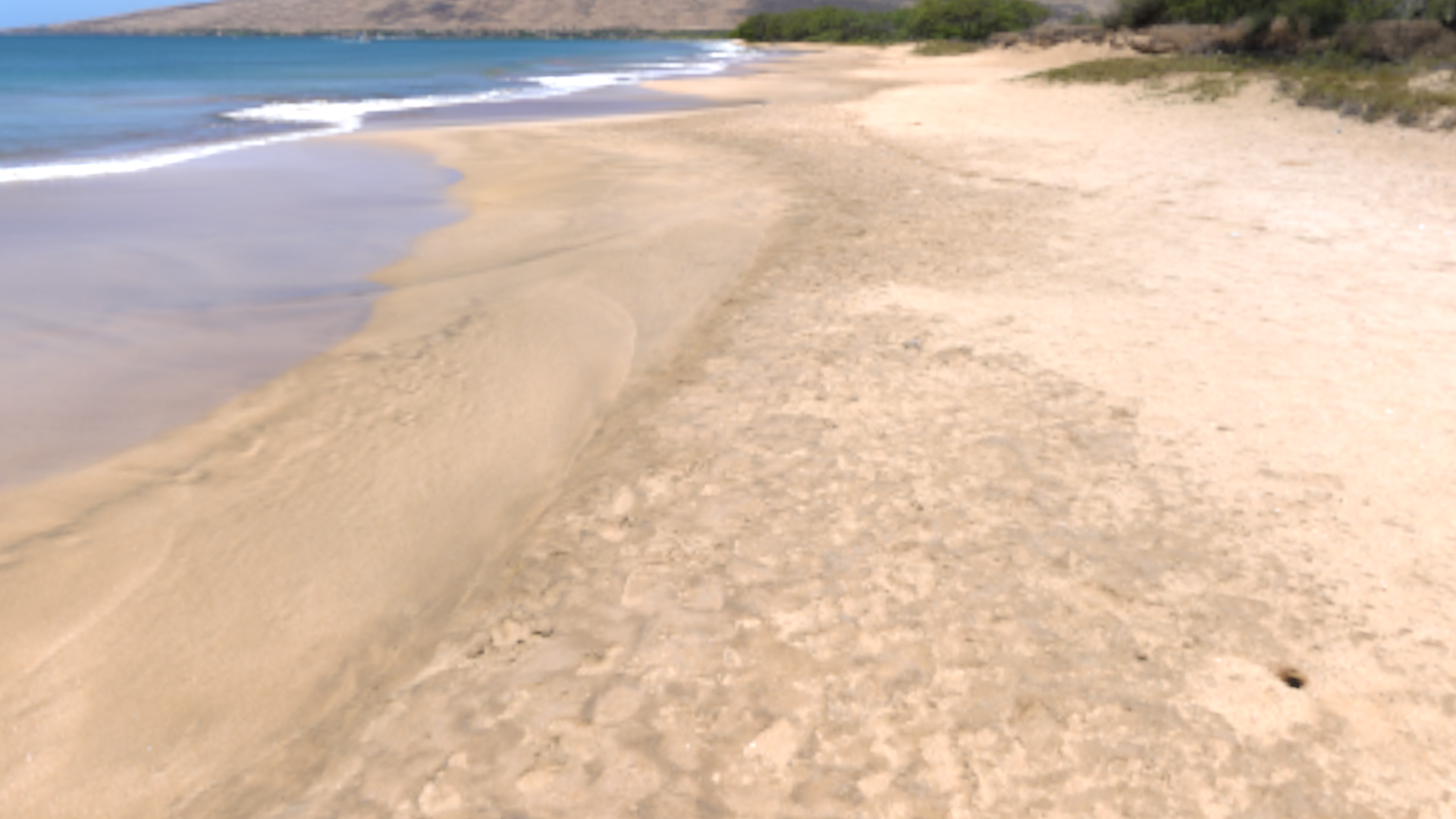
Hdri.png
1920 x 1080 - 2M
Post edited by Noah LGP on

Daz 3D is part of 
Connect
DAZ Productions, Inc.
7533 S Center View Ct #4664
West Jordan, UT 84084
Licensing Agreement | Terms of Service | Privacy Policy | EULA
© 2026 Daz Productions Inc. All Rights Reserved.
Comments
Have you tried increasing it's resolution? I believe default is 512. Try using a value equal to it's width.
While I'm waiting for DS to load, what are your render settings and camera settings? My initial suspicion would be that you have Depth of Field on in the camera - the HDRI gives near ground and background. but it isn't really at those distances.
Heer are two renders, one with Depth of Field off and one with it on - the control is in the Camera group in the Paramerters pane, or in the Camera pane
It's the default Perspective View, if I copy it as a camera, Depth of Field is off
Environment Lighting Resolution is 2048
Try setting the Environment Lighting Resolution to 8000 and the Dome Radius to 4000 and that in Advanced/Texture Compression it is set higher than the HDRI size, which in your case is 8192, and see if that makes a difference.
I found my mistake, the Render Mode was set to "Interactive" instead of "Photoreal".