
Daz 3D is part of 
Connect
DAZ Productions, Inc.
7533 S Center View Ct #4664
West Jordan, UT 84084
Licensing Agreement | Terms of Service | Privacy Policy | EULA
© 2026 Daz Productions Inc. All Rights Reserved.
Comments
I was one of the beta testers, and as part of that, I rendered the same scene a number of times to see how the character changed with the filter. Here's what the scene looked like with the Iray Lens FX camera loaded without any of the presets applied.
Here are a couple of color presets in action (strong blue, light yellow).
I especially liked the time of day presets as they were a quick way to modify the lighting (sunset, dark, early evening).
Another interesting set of presets are the gradients, especially the two color gradients (blue, pink-green). The gradients can be rotated although in these two images they are as they load.
Click on images for larger versions.
@axvp - Sorry for the delay, i took some shots to compare the night filters to the original scenes. I took bright daylight hdri's and filtered them, so if you have a scene that's anything close to night time lighting, the night preset should take you the rest of the way.
In conjunction with other products. In this one, I used Fabiana's Zen HDRI for lighting. Just loaded the camera, and selected the Lens prop. Apply material and render. SUPER simple. :) Totally different look.
Click image for full size
I love how quick it is to flick from night to day and back again when necessary (just show/hide the camera lense), as scene variations I'm working on at the moment require quite a lot of this during setting up and testing. The product arrived at just the right time. Current project aside though, my favourite effect is 'overcast' - not something that shows up often among the sunny Daz skies (if at all), despite it being reality for about ninety per cent of the UK year :)
@Kat - Put hair on that bear, nudity is not allowed on the forums. Great render though
@Astracasia - Hey! Glad you like the product, i hope it serves you well. Also, i'm in the UK, i feel your pain. Although its mostly wind at the moment with a light frosting of rain for good measure.
I'll forgive you... just this once.
I was also a tester and did these, just load-and-go. I'll do some more renders and trying tweaking things, but I thought you'd like to see what can be done "out of the box." If this case, if my scene was wider, you'd see more of a change in the gradient ones (it changes on our right, as we look at it.)
I also like the way your can age things, without it being glaring. I'll show you a few of the gradients in this post, and will add others to different posts. (same set, so you can compare.) These are without any postwork.
First is the Blue and Orange gradient. (again, you'll see the orange coming in at the bottom right corner, and going blue as you head left.) Fun!
Second is the Pink and Green.
Third Red and Green
Fourth Yellow and Purple
These first two are black and white, then added vintage. Note the vintage made things go a bit darker, in addition to the irregular scratches/defects. So you may want to lighten vintage depending on your render. It will also make the scratches/defects show up more. Then there's Dark, and Early Evening.
I'm loving it! Vintage is my favorite (so far). LOL
@sassywench She looks good!!
This is one of the purple lenses. All I did was set up the scene, added a ghost light directly in front of her that was the same color as the glow from the fire balls and used the light purple effect on it. Straight out of the box.
.The gradient style is whats drawing my attention. How much control do you have over the coloration and fade?
The gradients are textured filters, but they're not complicated, just simple photoshop gradients. So you can just pull a texture into photoshop and change the hue if there's a specific color you want that isn't included in the presets. The gradient fall-off can be controlled by simply moving the lens further or closer to the camera (zooming the lens has preset controls in the parameters panel, so you don't have to guess the axis). You can also rotate the lens too, so you can have the gradient from whatever direction you wish.
@Sassywench - Great render sassy! Thanks so much for posting
Here's a landscape with different filters applied.
As loaded (without any filter):
Yellow-purple rotated 45 degrees:
Sunset:
Vintage:
B&W with ISO at 150:
Nice ones Novica. The 3 colors each give a totally different mood to the scene.
@RGcincy - thanks for popping in RG, great comparisons Same goes for Novica up there!
I won't say 'no postwork' but I will say 'no color toning' And no contrast adjustment except on the character. I used a light blue filter. Had to remember to remove it when I was rendering a transparency mask though!
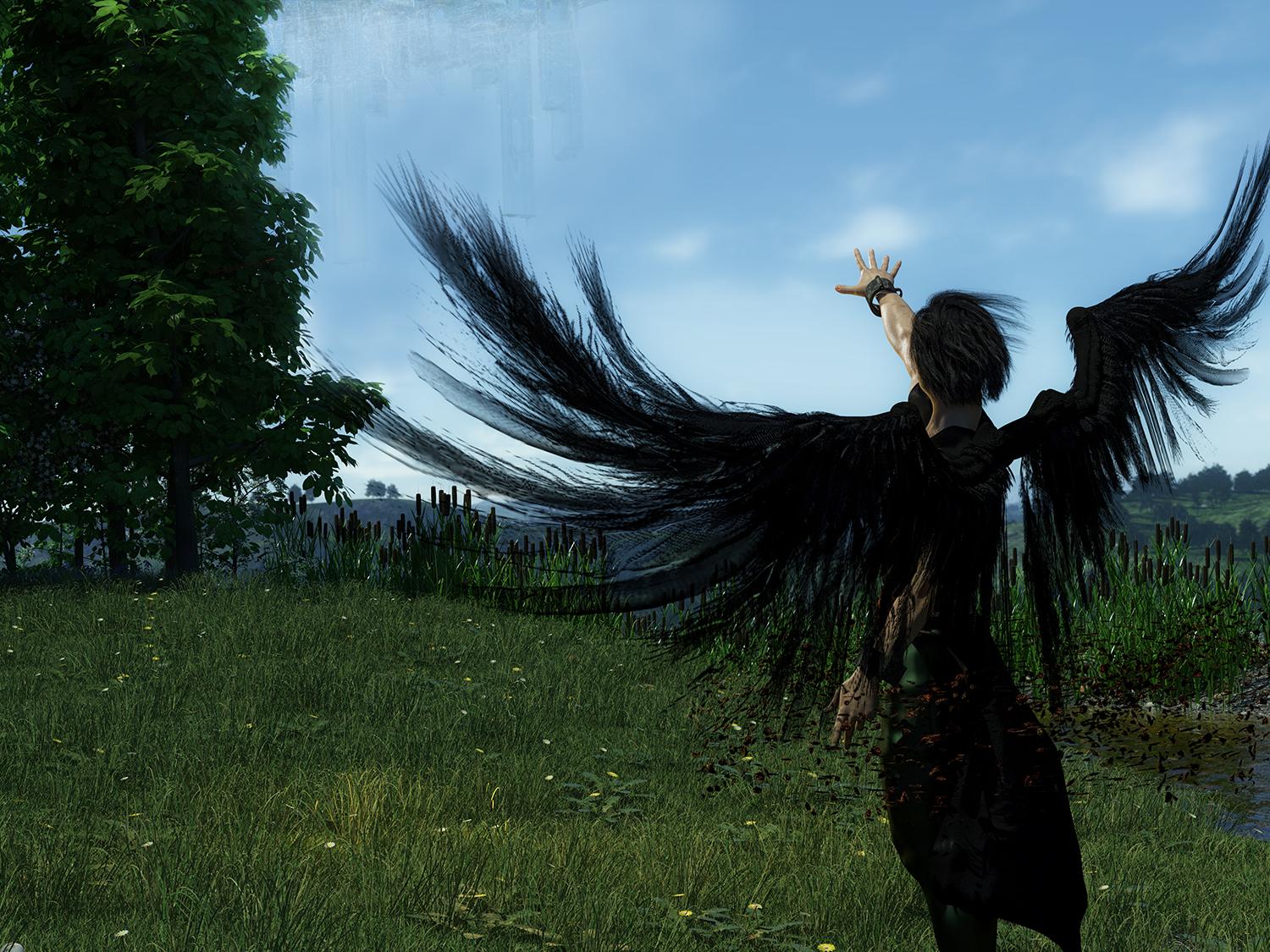
Nice! I never say no to postwork either but being able to do more in studio first is a huge help!
Yeah. I just wanted to answer my own question from the beginning with an example, for anybody coming along later: things to do with postwork that benefit from the lens. And actually, my ten year old made me apply some of my filter recipes to the Gallery-posted version and the lens filter really impacted how they ended up looking as compared to others hit with the same recipes. https://www.daz3d.com/gallery/#images/447421/
@dreamfarmer - Great render DF It looks like you vignetted the second image. Did you do that with my kit or PS?
Photoshop. Part of a Nik Filters recipe I cooked up. Now I'm curious.... but the original render is a 5000px piece so not going to go start that again right now. Def. next time.
...can you do the same in Gimp or PSP. Don't have PS.
I would think so, Gimp can do most of what PS can do and I think this is pretty basic. You might run it by KM she uses Gimp regularly and she is pretty good at figuring out if what works in PS and how it translated into Gimp or if it does
Yes GIMP can do gradients.
Hmmm, interesting. From the ReadMe page, the pdf link goes to a page that simply says "Forbidden."
Thanks Novica and KA :) Wish I had more time to play but Frost lens will be my next attempt!
KA... how about some foreground lenses? Like looking through trees or curtains or I don't know what else. LOL Just a thought :)
If you have PSP, then you have always had the ability to create any style of gradient you want. I've used it not just for color gradients, but also to make fade masks and many types of decorative edge masks for grahic design.