-
Star Wars Renders 2013 +
draven_11_74c1296a16 said:
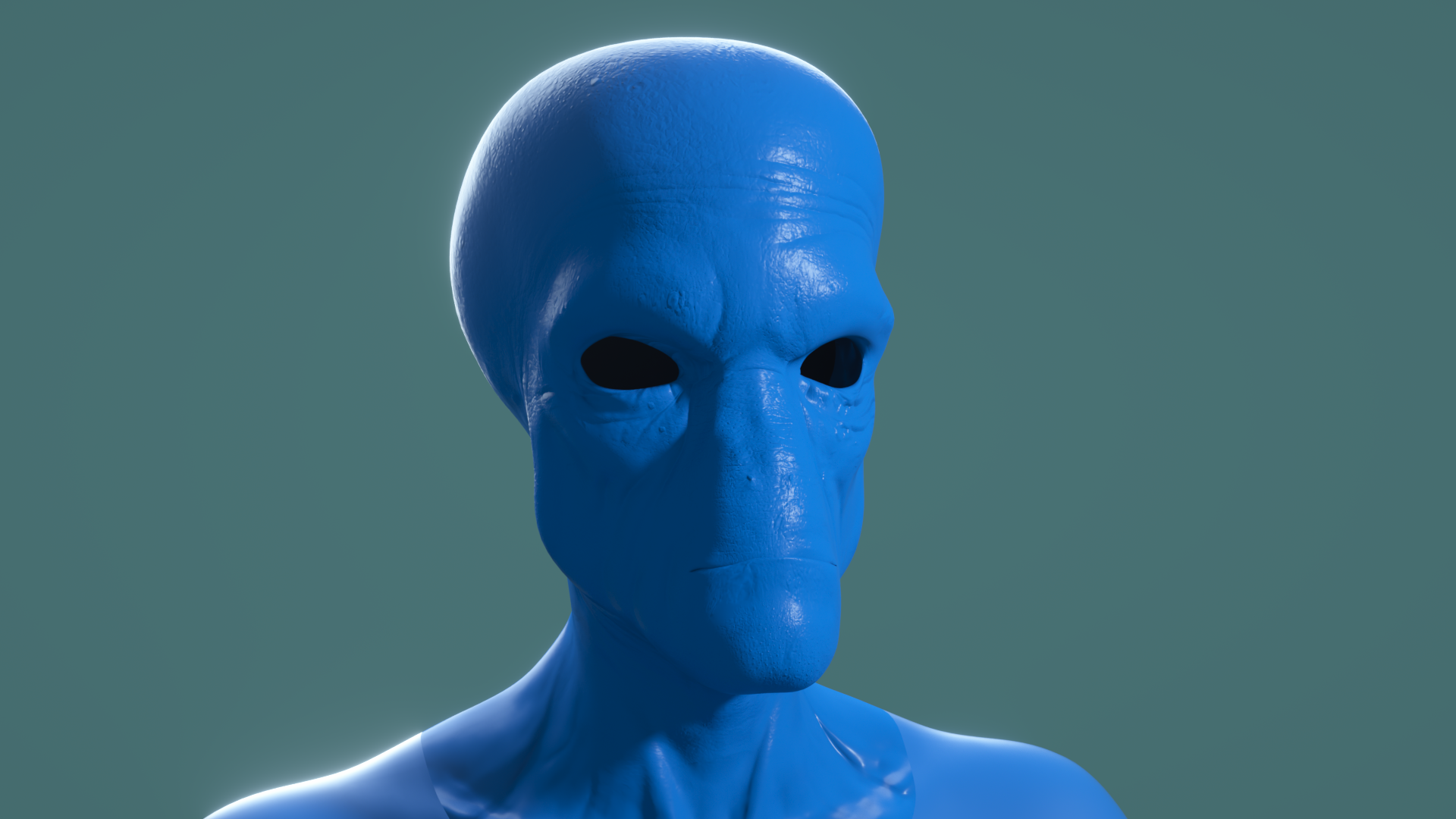
@Phloki3D did you ever finish these and the Bane head?
Sadly they've been in the WIP pile for a while, but I've learned a lot since those versions so I'm actually pretty interested to see how they would turn out now. You may have just prompted me to take on a fun new project in porting and tweaking them for G9,
As for Cad Bane I do have a generic Duros morph on Genesis 9 already which could be used for him but I could never quite fix the tiny nostril holes (easy enough in post though), and the eyes would need morphing to fit too,
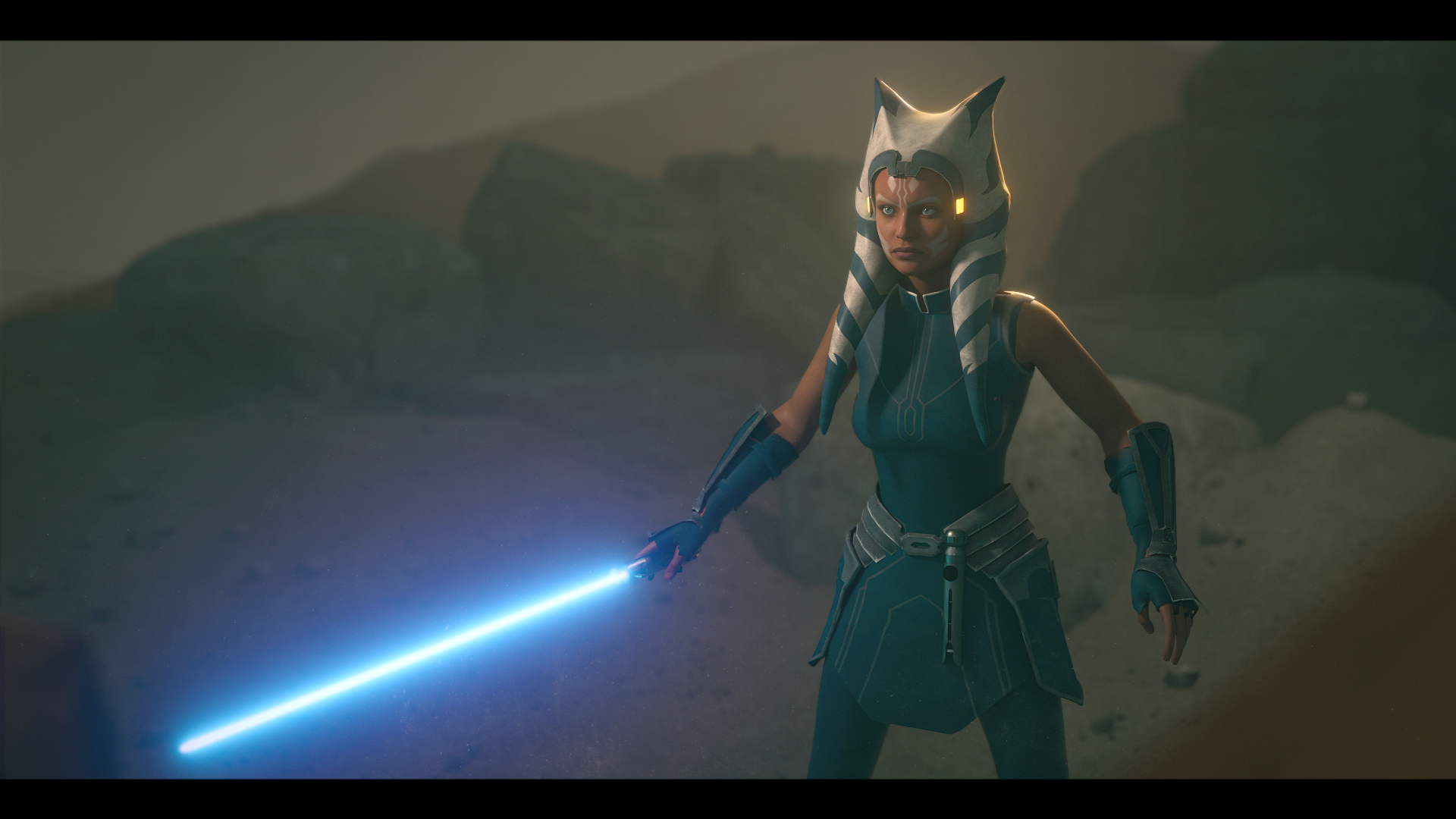
And finally my latest render, and whaddya know it's another version of Ahsoka!
 [SOLVED] Saving assets for product for sale
arthenics said:
I've checked twice, "currently used" displays only my morph but when it comes to save as morph assets, it takes everything :-s, I have to delete a lot of useless files in the data folder ...
I start from the default genesis 9, I don't add anything except my morph from a .obj...
Is there an option I don't see somewhere?
If you're saving the morphs, you should dial everything out (including your morphs), and then when you go to save your morphs (file > save as... support assets... > morph asset(s)...), you should open the Genesis 9 node in the Morph Asset(s) Save Options window and select only your morphs. If you're doing this but still other morphs are getting saved, it might be that those products are not saved properly. What you could do is uninstall those products that are affecting things for now.
Roll back to 4.21 ?? Too many bugs in 4.22!I`m having major issues with importing into Daz 4.22
The GoZ bridge no longer works. It sends the object to ZBrush, but when trying to send the item back to Daz, nothing happens.
If you try to manually load a morph through Morphloader Pro, the morph it creates is approximately 9500% smaller than the object that was used to create the morph.
[SOLVED] Saving assets for product for saleI've checked twice, "currently used" displays only my morph but when it comes to save as morph assets, it takes everything :-s, I have to delete a lot of useless files in the data folder ...
I start from the default genesis 9, I don't add anything except my morph from a .obj...
Is there an option I don't see somewhere?
Face Transfer 2 cannot find input image [solved]Enchanted April said:
D:\Eigene Dateien\Eigene Bilder\Eigene Alben 1\AnjaSpezial\für Face Transfer
nothing special...
" für " is not accetable... change it to "for"
Face Transfer 2 cannot find input image [solved]D:\Eigene Dateien\Eigene Bilder\Eigene Alben 1\AnjaSpezial\für Face Transfer
nothing special...
[SOLVED] Saving assets for product for saleThe SOP for saving Morph Asset is usually as below:
- in Parameter Settings of the custom morph(s), correctly define Name, Label, Path, Type... as well as other settings as needed.
- Save as Morph Assets... in Morph Asset(s) Save Options dialogue, correctly choose Asset Directory, define your Vendor Name, Product Name, as well as select the morph(s) you wanna save...
- After saving, double check the path in Parameter Settings of the saved morph(s)...to make sure they're correct.If you do these steps right, there won't be such an issue as you mentioned... Pls delete the wrongly-saved DSF files from data folder and try again.
Face Transfer 2 cannot find input image [solved]I just tried to play around with FT2 for the first time. After browsing to my picture folder etc. and press "generate" a pop up says "Input Image is invalid or cannot be found". This happens with G9 and G8. I tried a lot of images. All of them are jpg's. Even the same pictures what worked with FT1 long time ago. I use DAZ Studio 4.22.0.15 (the newest update) and I also updated the G9 Starter Essentials. Windows PC, GTX 1080Ti, newest NVIDIA driver. What can I do. Log file is attached. Thanks in advance!
Star Wars Renders 2013 +Phloki3D said:
Gogger said:
Phloki3D said:
Looks great Gogger. I'm actually working on a Cad Bane morph for G8M at the moment...
WOW- Nice! I'd buy that!
A few more I'm working on, hoping to clean them up and upload them for free soon
@Phloki3D did you ever finish these and the Bane head?
[SOLVED] Saving assets for product for saleUPDATE :
I have another problem : when I try to save my custom morph, it saves morphs from other products, even if I don't use them... Any tips?
Getting Started exporting Daz to Poser in 2024 -SimplifiedThe generated .pmd is a technical file used to store morph data. You don't use it directly in poser, it should be loaded automatically when you load the cr2.
The Mac FAQI've searched Google for a vendor who could transfer the contents of a Thunderbolt 2 drive onto a Thunderbolt 4 drive, but all I find are articles about how to do it. Is there such a vendor?
Wonky TeethEnable showing hidden properties and see if mouth realisim or other mouth/teeth morphs are also being applied again behind the scenes. As someone that recently learned how to make characters, this happens to me when I forget to zero out any teeth/mouth morphs before exporting to create my own character morph. You can also try to clear the teeth from the current morph with these steps (I forget who originally wrote this, I just saved it as a text doc so I could reference it):
The other way is to eliminate changes only from the teeth (deltas of the morphs)
For advanced users, the deltas(vertex difference) of certain areas can be eliminated, and it is:- Add the morph(imported) to favorites (heart) from the parameters tab.
- Open the Geometry editor. select Vertex (faces, edges, vertex).
- Right click on viewport, Geometry Selection, Select By, Surfaces, Teeth
- Right click on viewport, Morph Editing, Clear Selected Deltas from favorites.
Nvidia Studio driver crashes during renders (SOLVED)Hi Richard.
Things have gotten even worst. As you may remember i have my Render-PC and my Work_PC. Both used the latest Studio drivers.
I now installed latest Generic or non studio drivers and here is where it gets strange.
If I reinstall Studio or the Generic or non studio version and then do Iray preview or render most of my work its fine. Now as soon as i load a specific Genesis8 model that i have rendered in the past a gazillion times without issues, when she is in the scene, boom both of my pc's DAZ refuses to do ANY rendering or iray previews of ANYTHING i load after I have loaded that model.
I have to now reinstall the Nvidia driver and then NOT load that model for things to work properly again.
I am totally confused how this model suddenly seems to be corrupt. I have save subsets of her and all of them are corrupt. I did an x-transfer of her Gen3 to Gen 8 long ago and all was well. NOW even her original Gen3 model crashes or doesnt render.I have attached the crash report. Not sure if it's going to help in any way.
I am totally confused what has happened.I really cant now disgard this model as I need her in my game I am making.
Autofitting not working on Genesis 8.1 charactersDissendior said:
Thank you this was very helpful.. I've checked the path to the clones and it was \data\DAZ 3D\Genesis 8\Male 8_1\Morphs\DAZ 3D\Clones for the Genesis 8.1 male whereas in your screenshot the morph used is located under \data\DAZ 3D\Genesis 8\Male\Morphs\DAZ 3D\Clones. After uninstaling and re-installing the Genesis 8 Essentials and re-opening the file finally it works now as now the same path to the morph is set for the Genesis 8.1 character as in your screenshot. I don't know when and how the clone morphs had been changed in my install for the Genesis 8.1 figure... strange.
Yea, sometimes that happens by chance. No problem ! It's great that you resolved it.
 [solved] Mesh grabber - creating symmetry?
Asymmetrical is natural...

Well, Mesh Grabber doesn't support Symmetry itself... but check this thread - https://www.daz3d.com/forums/discussion/comment/8558461/ ; It's the only way to make symmetry by using the combo of GeoEditor + Mesh Grabber. However, you only can make it on Y and Z axis....
Another better way: You make an elf ear on one side and use Morph Loader Pro to make a symmetrical morph on the other side. Follow the screenshots below:
Autofitting not working on Genesis 8.1 charactersThank you this was very helpful.. I've checked the path to the clones and it was \data\DAZ 3D\Genesis 8\Male 8_1\Morphs\DAZ 3D\Clones for the Genesis 8.1 male whereas in your screenshot the morph used is located under \data\DAZ 3D\Genesis 8\Male\Morphs\DAZ 3D\Clones. After uninstaling and re-installing the Genesis 8 Essentials and re-opening the file finally it works now as now the same path to the morph is set for the Genesis 8.1 character as in your screenshot. I don't know when and how the clone morphs had been changed in my install for the Genesis 8.1 figure... strange.
Mastectomy?Ok I was definitely looking at things wrong lol. Was tired when I looked at the 2 links and read the posts.
Basically to get what I think is being mentioned is a morph that flatten the breasts, which would need the textures with bump for the scars, then have one or 2 props, depending on if single or double mastectomy, that are similar to the padded forms one would wear in a bra to make it look like you still have breasts.
The other method is to have breast morphs to represent rebuilt breast, which if course would not have nipple, except in some cases, depends on the doctor and if the surgery was the anchor or line type. Same with reduction surgery, they use the anchor and just have it go around the nipple so it stays put and also doesn't loose sensation.
Hair used in Xing for Genesis 9 promo ?OMG, astounded, how could she look like that.... More likely the Mouth Cavity's rigging has not been well adjusted with the Head morph...
Ask for a fix or directly ask for a refund loh ~~ Or you may try Adjust Eye Rigging function in G9's Dev Tools, that'll rig both Eyes & Mouth ...
macos how install Face Transfer 2Richard Haseltine said:
There isn't an installer, since it comes with a three-save trial in DS (and it usesthe same pane as Face Transfer - which you use depends on the target figure). Just enter the serial number into the space in Help>About Installed Plugins.
And restart Daz3D

Daz 3D is part of

Connect
DAZ Productions, Inc.
7533 S Center View Ct #4664
West Jordan, UT 84084Licensing Agreement | Terms of Service | Privacy Policy | EULA
© 2026 Daz Productions Inc. All Rights Reserved.