-
Problem with RiverSoft's character converters
Can someone please explain to me why this distortion on the head happens every time I use one of RiverSoft's character converters? It doesn't matter what figure I use or what generation. I've tried uninstalling and reinstalling the scripts through DIM. It happens whether I press "Convert Items" or "Force Convert Items". I need a converted Victoria 7 for something I'm working on, and this is very frustrating. I'm not new to DAZ Studio, but I can't imagine what I'm doing wrong.
Aiko4 Load ErrorYou need to run the /Runtime/Libraries/!DAZ/DzExPCreateFiles-v4.bat file, or install the Power Loader files for Victoria 4 (and, ideally, for the morph expansions).
V4 to genesis 8 prop converterAny chance there's a converter for props for Victoria 4 to genesis 8 as the only thing close RSSY v4 to genesis 8 clothing converter states it doesn't convert props?
Geograft Warping With Figure Poses.I'm trying to solve hopefully an easy issue. I made a geograft for G8F. It simply replaces the breasts so there's more mesh to work with to create interaction. (Pic 1)
Then when I apply a figure morph like Victoria, or any other. It distorts a little bit.(Pic 2). So I create a custom morph for it to smooth out (pic 3).
Now, here's the problem. If I apply any breasts morphs it distorts and I need to make a new morph to smooth it out again. Which is fine. The most annoying thing is if I change the pose or anything like that, it distorts the graft again (Pic 4). Is there a way to stop the graft from doing this without exporting it and sculpting a new shape every single pose.
powerpose Genesis 8.1 works worse than genesis 8hi guys, just to put it out there. In case you guys hast notice.
I work a lot with power pose because you can move the whole spine of the body, or the neck, in a uniform and natural way, using the dots with lines (like a sun)
It was one of the features I was very excited about genesis 8. The articulation points in the power pose. in body and in the face.
Now with the presentation of genesis 8.1 everything looks amazing. Except for Power pose. It is the same as genesis 3. with a lot less articulation points. here is a comparation.
Victoria 8( 33ponts of movement on body, and 18 on face)
Victoria 8.1 (22 movement points of body and 6 on face)
As you can see, there is a much better range of movement on the previous model with power pose.
My question is, why going back to basics if we had something better? Don’t the new products are supposed to be better? Not taking useful features out?
why do you guys think? Do you use power pose? are you equally frustrated with this as me? Let me know what you think. I also attach some images.
Victoria 5/G1F to V4 Pose Transfer ScriptPlease find attached a little script to transfer a pose from Victoria 5/G1F to V4. This was asked for by HBalckl over on Rendo. Like my other scripts, you need G1F with the pose, and then V4 to transfer the pose to. You need to select V4's hip and G1F's hip to identify the correct figure, then press the 'Accept' button, and the script will try to transfer the pose as accurately as possible.
The pose transfer will not be perfect, but probably not too bad due to the similarity of the zero poses.
Below I show a number of images. The first is V4 showing the similarity of poses after the zero pose transfer, the second shows a G1 base pose applied to V5 while V4 is in her zero pose, and transferred to V4 in the third. Hope the script is of some use to someone.
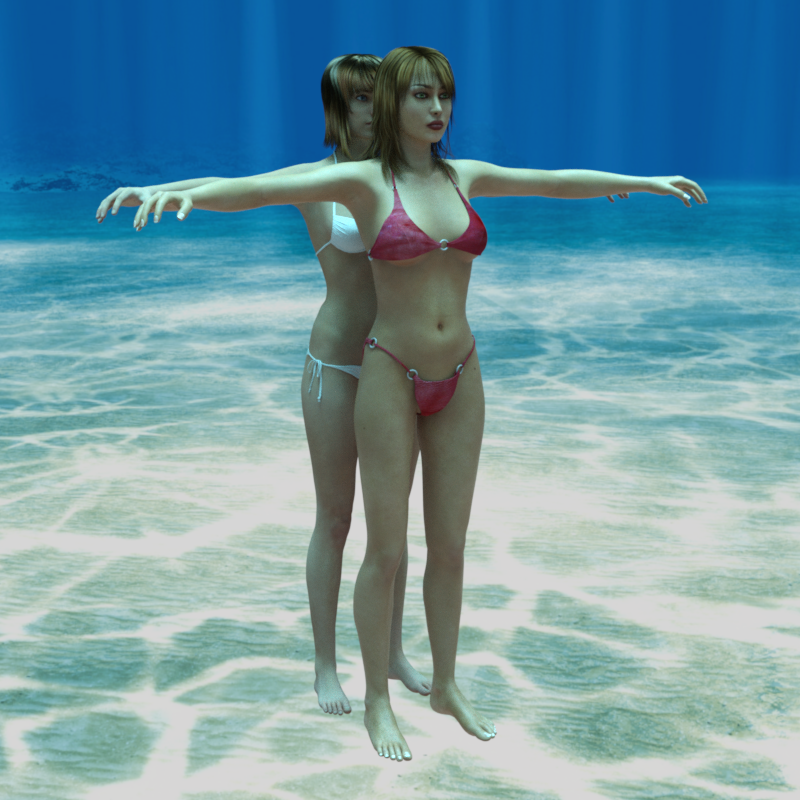
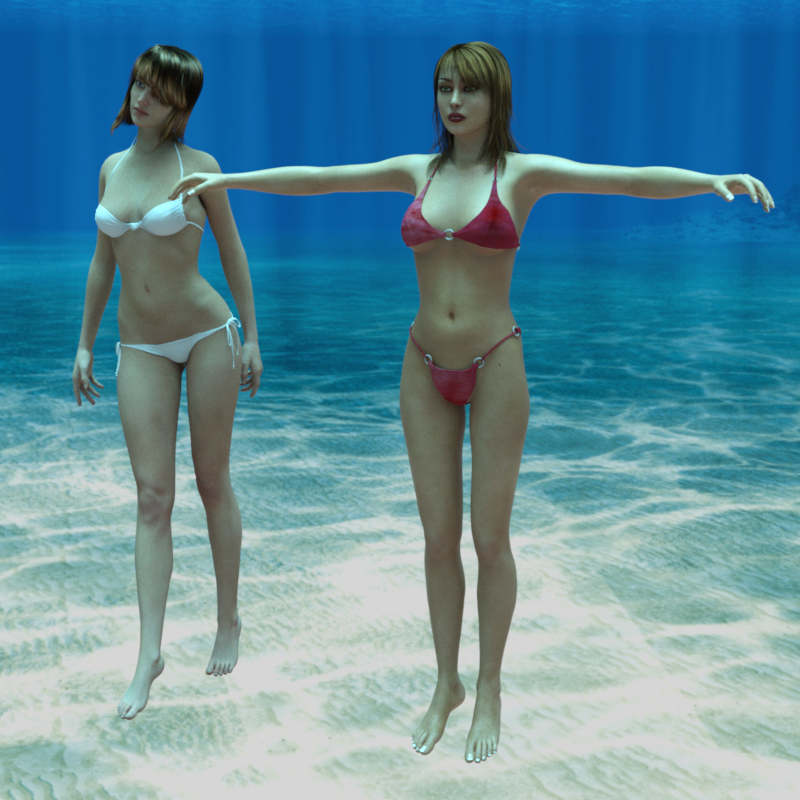
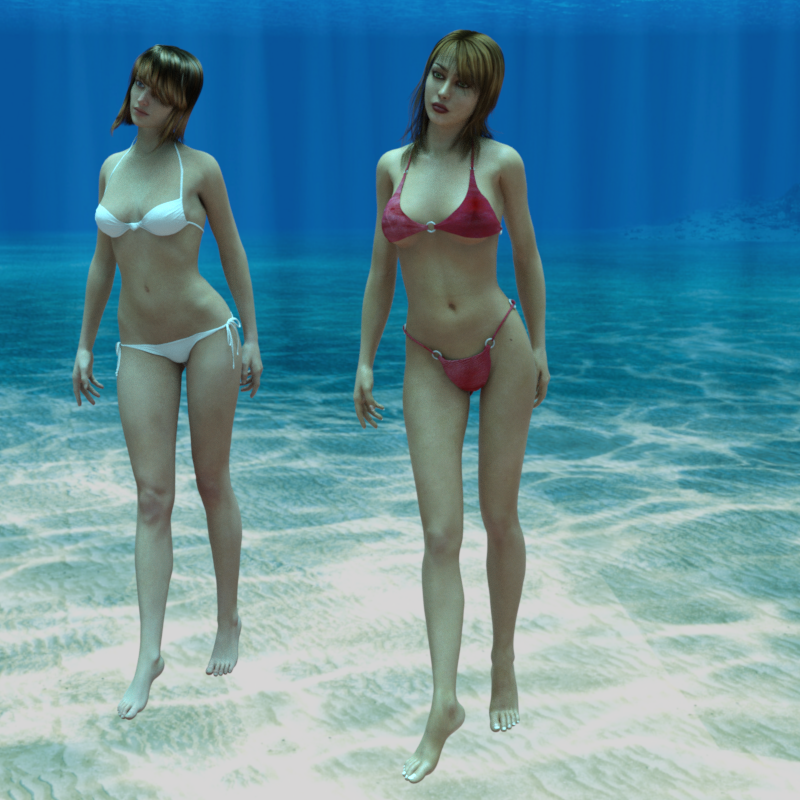
Character: G1F is Victoria 5. .V4 is... I forget.
Regards,
Richard.
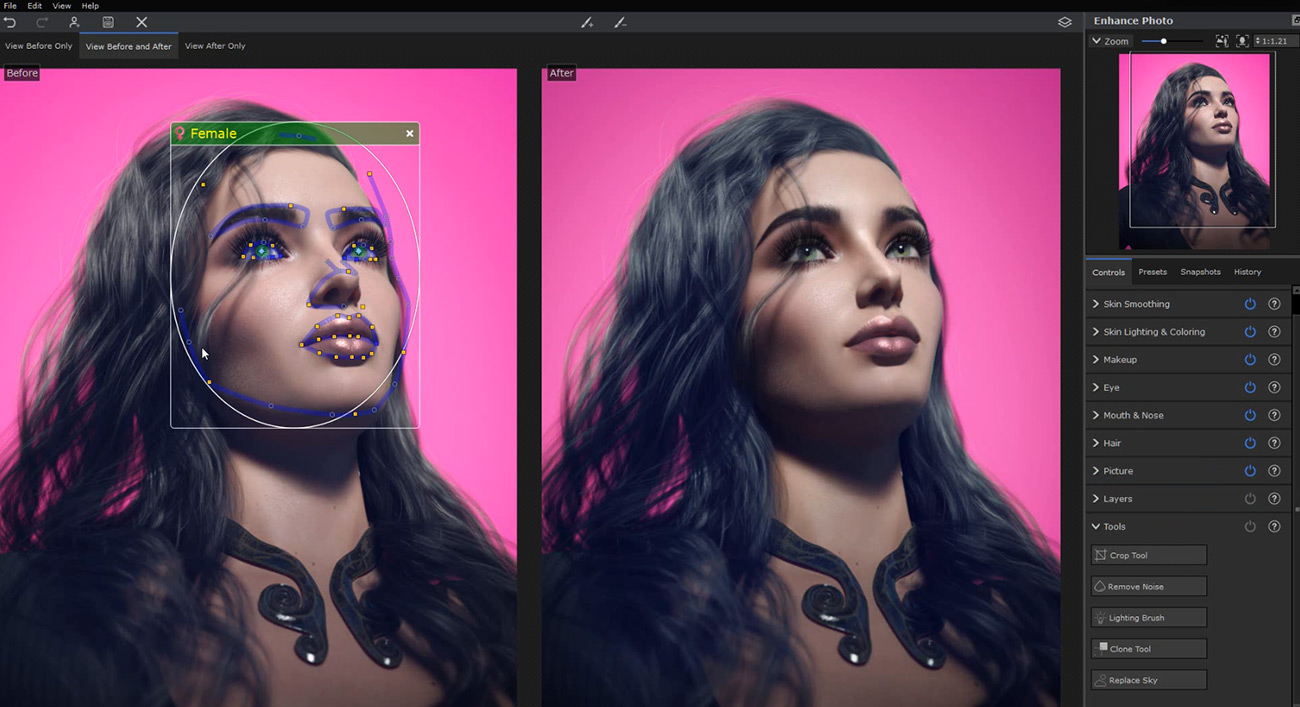
Dreamlight New glamor assetDoes anyone recognize the application Dreamlight is using with his recent asset? Looks like Luminar AI but not sure.
https://www.daz3d.com/victoria-81-glamor-rendering-secrets--video-tutorial
 2021 Sales thread cont: Report Issues Here "There's Always Another Sale™"
https://www.daz3d.com/victoria-81-glamor-rendering-secrets--video-tutorial is missing its readme.
Aeon Soul's EVERYDAY 2 clothing series for Genesis 8: explanation of every product + FAQsAeon Soul said:
SHN said:
The poses for the series don't seem to work with the Everyday 2 clothes. I can get the figures into poses, but the options I have for the wardrobe that came with the products don't seem to match (or tend to distort significantly. I have Playful Everyday Vol 1 and 2, Zero one Everyday + Custom Vol 1 and 2 for it, and what looks like 5 other standalones (all Everyday 2). Any suggestions on the fix as it seems to be an issue I'm having on all these products and only with this series.
Hi there,
Playful includes a walkthrough on how to use the product, would you be able to reference it and let me know where the problems start?
Also a screenshot would help immensely figure out what could be going wrong.Sure. So I can access the poses for the shirts and pants (pants seem to have the least issues for me), When I apply the poses for the shirts to match the pose for the character, there tends to be a bit of distortion and clipping (esp on the arms). I think it could be due to the fact that the characters I am trying it on tend to be genesis 8.1 and not 8 (so not the supported figures (?)). And example is the undress over the head pose. everything works except major clipping. The characters I've done it with are MR lana, cleopatra, and Victoria (all 8.1). Outside of those issues with that, everything about your items/poses have been amazing to work with.
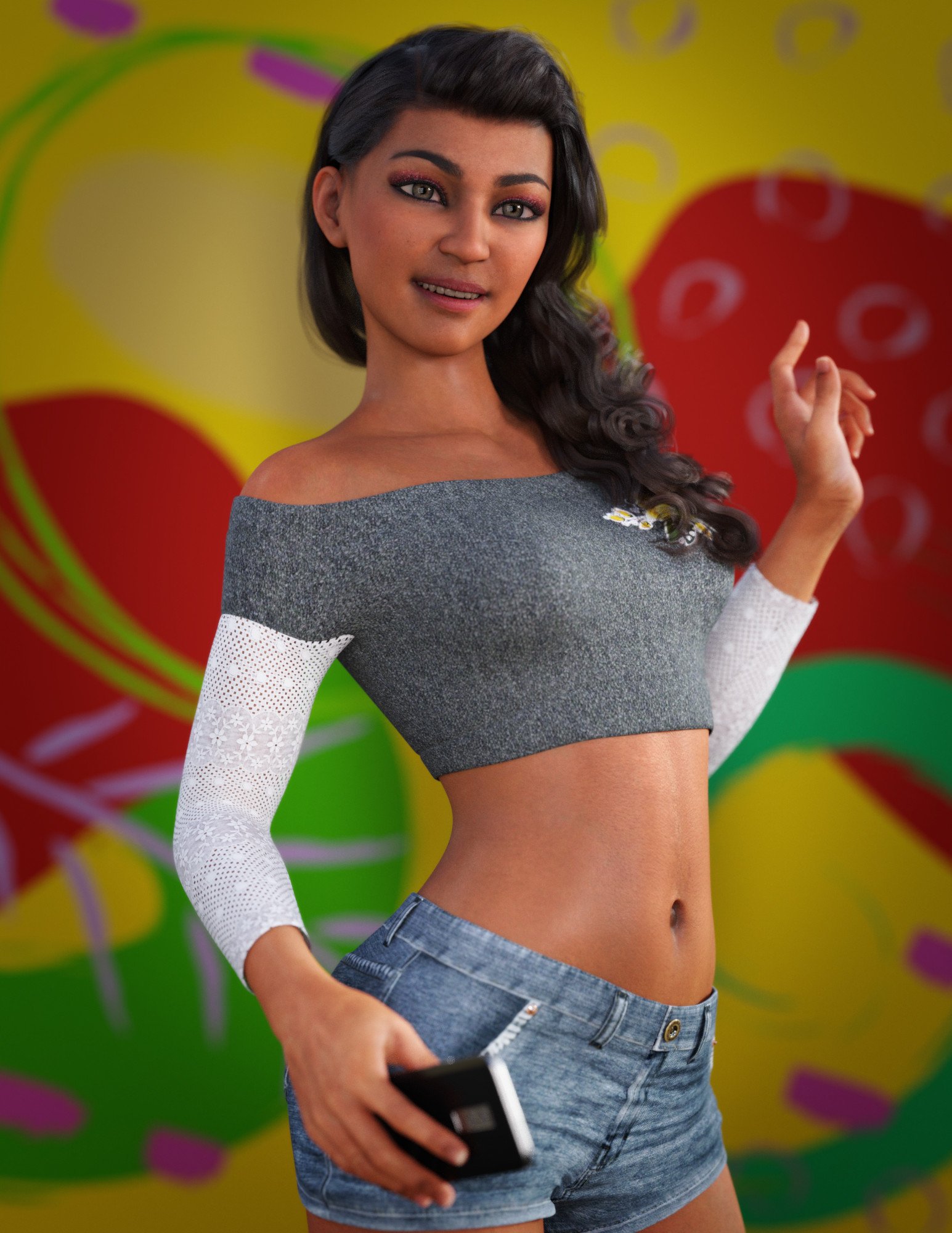
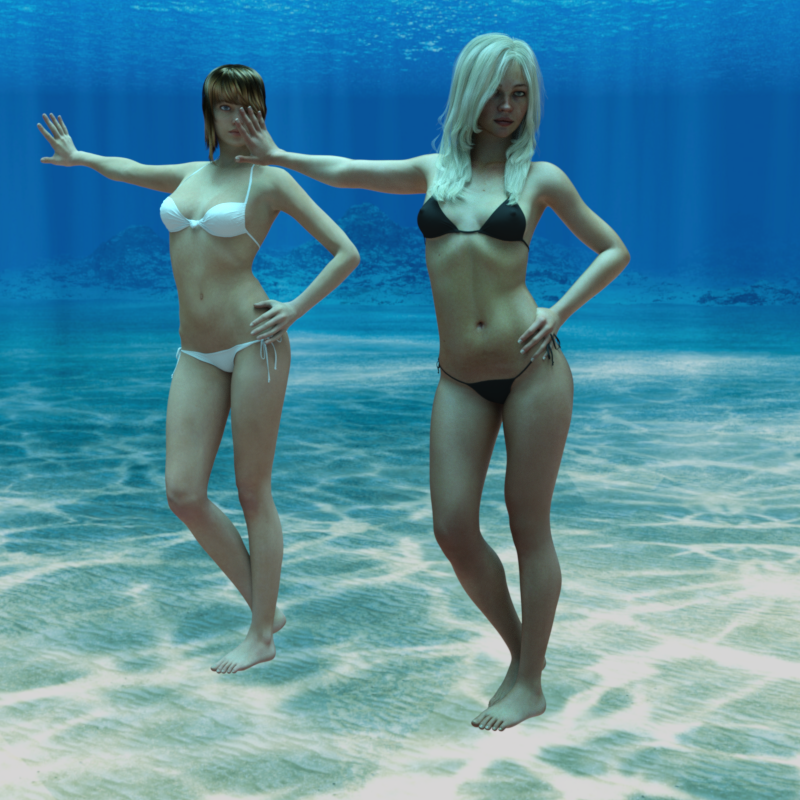
Juneteenth Free Additional Skin Color Options?Okay... quick & simple Kalea 8.1 test (LULZ).
Morph is 55% Kalea 7 (via morph transfer trickery) and 45% Kiko 8.1, with a few nose/eye dial spins per my preference.Skin... Kalea for 8.1 skin from the new Genesis 8 Starter Essentials, plus Kalea 7 makeup via the Genesis 3 Character UVs for G8F, converted to the new PBR shader using Victoria 8.1 settings & Detail maps... plus several tweaks to the Dual Lobe Specular channel, (simplistic) custom SSS maps based on the Diffuse textures, and eyes from Jacqueline 8.1.
Simple.

(Do a couple conversions to the new PBR shader, and it's pretty simple to replicate.)
 Genesis and V5 yo genesis 8 poses and props converter anyone?
As I had started, I thought I would finish. Available here: https://www.daz3d.com/forums/discussion/502771/victoria-5-g1f-to-g8f-pose-transfer-script
Regards,
Richard.
Victoria 5/G1F to G8F Pose Transfer ScriptPlease find attached a little script to transfer a pose from Victoria 5/G1F to G8F. Like my other scripts, you need G1F with the pose, and then G8F to transfer the pose to. You need to select G8F's hip and G1F's hip to identify the correct figure, then press the 'Accept' button, and the script will try to transfer the pose as accurately as possible.
The pose transfer will not be perfect, but probably not a lot worse than applying a G8F base pose to a character.
Below I show a number of images. The first is G8F showing the similarity of poses after the zero pose transfer, the second shows a G1 base pose applied to V5 while G8F is in her zero pose, and transferred to G8F in the third. Hope the script is of some use to someone.
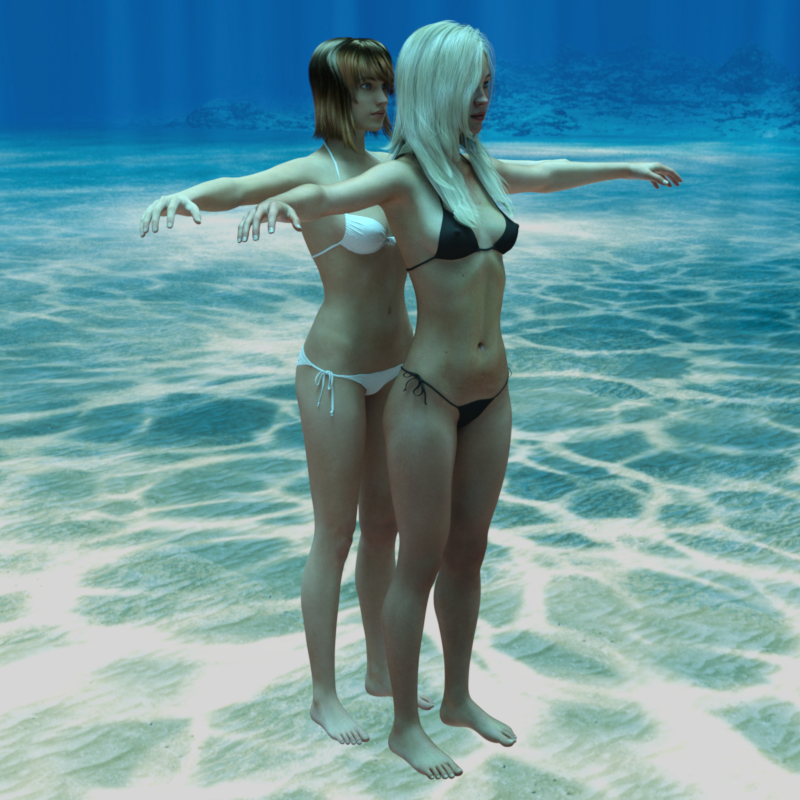
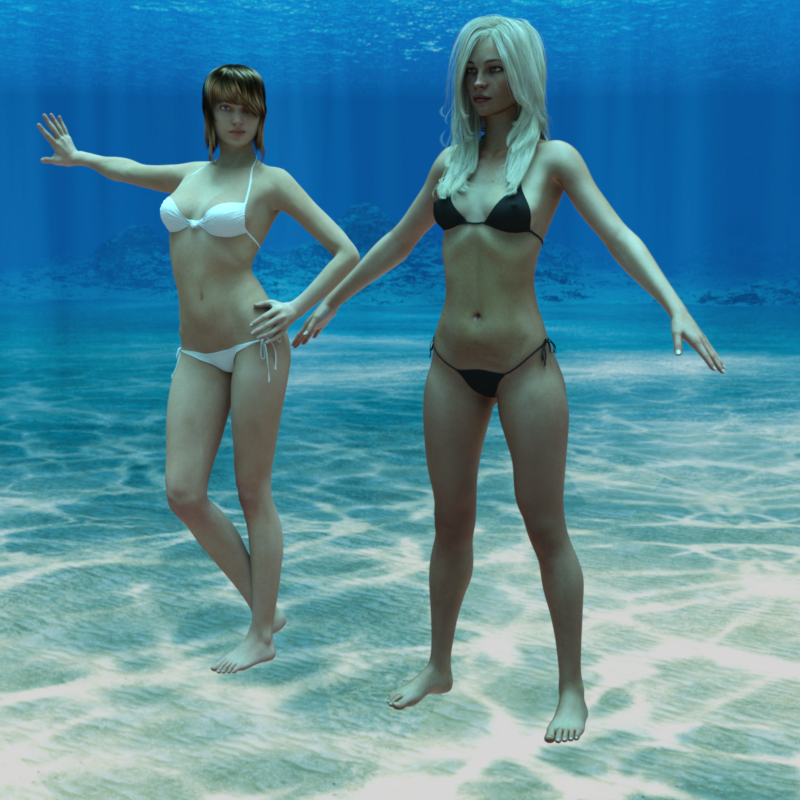
One thing that surprised me is the way on the shins how a 90 degree bend on G1F needs a 94 degree bend on G8F, and a 4 degree reverse bend on the foot to get the global angle of the sole the same. Took a little time to get my head around that. As usual, the G8F +ve direction for the eyes up-down and side-side is the opposite of the earlier character, all catered for in the transfer.
Characters: G1F is Victoria 5. G8F is MostDigitaCreations 'ACJenny for G3F and G8F' applied to G8F.
Regards,
Richard.
Show Us Your Iray Renders. Part VIIIHa, pretty cool. I have mixed feelings about Amazon being a giant, but they do provide convenient ways to publish to a bigger audience without the need for major mainstream publishers.
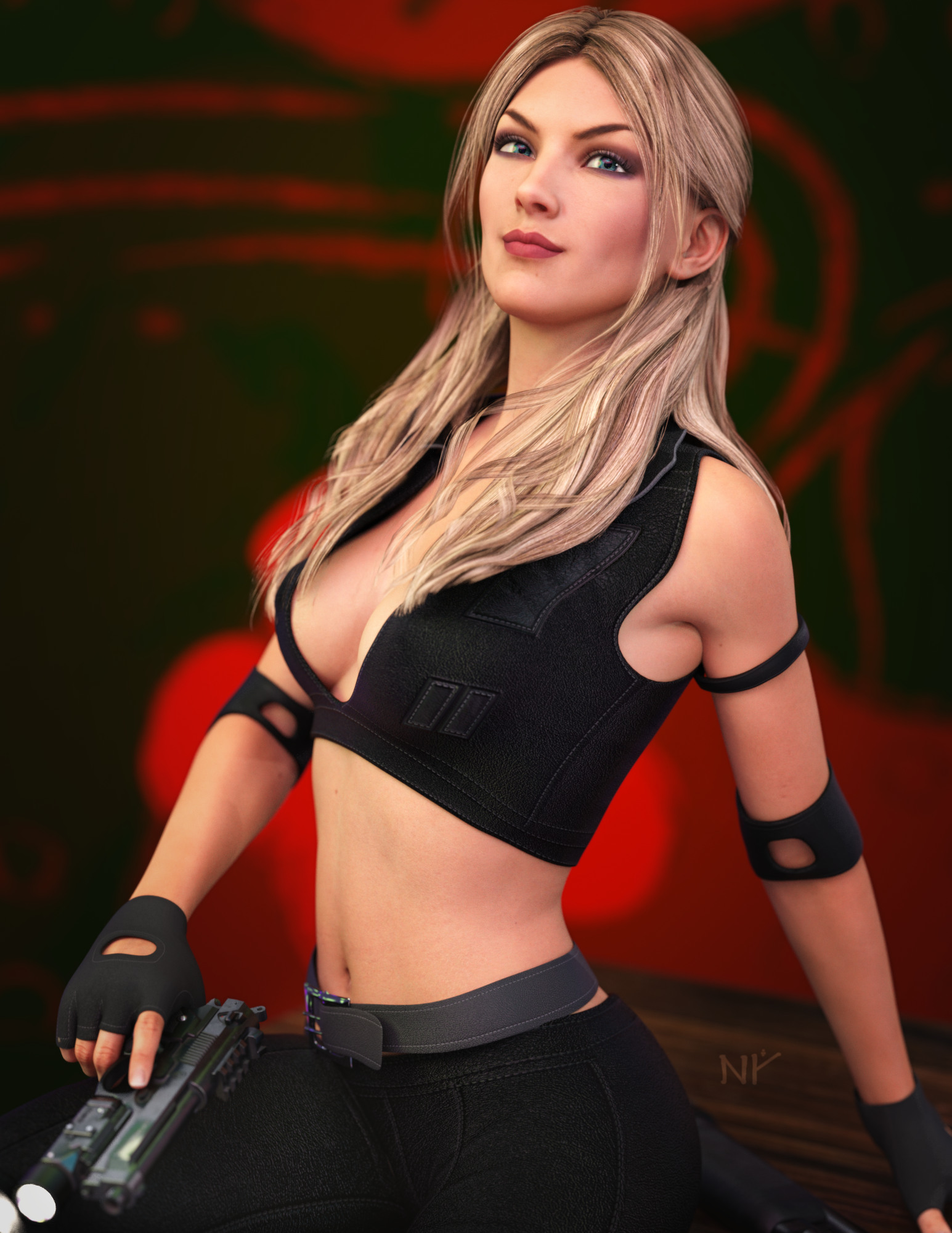
Okays... one more of my experiments with V7, converted to PBR shader using V8.1 settings & Detail maps. (Plus custom SSS maps, and tweaks to the specularity settings.)
(Also, definitely a few dial spins from Victoria 7, although her shape is in there.)
 Juneteenth Free Additional Skin Color Options?
AbyssalEros said:
Thanks for nothing. Good that I did not download that update.
It's not nothing. Remember those characters had custom UV maps...and I hated that about them. Just like Victoria 7. If they're anything like Victoria 7's skin that was converted to G8, then the skins should now use the base UV...which is a wonderful thing. Making my skin mashups will be oh so much easier.
I have noticed that when I load a G8F and then apply the materials, they do not load onto the torso. Or is this only for 8.1? *edit* Yup, it is.
Upside down hairThis was in PC+ for the Day a few days back: https://www.daz3d.com/laguna-naoko-hair-for-genesis-3-female-s-genesis-2-female-s-and-victoria-4
Genesis and V5 yo genesis 8 poses and props converter anyone?Anyone know of a free or paid converter for genesis and Victoria 5 poses and props to genesis 8?
Show Us Your Iray Renders. Part VIIIThe Blurst of Times said:
Another new PBR experiment using Victoria.
(Except Victoria 7, not 8 or 8.1 LOL)
It's not 100% V7, but her shape is in there. And it's Genesis 3, not the V7 skins on Genesis 8.
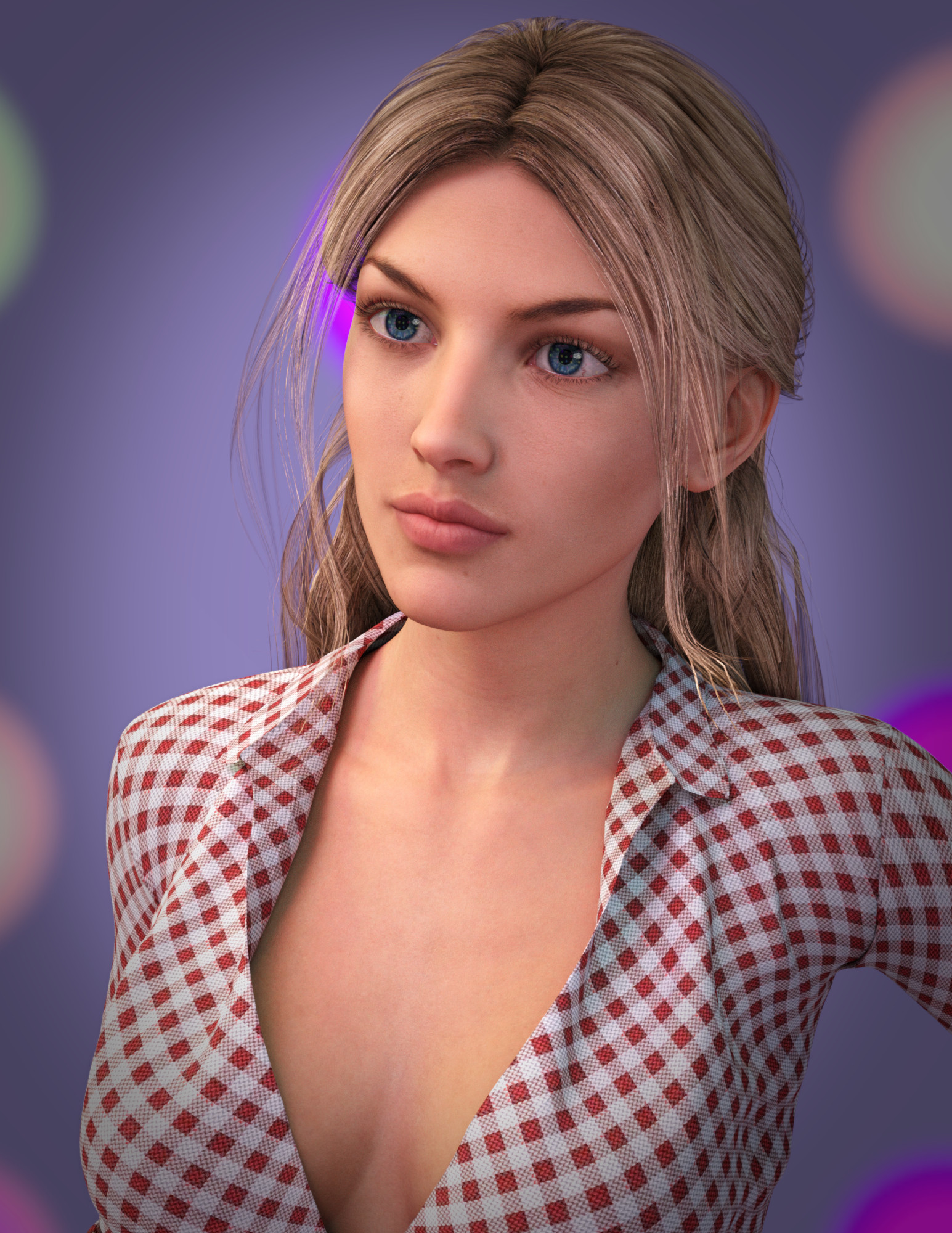
She reminds me of Katheryn Winnick from Big Sky.
K.H.Image studios please update V8.1!GhostofMacbeth said:
These should all work fine on G8.1
For genesis 8/8.1 yes, but not for Victoria 8.1... I already tried it, and it doesn't work, much like the previous Victoria 8's UBM, it will not work for genesis 8, as they're character-specific morphs, which is why I'm specifically requesting a Victoria 8.1 version.
I tried applying and modifying genesis 8's UBM in ZBrush for Victoria 8.1, but both models are frustratingly asymmetric which means you cannot simply mirror the Right/Left limbs because when you dial the limb's morph, you also get the opposite side of the torso as the entire model does not have the same sides like with the earlier models, and I don't have any idea how to mirror the raw morphed polys in ZBrush... there are virtually no tutorials that explain this that I have found.
Show Us Your Iray Renders. Part VIIIAnother new PBR experiment using Victoria.
(Except Victoria 7, not 8 or 8.1 LOL)
It's not 100% V7, but her shape is in there. And it's Genesis 3, not the V7 skins on Genesis 8.
Kameez textures missingHi TwoCats.
The character sets for Victoria 4 (and earlier), Michael 4 (and earlier), Genesis, and Genesis 2 are compatible with Carrara 8.5. Feel confident acquiring character presets for those figures for use in Carrara. For any of them including Victoria 4, it is generally a good a idea to tweak surfaces, etc for Carrara's render engine, just like it is a good idea within Daz Studio to tweak surfaces if one switches back and forth between the Daz Studio render engines for 3Delight, Iray, and Filiment.
Philemo made a free plugin that applies Duf file shaders much better in Carrara. I will have to seek it out and look for an example of use.
Meanwhile I have a series of posts going step by step how I create and save a 1-click Carrara global shader from a character preset that I purchased for Genesis 2. After I have saved this, future uses of the product are loaded with a single click and drag from my shader browser tab to the globe in the texture room. That one click applies all maps and all settings of the character.
What does not work in Carrara 8.5 is geografts. There are a number of clever workarounds, but a monster character for genesis that uses geografts like the minotaur is problematic. The geograft process screws up the UVs. One workaround is applying 2 geografts, one to the figure to get the shape correct, but turn off its visibility to hide the screwed up UVs, then conform the second geograft to the first. Leave the second visible.
For my walk-through of how I manually create my global shader preset for 1-click future use, see a string of posts starting here.
https://www.daz3d.com/forums/discussion/comment/1701046/#Comment_1701046
Follow along from one of these screenshots to the last. The string of posts has a discussion of specific settings that may also be of interest.
Daz 3D is part of

Connect
DAZ Productions, Inc.
7533 S Center View Ct #4664
West Jordan, UT 84084Licensing Agreement | Terms of Service | Privacy Policy | EULA
© 2026 Daz Productions Inc. All Rights Reserved.