-
Help after update face transfer
I on,y have one not 2 but my face transfer morphs are not saving. I know to hit save as, support asset, modifier asset. But once I save. And I load a genesis 8 character to apply the morph I move the slider and it is nothing like I tried to save. Please assist
diffeo import and bridge to cascadeurAfter I import the g8 character into blender, I import the character into cascadeur through the blender and cascadeur link plugin to animate it. When I was remapping the skeleton through arp, I found that if I clicked the body morph, the character would be very stiff after remap and the actions would not match at all.
By the way, I would ask when importing g8 characters, various effects of morphs are all together, but after importing g9 characters, I can't find these morph, such as facial expressiona muscle morph for older generationsA version of "SY Intense Muscle Genesis 8, 8.1, and 9" [ https://www.daz3d.com/sy-intense-muscle-genesis-8-81-and-9 ] for G3 & G2.
How to save a inhale pose made by chest shape changeYou can either change its Type to Modifier/Pose in Parameter Settings then you're able to save a Pose Preset... or just import it as a Custom Morph or mark it as Favorite and import Favorite Morph with Diffeomorphic.
How to save a inhale pose made by chest shape changeI am using the following breathing morph for breathing pose:
https://sharecg.com/v/97393/view/21/DAZ-Studio/G8-8.1-Female-Breathing-Morphs
The morph is working well but I can't find any way to save the pose as pose preset mainly because the morph is under Actor/Chest node and that node is not visible when I save it as pose preset. I can save it as shaping preset, but I cannot access the shaping preset in Blender using Diffeomorphic.
Any hint will be appreciated. Thanks.
Daz Studio BETA - version 4.23.0.4! (*UPDATED*)Imago said:
DoctorJellybean said:
I'm afraid I can't replicate on my (Windows) system.
First load a pretty heavy scene (at least 250Mb of size, not a simple prop in the middle of nowhere) and the load another scene of about same size double clicking on the scene file in the file manager while the first scene still loaded.
The crash happen more often if you have some props altered with Mesh Grabber 3 and not baked to morph.
Hey Imago, I just get triggered to ask something because "populated scene", "viewport manipulation", "crash" and "tbb" came together in your posts.
Do you, by any chance, use an intel system 13th gen or higher?
Fixing G9 attachments' rigging for attachments' morphs?So for example, here is the G9 mouth attachment with the head morph's new rigging, without the attachment's morph that fixes its placement.
And the second image is with the morph that fixes the placement. As you can see, the mouth bones are misaligned, especially the tongue, and it's the same with the eyes. I need the rigging to adjust to the attachment morph dynamically, as if in G8, the attachments were part of the main figure.
Third image is what happens if I apply the automatic adjustment with the attachment morph at 100%. You'd think that would fix it like it does the main figure's morphs, but I guess not.
Fixing G9 attachments' rigging for attachments' morphs?Previously in G8, mouth and eyes were part of the base figure, so rigging was naturally adjusted automatically to the whole mesh with "Adjust rigging to shape." But now in G9, everything is seperate. The problem with this is that if you have a custom head morph and need new morphs for eyes and mouth to fix their placement, adjust rigging to shape won't fix the rigging for the attachments' new morphs, because it keeps the 0-value rigging for the attachments' morphs when the figure's rigging has been adjusted and if I apply adjustment on the attachments, both the rigging and the object will explode.
Obvious solution is to manually fix the tongue and eye bones, but who has time for that, especially if you have multiple figures to work on. I guess another solution is to somehow merge the location fix morphs with the main figure head morph, which in turn probably would add the rigging adjustment for the attachments, but I have 0 idea how to do that.
Absurd file size when using dForce / Use Timelinecrosswind said:
dForced geometry data of each frame are saved within DUF file. The more frames you used with Simulation, the bigger the DUF file size will be.
To avoid this issue, you can export the simulated result at the last frame to OBJ. Clear the sim result, then import OBJ to the dforce item as a Morph.
I'm still sort of a newbie. Are the step-by-step instructions for this easy? Maybe there's an existing thread on that.
I didn't need that simulation method at this moment, but I do occasionally use dForce Assistant and the timeline, particularly for clothing and chairs or other situations like that, as in here:
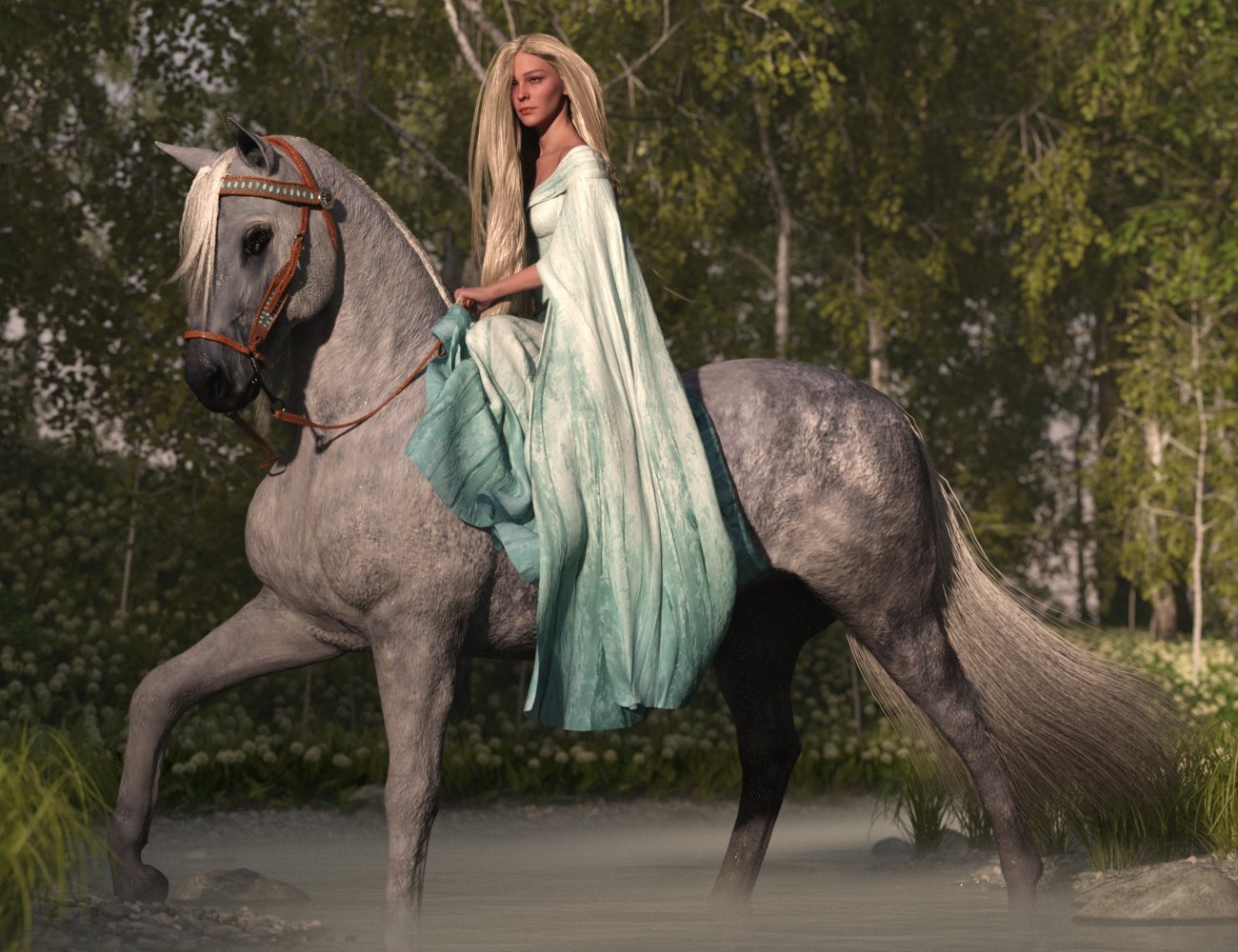
Of course i would want to save it when done, and if I can avoid wasted space, that would be great.
I went back just now and checked the .duf file for this girl-on-horse image from March 2023 (I had no particular reason to look at the time), and found that it was much larger than most, but not 130MB as in the item that led to this question.
Unable to change Content Database Base LocationHi, I just downloaded DAZ Studio so I'm fresh new to DS and stuff.
Daz Install Manager set a default folder location to my C disk but the thing is I dont have space in C disk. I tried to change the folder as ''D disk'' but every time I close the DIM or delete the ''cms'' folder in ''C'', it somehow resets back to its default settings and I can't transfer the plugins or necessary plugins to my D disk.
I really need help, what should I do?Problem with all Genesis 9 Female Character nowIt sounds as if there afe a corrective morph that is kicking in, which was intended for a particular character.
Try in default pose to load a high heel pose.
Then in Parameters enable show hidden, and then click 'currently used'. One of the morphs listed should be the culprit. The name may/should show which character that has caused it.
Absurd file size when using dForce / Use TimelinedForced geometry data of each frame are saved within DUF file. The more frames you used with Simulation, the bigger the DUF file size will be.
To avoid this issue, you can export the simulated result at the last frame to OBJ. Clear the sim result, then import OBJ to the dforce item as a Morph.
"60 Essential Faces" QuestionMy question is would using the Genesis 8 to Genesis 9 morph transfer process that being a Premier member work with such a precision set of morphs, especially with the changed eye structures and higher polygon counts?
The "Animators Assemble!" thread for Daz animation WIPs, clips, and tipsI'm in the position that: I love Daz Studio for what it gives me as an artist - the compatibility with the store assets (which are perfect for me) with a wonderful set of options for the final render.
Since I've started collecting Daz 3D assets, there has always been two major players in helping me to take this content from Still images to fun videos - GoFigure and Posermocap (now Reisormocap).
Whether using aniMate 2 simply to stitch multiple motions together, edit them with partial aniBlocks, or to use any of the other amazing beneficial tools... aniMate 2 has been the glue that keeps my Daz Studio experience (as an animator) happy!
Yes, it could be argued that - since I'm using other people's 'canned' motions, that I'm not actually an animator at all. And if anyone takes that stand with me, I'm fine with it. I consider myself to be "Part of the Animation Team Pipeline" anyway, because I am never leaving the results of these animations as they are 'out-of-the-box'. I do an awful lot of additional animating to these motions - using the motions themselves as The Starting Point of my work - the original motion-capture data provided by the motion-capture team. I am the one responsible for completing the animations for their final scenes.
Facial expressions including involuntary facial musculature movements and eye focus, hand animations, integrating with the scene. And before that takes place, being responsible for the choreography of the scene's animation for that character. "Are the arms doing what they're supposed to be doing?" Most of the time... no. So I edit all of that myself.
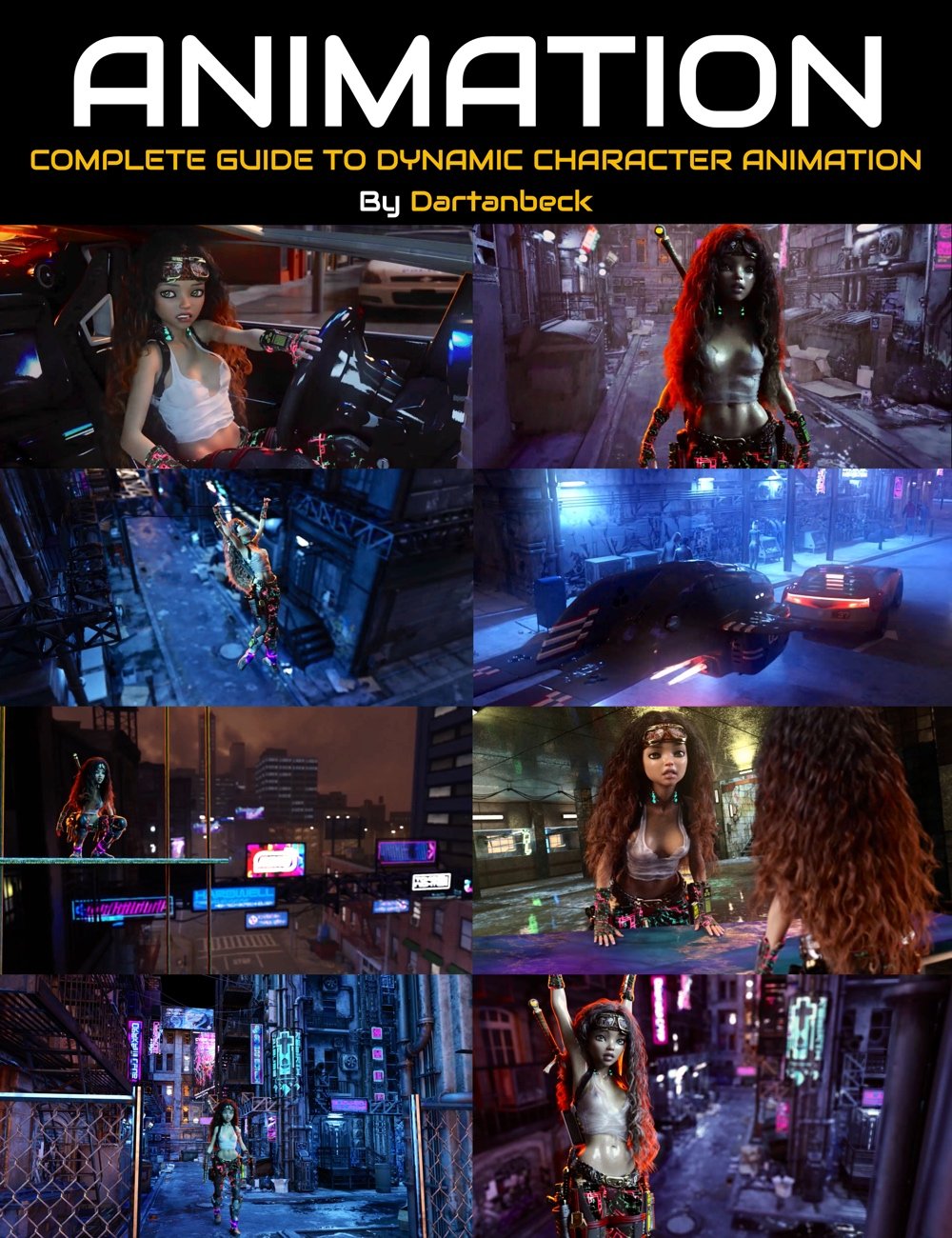 Well, with topics mentioned just earlier regarding tweeners and shortcomings of working within Daz Studio's timeline, I've developed my own methods of bypassing the need for most graph editor work (though I still use the graph editor as the helpful tool that it is) - having to drill down into the hierarchy and working back and forth between the three rotation axis to finally get close.
Instead, I'm using my own simple dials that I use to edit any rotation of any joint of the figure. These dials take literally seconds to create after we're accustomed to making them. And since I save them as morph assets for the Genesis base figure, I only have to create them once. They're always there for me after that!
If I have a correction to make for several joint rotations that's always cropping up, I make a dial with those corrections on for all joints involved - so I can make the corrections with one dial throughout the timeline.
Now, since these dials are never used by original motion capture data, they're Always blank along the timeline until I use them to make a change. So the tweeners and groups of tweeners of my own work is easily spotted on the timeline compared to the blur of having a key on every frame (like we get from motion-captured data).
So now I'm free to set those interpolation methods to best suit how they affect the outcome of the animation.
 This last fact makes is incredibly easy for me to completely alter the original motion capture into something very different. So nearly every animation you see from me truly is my own work, with the help of several motion-capture teams (animation providers) who provide me the raw data to begin with.
BoneTech3D, Havanalibere, Mocap Online, SKAmotion, GoFigure, Reisormocap, SimonWM, and ThreeDigital, here at Daz 3D (I feel that I'm missing someone), have excellent offerings - so I collect them all. Also incorporating Mixamo animations has also become an important part of it all.
Utilizing aniMate 2 is a big part of what makes Animating in Daz Studio such a doable thing. So much so that I can't imagine myself doing it any other way. So I would Love to see GoFigure provide updates for this amazing tool, but even as it is now... I love it!
Many of the things we do with it can also be done in the DS timeline (except for the excellent option of previewing animations before committing) but with a Lot more time and effort.
The link in The Power of aniMate 2 image on the right is a rather nice page for discovering the multitudes of benefits it gives us - including the User's Manual and official "Show Me" videos of many of the available functions. The course itself, available at Daz 3D, is a recording of myself going through many of these benefits for practical examples within our animation workflow, but the page, along with its several sub-pages and links to the forum thread, is an invaluable resource all in its own right.
zbrush help, pleaseHi, is there any way of straighten (ironing) hair cards in zbrush?
I'd just like to make curly hair less curly as a morph target.
Smoothing doesn't work as expected for it also makes each hair card element thinner.
So how do I smooth hair WITHOUT makeing it thinner?Strange Happenings with G9 Morphs!Hello! I am hoping someone might be able to point me in the right direction here. So, when I apply pretty much any morph for G9, it comes out... well... strange. Take a look at the picture I attached - that strange man is supposed to be Vicky 9! As you can see, there are no other morphs loaded in except Vicky 9 and the naval/mouth ones that automatically loaded in with the figure.
I tried searching for hidden morphs but found nothing. I tried zeroing the figure's shape, but it doesn't fix the issue. I went through every visible option available to me but didn't find anything.
Any help is appreciated! Thank you!
Elven Ear Neutralizerfelis said:
If it is a human shape, I am surprised if the ear morph is not a seperate morph.
Have you looked at 'Currently used' in Parameters?
https://www.daz3d.com/t3d-demonella-genesis-9-feminine
This figure is amazing. I wish human ears were an option for it though.
G9 imperfect posesProbably there're wrongly-dialed corrective morph(s) that brought your character distortion when posing. With Show Hidden Properties...turned On, in Parameters pane, select Currently Used, check if there's any corrective morph unexpectedly dialed.
Creating Normal Maps in Blender by Sculpting, then back to DAZkevphil said:
QUESTION: Will that file (an FBX?) reopen in DAZ (via Morph Loader) such that I can still add Poses and Expressions, while of course maintaining the detail work I did in Blender?
a normal map is an image (jpg, png etc) not a model (fbx)
Creating Normal Maps in Blender by Sculpting, then back to DAZWORKFLOW: I Export a DAZ Gen 8 or 9 figure to Blender via the Bridge, and then use a MultiRes Modifier to Sculpt detail at, say, level 4. Next, I Bake that sculpted detail to a Normal Map, but set the Resolution back to Base.
QUESTION: Will that figure reopen in DAZ (via Morph Loader) such that I can still add Poses and Expressions, while of course maintaining the detail work I did in Blender?
Sorry if this is convoluted... Thank You!Daz 3D is part of

Connect
DAZ Productions, Inc.
7533 S Center View Ct #4664
West Jordan, UT 84084Licensing Agreement | Terms of Service | Privacy Policy | EULA
© 2026 Daz Productions Inc. All Rights Reserved.