-
New to Hexagon, can you send to a 3d printer?
Hi, my local library has 3d printers and allows members to use them after taking a course. I would like to know if projects created in hexagon are compatible, the library site states:
Our 3D Printing workstations are loaded with the following design software:
Rhino 6
Sketchup Pro
BlenderCan hexagon projects be exported to any of these platforms?
Thanks
Renderosity owns Poser?Well since I was banned from the rendo forums last night. (why? Was it for daz bashing? No (plenty of that there, but not from me) . Poser bashing? No(plenty of that over that last few years but not from me) . Direct attack? No (gave that up years ago, but I suppose some delicate soul may think "no, your wrong" is a mortal insult) . But for "being negative" - I said the new minor updates to the site were worthless while major problems were being left. Go figure....) I'm thanking rendo for the ban. Yes really. Yup I am. Had a think and well... I own poser 4propack, 5,6,7,8,9,10. But I've never, ever rendered in 8,9 or 10. I've never done a render other than a product render since poser 4. Why do I even have poser still installed? Why am I still going there? The 2 ppl I like, I talk to elsewhere. No one shares knowledge the way they used to. (ok BB does, if you can follow the math... Which I can't) Looking back, I've infact wasted my money on 8,9 and 10, which brought me personally no feature benefits. (I create rooms and props. I can do that with poser 4 ffs) I spend more time here (tho rarely post) and at the sketchup forums, I render mainly in keyshot and twinmotion. I can use ds for what rigging I need.. Tho that is minimal now.. So tonight poser gets removed from my system. I have no purchases to save over there (I make, not buy) so.. Pretty much an anticlimax I suppose... 19 years lol not much to show for it. I wish poser luck, but frankly I don't hold out much hope for its future there (no announcements on plans, no hiring ads to be found... Etc) Time will tell, but without me.Orbit and pivot point [DS 4.11.0.383 Pro Edition 64bit OSX]In short:
how to use LMB (or any mouse button) to orbit around the avatar instead of some unknown point in front of the avatar?
I can use the gizmo and orbit icon which are on the right-top of the Viewport (City Limits Lite), but when I use my mouse the pivot point is elsewhere.I have checked this forum and found some related posts but nothing that solved this, even though this is basic stuff. And I am a basic beginner...
I tried the suggestions related to Workspace --> Customize DAZ Studio --> View Control such as "Aim at Selection" but that didn't do anything useful for me.
Ideally I can use the same mouse button controls as I use in e.g. Marvelous Designer (or Sketchup) but first things first :-)Many thanks already and if screenshots are needed I probaly will hear that,
Jeroen
More Non-photorealisitic Renders (NPR II)thank you mmitchell, artini et jepsonpeteCMT :)
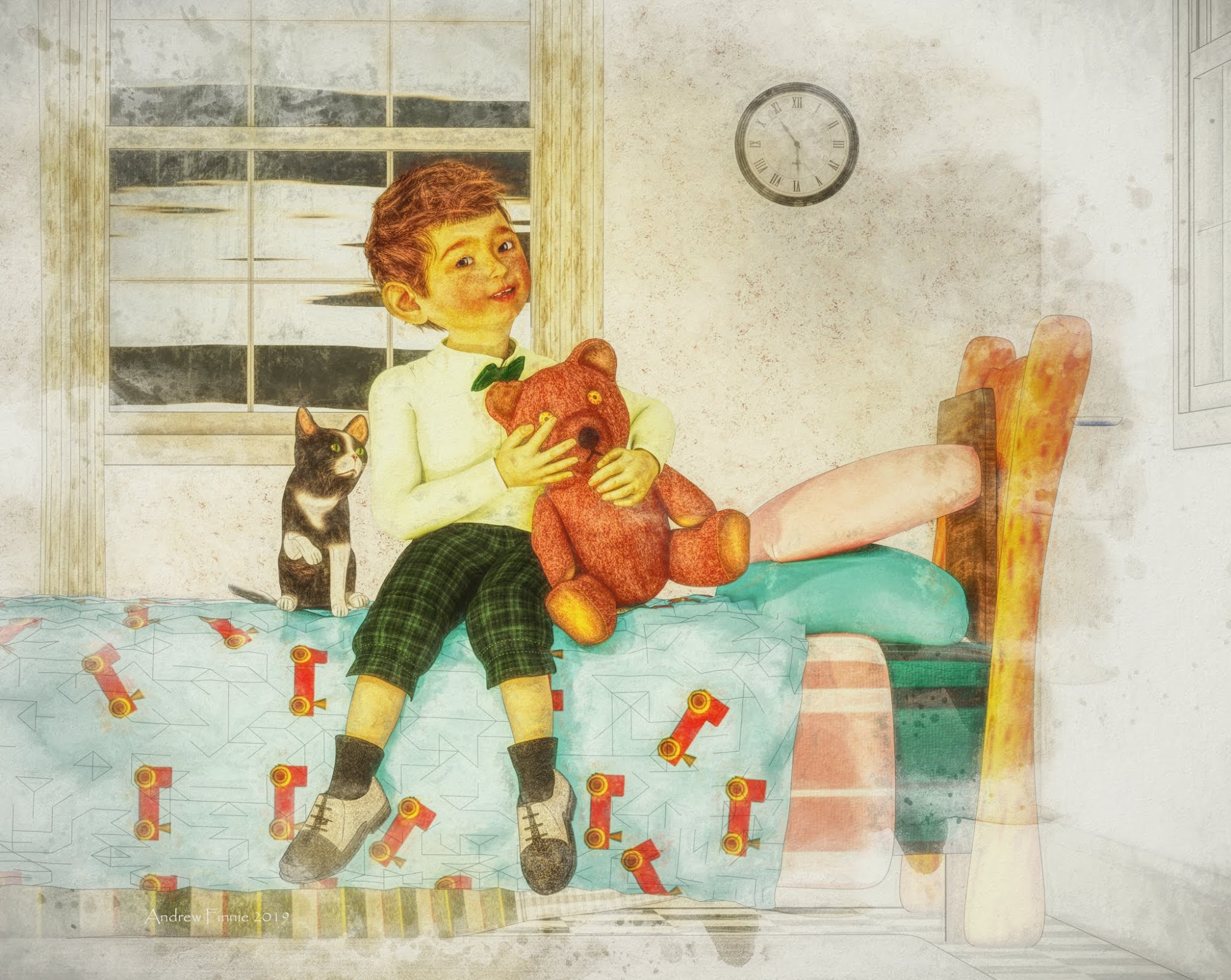
This has a nice flat drawing effect. I have no idea how you created this, but it's really impressive.
Have you by any chance used Google Sketchup or sketchmake to create the backwalls, windows, etc?
The muted colours really add to the watercolour, or coloured pencil sketch effect you are going for here. Nice work.
Nighthawk Diner in Daz cover shotThere are also several versions available at 3DWarehouse (Sketchup) in Collada format, and one for sale at Turbosquid ($155 - ack!). I like the version that the artist of the image on the homepage made.
I Forgot What My Complaint Was - Complaint ThreadI do. I must have missed the post. I've been spending too much time trying to make scenes in Daz that I hardly venture into the forums. But my new stuff is installing so I had a moment and was trying to find more info on converting stuff and making stuff and you know fiddling with stuff... Oooh my toys have installed...
Complaint 5.0: I go to get dressed think I'll wear that new outfit I bought but then I remember I bought it for my Daz characters...

3D/2D/Real World Confusion Syndrome...
Its not the same, but I’ve tried to rotate 2D images, treated TVs like touchscreens, once I almost tried to zoom an image in a magazine (my hand started to go there... my brain was like “aye, stop that”)... Sculpting in 3D can be frustrating, because I sculpt stuff in real life, so not being able to replicate a hand movement on a touchscreen that I can in real life sometimes makes the process feel like you are bogged down in molasses, but then not being able to automatically/perfectly smooth something in real life feels the same way... bummer when I spray paint something and can’t tweak the saturation or hue without repainting it...
Never mind using several different programs at once... going back and forth between Blender, Hexagon, SketchUp, Scuptris, 3D Coat, Sculptura (iPad), Forger(iPad), MeshMixer, Photoshop, and Sketchbook(iPad) while modeling, then going back and forth between Poser and DS to see how it looks/works... strange things happen to the brain.
Having been a maker of things most of my life, my brain has always looked stuff as components, shapes and materials... “how would I make that”...
It became especially annoying when I started doing 3D because in 3D you can pretty much make anything and once the brain decides “that’s interesting” it becomes obsessed with how to achieve the effect, shape and look... It’s hard to shut off.
A few days ago I was so annoyed that I had to bust out the router to round off some edges on something I was making, instead of just being able to select a path and automatically lathe a profile... stupid lousy reality.
Import from SketchUp?You will have to either export it or convert it to .OBJ format and then import it manually. Many times you will also have to reapply the textures, but other than that they work fine. I use Ultimate Unwrap 3d and it imports .SKP files and exports to many formats including .OBJ, so I use lots of sketchup models in DS.
Import from SketchUp?Is there any way to import model with texture from SketchUp Pro to Daz Studio?
3D Art Freebie Challenge-June 2019-"Winners Announced Summertime Pin-Ups" -Entries Thread OnlyHere's my entry.
Tommie's relaxing on the hood of her truck by the local swimming hole, on one of those:
Days of Summer.
Figure original Genesis Base
Freebies
Die_trying's V4 morphs for Genesis (Tommie)*
Pin-up Girl Pack (Tommie)*
Ultimate Shader Pack (Chrome shaders—with reflection maps removed—for Tommie's wristwatch and necklace, Chrome onTommie's Li'l Tonka)*
V4 Wrist Watch (Tommie)*
Cross My Heart tenth down (Tommie)
Ella V4 (Tommie's eyes)*
Sandra for V4* (Tommie's skin)*
M3 Baseball Cap (Tommie)*Stud Earrings (Tommie)*
Free Geoshell Outline Shader (Tommie)
Super Shine Shader pack (Truck paint job)*
R72 Leather shaders (Truck interior)*Glass Shaders (Truck glass, water)
Post Apocalyptic Vehicle Accessory Pack (Truck Flood lights)*
License Plate and Frame (Truck license plate)*Truckbed Tool Chest (In Truck bed)*
Light Recon Vehicle (LRV)*
LRV add-ons (LRV)*Sky Dome (sky)*
Porsimo's Morphing Ground and Textures Third box five links total (Ground)
Distant Lands pt 6 (trees, pond water plane) [all six links are one item]*
Fisty's Liquid Shaders (water texture)*
Paid For Items
Willow for Genesis 2 Female (Tommie's, shorts, and shape)Wet Body (Tommie, Kageto)
Marja Hair (Tommie)
Capsces Poses for V5 (Tommie)
Speed Lights Outdoor set 1 (set to Ray Traced) (lighting)
No Count ItemsSallie Mae Hair from Genesis Starter Essentials (Tommie)
Genesis Starter Bundle (For Genesis Evolution head and body Morphs) (Tommie)
Ramwolf's Genesis Morphs (Tommie)
Jasmin Bikini by 3D Universe (no longer available) (Tommie)
Blue F-150 (Truck)
Ford Emblem (Truck)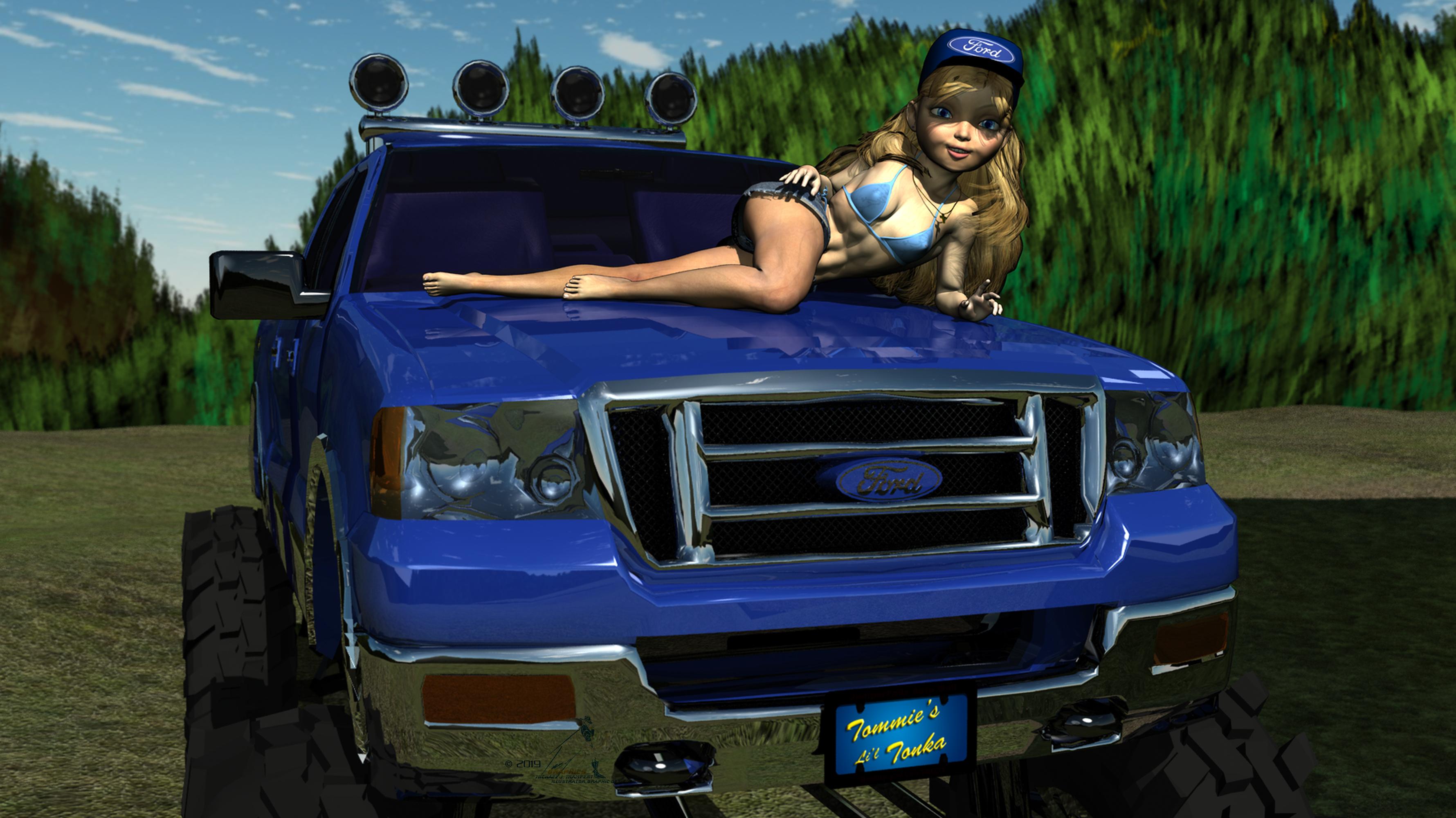 Architectural Design Tools
On a similar note an import modual for sketchup format would be great. I know you can export form SU as as obj and import but that can be a bit unpredictable I find.
3D Art Freebie Challenge-June 2019-"Summertime Pin-Ups" -Main Thread OnlyHere's my entry.
Tommie's relaxing on the hood of her truck by the local swimming hole, on one of those:
Days of Summer.
Figure original Genesis Base
Freebies
Die_trying's V4 morphs for Genesis (Tommie)*
Pin-up Girl Pack (Tommie)*
Ultimate Shader Pack (Chrome shaders—with reflection maps removed—for Tommie's wristwatch and necklace, Chrome onTommie's Li'l Tonka)*
V4 Wrist Watch (Tommie)*
Cross My Heart tenth down (Tommie)
Ella V4 (Tommie's eyes)*
Sandra for V4* (Tommie's skin)*
M3 Baseball Cap (Tommie)*Stud Earrings (Tommie)*
Free Geoshell Outline Shader (Tommie)
Super Shine Shader pack (Truck paint job)*
R72 Leather shaders (Truck interior)*Glass Shaders (Truck glass, water)
Post Apocalyptic Vehicle Accessory Pack (Truck Flood lights)*
License Plate and Frame (Truck license plate)*Truckbed Tool Chest (In Truck bed)*
Light Recon Vehicle (LRV)*
LRV add-ons (LRV)*Sky Dome (sky)*
Porsimo's Morphing Ground and Textures Third box five links total (Ground)
Distant Lands pt 6 (trees, pond water plane) [all six links are one item]*
Fisty's Liquid Shaders (water texture)*
Paid For Items
Willow for Genesis 2 Female (Tommie's, shorts, and shape)Wet Body (Tommie, Kageto)
Marja Hair (Tommie)
Capsces Poses for V5 (Tommie)
Speed Lights Outdoor set 1 (set to Ray Traced) (lighting)
No Count ItemsSallie Mae Hair from Genesis Starter Essentials (Tommie)
Genesis Starter Bundle (For Genesis Evolution head and body Morphs) (Tommie)
Ramwolf's Genesis Morphs (Tommie)
Jasmin Bikini by 3D Universe (no longer available) (Tommie)
Blue F-150 (Truck)
Ford Emblem (Truck)All Links Check Out Plz Move To Entries Thread
3D Art Freebie Challenge-June 2019-"Summertime Pin-Ups" -Main Thread OnlyHere's my entry.
Tommie's relaxing on the hood of her truck by the local swimming hole, on one of those:
Days of Summer.
Figure original Genesis Base
Freebies
Die_trying's V4 morphs for Genesis (Tommie)*
Pin-up Girl Pack (Tommie)*
Ultimate Shader Pack (Chrome shaders—with reflection maps removed—for Tommie's wristwatch and necklace, Chrome onTommie's Li'l Tonka)*
V4 Wrist Watch (Tommie)*
Cross My Heart tenth down (Tommie)
Ella V4 (Tommie's eyes)*
Sandra for V4* (Tommie's skin)*
M3 Baseball Cap (Tommie)*Stud Earrings (Tommie)*
Free Geoshell Outline Shader (Tommie)
Super Shine Shader pack (Truck paint job)*
R72 Leather shaders (Truck interior)*Glass Shaders (Truck glass, water)
Post Apocalyptic Vehicle Accessory Pack (Truck Flood lights)*
License Plate and Frame (Truck license plate)*Truckbed Tool Chest (In Truck bed)*
Light Recon Vehicle (LRV)*
LRV add-ons (LRV)*Sky Dome (sky)*
Porsimo's Morphing Ground and Textures Third box five links total (Ground)
Distant Lands pt 6 (trees, pond water plane) [all six links are one item]*
Fisty's Liquid Shaders (water texture)*
Paid For Items
Willow for Genesis 2 Female (Tommie's, shorts, and shape)Wet Body (Tommie, Kageto)
Marja Hair (Tommie)
Capsces Poses for V5 (Tommie)
Speed Lights Outdoor set 1 (set to Ray Traced) (lighting)
No Count ItemsSallie Mae Hair from Genesis Starter Essentials (Tommie)
Genesis Starter Bundle (For Genesis Evolution head and body Morphs) (Tommie)
Ramwolf's Genesis Morphs (Tommie)
Jasmin Bikini by 3D Universe (no longer available) (Tommie)
Blue F-150 (Truck)
Ford Emblem (Truck)Looking for a drinking (hip) flask prop (FOUND)Is this one from 3D Warehouse (free) any good? Textures could be improved if you have metallic shaders.
Star Trek Builders Unite 8: THE REBOOTPlaying around with the Daz version of VP's Starship Bridge 14 to fit the Reliant-Class from STO. Most of the console textures are placeholders until I can design a proper layout (rather than just stealing a bunch of old ones from STO). Some kitbashing here, too, with VP's Sci-Fi sets for Daz and a couple of Sketchup models of consoles. The aft doors lead to offices for the captain and first officer (port and starboard respectively). The captain is a Caitian, so I kept the TNG beiges for a natural, but bright look. And, the first officer I'm thinking would be a Gorn who likes the 23rd-century Starfleet aesthetic. Naturally, he has a small basking area near the back with a rock to sit and relax on.
How do I simulate 'cling wrap'/plastic wrap around or on an object [SOLVED]I have somehow figured out the cling wrap on/around objects. I have done the images 1st in Photoshop using the Plastic Wrap filter of which I have not realised it was there!! Sigh

Then have imported the images into Sketchup got it onto models with lots of help from that community.
One of the models I have used have holes in. It's looking fine in Sketchup but once rendered in Bryce the holes show strange black light shadows peeping out.
The image used was done by me which I have shared a few days back under Bryce renders without the cheese table and plastic wrap effect.
Free Software that Makes Life EasierpCon.Planner is a free 3d room designer, similar to sketchup. Has nice CAD and 3D import and export abilities.
More Non-photorealisitic Renders (NPR II)Just wanted to show effect of color grading with Amplify Color.
An example free model in Sketchup format from 3D warehouse with shader and postprocess effect from Jiffycrew Cel Shading.
Without color grading:
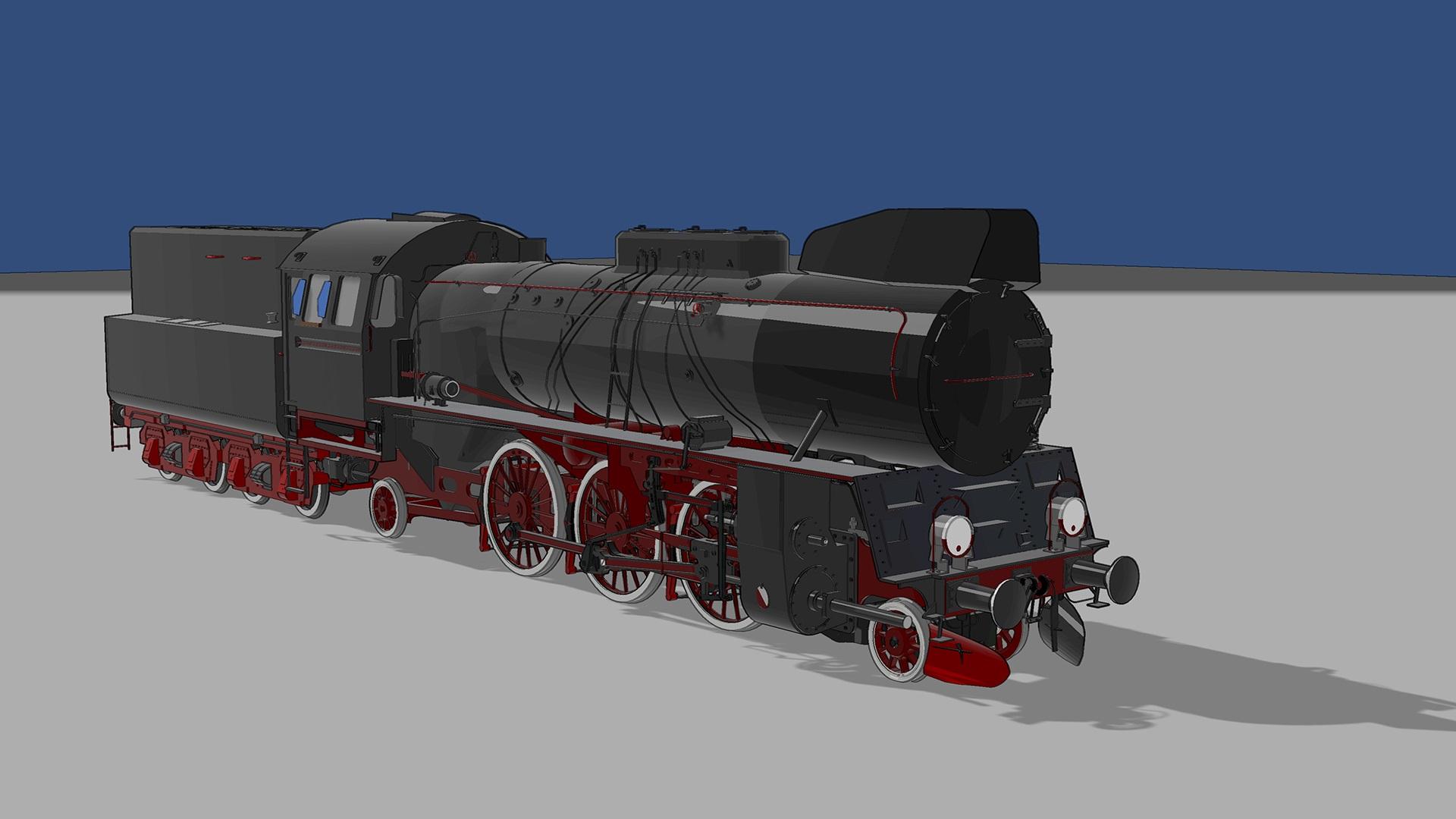
and with color grading applied:
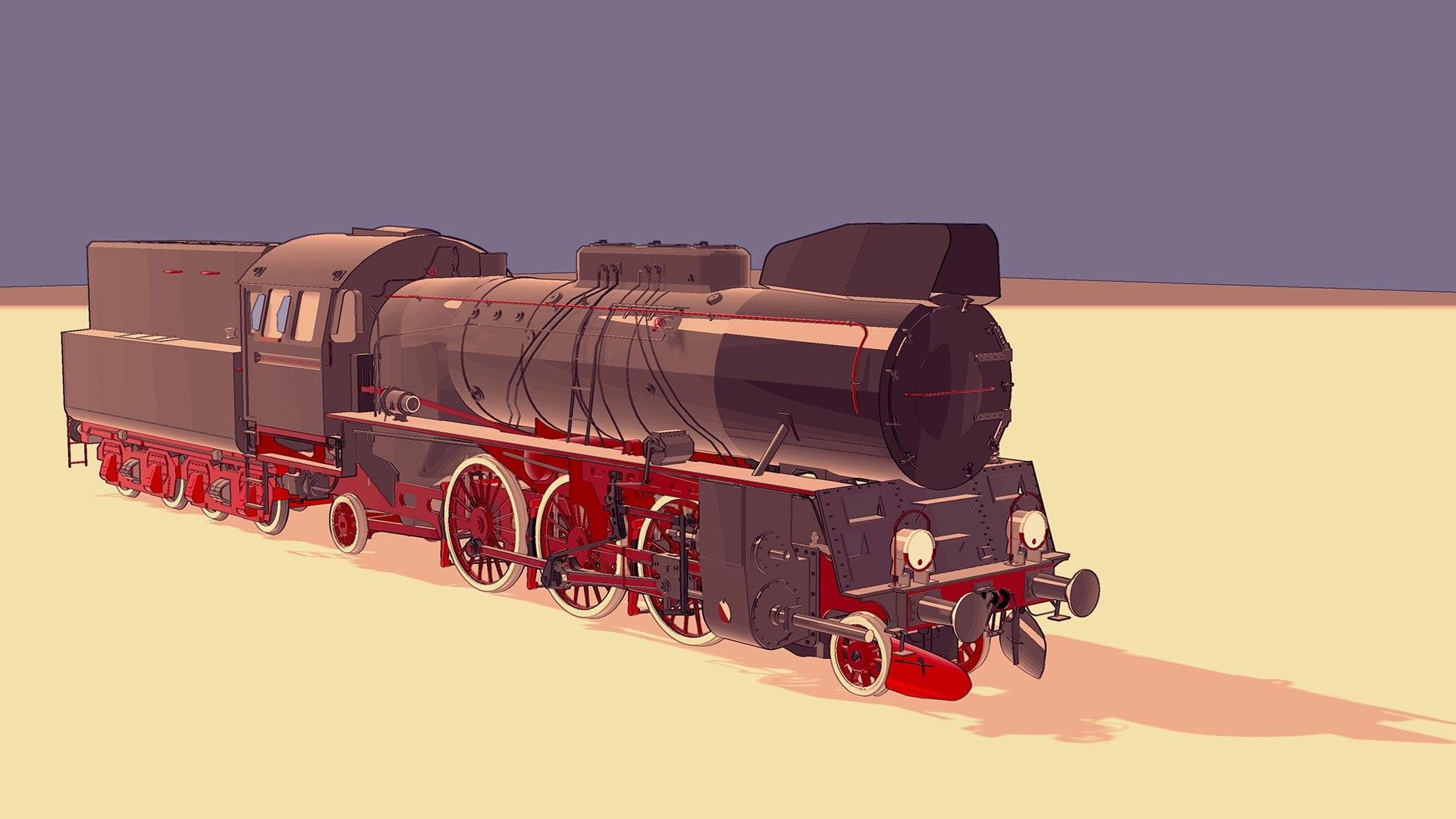
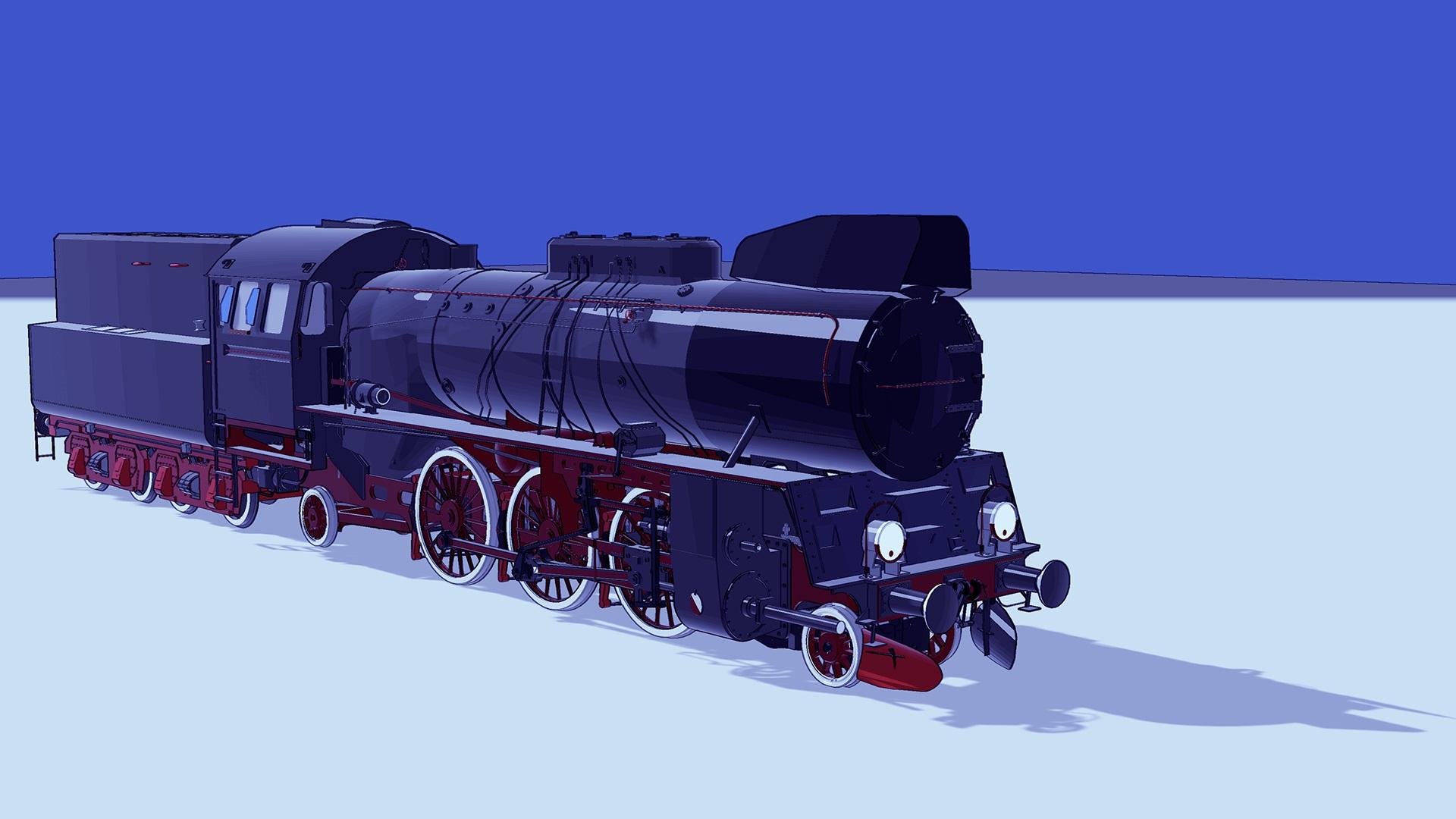 LAUNOK'S DONUT BOX
Yesterday I made this box in Sketchup but was quite frustrated when textures and text didn't export the way it should.
Finally, I got it to work as I have redone it in Photoshop and not using Sketchup's text tool.
The 'donut' inside box is just a simple flat image.
https://sharecg.com/v/93804/browse/5/3D-Model/LAUNOKS-DONUT-BOX-1
BOX OF COOKIESI guess Sketchup is using a simple projection, rather than UV mapping as such.
BOX OF COOKIESIt looks as if you used some kind of planar mapping, so the facing panel of the box works but the sides (and top and bottom, I expect) have a single column of pixels smeared out along their depth. I'm not at all familiar with SketchUp, but you want something like a box or cubic mapping or to do each side separately, adjusting the axis each time.
Richard, to be honest I am now learning Sketchup. With help I got the textures to go onto a premade model few weeks back. But this time I used my own. I can, however, put separate colors, at sides, bottom, top. The 'smearing' happened as I used the actual image and not separate colors. But even the front image is supposed to be centered and cut off near the right side. Same happened at back by not fully centered. I have to practice this more.
How an image wraps around a model is controlled by the UV mapping, if you want it to line up with a pre-existing texture you have to make the mapping fit the texture.
Thanks for the help Richard. The box part I have done exports well but unfortunately the text is a disaster with planes around and the use of a .png image (donut) on back have black corners when exported. In Sketchup itself the model work with text but not when exported.
I have removed text on the end.
Daz 3D is part of

Connect
DAZ Productions, Inc.
7533 S Center View Ct #4664
West Jordan, UT 84084Licensing Agreement | Terms of Service | Privacy Policy | EULA
© 2026 Daz Productions Inc. All Rights Reserved.