-
Products inspired by existing franchises
Gordig said:
Richard Haseltine said:
when people submit products to daz theya re required to state that they own the rights (much like kpr's comment on commisioners and the artists they hire) so saying "This is from X" is accusing them of misrepresenting the product, and we do not allow accusations in general.
A PA might earnestly believe they own the rights to their product, but that doesn't necessarily mean they're correct. If a PA creates a morph that is their own original work but is based on an existing person or character, where does that lie? They legitimately created the morph themself, and would own the right to their creation, but whether they actually have the right to distribute it is a little trickier.
Right, this gets back to my original post. Making accusations against a PA for copying an existing IP may not be allowed in the forum, but the copying is absolutely being done and it's often not even that subtle. I just went looking in the store for a dress (which I own) that was released with Kaede 9, and now I can't find it. It was an obvious replica of an outfit from a game, but one that was likely very popular for cosplay and fanart. If it is gone, why couldn't it have remained with the no-commercial usage clause?
DAZ should consider allowing customers the option to provide images that prove that a product is a reasonable copy of an existing item, and if it is, all that needs to be done is for a little note to be added to the product that says "Inspired by popular media". Doesn't mean it isn't good, doesn't necessarily mean you can't use it in commercial renders, it just means that if you do use it, someone may recognize it even if you don't.
I am honestly sick and tired of all that franchise related content. The Poser/DAZ marketplaces get overflooded with Fairy-Fantasy and Tolkin-ish content items for almost 30 years now.
NudeVickyInATemplewithASword or PixieOnAMushroomInTheMiddleOfAForrest, or everything, that looks like Lord Of The ringsAnd I'm honestly sick of pirate and cyberpunk stuff, but it sells and I would not deny anyone else the opportunity to buy what they like. 90% of what I've bought here since the day this store opened has been fantasy stuff and I'm basically one of the founders of the whole 3D NVIATWAS thing. Let them sell what sells.
There's Always Another Sale Thread -- Discussions Only Pt 6Torquinox said:
You should be able to excise the unwanted portions and just install the g8 version
I would have to pay for the unwanted part of the product. It's usually sold with a bundle price, which is a little bit higher than the price for other characters. As there's only two characters that I would be interested in, and of these two I made a version for one myself, using morph tools etc, that comes close enough except for some details, it's not really something I bother about too much.
Blender to Daz plugin not exporting info/data from Shading sectionHey everyone,
For those who will ask:
OS Windows 11 Pro - Processor 12th Gen Intel(R) Core(TM) i9-12900K, 3200 Mhz, 16 Core(s), 24 Logical Processor(s)The main reason that I purchased this plugin is because they said:
BaseColor, Metallic, Specular, Roughness, Transmission, Emission, Normal and Alpha), Blender PrincipleBSDF materials (which will be converted to the Daz UberIray material) and the textures, which will be exported with this pattern...But when I select one item, click on the "Selected" button - it sends the object to Daz a completely white colored object appears
I have tried to go to the UV editing> UV> Unwrap> Smart... - no difference - still a completely white colored object
The following images attached are -
1) after export to Daz
2) from Blender with the Material Render on
3) as you can see these beautiful nodes did not transfer at all - you think at least some type of color then I do something
I have tried this with Daz 4.23 and Daz 4.20
I have tried with Blender 5.0 and 4.3 to no avail
can anyone give me any suggestions to fix this issue or some kind of work around
I am so disappointed right now - I wish I would have gone out and purchased a huge dilicious sandwich but instead I am hungry and disappointed
No matter what item that I select and transfer over - same result - no shading info is transfered
Does the size of the merge texture count - even though none of these items have textures
Thanks in advance
Does GenX2 still work?I got it working!
It seems that DIM installed both GenX and GenX2 at the same time. It's not supposed to do that. I unistalled GenX and then the target button finally showed up. I was able to transfer a morph from V4 to Genesis 3.
Transferring Morphs from V3 and V4 to GenesisI got it working!
It seems that DIM installed both GenX and GenX2 at the same time. It's not supposed to do that. I unistalled GenX and then the target button finally showed up. I was able to transfer a morph from V4 to Genesis 3.
The attached screen shot shows how it looks now.
 Bastian 9
memcneil70 said:
SilverGirl said:
Cross-posted from the new releases thread, as I belatedly saw this thread and maybe more folk will see it here:
Can anyone who got https://www.daz3d.com/dforce-longfall-mystic-hair-for-genesis-9 let me know if it's possible to make those front drape-over-the-shoulder parts go behind the shoulders (so all the hair is down the back)?
TIA.
I can't find a morph that will easily allow for the front locks to move to the back. You can lengthen/shorten them or spread them to the side but that is about it, same as the back hair. The hairline can be pulled back to show a balding effect. The side bangs can move towards the face and away and can be lengthened/shortened. The ponytail also has a left-right and up-down morph only. But it is dforce, strand-based and with Omni shaders. Sorry, I am not sure if using Mesh Grabber would help or not.
If I am not mistaken, it is very like what someone was asking for in Product Suggestions a bit ago.
I bought both character bundles and texture sets and the weapons. No clue how much they match up to the LOTR franchise but my renders will be for my own use.
Yeah, I noticed the lack of front movement morphs, but wasn't sure if the dForce could somehow compensate as I haven't worked with dForce hair yet. It would be on a character who shows up a lot, so I'm not inclined to pick up anything that requires excessive fussing to make it work.
Pity. I've wanted a style just like this, but with everything down the back, for going on three years now. There are a couple others that come close in the store, but don't look/work quite right. Too clumpy, too greasy-looking, pulled-back part sits unrealistically, etc.
Ah well. Maybe something will show up in the future.
Transferring Morphs from V3 and V4 to GenesisNice, maybe you have some insight. When I try to transfer the morph I don't get the target selection button. Do you remember if you encountered something like this?
I attached a screen shot of what I see and a picture from the user manual showing what it should look like. Note the button labeled "Victoria 4" at the bottom is for the original shape and is correct. There should be another button under it for the target figure.
*** Edit ****
I noticed the panle says "Genx" and the about also says Gen X version 1.2 But DIM says that I have Gen X2 installed. Maybe my serial number is wrong and Studio thinks I only have Genx. I will investigate.
Transferring Morphs from V3 and V4 to GenesisIt can be done, so keep trying. This is V3 shape on G8F. I transferred it a long time ago, but I used GenX2 to get to G3F then XTransfer to get to G8F.
Remember you need to have V3 installed in your runtime in order for the transfer to work.
 My G9 characters' heights are all WRONG - what content is making G9 bigger?
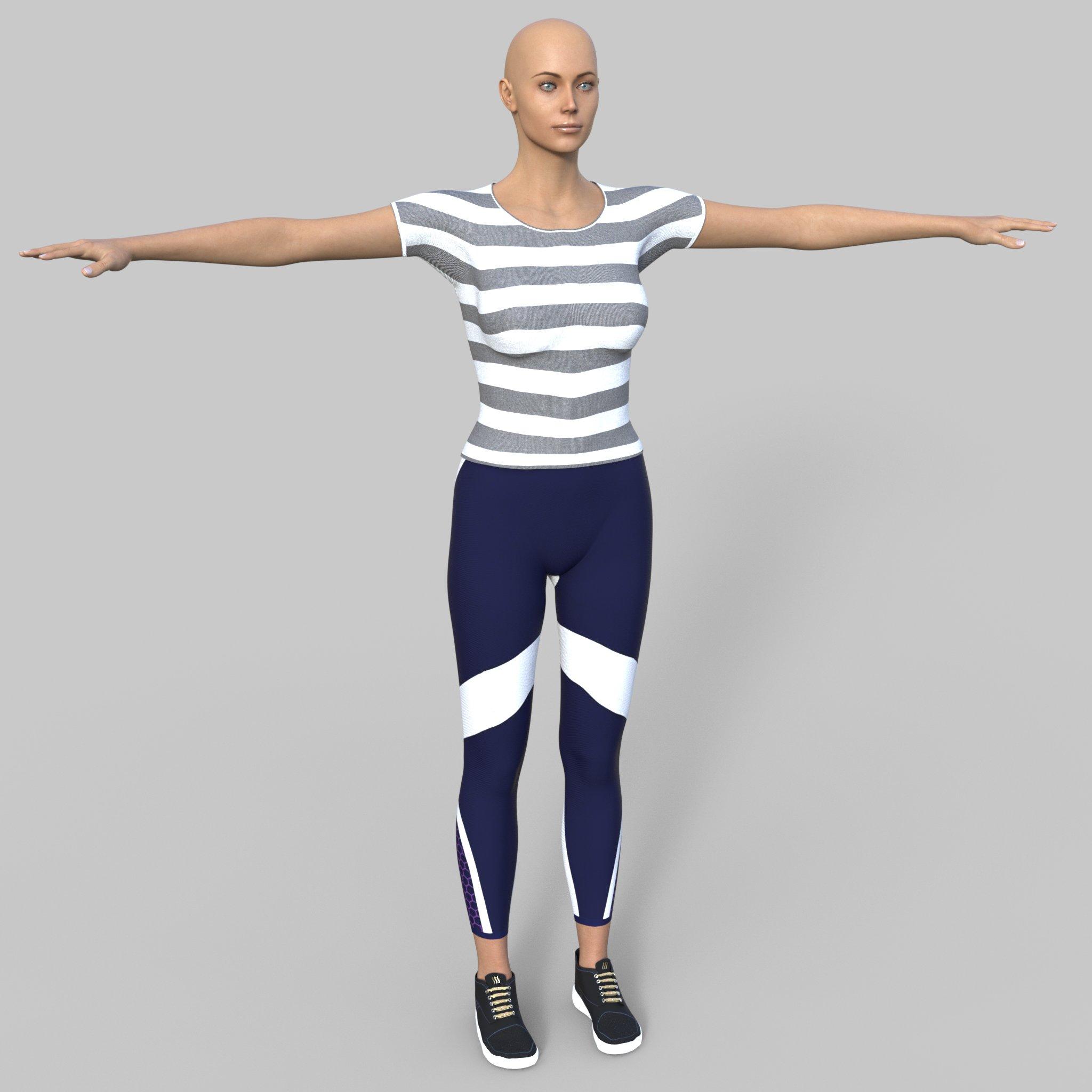
Found the culprit. It's the product M3DLucianoG9. This includes a morph file M3DLuciano_body_ctrl_Proportions.dsf, and in that the channel M3DLuciano_body_ctrl_Proportions is set to 100% by default. So if this product is installed in G9, this chanel is active at 100% whenever any G9 is loaded, doesn't show up in Currently Used in the parameters tab, and it is a controller for Proportion Height, Proportion Scale, Proporion Hand size and Proportion Leg Length, and causes those all to be dialled up by a specified amount, affecting ANY other G9 character while this one is installed. Moved this product's folder out of the data folder, and my G9 characters are all back to the right size. I'll edit the default, then move the folder back.
So, if you bought and installed M3DLucianoG9, be advised that it is making ALL your G9 characters bigger than they should be. YOU CAN manually dial that channel down (every time) or uninstall the product when you are not using it, or wait for a fixed update.
Duplicate files issue *Solved*Richard Haseltine said:
The issue is that both use the character name as a morph name, and then XTransfer adds XT in front. One or both of the PAs needs to update to add a uniquifying element to the morph names, otherwsie people with the originals installed will get the same issue when loading Genesis 3
I get that, but I don't really care about the renderosity character, as it's essentially the same character that I already had a better version of. My confusion is why the problem remains after I uninstalled the renderosity duplicate character and deleted the offending files from XTransfer folder. I feel like, since I now only have 1 Avery character, there shouldn't be any duplicate issues.
Duplicate files issue *Solved*The issue is that both use the character name as a morph name, and then XTransfer adds XT in front. One or both of the PAs needs to update to add a uniquifying element to the morph names, otherwsie people with the originals installed will get the same issue when loading Genesis 3
Duplicate files issue *Solved*Hello there, all good people of the 3D space. Been using Daz for almost a decade now, but this is the first time I actually post on this forum, so hopefully someone out there can help a confused old man here.
So, the issue I am facing is the following: I am using Genesis 8.1 as my main figure, and sometimes I use the XTransfer tool to port old Gen 3 characters and morphs to Gen 8. Recently I installed a new gen 3 character, with the specific intent to port it to gen 8, since I needed the face morph for a character I am doing. The issue is, after porting the morphs, I was met with a "Duplicate files formula found" or something to that accord. A quick google search told me I had likely already copied that character, which made no sense to me, as I hadn't owned it peviously.
Then, I realized that the character is actually the same as one I already owned, except it's not the same. Not completely at least.
This is the character I bought recently: https://www.renderosity.com/marketplace/products/116805/avery
And this is the character I already owned: https://www.daz3d.com/avery-for-genesis-3-female-s
Despite having the same name, the previews look nothing alike to my eyes, and the artists are different, so I didn't connect the pieces, that it was the same figure. There are differences though, especially with the textures for the renderosity one, as it shares the same moles, only it looks to have been flipped horizontally and the color saturation is horrible vs the daz one. Still, the 2 shared the same morphs, so I decided the easy solution was "okay, I did a dumb-dumb" and deleted the renderosity character, before deleting the duplicated files mentioned in the logs. After this, I ported the morphs from the Avery from daz and...... same issue again. Duplicate files.
2026-07-30 19:27:34.532 [WARNING] :: \src\sdksource\fileinput\dzassetdaz.cpp(887): Duplicate formula found:
Previous:
File: E:/Daz Main Install/Daz/data/DAZ 3D/Genesis 8/Female/Morphs/XTransfer/P3DOZI/Avery/XT_Avery Head.dsf
Owner: Genesis8_1Female
Input URI: Genesis8Female:/data/DAZ%203D/Genesis%208/Female/Morphs/XTransfer/P3DOZI/Avery/XT_Avery%20Head.dsf#XTIDAveryH?value
Input: XT_Avery Head
Output URI: Genesis8Female:/data/Daz%203D/Genesis%208/Female/Morphs/XTransfer/DAZ%203D/Base/XT_PHMMouthRealismHD.dsf#XTIDPHMMouthRealismHD?value
Output: XT_PHMMouthRealismHD
Duplicate:
File: E:/Daz Main Install/Daz/data/DAZ 3D/Genesis 8/Female/Morphs/XTransfer/P3DOZI/Avery/XT_Avery Head.dsf
Owner: Genesis8_1Female
Input URI: Genesis8Female:/data/DAZ%203D/Genesis%208/Female/Morphs/XTransfer/P3DOZI/Avery/XT_Avery%20Head.dsf#XTIDAveryH?value
Input: XT_Avery Head
Output URI: Genesis8Female:/data/Daz%203D/Genesis%208/Female/Morphs/XTransfer/DAZ%203D/Base/XT_PHMMouthRealismHD.dsf#XTIDPHMMouthRealismHD?value
Output: XT_PHMMouthRealismHDI am not new to tinkering with daz files, but I am not great at it either and this is clearly above my ability to solve. I just want the Avery morphs from the daz character to be ported to gen 8.
If anyone has any idea how to fix this, I'd be very grateful.
My G9 characters' heights are all WRONG - what content is making G9 bigger?garrett_3d said:
I appreciate I'm a dinosaur, but to me logic dictates that if every G9 character is affected, then your base files may be at fault. Do you think it may be worth uninstalling and reinstalling the Essentials packages?
Even loading the default G9 loads in all the channels and formulae from the other G9 packages installed in the data folder. I think it's more likely one of those has messed up ERC formulae, so I've narrowed it to 9 and am going to check the relevant formulae in those morph data files for anything that produces a value when that morph is at zero. The affected Genssis 9 proportion and scale channels work and are not showing messed up defaults or anything, so I can't see it could be them, so a re-install of the base package won't do anything. It's some input from outside the Gensis 9 base package channels, so it has to be a fault in one of the other G9 morph packages triggering those base proportion and scale morphs when it shouldn't.
My G9 characters' heights are all WRONG - what content is making G9 bigger?I HAVE measured a pure G9, as in the original Genesis 9 actor file in People/Genesis 9. Did that yesterday. And with nothiing applied by me after loading it is similarly over sized at about 5' 11 1/2". (Again, oddly what teh default height of the earlier generation default females was).
My problem is that, looking at Currently Used I can see there are a number of relevant parameters at non-zero or non-100% values (depending on the paarameter), like the Proportion Height, Proportion Larger, Proportion Hand Size, Proportion Leg Size and Scale. But they all show a Raw value of 0% or 100%, not the boosted actual Value, they are clearly not at the increased values because of changed defaults, and all the values have a LOT of Controllers, but I can't find any controller that's actually at a value to account for these values in those parameters. I mean, for example, Proportion Height has about 50 controllers, but not one of those 50 controllers appears to be dialled at all to account for Proportion Height showing a value of 10% when the raw value is 0%. I think there has to be a faulty modifier channel formula in ... some G9 morph, but I can't find a way to identify it, and it is affecting EVERY G9 figure I load.
Once upon a time a long time agoi knew how to enter a value in a DSON file so that it altered the value by that amount instead of setting the value to that amount. If I could remember how, I could create a shaping preset that just corrected for whatever this is. But it would be much better if I could just find and fix or delete the faulty data file, but i'm stuck how to locate it.
Bastian 9SilverGirl said:
Cross-posted from the new releases thread, as I belatedly saw this thread and maybe more folk will see it here:
Can anyone who got https://www.daz3d.com/dforce-longfall-mystic-hair-for-genesis-9 let me know if it's possible to make those front drape-over-the-shoulder parts go behind the shoulders (so all the hair is down the back)?
TIA.
I can't find a morph that will easily allow for the front locks to move to the back. You can lengthen/shorten them or spread them to the side but that is about it, same as the back hair. The hairline can be pulled back to show a balding effect. The side bangs can move towards the face and away and can be lengthened/shortened. The ponytail also has a left-right and up-down morph only. But it is dforce, strand-based and with Omni shaders. Sorry, I am not sure if using Mesh Grabber would help or not.
If I am not mistaken, it is very like what someone was asking for in Product Suggestions a bit ago.
I bought both character bundles and texture sets and the weapons. No clue how much they match up to the LOTR franchise but my renders will be for my own use.
My G9 characters' heights are all WRONG - what content is making G9 bigger?DavidGB said:
So, if those G9 characters have been designed right for the expected heights, and the .dufs downloaded and installed by DIM are what they should be, WHY ON EARTH are both my DS 4.24 and DS 6 modiying the scales to make the G9 characters significantly taller - and not a G8F?
Because your library might have a morph that is misfiring. That's what the poster above asked you to check for. And that's why they asked you to measure a pure G9 figure with nothing applied.
Possibly Distributing My Anthro Work If Interested Via The Daz Shop (Applying To Be A PA... Maybe)I got so excited to discover this thread, and groaned out loud when I saw the last talk of publishing models was back in 2024.
imo Daz is still largely uncharted territory as far as furry/anthro creatures go, and I feel furry content is under-represented on the store despite having occasional offerings. I encourage anybody who feels inspired to try making anthro stuff! Pretty certain I'll buy any creations that reach the store (morphs, characters, grafts). :) Someday when I'm not working 2+ jobs, I plan to create my own too.
RawArt and Feng, and Oso3D/Willbear offsite, are some of the PAs I know of who are recently/actively making animal characters for Genesis 9. Sickleyield and a few others do some useful creature morphs for individual body parts. Oso3D's older models are still my go-to for lots of things. Littlefox, Redspark, RuntimeDNA, Capsces Digital Ink very old product lines still have lots of utility, though limited by figure era and content compatibility. Genesis 9 seems the logical choice for new rigs/sculpts as much as I love Genesis 8.
For me, I find it more appealing when artists push the real-animal shape language, anatomy, big ears, wings, tails, etc. Really leaning into the animal qualities rather than gently stylizing a human base, or making grafts feel intentional and not tacked-on. So, things like digitigrade legs and species-specific sculpted paws are preferred.
One of my biggest wishes is for more control of anthro characters' ears, from shaping to sizing to posing. Animal ears are an incredibly powerful expressive and storytelling device that human characters lack. A snarling face with ears up says something completely different than with ears pinned back. Side-splayed ears say everything about a character's rank and confidence even if their smile is neutral. Ears with dings and dents vs soft domesticated ears tell a rich story about where a character has been. Tails and even cheek fluff similarly complement this extra expressive factor, but it still feels largely untapped in the Daz world.
I also like to see extra attention given to paws. Whether it's enormous rabbit feet kicked back by a cozy fire or a wolf guard's open palm stopping you from crossing a bridge, it affects the immersion to have too much of a human design for anthro extremities unless the art of your world is already built around it. Claws too, like really scary slashers clasped around the hilt of a shiny sword (or swordless, paw flexed for attack), are great ingredients for a compelling render.
Anthro body diversity could easily be its own study. Chibis, human-like proportions, slinky zootopia characterizations, the list goes on. For now there are a few scattered product offerings (especially morph packs) to cobble design elements together.
Transferring Morphs from V3 and V4 to GenesisI have some utilities to transfer character morphs from various versions of Genesis to other versions (G3 to G8 etc). Is there any way to get V3 and V4 morphs into Genesis (preferably g8 or g9 but g3 would work)? I'm not wirried about the textures just the morphs.
My characters look like aliensIf a morph is saved with a non-zero value it will auto-apply, you don't need to do anything. Sometimes properties need to start with a non-zero value (e.g. if they are going to have something else subtracted from them to make an inverter) but general character shapes should not be saved like that. It is most likely a product bug and should be reported to Daz (for content purchased here) or the artist.
My characters look like aliensMost likely something you have added recently was saved with a non-zero value for one or more morphs. If it was a character morph that needed zeroing that probably tells you the culprit.
Daz 3D is part of

Connect
DAZ Productions, Inc.
7533 S Center View Ct #4664
West Jordan, UT 84084Licensing Agreement | Terms of Service | Privacy Policy | EULA
© 2026 Daz Productions Inc. All Rights Reserved.