-
Import issues
Hello everyone,
i took a break from rendering due to me having issues exporting from Daz to Blender. My morpghs wouldn't export to blender and after struggling for a few hours i gave up, took a break and started to play gamers on my PC; City Skylines, Minecraft, New Vegas, and Madden. I got the itch to return and I am here.
Now, I dont know if morphs cant be exported with the model so i decided to do something different. I decided to move that asset to Daz but the asset doesnt have any color. If there a way to fix this?
Looking for Advice on How to Finish My Front DoorLucky13guy said:
As the title says, I'm looking for advice on how to finish the door I'm working on. I started with a door I found online and added a window to it. The more I try to fix the shading issues, the worse they get, and I still need a way to connect what I'm calling the "floating points" ('cause I don't know the technical term) in the arch portion of the window that aren't really connected to anything. I tried adding a bunch of loops to the top of the door and connecting to those, but the shading issue only got worse, and it looks pretty terrible when I import it into Daz. The images below are with Auto Smooth turned on. It doesn't look much better when I turn it off. Any advice would be greatly appreaciated.
Thanks!
I would start by cleaning up the geometry. Odds are you have more than a few doubles. Which are two vertices occupying the same space. When a face attaches to the wrong vertex (the one not actually attached to the model) you get issues like that. Select all the verts, merge by distance and set to an impossibly low number like 0.0000000000001. Then go through and make sure there are no extra faces. Then use the knife tool to go all the way around the model and fix your geometry as I illustrated. You need to get that thing out of N-Gon hell before you even worry about beveling edges.Diffeo ignoring neckupper and abdomenupperI can't reproduce the issue, here neckupper is correctly imported and weightmapped, diffeomorphic 4.1.0.2131 with blender 4.1.1.
my steps:
- easy import G8.1 female with the default preset
Diffeo ignoring neckupper and abdomenupperJust got back into playing with Daz and Blender and noticed after some work that both bones are either not importing or not weighted. It seems that if you don't have an eyelash mesh they won't even import at all. Feature or a bug? Blender 4.0, Gen 8-- tried both diffeo 1.7.3 & 4.1.0
Trigger Action Rigidity Group - Don't Prompt user for Name?I thought about doing that - but where is the API for creating a rigidity group documented, if there even is an API exposed to DSON? Is there C++ API for this - if so, where would that be documented? I see you said you have no idea, does that mean I'm out of luck? I have a list of actions which tell me which ones take a settings object. Knowing this unfortunately doesn't help me solve the problem of actually creating the rigidity group without user prompt, unless you mean something else entirely?
EDIT:
I was somehow able to make things easier for me by having DSON copy the rigidity group name to windows clipboard which I can easily CTRL+V (paste) to sort things out. Not ideal, but much better than typing names manually.
Now I have a larger issue that I couldn't solve. I would also want to add facet groups as a rigidity reference to a rigidity group using DSON. There is no DzAction that exposes this feature when I checked - it has to be done manually with mouse & menu clicks. Can this feature also be added to DSON if it doesn't already exist?
EDIT2:
Ok - it seems like there is some documentation on Daz meta data for rigidity groups - basically looks exactly like JSON/DSON. I have never tried to edit .DUF or any other daz file metadata before, but is this something that other people often do considering its been documented? I would have to check how to actually edit and save the data, I'll look it up tomorrow as I'm dead tired right now. I can't imagine this being the right way to go as version changes in Daz might propagate changes in Daz metadata structures/trees?
Link to rigidity metadata info: http://docs.daz3d.com/doku.php/public/dson_spec/object_definitions/rigidity/start
Edit3:
Ok last edit I promise. Thinking about it - maybe editing metadata is fine after all since upper versions of Daz would be expected to open previous Daz version files, so I'm assuming maintaining metadata structures & trees would be a default choice to ensure compatiblity? I'm just overthinking this aren't I?
animation from Blender to DazIn general daz studio is not good importing animations from other sources, being it blender or whatever. If you managed to import the car with bones then you can try with FBX or BVH and see what you get. If the blender animation is based on bones rather than shapekeys then you may have some success.
With diffeomorphic there's a tool to export pose presets, but this is intended for genesis figures, I'm not sure if you can get something out of it for custom figures.
https://bitbucket.org/Diffeomorphic/export_daz/wiki/Export/Save Pose Preset
animation from Blender to DazBoth please ,
the object is a lambo that will open the both doors until it's fully open,
but don't mind and explain both situations so later on if i faced the other one i can understand how to do it.
btw i'm noob in Blender never used it except for import and export so take me a step by step
I'm having problem with Importing obj from Marvelous Desginer as MorphIf so, still, 1stly make sure you export the garment from DS with Base resolution. Then directly import OBJ (exported from MD) into DS to check if Vertices count match or not. Also make sure you export the garment to OBJ in MD with the correct settings, as attached SS.
I'm having problem with Importing obj from Marvelous Desginer as MorphWhat did you do ? Import the simulated OBJ with Morph Loader Pro into DS as a morph ? It should work as vertices count as well as vertex order won't change...though you may see Faces are doubled or sth...
You got an error message from MLP ?
animation from Blender to DazHi,
i have car and i exported it to daz but didn't come with the animation , is there a way to take the animation out and import it or what exatcly?
the car already has its own animation i just want to export it with the animation too not just the carGenesis 2 Female Missingiruizapo said:
Hi.
I've updated the software and also couldn't find the Genesis 2 Female base figure in my Smart Content. Did also the Reimport Metadata but nothing.
But checking manually I found it here: Smart Content -> Scene Builder -> Genesis 2 Female Base
Seems they moved it there, at least in my computer. And is weird because the Male version appears where it has been always, under the Figure section.
Thanks for this, I too was not able to locate Genesis 2 Base Female, Your steps helped me out.
Diffeomorphic Daz Importer LiveLink - Eye Tracking IssueHi!
So here's what I'm facing.
I've imported my Gen 9 character into Blender using the Diffeomorphic Daz Importer and successfully applied facial motion capture to the model using the LiveLink import function.Everything appears to be working and animating fine, except the eyes!
The eye rotation appears to be offset by 90 degrees.Any ideas to fix this would be very appreciated!
I'm working in Blender 4.0
I've attempted with a Gen 9 & Gen 8 character, I've also attempted with both LiveLink and FaceCap.
The issue persists.Example:
When I look to the right, my character looks up.
When I look left, they look down.
When I look up, they look Left.
When I loop down, they look right.dForce Master - Hair Simulation Presets for dForce Cloth EngineI mean Within DAZ Studios, Content DB Maintenance, Re-Import Metadata, then the Product Sku: 49199.
Had to reboot machine, is daz central still available to put on it again?I don't have Victoria 3 purchased so can't check that on my machine. It is an old Poser product so the metadata may not be perfect tho - try searching for her in "All Products".
Had to reboot machine, is daz central still available to put on it again?VicS said:
but smart content doesnt show half the things I have I thought
central was easy if you were thinking of something but didnt know the name
Smart Content should broadly show anything that Connect shows, though neither will show any (Connect) or most (Smart Content) products from other sites. If you are missing a lot of content that was isntalled through Connect that may be instalaltion issues - if you close DS and immediately start Central or Install manager the database may not be running to receive details of the installed products - reimporting metadata should fix that.
Migrate custom actions to new computerHello all,
I have exported Actions, Menus, Layout and Toolbars as dsx files from one computer intending to replicate the work environment in another one. Almost everything worked when I imported the files, but custom actions do not seem to import. When I look into the customization dialog for the menus, I see codes where the actions should be (see attached image), but custom actions on the left are empty and so are the menus when I try to use them.
I tried to recreate some custom actions and they work correctly, but I wanted to import from the old computer to avoid recreating them manually.
Are custom actions really attached to one computer or can I copy them to the new one someway?
Thanks!
Diffeomorphic: pose is not imported correctlyCan someone tell me how to reslove the issue of posing. Actually the problem was come when i try to import pose or import action, at that time joints behave weirds on toes, elbows like they bend differently from the actual pose. All this happens after i rigify the character. Also, bones posable not worked for me.
leartes studios assets working in daz 3d? (Solved)Gordig said:
Leana said:
What format are those provided as? And how does one get them into a format that DS could import?
(I know nothing about Unity or Unreal I'm affraid)
I only just now concluded the labrious process of redeeming all the items, only downloaded one product at first to investigate. All the files are in UASSET format. As I've barely touched Unreal at this point, I have no idea how one would go about getting those assets into DS, or if it's even possible.
sign up to Unreal with and Epic account if you have one or create one
download a supported Unreal Engine build
create a new project
add the assets to the content directory unless a project is already supplied
goodluck

I love their sets I have but not enough to buy the bundle and do all the work because I already know how much is involved

and honestly too poor or would just buy them for Unreal
open USD to Blender might be your best option to get to where you want to go
will be a lot of tedious work regardless
leartes studios assets working in daz 3d? (Solved)Leana said:
What format are those provided as? And how does one get them into a format that DS could import?
(I know nothing about Unity or Unreal I'm affraid)
I only just now concluded the labrious process of redeeming all the items, only downloaded one product at first to investigate. All the files are in UASSET format. As I've barely touched Unreal at this point, I have no idea how one would go about getting those assets into DS, or if it's even possible.
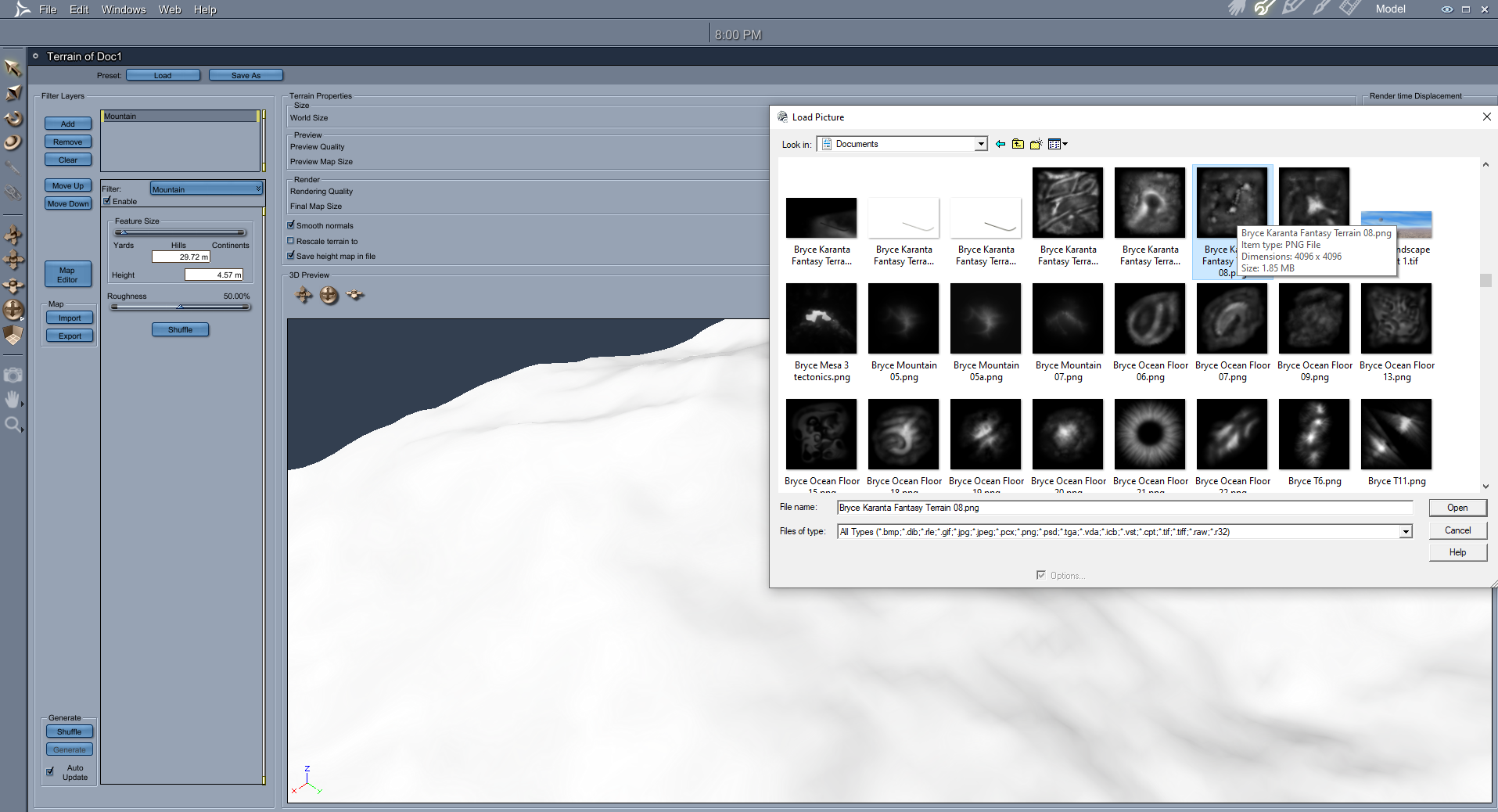
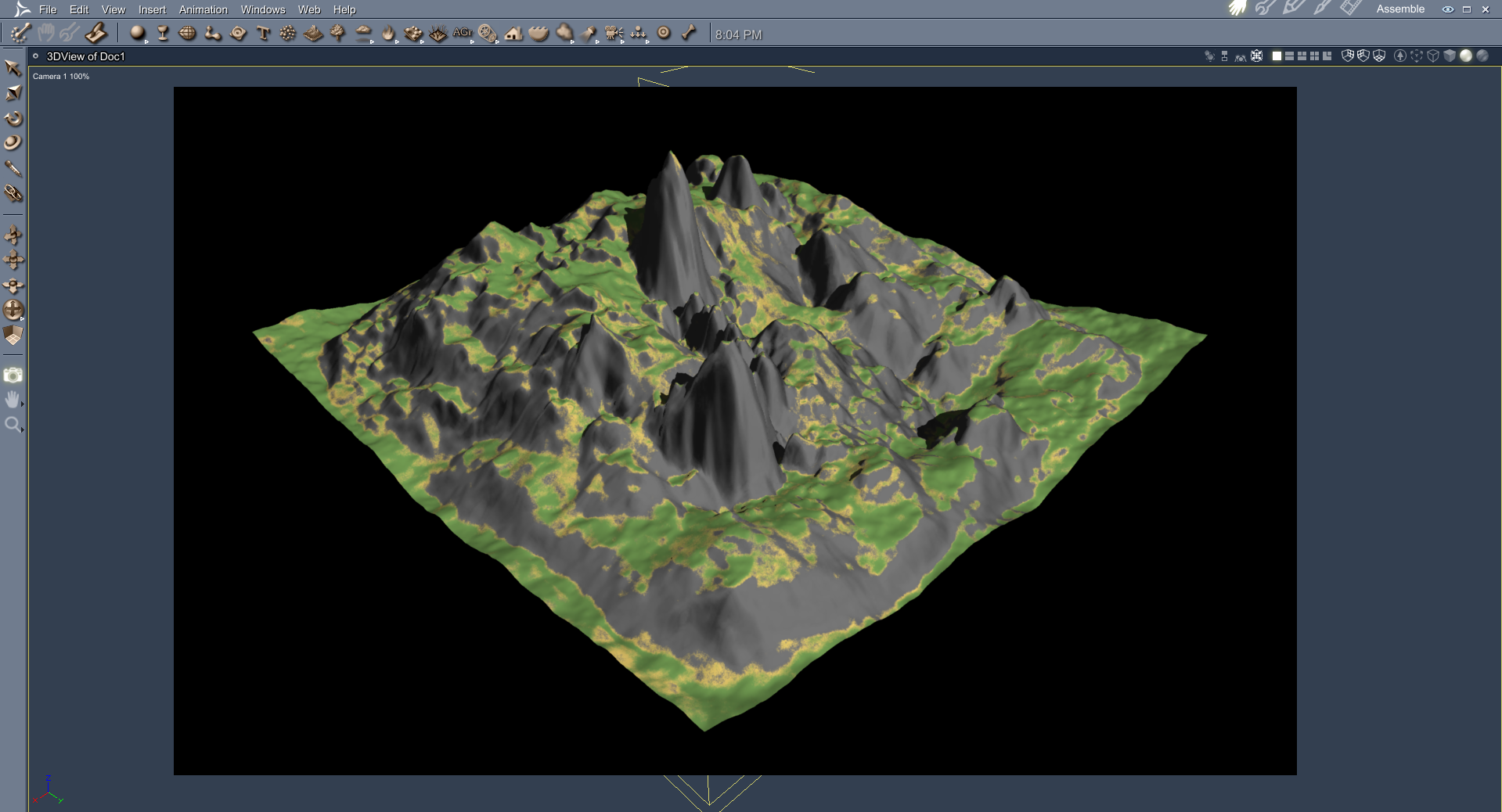
Terra-Tropolis (Bryce, Daz Studio & Poser)Carrara can import the Bryce Terrain maps
Daz 3D is part of

Connect
DAZ Productions, Inc.
7533 S Center View Ct #4664
West Jordan, UT 84084Licensing Agreement | Terms of Service | Privacy Policy | EULA
© 2026 Daz Productions Inc. All Rights Reserved.