-
Anime generations- does it exist?I think Sakura is not a good choice because there's no G8M counterpart. ("Sasuke for Sakura 8" is a male G8F morph.) Yuzuru and Kanade are a matching male and female pair.[Released] Character Converter from Genesis 2 Female to Genesis 8 Female [Commercial]
I've been trying to convert Giselle 6. I've messed with the tolerance (moved it up and down) but I keep getting these hour glass eyes. Kind of warped.
Any thoughts?
I find the best results are using the 2020 method in options. Make sure Hide Eyes is UNCHECKED. Turn down the tolerance (0.0005). Close DS, delete the FHM morph for Giselle, restart DS and the script and immediately convert.
Hi!
First, thank you so much for your reply!
I've got a question...sorry if I missed it somehow but how do you delete the FHM morph? I checked the location listed in the PDF but I couldn't find one.
Are you still able to load the G8F with Giselle morphs (even if bad)? If not, maybe you already deleted it?
The converted morphs go in data/DAZ 3D/Genesis 8/Female/Morphs under the FIRST directory for Daz Studio Formats specified in the Content Directory Manager (F2->"Content" tab->"Content Directory Manager..." button)
Wow, I didn't know about that window. Thank you!
Unfortunately, while I did find the FHM morphs and followed the directions, the eyes still come out as I showed in the screenshot above. They're just pinched into hour glasses.
I attempted to reinstall Giselle 6. I've tried converting just the head with an even lower tolerance. Same results.
Any other ideas?
Thank you!
I forgot. You can try deleting the clone too first.
Also, this user has a suggestion for some iris problems in the eyes: https://www.daz3d.com/forums/discussion/comment/5482716/#Comment_5482716 ;
That link seemed to be pretty G3 specific. I'll just tool around some more, see if I come up with anything. Unfortunately, no modifications at all seem to change how the eyes come out. In fact, they come out the exact same every time.
Looks a bit similar to the problems I had earlier... is the head morph getting properly recognized?
[Mesh Grabber] Where is the Morph Editor?I'm not sure what Morph Editor you are referring to, but there's a support thread for this product over here.
https://www.daz3d.com/forums/discussion/372546/released-manfriday-s-mesh-grabber-commercial
[Mesh Grabber] Where is the Morph Editor?Hi,
Just bought Mesh Grabber + Rotations v.3.0 and all is working well. A game changer in fact.
I do have a problem though: I can't save morphs because I don't have Mesh Grabber Morph Editor.I can't find it in the store and I can't find a single discussion about it in the forum.
Was this feature removed by the PA?Unique Setup Issue: DTB_v280-283.zip is missing after DAZ to Blender installI've got what appears to be a new and unique problem in setting up my DAZ to Blender bridge that, as far as I can tell, no one has yet described. I've trolled this board up and down but couldn't find the same issue.
My DTB_v280-283.zip file is missing. And I think possibly my main export object?
Backing up: I started off with the same problem as everyone else in this post where scripts was missing after installing Daz to Blender from the Install Manager, and thanks to all of you, I managed to resolve that issue (Thank you everyone in https://www.daz3d.com/forums/discussion/424601/can-someone-post-a-new-thread-with-step-by-step-getting-blender-bridge-to-work!) I got the scripts menu, and succesfully (suppossedly) ran the script and exported the files I needed for my scene I wish to import into Blender... I think. Some context may be in order:
After doing this I also found the MyDocuments\DTB folder and verified it has an \ENV and \FIG folder after running the scripts, although after watching some tutorials I expected to see at least an fbx or obj file directly in \DTB, though I don't see anything but the folders. (\GEN and \to_blender_morph appeared after I ran the genitals and morph options under scripts|bridges|blender, which I also had but didn't need for my current renders, though I ultimately tried them anyway to see if using them helped. They did not). I thought that odd, but I figured maybe that was due to my scene. Once Blender was setup, I thought maybe there was some way I could try importing the folders directly and see if it works.
But when I went to go setup in Blender (2.90.1), I navigated into C:\Users\<myuser>\Appdata\Roaming\Blender Foundation\Blender\, but cannot for the LIFE of me find this "DAZ 3D AddOns\DTB_v280-283.zip" everyone speaks of! Neither the folder nor the zip file are there. Parent folder and subfolders do not have it either. There are folders for blender versions on my system, 2.79, 2.80, 2.90, and it's not in any of those. What I DID find was \Blender\2.80\scripts\addons\DTB with a bunch of .py files (17 in all) and an img folder. (Note: Running the Genitals and Morph Option scripts created a "scripts" folder in 2.9 with an empty subfolder, but that's about it).
I tried navigating in Blender Preferences to the install button (Edit | Preferences | Add-Ons | Install) to manually point at the folder DTB, but that didn't seem to do anything. So I wondered if maybe it was already installed, but I could not find the Addon Armature: DAZtoBlender in the Add-Ons section, and the only tool tabs I see in Blender on the right when I click are "Item", "Tool", and "View", indicating it's not installed-but-hidden. (Admittedly I don't know much about Blender, I was hoping this would be a good learning opportunity, thanks to https://youtu.be/TEXzmUSzX30 for the tutorial video) But I'm stuck at this point... I can't figure out what I broke or what to try next.
Not sure what to do without the ability to install this thing, I run a Radeon and really could use rendering via Blender (a 4k single image render took 2 hours in Daz!). If anyone has any thoughts, I'd love to hear them.
(Note: Pretty sure Blender was installed via Steam, doubt that has anything to do with it, but every bit of info helps)Best Method of Posing Human Figures?How much do those suits cost that Hollywood movie studios use on human actors to transfer poses and movement when they are animating something?
I did a quick look and you could get the suit (the cheapest part under $500), sensors, cameras, and cables under $20,000 Us if you are trying to capture complex things like facial expressions. This is assuming that you have the computer hardware, techs to run the software etc...
I think the new MAC iPhone does it just by converting a video of a person moving around into an animation. https://www.youtube.com/watch?v=3kzaFxqgxpo
Is there any reason that stick figure couldn't be a DAZ figure?
Importing altered OBJ to DazImportant step: delete the eyelashes before you export a G8 figure. After that, you can use morph loader to import the new model as a morph. I don't know how GoZ works, so I don't know whether that will import the new model as a morph, but you don't have to do that in order to bring it in as a morph.
Importing altered OBJ to DazHi everyone! I apologize if this has been answered before but I've done a bunch of digging and for some reason can't seem to find the specific answer I'm looking for.
I would really appreciate any help anyone can offer!
So I have been using Daz and Zbrush pretty well for a while now. I can send an object out of Daz into Zbrush, alter it, and send it back to Daz as a morph using GoZ with no problem.
Now, though, I am hiring a much more skilled Zbrush artist who doesnt use Daz to do a couple of face morphs for me. It seems to me that these are my steps:
Export the model, in this case G8F, out at lowest subd level, as an OBJSend the OBJ to the artist who will then do the face morphs (preserving the number of vertices, of course)
The artist will then send me the altered OBJ back.
This is where my questions lie:
Do I then load the OBJ into Zbrush, and then use GoZ to send it to Daz as a morph?
I'm not super familiar with Morph Loader... will that do the trick?
Thanks again, any and all help is greatly appreciated!!Anime generations- does it exist?And here's Sakura with the Growing Up morph dialed to 100%:
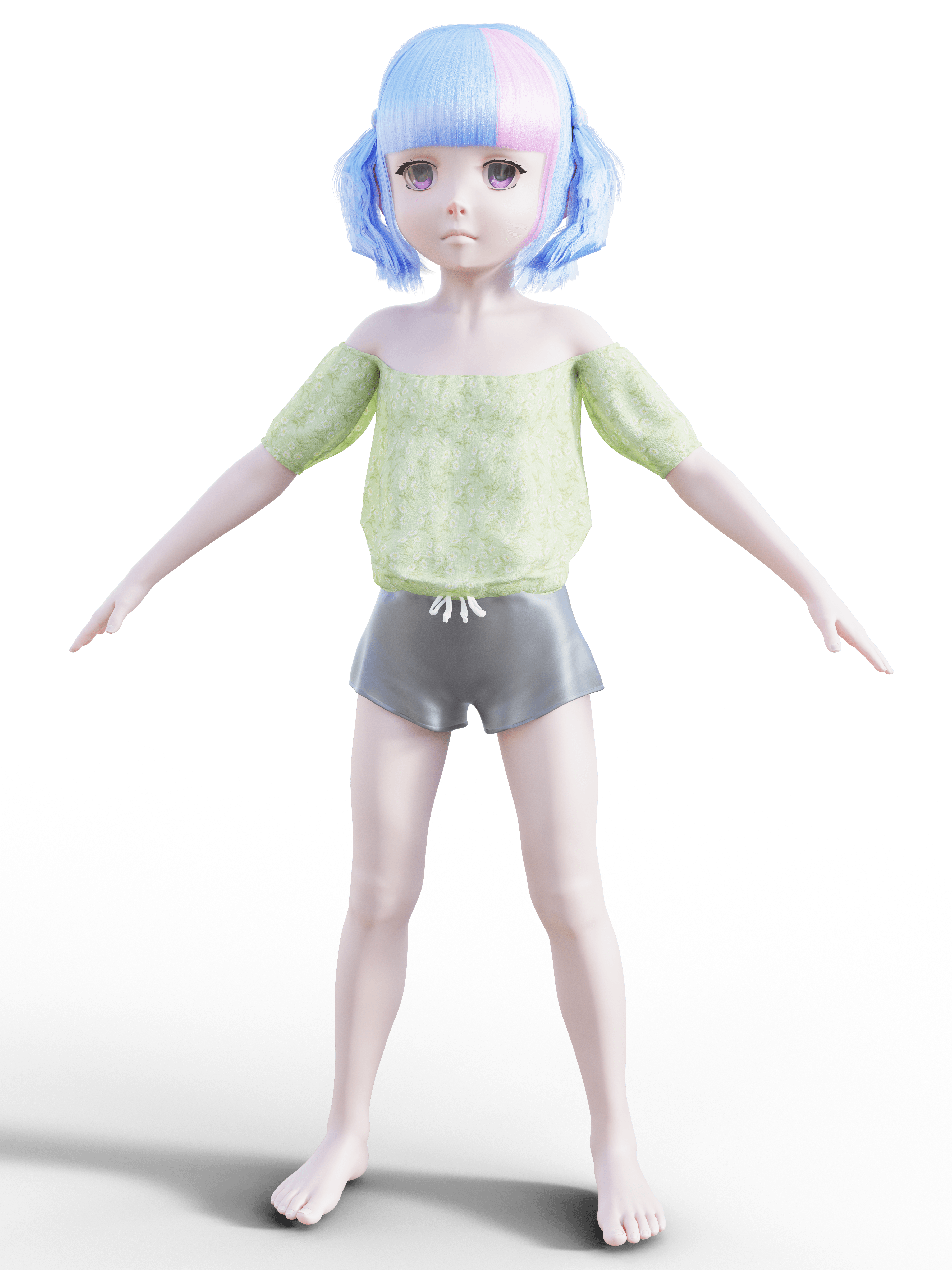 Vivy Hair: What's going on here?
https://www.daz3d.com/vivy-character-and-hair-pack-for-genesis-8-female
I'm using Vivy Hair for the first time, and I'm getting this weird horizontal line across the forehead.
First I thought it's part of the hair clipping into the forehead. But there is a morph that moves the bangs away from the forehead and even with that turned all the way up, I still get this weird line.
Can anyone guess what's going on here? If you own Vivy hair yourself, do you have the same issue?
Comics - Force Six Annihilators, Killer Butterfly, Mark of the Griffin, Dynamic Spider-Man Plus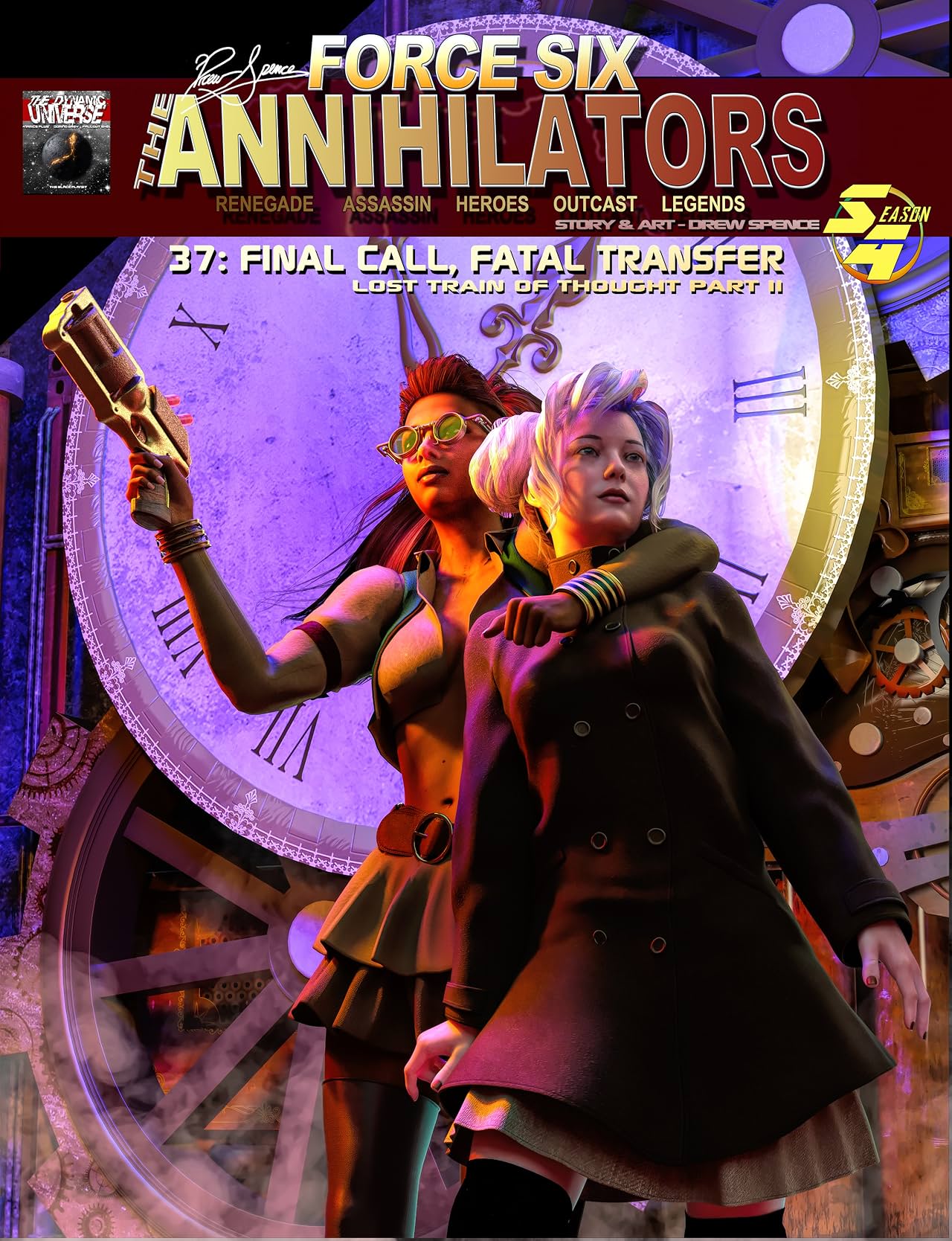
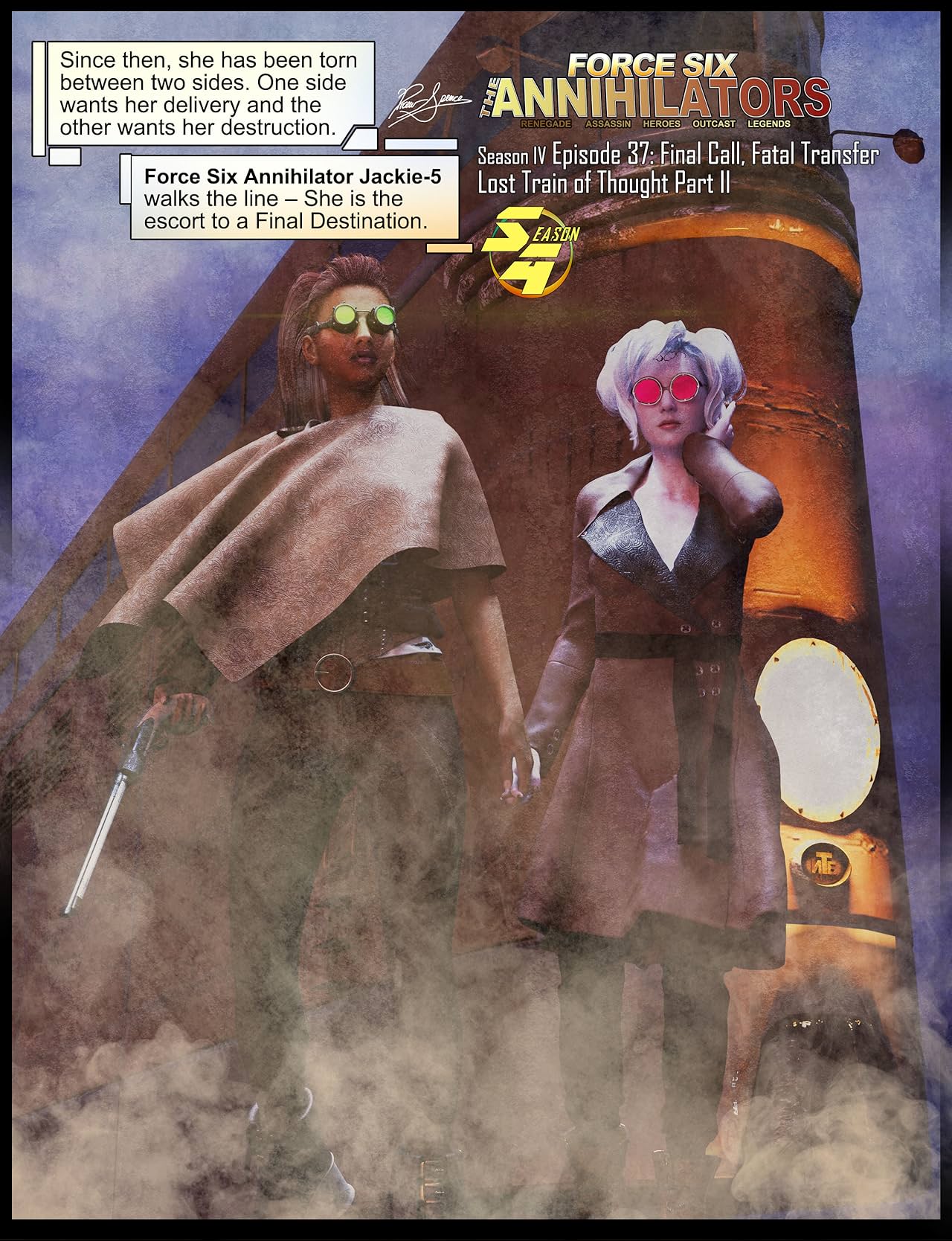
Episode 37: Final Call, Fatal Transfer
It’s a riotous and raucous rendezvous- when Force Six agent Jackie-5 is tasked with delivering a witness-in-protection to a protector that may be a predator. Get your express pass and orient yourself on this Cross-Continental Express. Someone is out to punch tickets in this wicked trip of an adventure.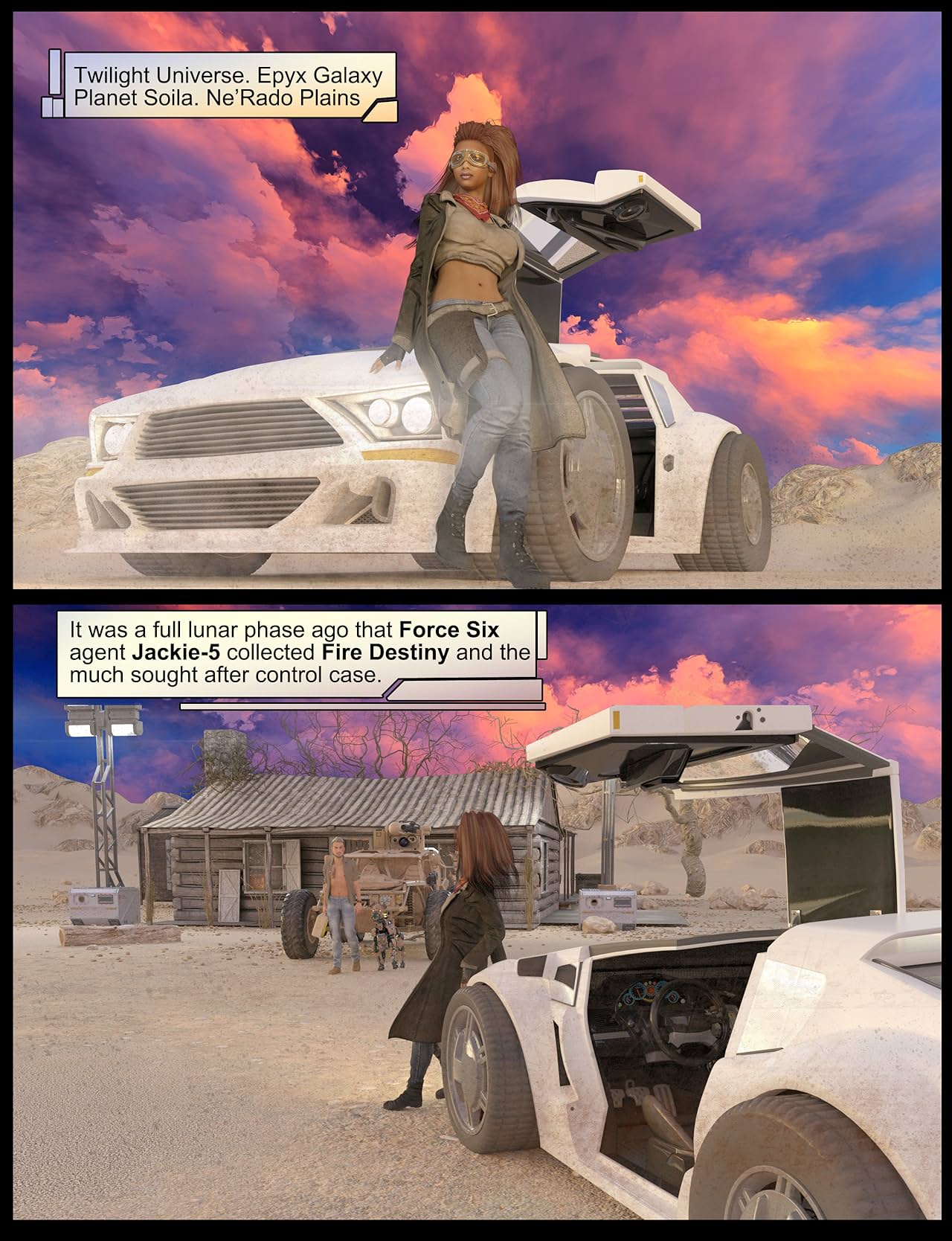
We conclude the Lost Train of Thought story arc with Part II Final Call, Fatal Transfer. Tickets, tints and tones by Drew Spence.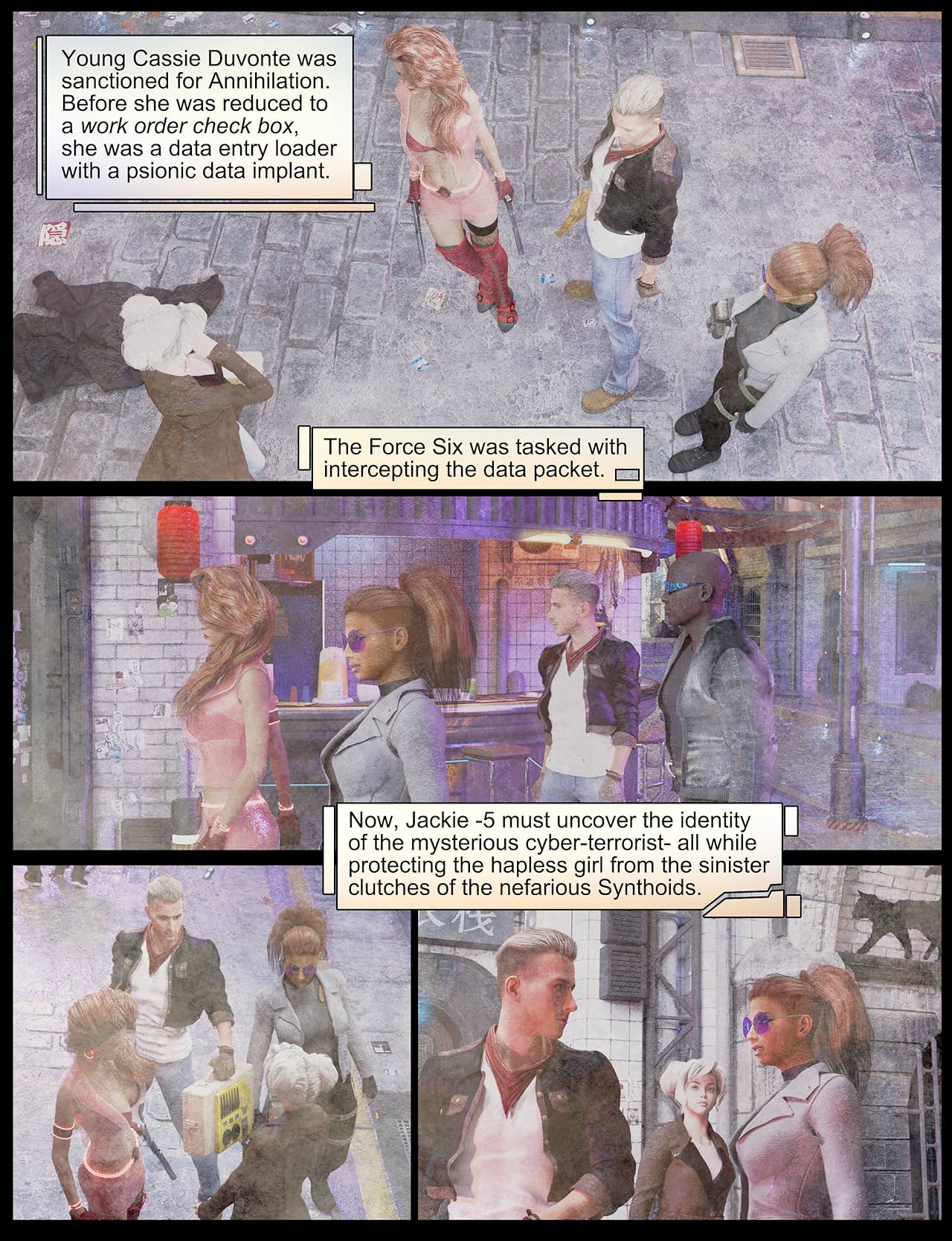
Read this and more for free on The Dynamic Universe Patreon.
How much is it normal to spend when starting out with Daz Studio?
The only time this has ever happened to me was with a character I bought from the store that set itself to be an active morph for G3F base character each time it loaded.... Some of the freebies aren't created correctly and can really jack things up for other content in your library (this happens most often with character morphs that are saved incorrectly and will affect every other character from that "generation" in your library - for that reason I've stopped downloading freebie characters, as it's not worth the risk since sadly, many of them have morphs that will inadvertently affect your other characters)....riging obj clothing from blender to daz (I have more questions)it needs to load already in position to use the transfer utility
one way I fix this is
convert prop to figure,
move it using the bone
then convert figure to prop again before using the TU
wendy, thank you for helping, I'm not out of the woods yet. :)
Committing to just one Base Model GroupI use both G3 and G8, mostly depending on what shoes the model wears, since those are generally a pain to convert. For that very same reason, I use G2 on some rare occasions as well.
I'd consider using V4 and G1 if those came with iray textures in higher resolutions and had some other benefits found in G3 and G8, since I do like their more stylized figures. Realism is overrated in my opinion, I'm more into art-nouveau and impressionism.With clothing, hair and figure/morph converters, I simply don't see why I'd pin myself to either G3 or G8. It's just the shoes that are often a pain, so those are leading when I want to use a specific pair of shoes that only fit either of these two base figures. When the shoes aren't an issue, I just pick whatever figure I feel like, and the figure becomes leading instead.
riging obj clothing from blender to daz (I have more questions)I don't see reverse deformations.is it an option that only appears if I select specific things in my source and target drop downs?
Load the morphed figure and your obj modeled for it. Launch the transfer utility, and select "shape: current" for the source figure, then check "reverse deformations" in the options. This tells transfer utility that is was modeled for current shape and that it has to take that into account when creating the rigged figure.
riging obj clothing from blender to daz (I have more questions)Load the morphed figure and your obj modeled for it. Launch the transfer utility, and select "shape: current" for the source figure, then check "reverse deformations" in the options. This tells transfer utility that is was modeled for current shape and that it has to take that into account when creating the rigged figure.
riging obj clothing from blender to daz (I have more questions)ok, so I was using the josie morph, and modeled it in blender for josie, and that's when it did this
as soon as I fit it (awkwardly) to stock "morphless" Gen8, then exported that obj from Studio, re-imported it and used TU it appears to fit the way it exported out of Studio
how do I make this fit a morphed figure?
Anne for Caryn 8 (clothing costume added by elleque sep 27)What a wonderful surprise!!!
mininessie Thank you so much for the morph!! So very precious!!
elleque I feel like I woke up to Christmas!! Never has Poser or DS had baby hair like this!!! Anne Hair is so perfect!!! The clothes, the shoes!! So perfect!!
Ruth Morehead is my love and has been since I have known of her art!!
Elleque, these sweet clothes and hairs and shoes are what is perfect for sweet art!!!
I am truly hoping one day, we can have the sweet face animals, too!!!
riging obj clothing from blender to daz (I have more questions)Another option: export the positioned item as obj again, then load the new version and use transfer utility on that.
riging obj clothing from blender to daz (I have more questions)it needs to load already in position to use the transfer utility
one way I fix this is
convert prop to figure,
move it using the bone
then convert figure to prop again before using the TU
Daz 3D is part of

Connect
DAZ Productions, Inc.
7533 S Center View Ct #4664
West Jordan, UT 84084Licensing Agreement | Terms of Service | Privacy Policy | EULA
© 2026 Daz Productions Inc. All Rights Reserved.