-
[Released] RSSY Character And Material Conversion Bundle Genesis 8 to Genesis 9 [Commercial]
w_r_brook_ec9f3e956e said:
RiverSoftArt said:
w_r_brook_ec9f3e956e said:
w_r_brook_ec9f3e956e said:
RiverSoftArt said:
w_r_brook_ec9f3e956e said:
Looks like there are some problems withe material stuff. I'm trying to convert MSO Miley G8F and it comes up with some errors, which are kinda weird, claiming not to be able to find files which are clearly present for the material skin. They relate to the eyes and mouth. I get no materials copied. Also, the body shape seems pretty weird. I'm running on macos Ventura. Have I done something stupid here?
For the installation, is the file in the location? How did you install?
The files are present in the specified folders and the cases match (which can sometimes be an issue with macs). The product was installed by DIM, automatically. Attached is a screen shot of the Material Suit folder, which is under the location shown in the second attachment. These match the missing file warning.
I also tried loading a generic Genesis 9 dev load, loading the material suit for G8F using the relevent script and applying the Miley G8F uber skin to it. This did not report errors, but simply did not appear to work at all. This is attachment 3, following the material load - as can be seen, there is no material apparent in either the NVidia preview, nor in the textures preview (not shown). Clearly there is something screwed up with this installation, despite using DIM. Maybe something macos related??
I'll take a closer look at the manual regarding the morph distortions - thanks.
Here is the log entry for the material load onto the material suit loaded on the Genesis 9 dev character. I'm not sure this is massively enlightening, but anyhow.
2023-05-20 12:33:52.804 [INFO] :: Prepare asset load (merge): /People/Genesis 8 Female/Characters/Mousso/Miley/Genesis 8 MATs/Iray UBER/Miley Base MAT NB Light.duf
2023-05-20 12:33:52.804 [INFO] :: Locking viewport redraw...
2023-05-20 12:33:52.804 [INFO] :: Viewport redraw locked.
2023-05-20 12:33:53.105 [INFO] :: Native format content directories: 2
2023-05-20 12:33:53.105 [INFO] :: Poser format content directories: 1
2023-05-20 12:33:53.105 [INFO] :: Other import format content directories: 0
2023-05-20 12:33:53.105 [INFO] :: Begin asset load (merge): /People/Genesis 8 Female/Characters/Mousso/Miley/Genesis 8 MATs/Iray UBER/Miley Base MAT NB Light.duf
2023-05-20 12:33:53.148 [INFO] :: Determining missing assets...
2023-05-20 12:33:53.876 [INFO] :: Setting textures...
2023-05-20 12:33:53.877 [INFO] :: Creating materials...
2023-05-20 12:33:53.882 [INFO] :: Applying animations...
2023-05-20 12:33:54.053 [INFO] :: Setting up follow targets...
2023-05-20 12:33:54.057 [INFO] :: Finished asset load (merge): 0m 0.951s - /People/Genesis 8 Female/Characters/Mousso/Miley/Genesis 8 MATs/Iray UBER/Miley Base MAT NB Light.duf
2023-05-20 12:33:54.388 [INFO] :: Unlocking viewport redraw...
2023-05-20 12:33:54.388 [INFO] :: Viewport redraw unlocked.
2023-05-20 12:34:00.561 Iray [INFO] - IRAY:RENDER :: 1.0 IRAY rend progr: Received update to 01322 iterations after 106.642s.
That does not look like you used the Material Suit Apply G8-G9 Hiearchical Map script. Please use according to the manual.
I followed the manual to the letter:
1. Loaded the G9 Dev load
2. Selected the G9 Dev load and then ran the script entitled "Material Suit Add G8F Material Suit" from the Scripts/RiversoftArt folder.
3. With Genesis 9 still selected, applied Victoria 8 all maps material (which you probably do have, given it's listed in the manual).
Result: no textures - see attachment.
(Clearly something is very wrong here. Incidentally, I should mentioned that just to be sure, before running the above test, I closed studio, un-installed and reinstalled G8F material suit product using DIM and restarted Studio).
I should also note that this is a new mac running M2 Max chipset.
Ok, figured it out. It WAS MY MISTAKE! My eye had skipped over the bit in the manual which says you have to select the hierarchical material (in this case Victoria 8 all maps) and then then NOT DOUBLE CLICK to load but select the script 'apply materials' which by default is in added in my 'Favourites' menu. It now works: shown in the attached.
Onto the next issue, which is why the character converter is complaining about missing files... when they are present in the folder it specifies.
Apologies for missing this, Riversoft.
[Released] RSSY Character And Material Conversion Bundle Genesis 8 to Genesis 9 [Commercial]RiverSoftArt said:
w_r_brook_ec9f3e956e said:
w_r_brook_ec9f3e956e said:
RiverSoftArt said:
w_r_brook_ec9f3e956e said:
Looks like there are some problems withe material stuff. I'm trying to convert MSO Miley G8F and it comes up with some errors, which are kinda weird, claiming not to be able to find files which are clearly present for the material skin. They relate to the eyes and mouth. I get no materials copied. Also, the body shape seems pretty weird. I'm running on macos Ventura. Have I done something stupid here?
For the installation, is the file in the location? How did you install?
The files are present in the specified folders and the cases match (which can sometimes be an issue with macs). The product was installed by DIM, automatically. Attached is a screen shot of the Material Suit folder, which is under the location shown in the second attachment. These match the missing file warning.
I also tried loading a generic Genesis 9 dev load, loading the material suit for G8F using the relevent script and applying the Miley G8F uber skin to it. This did not report errors, but simply did not appear to work at all. This is attachment 3, following the material load - as can be seen, there is no material apparent in either the NVidia preview, nor in the textures preview (not shown). Clearly there is something screwed up with this installation, despite using DIM. Maybe something macos related??
I'll take a closer look at the manual regarding the morph distortions - thanks.
Here is the log entry for the material load onto the material suit loaded on the Genesis 9 dev character. I'm not sure this is massively enlightening, but anyhow.
2023-05-20 12:33:52.804 [INFO] :: Prepare asset load (merge): /People/Genesis 8 Female/Characters/Mousso/Miley/Genesis 8 MATs/Iray UBER/Miley Base MAT NB Light.duf
2023-05-20 12:33:52.804 [INFO] :: Locking viewport redraw...
2023-05-20 12:33:52.804 [INFO] :: Viewport redraw locked.
2023-05-20 12:33:53.105 [INFO] :: Native format content directories: 2
2023-05-20 12:33:53.105 [INFO] :: Poser format content directories: 1
2023-05-20 12:33:53.105 [INFO] :: Other import format content directories: 0
2023-05-20 12:33:53.105 [INFO] :: Begin asset load (merge): /People/Genesis 8 Female/Characters/Mousso/Miley/Genesis 8 MATs/Iray UBER/Miley Base MAT NB Light.duf
2023-05-20 12:33:53.148 [INFO] :: Determining missing assets...
2023-05-20 12:33:53.876 [INFO] :: Setting textures...
2023-05-20 12:33:53.877 [INFO] :: Creating materials...
2023-05-20 12:33:53.882 [INFO] :: Applying animations...
2023-05-20 12:33:54.053 [INFO] :: Setting up follow targets...
2023-05-20 12:33:54.057 [INFO] :: Finished asset load (merge): 0m 0.951s - /People/Genesis 8 Female/Characters/Mousso/Miley/Genesis 8 MATs/Iray UBER/Miley Base MAT NB Light.duf
2023-05-20 12:33:54.388 [INFO] :: Unlocking viewport redraw...
2023-05-20 12:33:54.388 [INFO] :: Viewport redraw unlocked.
2023-05-20 12:34:00.561 Iray [INFO] - IRAY:RENDER :: 1.0 IRAY rend progr: Received update to 01322 iterations after 106.642s.
That does not look like you used the Material Suit Apply G8-G9 Hiearchical Map script. Please use according to the manual.
I followed the manual to the letter:
1. Loaded the G9 Dev load
2. Selected the G9 Dev load and then ran the script entitled "Material Suit Add G8F Material Suit" from the Scripts/RiversoftArt folder.
3. With Genesis 9 still selected, applied Victoria 8 all maps material (which you probably do have, given it's listed in the manual).
Result: no textures - see attachment.
(Clearly something is very wrong here. Incidentally, I should mentioned that just to be sure, before running the above test, I closed studio, un-installed and reinstalled G8F material suit product using DIM and restarted Studio).
I should also note that this is a new mac running M2 Max chipset.
WHY, WHY?Most likely because if you 'zero' a figure you practically zero everything. If I bring in, say, Gabi for Victoria 5 which is a female model based on Genesis then zero'ing this figure turns her immediately into a man. Or male-like I suppose because it keeps the looks. My point though is that it also zero'd the shape of the figure, which immediately brings us to mesh resolution as well.
Keep in mind that you can limit your options here, instead of zero'ing the whole figure you can also zero the pose or shape only. Which by the way also has its quirks because a pose also includes the figures place within the scene. So if you moved them to a specific location they'll immediately get moved back to the center if you zero the pose.
What I usually do is select the first node of a figure, for Genesis that would be the hip, and then I select all child nodes within the scene. After that I merely zero the selected items. Because you're not selecting the whole figure this will also leave settings such as mesh resolution alone.
Missing DAZ FilesHello again!
I am seeking help for missing files involving some of DAZ files.
The first item is the Martial Arts Weapons for Victoria 4 and Michael 4. On a Mac, the files are there, but on myy Lenovo Ideapad 3 running Windows 11, the files are not there! All I see is the Caution sign as shown on the attachment.
What could this be?
While on the subject of missing files, the dForce Mayfair Hair for Genesis 8 Females only has the hair caps, and trying to load hair leads to an error about resising it to fit Genesis 8! Files are also mission in the Genesis Basic Wear for Women product too, gave me the same Caution sign. And finally, the Bodysuit XFashion for Genesis 8 is only showing the Materials. no clothing files.
Once again, using Lenovo Ideapad 3 on WIndows 11, and iMac 2017 running Ventura.
Messed up geometry after converting from Genesis 3 to Genesis 8Leana said:
G8.1 is indeed the same mesh as G8. G8.1 has slightly different material zones (torso was split into head and body), extra UVs and different expression system, but that's all. The base is still symmetrical.
Victoria 8.1 morph is asymmetrical though.
Yeah, I checked with an old leg morph I did on G8, and they are indeed the same mesh, but as far as asymmetrical is concerned, both G8 and 8.1 are asymmetrical as the leg morph triggers torso deformations, so I don't think they match, I'll do more tests to confirm though as the jury's still out until I can figure out the error with the morph, I'm really looking forward to using G9 fully though, once UNBM comes out for it!
Thanks, though, for the clarification!
Artini's experimentsTime to explore Victoria 4 materials thanks to https://www.daz3d.com/legacy-uvs-for-genesis-9-classic-edition--victoria-4
Used https://www.daz3d.com/v4-elite-texture-maya on Genesis 9 character.
Hair is https://www.daz3d.com/elathlaen-hair-for-genesis-9
Pose constructed with https://www.daz3d.com/pose-architect-for-genesis-9
Daz Studio iray render.
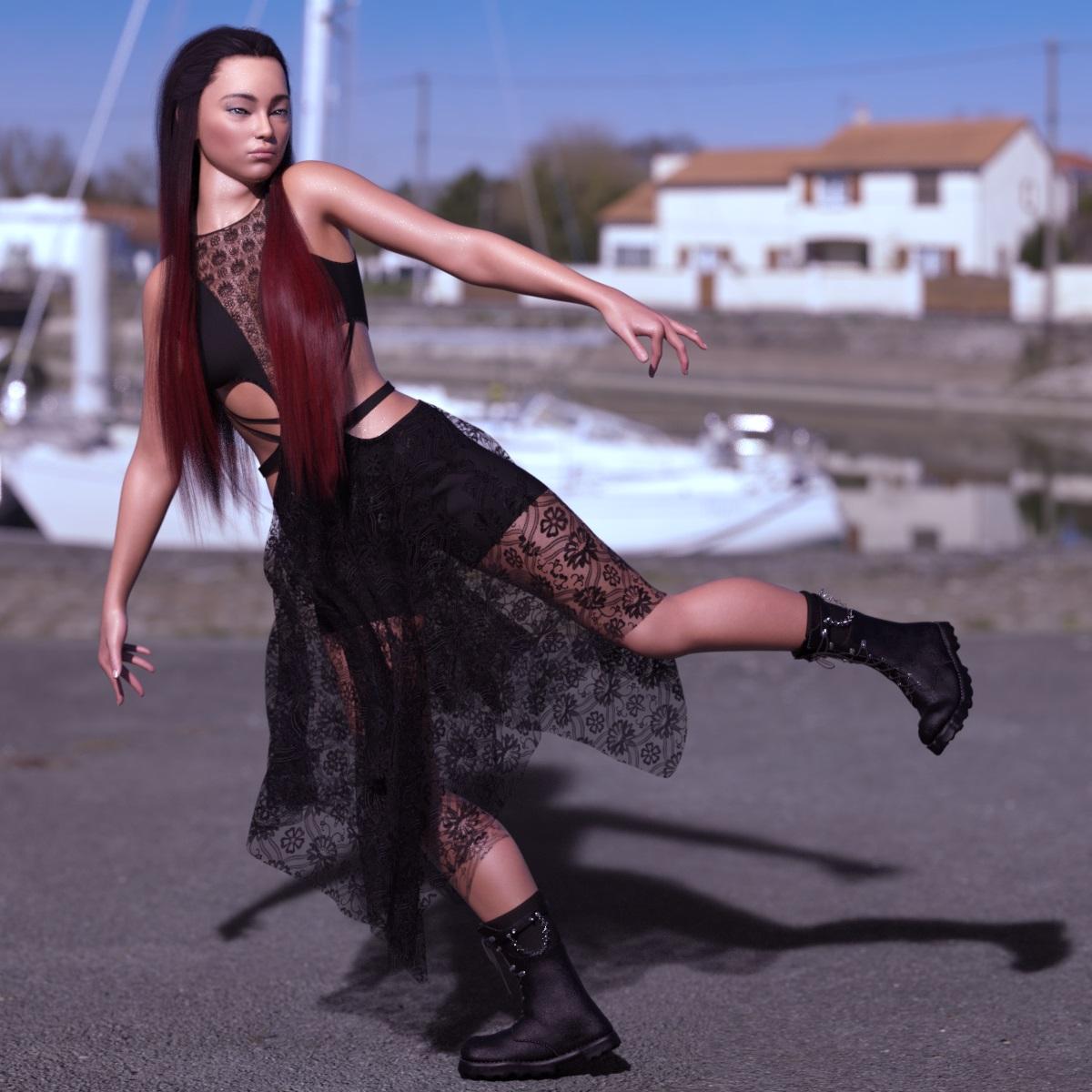 Kala 9 HD
G9 Core Figure list prices are more, but my actual price has been below $25 for new ones. I paid less than $10 for Victoria 9, less than $5 for Julia 9, & less than $14 for Genghis Khan 9, Lawrence 9, & Thimor 9. I got Minerva's, Nikolai's, & Nathan's Mega Bundles for less than $25 each. Of course, there were tokens, coupons, & banners involved in those deals, but my experience is that G9 Core Figures are way cheaper in practice.
But I routinely paid more than $40 for G8/8.1 Core Figures plus their HD Add-Ons. Still, I'm not using G9 much yet.
HT Lionella Boot Sneakers(released)Also, Victoria 9 is too big against the HDR---one lane of the road wouldn't be that narrow. I like your shoes, and I already bought them, but I'd appreciate extra textures in the future.
Male / Female Genssammander said:
Ok thanks, I got it working. It would have been nice to have some variety, as Michael has shaved and unshaved. Do you know anything about missing textures for Victoria? Either way I got things working enough for now. Thanks. I hope eventually they update so Victoria gets some textures packed in for the genatalia beyond just nothing.
Cheers.
Legacy UVs for Genesis 9 [Commercial]One more render with https://www.daz3d.com/v4-elite-texture-amy on Victoria 9 shape
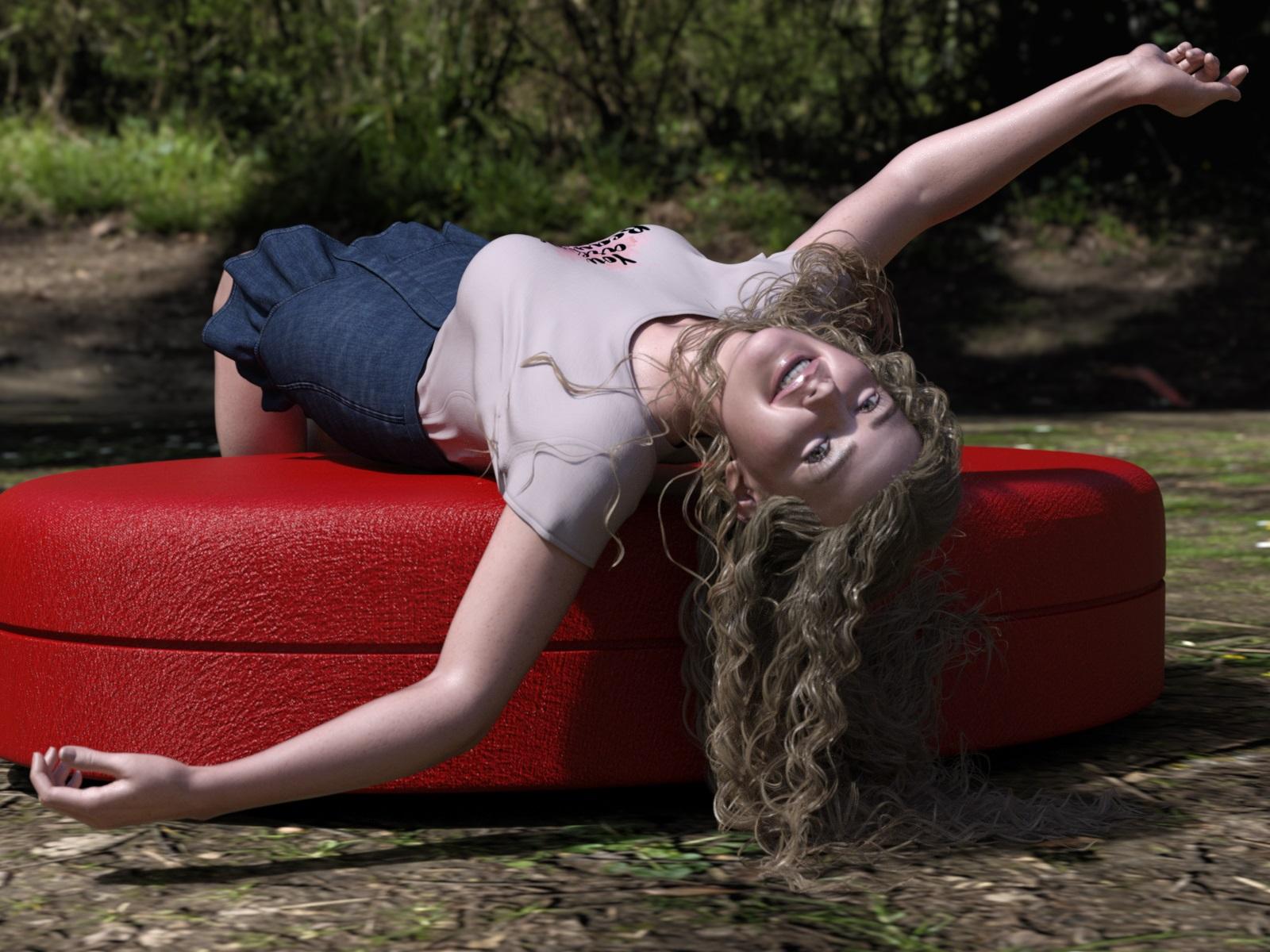 Legacy UVs for Genesis 9 [Commercial]
Ok, thanks for the explanation.
Below is V4 Elite Texture Amy - https://www.daz3d.com/v4-elite-texture-amy
on Victoria 9 shape.
Even after almost 15 years since my purchase, these textures still deliver nice results.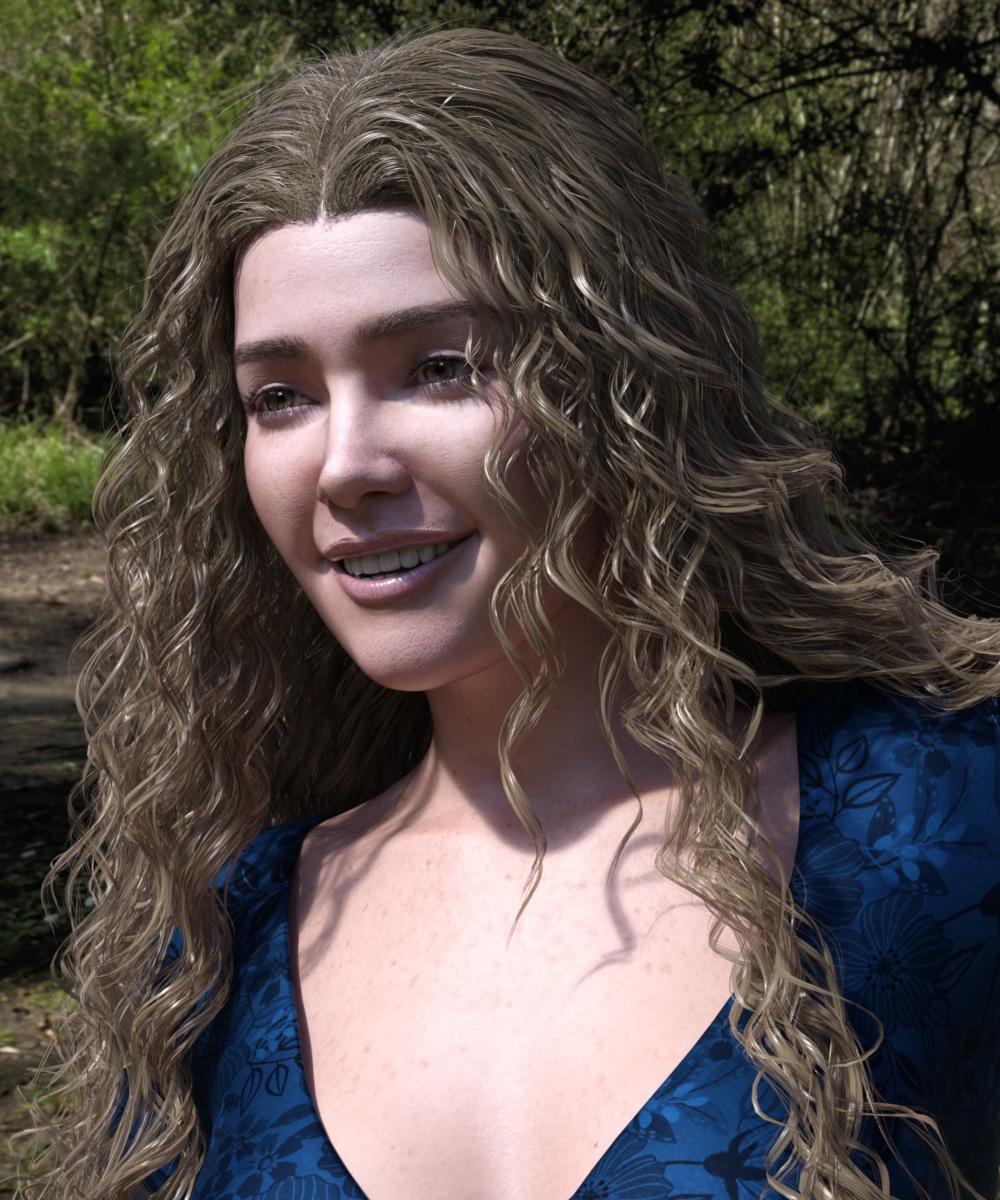 Gothic Rebel Outfit Model
Way back when this item was released the PA was asked what the model was in the commercial thread. His reply was P3D Imogen for Victoria 8 at renderosity
Old Daz Victoria 4 Figure I want to use in PoserVictoria 4 is a Poser figure, just install it along with any ExP Morph packs such as Shapes++, and then run the updater (/Runtime/Libraries/!Daz/DzCreateExPFiles-v4 if you don't hav the desktop shotcut).
Getting on the 9 train, or notmagikhs said:
Random question and kind of off-topic... but how are you guys liking Genesis 9, so far? Cuz I'm not...

Victoria 9 and Nathan 9 have very impressive faces. So have Dylan, Phx Kade, Aurore, Aniyah ... for G8. And Victoria and Russel and ... for G3.
I don't like the shoulders and pectorals of Genesis 9, and the missing nipples and navels (HD morphs only). In real life, 9x % of the males and females have a gender specific body. The unisex base character is a step into the wrong direction IMHO. In real life, most of the clothes are not unisex, either.
Who is she ?Cyklone said:
Hi,
Thank you for your answer...There was nothing that was looking like her unfortunatly...Still searching....
Seems they are all similar... aren't they? And you may still tweak or blend the morphs as you wish...
https://www.daz3d.com/fw-scarlett-hd-for-victoria-7
https://www.daz3d.com/fwsa-teagan-hd-for-victoria-7-and-lf-faux-corset
https://www.daz3d.com/fw-sandi-hd-for-victoria-7
[Released] RSSY Character And Material Conversion Bundle Genesis 8 to Genesis 9 [Commercial]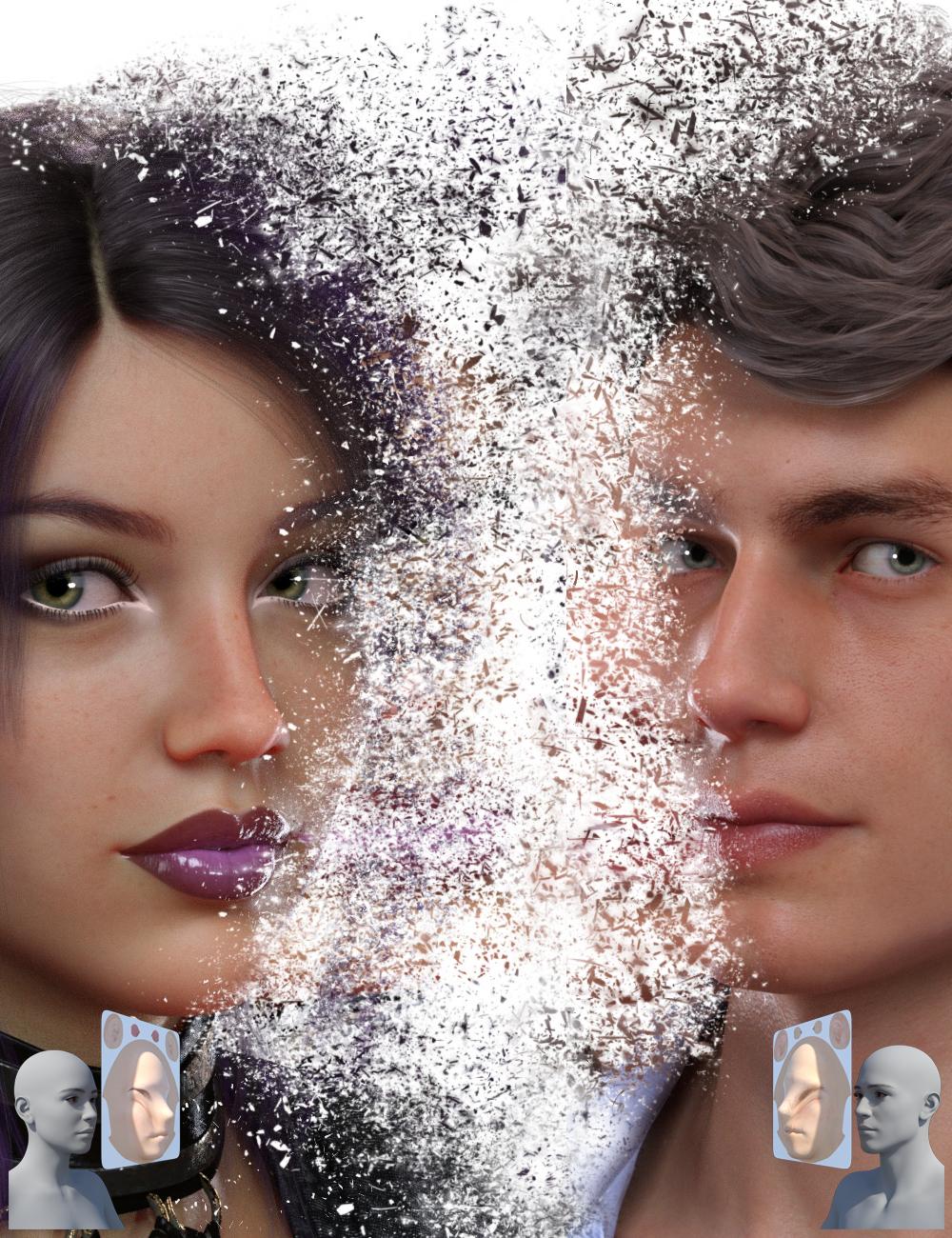 RiverSoft Art and Sickleyield are proud to present the RSSY Character And Material Conversion Bundle Genesis 8 to Genesis 9! Convert your favorite Genesis 8 characters to new Genesis 9 characters! The bundle includes 4 products for converting your beloved Genesis 8 characters to Genesis 9:
- RSSY Character Converter from Genesis 8 Female to Genesis 9 - Convert most characters from G8F/G8.1F to G9
- RSSY Material Suit from Genesis 8 Female to Genesis 9 - Use Genesis 8/8.1 Female character textures on Genesis 9
- RSSY Character Converter from Genesis 8 Male to Genesis 9 - Convert most characters from G8M/G8.1M to G9
- RSSY Material Suit from Genesis 8 Male to Genesis 9 - Use Genesis 8/8.1 Male character textures on Genesis 9
RSSY Character Converter from Genesis 8 Female to Genesis 9/RSSY Character Converter from Genesis 8 Male to Genesis 9
The Character Converter products transfer the morphs from beloved Genesis 8 characters to the latest generation, Genesis 9. The Character Converter scripts provide easy batch execution for automatically converting your Genesis 8 Character to a Genesis 9 Character in your library. Even better, icons, categories, and the default materials* are copied from your original Genesis 8 Character to the new Genesis 9 Character. The Character Converter script cannot properly convert all Genesis 8 characters. Characters with extreme morphs may have problems, especially around the eyes**. Multi-part characters (e.g., a character that loads a figure and separate horns) cannot be converted.
- Convert Genesis 8 Characters to Genesis 9 Characters
- Unprecedented control over the eye area – use a special option included to scale and place the eyes of big-eyed characters like Girl 8, or let it run automatically for normal-sized heads and eyes like Victoria 8!
- Mix morphs in your scene to create entirely new characters and then convert them to new Genesis 9 characters
- Automatically copy a currently installed Genesis 9 Hierarchical Map to the new Genesis 9 characters
- Copies icons from the Genesis 8 Character to the Genesis 9 Character for a professional look
- Automatically convert almost your entire library of Characters with one operation!
- Supports the Material Suit line of products! Copy Genesis 8 materials to the new Genesis 9 characters without ugly seams*
- Supports the Turbo Loader line of products! Convert your library of characters as fast as possible by turning off all the morphs for Genesis 8. If Turbo Loader is installed, the Character Converter script will enable only the morphs used by the Character Preset, convert the character, and then disable the morphs again
RSSY Material Suit from Genesis 8 Female to Genesis 9/RSSY Material Suit from Genesis 8 Male to Genesis 9
The Material Suit products allow you to quickly and easily use Genesis 8 character textures on Genesis 9. The Material Suit scripts provide easy one-click execution for automatically applying hierarchical materials presets to material suits. If you select the individual Material Suit, or the Eye, Mouth, or Eyelash conformer, you can separately apply materials to those, too! Selecting Material Suit also allows you to apply geometry shells to it and have them look great! The Material Suit script cannot properly convert all Genesis 8 materials. It can’t be used to put Genesis 8 geometry shells over a Genesis 9 skin, because the Material Suit is a culling conformer that removes all G9 geometry under it.
- Use Genesis 8 and 8.1 character skins on Genesis 9
- Includes eye and mouth scaling morphs for the eye/mouth suits in case of eye/mouth scaling mismatch
- Use Genesis 8 skins on Genesis 9 morphs
- No more ugly seams using G8 skins on G9
* The Material Suit product is needed to properly copy the materials from Genesis 8 to the new Genesis 9.
** A Character Converter Eye Placement script can be automatically invoked to help you manually scale and move the eyes for extreme eyes such as Girl 8.
Genesis 9 presents some unique challenges in converting characters, because of the difference in height from Genesis 8, the greater difference in shape compared to previous generations, and the separate conforming eyes and mouth that can provide both a boon (on regular-sized eyes) and an obstacle (on larger ones). Thanks to our special processes, the Character Converter makes it easy to achieve results that are all but impossible with slower manual methods!
Messed up geometry after converting from Genesis 3 to Genesis 8Havos said:
takezo_3001 said:
Did you use G8.1 instead of G8 as the recieving character by chance? I ask because G8.1 figure is not symmetrical like G8, as the left/right half of the character does not match, unlike with G8... A nightmare if you want to create limb morphs, so using DS's mirror morph import feature is useless!
Is this true? Everything I have read, and my own observations too, is that G8 and G8.1 is exactly the same mesh. Only the rigging has some difference, in particular the face. If they were not the same mesh, G8 morphs would not work on G8.1 (and they do), nor could you use G8 geografts on 8.1 (and you can).
G8.1 is indeed the same mesh as G8. G8.1 has slightly different material zones (torso was split into head and body), extra UVs and different expression system, but that's all. The base is still symmetrical.
Victoria 8.1 morph is asymmetrical though.
Old Daz Victoria 4 Figure I want to use in PoserI have an old V4 figure complete with V4 morphs I want to be able to use in Poser 12. I did it with the help of a friend once years ago but can't seem to get the cr2 file properly converted. I'd also like to have the morph functions still adjustable once I bring it into P12. Am I in need of an old utility program? Any help appreciated.
New Genesis, New Sales Thread: Report Issues Here "Reporting Only"javierquintanasanchez said:
Hi, I'm trying to get the discount for the coupon code DIRTY-FIGHTING, I have selected the products from the catalogue provided; more specifically Technomancer Props Poses and Expressions for Genesis 8, CDI Poses for Genesis 8 Male and Holt 8 and Aim & Shoot for Victoria 6 and Olympia 6 but when I apply the coupon it says it is not valid. Am I missing something?
Thank you for your time
do you also have a Dark Future new release in the cart as well?
New Genesis, New Sales Thread: Report Issues Here "Reporting Only"Hi, I'm trying to get the discount for the coupon code DIRTY-FIGHTING, I have selected the products from the catalogue provided; more specifically Technomancer Props Poses and Expressions for Genesis 8, CDI Poses for Genesis 8 Male and Holt 8 and Aim & Shoot for Victoria 6 and Olympia 6 but when I apply the coupon it says it is not valid. Am I missing something?
Thank you for your time
Daz 3D is part of

Connect
DAZ Productions, Inc.
7533 S Center View Ct #4664
West Jordan, UT 84084Licensing Agreement | Terms of Service | Privacy Policy | EULA
© 2026 Daz Productions Inc. All Rights Reserved.