-
Reminder To Myself: Never again SBH Hair
I do animations hence the times and save sizes
Carrara dynamic hair not that ridiculous
and not locked to PAs
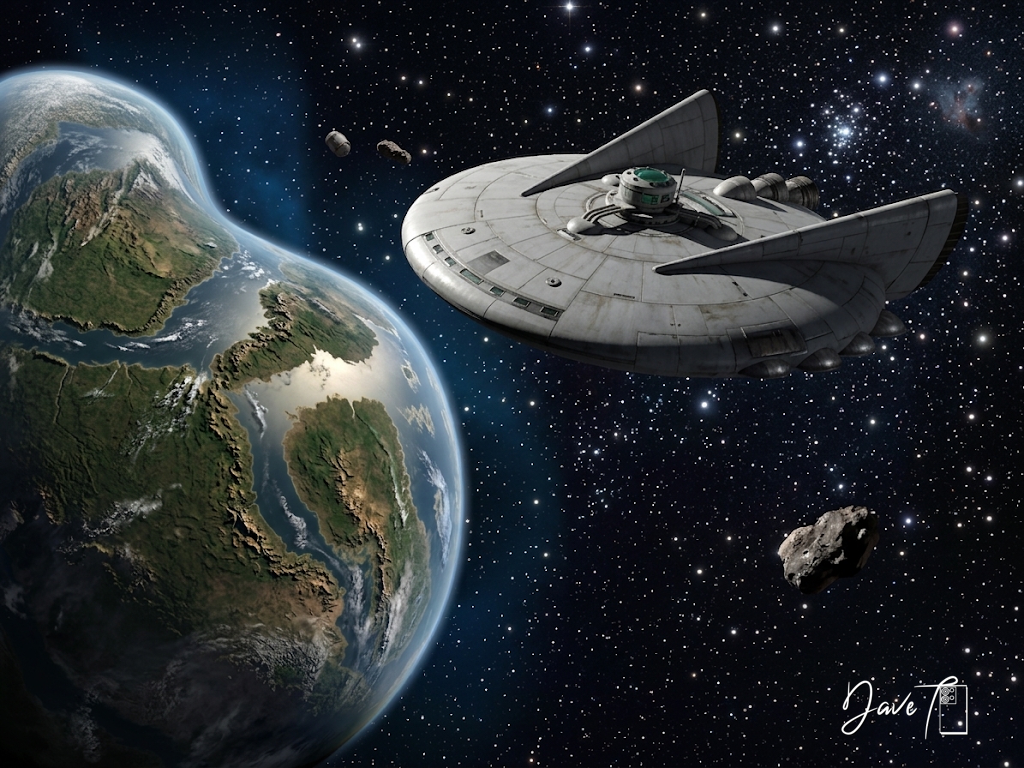
Carrara Community Art Gallery - Show us your Renders!!!cool stuff.. I modelled this and rendered in Carrara then retextured in Gemini..
Exploring the planet Plump
 more....Wacky Modelling ~ In Carrara ~
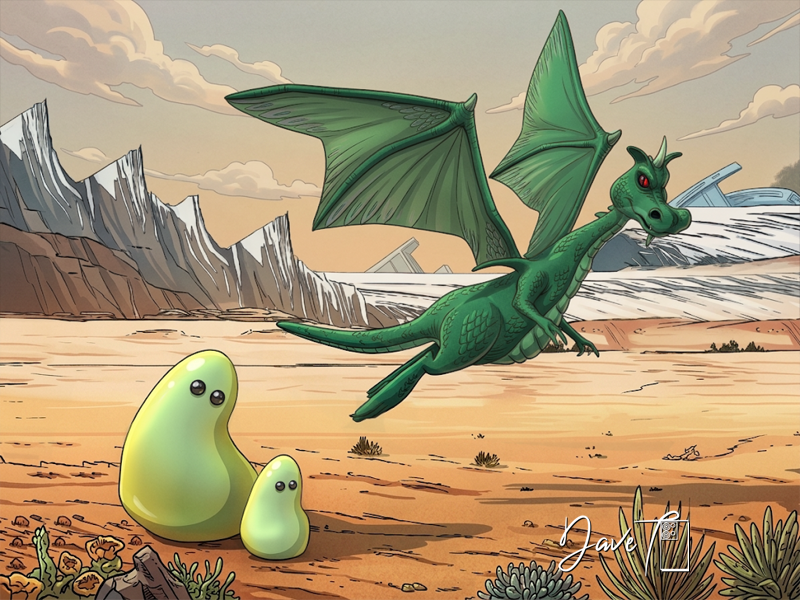
from the Carrara Cube the formless fearless monsters
Gloop n Gleep and also Zok ( Zok was cubed in 2022 a few years ago now! )

Gloop is morphed and Gleep is just Gloop duplicated and scaled down...

 My Project: Brash Lonergan adventures - Warning AI Discussion Possible
Diomede said:
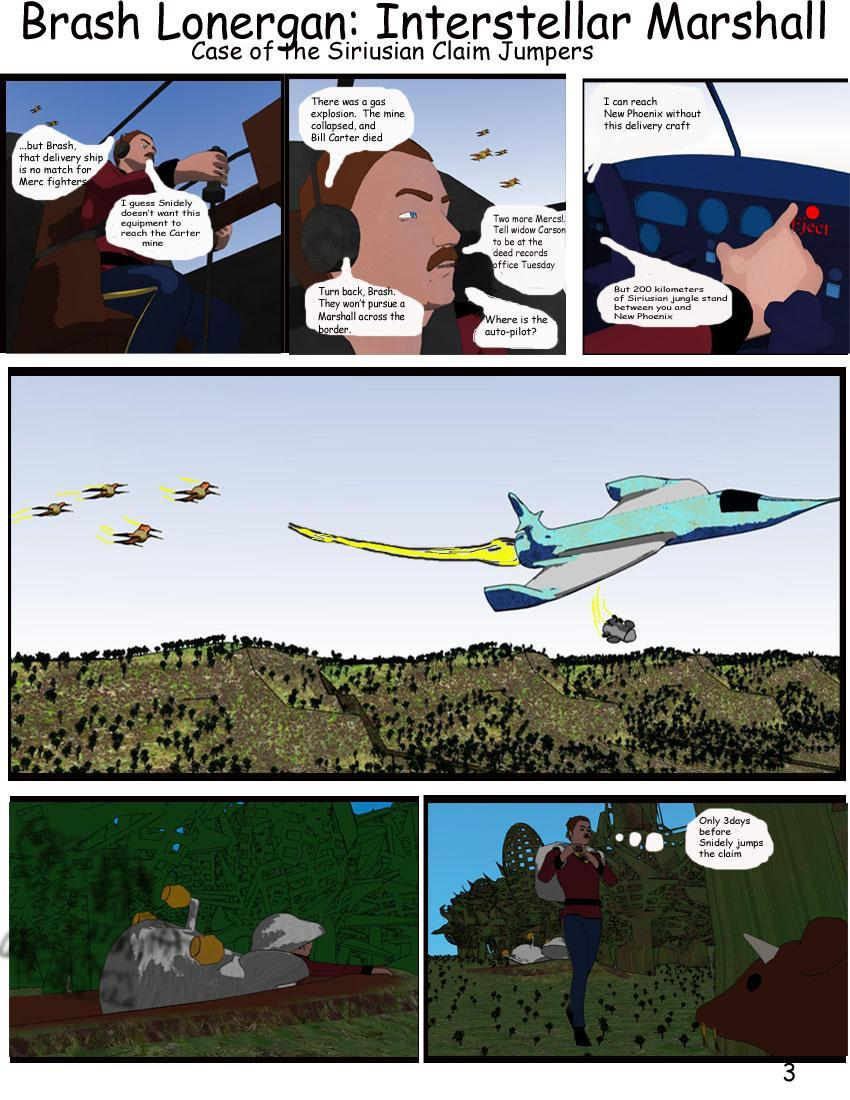
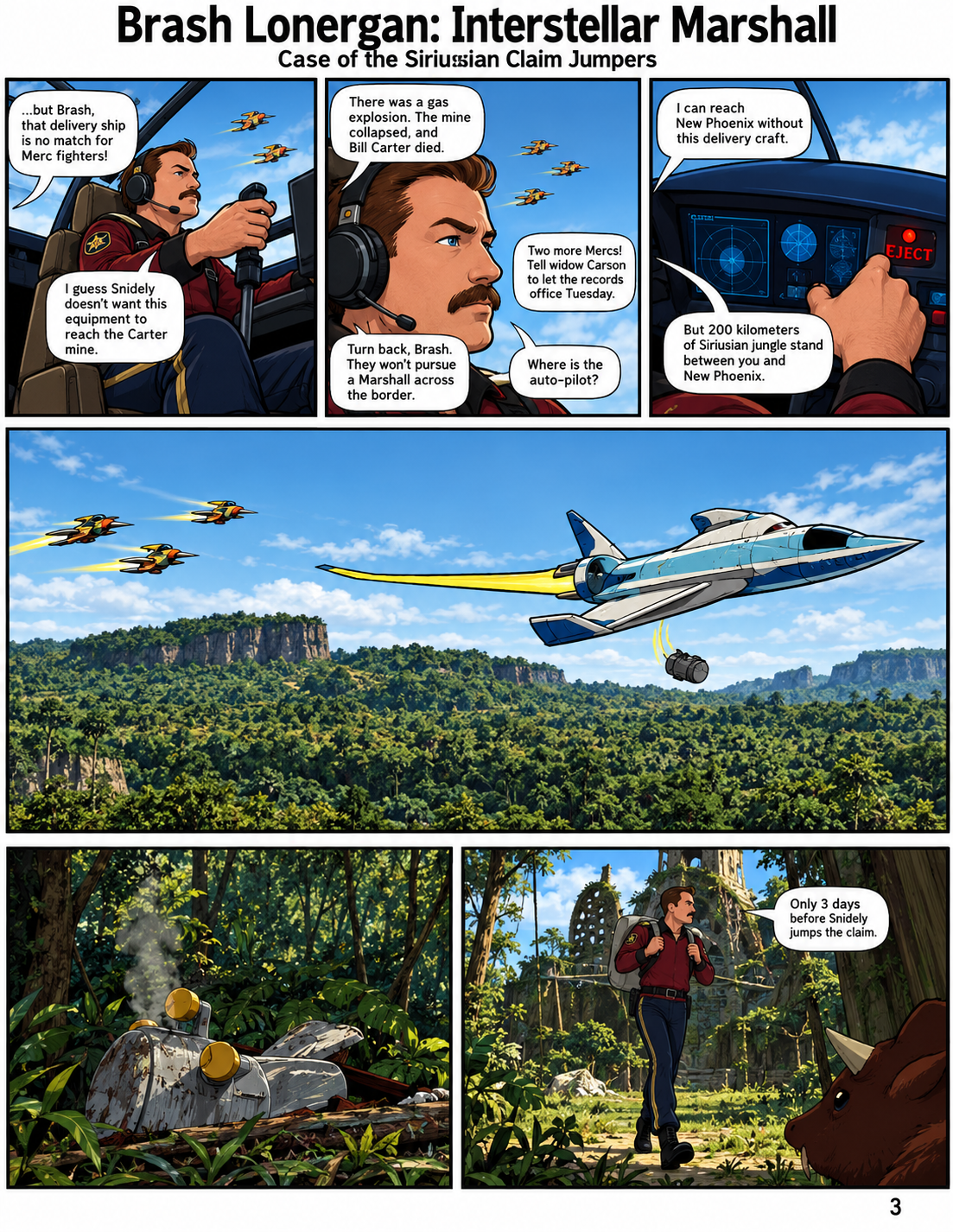
An original unadjusted pure Carrara assembled in image editor Brash Lonergan comic page, along with an AI edit derived from Carrara. I went several months without doing any significant attempts at visual art of any kind.Have done some writing. So of course I have forgotten how to do anything. Getting old sucks. Dipping my toe back in the visuals by revisiting some old efforts.
wow! you can't be 'Sirius'!
this is awesome @Diomede
 Carrara Community Art Gallery - Show us your Renders!!!
Steve K said:
Khoe said:
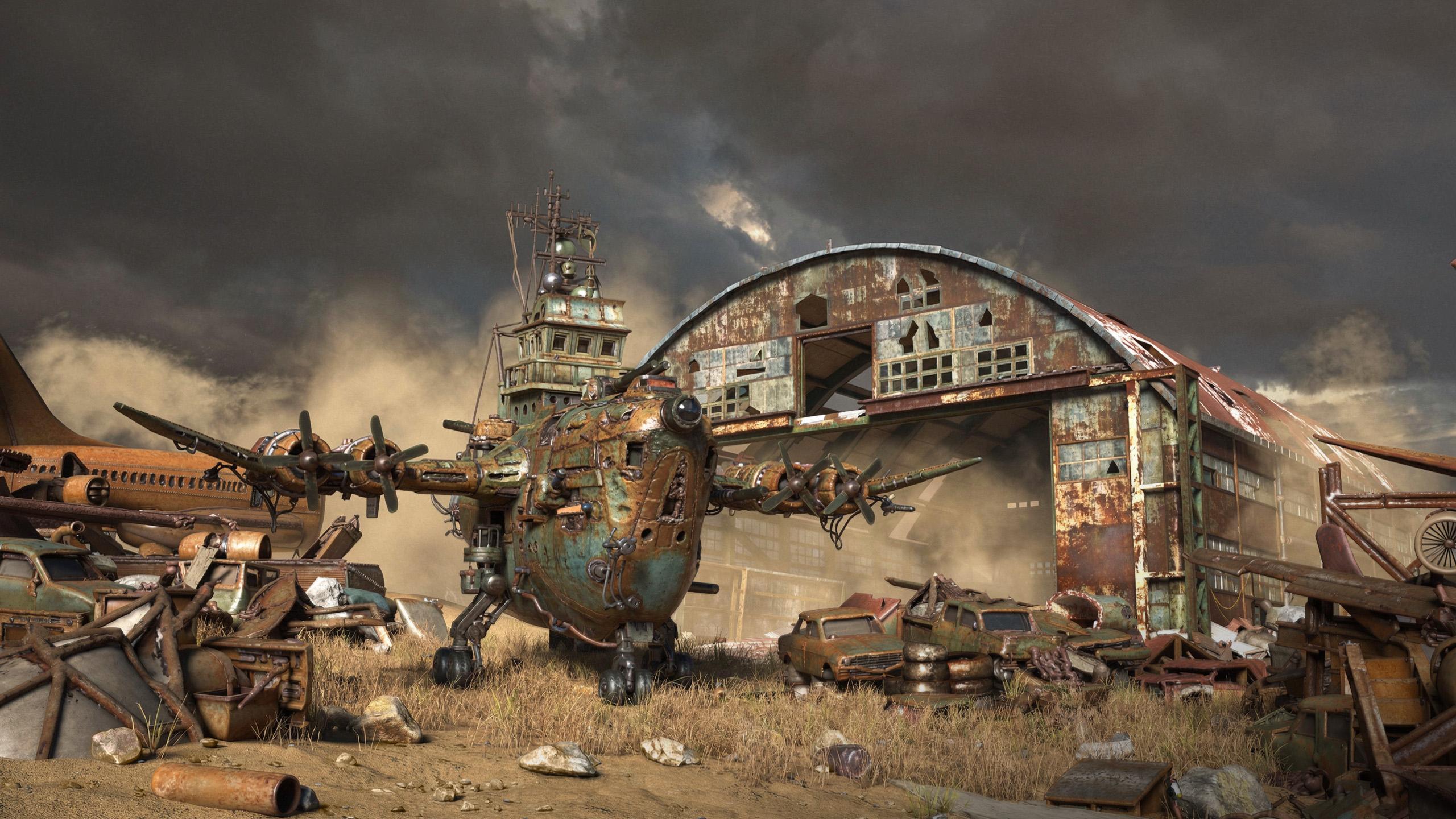
my next Carrara Image is redy. The aircraft and the house were created using Tripo. The rest was produced in Carrara. Some post-processing was done after rendering; colors and contrast were slightly enhanced.
Impressive image. I have never used AI like Tripo, but it seems to give some good options.
Nice ! Are you using the free or paid subscriptions ? Have used a plugin to generate some basic models in Blender, as well as downloaded a few over time, quality has definately been improving.
My Project: Brash Lonergan adventures - Warning AI Discussion PossibleAn original unadjusted pure Carrara assembled in image editor Brash Lonergan comic page, along with an AI edit derived from Carrara. I went several months without doing any significant attempts at visual art of any kind.Have done some writing. So of course I have forgotten how to do anything. Getting old sucks. Dipping my toe back in the visuals by revisiting some old efforts.
Freebie Challenge September 2026 - The Tarot Challenge - Main Thread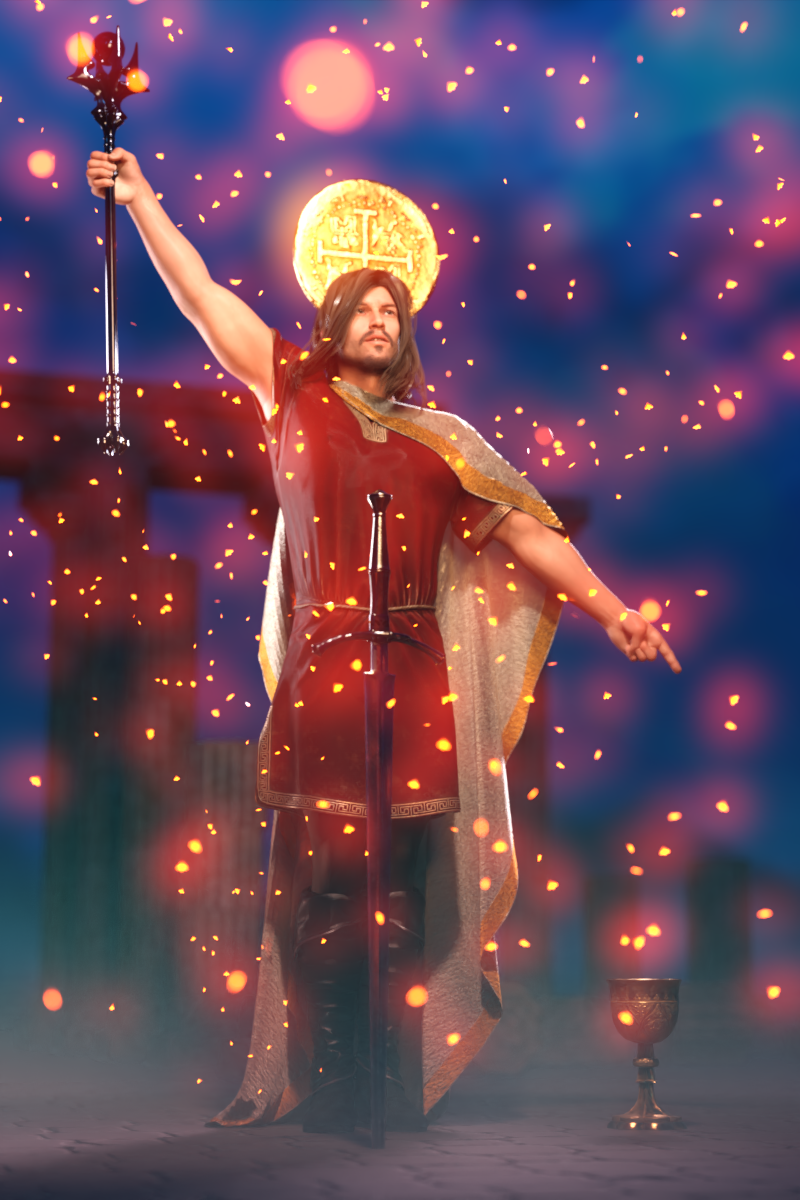
Tarot cards are an ancient deck of cards that can be used for divination. They are beautifully illustrated and have intriguing titles full of meaning. The Magician, Death, The Lovers, The Hanged Man, and The Fool are only some of the most iconic Tarot cards.
The most well known Tarot deck is the Rider-Waite deck, first published in 1909 and illustrated by Pamela Colman Smith. Click here to see all the cards of this Tarot deck: https://en.wikipedia.org/wiki/Rider–Waite_Tarot
But beyond the Rider-Waite deck there are so many more Tarot decks, both ancient and brand new. There's no reason why we in the DAZ community can't render up our own Tarot deck!
For the September 2026 Freebie Challenge, pick a Tarot card that you feel drawn to, then render your own interpretation of that card. Your version can hew close to the original, or it can be a completely different interpretation of the same theme.
I think it would be neat if the format of your render is vertical, like a real Tarot card! But I won't be a stickler about it.
I foresee great riches (bestowed, as always, by Kindred Arts) for those who render the most beautiful entries! I can't wait to see what everybody comes up with!
Some useful links for the Contest
The KindredArts Free Resource Repo Here are the KindredsArt freebies and a rich list of sites that host freebies
Free 3D Models Link to DAZ's bi-weekly freebies
Limited Time Freebies Discussion Thread A thread under the Commons section of the forum, where DAZ's biweekly freebies are announced and, recently, even listed. It's useful for remembering which freebies were added and when.
The rules of the contest are:
-
Your entry must be a new render, especially made for this challenge.
-
Your entry must follow the DAZ TOS.
-
You may enter a maximum of 4 entries.
-
A minimum of five (5) Freebies must be included in your image
-
All Daz Bi-Weekly Freebies are allowed throughout the entire month in which they are free, as well as the following month (for a total of 2 months).
-
You may use a maximum of 5 paid items.
-
Base figures (Genesis 9, Genesis 8, etc.) as well as their basic morph packs may be used as needed. They do not count as either paid items or freebies.
-
DAZ Studio, Poser, Bryce, Carrara, Hexagon, and Blender are allowed.
-
DAZ AI Studio is not allowed. The use of image generating AI technology (midjourney, stable diffusion, etc.) is not allowed in any form.
-
Postwork is allowed. You must also include the raw render (before postwork) of your entry.
-
For a more detailed version of the rules see the PDF attached to this post; or ask your question in this thread, we're always happy to clarify!
-
Let's have fun and be creative with all the amazing resources that are available for free!
This contest ends on September 30st 2026.
Post your images and freebie links in this thread for link verification.
Once the links are verified, you can post your image and links in Entries Thread for judging.First Place: $15 store credit from KindredArts
Second Place: $10 store credit from KindredArts
Third Place: $5 store credit from KindredArtsPast Freebie Contests:
January 2022 - Around and around and around...
February 2022 - Mysteries of the heart
March 2022- Luck Of The Draw
April 2022 - New Beginnings
May 2022 - Cozy Corner
June/July 2022 - The Secret Life Of...
August 2022- Sniff, sniff... what's that smell?
September 2022-Cars Cars and More Cars
October 2022 - Horror Movies
November 2022 - Thieves, Robbers, and Fraudsters all around!
December 2022 - The Night is Darkest...
January 2023 Speed Demons and Slowpokes
February 2023- I See Red
March / April 2023 Magical
May 2023 - Sweet Music
June/July 2023 Holes, Gaps, Caves, Tunnels
August 2023 Fabulous Pink
September 2023 Gardening
October 2023 Hallowed Night
November 2023 Wobble, jiggle, sway, and shake
December 2023 / January 2024 Driving Home For...
February 2024 The Glow Up
March 2024 Power Source
April/Mai 2024 Soft as Plush, Smooth as Silk
June 2024 An Octopus' Garden
July/August 2024 Take A Break
September 2024 Fake Smiles and Real Joy
October 2024 "Monster Mash '24!"
November 2024 - Dreams
December 2024 - A Curious Christmas
January 2025 - Thank you, Saphirewild!
February 2025 - My Hallowed Valentine
March 2025 - Pride, Prejudice and other Shenanigans
April 2025 - The Little Ball of Calm
May 2025 - To Be Beautiful
June 2025 - Summer and Piracy
July 2025 - Design a Book Cover
August 2025 - Pure Cinema
September 2025 - Holiday Memories
October 2025 - Monster Mash!
November 2025 - The Winter Witch
December 2025 - Christmas!
January 2026 - When One Door Closes, Another Opens
February 2026 - Stronger Than You Think
March 2026 - The big blue
April 2026 - Free for All
May 2026 - Lies and Truth
June 2026 - Invasion
July 2026 - Summer Holidays
August 2026 - Plastique Fantastique
Carrara Community Art Gallery - Show us your Renders!!!Khoe said:
my next Carrara Image is redy. The aircraft and the house were created using Tripo. The rest was produced in Carrara. Some post-processing was done after rendering; colors and contrast were slightly enhanced.
Impressive image. I have never used AI like Tripo, but it seems to give some good options.
Carrara Community Art Gallery - Show us your Renders!!!my next Carrara Image is redy. The aircraft and the house were created using Tripo. The rest was produced in Carrara. Some post-processing was done after rendering; colors and contrast were slightly enhanced.
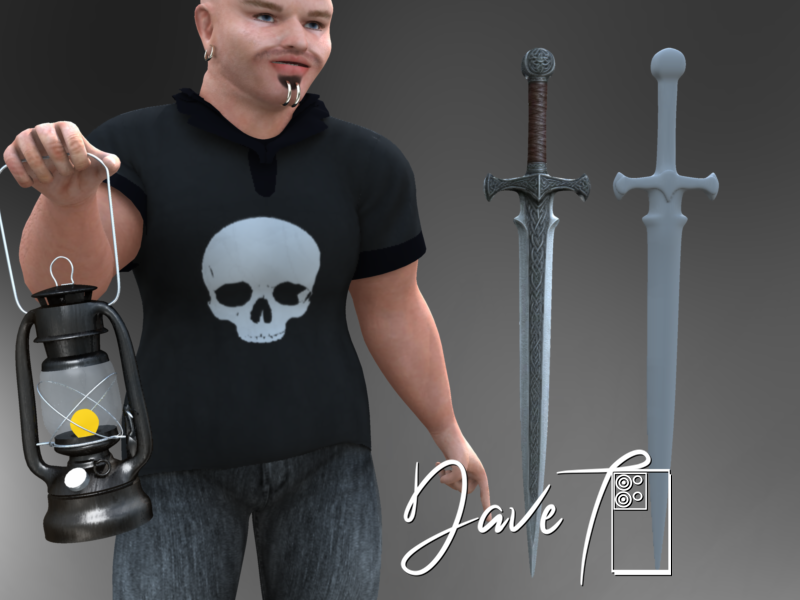
 Looking to commission 3D artist for a sword (G8F)
I quickly modelled a shape in Carrara as per the image you posted and put the OBJ file in the zip for you if it's any good.
You can just use the image you have above to texture it and add some bump... or do nothing at all with it but experiment
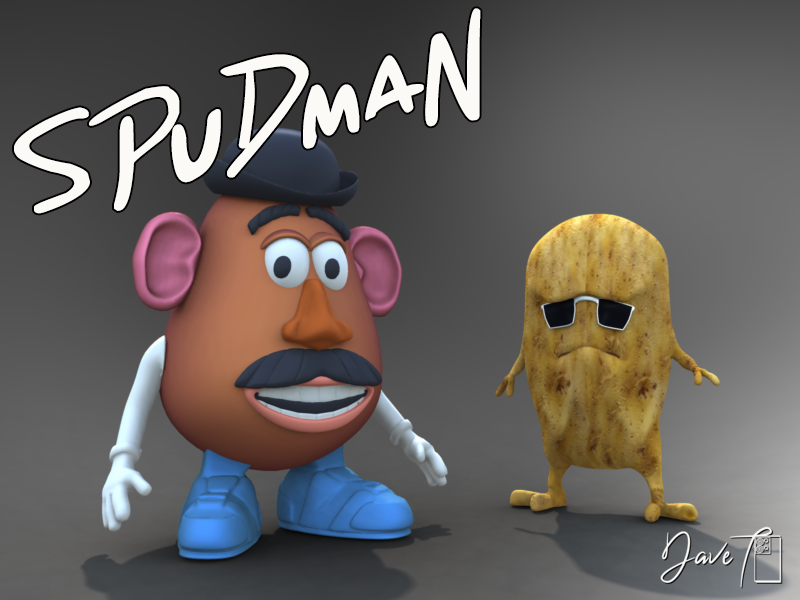
 Mr Potato Head?
if you had Carrara I could help you out...
I modelled the spudman yesterday arvo

 more....Wacky Modelling ~ In Carrara ~
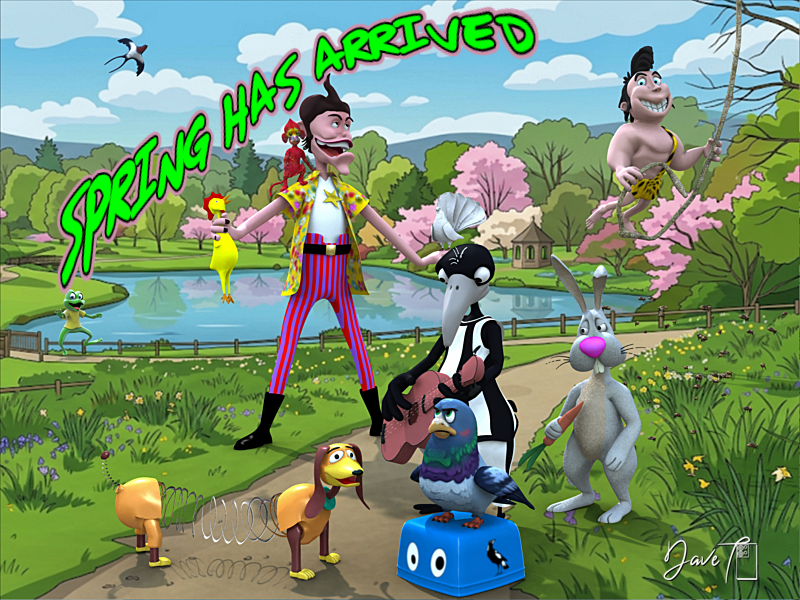
Springtime in Carrara
Today is the 1st Day of Spring downunder
 Has Anyone here experimented with Gaussian Splatting?
can you point me to any documentation on Blendshapes to Bones? I haven't been able to find any mention of it about Blender.
I wish I could but I haven't found it since either and it seems I didn't keep the zip
I don't use Blender much in the way most do
I use it daily as my video editor believe it or not but modelling and rendering, no
prefer Carrara
as for Unreal
set it up as a game and cook it
with all that involves, and it involves quite a bit
it can't be too hard as I have done it, but more than I can explan
but there is a lot of documantation and tutorials
UV texture templates?there is a paid UV export addon for DAZ studio (probably not 6 but apparently that does it natively)
https://www.daz3d.com/uv-tailor
disclaimer, I don't own it, I use Carrara or Ultimate Unwrap3D because those are my modelling UV mapping softwares of choice
Making an objectalso even if you hide vertices, the points still export
I see them all on hidden figures in Carrara's vertex room for example exporting fitted draped clothing to create morphs, doesn't seem to prevent morphloader from accepting them though as it only reads faces (ie don't get the vertex order doesn't match dialogue)
but DAZ will set the bounding box to include the invisible dotty figure if it's reimported as an obj
Does DAWN work in Carrara 8.5?oh the nostalgia reading this thread

we actually expected DAZ to make stuff work in Carrara back then
I should really dig my Hivewire figures out again
thanks for the work and the link therixx,
Does DAWN work in Carrara 8.5?If someone happens to be still interested after all this time, I moved my tutorial here:
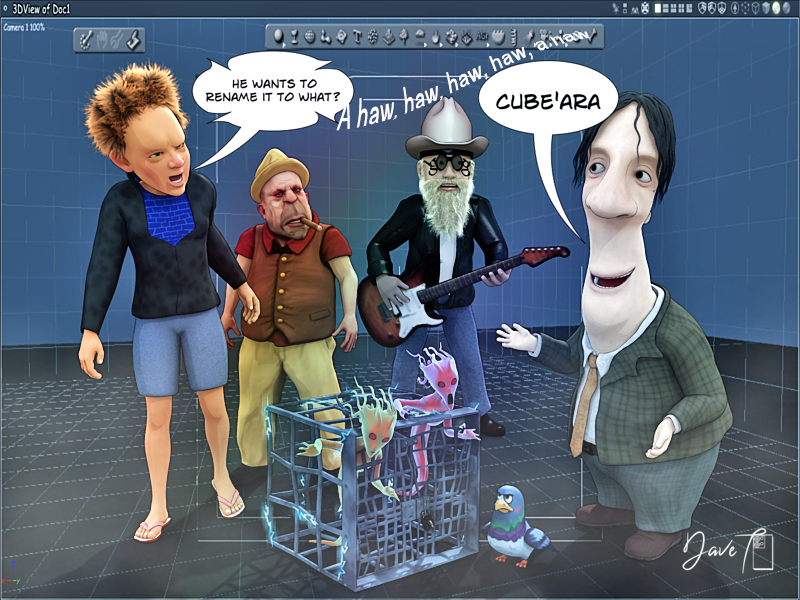
https://www.riccardocorso.it/text/tut-cgi-dawn-carrara-en.phpAdventures of Lorenzo & LoRez Figures in Carrarasome webboid love in Carrara....
 Let's appreciate/discuss today's new releases - ongoinger still further thread
I wishlisted it for now and already spent money I really cannot spare these past few days, but am used to breaking up sets, I do it quite a lot using the geometry editor or external software like Carrara
I suspect these are in fact game assets converted for DAZ studio, Polish like a few other PAs is a brokerage and other modellers sell their stuff to DAZ through them including Game Devs and likely are demo scenes they made exported as a solid obj as I often did Unreal Assets in the past
I now use FBX but that while giving separate objects doesn't export any textures so is a lot of work they probably don't want to do
when I say demos, the sets themselves might not even exist as a product, elsewhere, more showcases for a modellers work never meant for anything but renders
I know the Dekadon sets fall somewhat in that category, the showcase scenes are meant as just that, to show off all the assets in the set
I have most of the Polish versions in the original Dekadon Unreal format
DS6 and .DAZ fileswow I missed that one. almost tempted to buy it today because 60% off it's very decent but this month is a bit of a pinch for me
not for D|S6 but Carrara!
but since I can and do manually do it, not urgentI have in fact manually resaved many over the years
13 year anniversary of when DAZ last did any development on Carrara a couple weeks ago, it's not as if I haven't had lots of time

Daz 3D is part of

Connect
DAZ Productions, Inc.
7533 S Center View Ct #4664
West Jordan, UT 84084Licensing Agreement | Terms of Service | Privacy Policy | EULA
© 2026 Daz Productions Inc. All Rights Reserved.







