dForce Archmage - 2
 matew
Posts: 119
matew
Posts: 119
dForce Archmage 2 - More Control over Your Simulations
Hi everyone!
I've been working on a major update to dForce Archmage, and I'd like to show you what’s coming in version 2.
The update is finished, and I'm currently writing the User Guide. It brings together 13 scripts for working with dForce in DAZ Studio 4 and DAZ Studio 6, with new tools for setting up simulations, managing complex scenes, and turning results into reusable morphs.
My dForce Archmage - 1 discussion thread is here.
WHAT’S NEW IN DFORCE ARCHMAGE-2
Version 2 expands the original ten-module toolkit with three new modules, a persistent Multi-Stage workflow, focused scene controls, and substantial improvements to conversion and recovery. Existing preferences and familiar workflows are retained wherever they still apply.
I would also like to give a special thanks to everyone who left reviews and constructive suggestions — I have incorporated virtually all of them!
THREE NEW MODULES
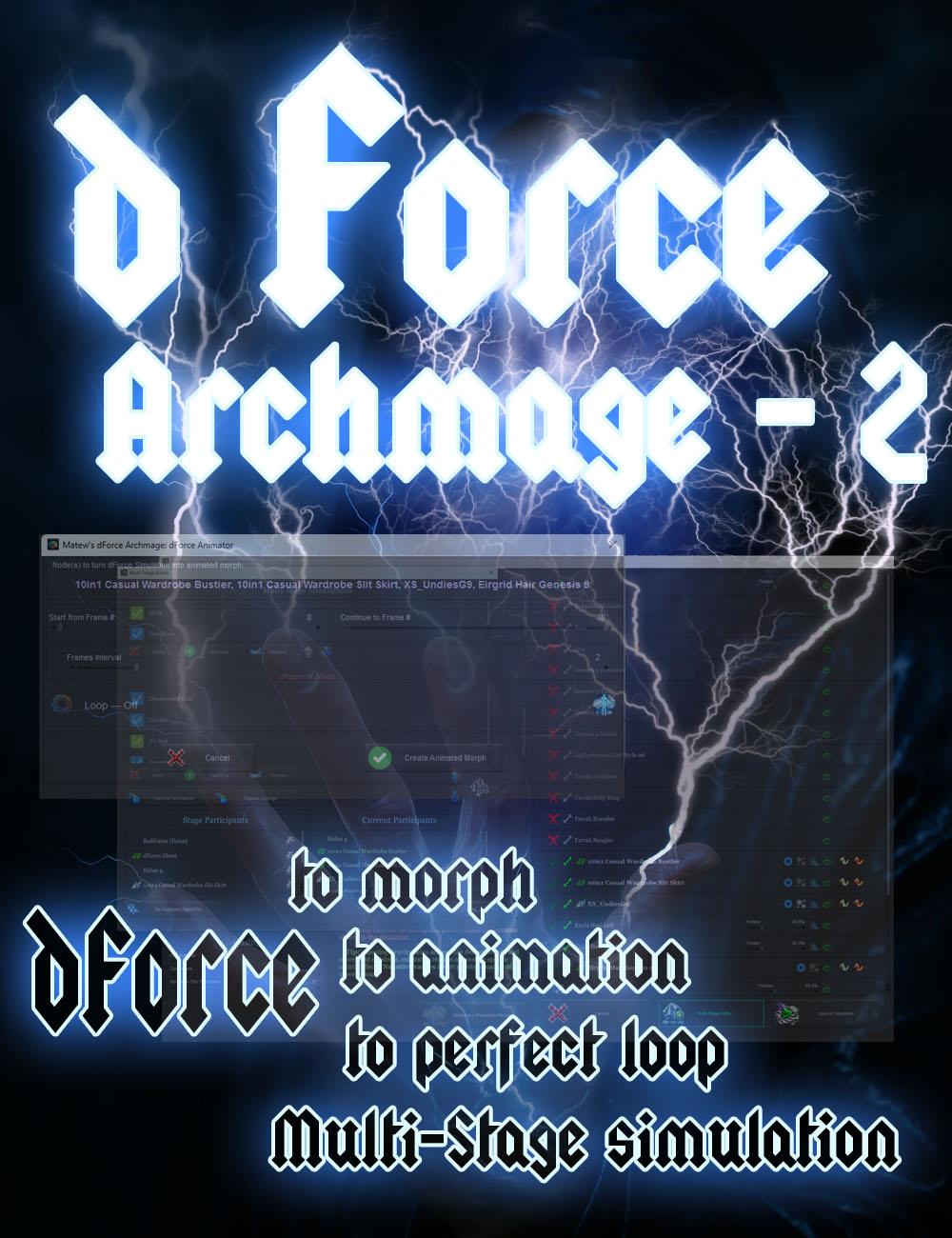
11 Multi-Stage Simulator – A powerful tool for planning complex simulations by breaking them down into simpler stages. It allows you to add, exclude, freeze, or unfreeze participants; start subsequent stages from the results of previous simulations; run each stage with its own simulation settings; quickly rerun individual stages; and even layer new simulations on top of results produced by previous stages.
It has two operating modes:
-
Automatic Mode – all stages run sequentially until the final result is produced.
-
Advanced Mode – provides extensive control and allows stages to be run in any order and as many times as needed, freely combining the results produced by different stages.
12 Clear Simulation – Clears dForce simulation data either for the entire scene or for individual garments or hair objects. It also allows objects to be frozen/unfrozen and resets morphs created from dForce simulations by other scripts in the suite.
13 dForce Inspector – Provides a quick overview of every dForce object in the scene. From one interface, you can run a solo simulation or clear the simulation for any individual object, modify simulation-related parameters, and also control Scene / Simulation / Viewport visibility, create/enable/disable a Smoothing Modifier, convert objects to SubD, and toggle Base/High Resolution.
UPDATED COMPATIBILITY AND PRESENTATION
-
Support for DAZ Studio 4 and DAZ Studio 6. Testing was performed in DAZ Studio 4.24 and DAZ Studio 6.25.
-
Updated interfaces for the main scripts, improving functionality, aesthetics, and overall usability.
-
No more separate Mini and Micro versions — support for lower-resolution displays is now built directly into the main full-size interfaces.
-
Integration with Wearables Manager and Wearables Manager-2, when either is installed. In some scenarios, this can reduce simulation time by more than half.
01 MASTER SETTINGS
-
Added a Beginner Guidance option designed to help users avoid common mistakes when running simulations through Invoke dForce. The guidance system not only identifies potential problems, but in the overwhelming majority of cases can also fix them with a single click. Beginner Guidance is enabled by default and is intended primarily for users who have not read this User Guide or watched the YouTube video guide.
-
Fixed issues that could allow invalid expressions to be entered into Interval Expressions, and added additional safeguards when writing data to files.
02 MORPH EXTRACTOR, 03 FRAME SHAPE MATCH AND 04 LOOP MASTER
-
Removed the restriction preventing morph creation when an object is frozen or hidden from simulation.
-
Added a workaround for a DAZ Studio bug where switching to the Geometry Editor Tool and back can reset GeoShell visibility on GeoGraft surfaces. The scripts now record this information before running and restore it when finished.
-
Added an additional validation layer to prevent dForce simulation data from being destroyed if morph creation fails because of an error.
-
Fixed numerous other bugs.
05 DFORCE ANIMATOR
-
Added the ability to create seamless looping animation when the object has the same shape at 0% and 100%.
-
Added a workaround for a DAZ Studio bug where switching to the Geometry Editor Tool and back can reset GeoShell visibility on GeoGraft surfaces. The script now records this information before running and restores it when finished.
-
Added an additional validation layer to prevent dForce simulation data from being destroyed if morph creation fails because of an error.
-
Fixed numerous other bugs.
-
Added optional integration with Wearables Manager. Unnecessary wearables can be temporarily removed with a single click. DAZ Studio no longer needs to continuously recalculate their fitting and smoothing, which in some scenes can speed up animation generation several times over.
06 WIND WIZARD
-
Fixed numerous issues and added a recovery system that restores the scene to its original state if an error occurs.
-
When deleting a Wind Node, its associated camera is now removed only if the camera has no child objects added by the user.
07 DFORCE WIZARD
-
Adding a weight node now preserves an existing influence map. A newly created map starts with full influence.
-
Fixed numerous other bugs.
08 INVOKE DFORCE
-
Shift-click Include cycles an entire hierarchy through three states: all included, all excluded, and the original inclusion state.
-
Added a button for running a solo simulation of each dForce object.
-
Added a button for clearing the simulation of each individual dForce object.
-
Added a simulation problem detection and correction system with two levels:
-
The first level identifies clearly incorrect configurations where the simulation would either produce incorrect results or be impossible to run.
-
The second level, Beginner Guidance, warns about situations where it cannot be determined with certainty whether the setup is incorrect or intentionally configured that way.
-
-
Beginner Guidance is enabled by default and can be disabled in Master Settings. In the overwhelming majority of cases, the system also provides a one-click solution.
-
Temporary Animation now includes frame preview and playback. The preview shows transforms exactly as they will appear during the simulation.
-
Added a button for clearing Temporary Animation.
-
Added integration with Wearables Manager / Wearables Manager-2 at two levels: while editing Temporary Animation and during the simulation itself.
-
While editing animation, all unnecessary wearables can be temporarily removed with a single click, preventing delays while scrubbing through the timeline. Removing items that are not participating in the simulation frees DAZ Studio from continuously recalculating their fitting and smoothing. In some cases, this can make simulations more than twice as fast, particularly in DAZ Studio 4.
-
Added the Multi-Stage Simulation Editor. The editor allows you to create multiple Multi-Stage Simulations, each containing its own sequence of simulation stages.
-
Add to Multi-Stage saves the current state as a Simulation Stage. Each stage stores the current Simulation Settings, Simulation Intervals, and current simulation participants. For every participant, the stage also records its Freeze/Unfreeze state, selected bones, and any applied Temporary Animation.
09 HEAL SIMULATION SPRINGS
-
The script now processes all selected objects.
10 REMOVE DFORCE MORPHS
-
Redesigned the interface so it is completely clear which morphs will be removed and which will remain.
-
Added Select All and Unselect All buttons.
-
Each morph now shows which script was used to create it. Animated morphs are identified separately.
-
Added handling for a DAZ Studio bug where deleting an animated morph and then restoring it with Undo can leave the morph in a broken, non-functional state. If such a broken morph is detected, the dialog now displays a button that can repair it.
-
Fixed numerous bugs and improved tracking of morphs that depend on morphs being removed.
We'll post any updates about the publishing date and other related events here.

Daz 3D is part of 
Connect
DAZ Productions, Inc.
7533 S Center View Ct #4664
West Jordan, UT 84084
Licensing Agreement | Terms of Service | Privacy Policy | EULA
© 2026 Daz Productions Inc. All Rights Reserved.
Comments
UI design of version 1 is not good indeed ~
Better optimize the dialogue size which is now unnecessarily too big ~ e.g. make icons smaller, line space smaller, buttons smaller, remove useless group frames, etc. etc ~
In the new version, the dialog size will adapt to your screen resolution.