[Solved] G8F Facial Rigs Failure
 Disciple
Posts: 261
Disciple
Posts: 261
I switch between composing in 4.20 and 4.22, on a Win10 Intel tower 16GB, with an 8GB Nvidia GPU. My scene can crash the Iray renderer if I don't hide enough unseen items, but the work cycle has been quite stable of late. My scene consists of many images showing one cast of characters in one environment, so I keyframe everything in a timeline sequence. I've encountered plenty of Studio's bugs, but am accustomed to workarounds. This one's got me flummoxed.
Posing my main G8F character, I sought to fine-tune her expression, as I had done in many previous keyframes. However, her facial rigs had vanished from the scene tab, no longer listed in the hierarchy. They still seem to exist. I can nudge the bones about using PowerPose. They still appear in the timeline tab and I can select them, but this no longer causes the parameters pane to populate. I can't adjust sliders, or even see their transform numbers. I've tried quitting, rebooting, and restarting both 4.20 and 4.22, but the problem persists.
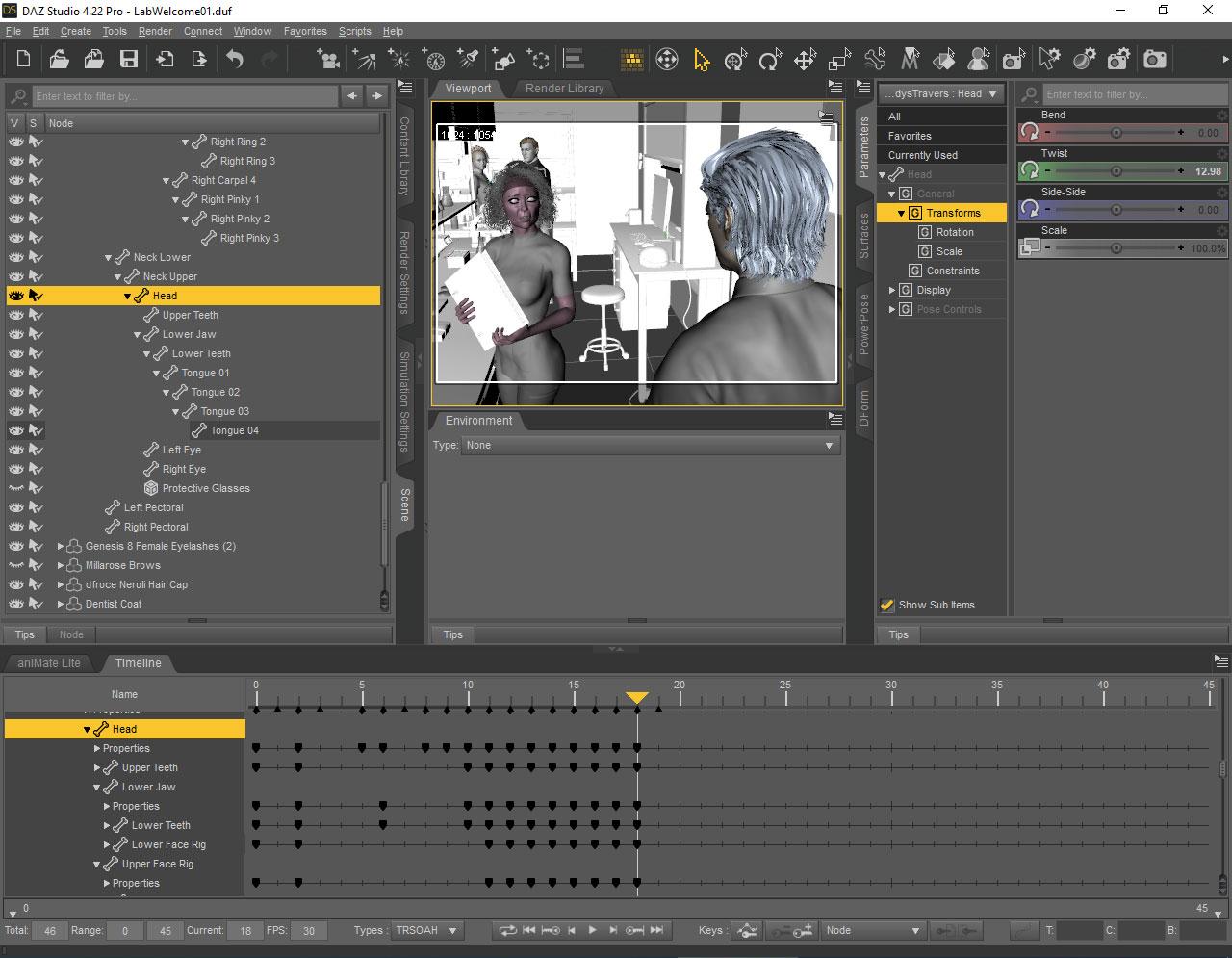
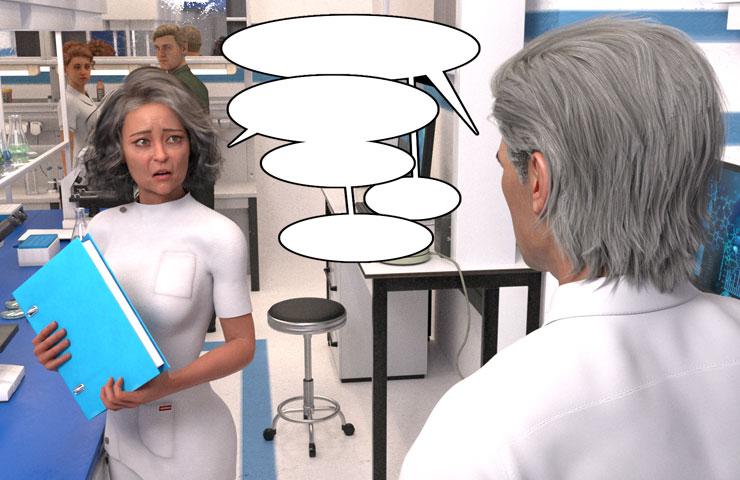
I really hope there's a nondestructive way of restoring the facial bone pointers to the scene hierarchy, and prevent any more vanishment. I don't know when or why the failure happened, only that I just now caught it. Any information is welcome. (Well, not any information. I'd like to stay on topic.) Thanks for reading.
[Edited for images]
Hallelujah!
Disciple

Daz 3D is part of 
Connect
DAZ Productions, Inc.
7533 S Center View Ct #4664
West Jordan, UT 84084
Licensing Agreement | Terms of Service | Privacy Policy | EULA
© 2026 Daz Productions Inc. All Rights Reserved.
Comments
Are the controls still available on the root (the figure node, rather than a bone)?
The root and all remaining child nodes and bones... all nodes still listed in the scene tab properly activate their respective parameter controls. The vanished ones do not. Thanks for replying.
[edit=1] Also, when a vanished node is selected in the timeline, the node name correctly appears in the parameters drop-down field at the top, but it's not possible to expand the tree and find/select a vanished node in that same drop-down. The sliders/switches pane remains blank in both cases. [/edit]
[edit=2] Six other G8 figures are present in the scene data. All of their face rigs appear visible, complete and functional. [/edit]
Hallelujah!
Disciple
OK, try in the Scene pane option menu (right-click on the tabor click the linmed/hamburger button in the top corner) Show>Show Hidden Nodes
Done, and the bones reappear in their correct structure. In scanning the full hierarchy I notice...
Is there a way to unhide my bones? I can simply keep the display option checked if I must, but...
Thanks for the answer. [Edited for emphasis]
Hallelujah!
Disciple
Are you using G8F Base or G8F Dev Load ?
If you're using G8F Base rather than G8F Dev Load, you can firstly check in this way:
1) Alt Shift + J to activate Joint Editor tool. Select Upper Face Rig node, in Tool Settings pane, check if Hide in Scene View(s) is checked. (screenshot 1)
2) If it is checked, install latest G8 Starter Essentials. The issue should be fixed. You don't have to tick "Show Hidden Nodes" while using G8 Base.
But if you're using G8 Dev Load, you have to manually fix them:
1) Go to the folder : ...your Daz Library\People\Genesis 8 Female\Developer Kit\, open the file: Genesis 8 Female Dev Load.duf with Notepad++,
2) Replace "hidden" : true with "hidden" : false (screenshot 2). Save the file.
Do the same with the file : Genesis 8 Male Dev Load.duf
Edit: G8.1 figures don't have such issue ~~
That looks like what I see. I doubt I've ever touched a DAZ dev tool.
Would it not do to simply uncheck the boxes? No other G8F characters of mine experience this glitch, not even the ones in this same scene file, and this character hasn't glitched so in other scene files. I'm still baffled over why it happened this time.
Thank you for replying. Each reply is teaching me.
[Edited for image.]
Hallelujah!
Disciple
Since it's only the one character I would guess that soemthing hid them for you - though I can't guess what - and yes, just unchecking the box and resaving the scene (under a new name, to be safe) should fix it. I don't believe it is the base figure (unless this is a Genesis 8 in a sea of Genesis 8.1s, or vice versa) so reinstaling wouldn't help.
Yea, certainly you can just uncheck the box... but you have to uncheck all the hidden nodes one by one. Moifying them in the scene file (DUF) by batch replace could be much faster ~
As for why it happened... I'm not 100% sure but there used to be such "hidden nodes" issue on G8.0 figures including Base and Dev Load in G8 Starter Essentials package. Then from a certain time Daz had them fixed except for G8F Dev Load which still has these "hidden checks".
I guess maybe you had this G8F loaded in this scene before installing the updated G8 Starter package with the fix ~~ Anyway, you know how to fix it now. Good luck !