Asha 9 Stylized [Released]
 Censored
Posts: 151
in The Commons
https://www.daz3d.com/asha-9-stylized-hd-add-on
Asha 9 Stylized HD Add-On
I'm a bit late on my post, but I would love to hear what you thought of the Stylized Asha!
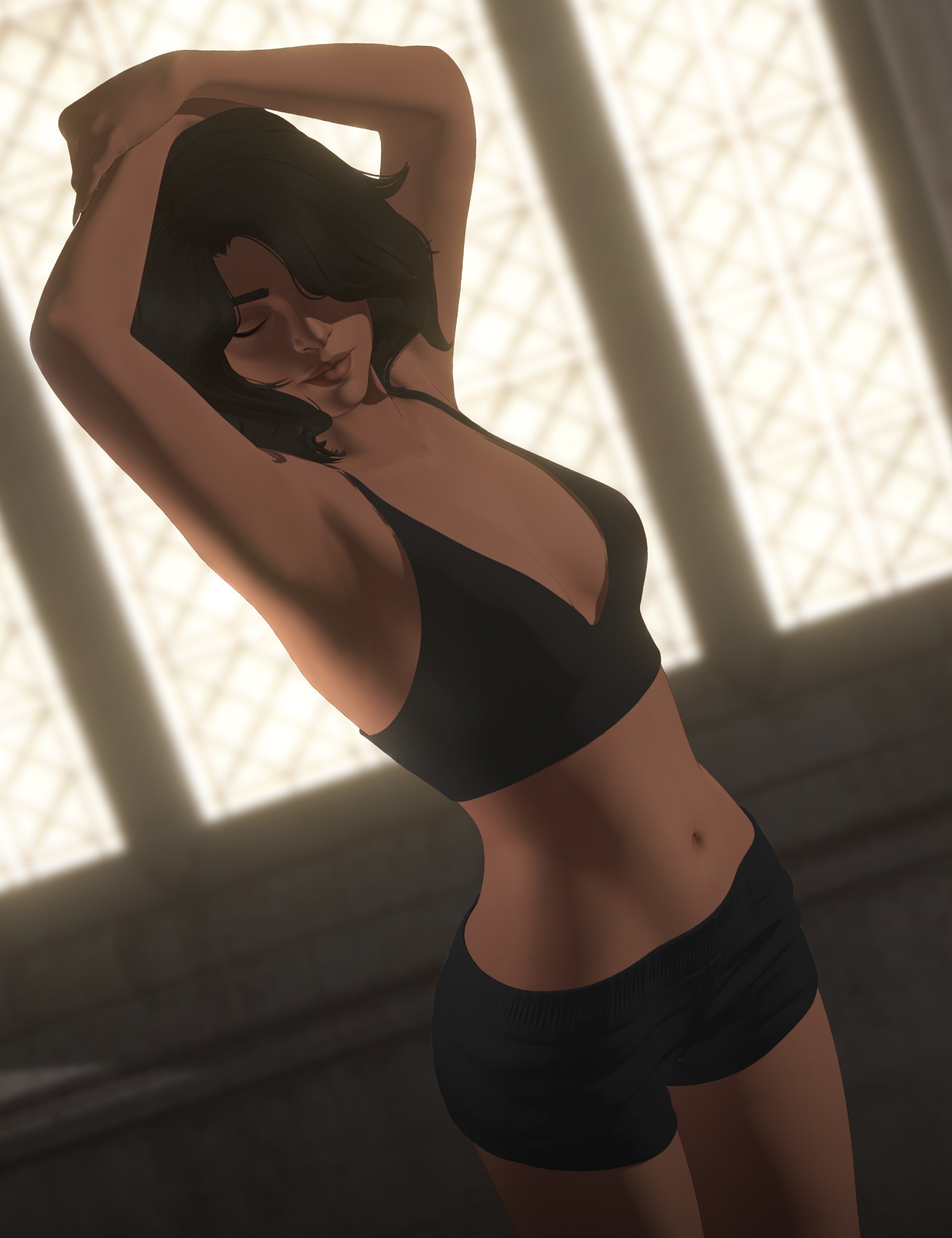
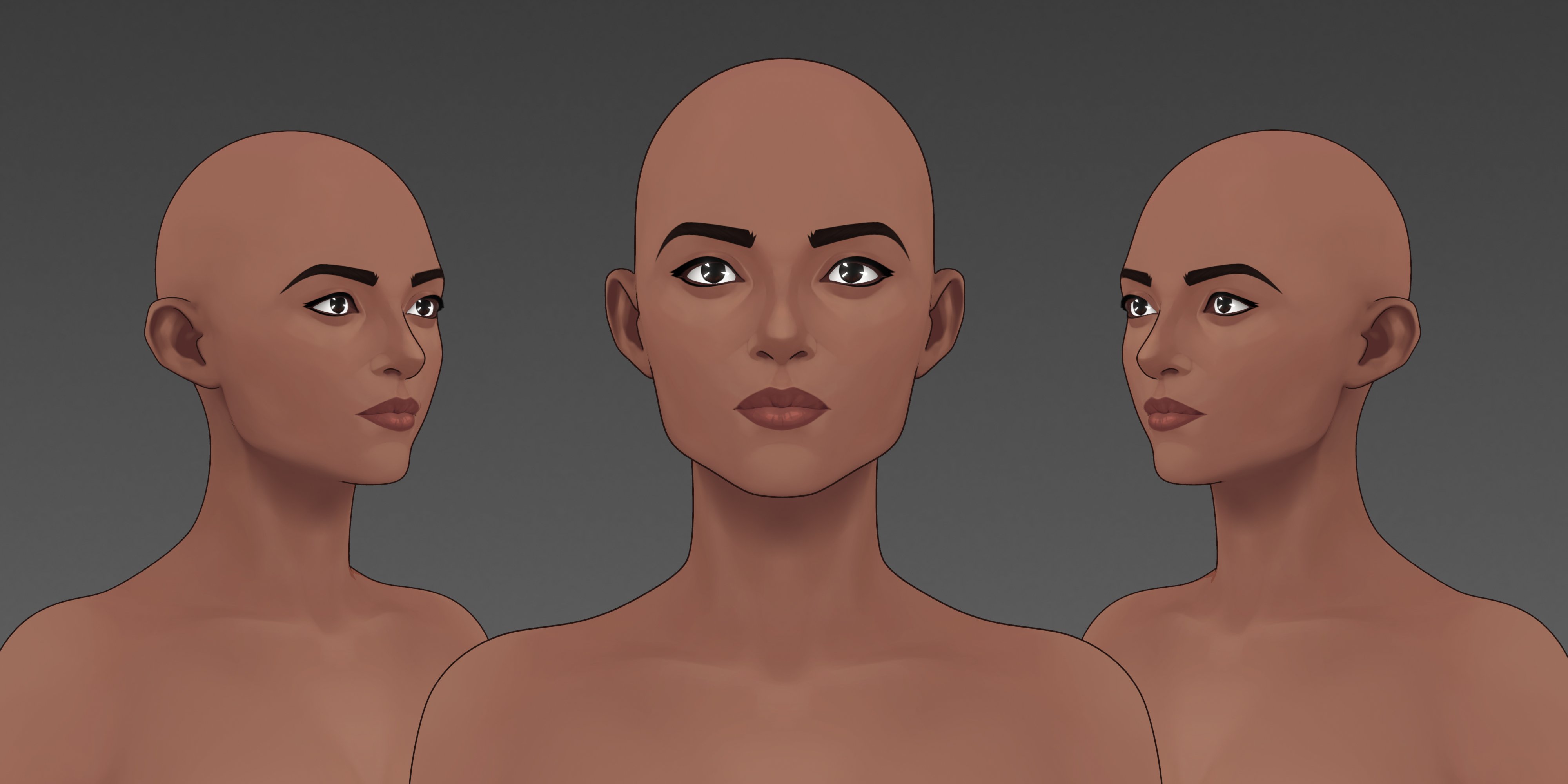
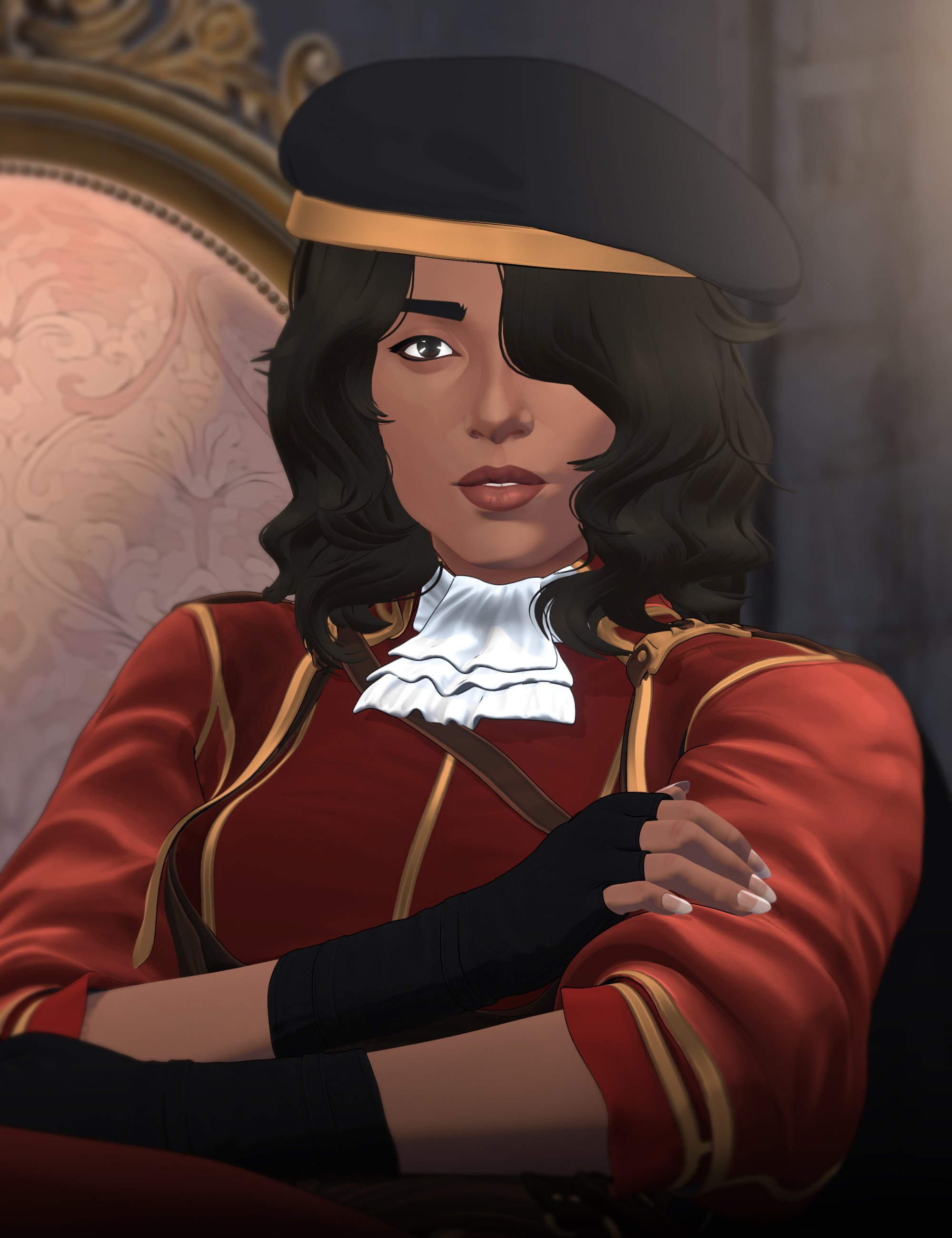
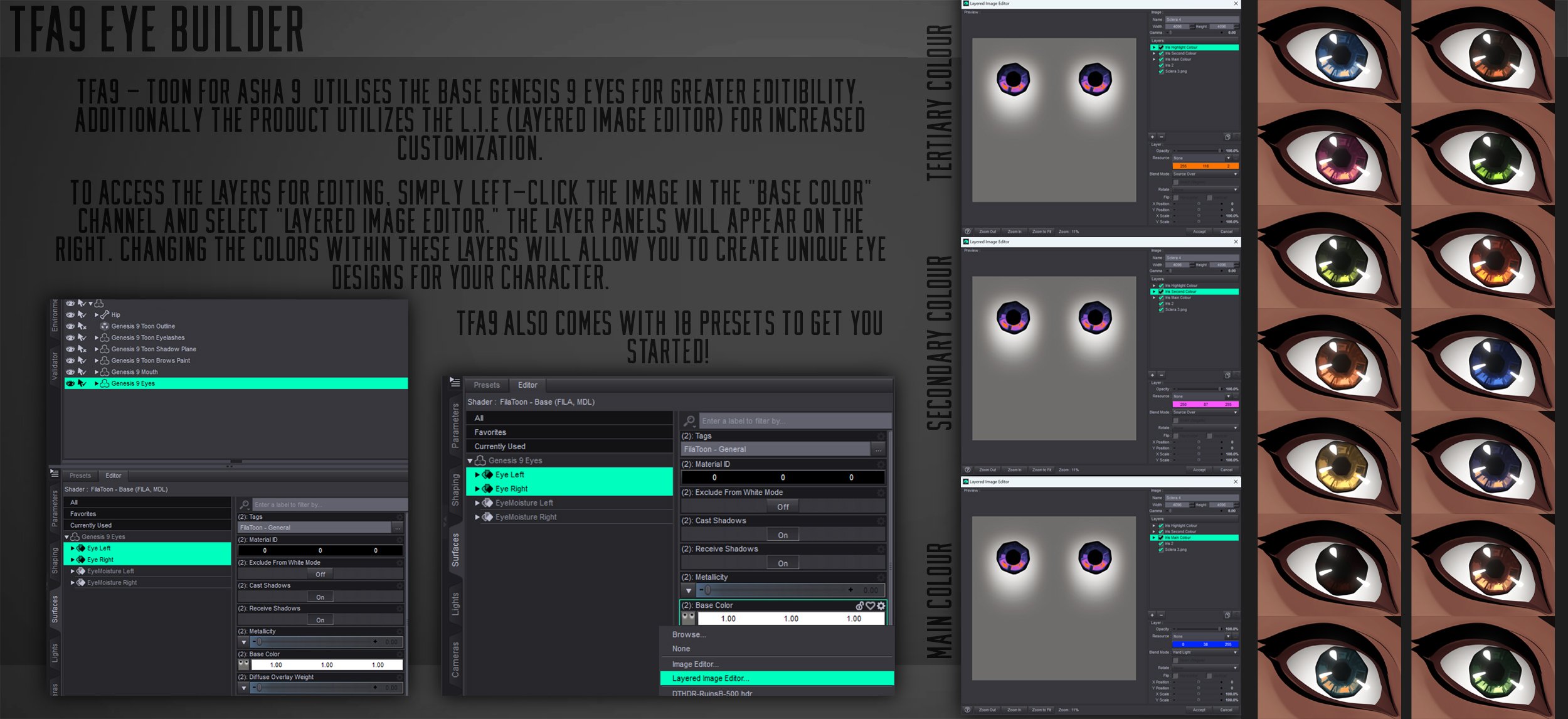
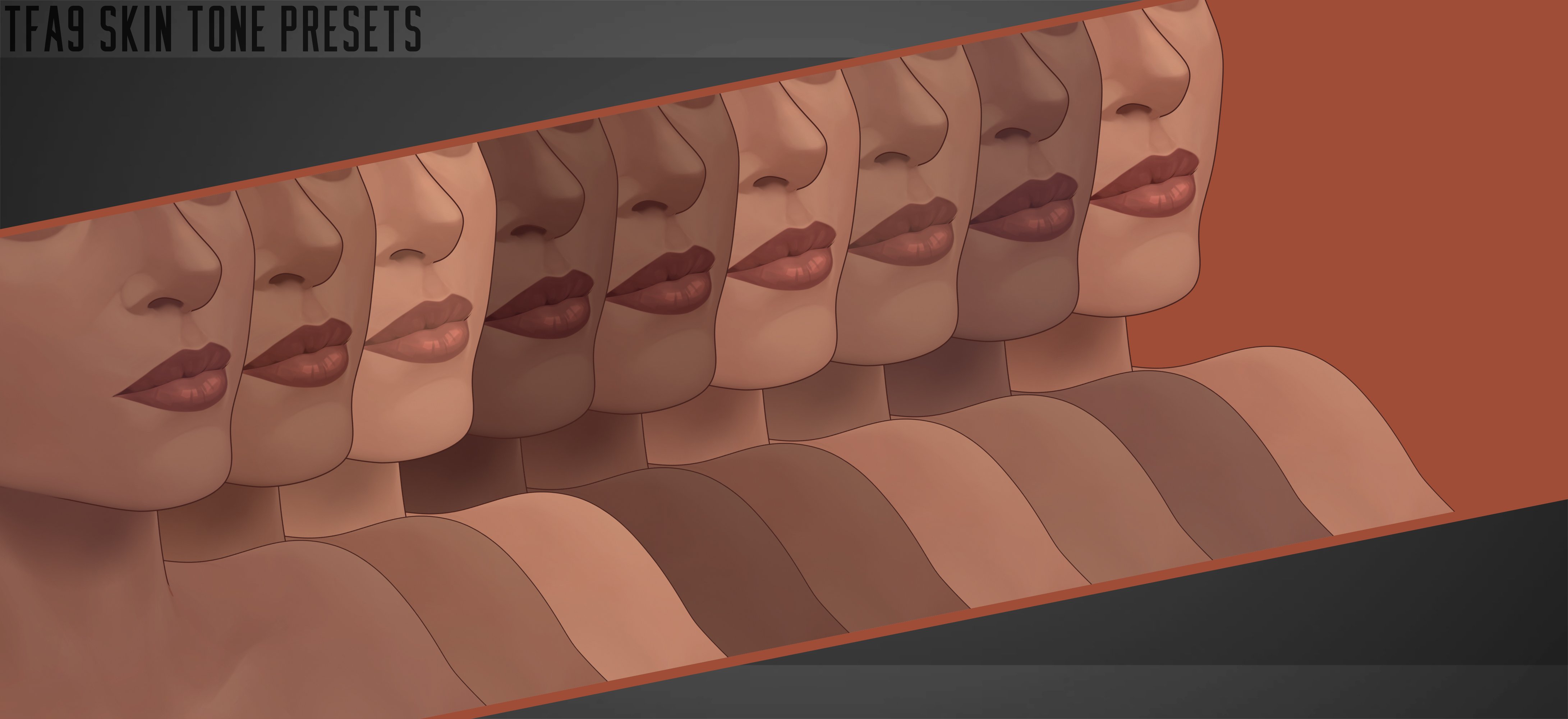
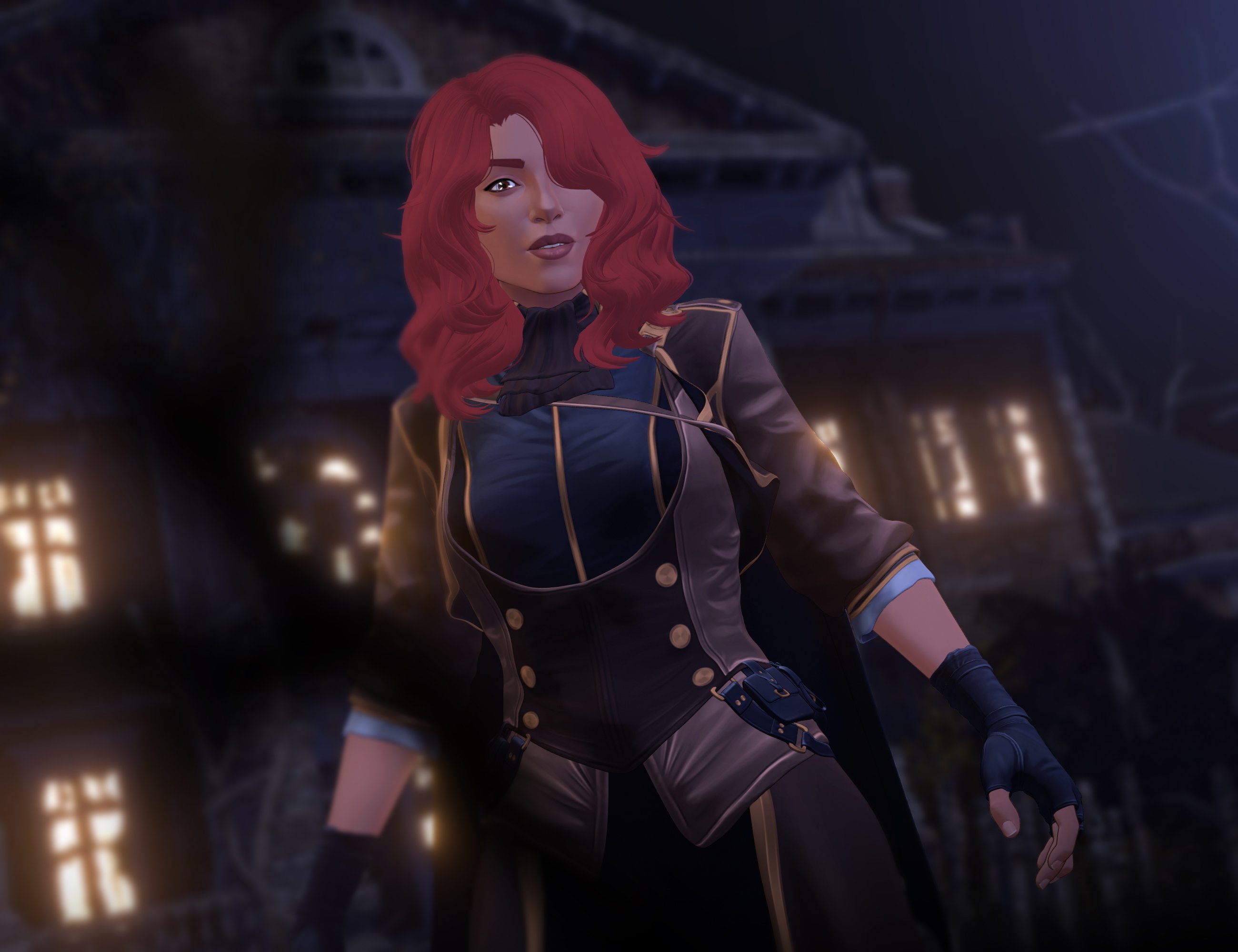
I'd love to see your renders if you have any!

Daz 3D is part of 
Connect
DAZ Productions, Inc.
7533 S Center View Ct #4664
West Jordan, UT 84084
Licensing Agreement | Terms of Service | Privacy Policy | EULA
© 2026 Daz Productions Inc. All Rights Reserved.
Comments
Fantastic product like your other ones! My only question is why aren't you listed as one of the PAs on the product page?
Love the textures, as you know, and also love the subtle expressions pack. Great work!
A little late on this but just wanted to say, as always, amazing work! I love your toon styles and textures. This one is incredibly useful with the multiple medium to darker skin tones.
Would love to see a few more stylized add-on like this in the future. Now need a male equivalent to Asha with the same range of skin tones. Then we also need a male and female stylized add-on with a range ultra pale to medium skin tones and a male/female stylized with a range of even darker skin tones starting from where the Asha skin tones ended. Not saying you have to do all these, but I would love to see more characters with addons in your style/texturing. And a skin builder like product to add freckles, moles, and such to these awesome textures to take them up that extra notch.
All right I've gotten carried away for long enough. So again awesome work and I hope for more!
They are incredibly difficult to do, so they do tend to take a while but I'm glad you like them!
I think with every iteration they get a little better, my goal eventually is to create a vast range of skin tones. I also really want to create a skin builder type product that workd across all of them as well. Hopefully I get the oportunity to do just that in the future!
Hey censored,I am trying to learn how to recreate painted skin like this, your asha face and body textures are beautiful. Could you share what software you used or anything about your process so I could be pointed in the right direction? I just got subtance painter, cause i thought thats what you might have used, and am starting with some skin tutorials, but not sure where to go afterthat to learn how to get results like yours.
I'm afraid this isn't going to be wildly helpful - essentially, I use Substance Painter for the software and the only thing I can say might count as a "trick" is that I use a soft triangle "brush" at full "opacity", but like...1% "Flow" and so when you're using the brush if you want the paint layer to be soft and mix well (so for general areas) you would use the thinest part of the trangle (the top) in a sideways motion.
Because - if you think about it - a brush is just the same shape repeated over and over, so a smaller part would stack less of these shapes on top of each other and appear "blurry"
Now, for parts where you want a harder line with more contrast you would use the thickest part of the triangle in such a way that "stacks" the triangles in that direction....
Does that make any sense?