
Daz 3D is part of 
Connect
DAZ Productions, Inc.
7533 S Center View Ct #4664
West Jordan, UT 84084
Licensing Agreement | Terms of Service | Privacy Policy | EULA
© 2026 Daz Productions Inc. All Rights Reserved.
Comments
There you go! This latest file did the trick and I no longer get the "Failed to load" errors!
Thanks, @totte.
How do I add corner markers?
I do not see such item in the props included.
Lyrra ment LP Border Marker. To her excuse the LP Markers first had internal names when we were developing and testing, not gonna mention what the modeler called the LP Seat Marker.
Thanks for the explanation, @Totte
At least, I have succeded to add LowPi figures to the LP Seat Markers.
oh sorry, yeah 'border markers' You can use more than 4, but its difficult to get only convex shapes with it so four is fast and easy
It takes a little getting used to, but we did our best to make it as painless as possible for users. Also once you have a scene set up with the markup props, save them as a scene subset and never have to do it again for that scene.
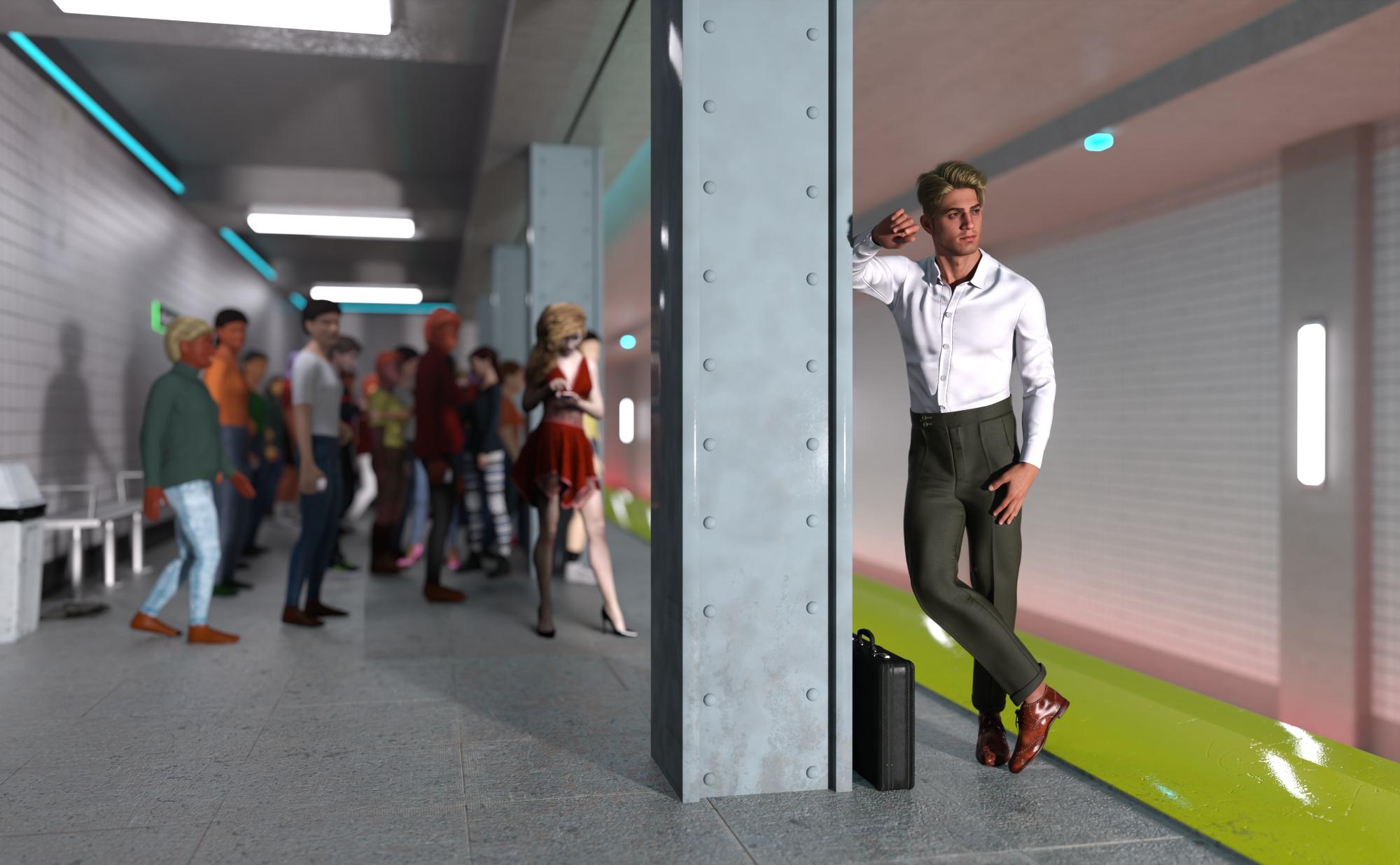
Here is a crowd of LowPi in the Neon Subway. I added a couple billboard people to break up the monotony, and one G9 focal point.
One LowPi crowd, three LowPi on the fire escapes, one Lorenzo Lorez, one Lorez Police, one dog billboard, one skateboarder billboard are loving the hot dog stand!
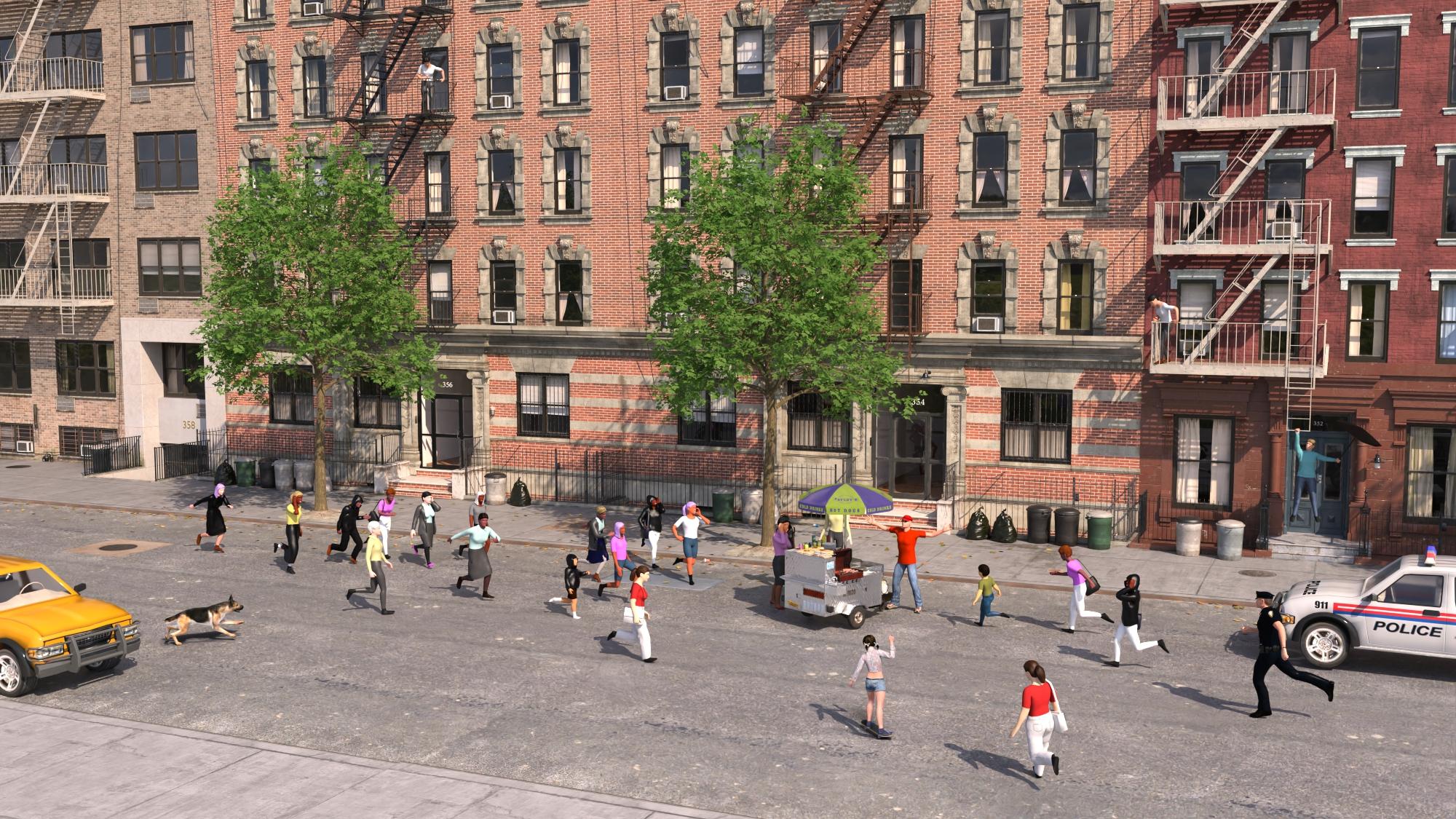
I like the way the LowPi are rigged so I can adjust their pose if necessary. I like that I can change the clothing or clothing colors if I don't like the random selection.
Very good ones! I see you are using the LP Attention Marker and attract power to make them run towards the hotdog stand.
Did you see the LowPi with the umbrella hanging off the fire escape ladder? He must think he is Mary Poppins.
Haha brilliant!
Great examples, @barbult.
Still need to practice LowPi more to get some results to show.
Awesome, barbult. They mix really well in distant renders with LoRenzos and billboards. I like it too that poses and colors can be altered.
The LP Attention Marker is a wonderful thing, Totte!
Thank you! This was one of the core functionalities that we specified early on that we wanted to have, and in combination with Droppoint Maker and the Direction Marker, you can create rather interesting flows of LowPis.
I just purchased this item. It's great so far. My question is, where are the UVs for the character? I cannot find them.
I was also wanting UVs to make a built-in body suit.
Huh. Wonder how those get left behind in the shuffle. I'll make sure to get them added in, sorry about that.
But here are the two jpg templates. One for eyes and one for lips and body
I use a single white with darker line details texture for the body, and the differrent skin tones done with diffuse tints and etc. This let me cut down on imagemaps being used by a great deal. The eyes are a simple 'sticker' approach with a map for each color of eye.
LM
Coming soon for a LowPi near you: LowPoly Crowd Creator Expansion: Undead
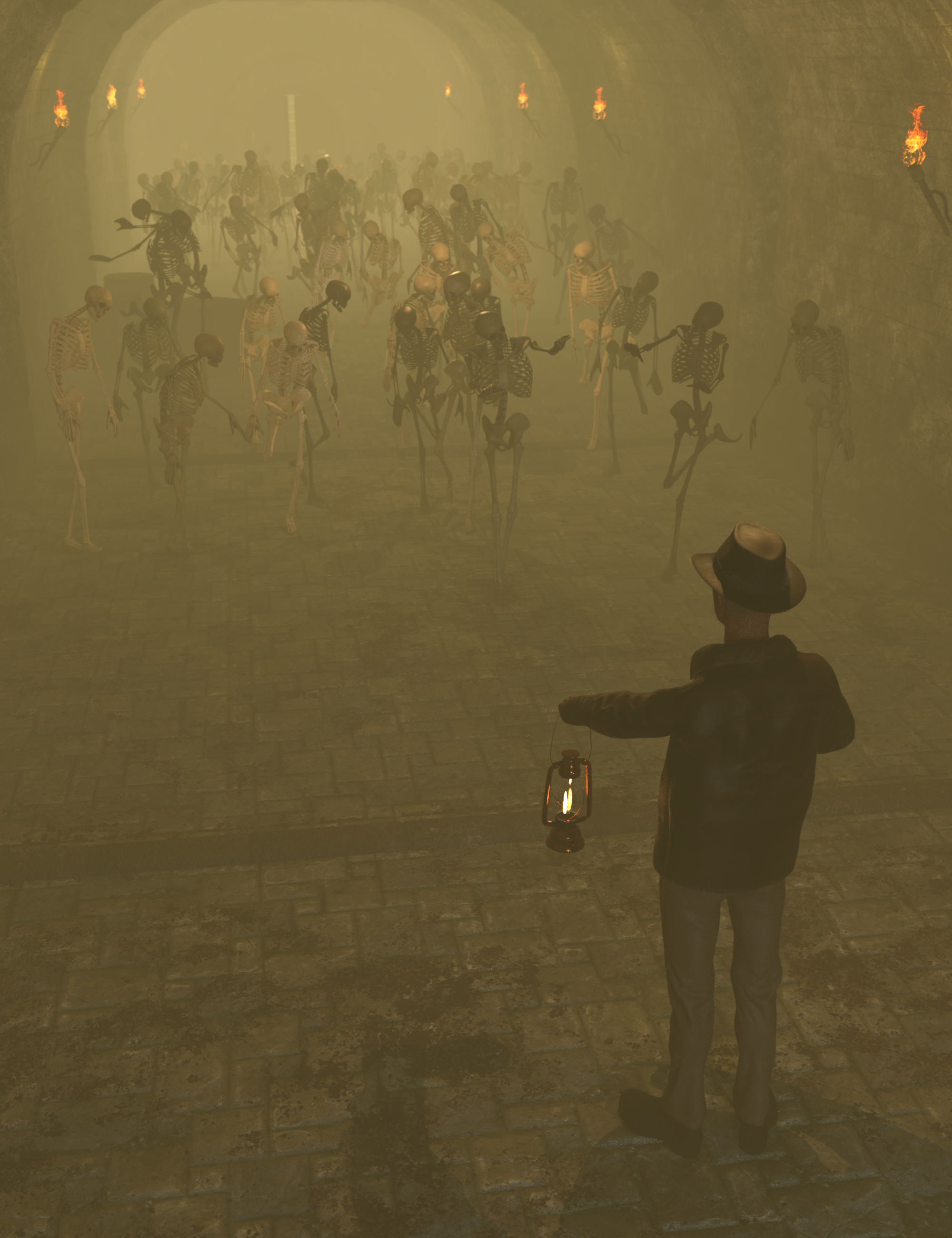
if those are a little dry for you how about ...
Lyrra Madril , thank you! Much needed for clowns, aliens, and other fun things.
Totte, low-poly skeletons, really?
Yes, the Lowpi Undead Expansion is a TREAT!!! Mwhahahahahahaha!!!
Is there an H missing there?
Thank you very much. I'm sure I could have made these myslf using the UV Editor, but it's much easier this way. Thanks again.
I wish there were a way to coordinate lip colors with skin colors for a more natural look. Am I missing something? I'm getting lots of very garish combinations.I know I can exclude some lip colors from the crowd setup, but that still doesn't result in a natural look with dark lips on dark skin and light lips on light skin. I'm getting masculine characters with bright lipstick.
I made some scenes a few days ago and everything went OK. Today no matter what I do only a quarter of the crowd generates and I get a message about failing to load wearables. I reinstalled the script and the figure and am just using defaults for settings.
Check the laterst popengine i posted here. I have an update going too with some enhancements, but that error is the "O shit it's naked" checker that in some situations are too rigid.
Here are the latest updates to the Crowd Gen Scripts. a full update will come through Daz but that takes a bit longer.
Hopefully fixing all the "nekkid checker being stupid" and also some enhanchements and other bugs fixed.
Sorry for the inconvenience, but this has been such a moving living thing with so many things effecting it from different directions.
This was a discussion early on, but would add such a horrible layer of complexity ontop of the already horribly complex things, the same way we do not "colourmatch hair to skin either". I usually just turn off those most screaming lip colors. Every layer of complexity not only adds complexity to the code, it adds complexity to the Kitsand Pron Scripts and also adds execution time to the population engine (popengine), so those were things decided early, we draw the line here. Not saying this cannot change in future updates, if there is enough demand and it can be done without adding too much complexitry to the Pro Scripts.
It seems like each skin preset could have the Lips surface set to a value to coordinate with the skin. Then a user could uncheck all the lips color selections, so the lips surface color, that was set by the skin preset, would not be overwritten.
OK, I'll try the revised one. It didn't generate any 'nekkid' folks when it couldn't find clothes, must be prudish. LOL.