Anyone tried this turbo render stuff?
 RL_Media
Posts: 339
RL_Media
Posts: 339
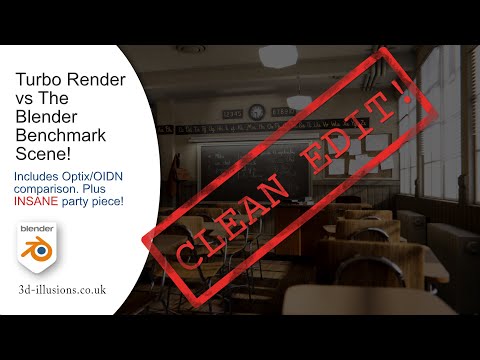
Been lookin at some videos on turbo render, it looks really great, but I am skeptical as hell lol. Anyone tried this with daz people? Curious if this works well with like transmapped hair and such. Rendering a classroom is impressive, but I need some info on real world scenarios.
Post edited by RL_Media on

Daz 3D is part of 
Connect
DAZ Productions, Inc.
7533 S Center View Ct #4664
West Jordan, UT 84084
Licensing Agreement | Terms of Service | Privacy Policy | EULA
© 2026 Daz Productions Inc. All Rights Reserved.
Comments
OK guys, this thing looks legit...... I bit the bullet and grabbed it. I really need to figure out this diffeomorphic and get a workflow to be able to get people from DS to blender easily. Still not there yet as you can see from her lack of hair......
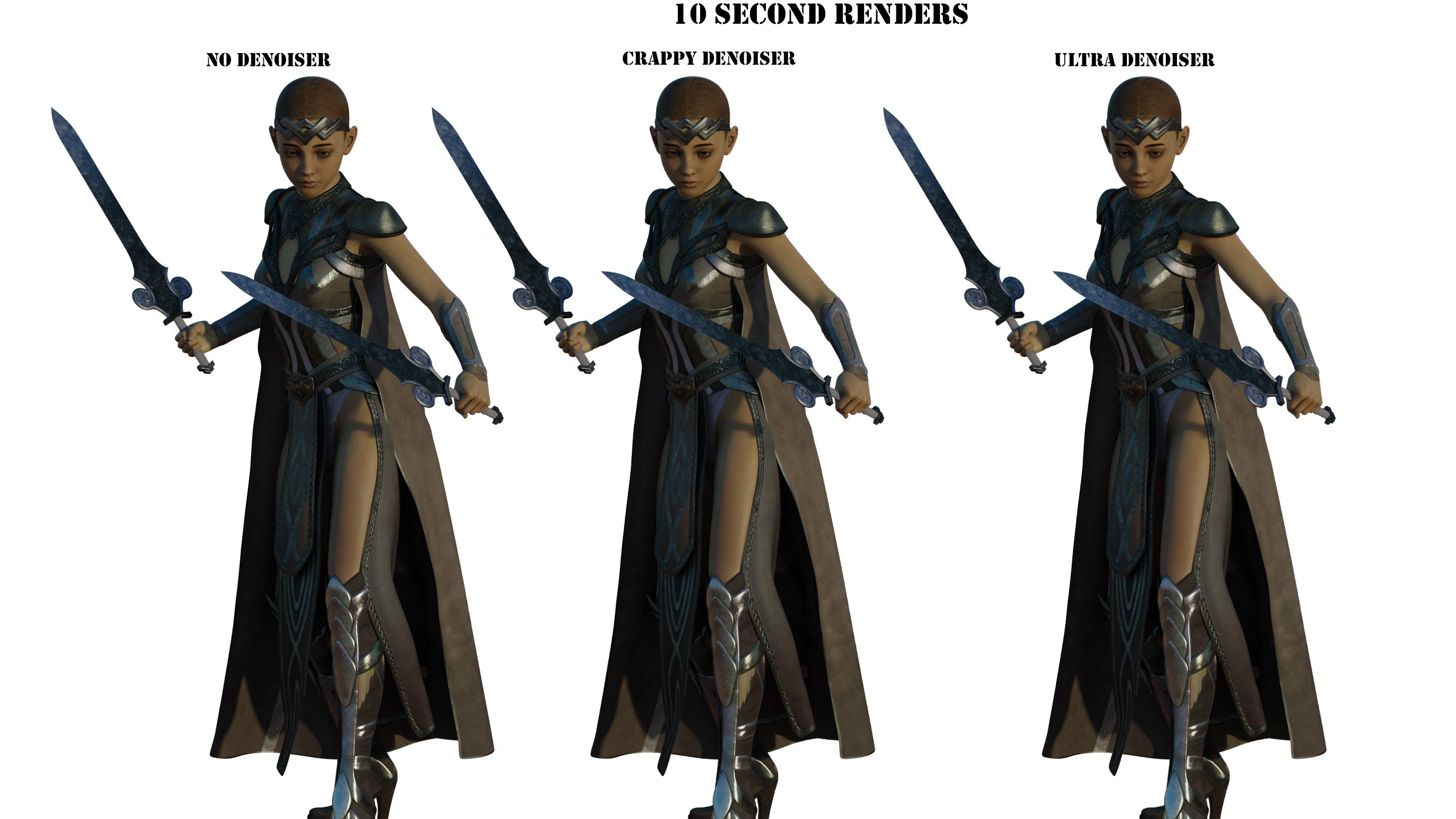
First trial I didn't really know what I was doing, tested wtih time, not all that useful a benchmark I realised after.
Second trial did 12 samples
Third trial did 64 samples
All these renders took about 1 minute 30 seconds. I didn't tweak nothin in blender, other than hiding the non-hd crap diffeo brings in on import.
I thought the optix denoiser in e-cycles was great, this is even better!
Here is one more with hair, but for some reason I cannot fathom, all the texures imported wrong lol. Notice the black crap on her arm, bellybutton avove the lip, mangled eyes...... These are the kinda problems that keep popping up for me. So frustrating. Only thing I did was delete old hair, add a mesh hair, then use the same menu to export the HD. Hair looks great though, I couldn't say it was well tested until I saw how well it handled hair.
And for a comparison here is 64 samples raw in iray, then 64 samples denoised in iray
Gotta admit the iray hair looks a lot better than the cycles one.
The black HD was fixed recently be sure to get the dev version, not the "stable" one. Also be sure to export the HD uvs if you use the true HD mesh. In the dev there's also improvements for hair.
Thanks, I did grab the one just updated a few hours ago. Spent all day working on my modelling project so didn't have time to give it another whirl. I am thinkin I will just keep to rendering in iray for like portraits or renders where people are the main focus, and just use blender to render the epic stuff lol. Who knows, tired, will see what happens tomorrow. Still tryin to nail down my geograph issues in HD. Whenever I HD export, it seems that it doesn't export HD version of golden palace, and if I try to combine it complains that I edited mesh or something like that. I have completely given up on 3feetwolf one. The script no longer does the shader matching properly, even after I reset my download and reinstalled it. Golden palace just works so far, at least as much as loading into DS goes.
Yes HD geografts are a nuisance. But most geografts are not HD and you can merge the base resolution version that's exactly the same. Then you can also sculpt the multires in blender if you dare to make your own HD details, that's not possible in daz studio unless you're a PA.
p.s. For true HD geografts you can also bake the HD to a displacement map with the addon by Xin. But personally I know none of them so I don't think there's any.
I think I might be a hard-headed fool anyways with the whole "I NEED HD VERSION!!!!1" attitude anyways lol. Even in DS, I just tried one of my HD people, with and without the HD morph dialed in, couldn't see a difference. I think the normal map is carrying most of the details, so I am going to work on a non-hd workflow process and see if I can't get somewheres lol.
Yes avoiding HD is always better if possible, especially for animation. With the addon by Xin you can also bake HD to normal maps if normal maps are not provided by daz. Then in blender eevee doesn't support displacement so you need normal maps for eevee. Or render displacement with cycles.
So far having some successes and some failures. geograph merge on 8.0 with golden palace works as expected. With 8.1 though, it looks as if the torso texture is being overwritten by a white material. If anyone else has a chance to test, that would be cool. Last issue I reported turned out to be a me problem, so don't want to waste more time with a dud report lol.
That's because the "shell fix" script by Meipe is broken for 8.1, you need to fix the shell visibility yourself before exporting. That is, diffeomorphic will look at the "surfaces" under "shell visibilty".
Ah, found it. Gonna have to try and remember that one and fix it before I save out my finished people and add to library.