Catching IBL Shadows with Daz Reality....almost got it.
 3DthiSS
Posts: 146
3DthiSS
Posts: 146
been playing around with GIMP 2.8 this week and am a bit more familiar with the concept of using layers to manipulate an image....think I'm on the right track here and have the basics somewhat figured out.
however I'm unable to use a silhouette taken from the "Full" image and use it as a clipping mask in order to separate the shadows from the main characters/objects from the "Shadow" layer .....have tried several ways of doing this to no avail...heres how a few guys have described what I'm trying to do although Photoshop is mentioned where as I'm using the free GIMP.
"Bring the silhouettes into photoshop (DS always leaves a white fringe around the edge of transparency), remove white matting under layer>matting, then use the silhouettes as a clipping mask on the shadow layer to allow the figures in the bottom layer to show through."
"Use the alpha map (inverted) from the first image on the second image to isolate the shadows.
Copy and paste shadows onto first image, with blend mode to 'multiply'. "
hoping someone will put me out of my torment and show me how this is done...lol


Daz 3D is part of 
Connect
DAZ Productions, Inc.
7533 S Center View Ct #4664
West Jordan, UT 84084
Licensing Agreement | Terms of Service | Privacy Policy | EULA
© 2026 Daz Productions Inc. All Rights Reserved.
Comments
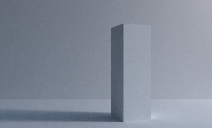
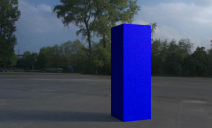
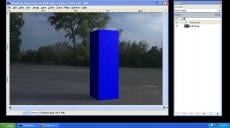
and just to clarify things the images I've posted only show what I've been able to achieve and have nothing to do with my clipping mask question.
and could anyone familiar with GIMP tell how to get a black and white silhouette of an image using GIMP ?.....what I've been doing is in Daz turning off all lights and creating a distant light which is suppose to create a good black silhouette .....but I've been getting this crazy white on a white backbround silhouette that inverts properly in Paint.