Daz Studio 6 - Elgato Stream deck(+) Bridge Plugins [Commercial]
 MikeD
Posts: 322
MikeD
Posts: 322
Daz Studio 6 - Elgato Stream deck(+) Bridge Plugins (Not live yet)
Daz Elgato Bridge connects Daz Studio to an Elgato Stream Deck, so the actions and settings you already use inside Daz Studio can be triggered, adjusted, and watched from the physical buttons and dials on your deck. A key on your Stream Deck can trigger any action registered in Daz Studio — anything from adding a new camera, to maximizing your working area, to any other action Daz Studio already offers, without needing a separate list here to spell each one out. A dial on a Stream Deck+ goes a step further: turning it can smoothly adjust a node’s rotation, translation, or scale, while its small touch-strip screen shows what that dial is currently controlling.
Many Stream Deck add-ons for other applications work by simulating keystrokes or mouse clicks — quietly pretending to type a shortcut or click a button on your behalf. That approach is fragile: it depends on the target application’s window having focus, breaks the moment a keyboard shortcut or menu layout changes, and can’t show you anything back, since a simulated keystroke has no way to report what actually happened. Daz Elgato Bridge instead talks to Daz Studio directly, triggering the same real, named action Daz Studio itself would run internally. This means it works whether or not Daz Studio’s window is focused, keeps working even if you rearrange your own keyboard shortcuts, and — since it’s a genuine two-way connection rather than a one-way simulated keypress — can also report information back, which is what makes a button’s label showing live, up-to-date feedback possible at all.
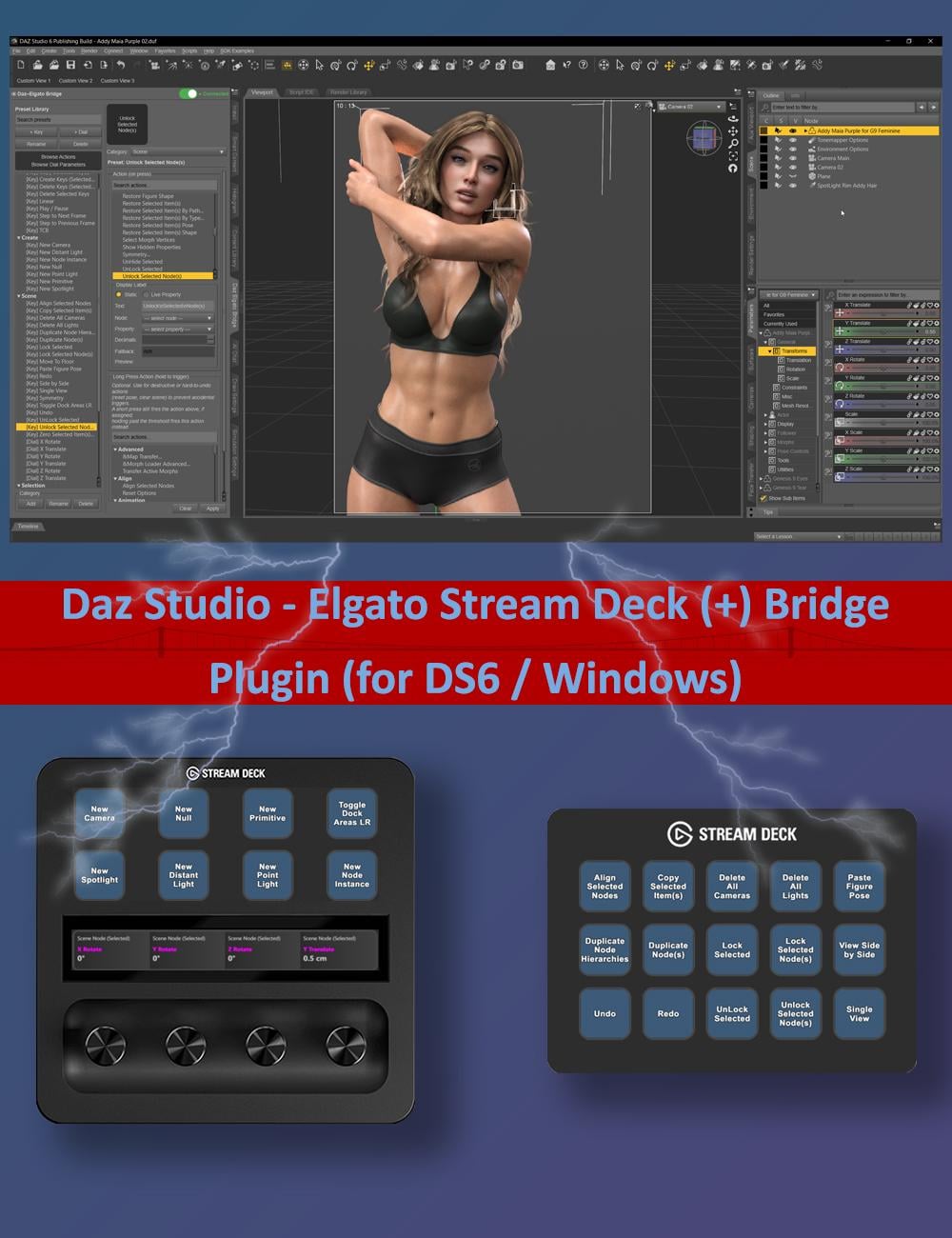
Everything you assign lives in a single Preset Library inside Daz Studio. You build it once, and every key and dial on your Stream Deck simply picks a preset from that library by category — so if you rearrange your physical deck, change your mind about a label, or move to a new Stream Deck, your presets are still there waiting to be picked again.
Workflow
The typical workflow looks like this: open the Daz Elgato Bridge pane in Daz Studio, and use its Preset Library to build a small collection of Key Presets (things a button can trigger or display) and Dial Presets (things a dial can adjust). Then switch to the Stream Deck software, drag a DAZ Action Button or DAZ Dial onto one of your Stream Deck’s keys or dials, and pick one of your presets from a dropdown list. That’s the whole loop — build presets once in Daz Studio, assign them as many times as you like on the Stream Deck side.
Features
- Native Daz Studio ↔ Elgato Stream Deck integration — actions trigger directly through Daz Studio’s own systems, not simulated keystrokes or mouse clicks.
- One reusable Preset Library, built once inside Daz Studio and shared across every Stream Deck device, profile, and page.
- Key Presets trigger any registered Daz Studio action from a button press, with an optional Long Press action for a second behavior on the same key.
- Dial Presets assign one or two continuous parameters (Mode A and Mode B) to a Stream Deck+ dial, with Toggle Mode switching between them on a press.
- Live button and touch-strip labels — Static text or Live Property text that resolves at runtime, including $SELECTED and named-node references.
- Free-text categories and instant search keep large libraries organized and easy to navigate.
- Browse Actions and Browse Dial Parameters panels let you explore everything available and build presets straight from the tree.
- Strip Designs — reusable, up to three-line touch-strip layouts with solid color, gradient, or image backgrounds for Stream Deck+ dials.
- A live status indicator (Off / Waiting… / Connected) and a one-click switch to enable or disable the Bridge without unloading the plugin.
- One-click JSON backup and restore for the entire Preset Library, plus Clear Preset Library and Clear Strip Design Presets safety actions.
- Configurable preferences — tooltips on/off and remembered expanded/collapsed states for the action and parameter trees.
- Experimental Voice/AI Assistant support through Elgato’s MCP integration (e.g., NVIDIA Project G-Assist), with per-action AI descriptions.
- An open, documented C++ SDK so third-party Daz Studio plugins can register their own actions and dial parameters with the Bridge.
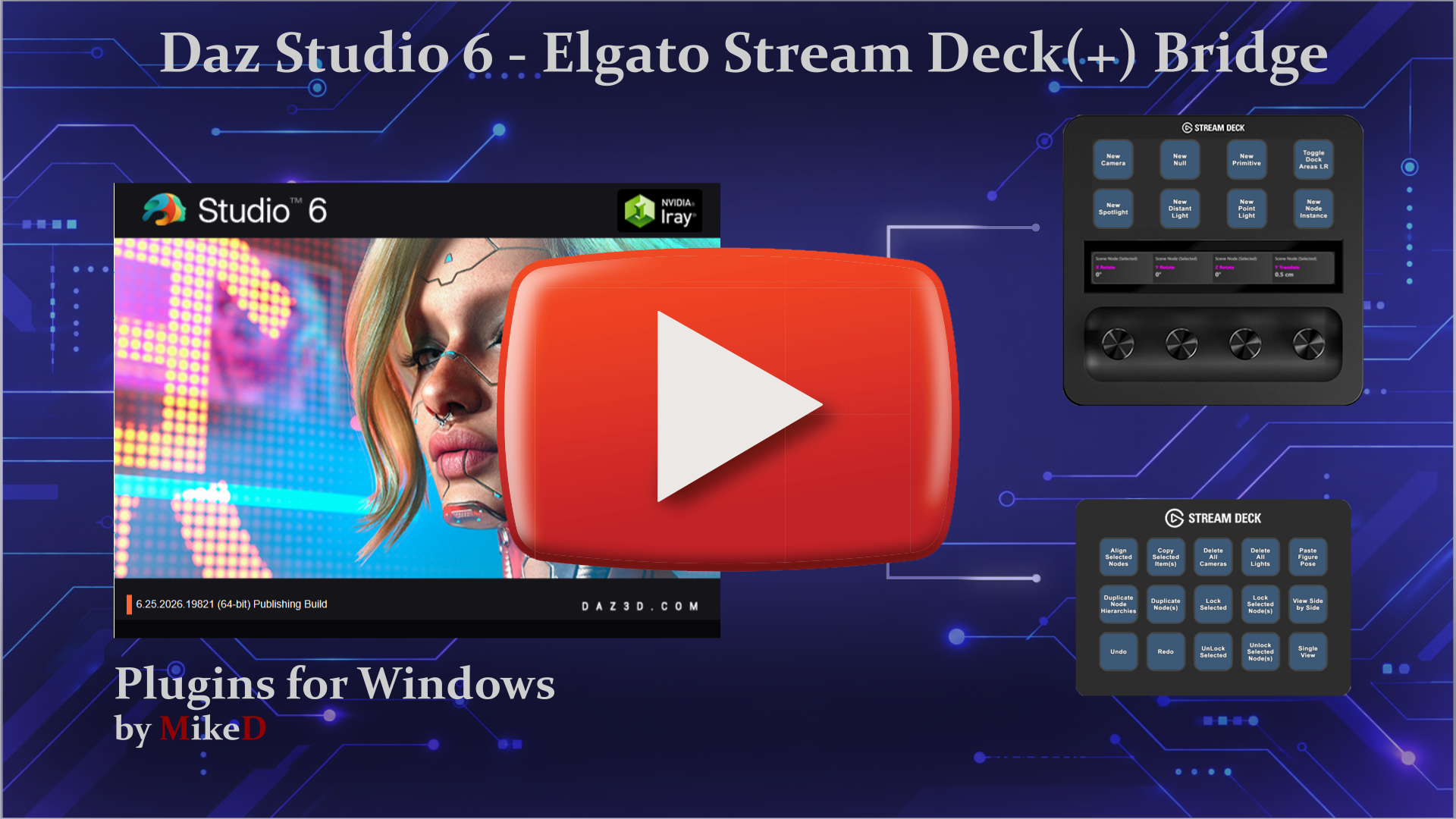
The link for the video is here, as the image link doesn't seem to work!

Daz 3D is part of 
Connect
DAZ Productions, Inc.
7533 S Center View Ct #4664
West Jordan, UT 84084
Licensing Agreement | Terms of Service | Privacy Policy | EULA
© 2026 Daz Productions Inc. All Rights Reserved.
Comments
What are the hardware specifications of Nvidia graphics card required to use it?
There is no specific hardware requirement for NVidia graphic card to run the plugin, (as long as your have NVidia driver 576.02 or higher I think to run Daz Studio 6).
For the Experimental Voice/AI Assistant support through Elgato’s MCP integration (e.g., NVIDIA Project G-Assist), with per-action AI descriptions, feature:
- Supported Generations: Any GeForce RTX 20, 30, 40, or 50 Series GPU (Desktop or Laptop) or RTX PRO equivalent. (Note: Legacy GTX cards are not supported).
- Minimum VRAM: A minimum of 6GB VRAM is required.
- Voice Command Exception: While text prompt features work on the RTX 20 series, voice commands require a GeForce RTX 30 series GPU or higher.
(These are NVidia requirements for their G-Assistant AI, not for the plugin itself)
More about the G-Assist
I personally have 2 x RTX2080Ti and the plugin works fine... I just don't have the voice commands for the G-Assistant, altough the text commands work with no problem.
Ok, thanks.