Why is this in Lost and Found?
 Alric
Posts: 226
Alric
Posts: 226
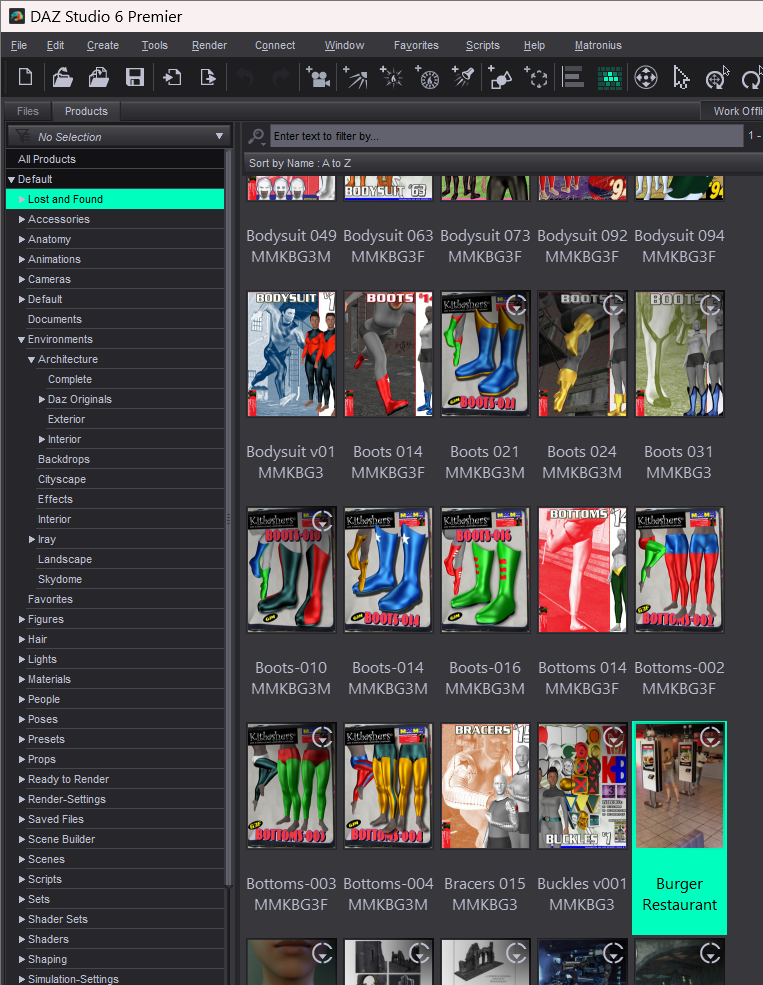
I noticed that one (at least one) of my products is listed in Lost and Found but I can't figure out why. This first image shows the Loast and Found directory with the Burger Restaraunt higlighted.
Normally when I open a product in Lost and Found I will see a "Lost and Found" category but in this case there isn't one.
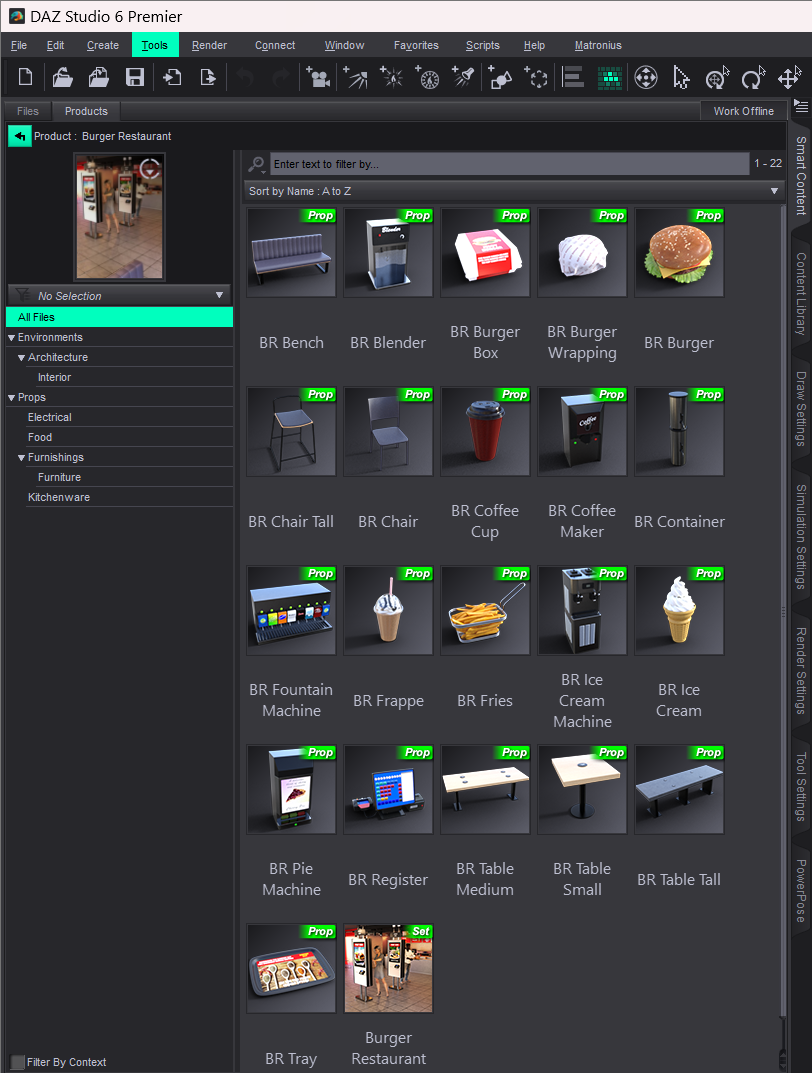
I edited the metadata and checked every item. Nothing has more than one category and none of them have a lost and found category.
So why is it showing up in the Lost and Found?

Daz 3D is part of 
Connect
DAZ Productions, Inc.
7533 S Center View Ct #4664
West Jordan, UT 84084
Licensing Agreement | Terms of Service | Privacy Policy | EULA
© 2026 Daz Productions Inc. All Rights Reserved.
Comments
Burger Restaurant per se has no Lost and Found item. I don't know why you saw it under Lost and Found ~~
You have a more complex case since you've installed products via both DIM and Daz Connect, as well as have custom Categories, and it's Daz 6 which may have bugs in terms of this. You saw the same issue in DS 4?
I haven't installed anything through Daz Connect, except for the premier shapes which require Daz Connect. I also try and use default categories when I edit metadata any wierd categopries you might see were put there by Daz products. I've opened several tickets for misspelled categories.
At any rate the issue seems to have resolved itself. I started up Daz Studio 6 this morning and it was no longer in the Lost and Found. Must have been a database glitch.
I see this all the time in DS4. I have lots of products that I can't remove from Lost and Found and they don't show any items in the Lost and Found catagory. I gave up trying long ago.
On a similar note, I bought a new desktop last summer and used DIM to install everything that I had in my Product Library. Unfortunately, roughly 1300 products have some or all files categorized as Lost and Found. I have a laptop that I’ve been using since 2019 that has all of my content in Daz Studio where I’ve recategorized all Lost and Found files as I installed content. What files(s) might I copy from my laptop to my desktop to clear as all of the Lost and Found categorizations on my desktop?
I also have two thousand or so other content items from Renderosity, Runtime DNA, and elsewhere that I have not yet installed on my desktop. If I connect the portable HDD which I use for Daz Studio content on my laptop, I can see them in Daz Studio’s Content Library on my desktop when I add the new path to the Content Directory Manager. I’d like to be able to have that content in Smart Content as well. Any advice?