Melantha Witch and Beauty installing outside of default category
 Alric
Posts: 224
Alric
Posts: 224
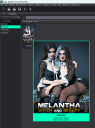
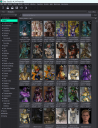
This scared me for a minute. After I installed https://www.daz3d.com/melantha-witch-and-beauty-for-genesis-81-females my smart content seemingly disapeared. (see image)
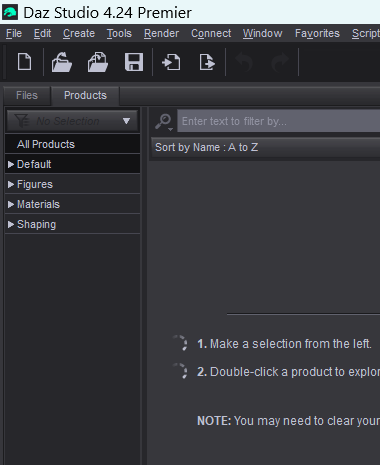
Looking under each category I only see the Melantha product.
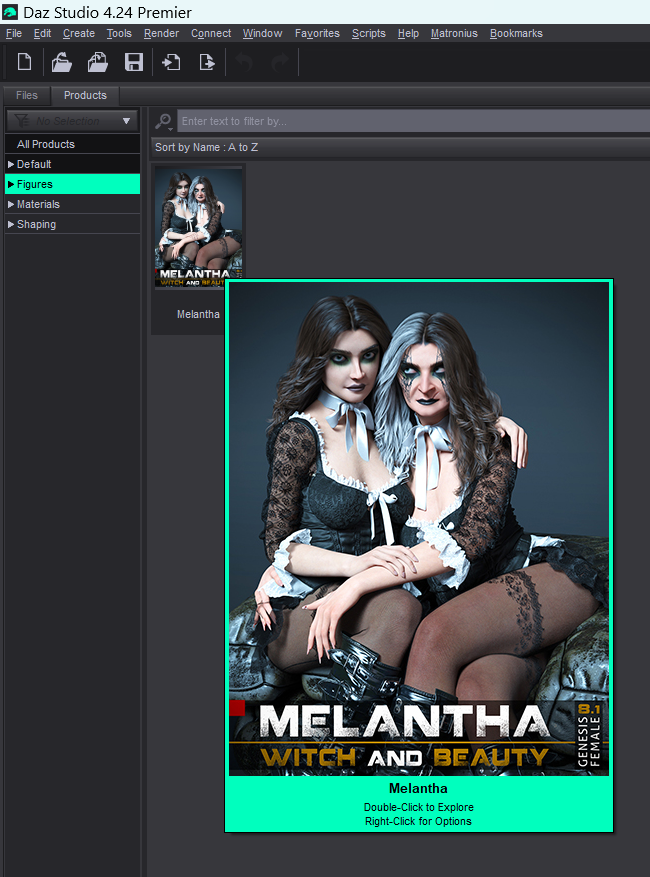
After a few minutes of panic I realized that everything else is listed under default and Melantha is outside of default..
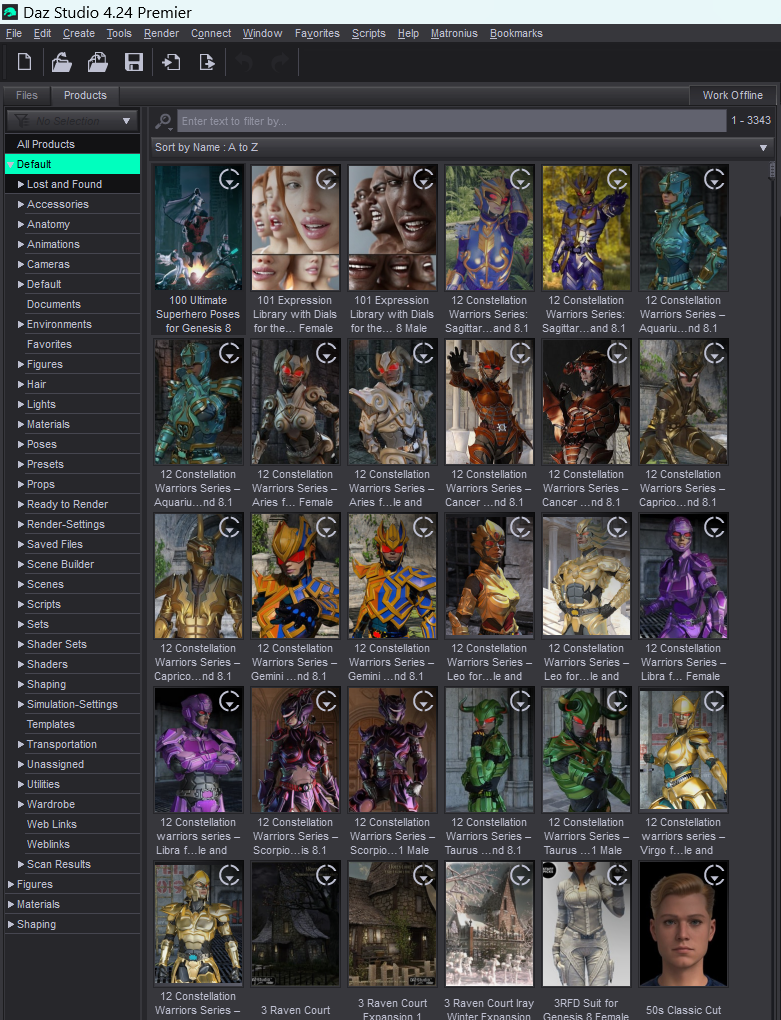
This is irritating but will hopefully be fixed in an update.
My worry is if it will screw up my database while it's there.

Daz 3D is part of 
Connect
DAZ Productions, Inc.
7533 S Center View Ct #4664
West Jordan, UT 84084
Licensing Agreement | Terms of Service | Privacy Policy | EULA
© 2026 Daz Productions Inc. All Rights Reserved.
Comments
It is a Categorisation issue.
On the faulty items you can right-click and chose Categorize and change the path to the correct one (starting with 'Default').
It is Daz's responsibility to correct it.
You could make a ticket.
I submitted a bug report, I was just worried it would cause problems if I installed anything else. It doesn't look like it will.
This makes me wonder if I can create different branches for different stores. For example "default" for DAZ and then a "renderosity" branch, etc.
You can have as many Category trees as you like. You can copy and move folders and assets between your own categories and arrange them how you want. I have done my entire library that way.
I need to get around to re-catagorising everything. However, it's going to be a long and arduous task with over 11k assets....
This happens with other characters of Gendragon3D as well, https://www.daz3d.com/bell-for-genesis-81-female & https://www.daz3d.com/peninnah-for-genesis-8-females i.e..
Worst thing is, even if you uninstall the character and delete the categories outside Default, the Default Category will stay visible and you always need to click it first, to see your actual library. I already reported it months ago, it doesn't look like Daz bothers to fix it. Sad for the artist, as I don't buy anything of Gendragon3D anymore, just because I don't want to get my categories/database messed up again.
If you had all non-default Categories deleted under Content Library > Categories, the Default category group would automatically expand to show your actual library.
I don't think that would be a good idea to create Stores as Categories. Categories are at item (file) level, while Stores are already at Product level which is just good enough based on the relational cms database ~ Besides, non-default categories will make Smart Content Category List auto collapse each time it refreshes. Smart Content has no functions of Expand / Collapse, so it'll be a bit cumbersome to click to Expand each time ~~
Personally I would suggest you always use Default > xxxx Categories. When you create custom categories, create them under Default ... If you DO have more complicated "categories" or sth. like that, you can add them to Tags as Keywords, becuase keywords can be easily and rapidly filtered out.
If your want to filter products in Smart Content by Stores... unfortunately DS doesn't have built-in filter for Stores, but there're still some tricks. For instance,
Since you use Content Wizard to install 3rd-party products, I believe you've created some stores in there. You can enter the abbreviation or full name of a Store into Vendor Name field (aka Artists...), like the example in (screenshot 1). Smart Content can filter by using keyword and DS creates keyword for Artists when importing metadata.
Then you can filter by using Stores in Smart Content (screenshot 2)
Edit: For the existing products, though it'll take you some time but you still can add this metadata to Artists field by: either batch modify DSX file to insert the store data into <Artists> section (screenshot 3), then re-import metadata; or append the data by using Daz Script...