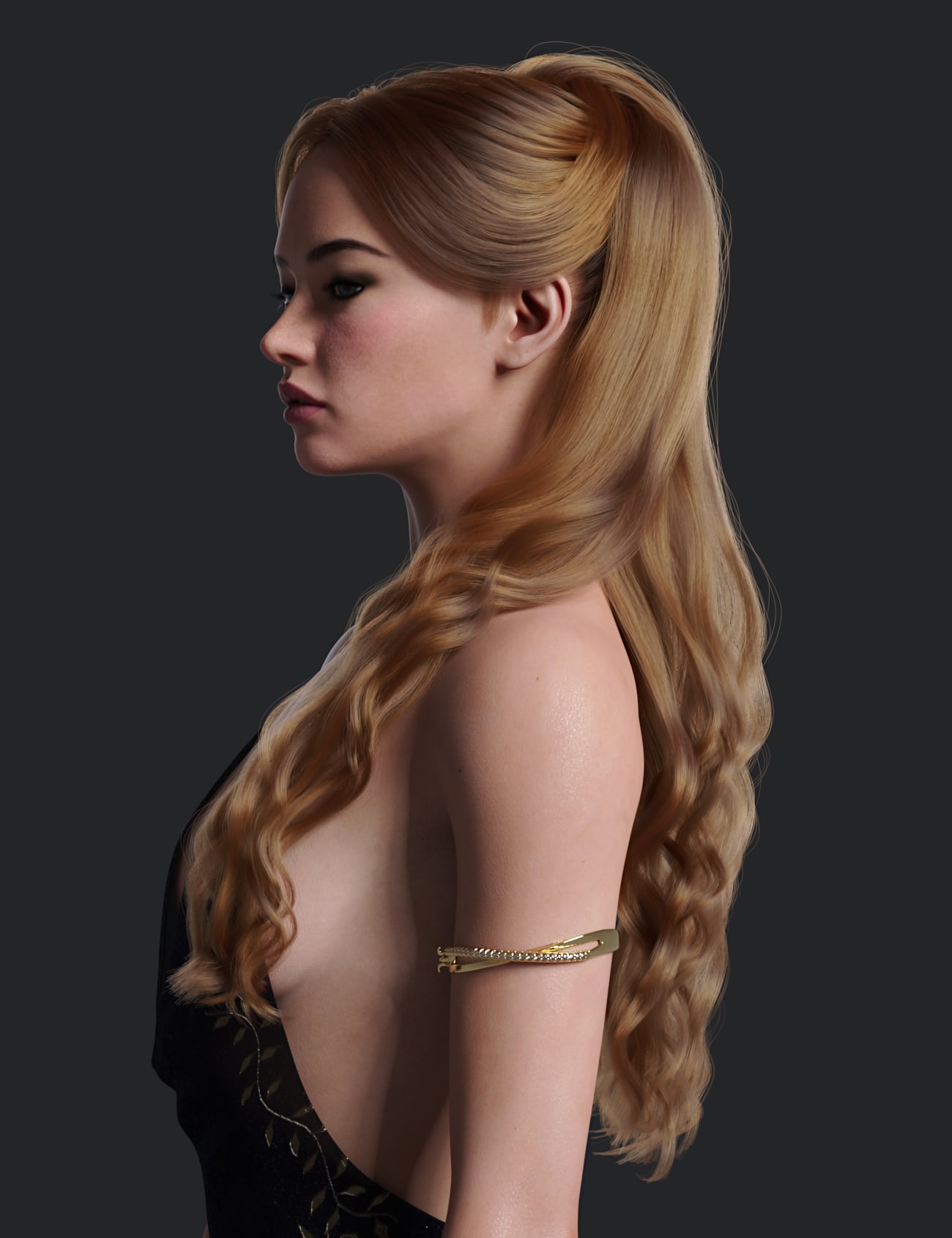
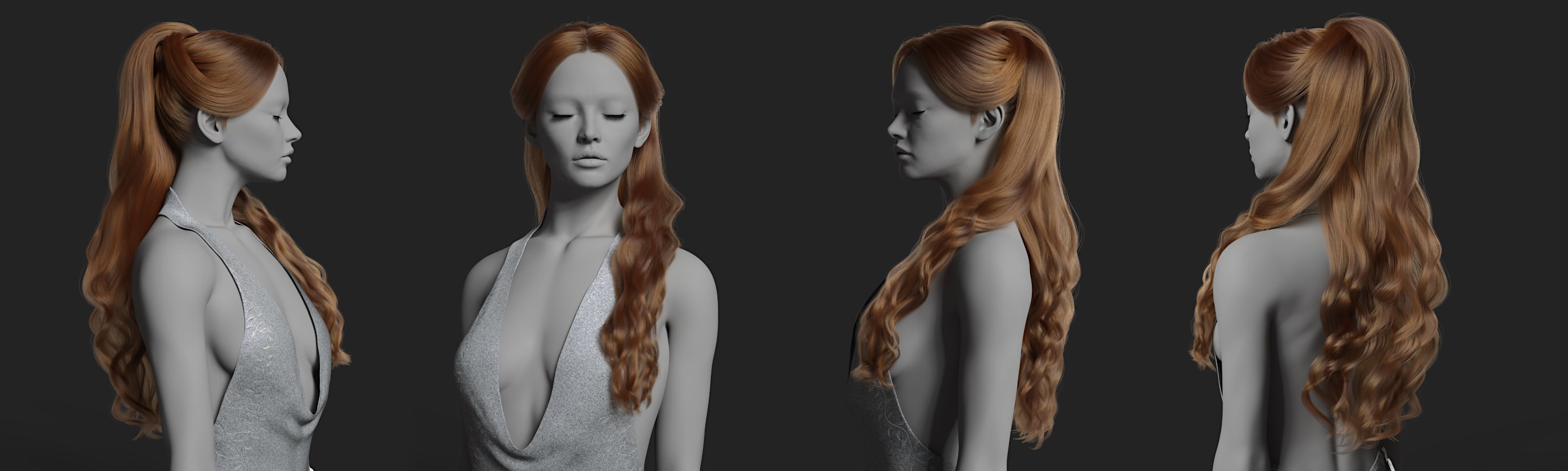
(Released) - dForce Clea Hair for Genesis 9 [Commercial]
 Toyen
Posts: 2,080
Toyen
Posts: 2,080
Post edited by Toyen on

Daz 3D is part of 
Connect
DAZ Productions, Inc.
7533 S Center View Ct #4664
West Jordan, UT 84084
Licensing Agreement | Terms of Service | Privacy Policy | EULA
© 2026 Daz Productions Inc. All Rights Reserved.
Comments
Lovely hair :)
Currently, there appears to be a missing folder inside the product's zip.
The hair item is located under People\Genesis 9\Hair\Toyen instead of People\Genesis 9\Hair\Toyen\dForce Clea Hair.
I want to thank the user 'maruberlin' for notifying me about this and I apologize for the inconvenience.
I will let you know as soon as the updated zip with the correct folder structure is available.
@Toyen would you please consider adding G8F support to dforce hair. Unfortunately, dforce hair doesn't have backward compatibility. It is one of the reason I no longer buy G9 exclusive dforce hair. Also, please continue providing morphs of buns or tied-up versions of long hair. I couldn't empahsize more how much that is needed! Thanks
The hair is on a skullcap, so it can be placed on other figures by parenting and posing.
If I am paying for a product then it needs to work on my terms straight out of box with minimal effort. Besides, my request isn't out of standard. All other popular PA's are now offering products with combo G8 and G9 support. "Clea Hair" is such a beautiful hair asset but I ain't giving my money if ain't coming with G8 honey
Hello there,
there are no plans for G8 versions. I have written a tutorial how to fit poseable/dforce G8 hair to G9. - https://www.deviantart.com/toyen3d/journal/Tutorial-How-to-Fit-Poseable-Hair-to-Genesis-9-933611835 ; It works the other way around too.
Toyen
Hi Toyen, I'm only getting errors when I try and apply a new hair color. This is the error I get in the log when I try:
Any ideas why this is occuring?
Hierarchical presets require that the target item be parented to the figure the preset was made for - Genesis 9 here. You can apply the preset to a Genesis 9/hiar pairing, then save a regular Materials preset for each part of the hair and apply those to the matching parts of the version that isn't parented to Genesis 9. The you can save a Hierarchical Materials Preset from that for future use.
As Richard mentioned, the hair needs to be on the figure it was made for (Genesis 9) in order for the color presets to work.
The file update with the correct folder structure should now be live.
I recommend a clean re-install (uninstalling & re-installing the product again) to make sure the folders don't get duplicated or something like that.
Thank you for your patience and I apologize for the inconvenience.
Toyen
I was hoping for an answer to this question. I would like to understand why a hierarchical preset has to be based on the figure.
It starts from a root node, not for a child node. I don't know about "has to", but I would think testing hits through a hierarchy until it found the starting node or ran out of nodes to check would potentially have an impact on performance.
Right, depending on different cases, an H. Preset doesn't have to be saved based on a Genesis figure, especially when there're no multiple hair figures at the same level under a Genesisi figure... for instance, this Clea hair, i.e. the sub hair nodes are all under the root hair node ~~
An altanative is: 1) 1stly unparent the hair node; 2) Select the hair to save an H. Material Preset.
Then the H.Mat Preset will not check if a Genesis 9 is the root node of the hair, and folks can freely load the hair to check colors or parent the hair to the head node of any Genesis figure, and do not have to change the Node Name of other generation figure to Genesis9 before loading the H.Mat Presets.
So, at least for such type of cases, I think this way would be more flexible ~~